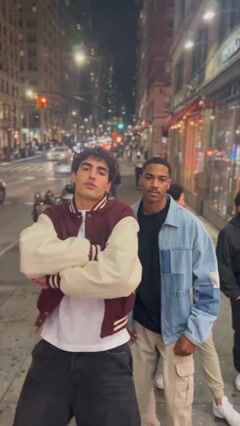
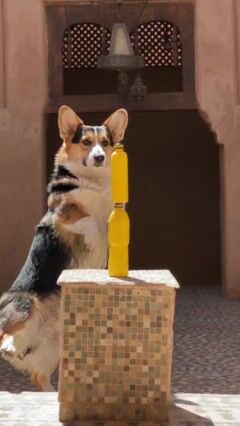
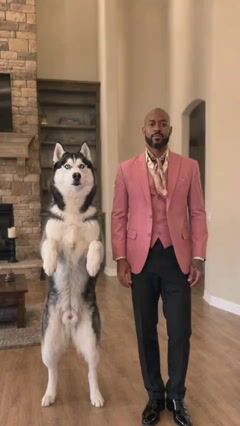
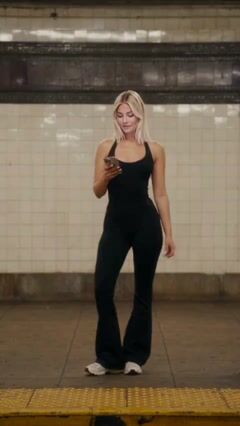
One photo · Trends ready to post

TikTok AI Video Generator: Join Any Trend With One Photo

Make a TikTok AI video from a single photo, with no filming or editing. Pick a trending template, upload a clear photo of yourself, a friend or your pet, and a few minutes later you have a vertical clip that puts them right in the trend, ready to post.

  • One photo is enough
  • Vertical and ready to post
  • Ready in minutes
Going viral!

TikTok AI Video

TikTok AI video templates

Each template below recreates a trend people are posting right now: the moves, the camera and the setting are done, and your photo supplies the star. Tap a card to watch the samples and see the credit cost.

Phone on Train Trend

546

Dougie Clone Dance

1

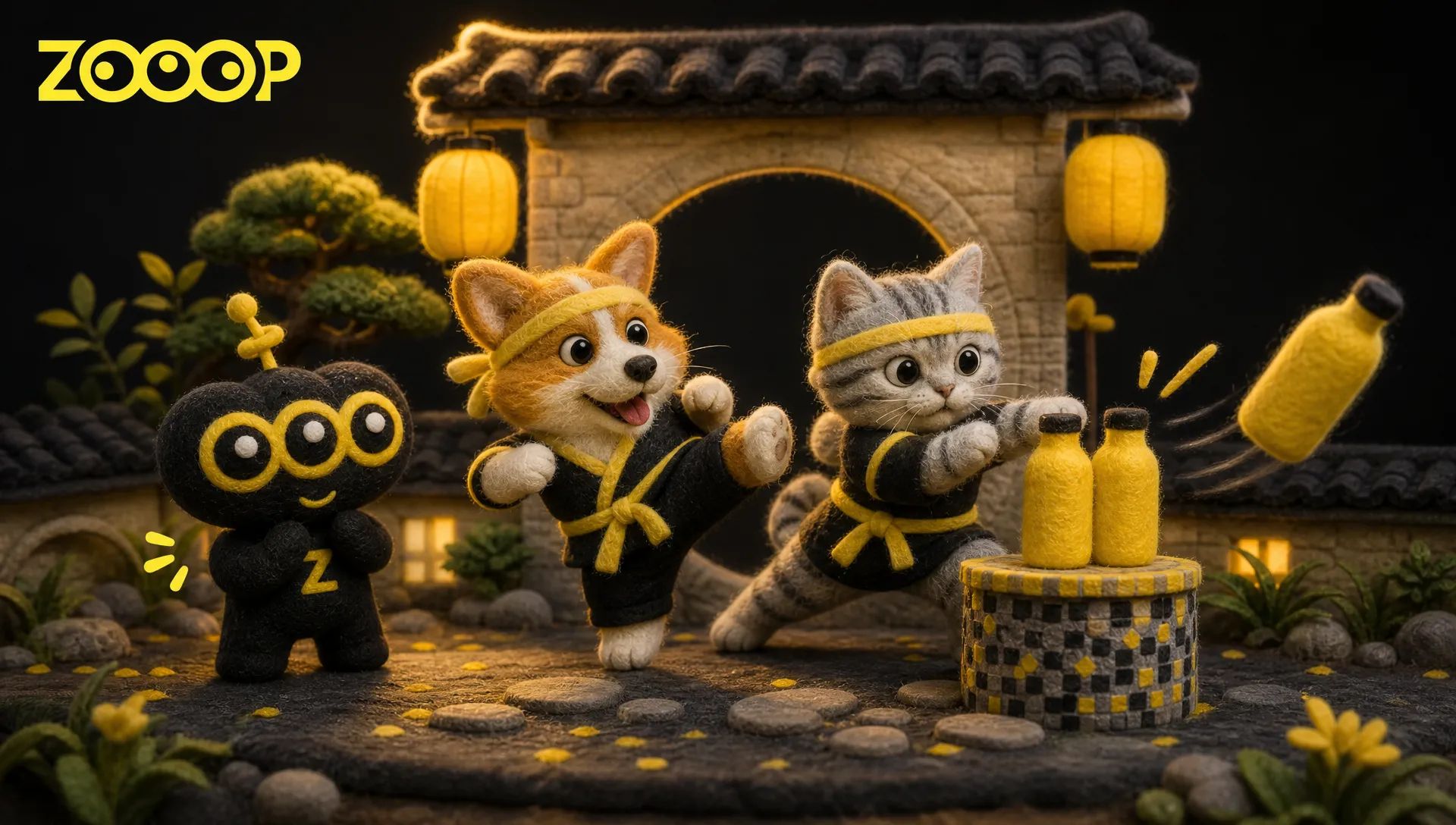
Bottle Kick Challenge

688

I Need a Girl Dance

553

First Time in a Fancy Café

Smooth Criminal Remix Pet Duo

678

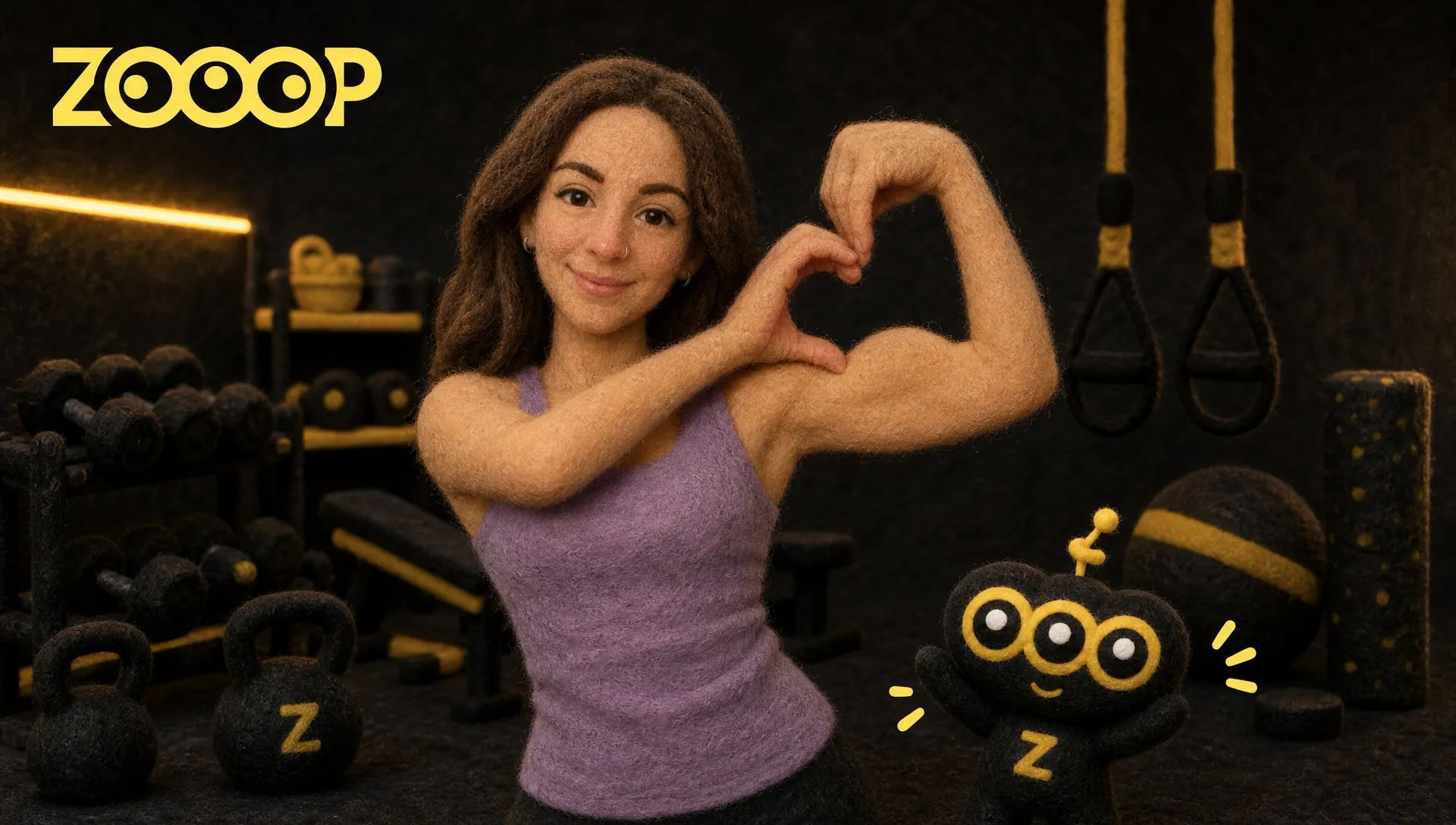
Bicep Heart

545

Pet Halloween Costume Parade

600

Birthday Car: Drift & Blow Out the Candles

763

Birds of a Feather Chair Spin

1.6k

Flying Broom Getaway: AI Broom Riding Video

1.6k

Wassup in a Minute AI

815

Sidewalk Collision

792

Hop Hop Hop Dance

212

Closing Door Prank

805

Zombie Love Story

842

Pet Orbit Cam

1.7k

Biker Birthday: Ride In & Make a Wish

716

My Prime 1v1 Dunk

1.7k

Caught Dancing at the Window

1.2k

Pet Bowl Cut

1.2k

Kung Fu Cat

123

Sunset Squad Dance

936

Subway Outfit Change

899

Toy Car to Real Car

515

Smalltown Boy Cat Dance

1.5k

A2O LITE NEON Dance

966

Hotel Lobby AI

1.4k

Thriller Dance

1.9k

Roadster Ramp Flip

171

Popstar

279

Toc Toc Dance

1.8k

Crazy Frog AI

561

Reverse Card Car Swap

1.6k

Flying Tesla Roadster

1.1k

Ozil Goal AI

184

Mi Chico Dance

1.2k

Hit the Road Dude

1.1k

Ceiling Fan Outfit Change

596

Clapping Cat

1.1k

Alors On Danse AI

2k

Ramalama Costume Walk

1.7k

Dame Hombro AI

995

Burning Bridges AI

844

Dodge Step Dance

1.8k

Rumpelstiltskin Dance

1.1k

Knight Cat

1.3k

Gang Gang Dance

910

Car Jump

886

AI Crying

837

Elemental Bender

429

Muscle Mode

352

AI Squish

1.9k

Trend ideas

Trend ideas to try next

Not sure which trend to jump on? These are the kinds of clips that travel furthest, each with a template ready to go.

How to make a TikTok AI video

  1. Pick a trend

    Browse the templates above and open one to watch its samples. Each card shows the trend your photo will star in.

  2. Upload a photo

    Add one clear photo of yourself, a friend or your pet. Duo and group templates ask for one photo per person.

  3. Download and post

    Your video is usually ready in a few minutes. Download it, post it on TikTok, then try the same photo with the next trend.

Choose a photo that shines on screen

The photo you upload decides how much the star of the clip looks like you. A few seconds spent choosing it usually saves a second try.

Works best

  • Face sharp, front-facing and well lit
  • Head and shoulders in frame, or head to toe for full-body trends
  • One person or pet per photo
  • Simple clothes and an uncluttered background

Avoid

  • Blurry, dark or heavily filtered shots
  • Sunglasses, hats or hands covering the face
  • Faces turned away or cut off at the edge
  • A friend's photo they haven't said yes to

Why creators make trend videos with AI

What is a TikTok AI video?

A TikTok AI video is a short vertical clip made with artificial intelligence and posted on TikTok. Here it starts from a still photo: the template brings the trend, with its moves, camera work and setting, and the AI keeps the face and look of the person or pet in your photo. You don't film, edit or write a prompt, which is why a TikTok AI video generator is the quickest way to take part in a trend.

Catch a trend while it is still hot

Trends on TikTok move fast, and recreating one by hand means learning the moves, finding the location and filming take after take. With a template that work is already done, so you can post your version while the trend is still filling feeds. New templates arrive as new trends take off, and the same clips work on Instagram Reels and YouTube Shorts too.

Post it the right way

TikTok asks creators to label AI-generated content that looks realistic, and its post settings include a switch for it. Turning it on keeps you within the rules and tells viewers how the clip was made. Use photos of yourself, your pet, or friends who have agreed to star in it, and the trend stays fun for everyone.

TikTok AI video FAQ

Is the TikTok AI video generator free?

New accounts get free credits, so you can make your first TikTok AI video without paying. Each template shows its credit cost before you generate, and credits are only spent when a video starts.

Can I make a TikTok AI video from one photo?

Yes, one still photo is all it takes. You don't need to film yourself: the AI creates the whole clip from the photo. Duo and group templates simply ask for one photo per person.

Will the video fit the TikTok screen?

Most trend templates are vertical, made for phone screens, so the clip fits TikTok without cropping. Videos are usually ready within a few minutes, and the finished clip waits for you under Creations.

Should I label my TikTok AI video?

Yes. TikTok asks creators to label realistic AI-generated content, and the post settings have a switch for it. Labeling the clip keeps you within the rules and lets viewers know how it was made.

Is ZOOOP part of TikTok?

No. ZOOOP is an independent AI video platform and is not affiliated with TikTok. You make the clip here, download it and post it yourself, on TikTok, Instagram Reels or YouTube Shorts.

Can my pet or my friends join the trend?

Yes. Many trend templates are made for cats and dogs, and duo and group templates take one photo of each person. Ask your friends before you use their photos.

Do I have to write a prompt?

No. The trend, the camera and the scene are built into each template, so all you add is a photo. If you'd rather direct a scene yourself, the AI video generator also takes your own prompt.

Guides and trends

Into dance challenges?

Our AI dance video templates turn the same photo into the routines everyone is learning.

See AI dance videos
All video templates

Ready to join the trend?

Pick a trend, add one photo, and your next post is on its way.

Make a TikTok AI video