
Stretch a too-short clip
The shot came out shorter than you needed — add to the tail instead of regenerating the whole thing.
Clip too short? Let AI continue from its final frames — motion and scene stay continuous, and you don't regenerate the whole shot.
The model reads your clip's ending and motion trend and generates forward — not a fresh take, so everything before stays byte-for-byte the same.
Character, set, and lighting carry over from the source, so the join doesn't suddenly look like somewhere else.
Add a sentence to direct where it goes, or leave it empty and let the existing motion carry on naturally.
Not long enough? Feed the result back in and extend again, building out to the length you need.
The shot came out shorter than you needed — add to the tail instead of regenerating the whole thing.
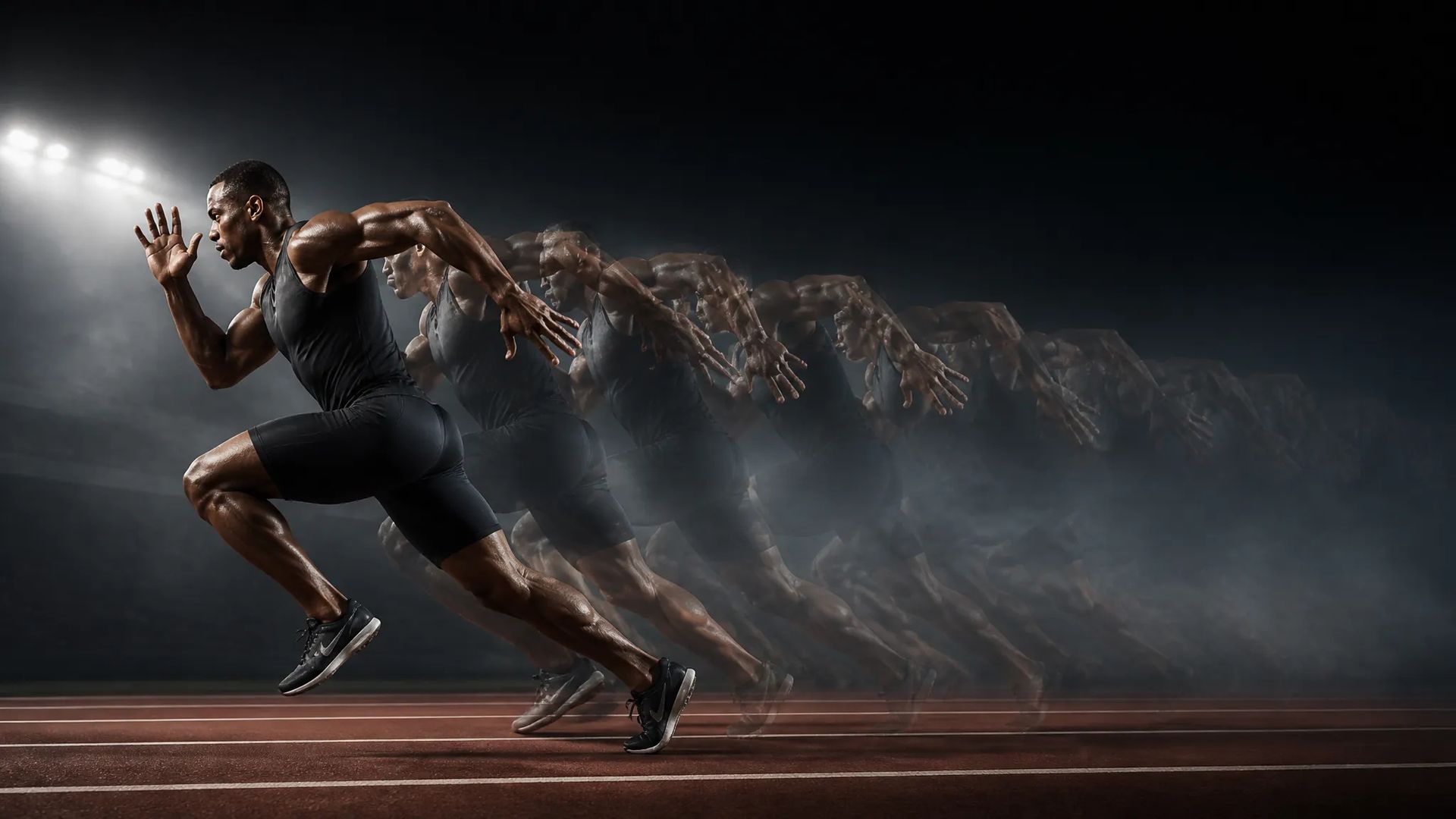
The motion got cut off at the end — continue it so it resolves naturally.
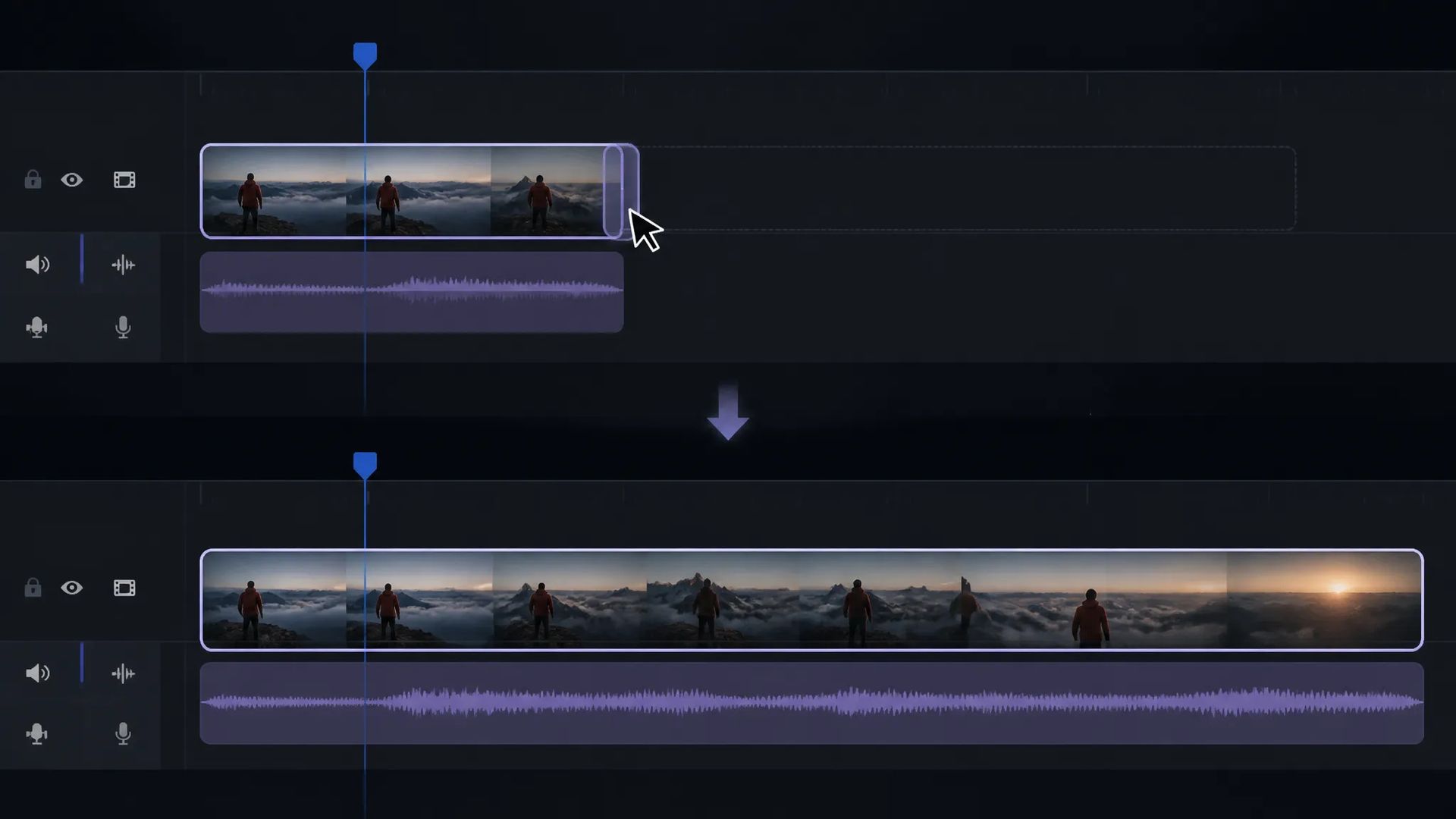
The edit needs a longer shot in this slot; extend the footage you have to that length.
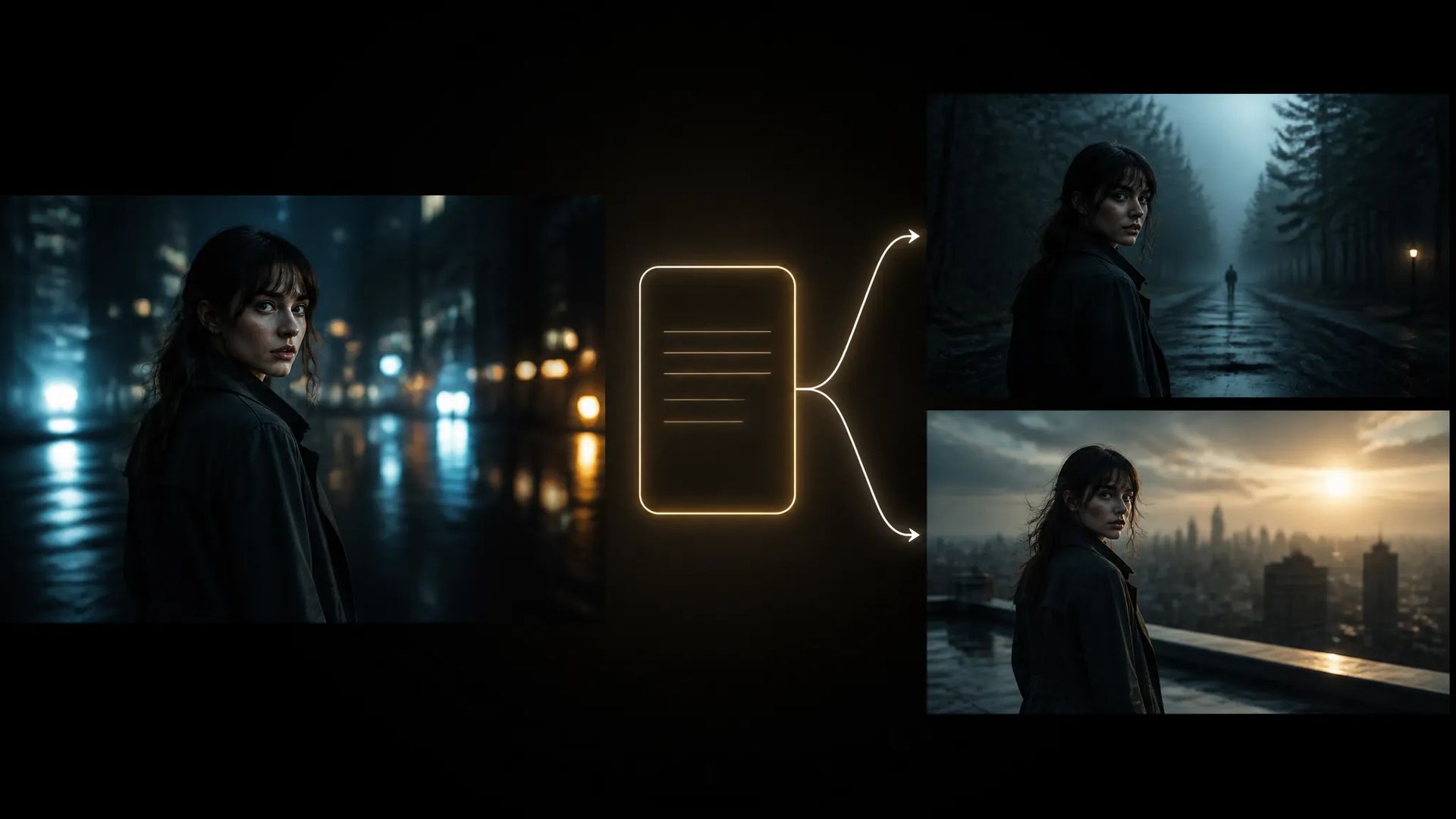
Use one sentence to send the next stretch where you want it rather than wherever it drifts.
Open the AI Video Extender and upload the clip you want to lengthen.
Optionally add a sentence describing what should happen next.
Download the result, or send it to the canvas to keep cutting.
A common moment in video generation: you get a clip you're happy with, and it's two seconds shorter than you need.
The reflex is to regenerate at a longer duration. But that produces a completely different piece — the part you liked is gone too, and you're back to picking takes.
Extending exists for exactly this: treat the existing clip as the start and continue from its final frames. Everything before is untouched; there's simply more after.
The model continues from your clip's ending frames and motion trend, so the state of the tail directly decides join quality:
Need more length? Feed the result back and extend again. But each pass builds on the previous ending, so several passes in, the picture drifts from where it began. For genuinely long pieces, separate shots edited together stays more controllable.
Extending is repair, not authoring — its value is preserving the part you already like.
So the test is simple: are you happy with the footage in hand? If yes, extend. If no, go back to the video generator and remake it. Using extension to rescue a clip that was wrong to begin with usually just produces a longer version of the problem.
Regenerating gives you a completely different piece — including losing the part you liked. Extending treats your existing footage as the starting point, so everything before it is untouched. If you already have footage you're happy with, extending is almost always the right call.
The model generates from the ending frames, so scene and character usually carry over. Where it shows is high-amplitude motion — fast camera moves or violent action can jump slightly at the join. The steadier the final frames, the cleaner the extension.
You can feed the result back in and go again. But each pass builds on the previous ending, so after several the picture may drift from where it started. For genuinely long pieces, generating a few separate shots and editing them together is usually more controllable.
Add a sentence. Left empty, it continues along the existing motion trend; with direction, it heads where you say — though not too sharply. A turn far from the current picture makes the join obvious.
Prompt*
Video*
Duration*
Your generations will appear here once you sign in.
Creating an account is free.


