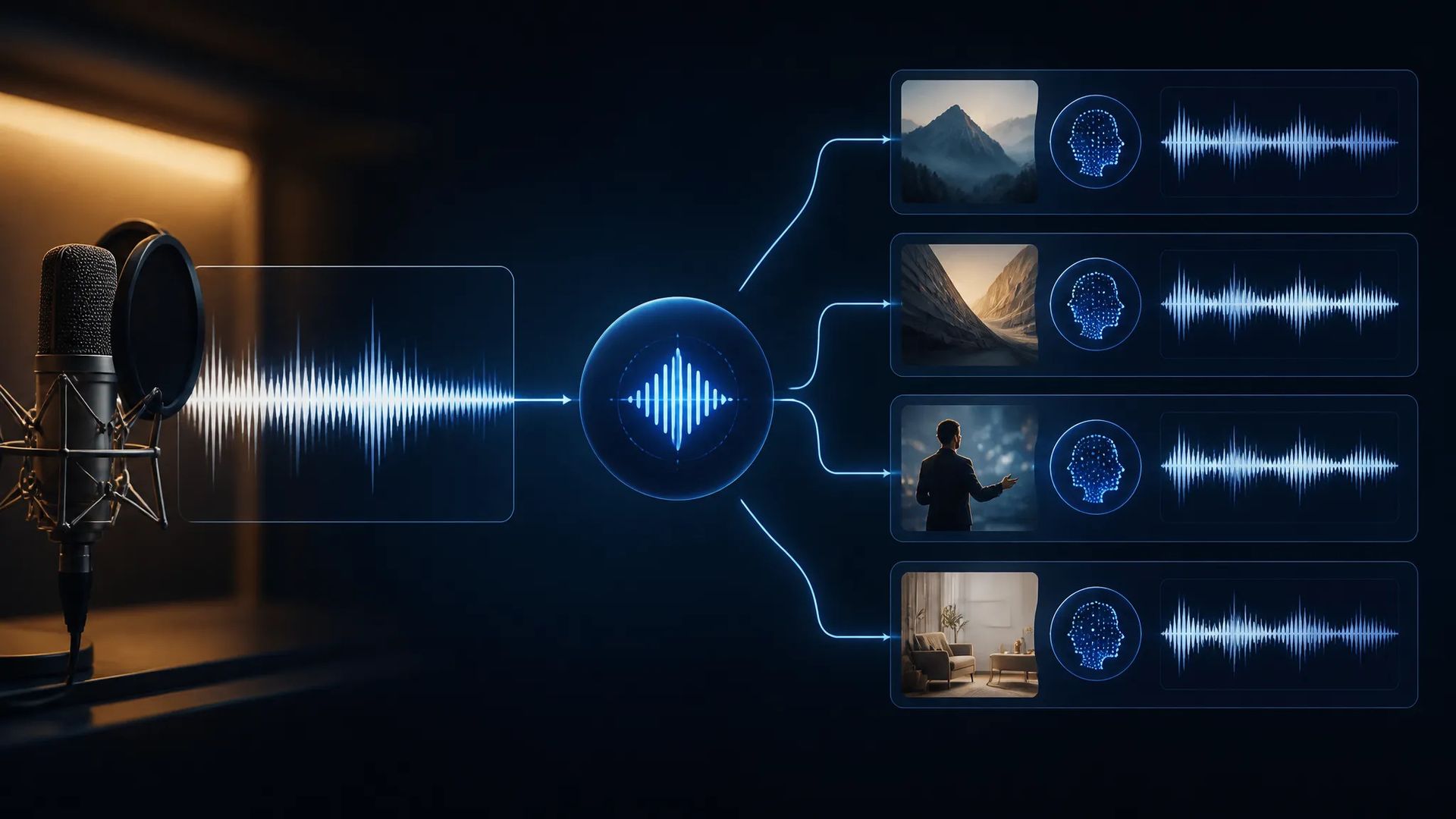
Lock a brand narration voice
Every video uses the same voice, so a few clips in, viewers recognize it — more distinctive than recasting each time.
Upload one audio sample to create your own voice — then read any text in it, with the timbre and delivery holding steady across everything you make.
Upload a clean recording and the model learns that voice's timbre and delivery, then reads any text in it.
A video series, a whole audiobook, an entire course — the voice doesn't drift mid-way, which a preset library can't guarantee.
On supported models the same voice speaks different languages, so localized versions don't need a new cast per market.
The voice is saved to your account and available any time — no re-uploading the sample for every job.
Every video uses the same voice, so a few clips in, viewers recognize it — more distinctive than recasting each time.
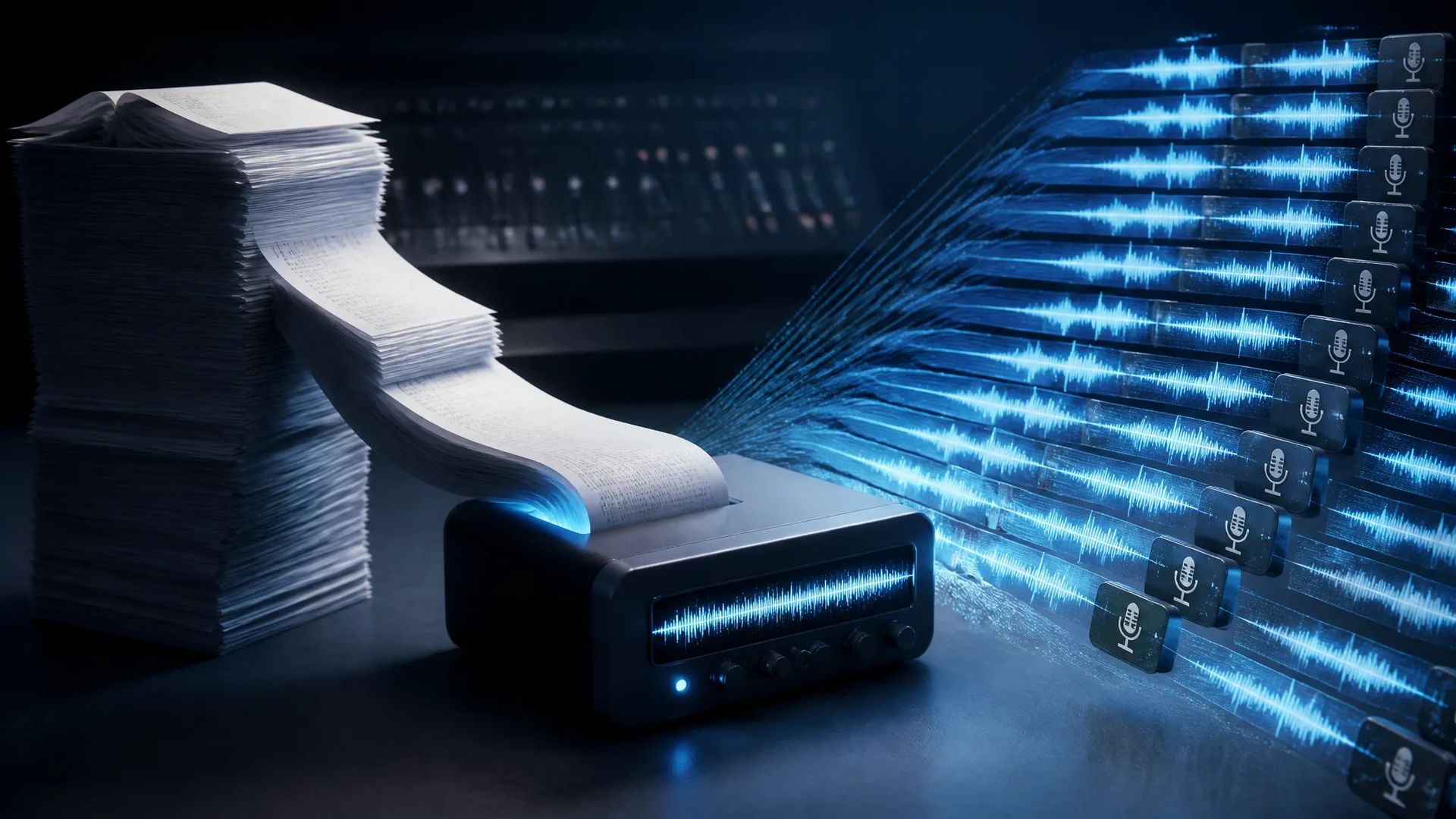
Record a sample once and every script after that reads in your voice, without a booth session per piece.
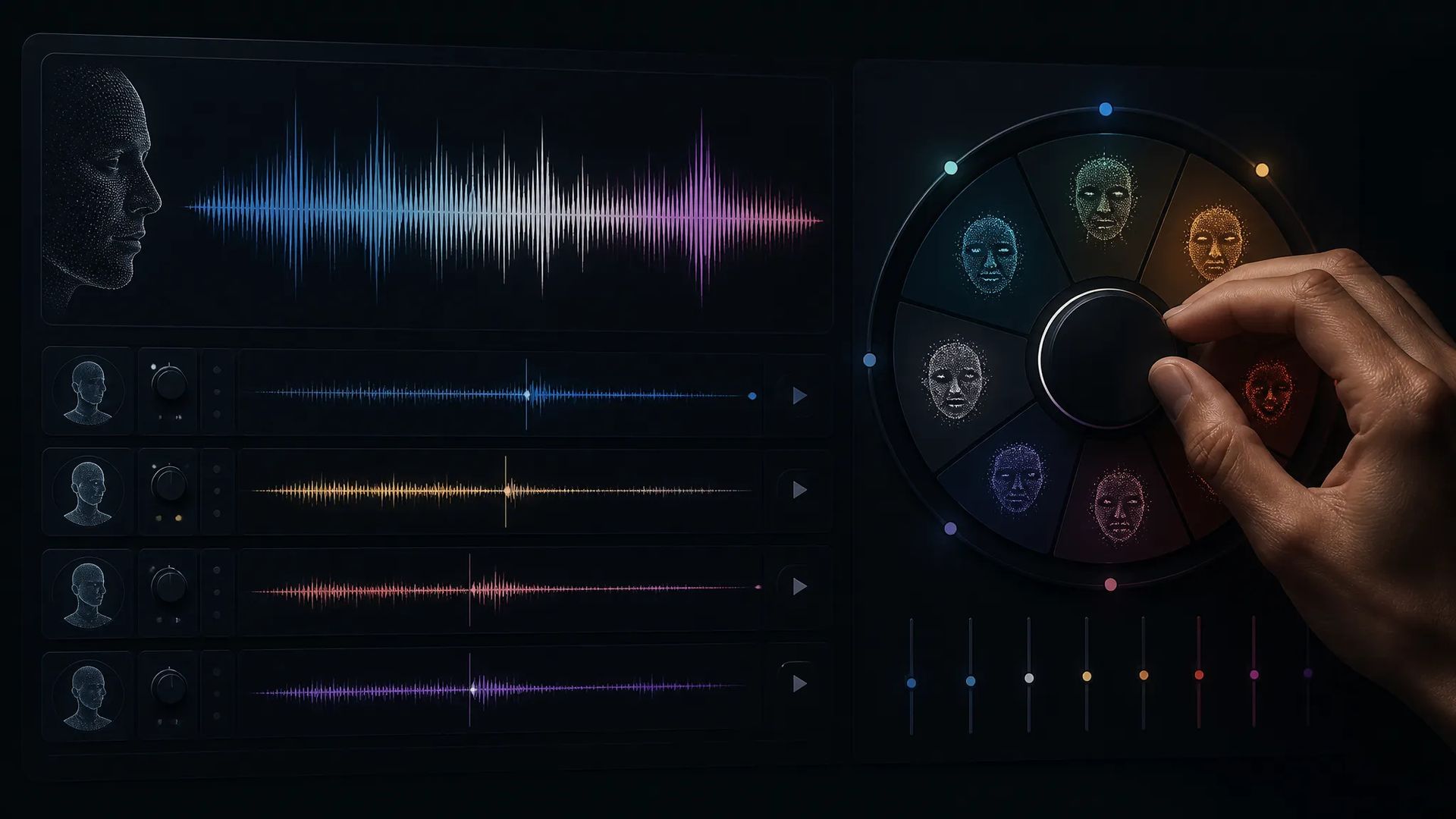
Give a recurring character its own voice so it stays the same across a series.
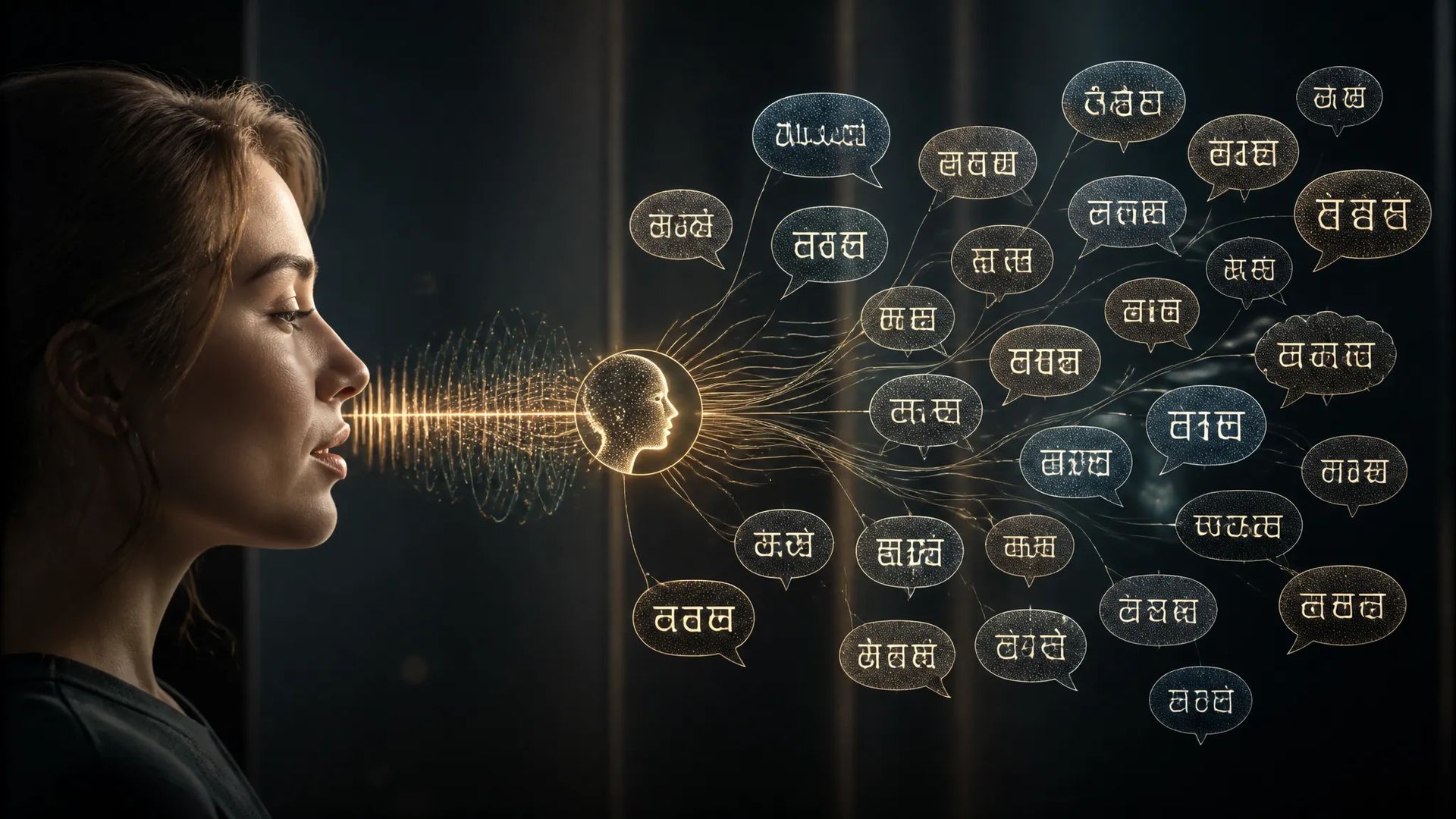
The same voice speaking several languages, so international versions still sound like the same person.
Open AI Voice Cloning and upload a clean audio sample.
Enter the text you want read and select the voice you just created.
Download the audio, or send it to the canvas to line up against video.
A preset library answers "I need a good voice." Cloning answers a different question: "I need this voice."
Two typical situations. One is brand consistency — your series already has dozens of pieces in one voice, the audience knows it, and you can't switch mid-stream. The other is being the presenter yourself — the content should be your voice, but you don't want a booth session per episode.
A preset library can serve neither, because the voice you want isn't in it, or the voice you want is you.
Clone quality depends almost entirely on the sample, and what matters is that it's clean:
A phone in a quiet room is sufficient. Conversely, a long but noisy recording usually performs worse than a short clean one.
The resulting voice is stored on your account and available whenever you need it.
Cloning is a one-time investment with a long payoff: record one careful, clean sample, save the voice, use it for everything after.
Which makes the extra ten minutes on the sample worth it — find a quiet room, read a few full sentences at a normal pace, get that step right. The voice consistency of the next few hundred pieces rests on this one recording.
Clean matters more than long. A recording with no background noise, no music, no reverb, and one person speaking normally beats a much longer sample recorded in a noisy room. A phone in a quiet room is enough — no professional gear needed.
Text-to-speech picks a ready-made voice from a preset library. Cloning creates a new voice that's yours. Use cloning when you need one specific voice; use the preset library when you just need a good voice, since it's faster and needs no sample.
Timbre usually lands very close. The gap tends to show up in delivery and emotion — especially emotions that never appear in your sample. So the sample should contain full sentences at a normal pace rather than single words or shouting.
Only upload audio you have the right to use. Using another person's voice requires their consent — that's both platform rule and legal requirement, with the specifics governed by the terms of service.
Prompt*
Audio Reference*
Emotion · Happy*
Emotion · Angry*
Emotion · Sad*
Emotion · Afraid*
Emotion · Disgusted*
Emotion · Melancholic*
Emotion · Surprised*
Emotion · Calm*
Your generations will appear here once you sign in.
Creating an account is free.


