
Single action hits
Footsteps, a door, a keypress, an impact — one sound for one action, timed to it exactly.
Describe a sound and get it — footsteps, rain, a door, an explosion, room tone. Usable audio in seconds, without digging through a library.
"Footsteps on a wooden floor," "distant thunder," "a metal door creaking open" — plain language, no need to know the library's name for it.
Need a single door close? Get one hit. Need room tone to sit under a whole sequence? Get a loopable bed.
Combinations a stock library never covers — a specific material, environment, or action — exist as soon as you describe them. No settling for close enough.
Download it directly, or send it to the canvas to line up against video. No detour through a DAW.
Footsteps, a door, a keypress, an impact — one sound for one action, timed to it exactly.
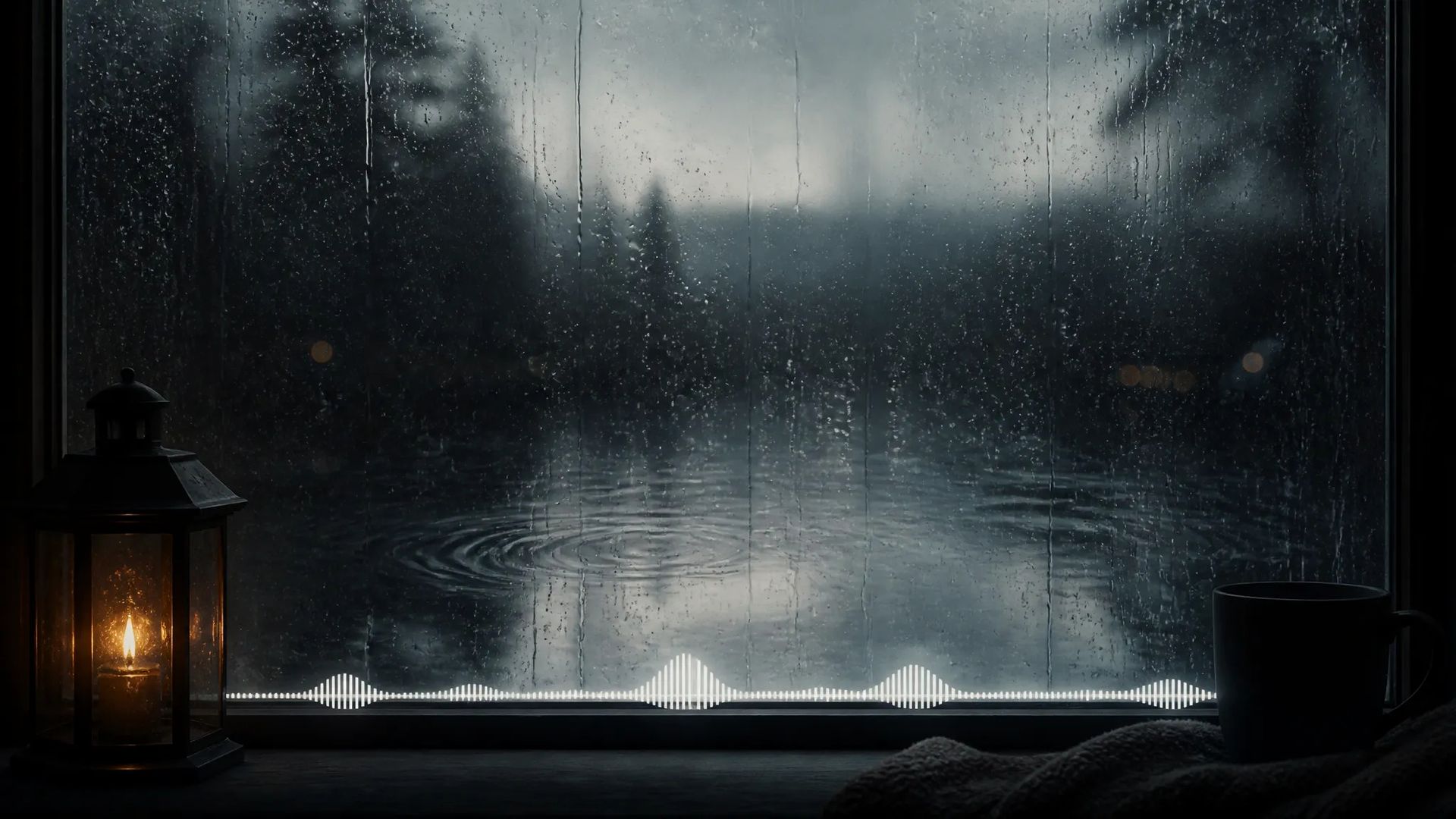
Rain, wind, café chatter, server-room hum — sitting under a whole sequence with no audible seam.
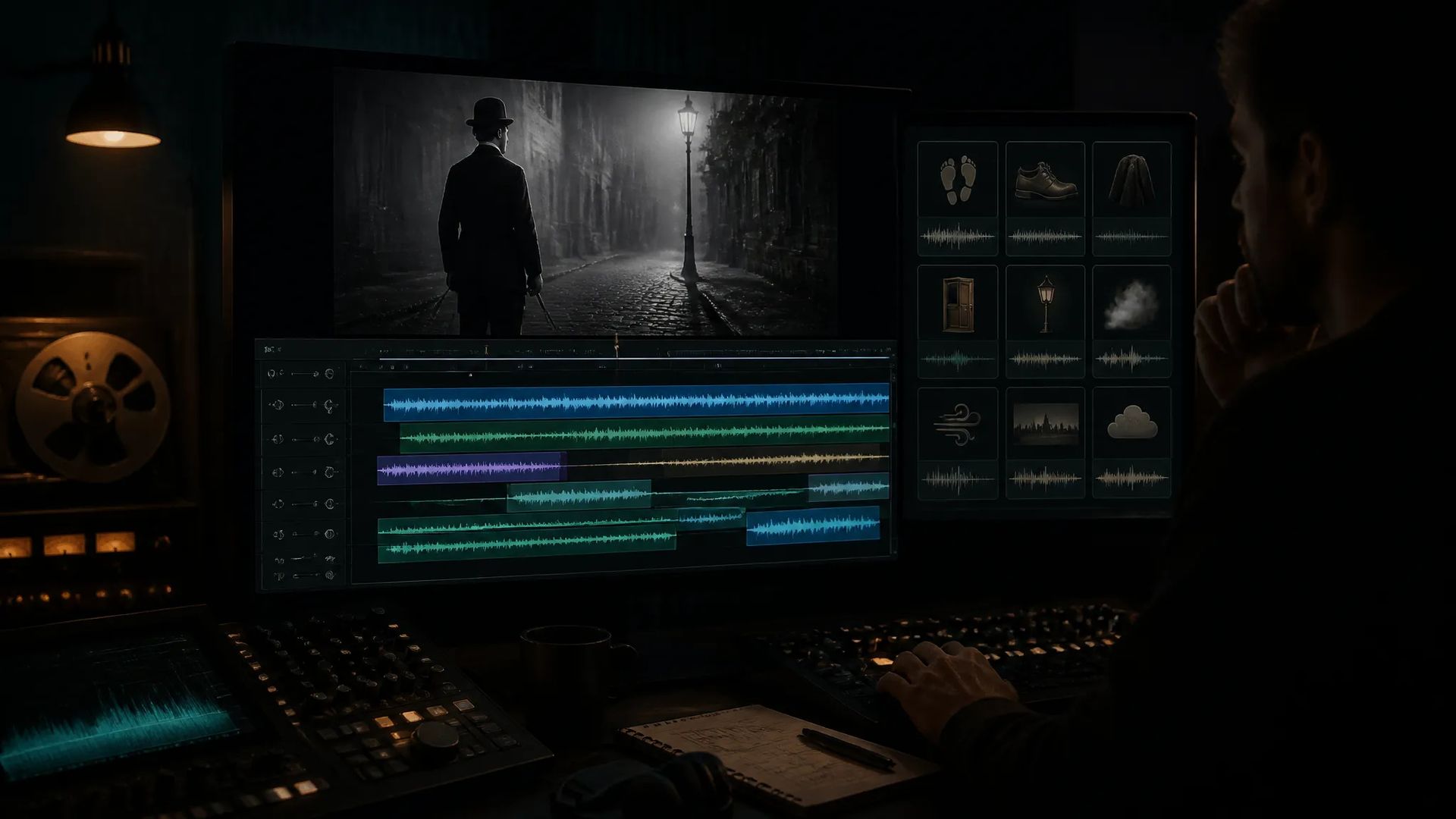
Give each visible action its own sound and a shot goes from feeling empty to feeling real.
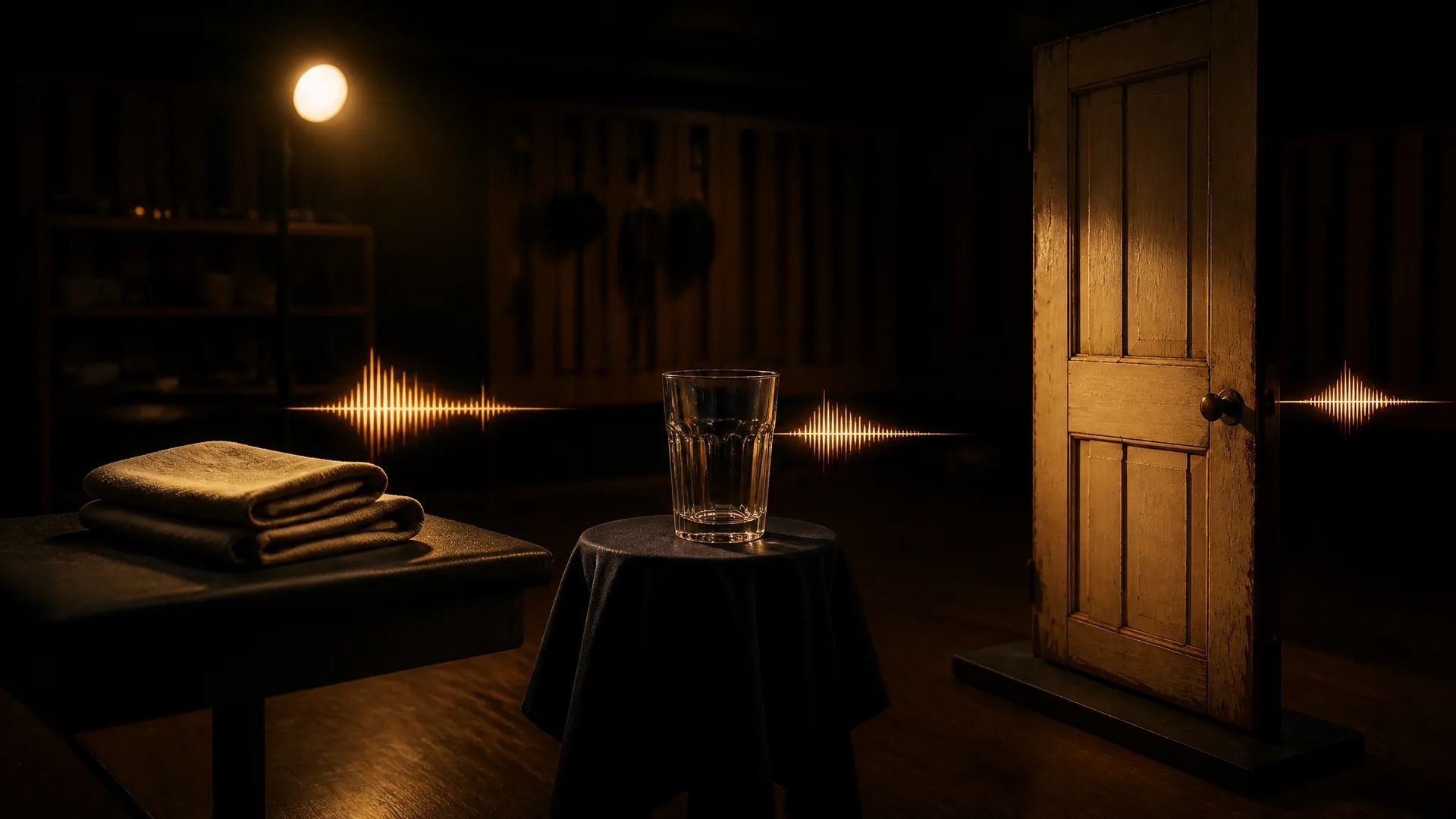
No buying a whole library for one three-second sound, and no recording it yourself.
Open the AI Sound Effect Generator and describe the sound in one sentence.
Say whether you want a single hit or a loopable stretch.
Preview and download, or send it to the canvas to line up against picture.
Finding sound effects usually goes like this: open a library, search "footsteps," get hundreds of results, audition them one by one, find something close but on the wrong surface, settle. Or worse — the sound you need simply isn't in there.
AI sound effect generation inverts it: say what you want. "Leather shoes on a wooden floor." "Distant thunder, muffled." "A metal door creaking open." Seconds later you have the audio, including combinations no library carries.
The most valuable information in a sound-effect prompt is material. The same action on wood, metal, and carpet produces three completely different sounds, and that's what the model keys on.
So the gap between "footsteps" and "leather shoes on a wooden floor, indoors, unhurried" is large. Add environment (enclosed or open) and force (light or heavy) and you're usually there on the first try.
The other thing worth stating is one-shot or loop. A door close is one hit; rain is a stretch. Room tone that needs to sit under a whole sequence has to be the loopable kind, or the seam will be obvious.
This page makes sound without melody. Several jobs have better entry points:
Sound design is the layer most often skipped and the one that most changes how finished a piece feels. The same shot with and without room tone reads very differently — silent picture feels empty even at high image quality.
A practical approach is two layers: lay one loopable ambient bed under the whole stretch, then give a handful of visible actions their own hit. Those two together are usually enough — you don't need to score every detail.
Material, environment, and force matter most. "Footsteps" is too broad; "leather shoes on a wooden floor, indoors, unhurried" is specific. The difference between sounds usually lives in the material — the same action on wood, metal, and carpet is three entirely different sounds, so name it.
Sound effects have no melody — footsteps, rain, machinery, ambience. Music has melody and rhythm. If you want "the mood sitting under the piece," that's the music generator. If you want "the sound that action should make," it's this page.
For intelligible lines, use text-to-speech — that's the tool built for voice. What fits here is the ambient side of human sound: distant crowd noise, unintelligible conversation as part of a background bed.
Send it to the canvas and drop the effect on the right frame. If you'd rather have the system read your footage and generate matching audio automatically, use video-sfx — it analyzes the video first, which suits scoring a whole piece at once.
Prompt*
Duration*
Your generations will appear here once you sign in.
Creating an account is free.
