

Popular Models

Recommended Tools

View All

Hot Templates

View All

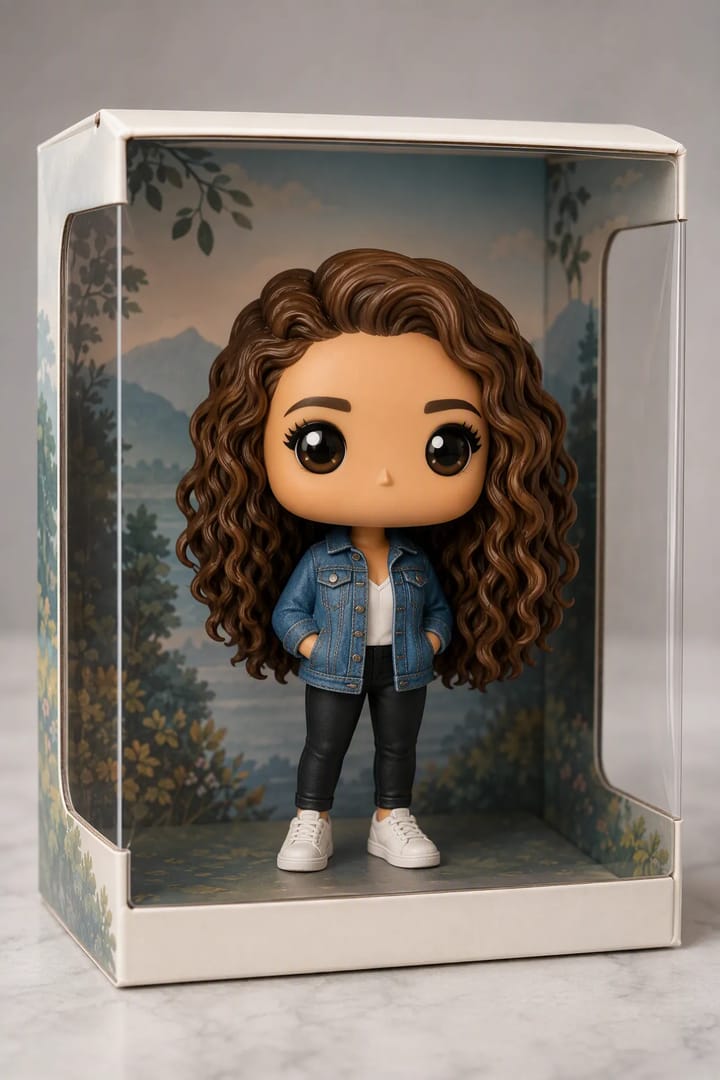
Long-Neck AI Me

3.1k

Frame by Lifetime

3.3k

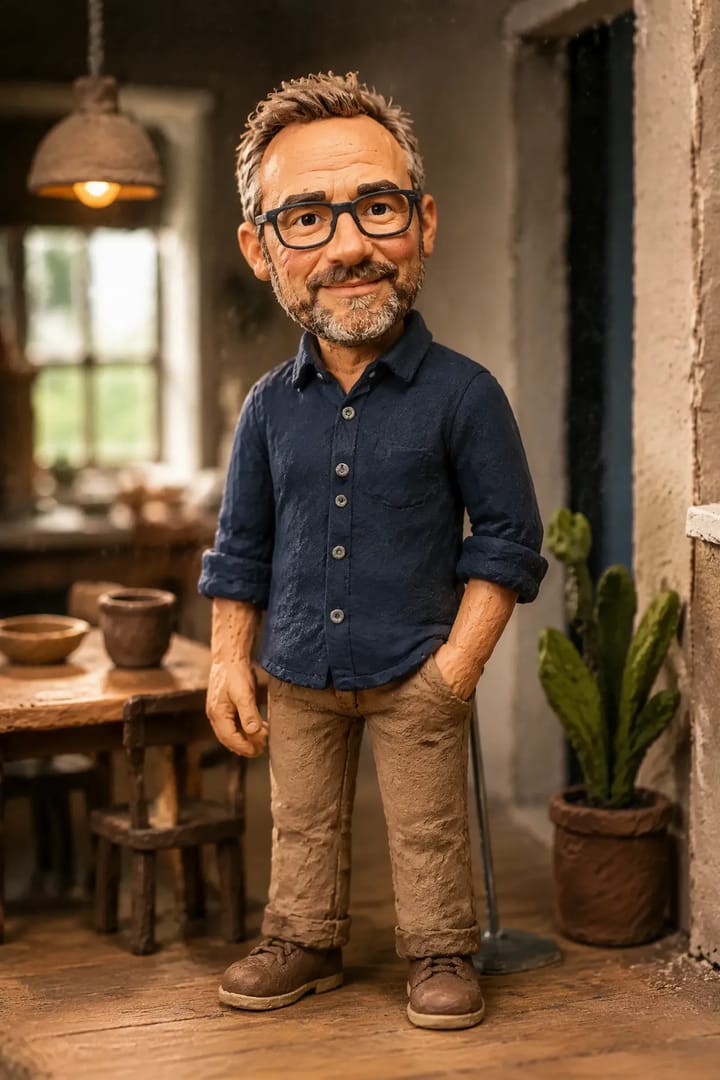
Cozy Felt Me

6.2k

Anime-Style Battle

2.1k

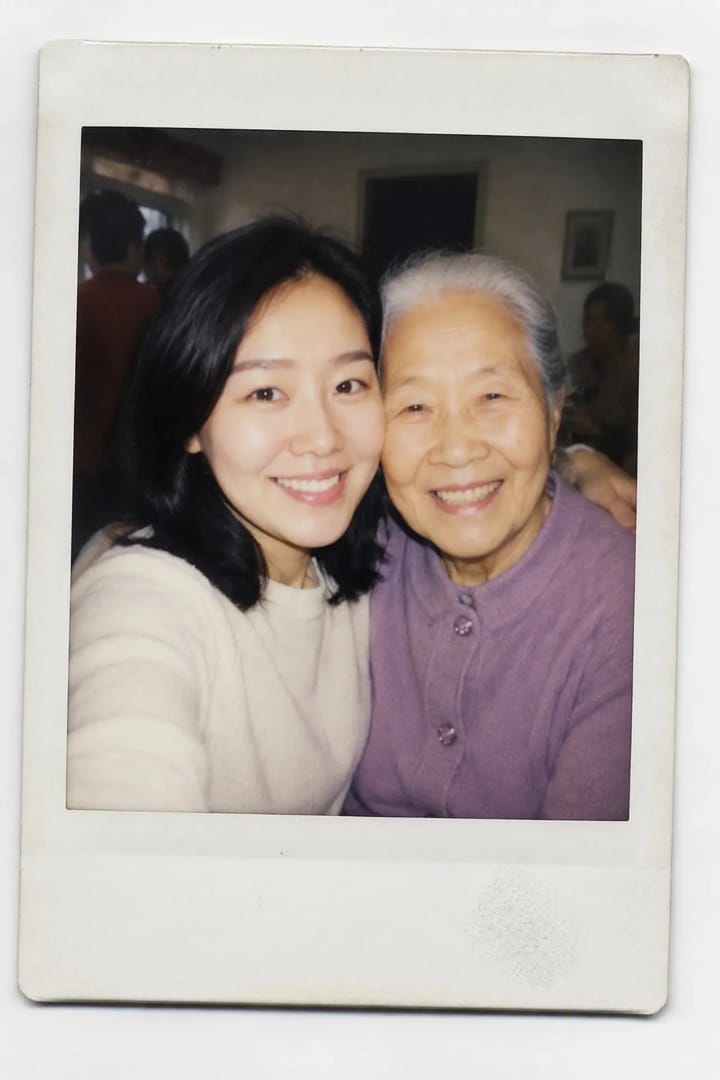
AI Hug Moment

2.3k

AI Cakeify

1.5k

Sassy Paws

112

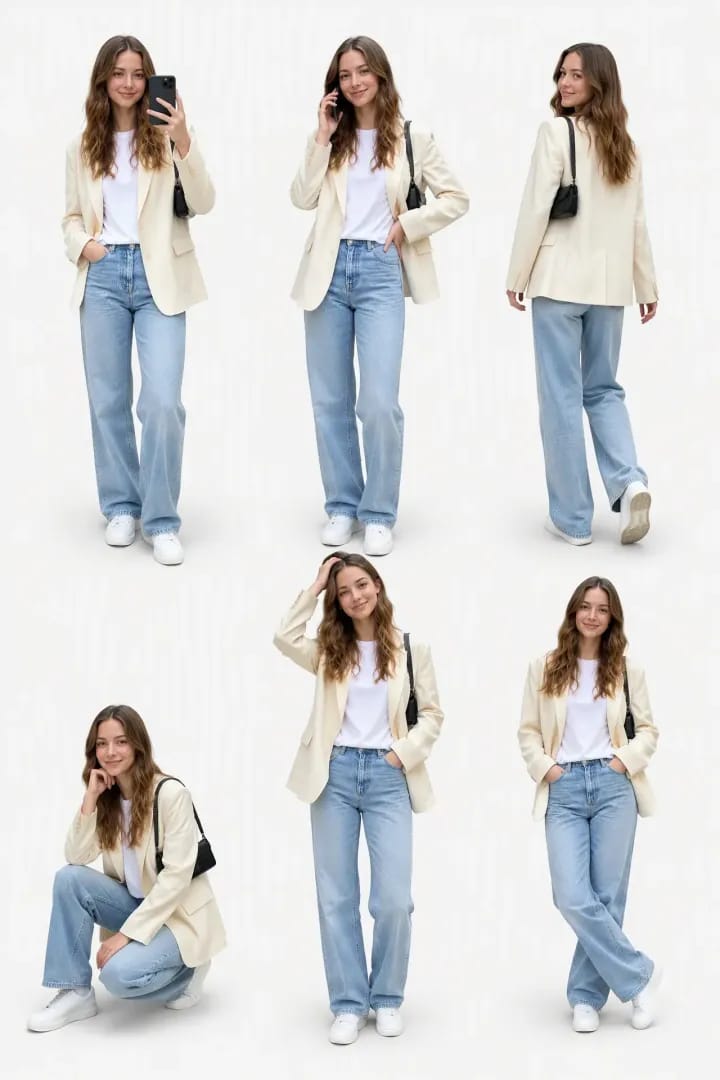
Baby Body Mode

4.2k

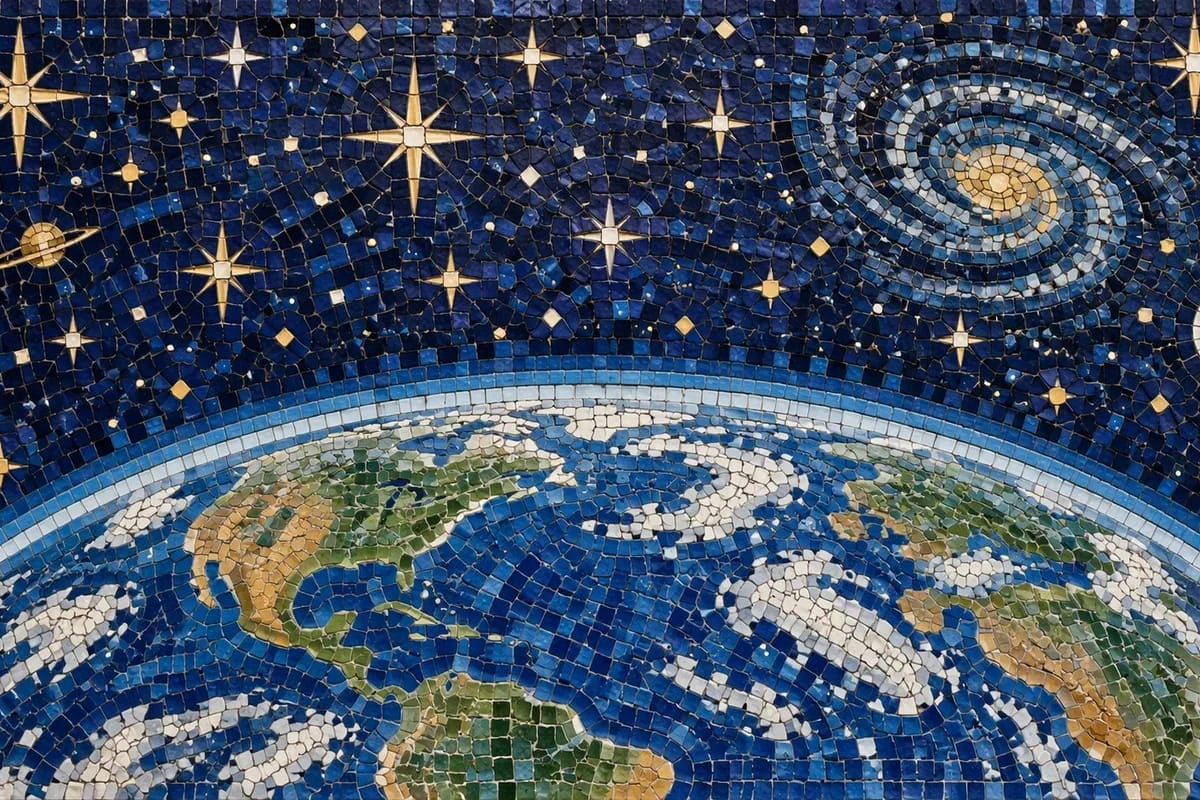
From Cosmos to Here

389

Neon & Rain

291

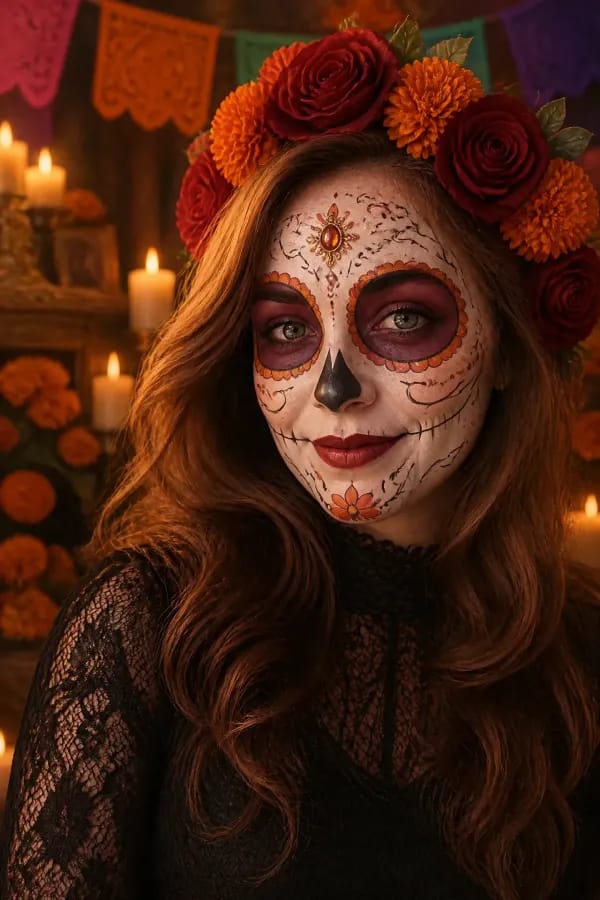
The Haunting

49

The Awakening Museum

405

AI-native Creative Platform

Every AI Model Under One Roof

OpenAI
Kling AI
Alibaba
ByteDance
xAI
Google
Wan AI
Pixverse AI
Vidu AI
OpenAI
Kling AI
Alibaba
ByteDance
xAI
Google
Wan AI
Pixverse AI
Vidu AI
Luma AI
Runway
Flux AI
Sync Labs
Decart
ElevenLabs
MiniMax
Hailuo AI
Lightricks
Luma AI
Runway
Flux AI
Sync Labs
Decart
ElevenLabs
MiniMax
Hailuo AI
Lightricks
Pika AI
VEED
Qwen
Inworld
Bilibili Index
Resemble AI
Open Source
CassetteAI
Sonauto AI
Pika AI
VEED
Qwen
Inworld
Bilibili Index
Resemble AI
Open Source
CassetteAI
Sonauto AI
Why ZOOOP

Built for makers, on your terms

  1. 01 / 06

    Pay only for what you create

    Pay-as-you-go for solo work — no subscription required. Top up when you need credits, they never expire.
  2. 02 / 06

    Quick generator or infinite canvas

    Crank out a single shot on a focused tool page, or sprawl across an endless canvas. Pick the mode that fits the moment.
  3. 03 / 06

    Collections that keep work in order

    Star, group, and revisit every generation. Your best outputs stay one click away.
  4. 04 / 06

    Unlimited projects, unlimited canvases

    Spin up as many projects and canvases as you need. No caps, no quotas.
  5. 05 / 06

    Earn from your AI craft

    Publish your prompts as templates and earn credits every time the community runs them. Your best work keeps earning.

  6. 06 / 06

    A free workspace for your whole team

    Spin up a team in seconds. Co-edit the same canvas live, share credits, and manage roles and permissions in one place.
Built for teams

Create Together.
Live, As One Team.

Bring your whole studio onto the same canvas — multiplayer cursors, shared projects, and granular roles. Spin up a team in seconds, free.

Real-time canvas

Describe what you want to generate...
TESTIMONIALS

Loved by creators everywhere

Short-formMulti-model
Switching image and video models on one canvas cut my B-roll prep from days to hours.

Alex Rivera · YouTube Creator

Pre-vizSound
Lookdev, scene blocking, AI takes, score and Foley — all on one canvas, no pipeline juggling.

Sarah Chen · Indie Filmmaker

Team collabReal-time sync
My team co-edits the same canvas live — every tweak syncs instantly, week-long reviews collapse into an afternoon.

Marco Reyes · Ad Studio Lead

AdvertisingThroughput
I ship three concept boards the day I get the brief — twice the clients, same team.

Viktor Novak · Advertising Director

AnimationAI pipeline
AI blocks replaced the keyframe grind — CG only joins at the end now, and I love animation again.

Theo Mercer · Animator

CreatorEarnings
My best prompts earn credits on autopilot — every remix on my template pays me back.

Maya Johnson · AI Artist

BatchMood board
Forty variants across three models in one batch — a week of mood-board assembly, gone.

Diego Santos · Graphic Designer

IllustrationSketch
It doesn't replace my hand — it extends it. Rough comps become finished spreads in one session.

Ruoxi Lin · Illustrator

Love this felt-style look? Try our one-click AI template: Cozy Felt Me

Frequently Asked Questions

What is ZOOOP?
ZOOOP is an AI-native creative platform. Generate images, videos, and audio on a browser-based infinite canvas, use individual AI tool pages for specific jobs like background removal or upscaling, launch ready-to-use AI templates, or publish your own templates through Creator Hub and earn credits when others run them.
Which AI models does ZOOOP support?
ZOOOP integrates the leading models for every media type. For images: GPT Image 2, Seedream 5, Kling O3, Nanobanana 2, Grok Imagine, Flux, and more. For video: Seedance 2, Veo 3.1, Kling O3, Grok Imagine, Wan 2.7, Pixverse 6, Vidu Q3, and more. For voice and music: ElevenLabs, Minimax, xAI, Qwen 3, Inworld, Index TTS, Google Lyria 2, and more. New models are added continuously.
Is there a free tier?
Yes. Every new account receives starter credits on signup, and credits from credit packs never expire. Personal use is fully pay-as-you-go — no subscription required, just top up credit packs when you need more. Teams start free too: every team includes 3 free creator seats. Only larger teams need the optional Pro plan, billed per paid creator seat.
What's the difference between Free and Pro team plans?
On Free, you can build a team of up to 20 members with 3 free creator seats — the remaining slots can be filled by viewers at no cost. You also get full access to every image, video, voice and music model, with pay-as-you-go credit top-ups. If your team needs more than 3 creators, the Pro plan adds paid creator seats at $15/seat/month. Each paid seat delivers 1000 credits per month into the team's shared credit pool, and the team unlocks higher concurrency, a 500-member cap, and priority support. Viewers don't take a creator seat.
Can I use the content I generate commercially?
Yes. Content you generate is yours to use commercially — personal projects, client work, and brand use are all fine.
What is the difference between templates and tools?
Tools focus on the most commonly used AI operations — background removal, upscaling, inpainting, and so on — applied to your own assets. Templates focus on AI creative generation, packaging prompts and parameters into ready-to-use starting points (portraits, product shots, short videos, etc.). Unlike tools, templates can be published by any creator, and publishers earn credits every time someone runs their template.
Can I publish my own templates and earn from them?
Yes — turn any winning prompt into a template in Creator Hub. Every time another creator runs your template, you earn credits automatically. Typical rates are 2 credits per run for image templates and 5 credits per run for video templates; the exact rate is shown at publish time.
What's the difference between a creator and a viewer?
Creators can submit AI tasks, build and edit canvases, and consume team credits. Viewers can browse and download the team's work but cannot create. Each team's creator capacity = 3 free creator seats + paid creator seats (Pro plan only). Viewers don't count toward creator capacity — they're free up to the team's member cap.