Complex multi-subject scenes
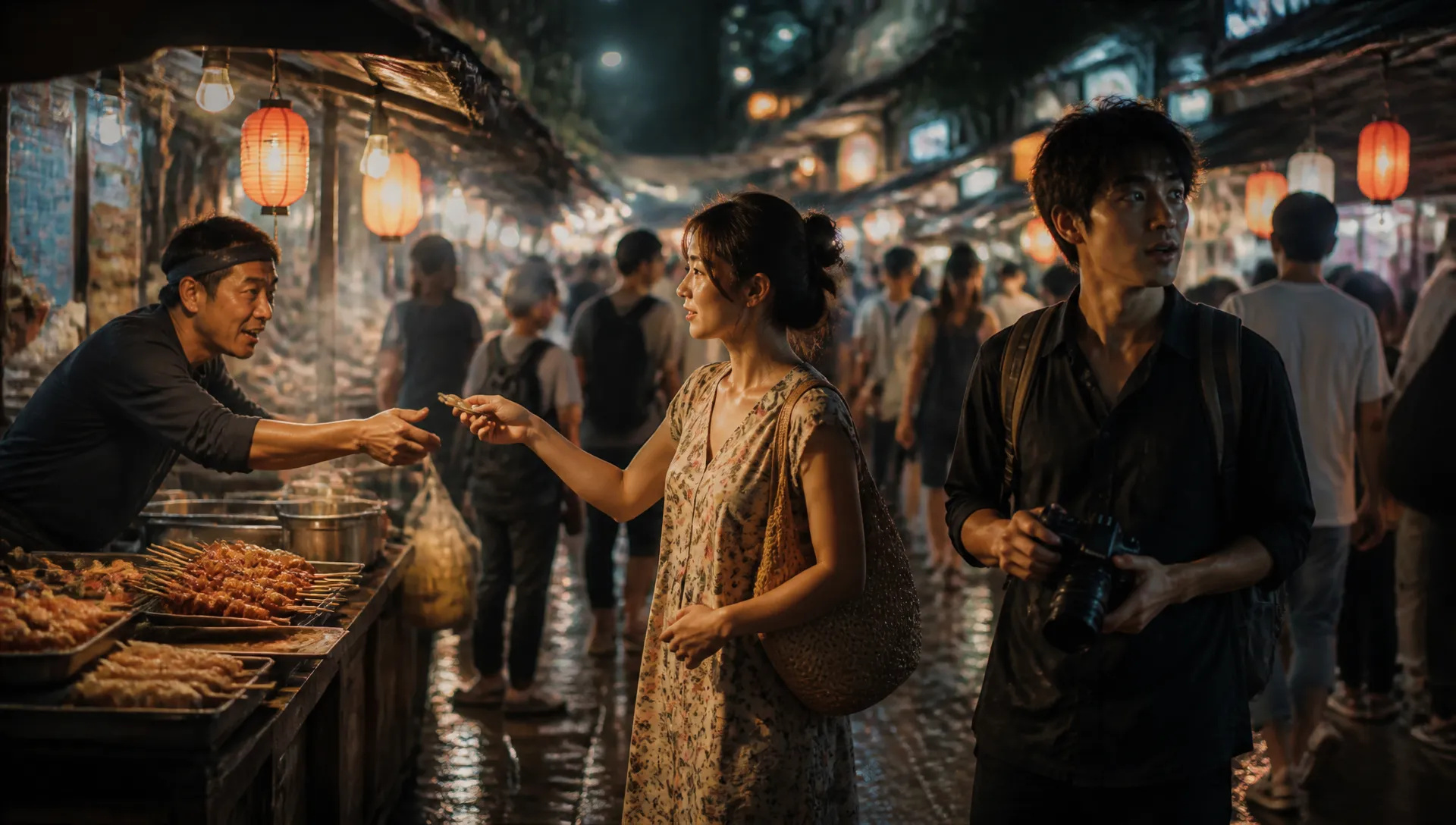
A crowded night-market street with three characters mid-action, correct depth and spatial layout — deep-thinking parses the whole prompt so the scene doesn't collapse into mush.

ByteDance's flagship image model — deep-thinking prompt optimization, generation + editing in one, 10-image reference.
Pay once for credits — use them across every model on ZOOOP. · Top up when you need to, no monthly burn.
Powered by ByteDance's API on ZOOOP
Prompt Optimization reasons through your prompt before rendering, so dense, multi-subject, instruction-heavy scenes come out composed the way you described. On by default — switch it off for faster straight text-to-image.
No separate edit API. Start from a text prompt, then region-edit and object-replace in the same model — the workflow never switches tools, and the subject never drifts across a hand-off.
Pass up to 10 reference images to hold a character, wardrobe, or style across generations. Same subject, same look, frame to frame.
Flagship-grade output at 1K or 2K across seven ratios from 16:9 landscape to 9:16 portrait — one model for product, social, and editorial surfaces.
A crowded night-market street with three characters mid-action, correct depth and spatial layout — deep-thinking parses the whole prompt so the scene doesn't collapse into mush.
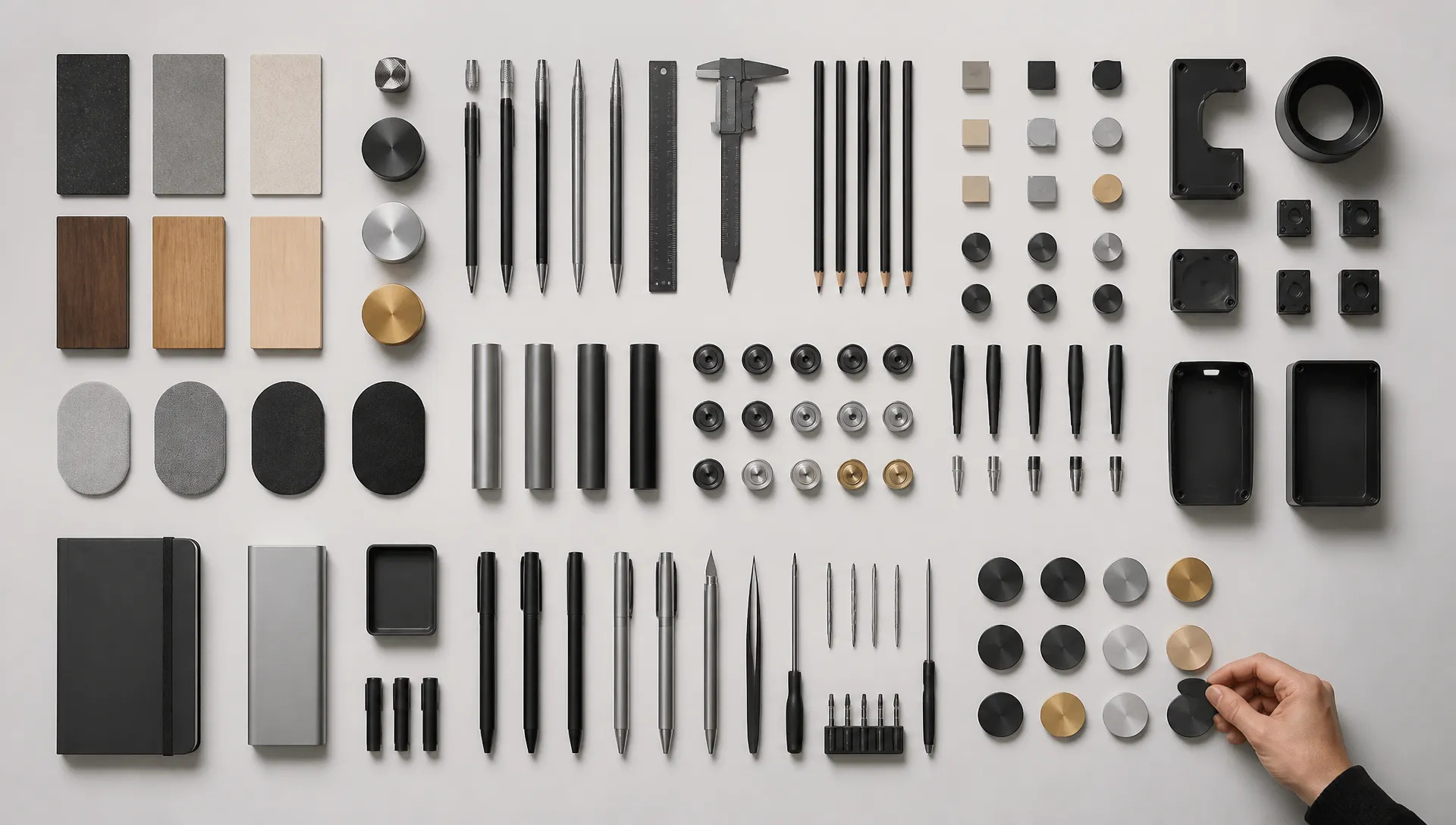
Precise layout prompts — subject on the left holding a product, logo top-right, text centered — land as written instead of being averaged away.
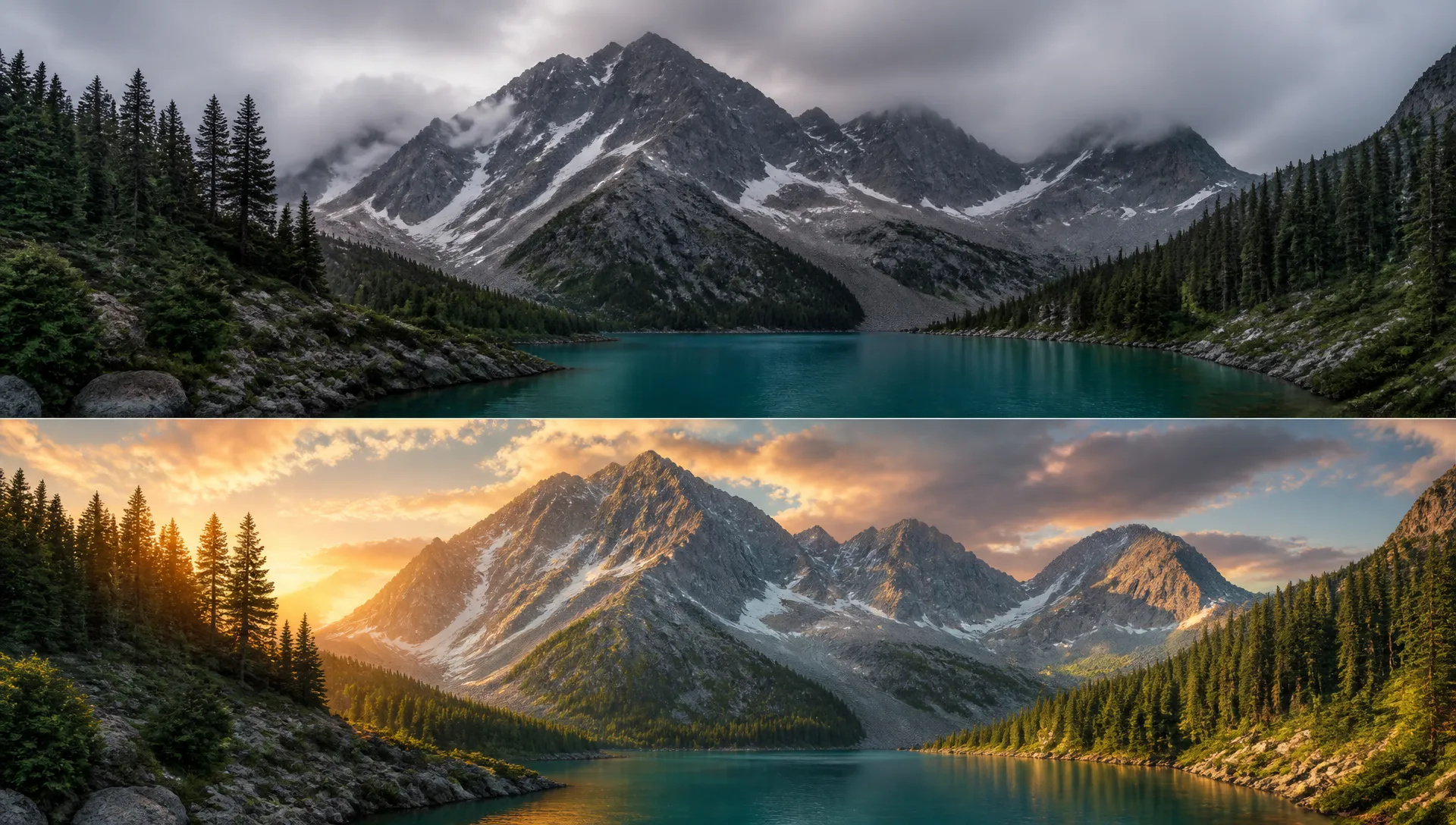
Produce a base image, then object-replace and region-edit in the same model. No hand-off, no subject drift between tools.
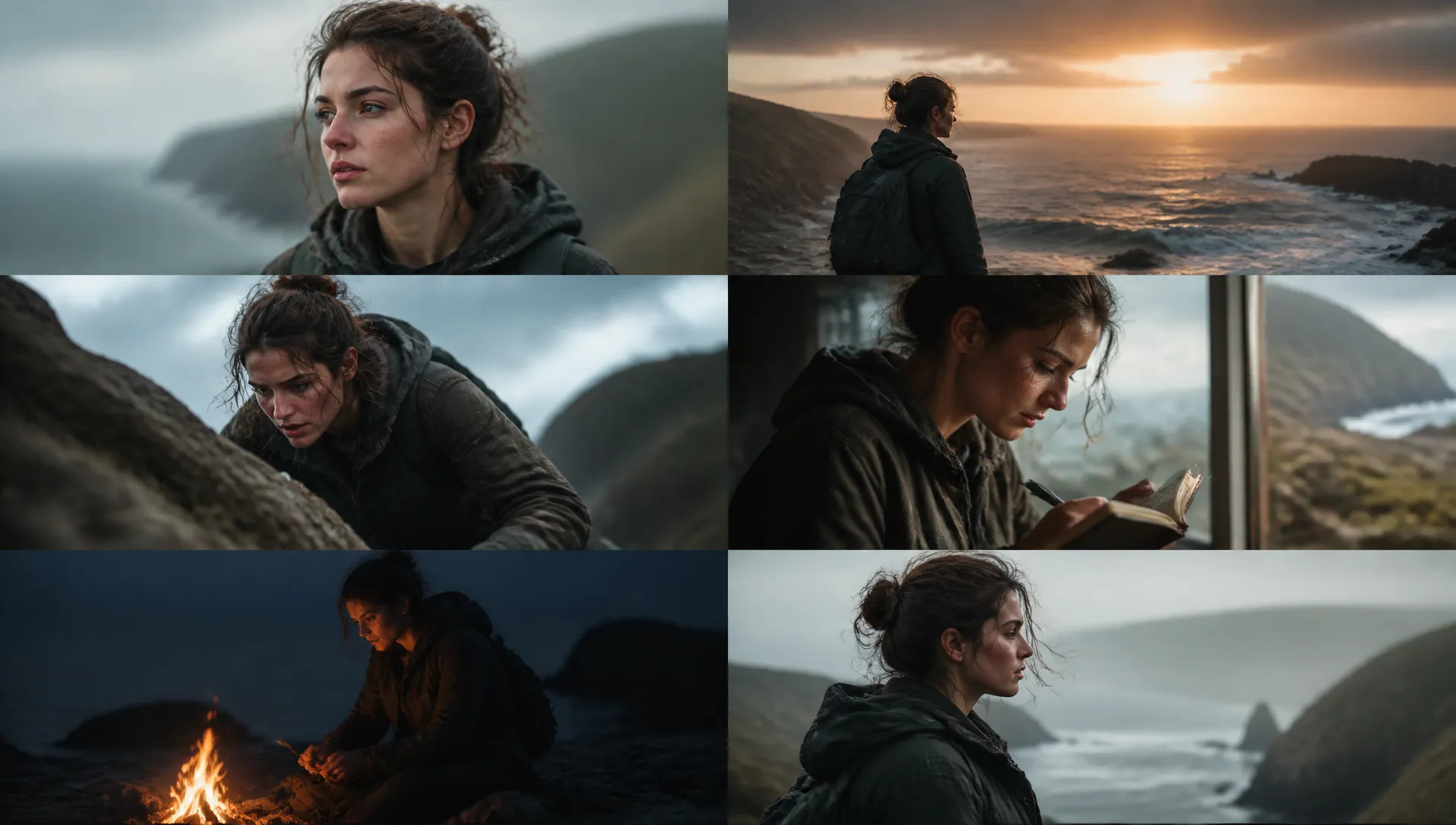
Up to 10 reference images keep the same subject on-model across a run — storyboards, comic panels, episodic content.
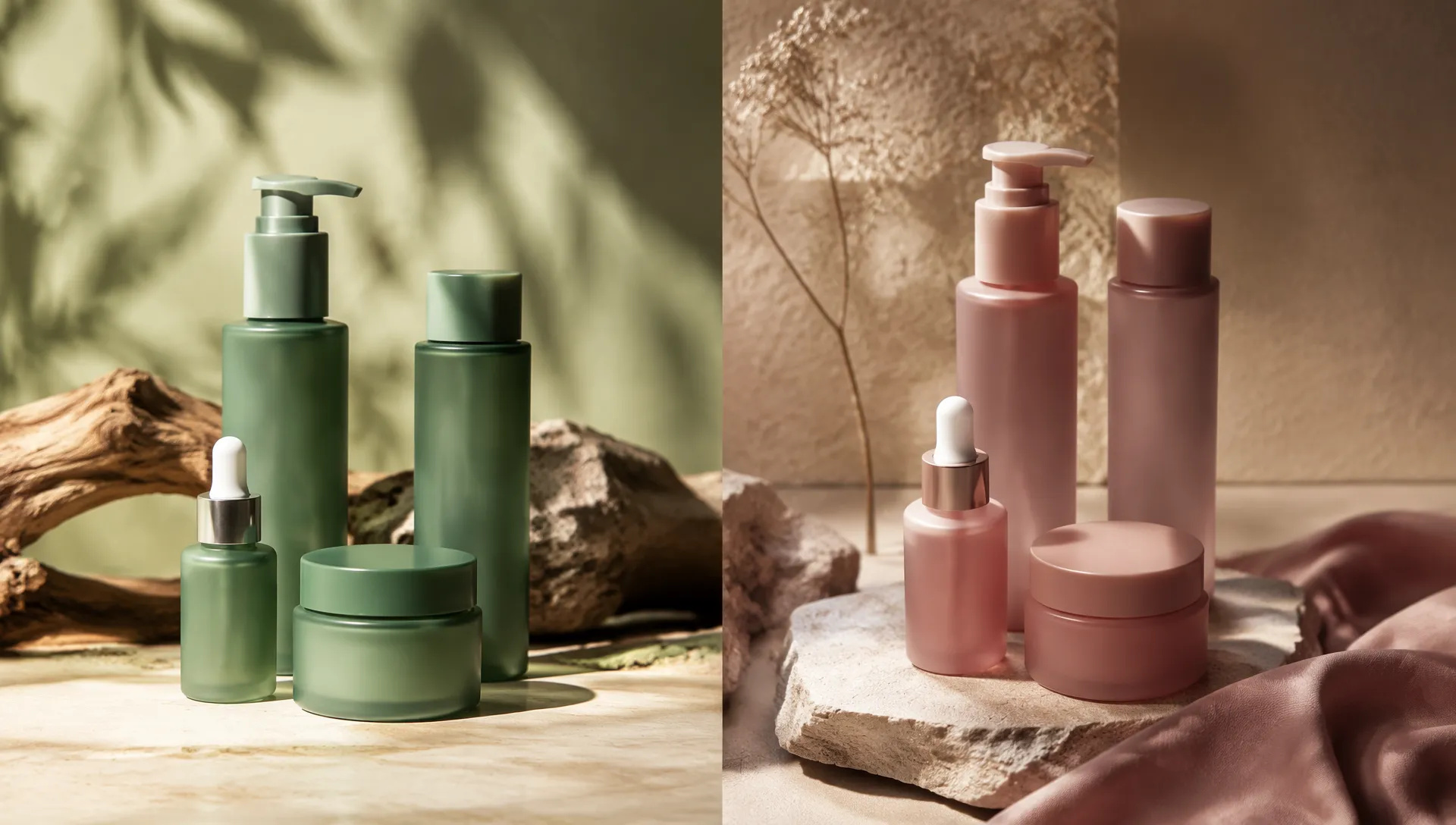
Swap backgrounds, recolor products, and adapt aspect ratios in one model — restyle a product line without re-shooting.
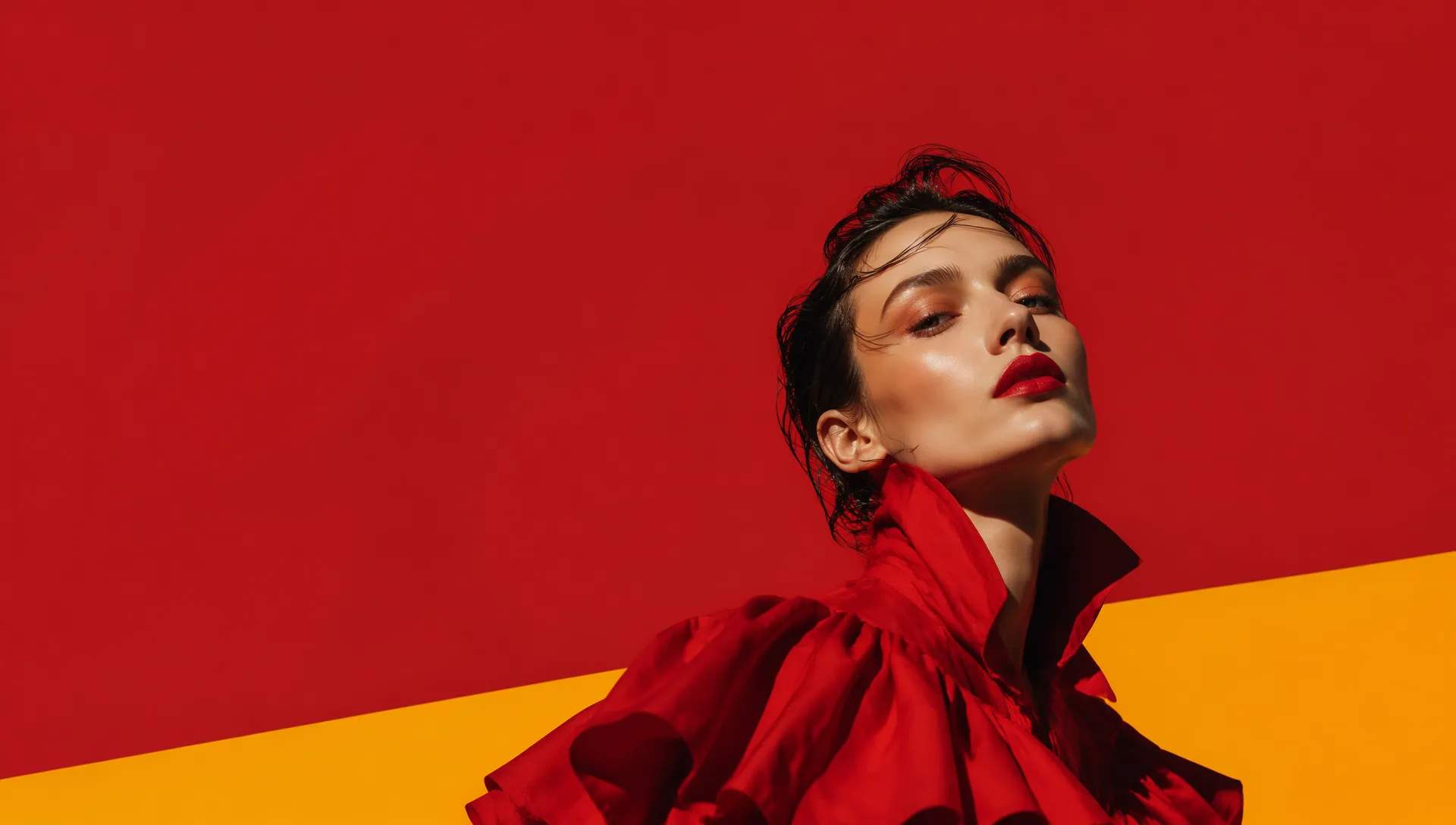
Compose headline, subject, and layout in one 2K pass, then edit the keeper toward a finished comp without changing models.
Pick the right image model. Your credits work everywhere on ZOOOP.
Open Seedream 5.0 Pro from this page or pick it in the Image Generator.
Write the scene prompt. Add up to 10 reference images to hold a character or style.
Pick an aspect ratio and resolution (1K or 2K). Keep Prompt Optimization on for complex scenes.
Generate. Keep editing and object-replacing in the same model to refine.
Seedream 5.0 Pro is the model you reach for when the prompt is hard. It's ByteDance's flagship image release on ZOOOP, and its signature is Prompt Optimization — a deep-thinking pass that reasons over your prompt before a single pixel renders. Dense, multi-subject, instruction-heavy scenes — three characters mid-action, precise spatial layout, "logo top-right, product centered" — come out composed the way you wrote them, instead of averaged into a pleasant-but-wrong blur. It's on by default; toggle it off when the prompt is simple and you want faster straight text-to-image.
Like the rest of the Seedream line, 5.0 Pro folds generation and editing into one model. There's no separate edit API and no tool hand-off — start from a text prompt, mark a region, swap an object, and the edit lands without the subject drift you get when crossing model boundaries. The face holds, the lighting register holds, only what you marked changes. For pipelines that loop between "generate" and "fix this part," staying in one model is the whole point.
Consistency comes from up to 10 reference images. Feed a character sheet, a palette, and a product or location reference, and the same subject stays on-model across a run — the building block for storyboards, comic pages, and episodic series where every frame has to match.
Where it's weaker: output caps at 2K. When you need native 3K, Seedream 5.0 Lite is the sibling to switch to; for up-to-4K output and six-image batches, step up to Seedream 4.5. Deep-thinking also adds a little latency — turn Prompt Optimization off for speed on simple prompts. Photoreal portraits and exact hex color favor Flux 2 Pro; multilingual text and factual grounding favor Nano Banana Pro. Seedream 5.0 Pro's sweet spot is hard prompts, editing-heavy workflows, and composition fidelity.
A reasonable mental model: default to Seedream 5.0 Pro when the prompt is complex and getting the composition right matters more than maximum resolution. For cheap high-resolution iteration, drop to Seedream 5.0 Lite. For 4K or batches, step up to Seedream 4.5. For photoreal or text-accurate work, switch to Flux 2 Pro or Nano Banana Pro.
It's a reasoning pass that plans the image from your prompt before rendering — the reason complex, multi-subject, instruction-heavy scenes come out composed correctly. It's on by default; turn it off for faster straight text-to-image when the prompt is simple.
Pro is the flagship — deep-thinking prompt optimization for hard prompts and top-tier rendering quality. Lite is the value pick and outputs native 3K. Choose Pro when getting a complex prompt right matters most; choose Lite for cheap, high-resolution iteration.
Yes — in the same model and API. Start from text-to-image, then move straight into editing and object replacement without switching models.
1K or 2K, across seven aspect ratios. If you need higher resolution, Seedream 5.0 Lite outputs native 3K and Seedream 4.5 goes up to 4K — your ZOOOP credits work across all of them.
Pro leads on complex-prompt comprehension and editing in one model. Nano Banana Pro wins on factual accuracy and multilingual text. Flux 2 Pro wins on photoreal portraits and exact color. Pick Pro when the prompt is elaborate and composition fidelity matters.























Seedream 5.0 Pro
Prompt*
Image Urls
Aspect Ratio*
Resolution*
Your generations will appear here once you sign in.
Creating an account is free.