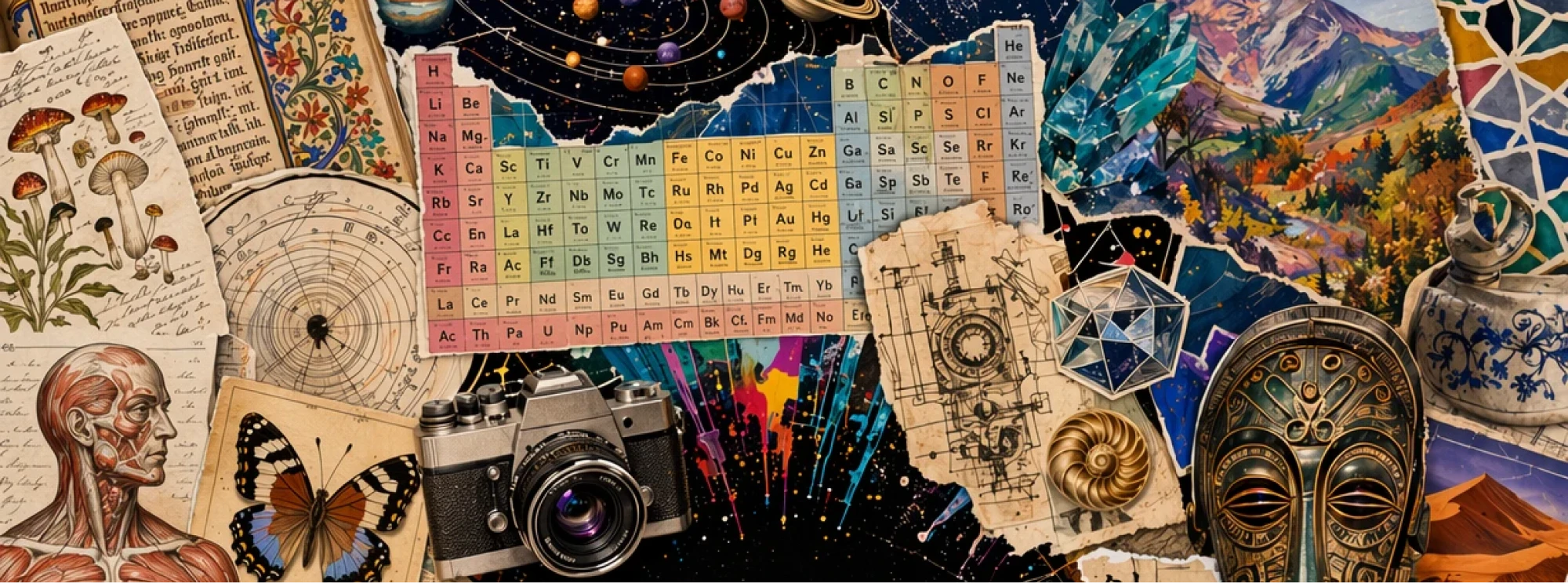
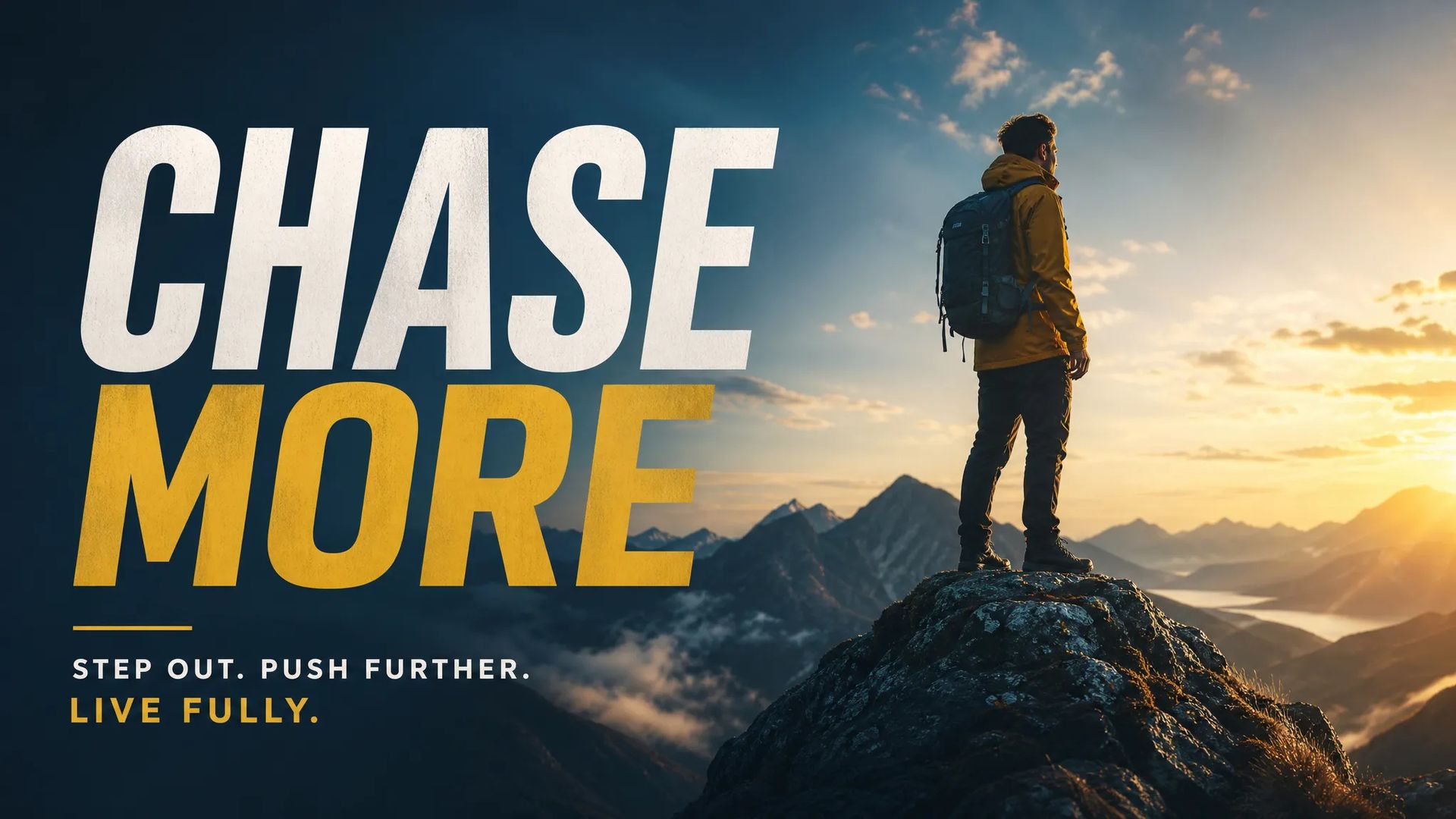
Marketing posters
On-image headlines that render correctly the first time — kerning, weight, even the way light falls on the letters.

OpenAI's photoreal image model with native typography, available on ZOOOP.
क्रेडिट के लिए एक बार भुगतान करें - ZOOOP पर हर नमूना में उनका उपयोग करें। · ज़रूरत पड़ने पर रिचार्ज करें, कोई मासिक खर्च नहीं।
Powered by OpenAI's API on ZOOOP
Type prompts directly into your scene — GPT Image 2 renders legible text inside posters, product mockups, infographics, and signage without post-editing.
World-knowledge grounding keeps proportions, lighting, and surface materials physically plausible. Strong at portraits, products, and architectural scenes.
Complex multi-element instructions, precise spatial relationships, exact on-image text — GPT Image 2's controllability far outstrips ordinary diffusion models. It draws what you describe instead of making you reroll for luck.
Pick Low / Medium / High quality on demand. Low or Medium covers the vast majority of scenes for unbeatable value.
On-image headlines that render correctly the first time — kerning, weight, even the way light falls on the letters.
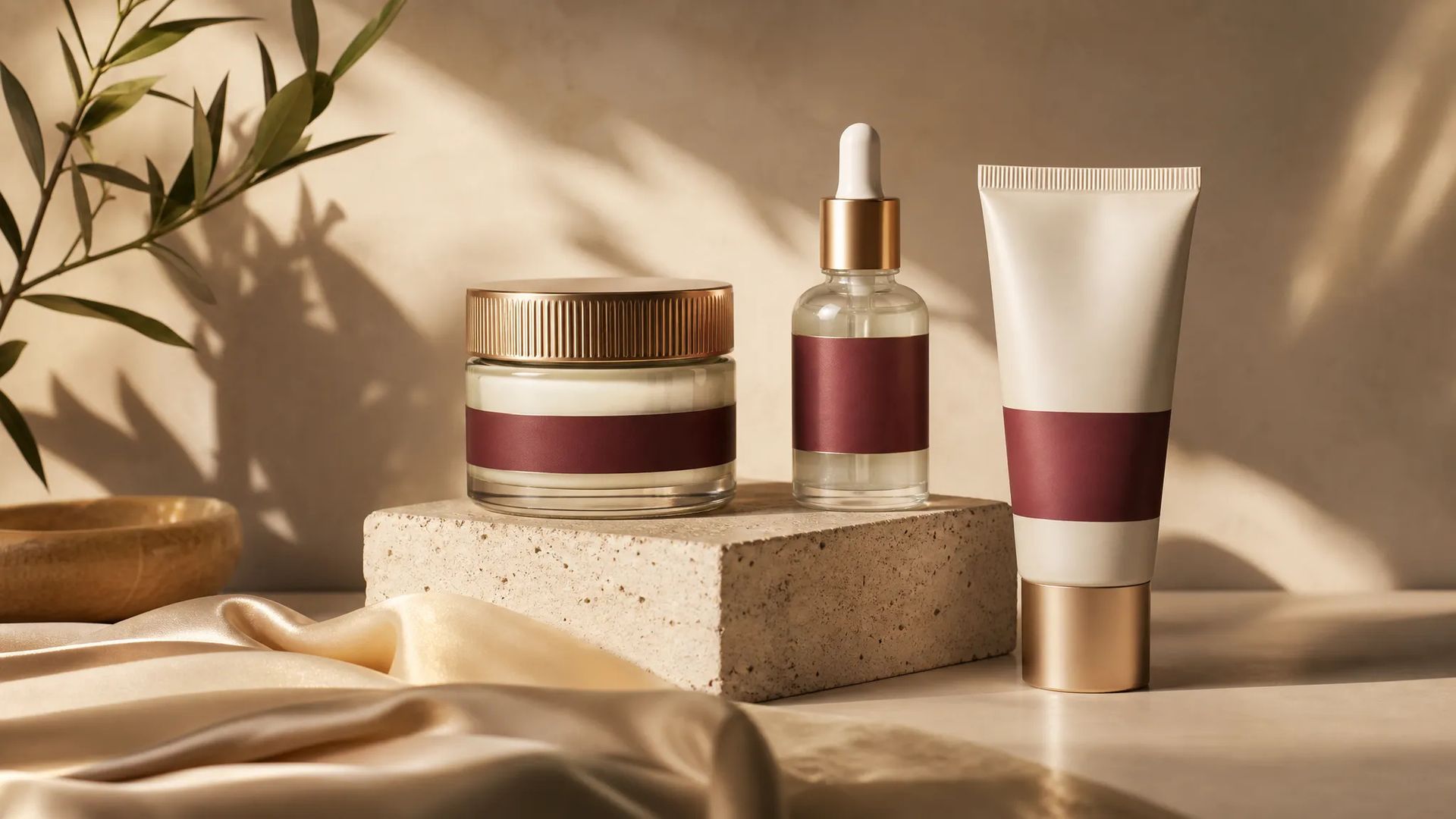
Photoreal packaging concepts with brand colors, materials, and labels exactly where you specify.
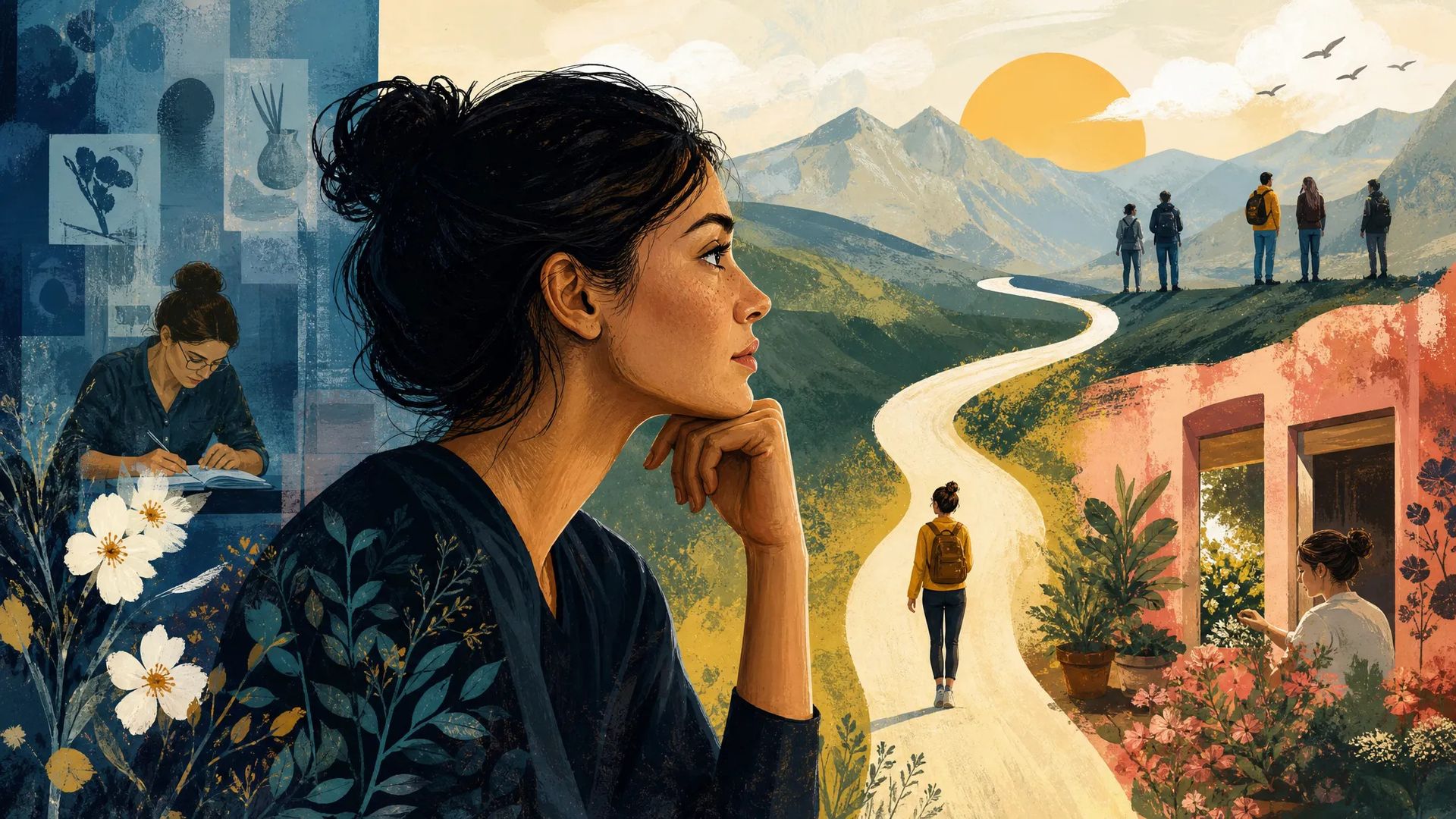
Magazine-grade scenes with legible captions, photo-realistic subjects, and faithful composition.
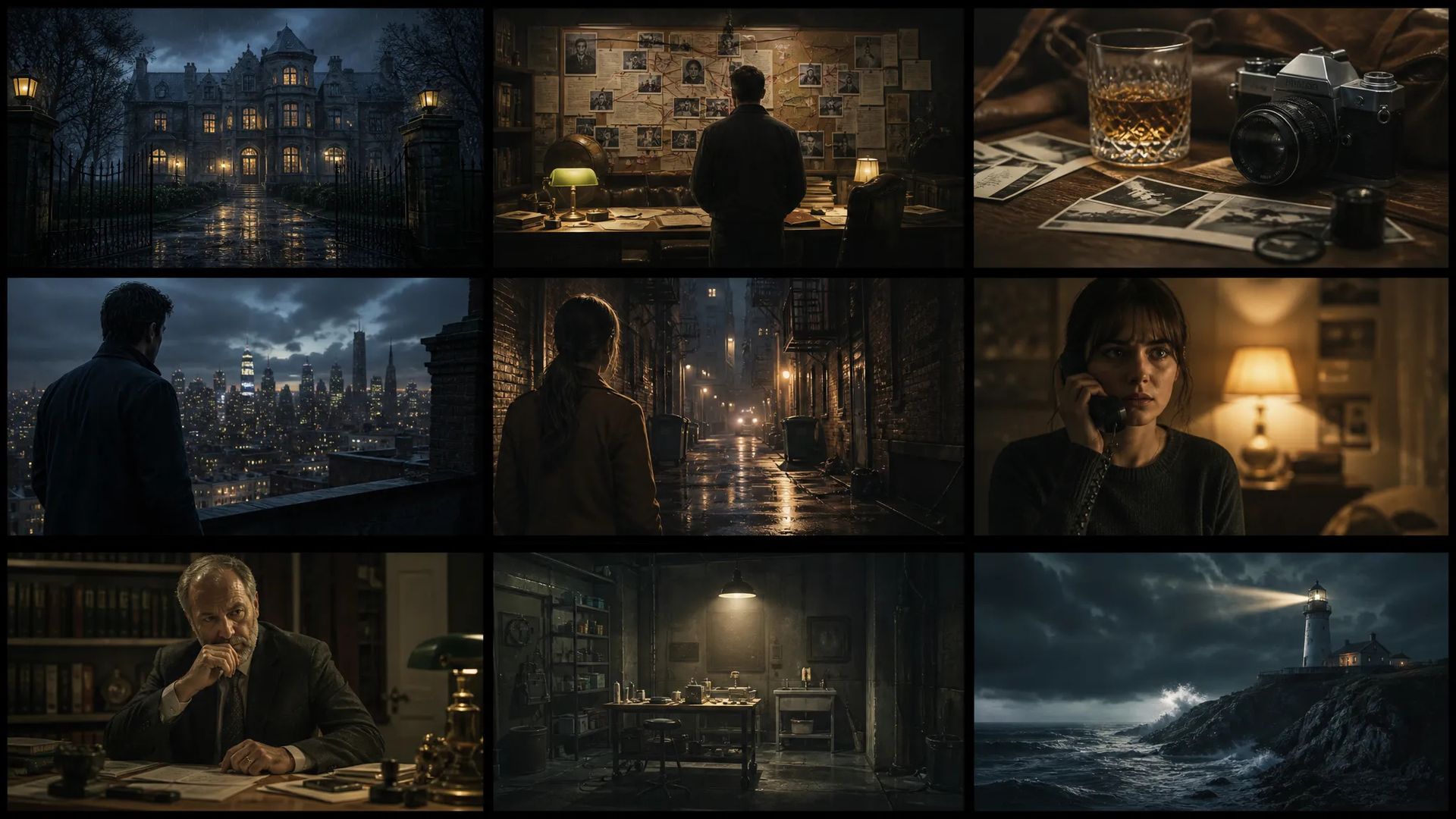
Set-dressing detail strong enough to brief a crew — props, lighting, wardrobe locked in one prompt.
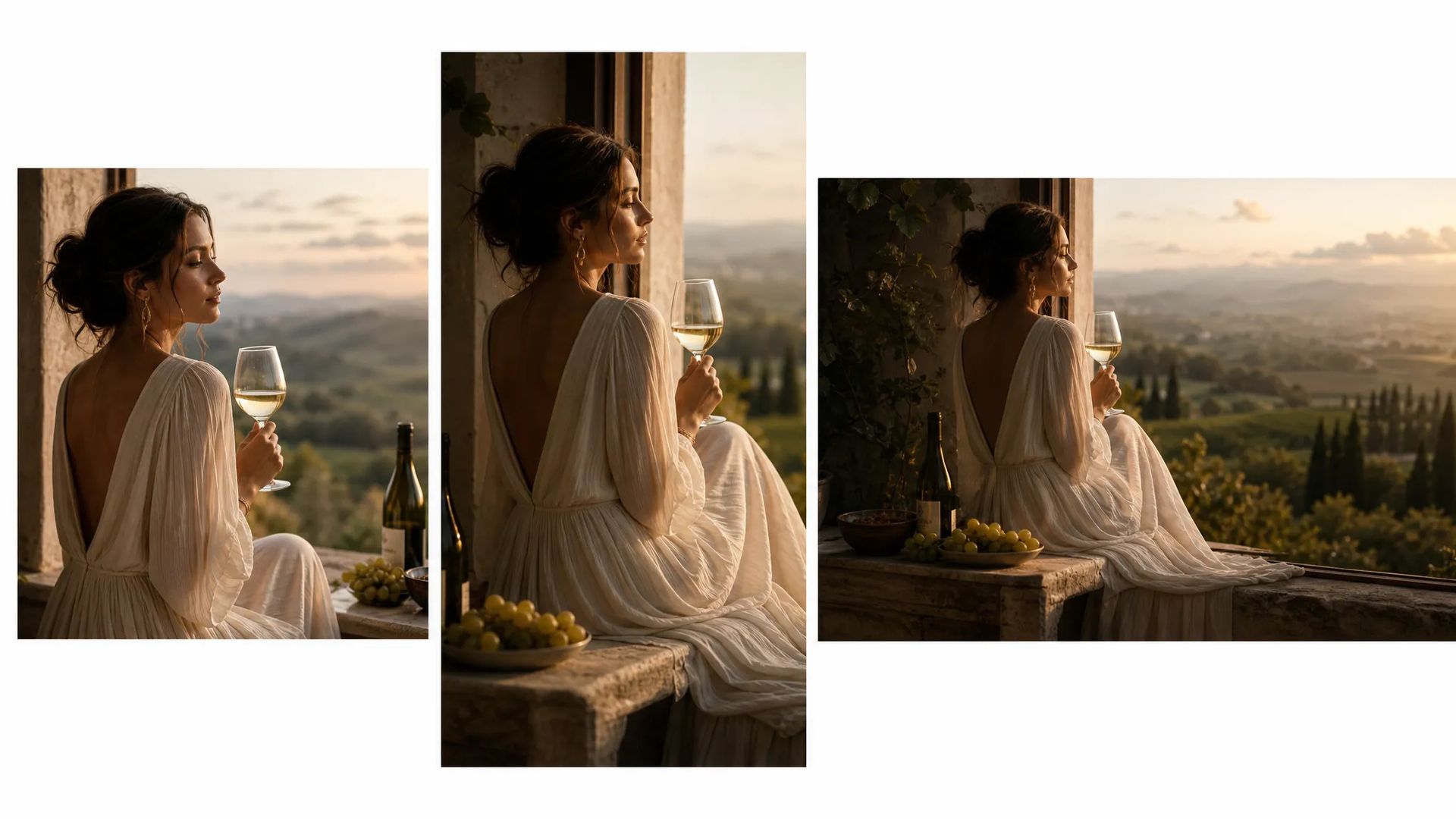
Same concept rendered across square, portrait, and landscape with consistent subject and typography.
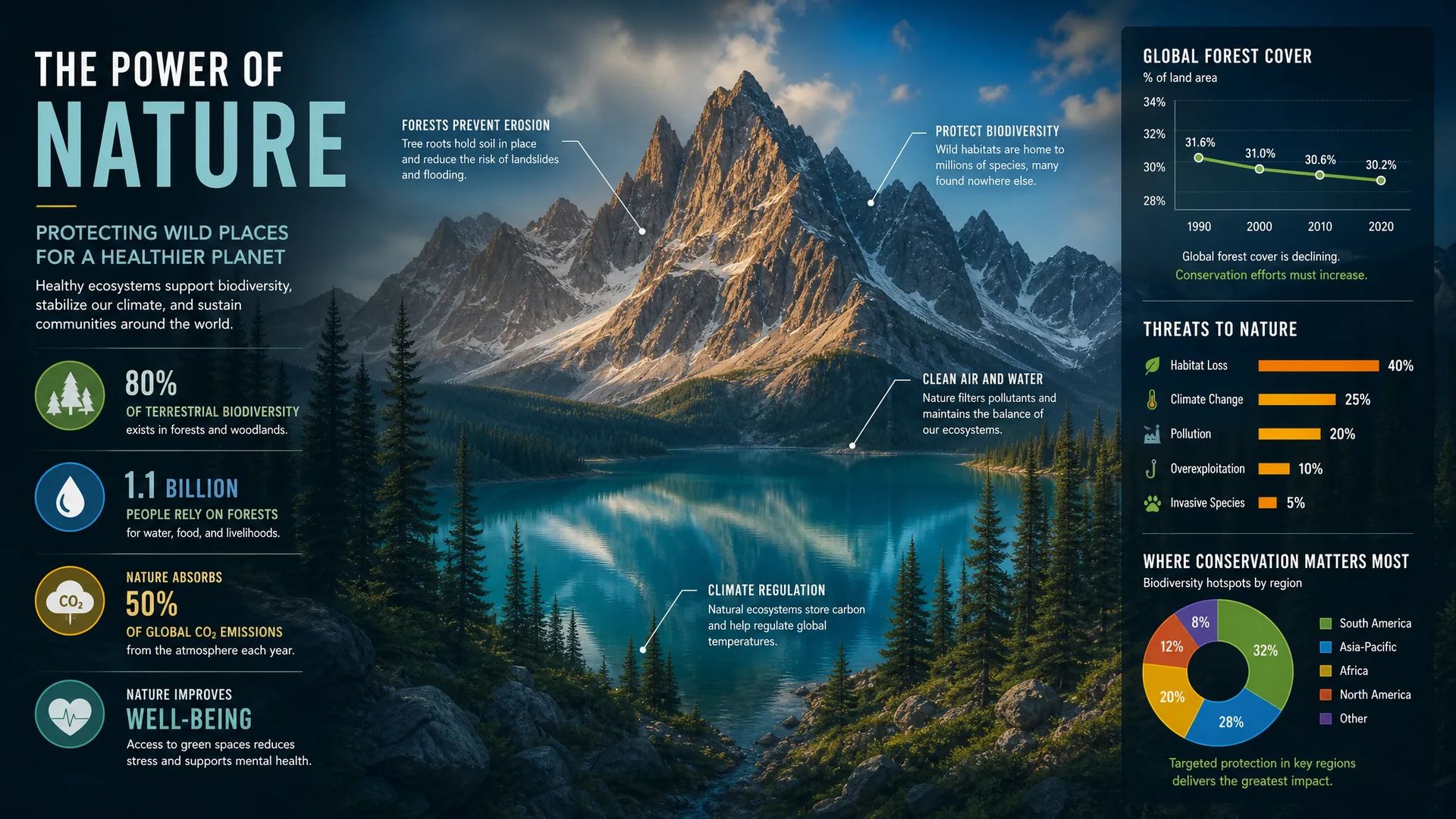
Charts, callouts, and labels rendered as crisp text inside the image — no post-edit pass needed.
Every AI image model has a sweet spot. Use this matrix when GPT Image 2 isn't the right call — your credits work across all of them on ZOOOP.
Open GPT Image 2 from this page or pick it in the Image Generator.
Describe the scene — subject, style, any text that should appear on the image.
Pick aspect ratio and resolution, then hit Generate.
Iterate: select the output, write what to change, and refine without losing the original.
GPT Image 2 is the rare AI image model where you can type words into the prompt and have them appear correctly on the image. Most diffusion-based models — Stable Diffusion, Flux, Imagen — treat text as visual texture and hallucinate it into garbled shapes. GPT Image 2 was trained with an explicit text-rendering objective and an alphabet-aware tokenizer, so a prompt like "vintage travel poster, the words 'Visit Patagonia' across the top in bold serif" comes back with those exact words intact.
That alone changes the workflow for anyone making marketing posters, product packaging, infographics, or storyboard panels that need on-image headlines. Before GPT Image 2 you generated the image, then opened a design tool to layer the text. Now the headline ships in the same render — including kerning, weight, and the way light falls on the letters.
The second thing it does well is world knowledge. Ask for a 1985 Porsche 911 Carrera and you get the right body lines, the right wheels, the right side mirrors. Ask for a chef plating a Michelin-style amuse-bouche and the tweezers, the squeeze bottles, the dish geometry all show up in the right relationship. That's because the underlying model was trained alongside GPT-4-class language understanding — it knows what objects are, not just what they look like in a photo.
GPT Image 2's coverage is wide enough that most jobs ship straight from the first render — photoreal portraits, products, architecture, text-laden posters and infographics, anything where the subject has to read as real-world. Pair that with three quality tiers and you match quality to the complexity of the prompt: simple scenes run on Low, busier multi-element compositions step up to Medium, and only the most demanding, detail-critical frames need High. The vast majority of work lands in the Low / Medium band — fast and light.
Native typography — most image models hallucinate text into nonsense, while GPT Image 2 renders the exact words you type into the prompt. Pair that with strong world knowledge and it's the most "use the output as-is" image model for marketing and editorial work.
Yes — it was trained alongside GPT-4-class language understanding, so it knows what objects actually are. Ask for a specific car model, a plated dish, or a piece of equipment and the parts show up in the right relationship, not just a vaguely-right shape.
Yes. Select any output and write a new prompt describing the change — the edit pass keeps your subject and composition while applying the new instructions, so you hold on to the parts you're already happy with.
No. ZOOOP is a third-party platform that accesses GPT Image 2 through OpenAI's API. It's not affiliated with OpenAI. You don't need a separate OpenAI account or API key — just a ZOOOP account.
Low already covers roughly 80% of everyday scenes — fastest and lightest. Medium handles busier, more complex frames and covers about 95% of needs. High is rarely necessary day to day — reach for it only when the scene is extremely complex and detail-critical. Start on Low and step up only if you need to.























GPT Image 2
Prompt*
Image Urls
पहलू अनुपात*
रिज़ॉल्यूशन*
Quality*
साइन इन करते ही आपकी पीढ़ियां यहां दिखाई देंगी।
खाता बनाना मुफ्त है।