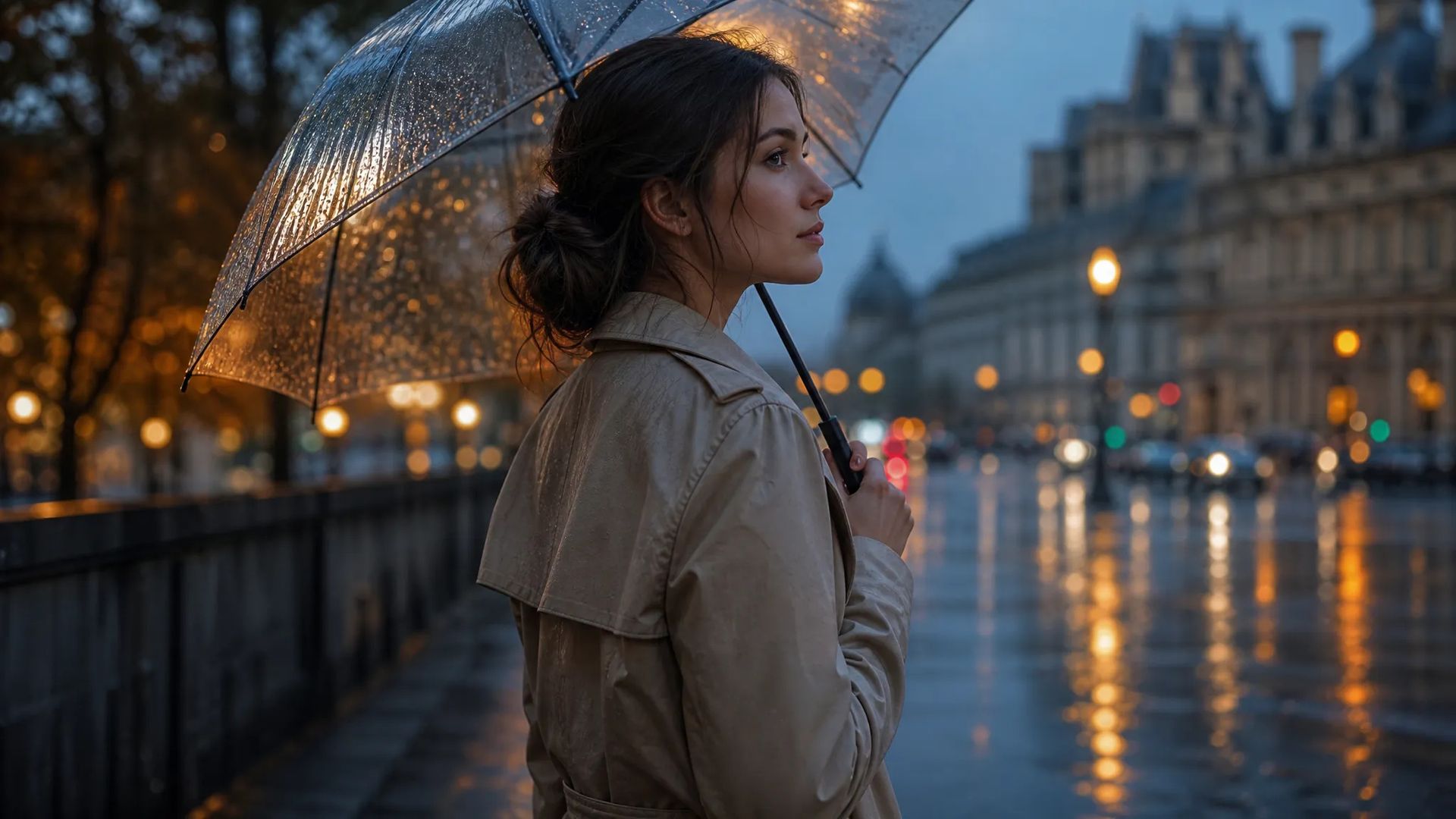
Restyle existing footage
The composition and motion are right and only the look is wrong — change it directly.
Upload a clip and say what to change — restyle it, change the setting, change how the subject looks. The motion and camera work stay, so you don't regenerate the shot.
The source's movement and camera work stay; only the appearance changes — something regenerating can't do, since that changes the motion too.
"Make it snowing," "make it animated," "turn the jacket red" — no re-describing the whole shot.
When words can't pin a look, attach a reference image — far more precise than stacking adjectives.
Some are stronger at wholesale restyling, others at localized replacement. Re-run the same footage on another.
The composition and motion are right and only the look is wrong — change it directly.
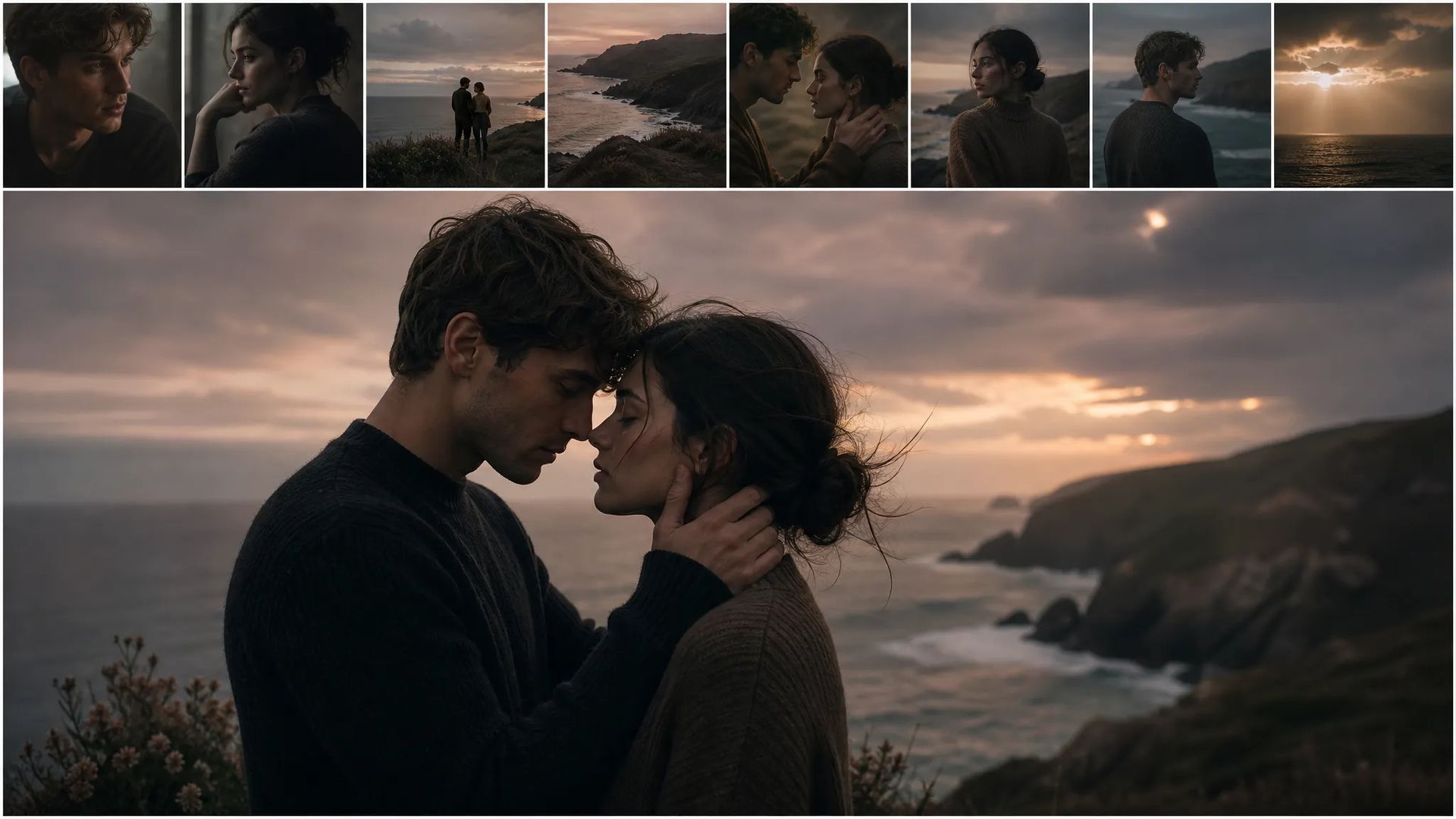
Supply a reference image and push the whole clip toward that visual direction.
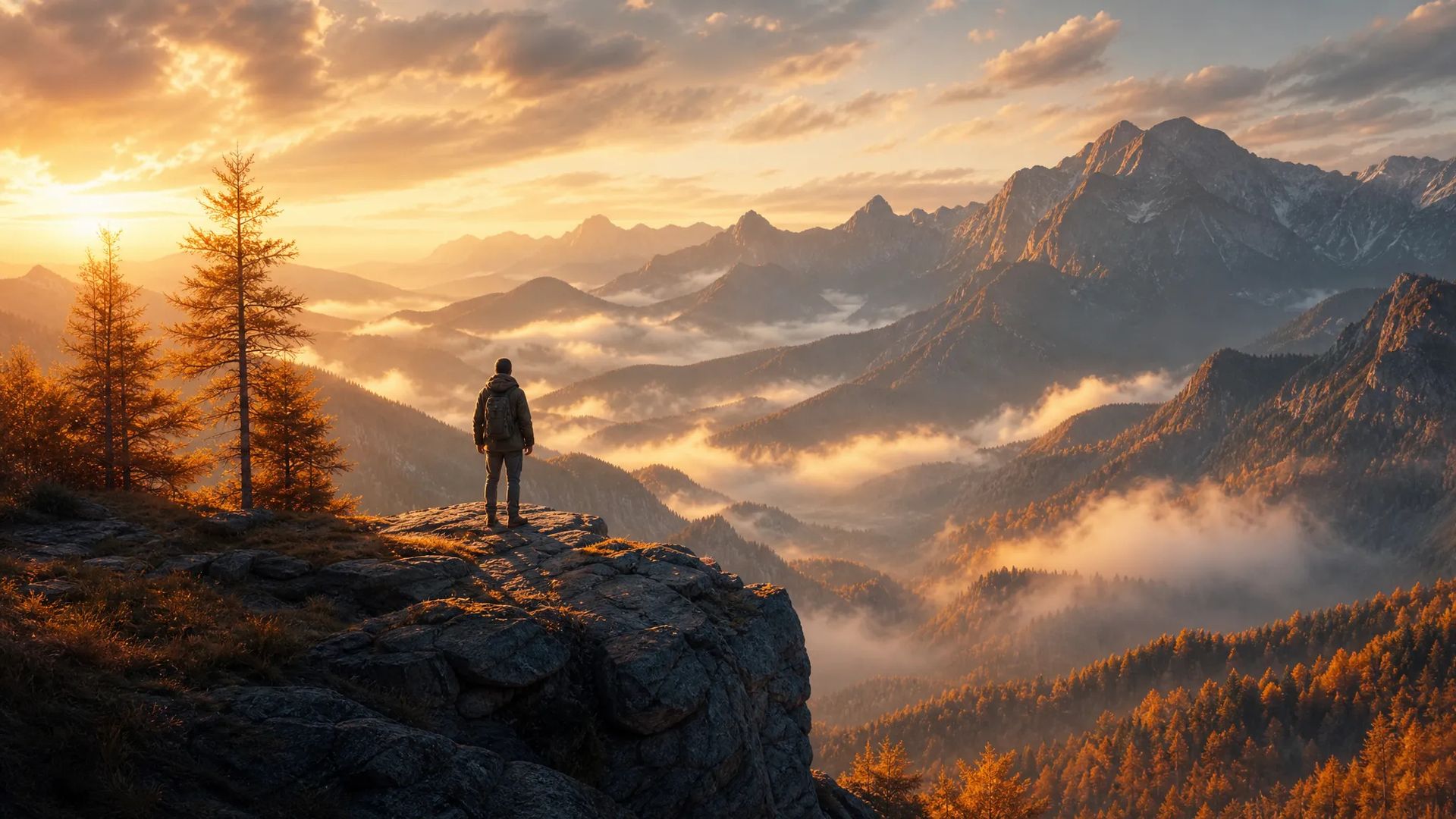
Several clips from different sources, restyled to one look before cutting them together.
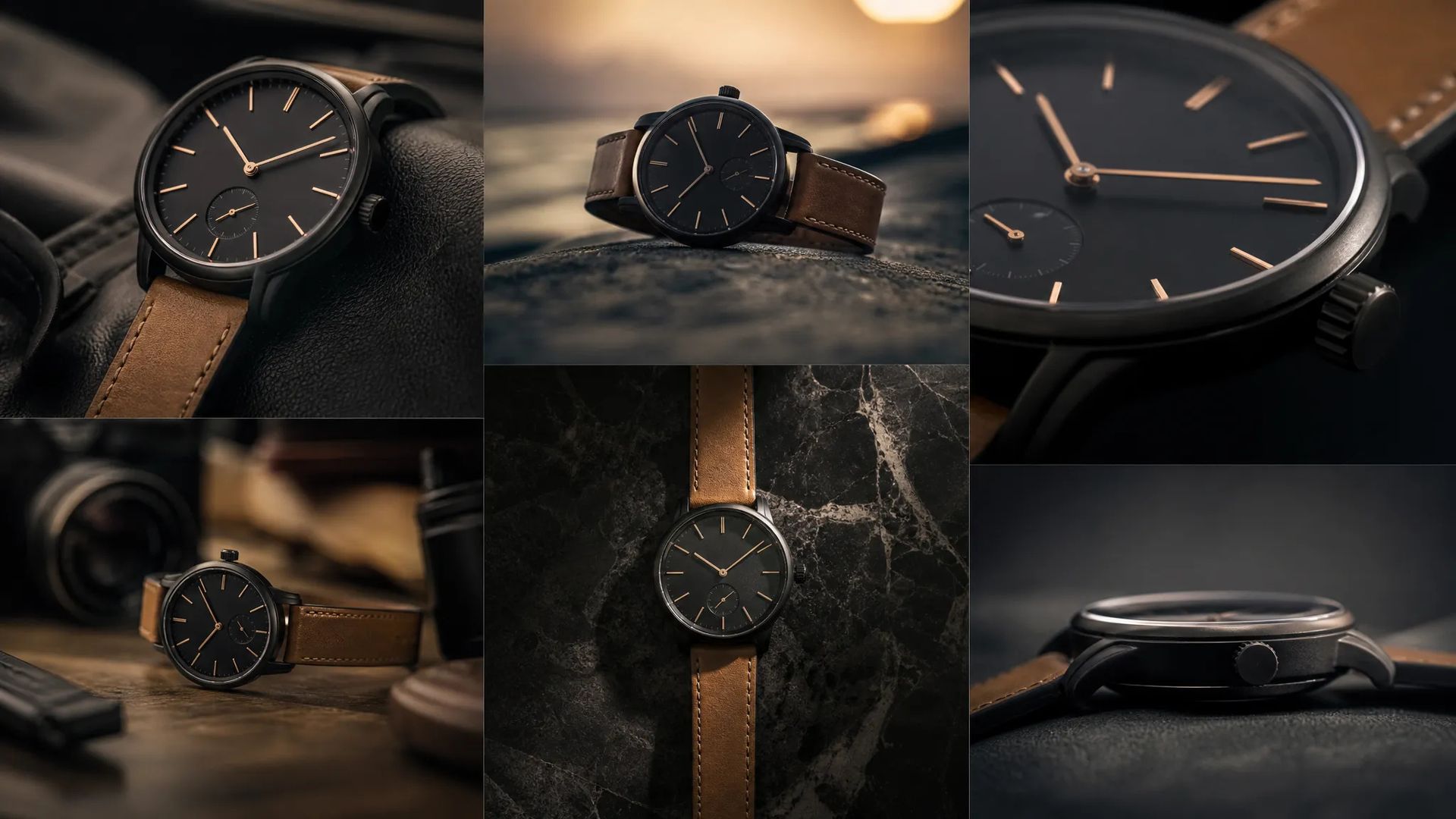
One product shot, new settings and palettes, several delivery versions.
Open the AI Video Editor and upload the clip you want to change.
Describe the change in a sentence, attaching a style reference if useful.
Download the result, or send it to the canvas to keep cutting.
You generate a clip, the motion and camera work are good, and the style is wrong. Regenerating is the obvious move and the most regrettable one: the motion changes too, and the part you liked doesn't survive.
Video editing does something else — it changes appearance on top of the existing movement. Composition stays, camera work stays, action stays; what changes is how it looks.
"Make it snowing." "Make it animated." "Turn the jacket red." One sentence, without re-describing the shot.
Style is hard to pin in words. "Cinematic," "premium," and "Japanese-style" mean different things to different people, and the model's reading won't necessarily match yours.
So attach a reference when you can — one image carries more usable visual information than a paragraph of adjectives. To unify several clips from different sources, running each through with the same reference is the least effortful route.
Watch the magnitude of the change: wholesale style, setting, and subject palette work well. Ask for something very far from the source and motion preservation begins to fail, with the picture destabilizing. In that case regenerating is usually cleaner than forcing an edit.
The test is what you're trying to preserve:
Keep the motion, change the picture → this page. Keep the picture, change the motion → motion-control. Happy with neither → go back to the video generator; don't burn passes on editing.
This page usually shows up near the end: the footage exists and needs one consistent look before it gets cut together. It's rarely the starting point.
Regenerating changes the motion and camera work along with everything else — the part you liked doesn't survive. Video editing changes appearance on top of the existing movement, so composition and action stay. If you like the motion and only dislike the look, this is the page.
Wholesale style, setting, subject appearance, and palette all work well. The larger the change, the more strained motion preservation becomes — ask for a transformation very far from the source and the picture starts to destabilize. For big swings, regenerating is usually cleaner than forcing an edit.
Localized replacement is much harder in video than in images, because it has to hold across every frame. In practice you describe an overall direction rather than fencing off one object. To change one thing precisely, pull a key frame, fix it with image editing, then regenerate the motion with first-last-frame.
Editing preserves the source's length and pacing. Use extend-video for more length; pacing changes belong in an edit. This page doesn't alter time.
Prompt*
Images
Video*
Resolution*
Your generations will appear here once you sign in.
Creating an account is free.





