Logos and brand marks
A wordmark or symbol from a one-line brief, delivered as a scalable vector — no manual tracing.
One sentence, one vector file — editable paths you can recolor, reshape, and scale losslessly. Not a bitmap that falls apart when you enlarge it.
Paths rather than pixels, so edges stay clean at wall-poster size — it looks the same at 1 cm and at 1 m.
Hand it the colors you want — a brand palette, a two-tone scheme — and the output stays inside them instead of rolling the dice each run.
Dark, light, solid, or transparent. When the file needs to drop straight into a design, there's no separate background-removal step.
Open it in Figma, Sketch, or Illustrator and edit any node's color and shape — or inline the SVG in a page and drive it with CSS.
A wordmark or symbol from a one-line brief, delivered as a scalable vector — no manual tracing.
A whole icon set from one style description, then unify stroke weight and fills in the SVG afterward.
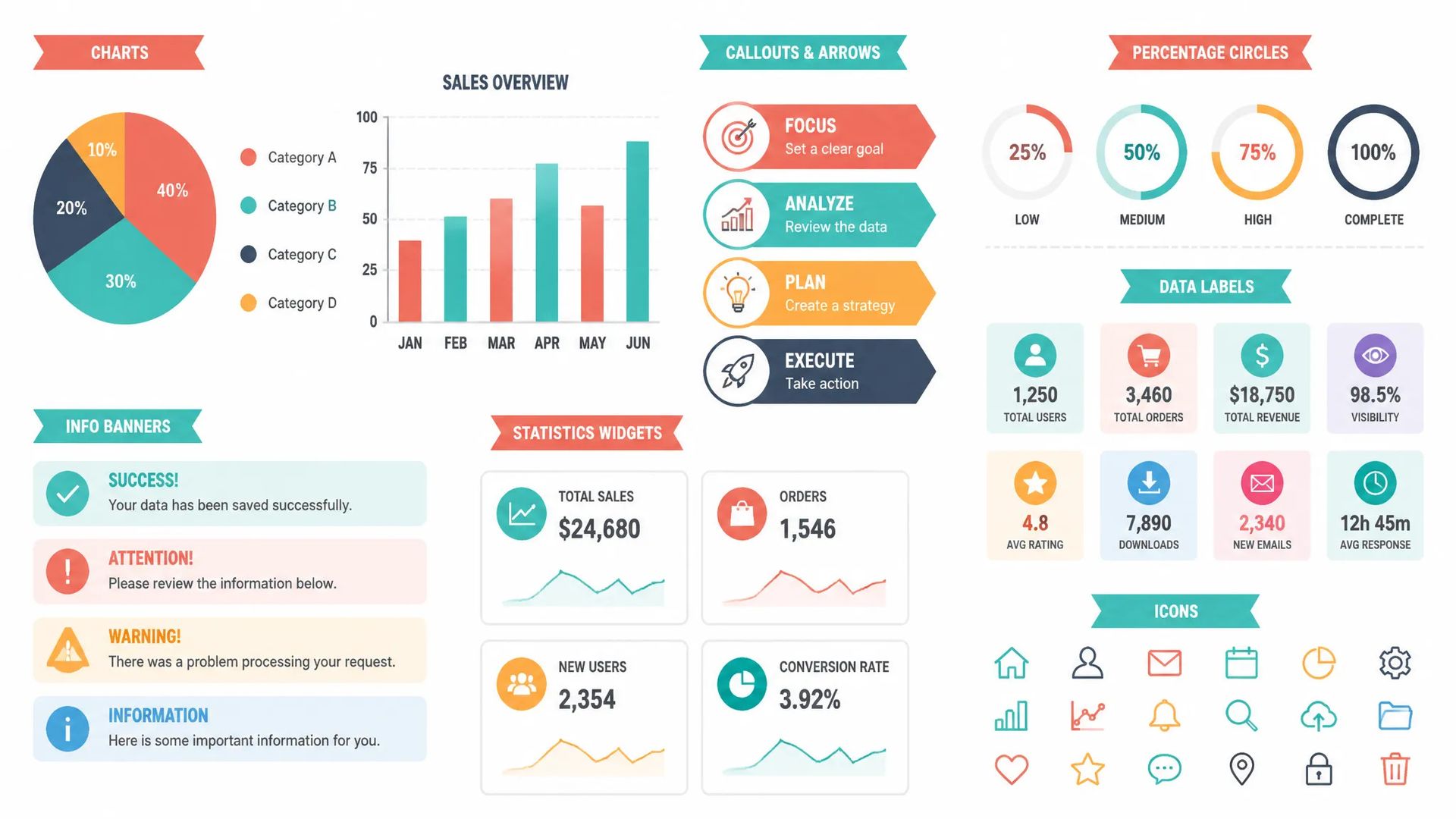
Flat or gradient scenes, chart elements, decorative dividers — each an independently editable object.
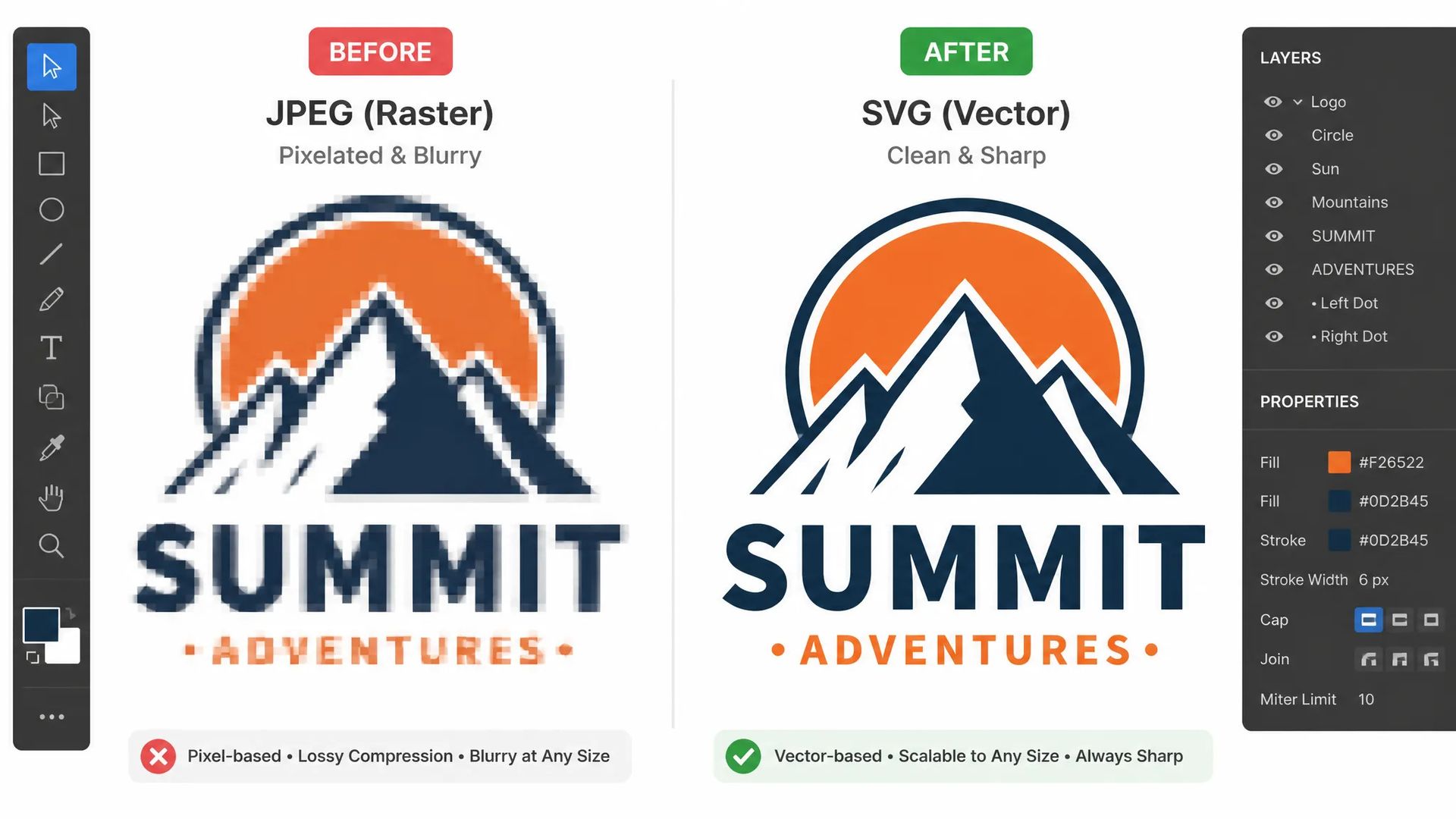
Only have a bitmap of an old logo or a hand-drawn sketch? Turn it into clean paths and make it usable again.
Open the AI SVG Generator and describe the graphic you want in one sentence.
Specify colors if the palette matters, then choose a solid or transparent background.
Download the SVG and drop it into your design tool to keep editing.
AI image generation has spent the last couple of years chasing photorealism in raster formats. Tools that output genuinely usable vector files have stayed rare.
But some jobs simply can't be done in raster. An icon has to read at 16 px and at 512 px. A logo has to print on a business card and on a trade-show banner. A brand palette has to be swappable across a whole set. What these have in common is that one graphic must work at wildly different sizes and colorways — and a bitmap stores pixels at one fixed size, so it blurs when enlarged and needs regenerating to recolor.
Which is why the old workflow was a detour: generate a PNG, trace it to vector by hand, re-color, lose detail along the way. An AI SVG generator removes that loop. One sentence in, one editable, scalable, print-ready vector file out.
Vector is more prompt-sensitive than raster. A slightly-off bitmap is often still usable; a vector file is usually the final deliverable, so a small miss means rewriting and re-running.
Three habits raise the hit rate noticeably:
Lead with the subject. Start with a concrete noun: a fox icon, a subway line diagram, a coffee cup logo. Don't bury it behind a pile of adjectives.
Then state the style. Flat, outline only, geometric, hand-drawn, minimal — vector pairs best with clean, deliberate styles. Don't ask it for photorealism.
Finally add constraints. Color count, composition, intended use — each one pushes the result closer to what's in your head. "Flat geometric fox icon in orange and dark brown, front-facing, centered, with whitespace" is far more consistent than "fox icon."
You can set the palette directly: give it your brand colors and the output stays within them. Transparent backgrounds are a picker option, which removes a separate cutout step later.
This page returns vector paths. Several jobs don't suit vector:
The test is simple: will this graphic be used at more than one size, or in more than one colorway? If yes, vector. If no, raster is less work.
Icon sets, logos, print-bound graphics, brand elements that need wholesale recoloring — build those as vector from the start and skip the tracing and rework later. Cover images, product scenes, and editorial illustration that live at one size are faster straight out of the image generator.
SVG stores paths, not pixels. So it doesn't blur when enlarged, recoloring means editing one value, and files are often smaller. The tradeoff is that it's wrong for photographic complexity — use a bitmap for that. Icons, logos, and anything headed to print belong in SVG.
Lead with the subject, then style, then constraints. "A fox icon" is too open — you might get geometric, cartoon, or semi-realistic. "Flat geometric fox icon in orange and dark brown, front-facing, centered, with whitespace" lands close to what you pictured. Vector is more prompt-sensitive than raster: a slightly-off bitmap is often still usable, while the vector file usually is the deliverable.
No. Realistic portraits, complex textures, and multi-character scenes aren't what vectors are for — node count explodes, the file gets bigger, and you lose the point of using vector. Use the image generator and stay raster for those.
Anything that supports SVG — Figma, Sketch, and Illustrator all open it and edit individual nodes. You can also inline it in a web page and control color, or even animate it, with CSS. Batch generations come down as separate .svg files rather than being flattened to bitmap.
SVG Generator
Prompt*
Aspect Ratio
Colors
Background Color
Your generations will appear here once you sign in.
Creating an account is free.
