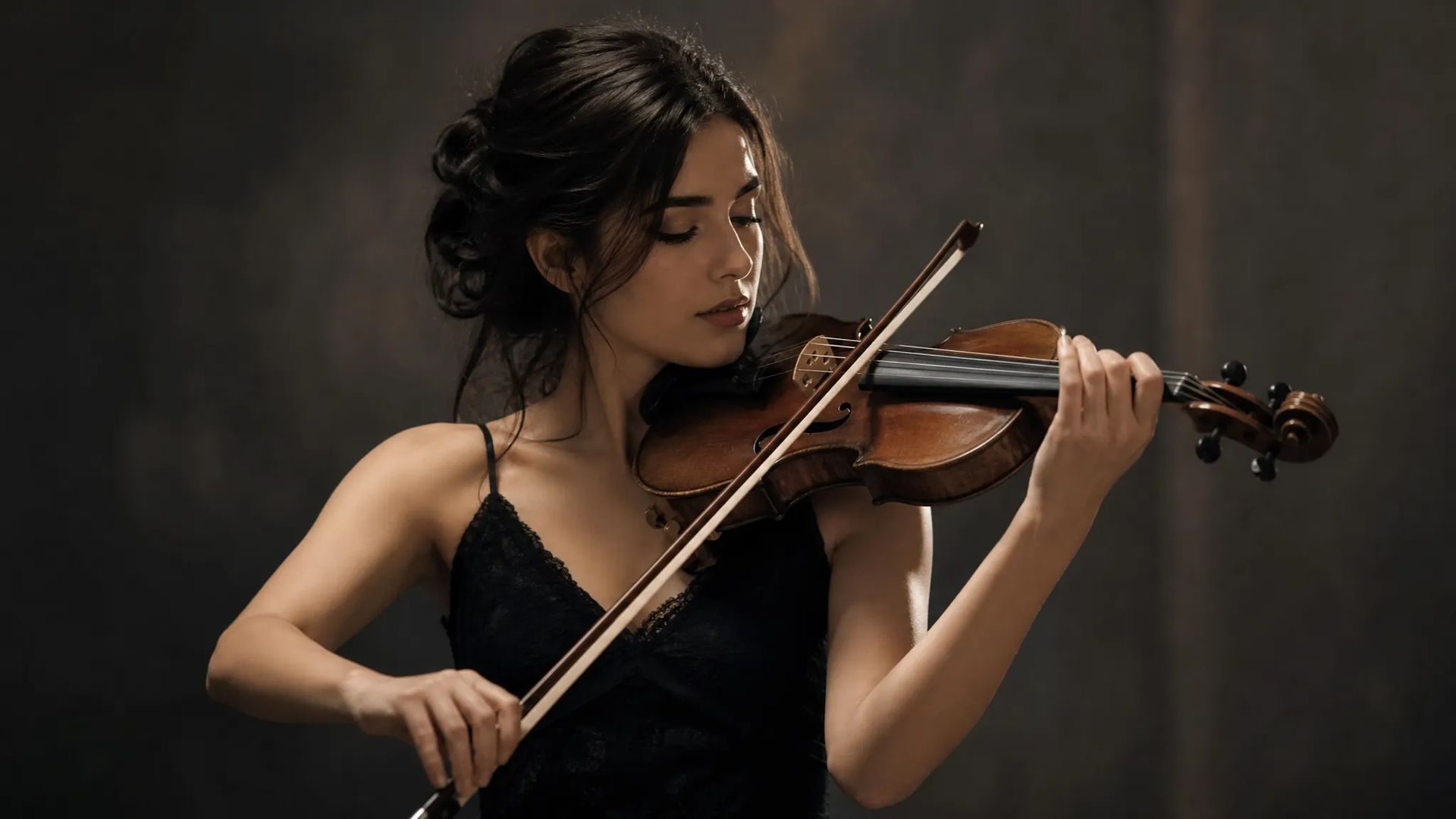
Make a photo move
A still portrait performs the reference motion — no shoot required.
Give it a reference clip and your character, and the motion transfers over intact — dance, gesture, expression. The movement is exact; the character is still yours.
A reference clip specifies the movement far more precisely than words — "do a dance" gets you the model's improvisation; a reference gets you that dance.
Motion comes from the reference, appearance from your character image. Two separate controls.
One still portrait plus a reference motion gives you video of that person performing it.
Apply the same reference to different characters for a set of clips with matching motion and different people.
A still portrait performs the reference motion — no shoot required.
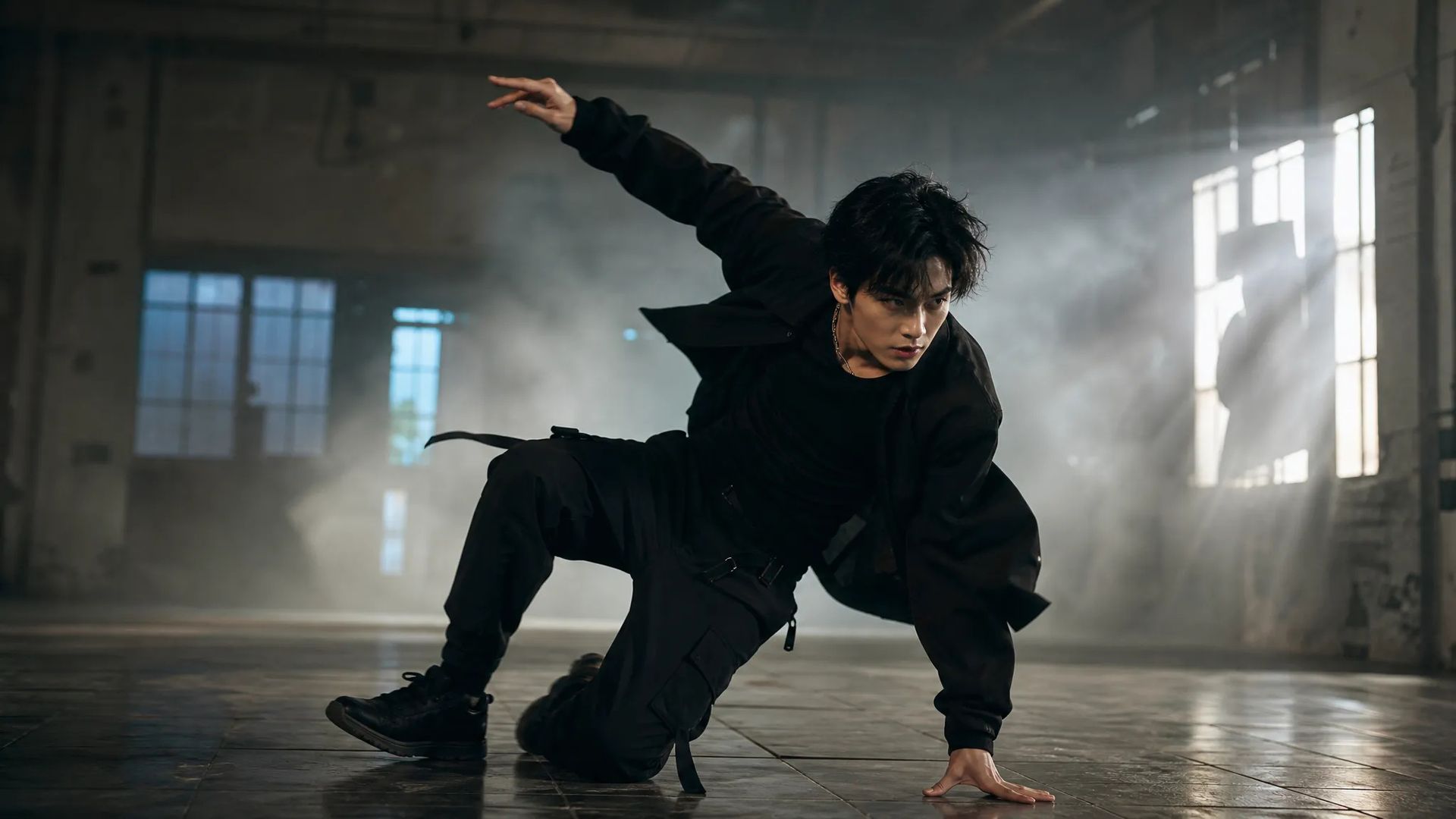
Reference a dance and have your character perform it, hitting the same beats.
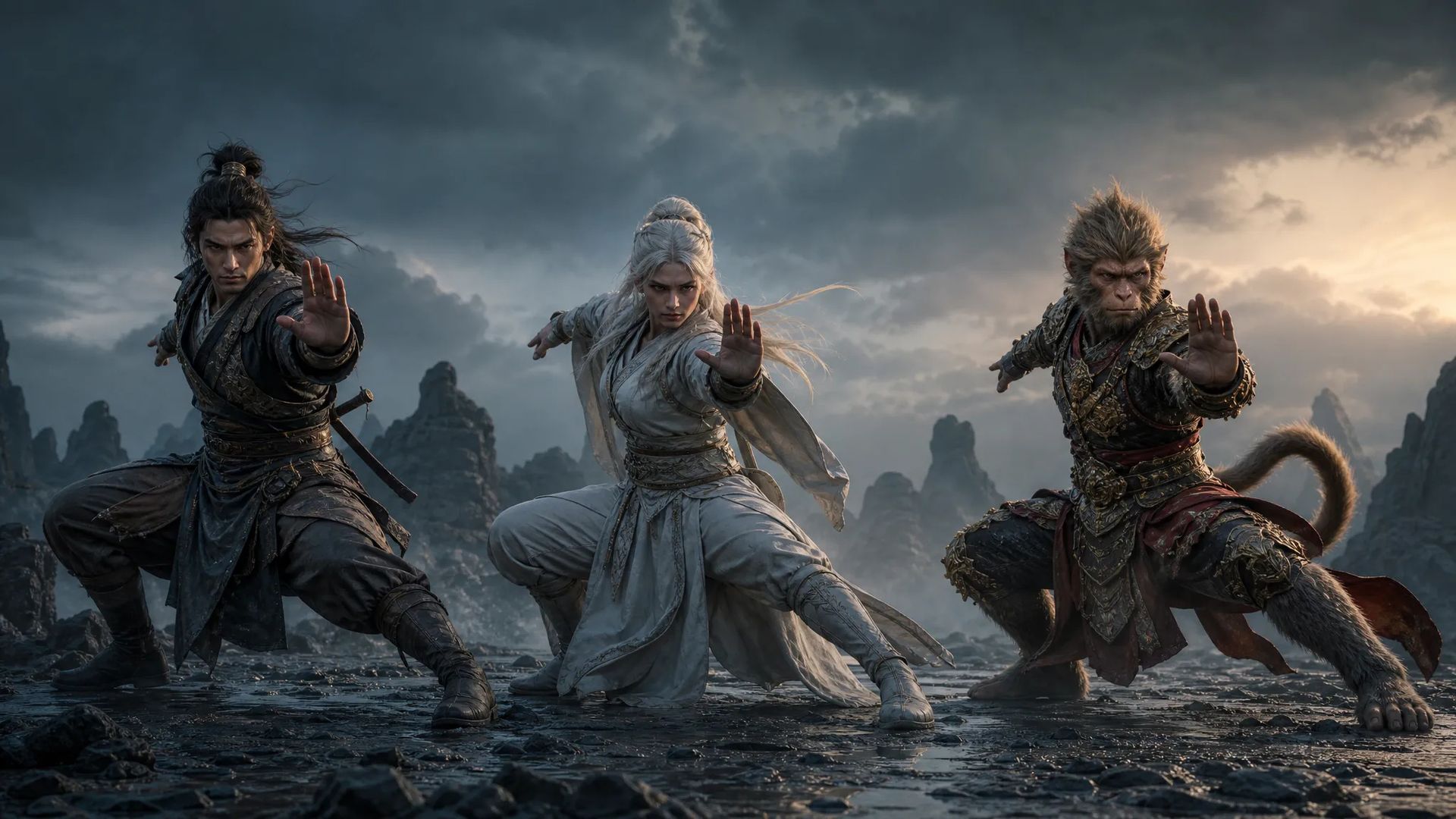
Apply one motion to several different characters to produce a matched set.
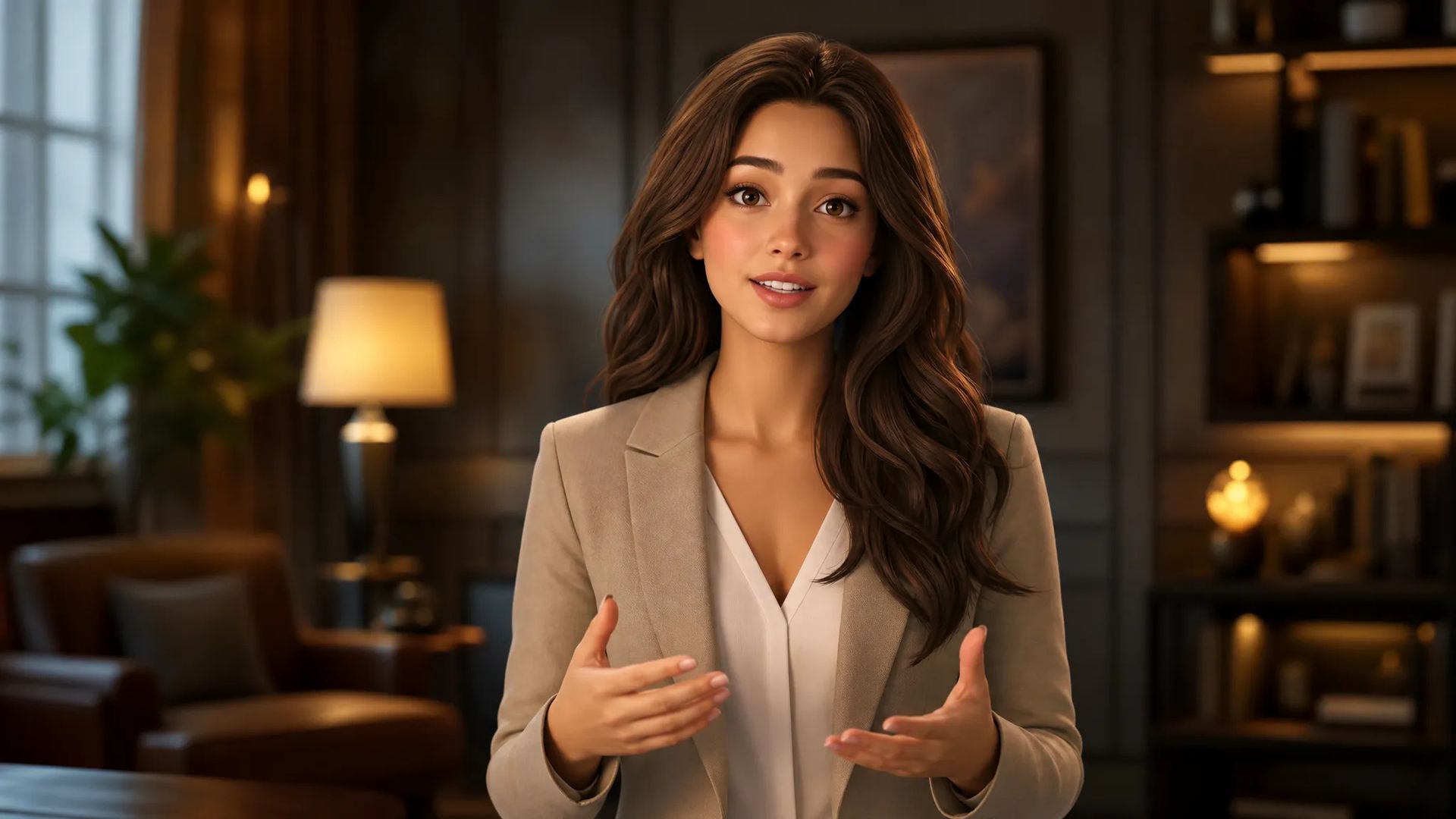
A fixed character plus recorded motion, for producing content at volume with a consistent person.
Open AI Motion Control and upload your character image or clip.
Upload a reference motion clip to specify the movement to transfer.
Download the result, or send it to the canvas to keep cutting.
Write "do a dance" in a video generator and you get the model's idea of dancing — possibly nice, not the dance you meant. Motion is too high-bandwidth for text: tempo, amplitude, the details of a pose don't fit in a prompt.
Motion control changes the input: hand it a reference clip. Motion is extracted from the video, appearance comes from your character image, and the two are controlled separately. So your character performs that specific movement.
The reference's image quality doesn't matter — it only supplies motion, and appearance comes entirely from your character. What matters is that the motion is readable:
One more thing worth matching is framing. A full-body dance reference against a waist-up character image forces the model to invent the missing lower half, which may not match your character. Closest results come when both framings are similar.
This page's value is motion certainty. So it fits two situations: you have a movement that must be reproduced (a specific dance, a specific gesture), or you need a batch of clips with different characters and identical motion.
Conversely, if the motion is arbitrary and "moving" is all you need, the video generator is less work — no reference to prepare, one sentence is enough.
In image-to-video the model decides the motion and you only steer it loosely with words — "dancing" gets you the model's idea of dancing. Motion control uses a real clip as the motion template, so what happens is that specific movement. Use this page when the motion must be exact; use image-to-video when you want the model's idea.
Clear motion and a complete subject matter most. Full-body movement needs the full body visible; gestures need visible hands. Occlusion, very low light, or several people moving at once all degrade extraction. The reference's image quality is irrelevant — it only supplies motion, while appearance comes from your character.
By design, no — motion from the reference, appearance from your character. But when the two differ a lot in framing (a full-body dance reference against a waist-up character image), the model has to invent the missing part, and that part may not match your character exactly.
They govern different parts: lip sync aligns the mouth to audio; motion control transfers body movement and pose. For a character that both moves and speaks, the usual order is motion first, then lip sync.
Prompt
Image*
Video*
Your generations will appear here once you sign in.
Creating an account is free.

