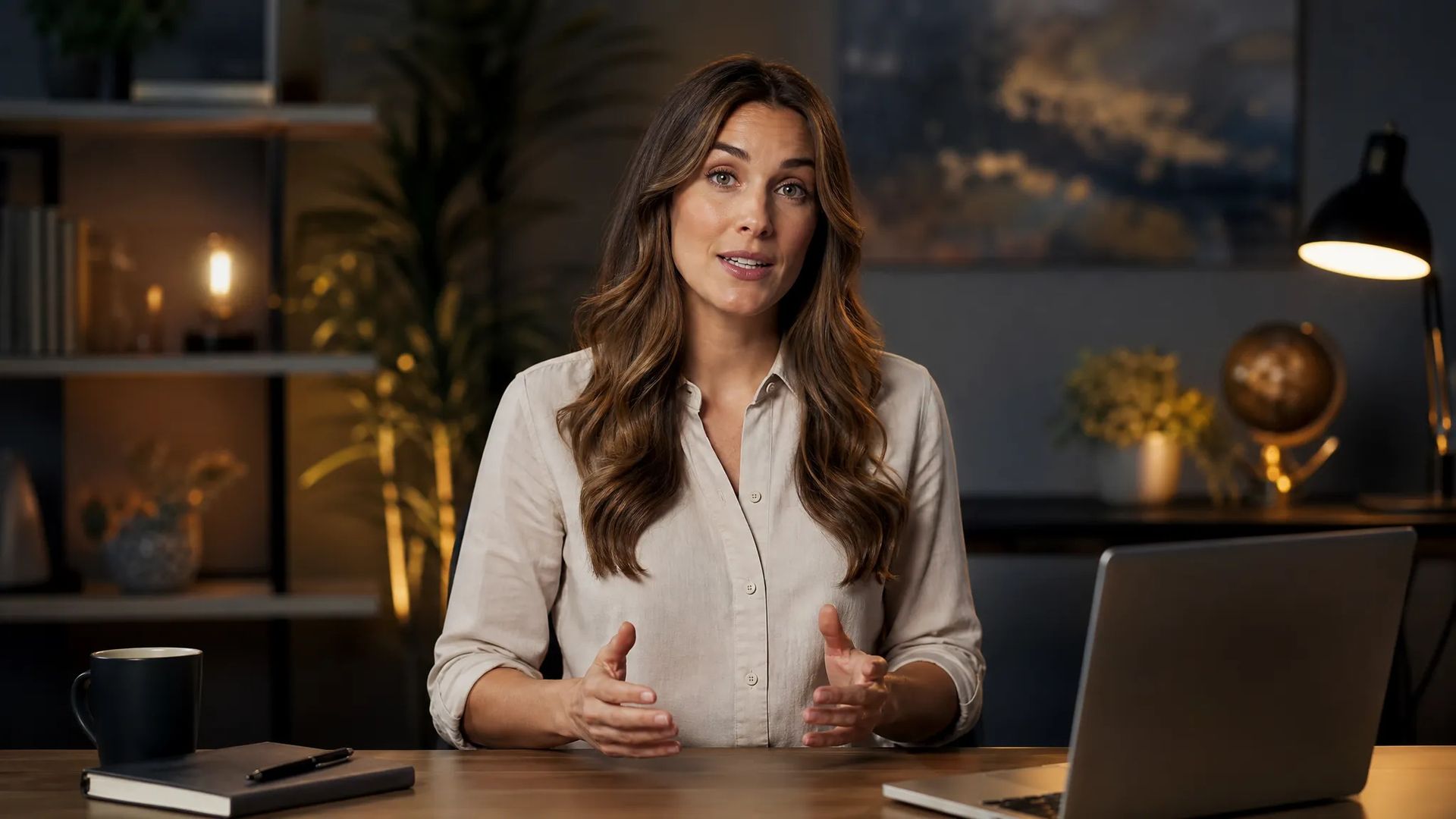
Video narration and online courses
A script becomes voiceover with no booth time and no re-recording to fix a stumble.
Turn text into natural speech — pick a voice from the library, adjust emotion and pace, and get a usable audio file in seconds.
Filter the library by gender, age, accent, and language, and preview before committing — no guessing what a voice sounds like from its name.
Some handle emotion more finely, some sound more natural in Chinese, some are cheap enough for long-form. Re-run the same text on another and listen.
English, Chinese, Japanese and more, with some models able to switch language while holding the same voice.
Billed per character rather than per run, so a whole script goes in at once — no manual splitting and stitching.
A script becomes voiceover with no booth time and no re-recording to fix a stumble.
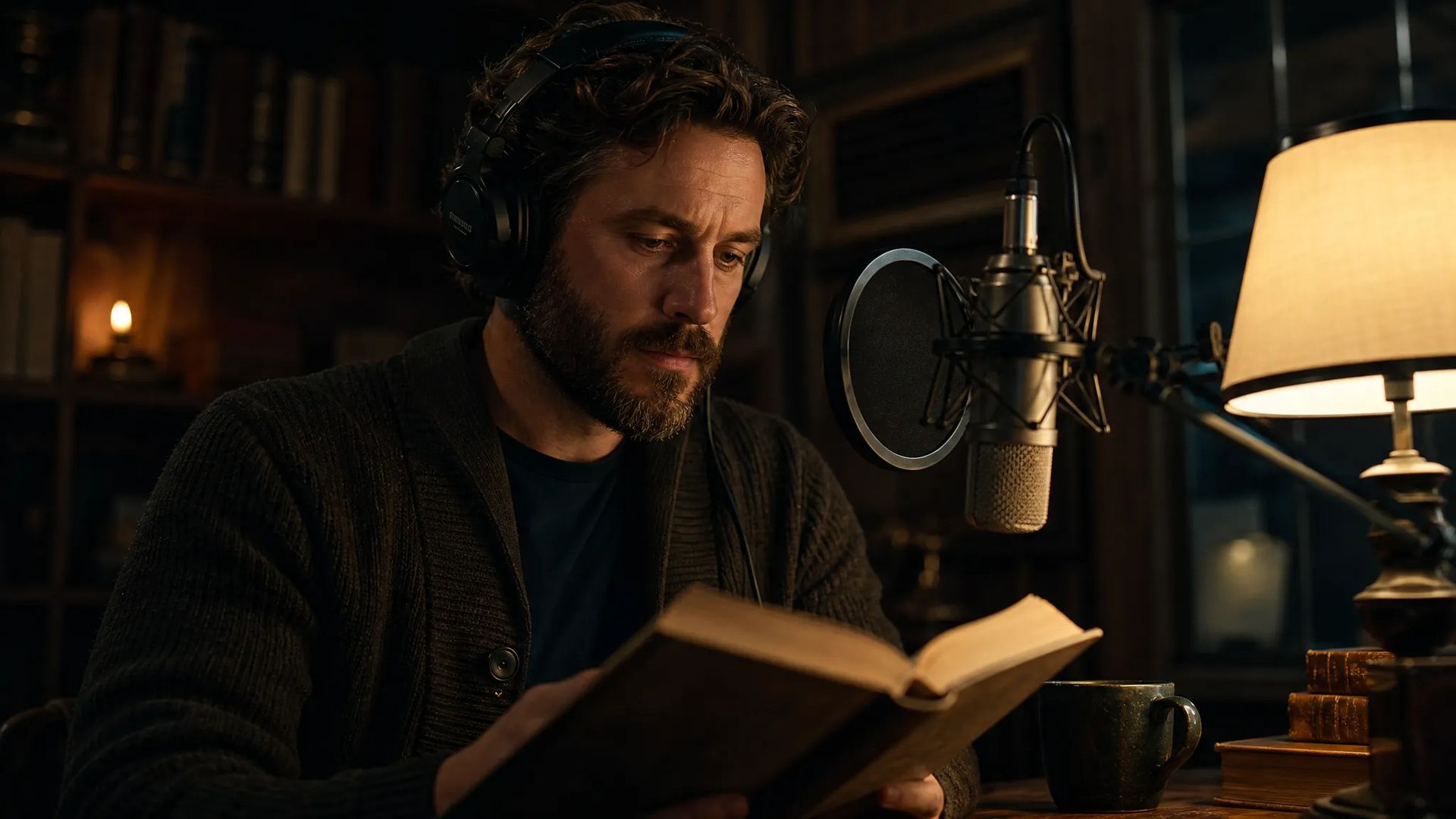
Generate long copy in one pass, with one voice carrying the whole piece at a steady delivery.
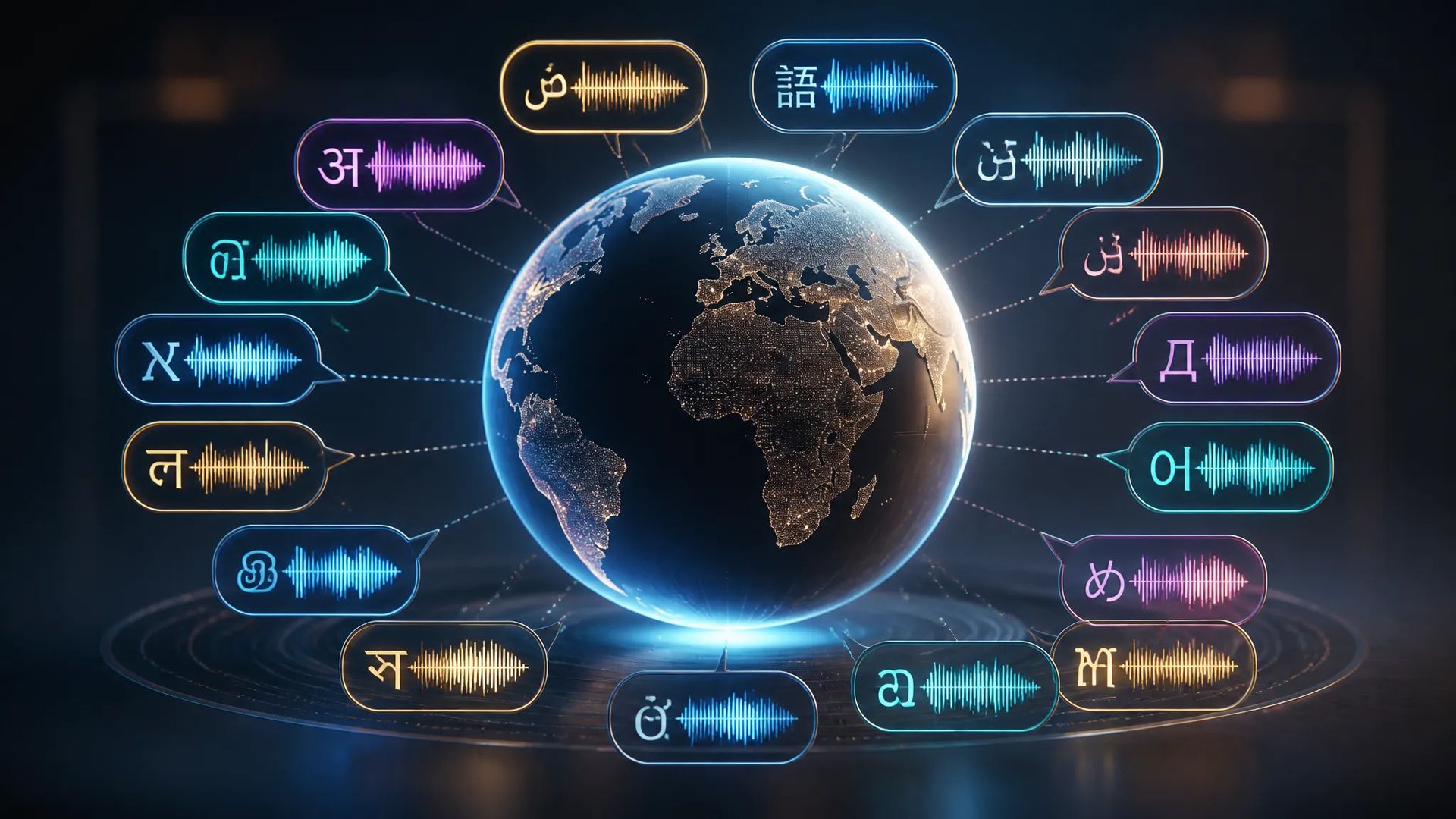
Ship the same content in several languages without casting a separate voice per market.
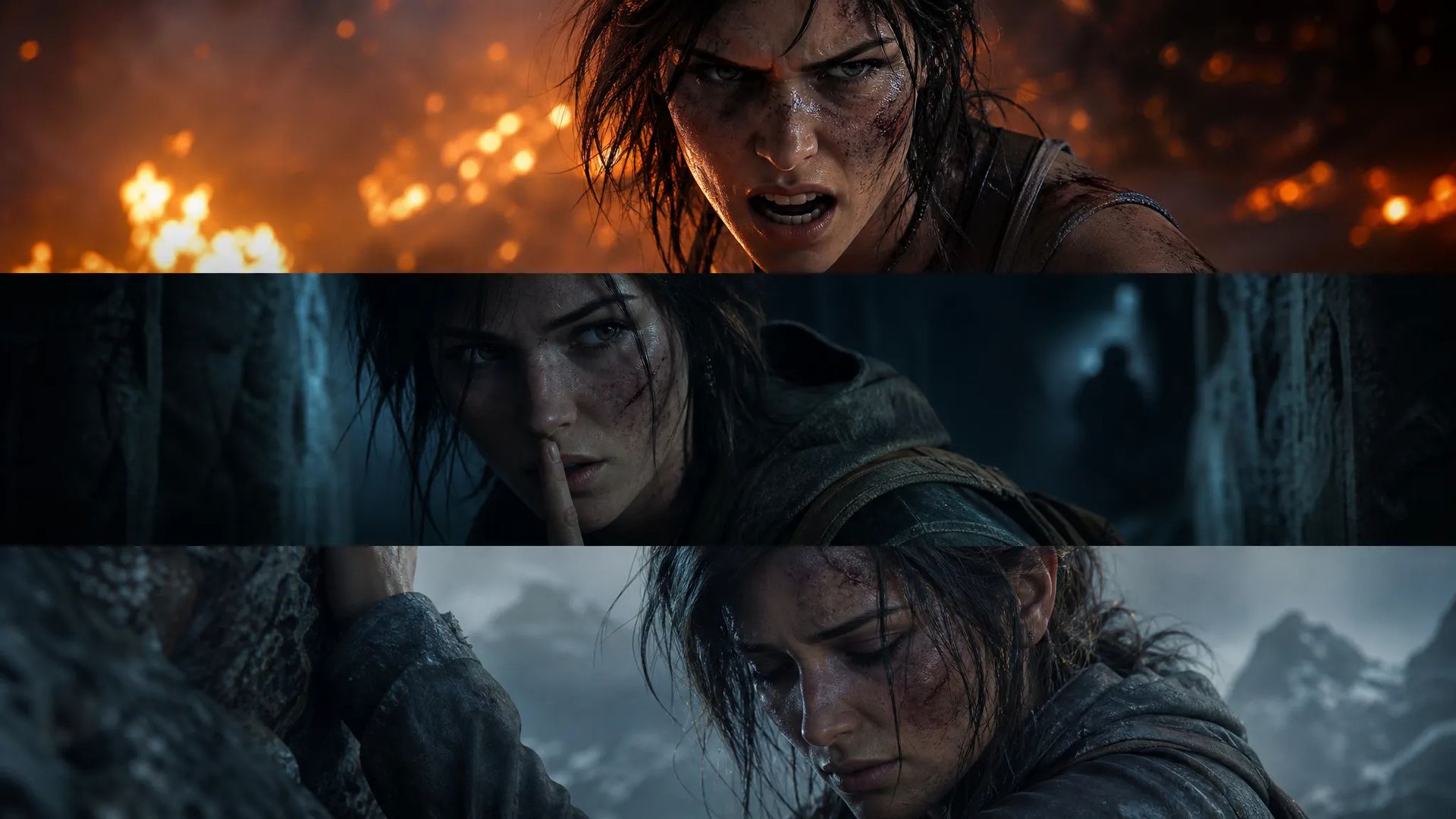
Give each character its own voice for story beats, game lines, and short-form dialogue.
Open AI Text to Speech and paste your text into the box.
Preview voices in the library, then adjust pace and emotion as needed.
Download the audio, or send it to the canvas to line up against video.
The old bottleneck in voiceover wasn't creative, it was logistics: cast a voice, book a booth, record, notice one mispronounced word, book again. Recording it yourself trades that for room noise, stumbles, and inconsistent delivery — often more work to edit than to record.
AI text to speech compresses that to one step: paste the text, pick a voice, get audio in seconds. Script changed? Generate again. Nobody to re-book.
This page runs several voice models — some with finer emotional control, some more natural in Chinese, some cheap enough for long-form. Re-running the same text on a different model usually finds the right one faster than tuning parameters on the wrong one.
The voice library filters by gender, age, accent, and language, and every voice previews before you commit. That sounds minor and isn't: you cannot tell from a name whether a voice suits your content.
Half of the naturalness lives in your text. Punctuation drives rhythm directly — a comma is a short pause, a period a longer one, a line break opens the gap between passages. To slow one sentence down, putting it on its own line is often more precise than touching the pace control.
Billing is per character rather than per run, so a full script goes in at once instead of being split and stitched back together.
This page turns text into speech using preset voices. Several jobs have better entry points:
This page is almost always a link in a chain rather than the end of one: write the script, generate voice here, then line it up against picture on the canvas or hand it to lip-sync.
Which means the step worth your attention is the one before — the phrasing and punctuation of the script. Get the text right and the read usually lands first try; leave the rhythm messy and no amount of model-switching rescues it.
On ordinary sentences, current models get very close. The gap shows up in pauses and emotional arc across long sentences. For a more natural read, control phrasing with punctuation — commas, periods, and line breaks all change the rhythm, which helps far more than re-generating repeatedly.
For Chinese, start with the models that handle it best; for fine emotion and character work, use the expressive ones; for cost-sensitive long-form, use a cheaper tier. Generating the same passage on two or three and simply listening beats reading spec sheets.
This page uses the preset voice library. To use one specific voice, use voice-clone — upload a sample to create your own voice, then read any text in it.
Download the audio, or send it to the canvas and line it up against the video track. If you need a person on screen to mouth the words, use lip-sync — hand it this audio plus a face and it aligns the mouth.
Prompt*
Voice*
Speed*
Emotion*
Language Boost*
Your generations will appear here once you sign in.
Creating an account is free.





