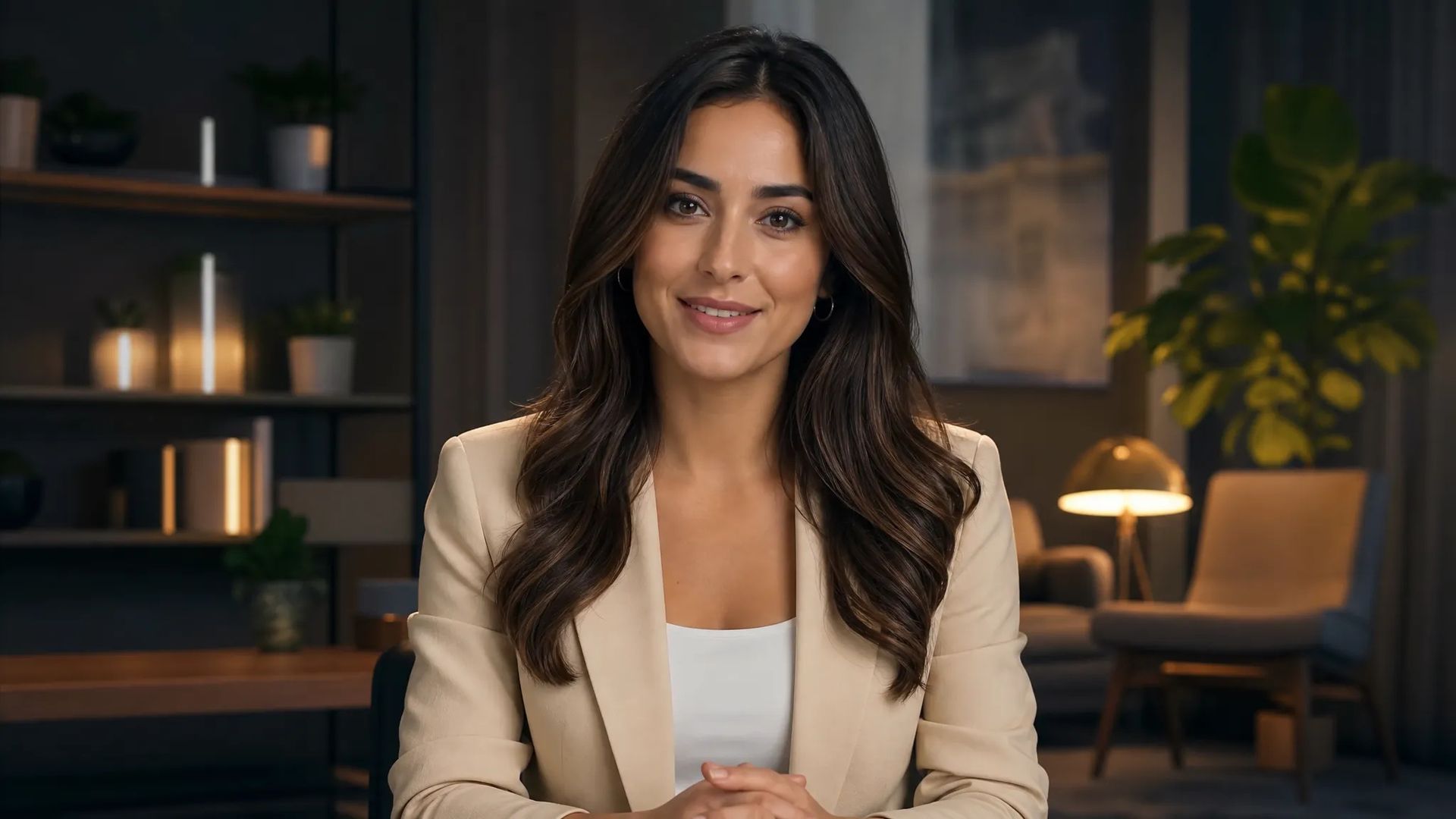
Talking avatars
One portrait plus a voice track becomes a presenter video — no on-camera time, no shoot.
Give it audio and a face, and the person on screen says exactly that — mouth shapes aligned. The tool behind talking avatars, dubbing, and language versions.
No shoot required — one photo or clip plus audio gives you footage of that person saying it.
The model aligns to the audio's syllables, far more reliable than prompting "talking" in a video model, which usually just gets you a moving mouth.
Put a different language track under the same footage and the mouth follows the new language — no re-filming for international versions.
Some are stronger at turning a still photo into a talking clip, others at re-dubbing existing video. Re-run the same assets on another.
One portrait plus a voice track becomes a presenter video — no on-camera time, no shoot.
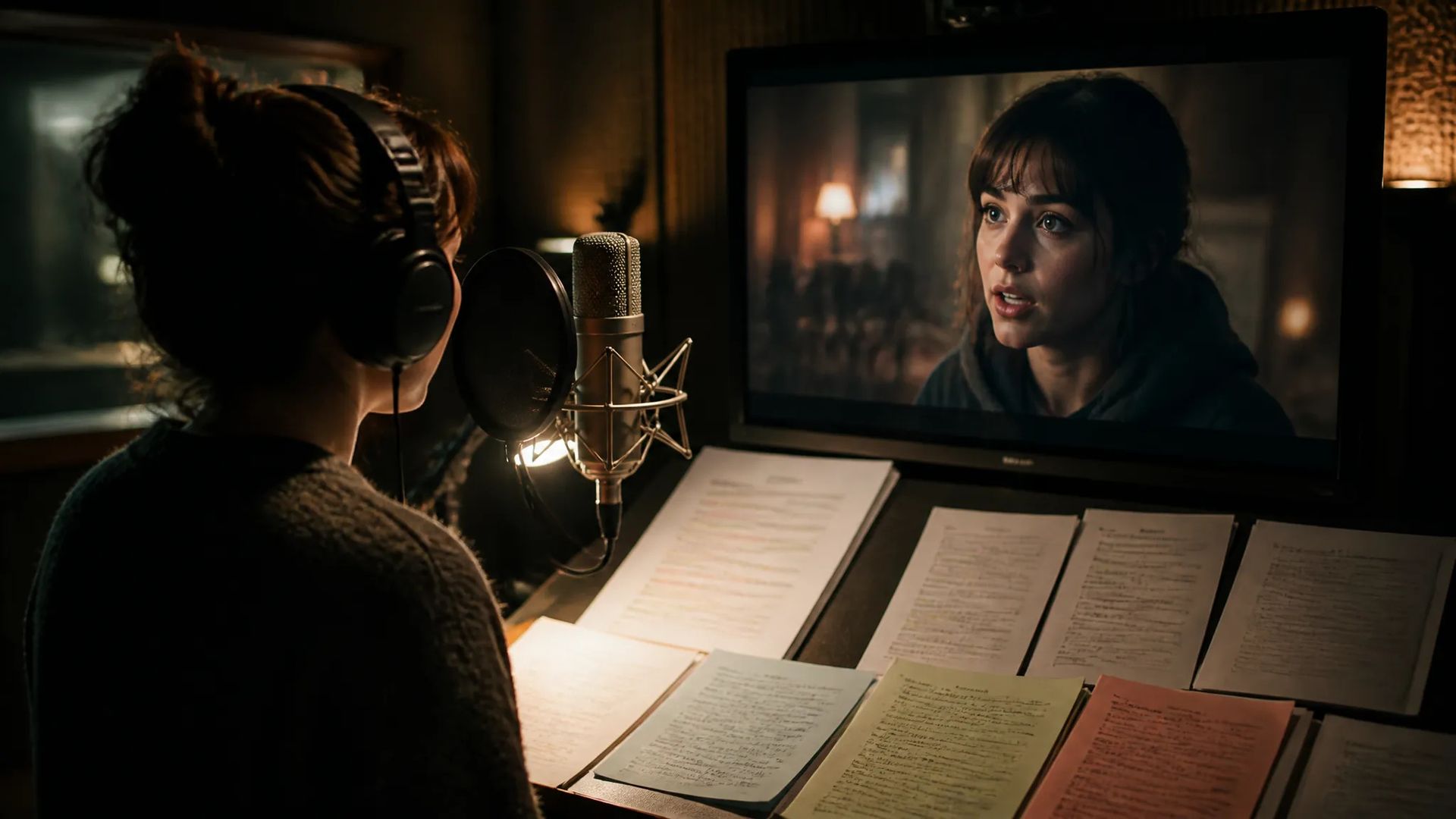
Put a new voice track under existing video; the mouth realigns and the picture stays untouched.
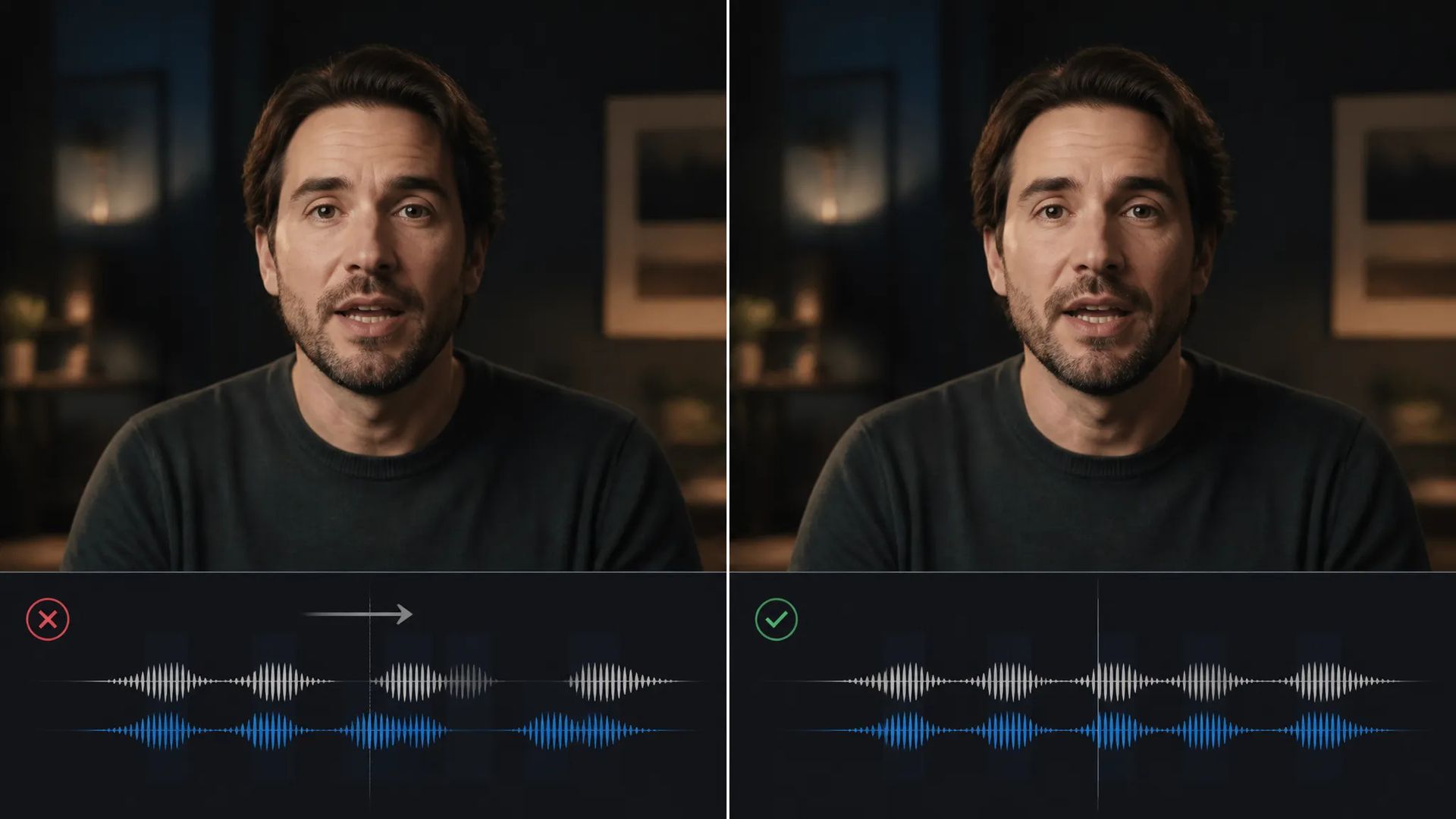
When an AI-generated clip's mouth doesn't match the line, realign it here.
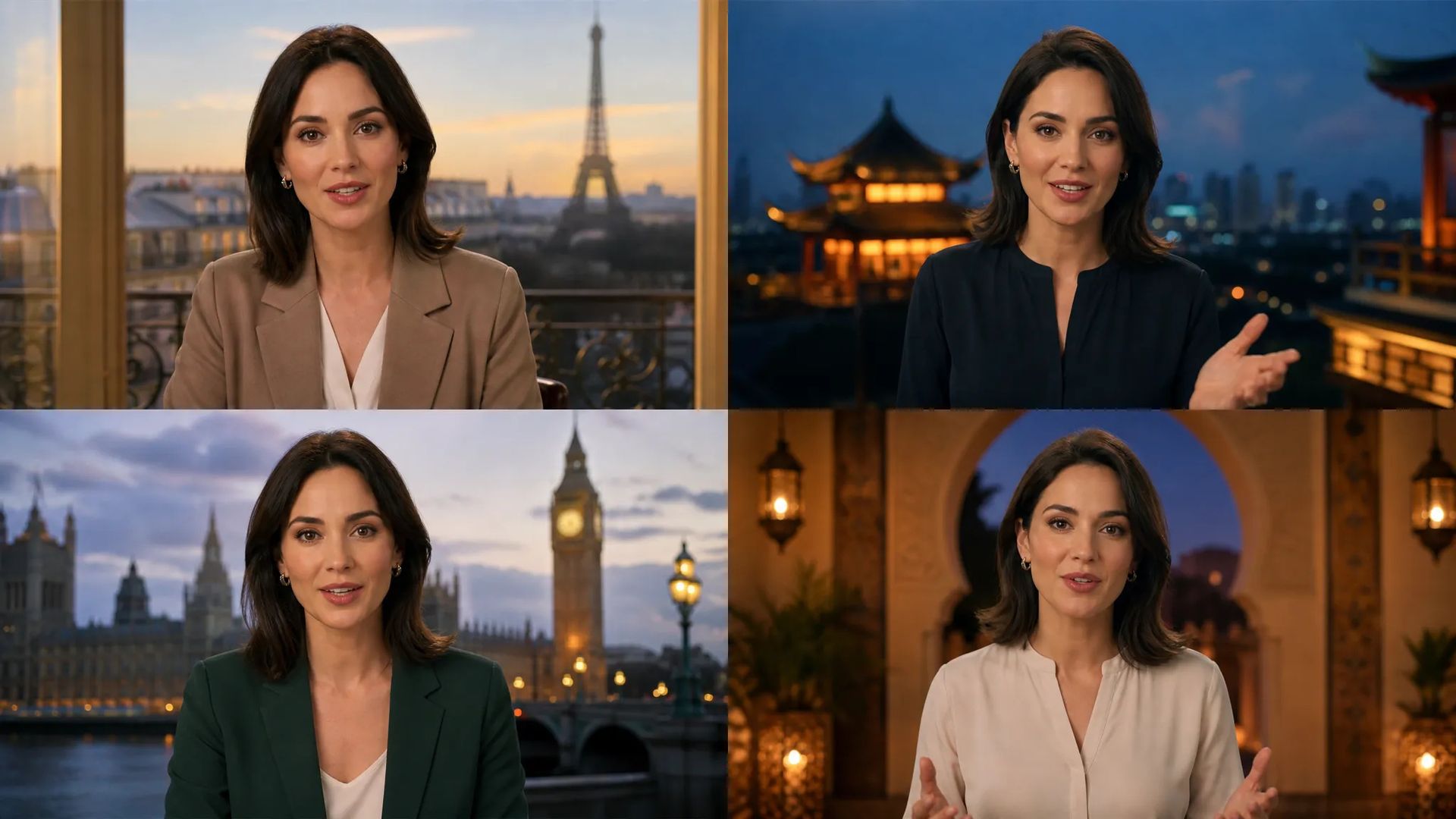
One person speaking several languages, so every market's version looks like them actually saying it.
Open AI Lip Sync and upload a face — a photo or a video clip.
Upload the audio to be spoken; it can come from text-to-speech or voice-clone.
Download the result, or send it to the canvas to keep cutting.
Prompting "this person is talking" in a video generator usually produces a moving mouth whose motion has nothing to do with your line. The model only knows that talking should happen, not what's being said.
Lip sync takes the other route: it holds real audio and aligns mouth shapes syllable by syllable. So the person says the line you supplied rather than performing generic mouth movement.
This step is usually the last link in a chain — write the script, generate the voice, then have the person say it.
Very little is required: a face and an audio track. But the face's quality drives the outcome directly:
On the audio side, all three routes work: text-to-speech (fastest — write and pick a voice), voice-clone (when you need one specific voice), or your own recording.
Treat it as the assembly step: get the audio right first (that's what decides perceived quality — an awkward read isn't rescued by perfect mouth alignment), prepare the face, then combine.
One ordering note worth internalizing: settle the audio before running lip sync. The other way around means re-compositing the video on every script change, which costs far more than regenerating a voice track.
Two: a clear front-facing face (photo or video) and an audio track. The face should be frontal with visible features and an unobstructed mouth — profile angles, masks, and very low light all noticeably degrade alignment.
Generate it with text-to-speech — write the script, pick a voice, done. For one specific voice, create it with voice-clone first. You can also upload audio you recorded yourself. All three work here.
Because that gets you a moving mouth whose movement has nothing to do with your line. Lip sync aligns to real audio syllable by syllable, so the mouth matches actual words. When the person must say something specific, this is the page.
Yes, with some variation in precision per model and language. English and Chinese generally align well. If one result disappoints, re-run the same assets on a different model — that often resolves it.
Prompt*
Image*
Audio*
Your generations will appear here once you sign in.
Creating an account is free.



