Polaroid With Anyone

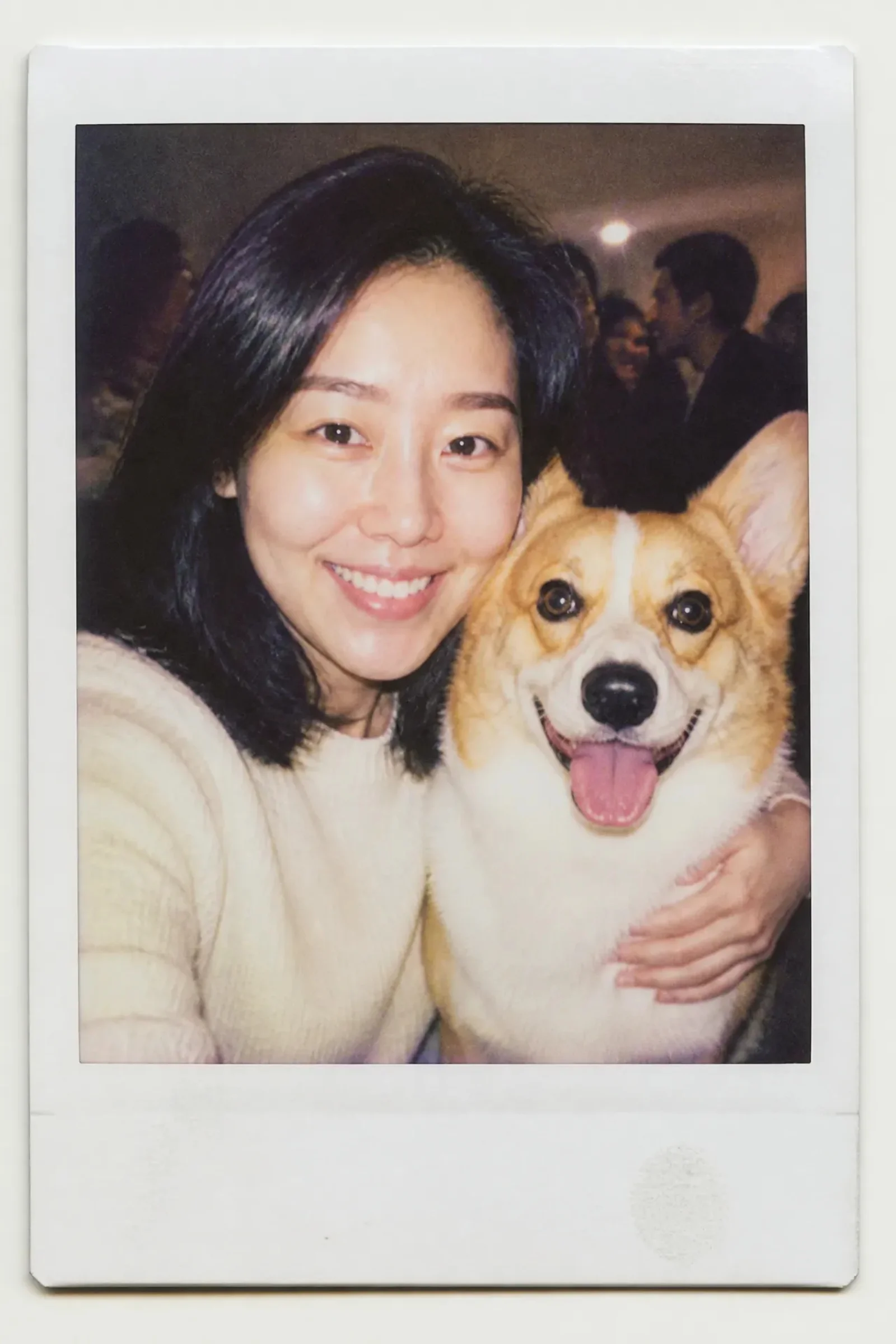
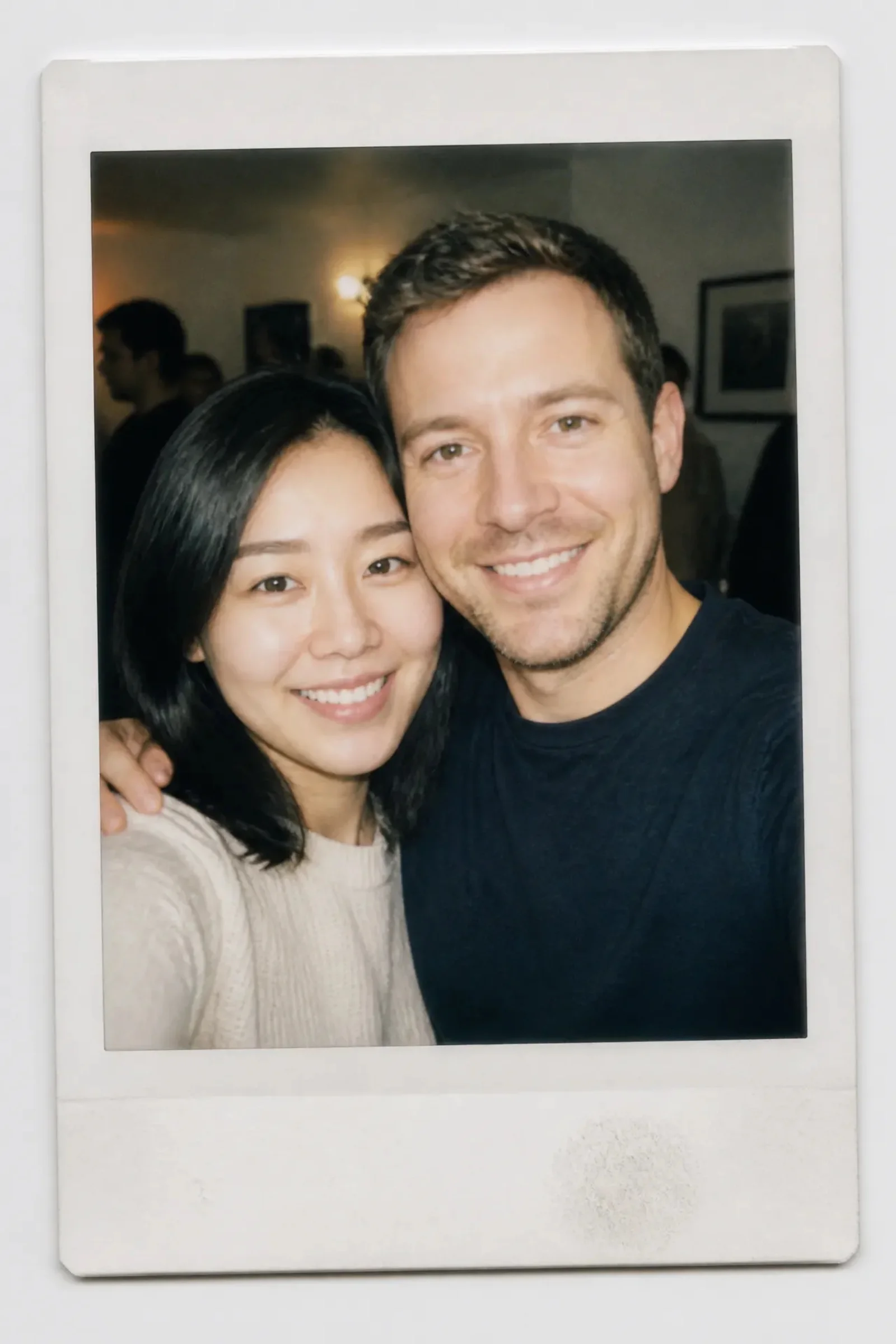
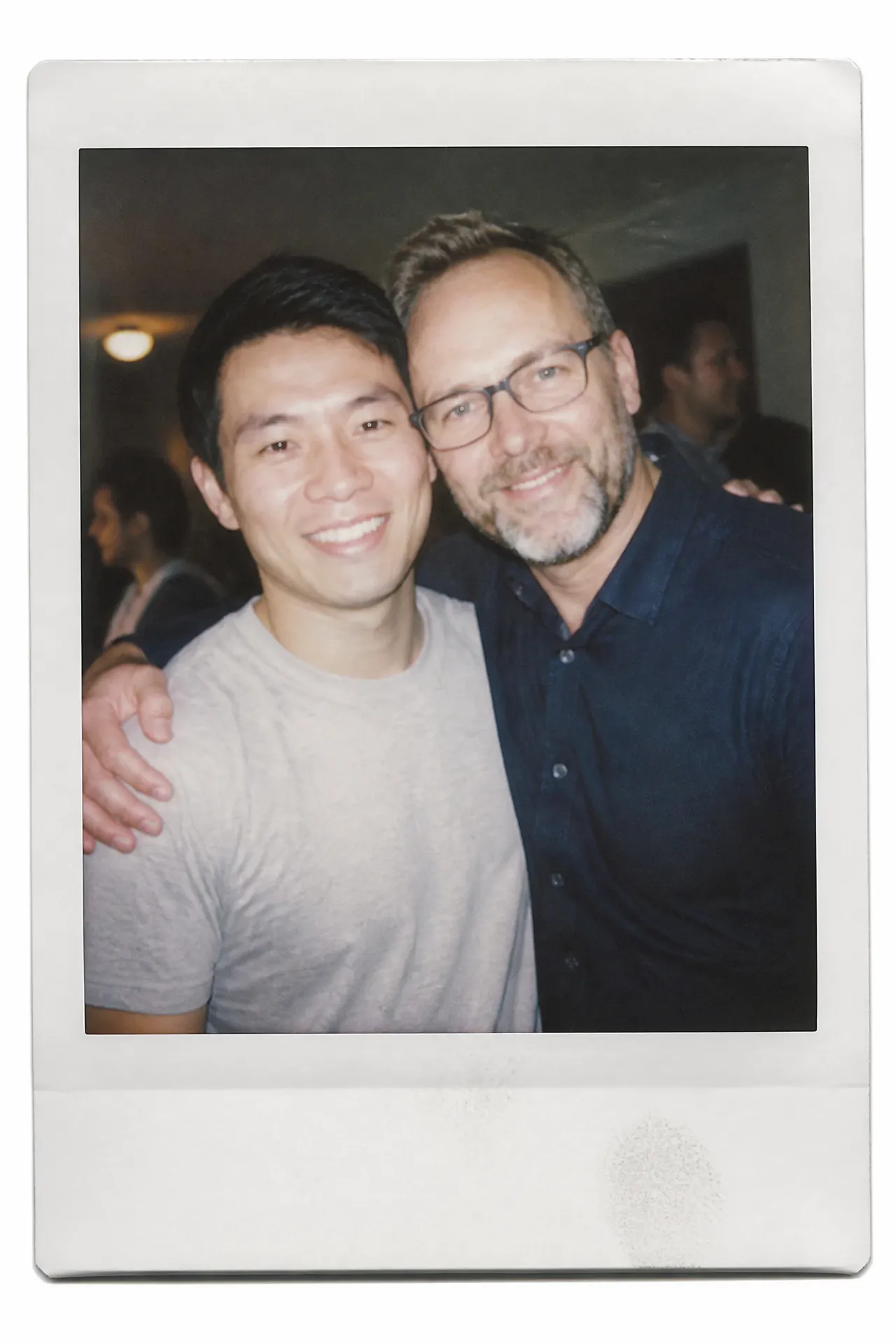
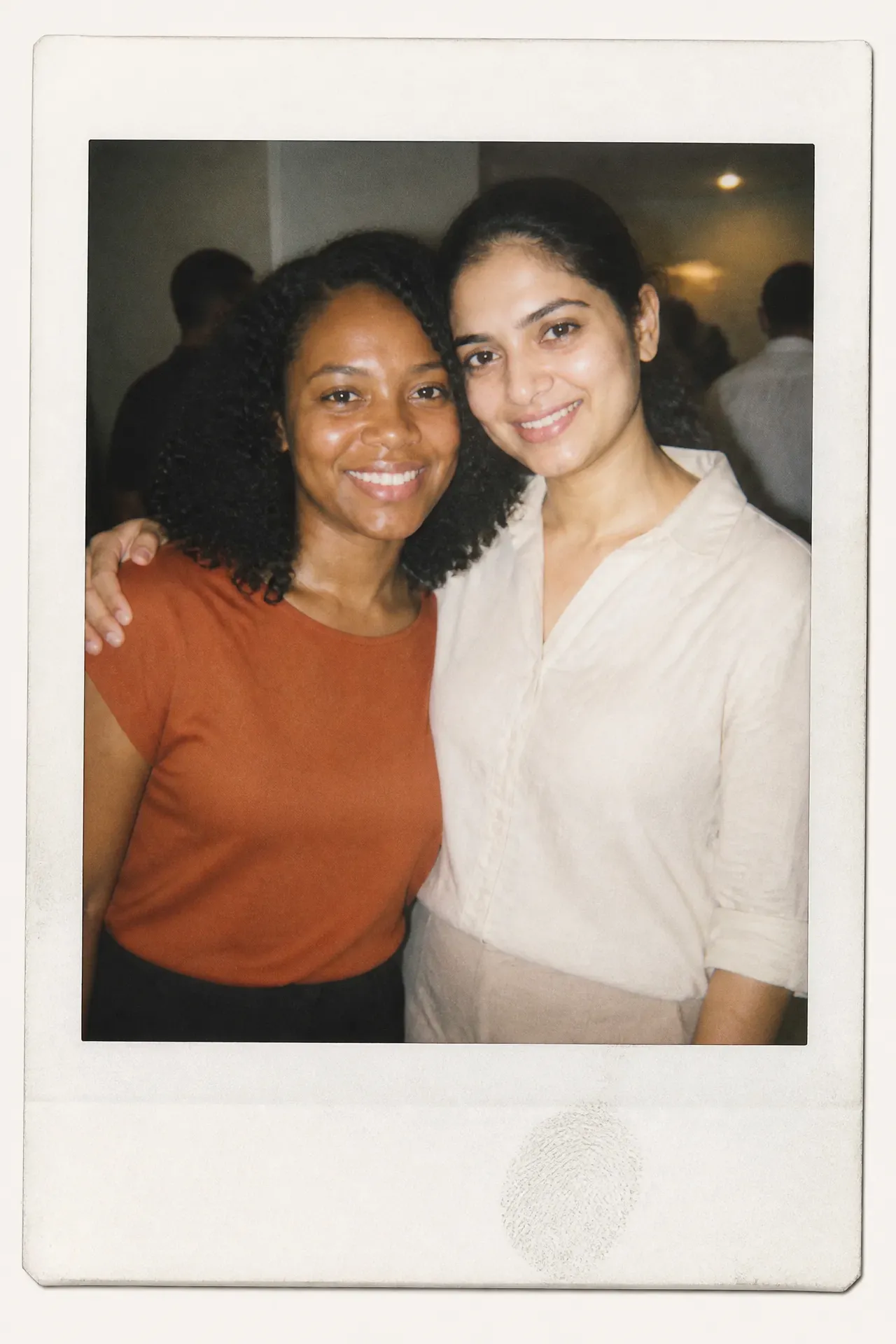
Two photos, one 90s Polaroid — a candid snapshot of a moment that never happened.

Polaroid With Anyone — AI Instant Photo Generator

Upload two photos and get one candid 90s Polaroid of the two of you, together.

Use cases

Polaroid With Anyone example 1
Polaroid With Anyone example 2

Key features

Two people, one frame

Two separate photos are merged into a single candid shot where both people stand cheek to cheek — no compositing skills needed.

Both faces preserved

Each face stays recognisable, so the photo reads as genuinely the two of them rather than two lookalikes.

How to use

01

Upload two photos — one person in each.

02

Pick an aspect ratio; the tall 2:3 frame matches real instant film.

03

Generate, then download your Polaroid.

Deep dive

The photo you never got to take

Everyone has one: the person they wish they had a proper photo with. A grandparent. A friend who moved away. Someone who was never in the same room at the same time. This template stages that photo as a late-90s Polaroid — direct flash, washed-out film colour, a slightly crooked frame — the kind of snapshot nobody poses for.

Getting the best result

Upload two clear, front-facing photos, one person per photo, with both faces well lit and unobstructed. Sunglasses, heavy shadow and extreme profile angles are what usually break the illusion. Upload order doesn't matter.

Why the imperfections matter

The flash blowout, the grain, the off-centre framing and the thumbprint on the white border are all deliberate. A clean, well-composed image reads as a render; a slightly bad snapshot reads as a memory.

Frequently asked questions

How many photos do I upload?+

Two — one photo per person. Upload order doesn't matter.

What photos work best?+

Clear, front-facing photos where each face is well lit and unobstructed. Avoid sunglasses, hats pulled low and extreme side angles.

Can I use it with a pet instead of a person?+

Yes. A photo of a pet in the second slot works the same way.

Why does the result look slightly blurry and washed out?+

That's intentional. The flash blowout, grain and faded colour are what make it read as a real instant photo rather than a digital render.