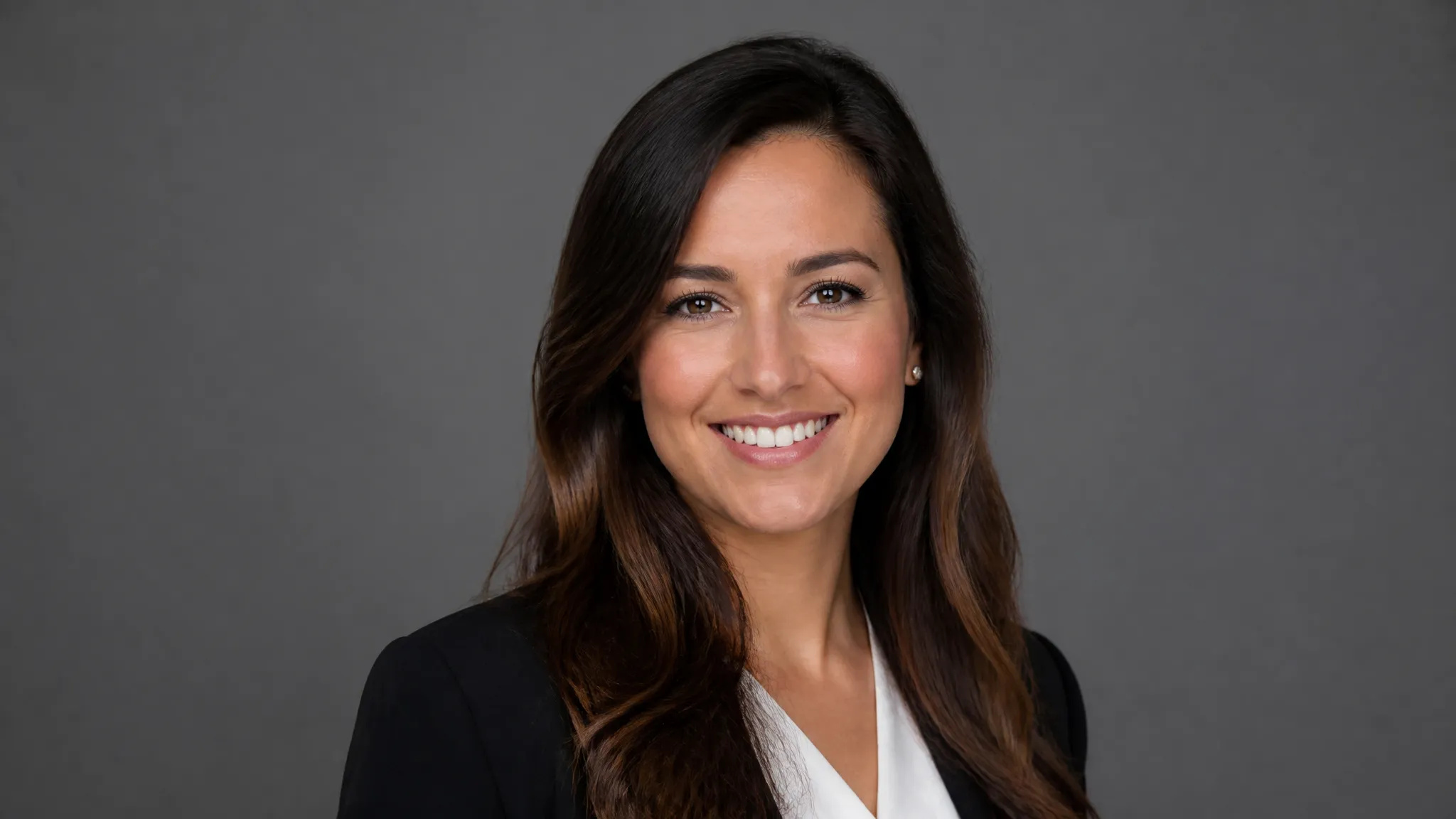
LinkedIn and resumes
A consistent, professional photo for your profile and job applications.
Turn a casual selfie into a professional headshot with AI — studio lighting, clean backgrounds, business-ready in minutes.
ক্রেডিটগুলির জন্য একবার অর্থ প্রদান করুন - প্রতিটি মডেল জুড়ে ZOOOP ব্যবহার করুন। · আপনি যখন প্রয়োজন শীর্ষ আপ, কোন মাসিক পোড়া।
Clean lighting and a polished finish turn an everyday photo into a professional headshot.
Swap to a neutral studio, office, or solid-color background to match the role.
The AI builds the headshot around your real face, so it still clearly looks like you.
Skip the photographer and the schedule — upload a selfie and get a headshot in minutes.
A consistent, professional photo for your profile and job applications.
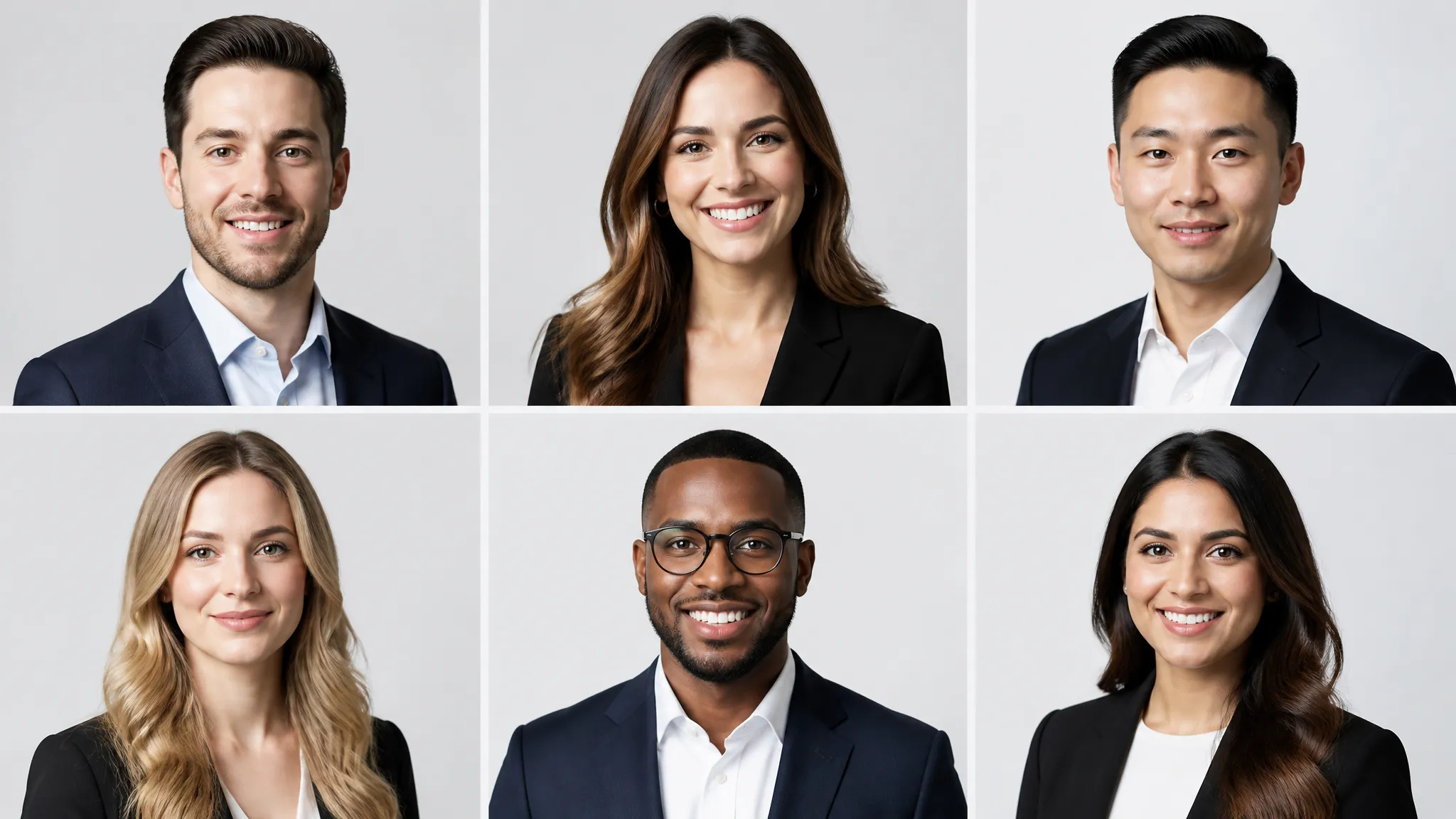
Give a whole team matching, on-brand headshots from their own selfies.
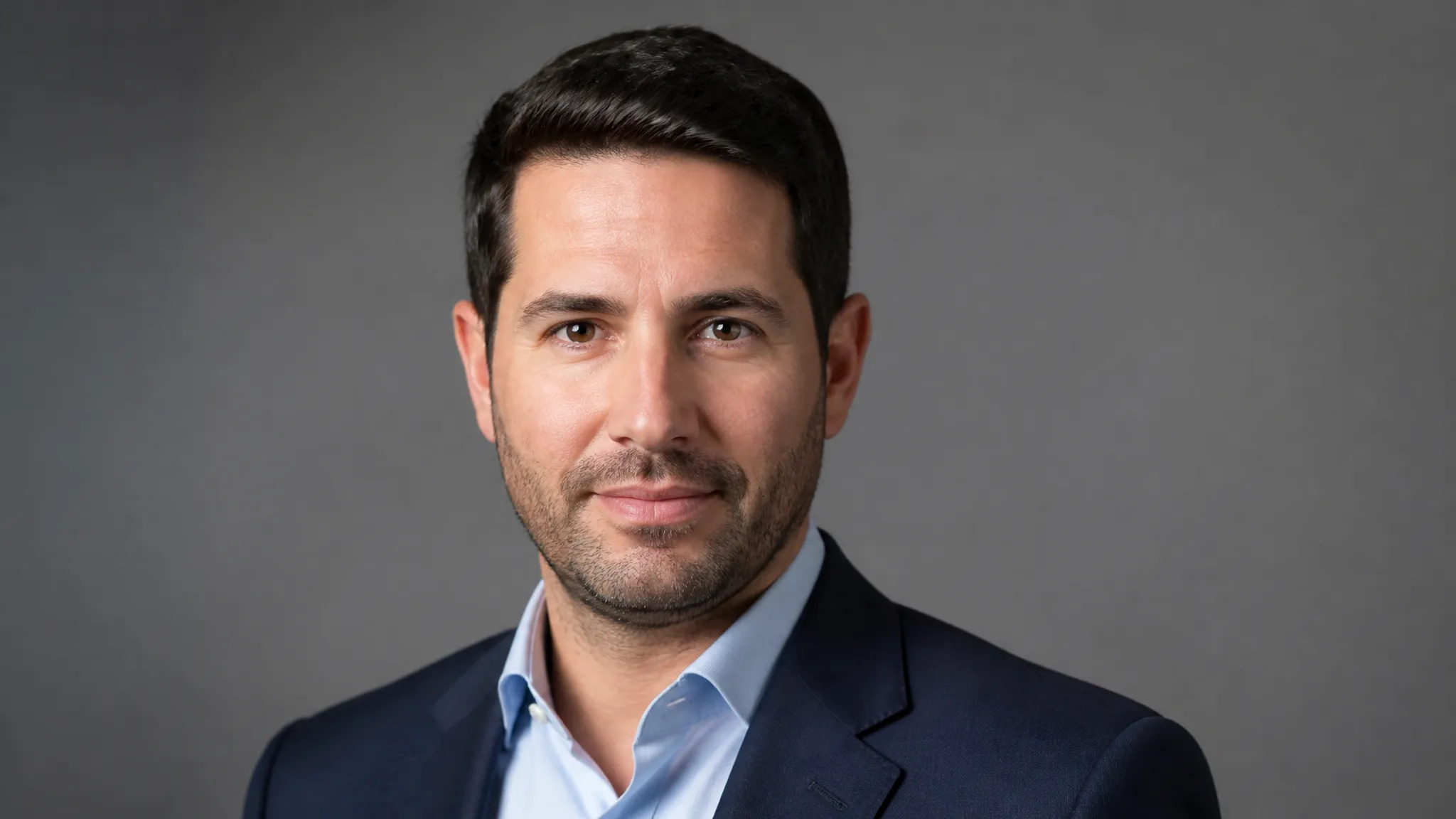
A clean portrait for conference pages, bylines, and media kits.
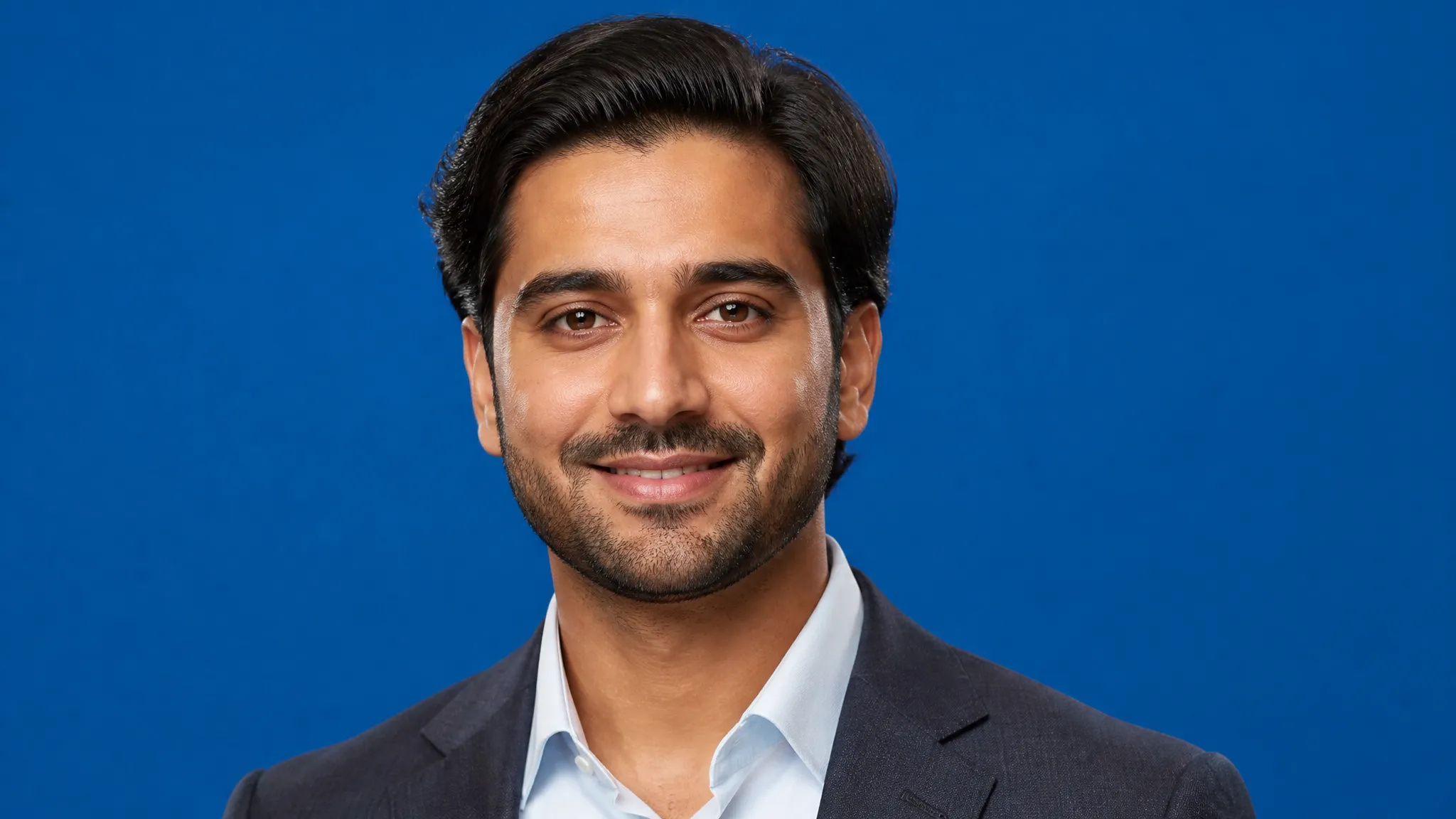
Upgrade casual avatars across work and social accounts.
Open the AI Headshot Generator and upload a clear photo of your face.
Choose a background and style for the headshot.
Generate, then download your headshot or send it to your canvas.
The AI Headshot Generator on ZOOOP turns a casual selfie into a professional headshot. It builds the portrait around your real face, adds clean studio lighting, and places you on a polished background — so the result is business-ready while still clearly looking like you.
It replaces a studio booking: a consistent LinkedIn photo from a phone selfie, matching on-brand headshots for a whole team, and clean portraits for speaker bios and press kits — without scheduling a photographer.
Every generation runs on ZOOOP credits — no subscription, and credits that never expire. When you are done, download your headshot or send it to your canvas.
Yes — the headshot is built around your real face, so it stays recognizable, just with studio lighting and a clean background.
A clear, front-facing photo with your face well lit works best; a normal selfie is fine.
Yes — pick a neutral studio, office, or solid-color background to suit the role.
No — a single uploaded selfie is enough; the AI handles lighting and background for you.
Make a face look younger or older with AI — realistic aging that keeps the person recognizably themselves.
Remove the background from any image in seconds and download a clean, transparent PNG — no manual masking, no design skills.
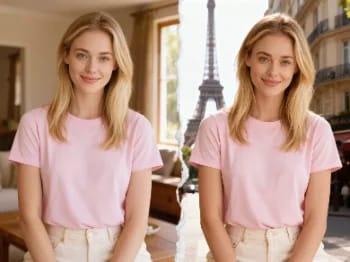
Teleport yourself into iconic cities with AI — drop your photo into Paris, Tokyo, New York, and more.
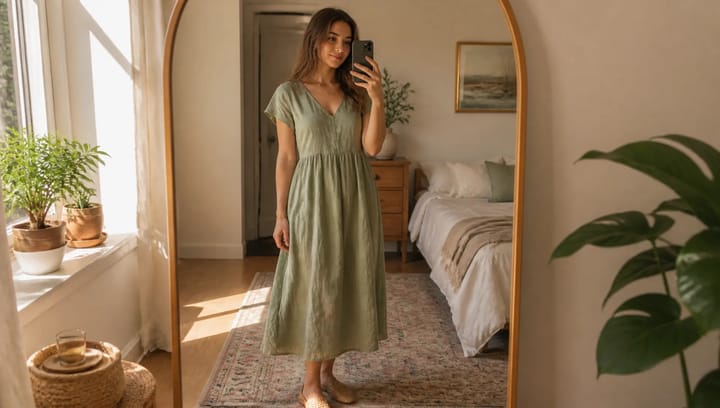
Describe an outfit and see it on your own photo — the face, pose and background stay exactly as they were.
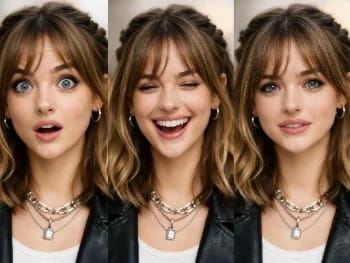
Change facial expressions in any photo with AI — add a smile, open the eyes, or shift the mood, naturally.
Try new hairstyles and hair colors on your own photo with AI — realistic results before you ever touch your hair.
Upscale any image to 2K or 4K with AI — recover sharp detail and clean edges, with no blur or artifacts.
Try on makeup looks with AI — from natural to bold, with adjustable intensity, all on your own photo.
Remove unwanted objects, people, or text from any photo with AI — and the background fills in seamlessly.
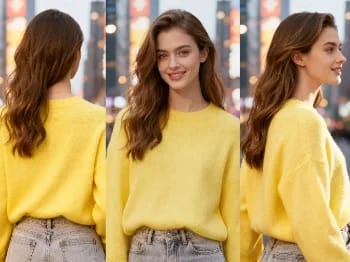
Change the camera angle of any image with AI — see a subject from a new viewpoint, naturally rendered.
Restore old and damaged photos with AI — fix fading, scratches, and blur, and bring faces back to life.
Enhance any portrait with AI — sharper detail, clearer skin and eyes, and balanced light, while still looking like you.
Place your product naturally in a person's hands with AI — realistic marketing visuals without a photoshoot.
Repaint any photo in an artistic style with AI — impressionism, cubism, watercolor, anime, and more.
Change an object's material with AI — turn it to marble, wood, gold, glass, or fabric, with realistic surfaces.
Upscale any video to HD or 4K with AI — sharper frames and clean detail, with smooth, flicker-free motion.
See how clothes look on you with AI — combine a person photo and a clothing image for a realistic try-on.
AI Headshot Generator
Turn a casual selfie into a professional headshot with AI — studio lighting, clean backgrounds, business-ready in minutes.
ছবি*
Background Style*
দিক অনুপাত