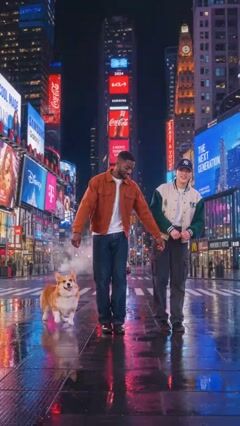
Cats and dogs · One photo · No editing

AI Pet Video Generator: Make Your Cat or Dog the Star

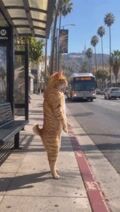
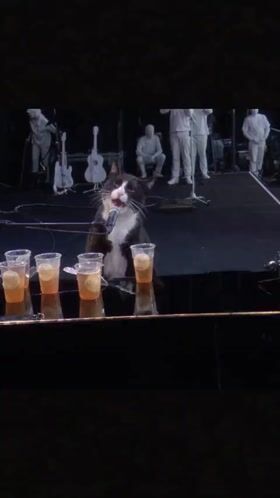
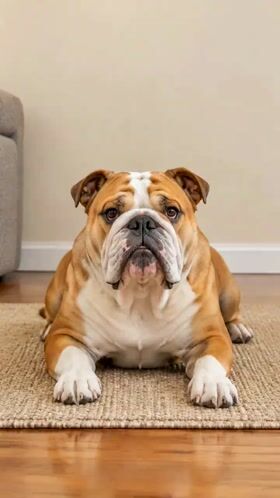
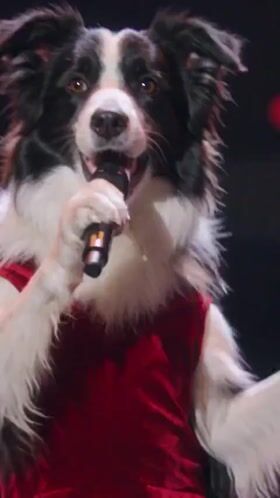
One photo of your cat or dog is all it takes to make an AI pet video. Pick a template and your pet dances, cries, races or charges into battle in a short clip you can share, with its own face, fur and markings. Only after dog or cat templates? The links just below take you straight there.

  • One photo is enough
  • Ready in minutes
  • Cats, dogs or both
Woof! Meow!

AI Pet Video

AI pet video templates

Every template below works with a photo of your cat or dog. Some were made for pets from the start, others are trend templates that take a pet photo as well as a person. Tap a card to watch samples and see the credit cost.

Pet Taxi

Snow Globe AI

Nicole Kidman Pet Dance

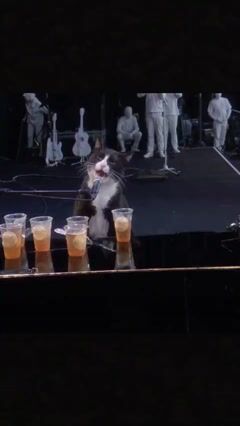
Pet Piano Concert

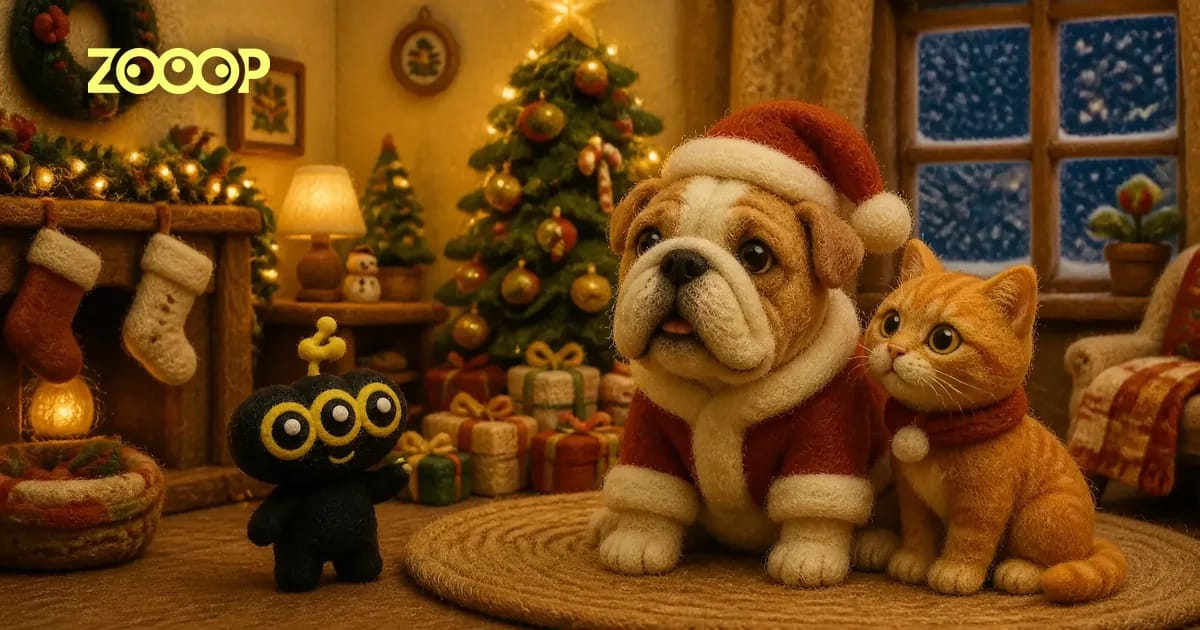
Christmas Pet Makeover

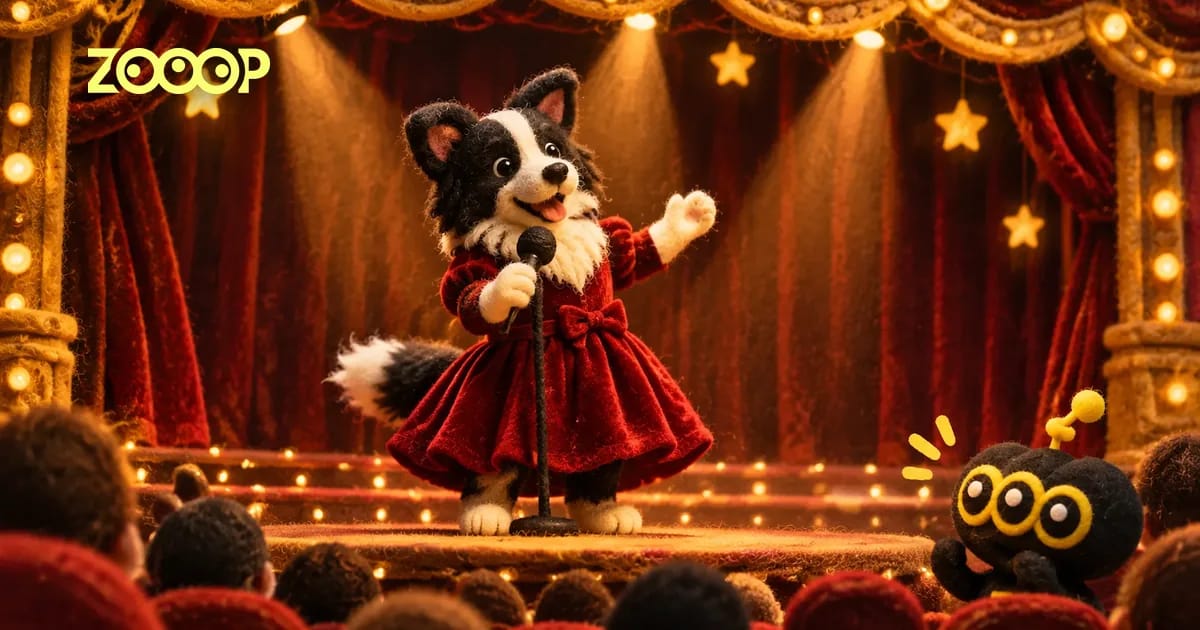
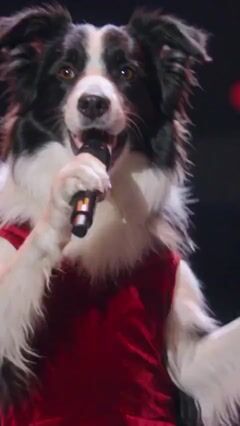
Christmas Pet Concert

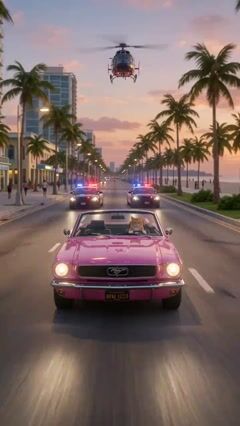
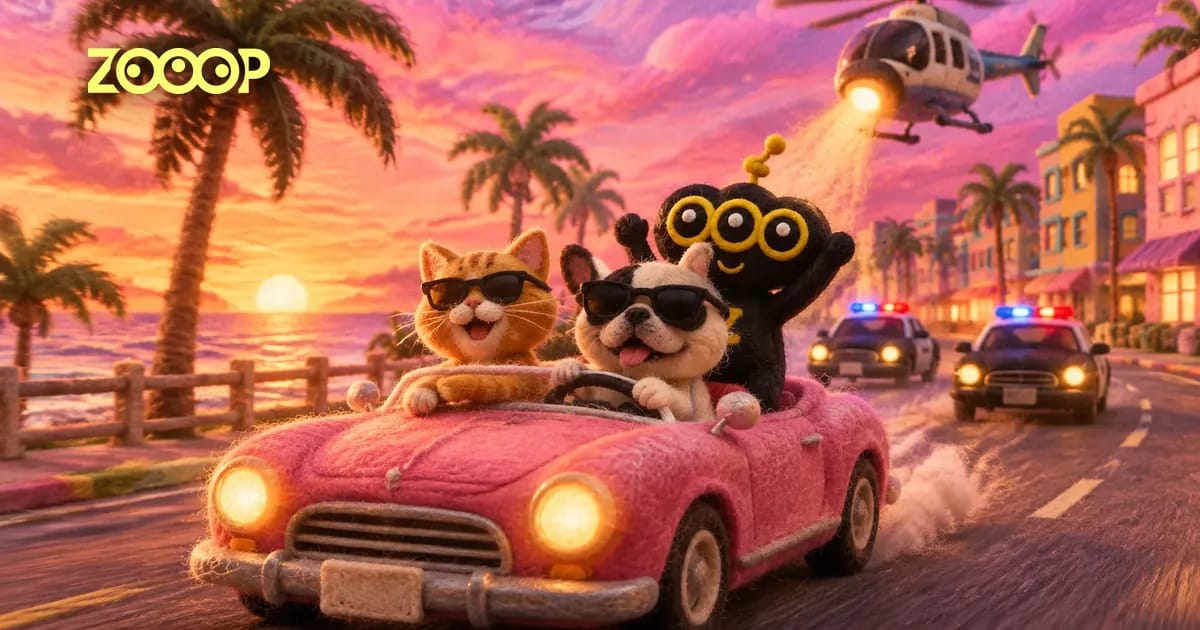
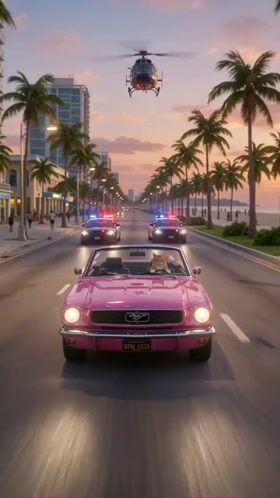
GTA 6 Pet Getaway

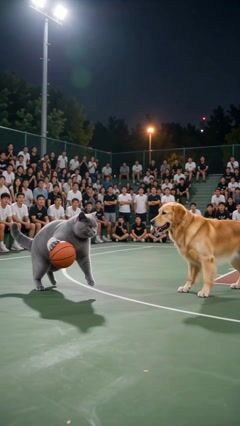
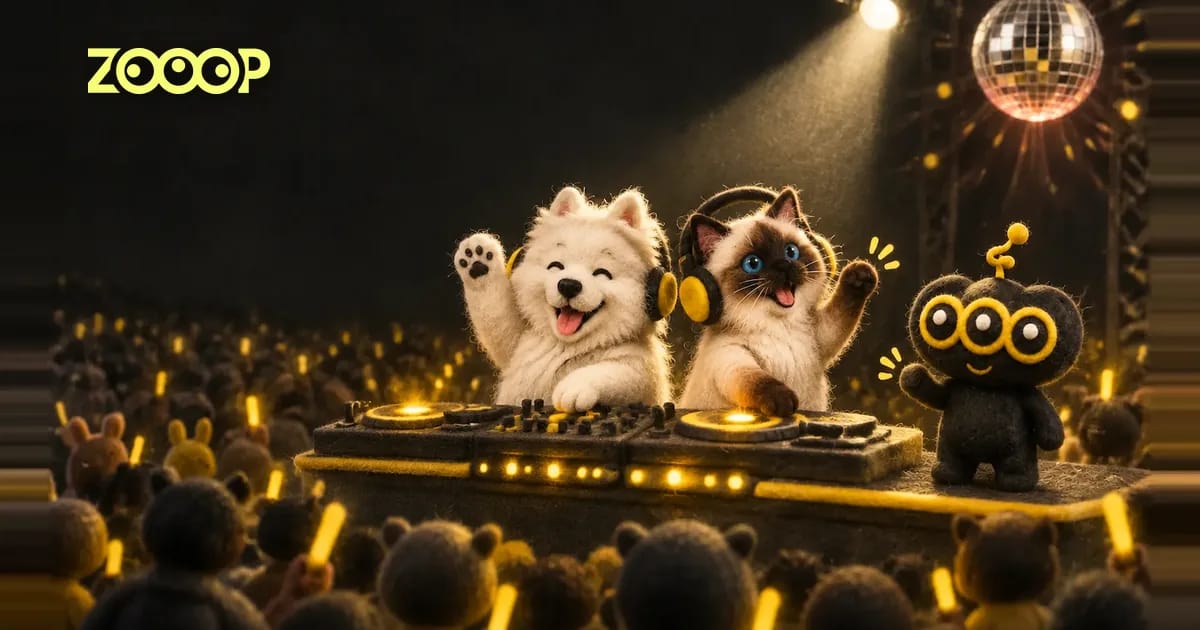
Pet DJ Arena

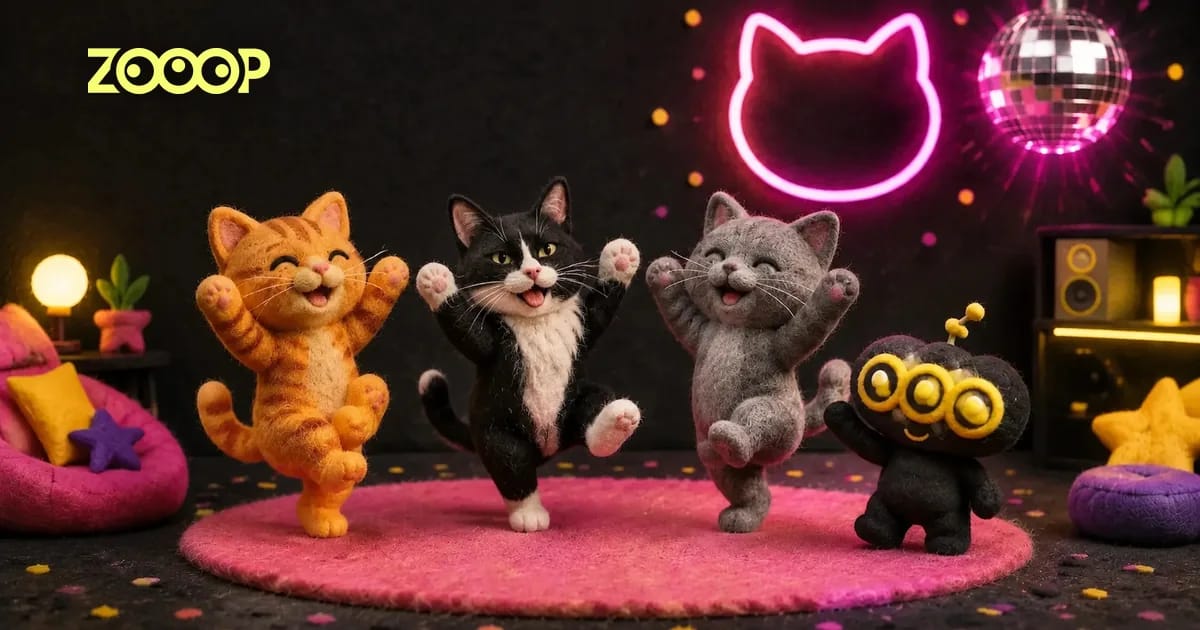
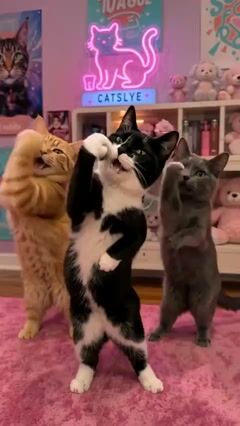
Neon Cat Trio Dance

Fantasy Rush Hour: Carpool Trio

Just a Lil Bit Dance

Me At Work — Keyboard Smash

It's My Life Dog

Bottle Kick Challenge

Dog Coffee Fail

Smooth Criminal Remix Pet Duo

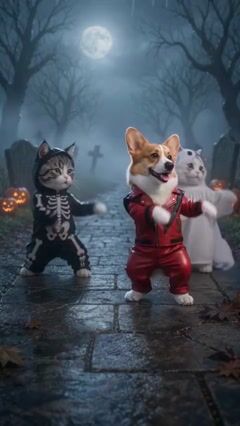
Pet Halloween Costume Parade

Electric Shock Pet Prank

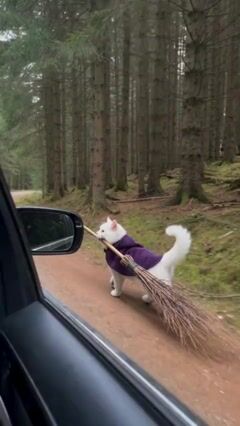
Flying Broom Getaway: AI Broom Riding Video

Funny Pet Selfie Fail

Pet Orbit Cam

My Prime 1v1 Dunk

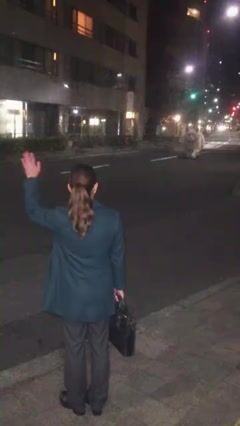
Caught Dancing at the Window

Pet Bowl Cut

Kung Fu Cat

Sunset Squad Dance

Put A Ring On It Pets

Smalltown Boy Cat Dance

A2O LITE NEON Dance

Roxbury Head Bob

Pet Fridge Cake Heist

Money Flex AI

Burger Pet Window

Bby Wow Guy

Pet Afterlife Check-In

Thriller Dance

Video ideas

Pet video ideas worth sharing

Not sure where to start? These are the pet videos people make most, each with templates ready to go.

How to make an AI pet video

  1. Choose a template

    Each template is a short scene, from a dance trend to a knight in armor. Many also work with people, so open one to watch its samples and check which subjects it offers.

  2. Upload your pet's photo

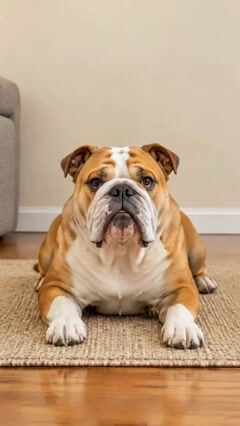
    Add one sharp photo where your pet's face is clearly visible. Templates for two or three pets ask for one photo per animal, and some let you join the scene with a photo of yourself.

  3. Generate and share

    Your video is usually ready in a few minutes. Save it, share it, then try the next template with the same photo.

Pick the right pet photo

The photo you upload decides how much the video looks like your pet. A minute spent choosing it saves a second try.

Works best

  • Your pet's face is sharp and fully visible
  • Shot at eye level, in daylight or bright indoor light
  • One animal per photo, with the whole head in frame
  • Fur colour and markings clearly shown

Avoid

  • Blurry action shots or heavy filters
  • A pet that is half out of frame or far away
  • Bulky accessories, hats or sunglasses
  • Several animals squeezed into one photo

Why AI pet videos are everywhere

What is an AI pet video?

An AI pet video is a short clip in which artificial intelligence animates your real cat or dog from a single still photo. The template supplies the scene, the camera and the motion; the AI keeps what makes your pet yours: the face, the ears, the fur and its markings. You don't film anything and you don't write a prompt, which makes an AI pet video generator the quickest way to put your pet in a scene you could never shoot.

Why AI cat and dog videos work

Pets are among the most shared subjects online, and an AI cat video or AI dog video lets yours star in clips that would be impossible to film: dancing on cue, crying on camera or riding along in a stunt. Avoid photos where your pet is blurred, half out of frame or wearing bulky accessories. If a template lets you pick cat or dog, choose the one that matches your photo so the body and movement fit.

One photo, a whole series

Every template renders a short video sized for phone screens, ready to post on TikTok, Instagram or YouTube as soon as it finishes. Many owners make a series from one photo: a dance on Monday, a meme on Wednesday and a costume clip for the holidays. If your feed is all about one species, the dog-only and cat-only pages collect the templates made for each.

AI pet video FAQ

Is the AI pet video generator free?

New accounts get free credits, so you can make your first AI pet video without paying. Every template shows its credit cost before you generate, and credits are only taken when a video starts.

Which pets can I use?

Cats and dogs give the most reliable results, and most pet templates are made with them in mind. Other animals may work, but expect more variation.

Do I need a video of my pet?

No. Every template here starts from a single still photo, and the AI creates all of the motion.

Can my pet and I appear together?

Yes. Some templates take two or three photos, one per person or pet, so you can pair your pet with yourself, a friend or a second pet. Ask friends before you use their photo.

Will the video really look like my pet?

The AI keeps your pet's face, ears, fur colour and markings from the photo. A sharp, front-facing shot in good light gives the closest likeness.

Do I have to write a prompt?

No. Each template already contains the scene and the motion, so all you add is a photo. If you'd rather direct a scene yourself, the AI video generator also takes your own prompt.

How long does it take to make an AI pet video?

Most videos are ready within a few minutes. You can leave the page and find the finished clip later under Creations.
Guides and trends

Just here for the dog?

Our dog AI video page gathers every template that works with a dog photo, with the dog-made ones up front.

See dog AI videos

Ready to make your pet famous?

Pick a template, add one photo, and your pet's video is on its way.

Make an AI pet video