
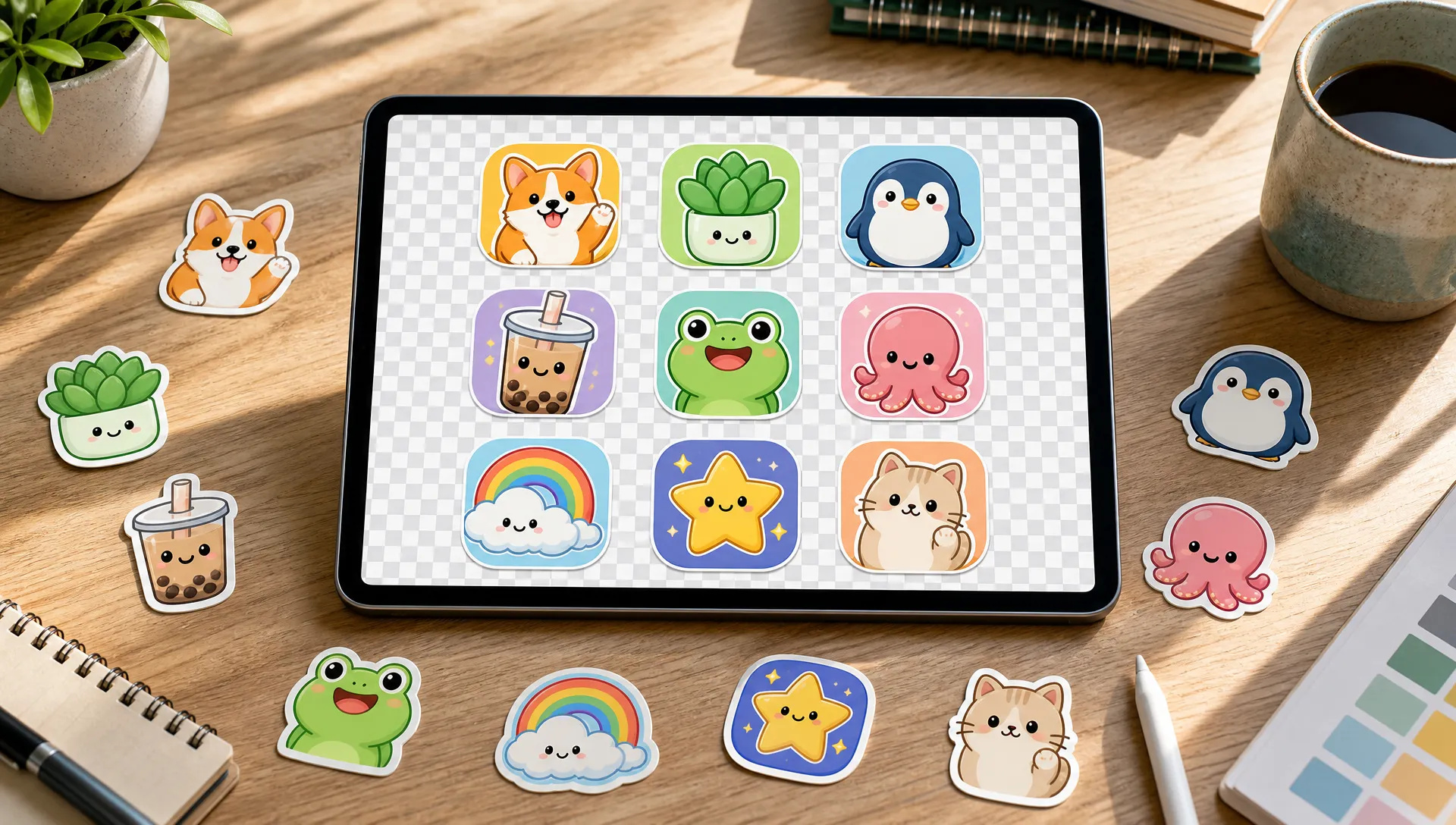
Stickers and icon sets
Generate a set of die-cut stickers or app icons on a transparent background, ready to drop onto any design.

ByteDance's newest image model: generate and edit up to 3K, with native transparent backgrounds and edits that stay stable round after round.
Credit packs or a monthly plan, one balance across every model on ZOOOP. · Top up when you need to; pack credits stay until you use them.
Powered by ByteDance's API on ZOOOP
Set Background to Transparent and get a PNG with a real alpha channel: stickers, icons, product cut-outs and decorative elements with no masking or edge cleanup. It works for new images and for edits.
Change an outfit, recolor a product or replace one object and the rest of the image stays put. ByteDance built 5.5 to stay stable across long chains of edits, so you can refine an image step by step.
Render at 1K, 2K or 3K in 21:9, 16:9, 3:2, 4:3, 1:1, 3:4, 2:3 or 9:16. At 3K a 16:9 frame is 3840×2160 and a square is 2880×2880.
Expressions, body proportions, object sizes, materials and lighting look more believable than in Seedream 5.0, and several references combine with consistent scale, perspective and light.
Generate a set of die-cut stickers or app icons on a transparent background, ready to drop onto any design.
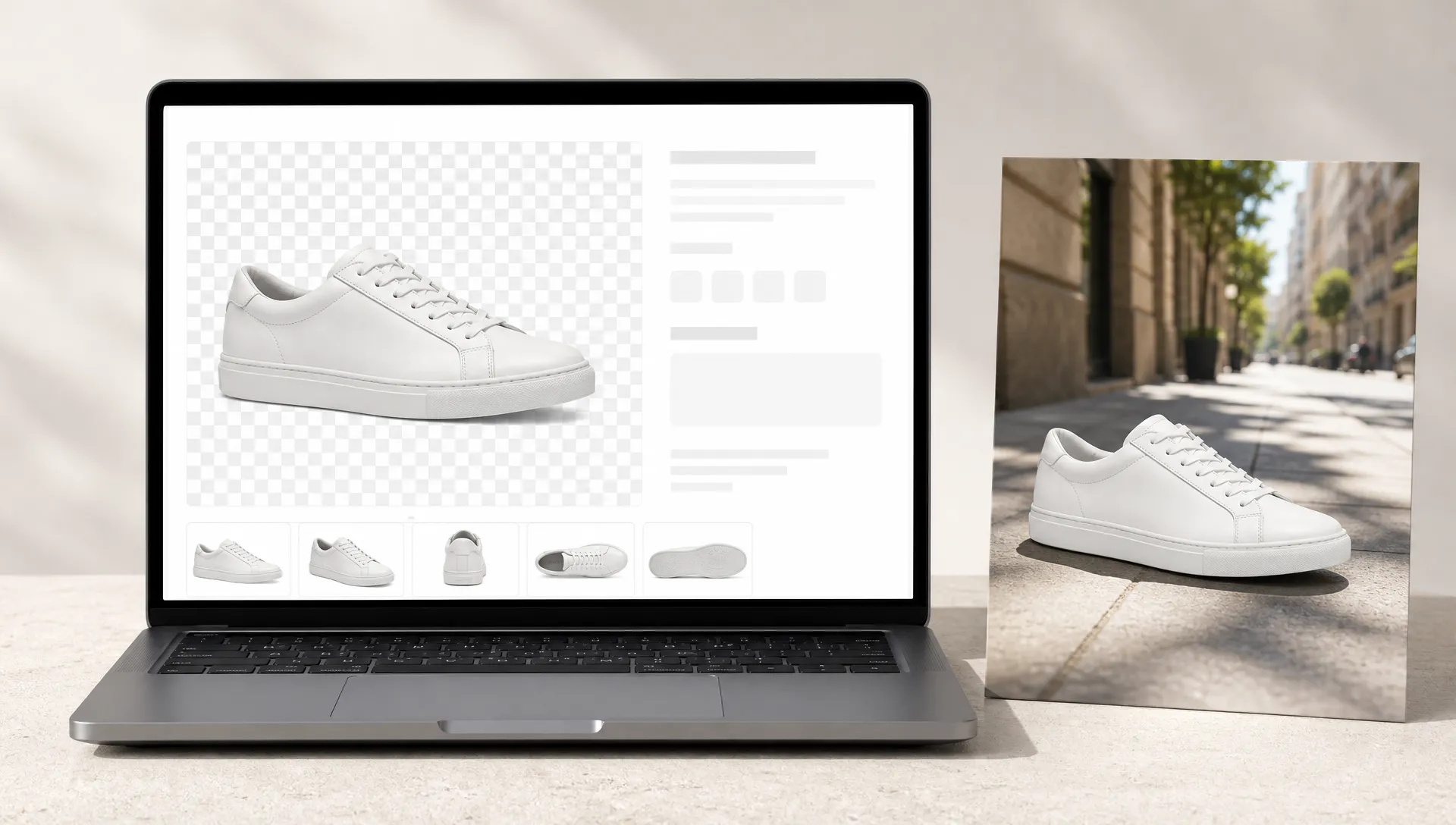
Turn a product photo into a clean transparent PNG, or place the product into a new lifestyle scene with matching light.
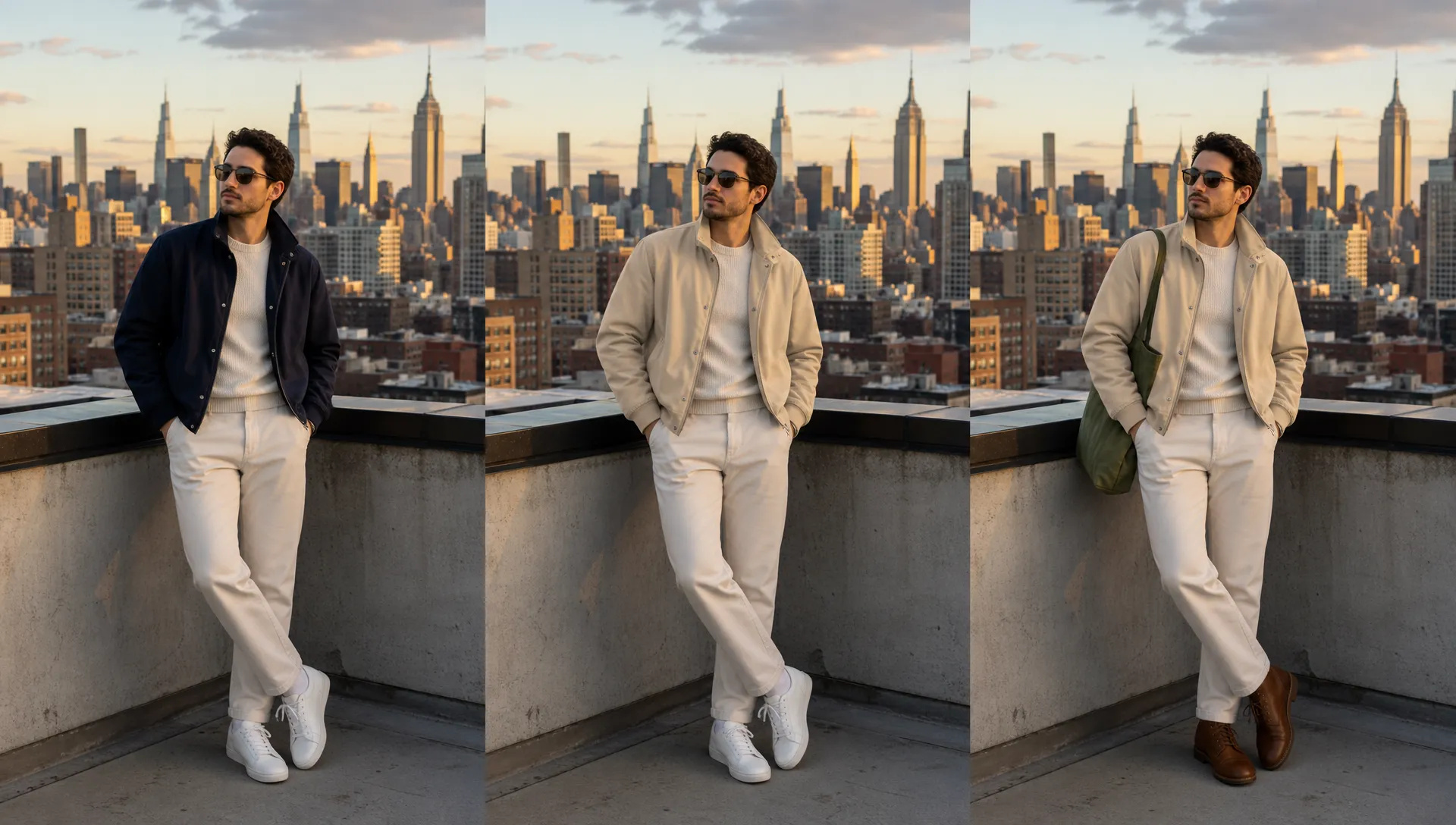
Change the jacket, then the shoes, then the color of the bag on the same photo while the person and pose stay the same.
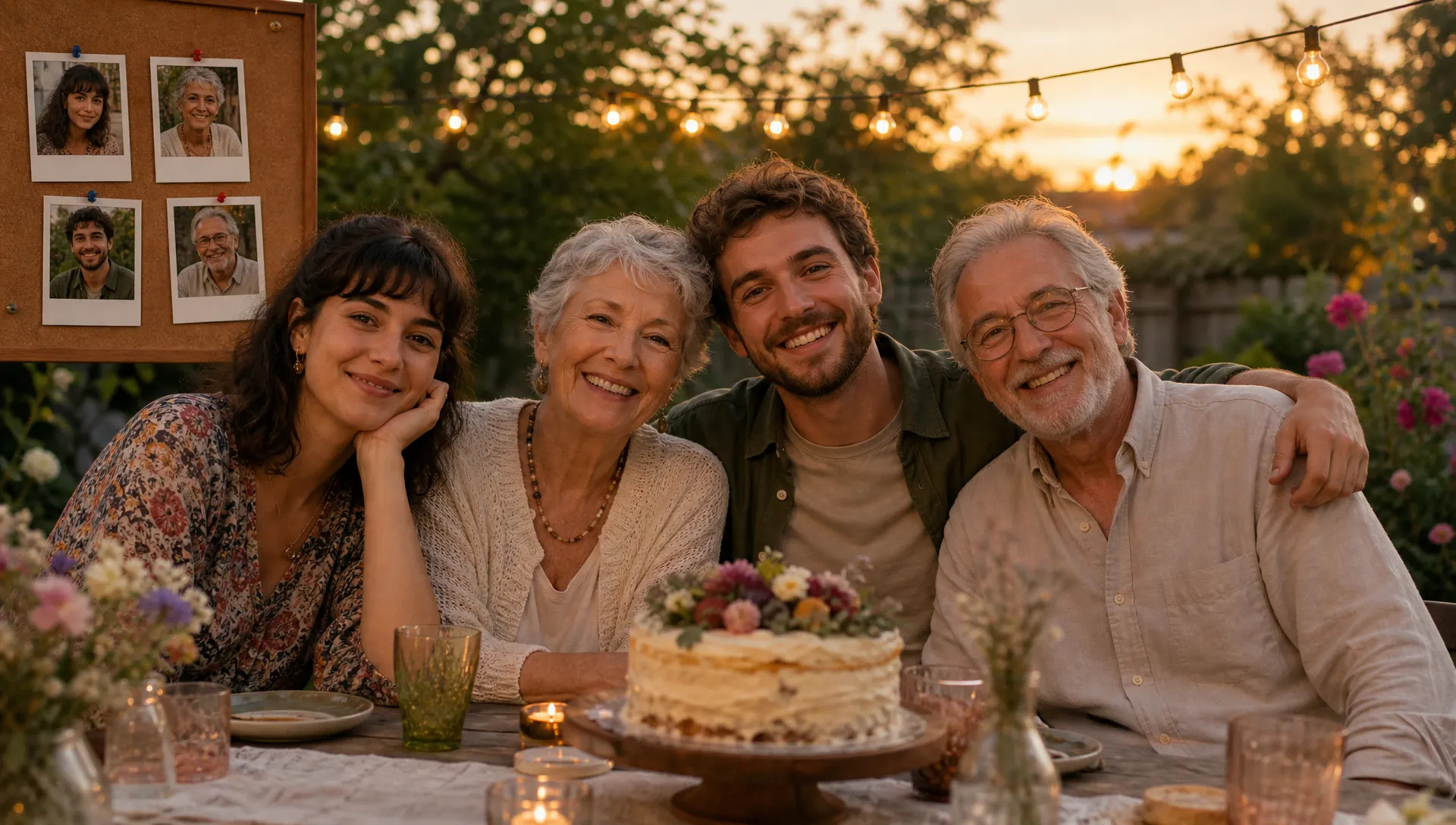
Combine up to 10 reference photos of people, props and a location into one scene with consistent scale and lighting.
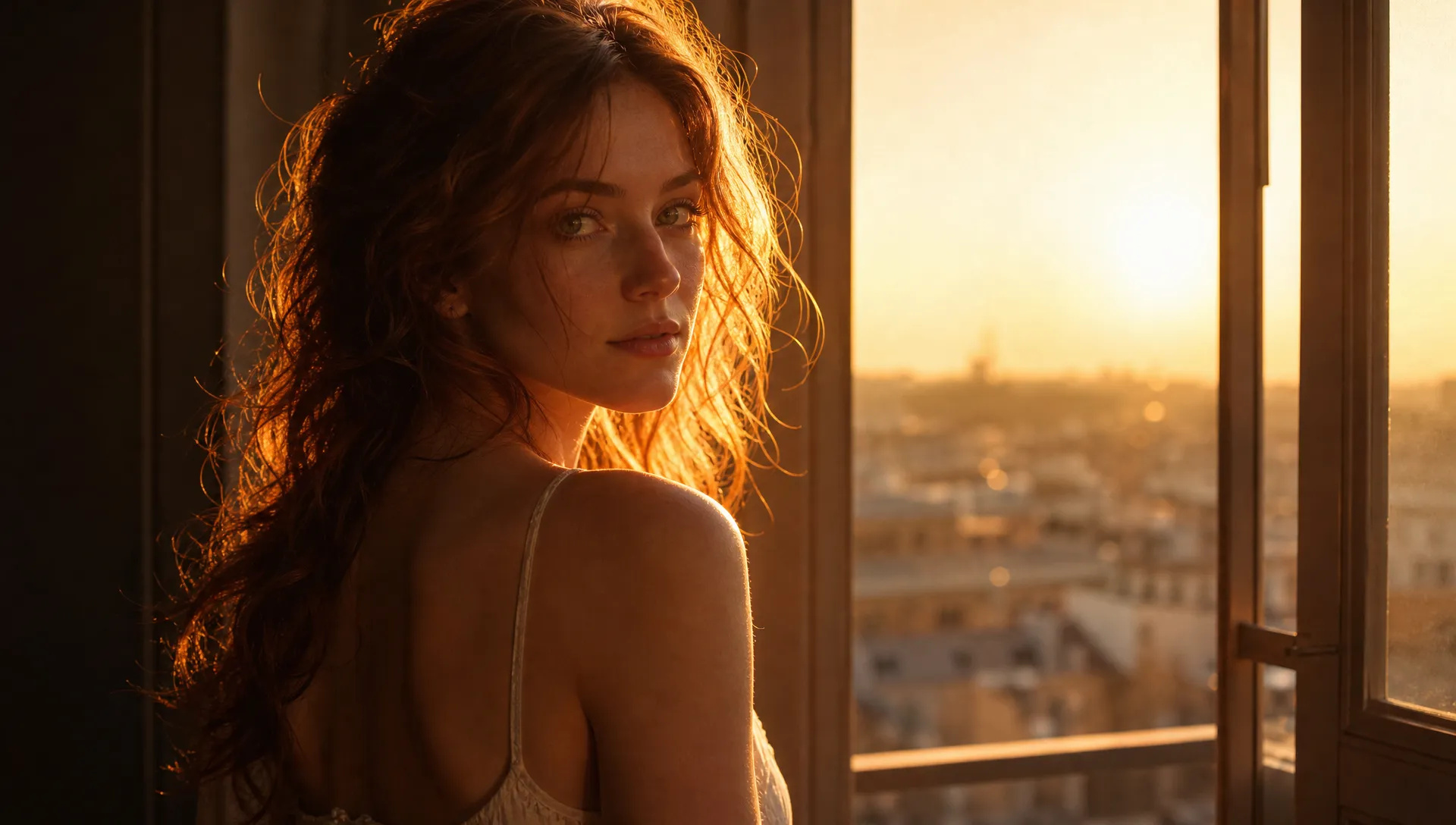
Rim light along hair and shoulders, skin detail in the shadows and film-style color for editorial portraits.
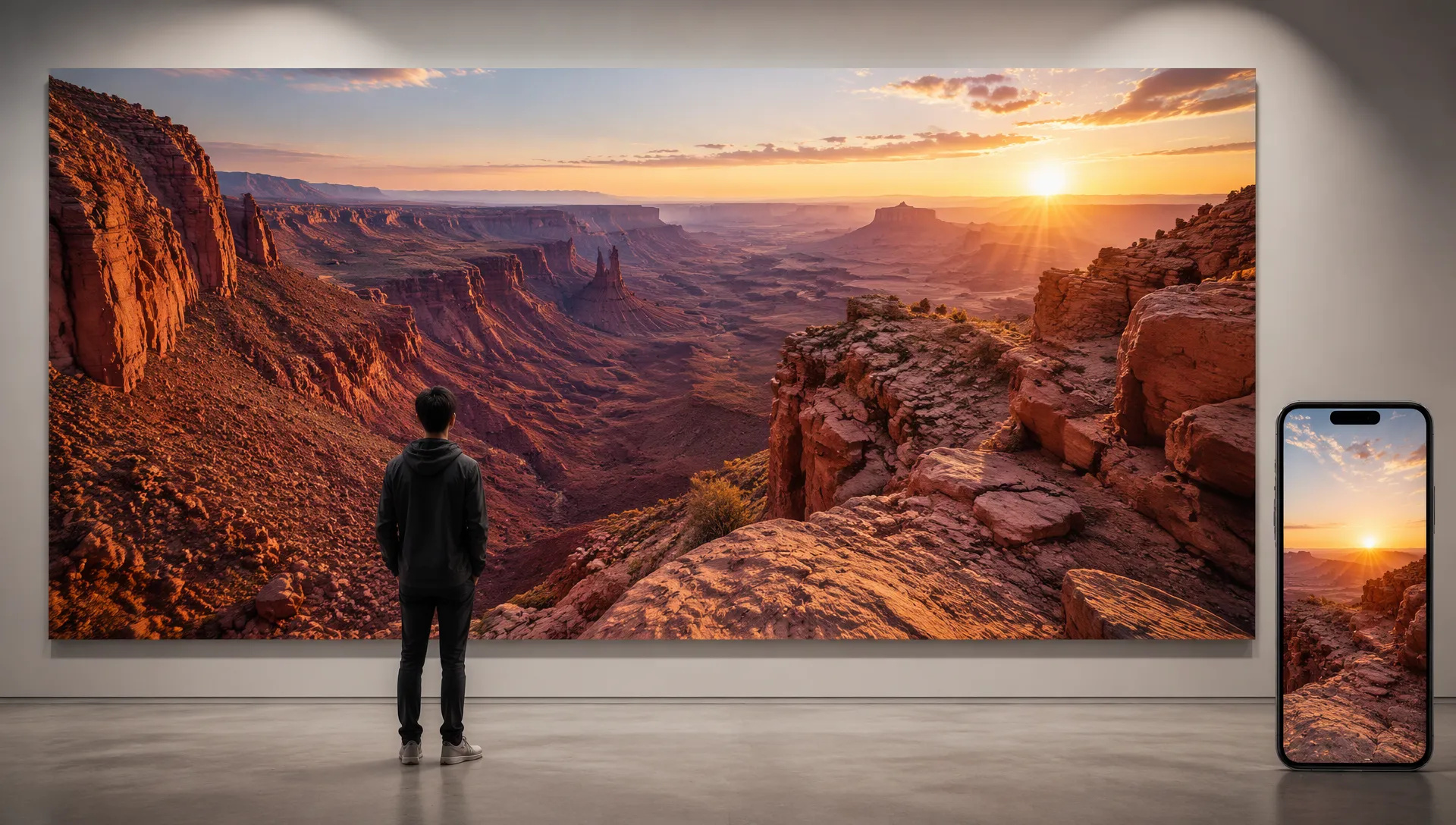
Render 3840×2160 landscapes or 2160×3840 phone wallpapers at full size, without an upscaling pass.
Seedream 5.5 is the value pick with transparent output and stable edits. Switch when a job needs something it doesn't do best.
Open Seedream 5.5 from this page or pick it in the Image Generator.
Describe the image, and upload up to 10 reference images if you want to edit or combine photos.
Pick aspect ratio, resolution (1K, 2K or 3K) and Background: Auto, Opaque or Transparent.
Generate, then describe the next change to keep refining the same image.
Seedream 5.5 is ByteDance's attempt at an "AI Photoshop": one model that generates an image, keeps it consistent through many rounds of edits, and hands you assets you can use directly in a design. It succeeds Seedream 5.0 Pro, and on ZOOOP it is both more capable and cheaper than its predecessor.
The first flagship capability is native transparency. Set Background to Transparent and the model returns a PNG with a real alpha channel, for text-to-image and for edits alike. In our test a prompt for "a glossy cartoon sticker of an orange cat holding a coffee cup" came back as a clean die-cut sticker that dropped onto a colored background with no halo. Stickers, icon sets, product cut-outs and decorative elements no longer need a separate background-removal step. With 5.0 Pro, transparency only worked when you edited a PNG that already had an alpha channel.
The second is stable multi-round editing. Edits stay on the region or object you name and leave the rest of the frame alone, so you can chain changes: the jacket, then the shoes, then the color of the bag. ByteDance demonstrates it with a watch whose clock advances one second per edit for 100 rounds while the case, strap, lighting and background stay fixed. Up to 10 reference images can be combined, and the model keeps their scale, perspective and lighting consistent with each other.
The third is resolution and framing. Seedream 5.5 offers 1K, 2K and 3K in eight aspect ratios including 21:9. At 3K a widescreen frame is 3840×2160 and a phone wallpaper is 2160×3840, rendered at full size.
Where it's weaker: there is no prompt optimization (5.0 Pro's "thinking" mode is gone), so short prompts get less help; write out what you want. For posters and infographics with a lot of small text, GPT Image 2.6 is more reliable. ByteDance has not published benchmark scores for 5.5, and its layer-decomposition feature, which splits an image into editable layers, is not available on ZOOOP yet.
A reasonable mental model: make Seedream 5.5 the default for everyday image work and anything that needs a transparent background. Reach for GPT Image 2.6 for text-heavy layouts, Seedream 5.0 Pro when you want a short prompt expanded for you, and Nano Banana 2.1 for multilingual text and factual accuracy.
It is the newest image generation and editing model from ByteDance's Seed team, the successor to Seedream 5.0 Pro. One model generates images, edits them over many rounds, and outputs native transparent PNGs.
Seedream 5.5 adds a 3K tier and the 21:9 ratio, outputs transparent backgrounds for new images and edits, and keeps unedited areas more stable during repeated edits. It drops the "thinking" prompt optimization that 5.0 Pro offers; if you rely on that, keep using 5.0 Pro.
Set Background to Transparent. The result is a PNG with an alpha channel. Auto lets the model decide from your prompt, and Opaque always gives a solid background.
Up to 10. Leave the slot empty for text-to-image; add one or more images to edit them or combine them into a new scene.
Yes. On ZOOOP it is priced well below Seedream 5.0 Pro at every resolution, so it is a good default for everyday work. Each reference image adds a small amount.
No. ZOOOP is a third-party platform that accesses Seedream 5.5 through an API provider and is not affiliated with ByteDance. You only need a ZOOOP account.






















Seedream 5.5
Prompt*
Image Urls
Aspect Ratio*
Resolution*
Background
Your generations will appear here once you sign in.
Creating an account is free.