Image AI

Image AI

Generate and edit images with GPT Image 2.5, Nano Banana 2.1, Seedream 5.0 Pro and more, then upscale, retouch or restyle them in the same place.

Try AI Image Generator

Image

  • Image Generator
  • Edit Image
  • SVG Generator
  • Image Upscaler
  • Background Remover
  • Object Remover
  • Photo Restorer

Image Models

  • Nano Banana 2 LiteNew
  • Seedream 5.0 FlashNew
  • Nano Banana 2.1New
  • Muse Image
  • GPT Image 2.5
  • Seedream 5.0 Pro
  • Midjourney V8.2
  • Nano Banana Pro
  • Flux 2 Pro
  • Grok Imagine
More Image Models

Photo Effects

  • Virtual Try-On
  • Clothes Changer
  • Hairstyle Changer
  • Headshot Generator
  • Age Changer
  • Style Transfer
  • Portrait Enhancer
  • AI Action Figure
More Image Tools
Video AI

Video AI

Turn text and images into cinematic clips with Seedance 2.5, Gemini Omni 1.1 Flash, MiniMax H3, Kling V4 and Wan 3.0, with native audio.

Try AI Video Generator

Video

  • Video Generator
  • Start / End Frame
  • Motion Control
  • Edit Video
  • Lip Sync
  • Extend Video
  • Video Sound Effects
  • Video Upscaler

Video Models

  • Kling V4New
  • MiniMax H3 Max TurboNew
  • Gemini Omni 1.1 FlashNew
  • MiniMax H3 Max
  • Vidu Q4
  • Seedance 2.5
  • MiniMax H3
  • Wan 3.0
  • Kling O3
  • Grok Imagine V1.5
More Video Models

Video Templates

  • AI Dance
  • AI Pet Video
  • Face Swap Video
  • Halloween
More Templates
Audio AI

Audio AI

Lifelike speech, instant voice clones, sound effects and music from ElevenLabs, Gemini, MiniMax and Lyria.

Try Text to Speech

Audio

  • Text to Speech
  • Voice Clone
  • Sound Effect
  • Music Generation
  • Video Sound Effects

Audio Models

  • Gemini 3.1 Flash TTSNew
  • Lyria 3 ProNew
  • ElevenLabs V3
  • MiniMax Speech 2.8 HD
  • Qwen3-TTS
  • Inworld TTS
  • MiniMax Music 2.6
  • ElevenLabs Sound Effects
  • Index TTS 2
More Audio Models
AI Tools

AI Tools

One-click fixes and effects: upscale, remove backgrounds, erase objects, restore old photos, try on outfits and more.

Browse All AI Tools

Image Tools

  • Image Upscaler
  • Background Remover
  • Object Remover
  • Photo Restorer
  • Portrait Enhancer
  • Style Transfer
  • Texture Transform
  • Perspective Changer

Photo Effects

  • Virtual Try-On
  • Clothes Changer
  • Hairstyle Changer
  • Makeup Changer
  • Headshot Generator
  • Age Changer
  • Expression Changer
  • Product Holding
  • City Teleport

Video Tools

  • Video Upscaler
  • Edit Video
  • Extend Video
  • Lip Sync
  • Video Sound Effects
All AI Tools

Trending Templates

The dance, pet and Halloween videos everyone is making right now. Upload a photo and get a share-ready clip in minutes.

Browse Trending TemplatesTrendingZombie Love Story

Template Categories

  • AI Dance
  • AI Pet Video
  • Face Swap Video
  • Halloween
  • AI Action Figure
More Templates

Explore

  • Model LibraryEvery supported AI model — image, video, audio.
  • Infinite CanvasStoryboard, compose, and remix on one shared canvas.
  • BlogAI filmmaking tutorials, model deep-dives, product news.
  • FAQQuick answers to common questions.

Developers

  • AI CLIGenerate images & video from your terminal.
  • API DocsREST API for image, video & audio generation.
  • Agent SkillGive Claude Code, Codex or Cursor image & video generation.
AI TemplatesPricing
HomeCanvas
AI Generator
Image GeneratorEdit ImageSVG Generator
Text with ReferenceStart/End FrameMotion ControlEdit VideoLip SyncExtend VideoVideo Sound Effects
Text to SpeechVoice CloneSound EffectMusic Generation
Templates
Hot Templates
Tools
AI Tools
Resources
Creations
  1. Home
  2. Tools
  3. AI Object Remover

AI Object Remover

Remove unwanted objects, people, or text from any photo with AI — and the background fills in seamlessly.

Image*

Try Samples

Object to remove*

Aspect Ratio*

AI Object Remover

Remove unwanted objects, people, or text from any photo with AI — and the background fills in seamlessly.

No subscriptionCredits never expireLearn more

Pay once for credits — use them across every model on ZOOOP. · Top up when you need to, no monthly burn.

Key features

Erase anything

Remove stray people, clutter, signs, wires, or text — whatever you do not want in the shot.

Seamless fill

The AI rebuilds the background behind the object so there is no hole, smear, or obvious patch.

Keeps the scene intact

Surrounding detail, lighting, and texture stay consistent, so the edit is hard to spot.

No manual cloning

Mark what to remove and ZOOOP handles the fill — no pixel-by-pixel clone-stamping.

Use cases

Clean up backgrounds

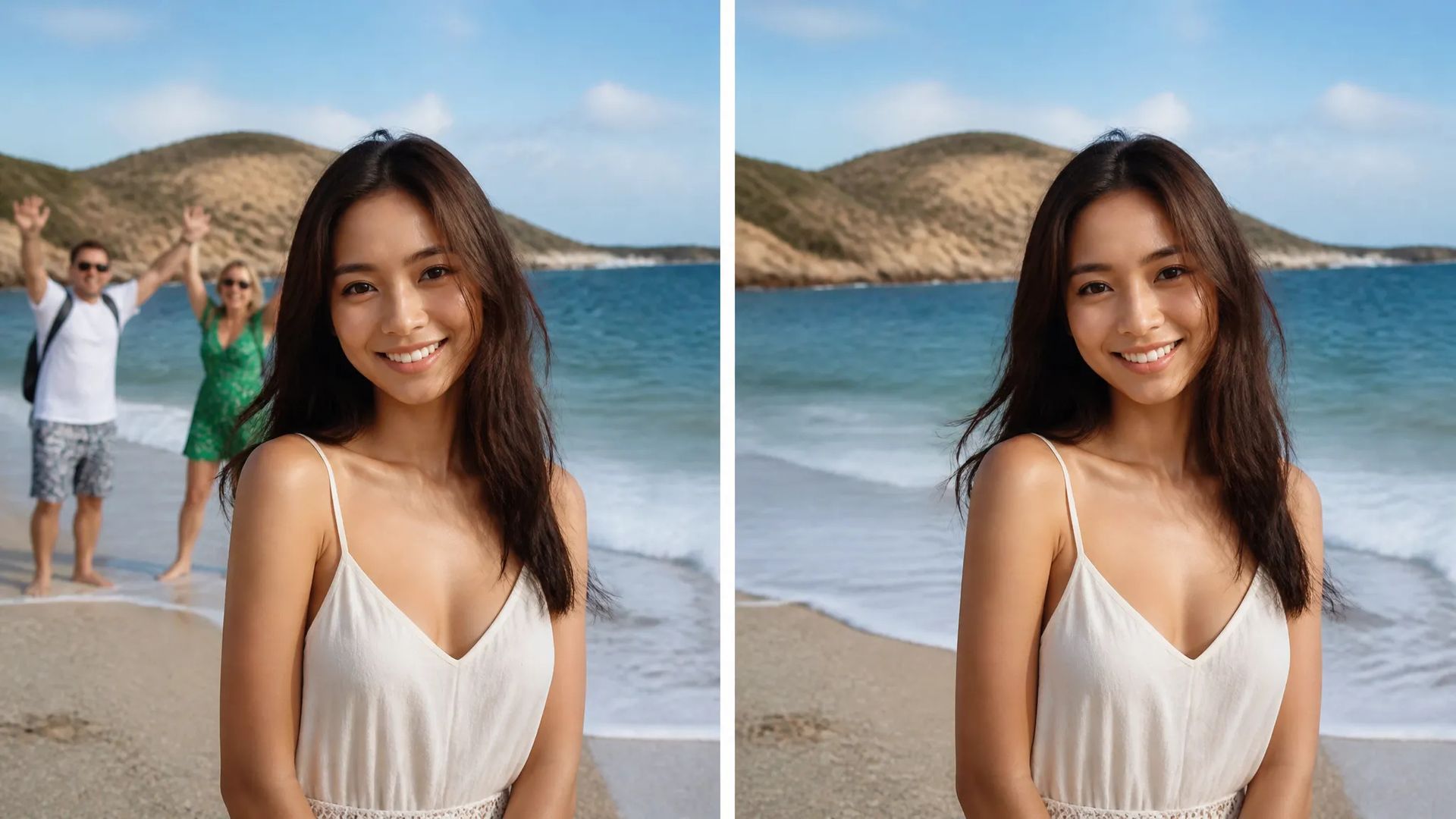
Clean up backgrounds

Remove photobombers, tourists, or clutter behind your subject.
Product photography

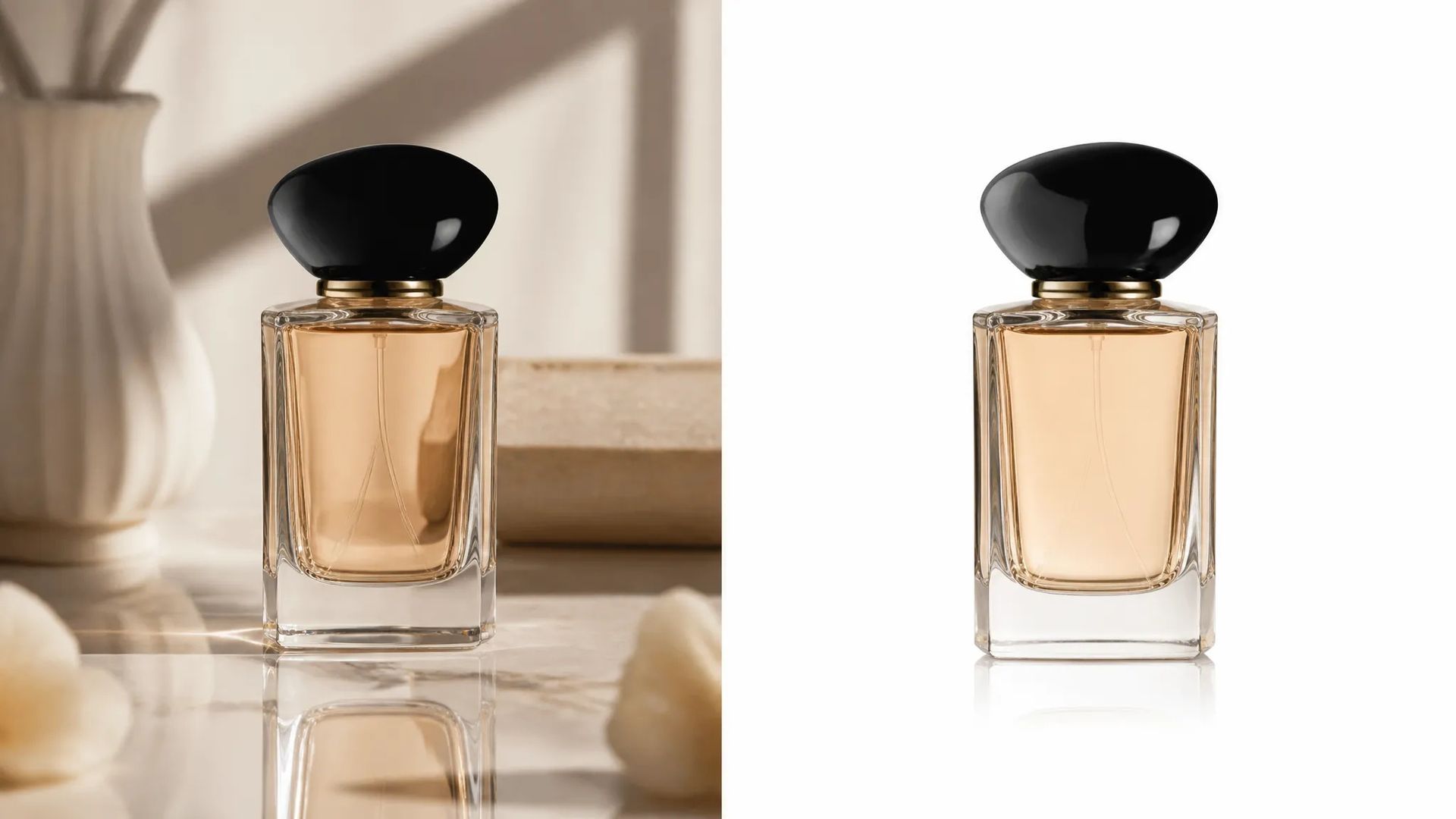
Product photography

Erase stray props, reflections, or labels for a clean catalog shot.
Real estate and interiors

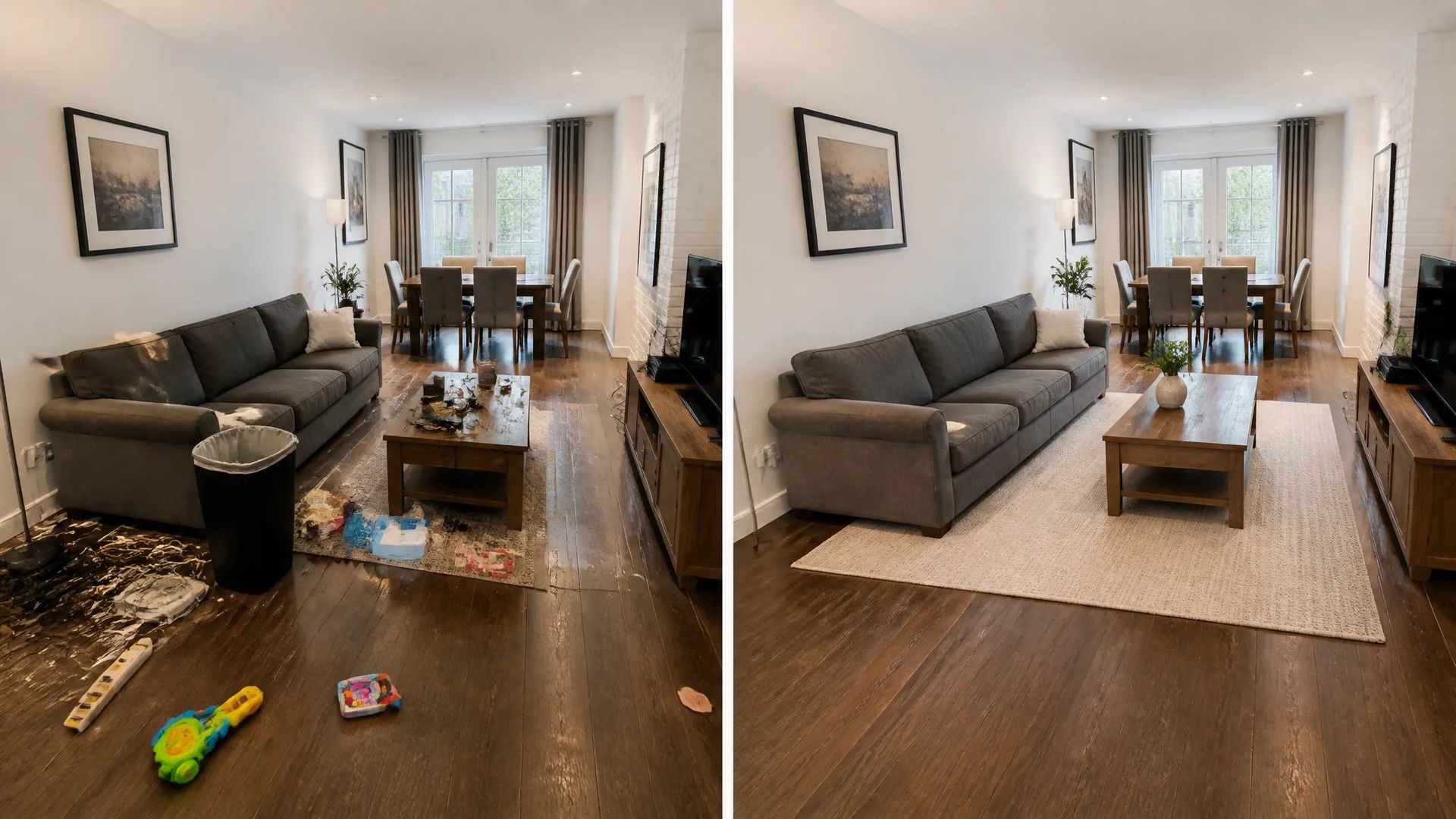
Real estate and interiors

Tidy a room by removing cords, bins, or personal items before listing.
Remove text and marks

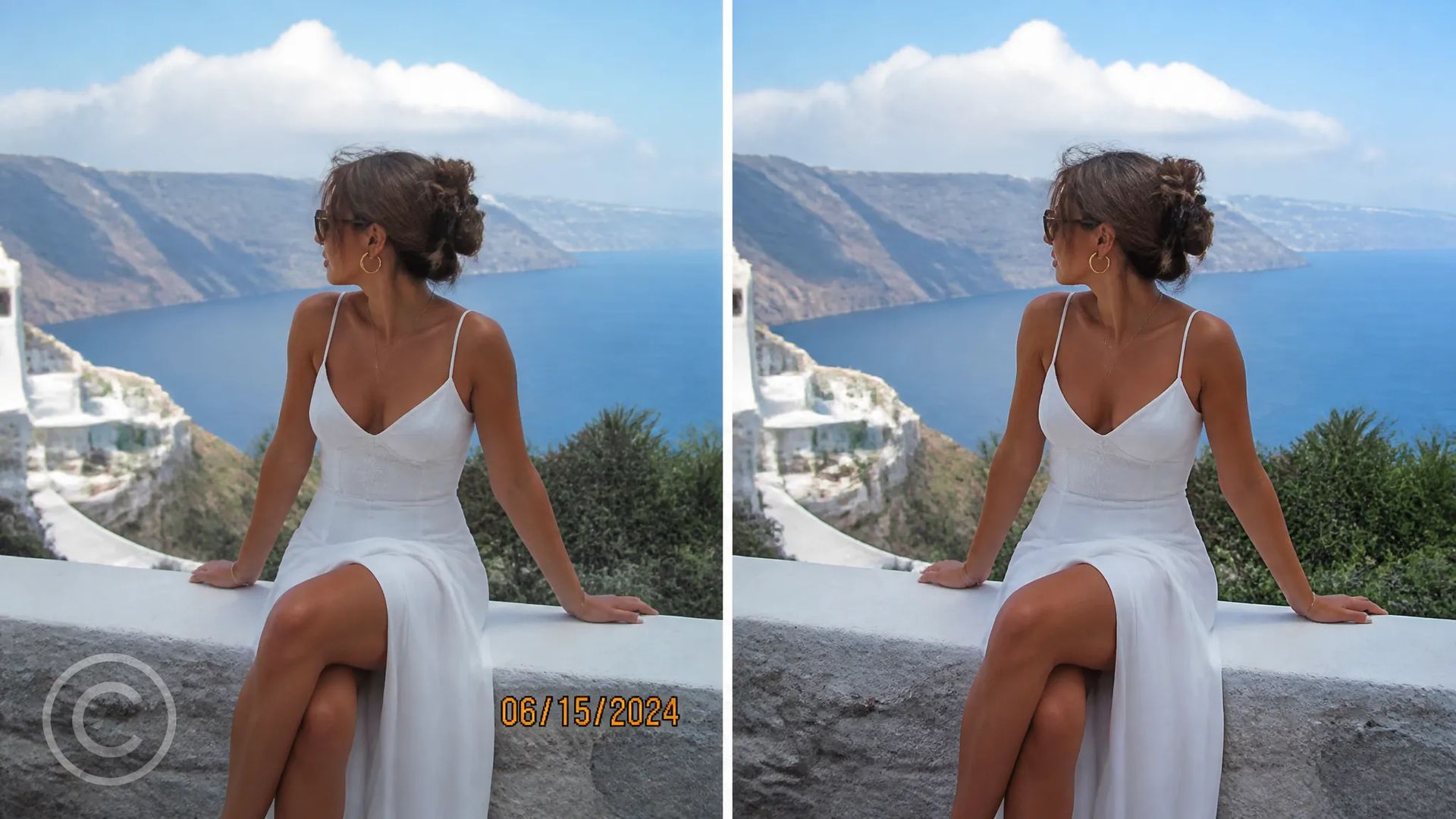
Remove text and marks

Take out date stamps, captions, or distracting signage.

How to use

  1. 01

    Open the AI Object Remover and upload your image.

  2. 02

    Mark the object, person, or text you want gone.

  3. 03

    Generate, then download the cleaned-up image or send it to your canvas.

Deep dive

Remove objects from photos with AI

The AI Object Remover on ZOOOP takes out anything you do not want in a photo — stray people, clutter, signs, wires, watermarks, or text — and rebuilds the background behind it so there is no hole, smear, or obvious patch. Surrounding detail, lighting, and texture stay consistent, which makes the edit hard to spot.

It saves the tedious work: photobombers and tourists cleared from behind your subject, stray props and reflections erased from product shots, and rooms tidied for real-estate listings without any pixel-by-pixel clone-stamping.

Every generation runs on ZOOOP credits — no subscription, and credits that never expire. When you are done, download the cleaned-up image or send it to your canvas.

Frequently asked questions

What can I remove?+

Objects, people, clutter, wires, signage, watermarks, and text — anything you mark as unwanted.

Will it leave a hole or smudge?+

No — the AI reconstructs the background behind the object so the area looks like nothing was ever there.

Can it remove more than one thing?+

Yes — mark everything you want gone and it fills all of it in one pass.

What image formats can I upload?+

Upload JPG, PNG, or WebP images; ordinary photo sizes work out of the box.

More AI tools

AI Age Changer

Make a face look younger or older with AI — realistic aging that keeps the person recognizably themselves.

AI Background Remover

Remove the background from any image in seconds and download a clean, transparent PNG — no manual masking, no design skills.
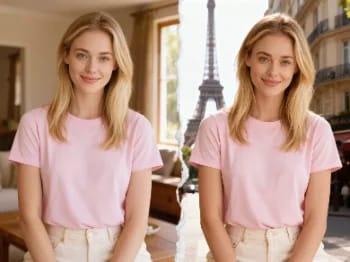
AI City Teleport

AI City Teleport

Teleport yourself into iconic cities with AI — drop your photo into Paris, Tokyo, New York, and more.
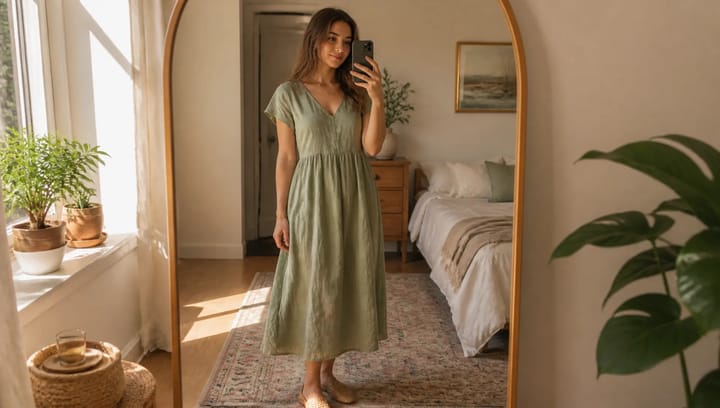
AI Clothes Changer

AI Clothes Changer

Describe an outfit and see it on your own photo — the face, pose and background stay exactly as they were.
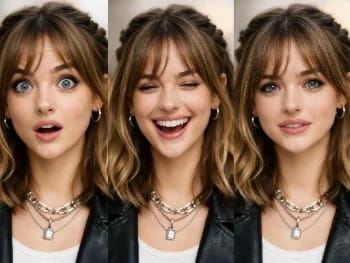
AI Expression Changer

AI Expression Changer

Change facial expressions in any photo with AI — add a smile, open the eyes, or shift the mood, naturally.

AI Hairstyle Changer

Try new hairstyles and hair colors on your own photo with AI — realistic results before you ever touch your hair.
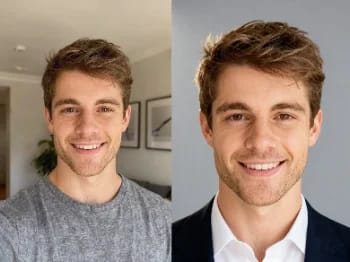
AI Headshot Generator

AI Headshot Generator

Turn a casual selfie into a professional headshot with AI — studio lighting, clean backgrounds, business-ready in minutes.

AI Image Upscaler

Upscale any image to 2K or 4K with AI — recover sharp detail and clean edges, with no blur or artifacts.

AI Makeup Changer

Try on makeup looks with AI — from natural to bold, with adjustable intensity, all on your own photo.
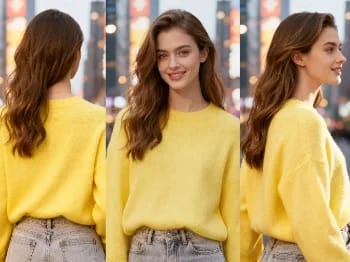
AI Perspective Changer

AI Perspective Changer

Change the camera angle of any image with AI — see a subject from a new viewpoint, naturally rendered.

AI Photo Restoration

Restore old and damaged photos with AI — fix fading, scratches, and blur, and bring faces back to life.

AI Portrait Enhancer

Enhance any portrait with AI — sharper detail, clearer skin and eyes, and balanced light, while still looking like you.

AI Product Holding Generator

Place your product naturally in a person's hands with AI — realistic marketing visuals without a photoshoot.

AI Style Transfer

Repaint any photo in an artistic style with AI — impressionism, cubism, watercolor, anime, and more.

AI Texture Transform

Change an object's material with AI — turn it to marble, wood, gold, glass, or fabric, with realistic surfaces.

AI Video Upscaler

Upscale any video to HD or 4K with AI — sharper frames and clean detail, with smooth, flicker-free motion.

AI Virtual Try-On

See how clothes look on you with AI — combine a person photo and a clothing image for a realistic try-on.

AI ImageImage GeneratorEdit ImageSVG Generator

AI VideoText with ReferenceMotion ControlStart/End FrameExtend VideoEdit VideoLip SyncVideo Sound Effects

AI AudioText to SpeechVoice CloneSound EffectMusic Generation

ExploreAll ModelsAll TemplatesAI ToolsGlossaryCompare modelsFree toolsAlternativesAI CLIAPI DocsAgent Skill

CompanyBlogPricingFAQPrivacyTermsReport Infringement

© 2026 ZOOOP. All rights reserved.