Image AI

Image AI

Generate and edit images with GPT Image 2.6, Nano Banana 2.1, Seedream 5.5 and more, then upscale, retouch or restyle them in the same place.

Try AI Image Generator

Image

  • Image Generator
  • Edit Image
  • SVG Generator
  • Image Upscaler
  • Background Remover
  • Object Remover
  • Photo Restorer

Image Models

  • GPT Image 2.6New
  • Seedream 5.5New
  • Nano Banana 2.1New
  • Nano Banana 2 Lite
  • Seedream 5.0 Flash
  • Muse Image
  • GPT Image 2.5
  • Midjourney V8.2
  • Nano Banana Pro
  • Grok Imagine
More Image Models

Photo Effects

  • Virtual Try-On
  • Clothes Changer
  • Hairstyle Changer
  • Headshot Generator
  • Age Changer
  • Style Transfer
  • Portrait Enhancer
  • AI Action Figure
More Image Tools
Video AI

Video AI

Turn text and images into cinematic clips with Seedance 2.5, Gemini Omni 1.2 Flash, MiniMax H3, Kling V4 and Wan 3.0, with native audio.

Try AI Video Generator

Video

  • Video Generator
  • Start / End Frame
  • Motion Control
  • Edit Video
  • Lip Sync
  • Extend Video
  • Video Sound Effects
  • Video Upscaler

Video Models

  • Gemini Omni 1.2 FlashNew
  • Kling V4New
  • MiniMax H3 Max TurboNew
  • MiniMax H3 Max
  • Vidu Q4
  • Seedance 2.5
  • MiniMax H3
  • Wan 3.0
  • Kling O3
  • Grok Imagine V1.5
More Video Models

Video Templates

  • AI Video Maker
  • TikTok AI Video
  • AI Dance Video
  • AI Funny Video
  • Dog AI Video
  • Cat AI Video
  • AI Pet Video
  • Face Swap Video
More Templates
Audio AI

Audio AI

Lifelike speech, instant voice clones, sound effects and music from ElevenLabs, Gemini, MiniMax and Lyria.

Try Text to Speech

Audio

  • Text to Speech
  • Voice Clone
  • Sound Effect
  • Music Generation
  • Video Sound Effects

Audio Models

  • ElevenLabs V4New
  • Gemini 3.8 Flash TTSNew
  • ElevenLabs Sound Effects V3New
  • Lyria 3 Pro
  • ElevenLabs V3
  • MiniMax Speech 2.8 HD
  • Qwen3-TTS
  • Inworld TTS
  • MiniMax Music 2.6
  • Index TTS 2
More Audio Models
AI Tools

AI Tools

One-click fixes and effects: upscale, remove backgrounds, erase objects, restore old photos, try on outfits and more.

Browse All AI Tools

Image Tools

  • Image Upscaler
  • Background Remover
  • Object Remover
  • Photo Restorer
  • Portrait Enhancer
  • Style Transfer
  • Texture Transform
  • Perspective Changer

Photo Effects

  • Virtual Try-On
  • Clothes Changer
  • Hairstyle Changer
  • Makeup Changer
  • Headshot Generator
  • Age Changer
  • Expression Changer
  • Product Holding
  • City Teleport

Video Tools

  • Video Upscaler
  • Edit Video
  • Extend Video
  • Lip Sync
  • Video Sound Effects
All AI Tools

Trending Templates

The dance, pet and funny videos everyone is making right now. Upload a photo and get a share-ready clip in minutes.

Browse Trending TemplatesTrendingPet Flower Surprise

Template Categories

  • AI Dance
  • AI Pet Video
  • Face Swap Video
  • AI Action Figure
More Templates

Explore

  • Model LibraryEvery supported AI model — image, video, audio.
  • Infinite CanvasStoryboard, compose, and remix on one shared canvas.
  • BlogAI filmmaking tutorials, model deep-dives, product news.
  • FAQQuick answers to common questions.

Developers

  • AI CLIGenerate images & video from your terminal.
  • API DocsREST API for image, video & audio generation.
  • Agent SkillGive Claude Code, Codex or Cursor image & video generation.
AI TemplatesPricing
HomeCanvas
AI Generator
Image GeneratorEdit ImageSVG Generator
Text with ReferenceStart/End FrameMotion ControlEdit VideoLip SyncExtend VideoVideo Sound Effects
Text to SpeechVoice CloneSound EffectMusic Generation
Templates
Hot Templates
Tools
AI Tools
Resources
Creations
  1. Home
  2. Tools
  3. AI Background Remover

AI Background Remover

Remove the background from any image in seconds and download a clean, transparent PNG — no manual masking, no design skills.

Image*

AI Background Remover

Remove the background from any image in seconds and download a clean, transparent PNG — no manual masking, no design skills.

Packs or plansPack credits never expireLearn more

Credit packs or a monthly plan, one balance across every model on ZOOOP. · Top up when you need to; pack credits stay until you use them.

Key features

One-click cutouts

Upload an image and ZOOOP detects the subject automatically — no lasso, no manual masking, no green screen.

Crisp, clean edges

The AI keeps fine detail like hair, fur and soft edges intact, so the cutout looks natural on any new background.

Transparent PNG output

Download a ready-to-use PNG with a fully transparent background, or drop the subject straight onto a new color or scene.

Works on anything

Products, people, logos, illustrations, pets — the same tool handles them all with no per-image tuning.

Use cases

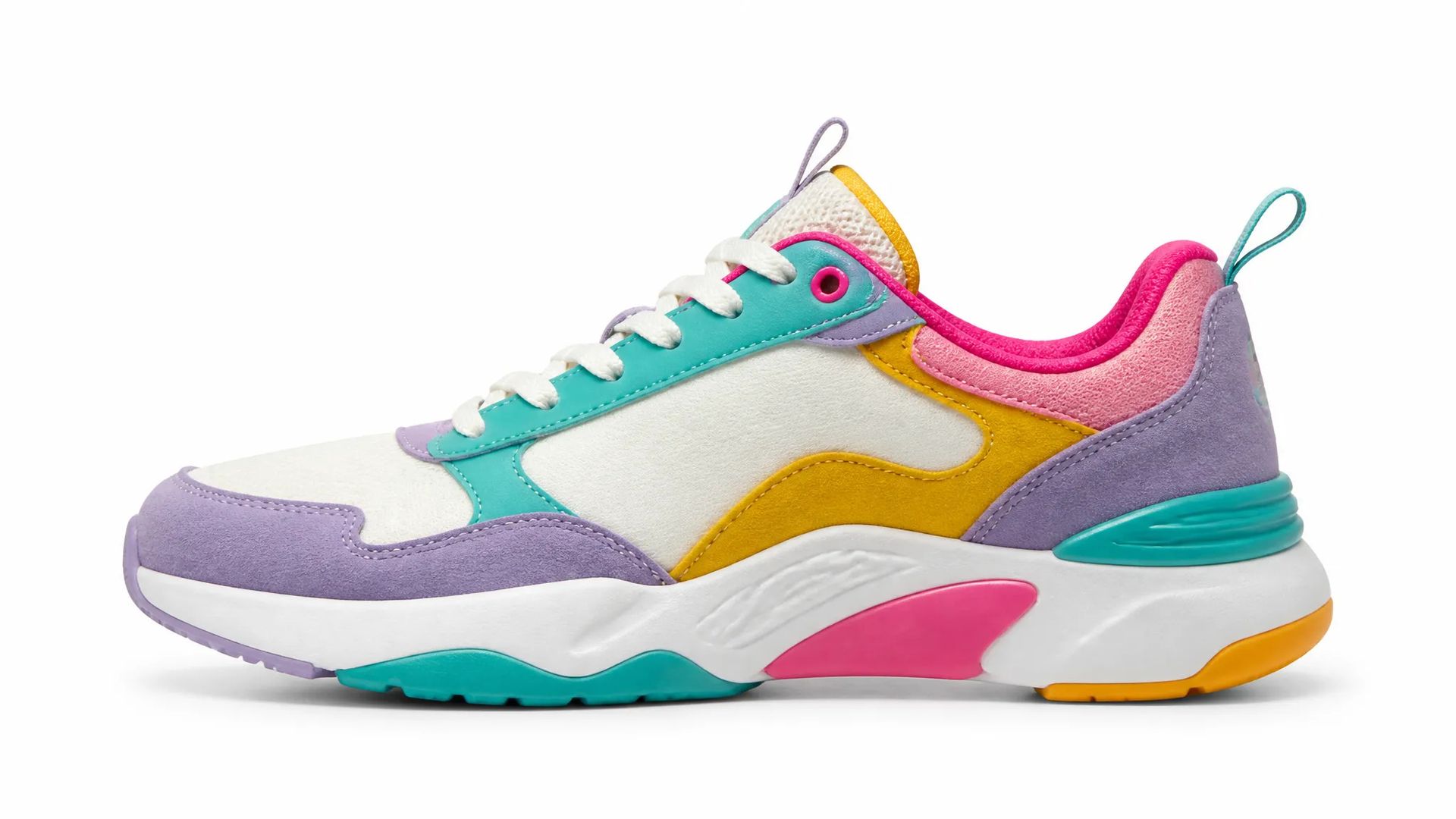
E-commerce product shots

E-commerce product shots

Turn messy product photos into clean catalog images on a pure white or transparent background.
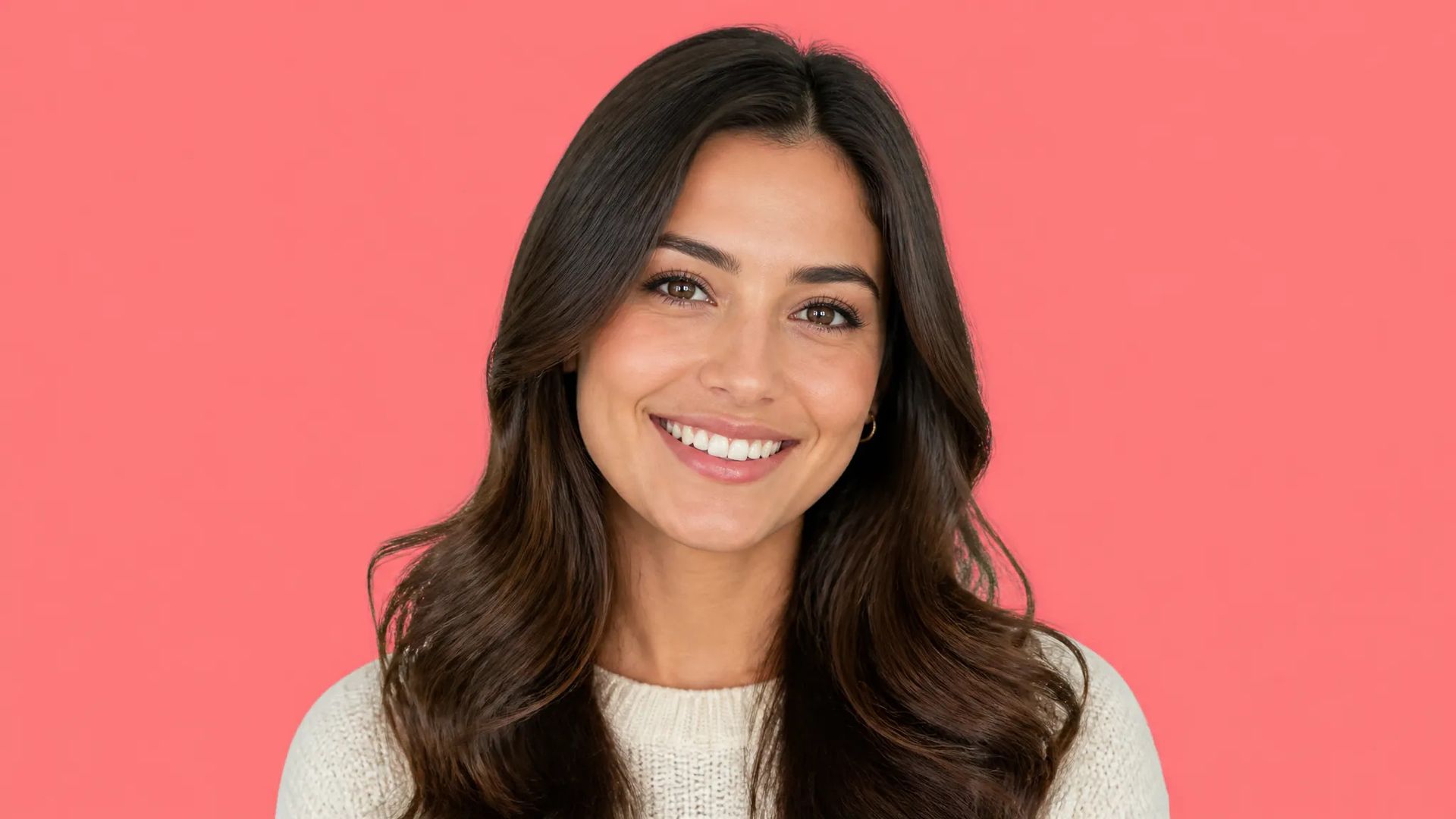
Profile pictures & avatars

Profile pictures & avatars

Cut yourself out of any snapshot for a polished headshot, team page, or social avatar.
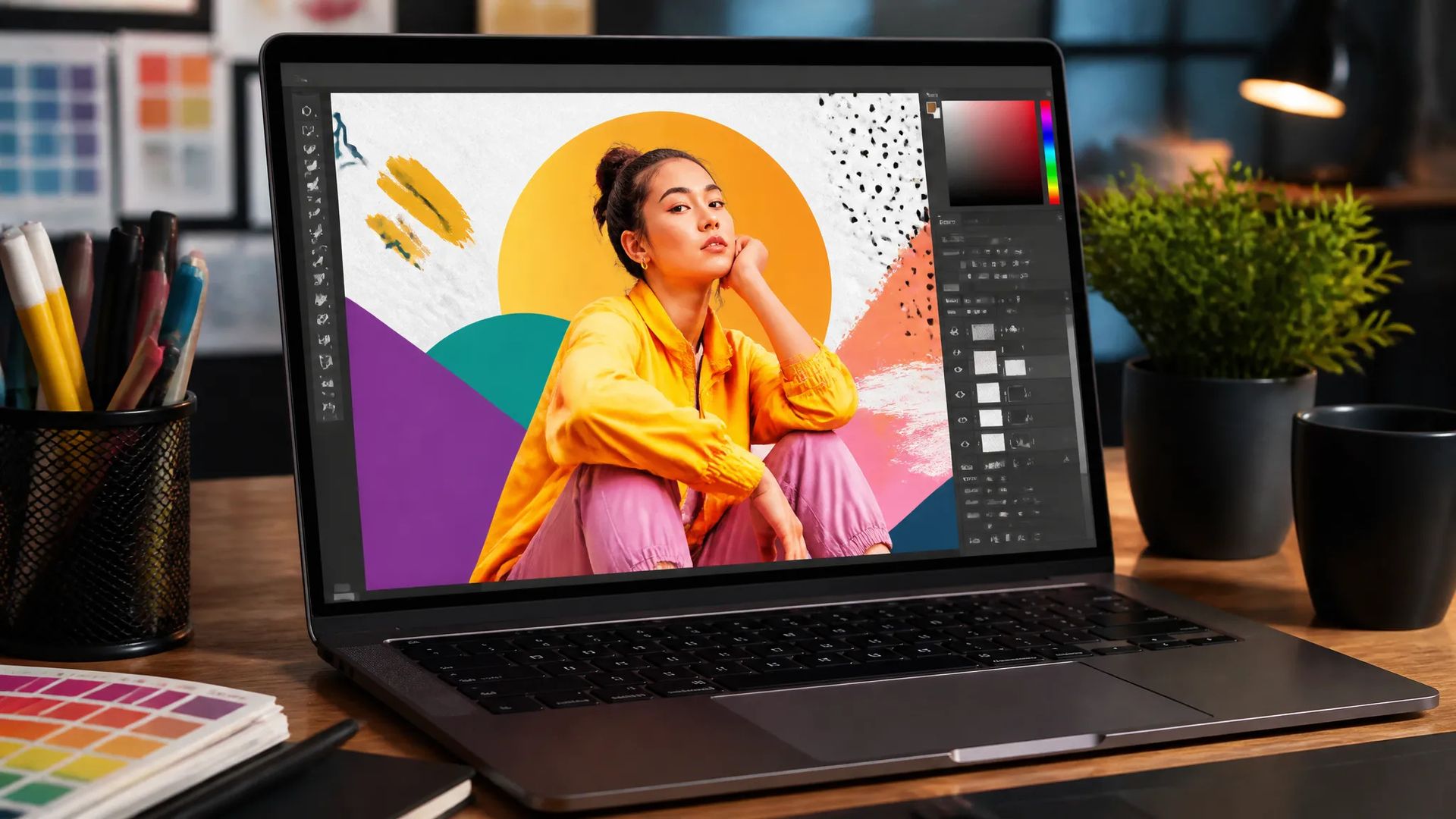
Design & marketing assets

Design & marketing assets

Extract subjects to drop into thumbnails, banners, ads, and posters without a designer.
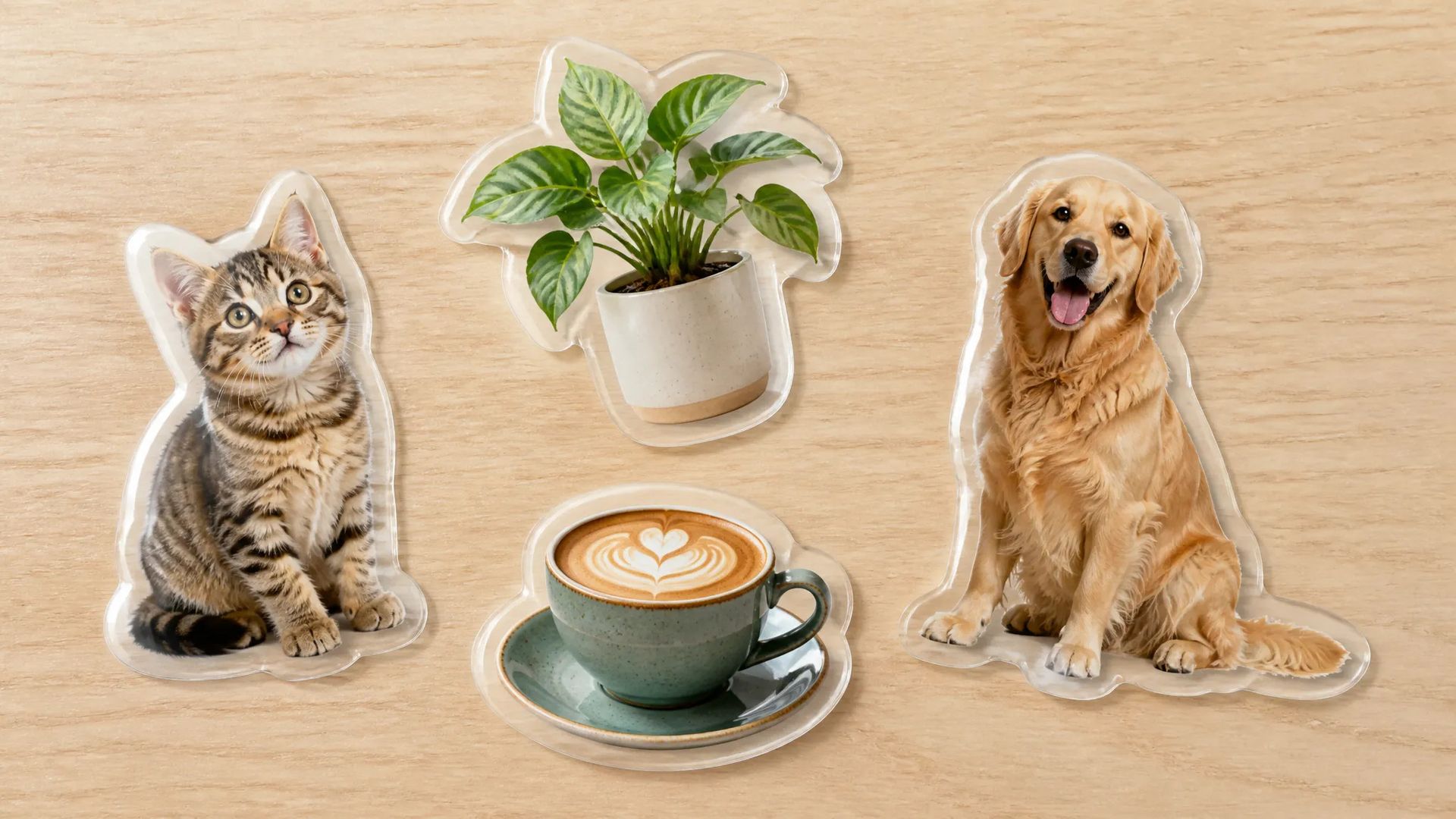
Stickers & overlays

Stickers & overlays

Make transparent stickers and overlays for chats, slide decks, and video.

How to use

  1. 01

    Open the AI Background Remover and upload your image (JPG, PNG, or WebP).

  2. 02

    Let ZOOOP detect and isolate the subject automatically.

  3. 03

    Preview the cutout, then download a transparent PNG or place the subject on a new background.

Deep dive

Remove image backgrounds with AI

The AI Background Remover on ZOOOP takes any photo and isolates the main subject for you, returning a clean transparent PNG you can use anywhere. There is nothing to mask by hand and no green screen required — upload an image and the cutout is ready in seconds.

It is built for real work: white-background product shots for your store, crisp profile pictures, subjects extracted for thumbnails and ads, or transparent stickers for chats and slides. Because the edges stay sharp around hair and soft detail, the result drops naturally onto any new background.

Every generation runs on ZOOOP credits — pay with credit packs that never expire, or pick a monthly plan from $9. When you are done, send the cutout straight to your canvas or download the PNG.

Frequently asked questions

What file do I get back?+

You can download the cutout as PNG or WebP — pick whichever format you need. PNG keeps a fully transparent background; WebP is smaller for faster web use.

Does it handle hair and fine edges?+

Yes — the AI preserves fine detail like hair, fur and soft edges, so cutouts look natural instead of cut with scissors.

What image formats and sizes can I upload?+

Upload JPG, PNG, or WebP images — ordinary photo sizes work out of the box, no manual resizing needed.

Can I place the cutout on a new background?+

Yes — download the transparent cutout and layer it onto any color, photo, or scene, or drop in a fresh background right on your canvas.

More AI tools

AI Age Changer

Make a face look younger or older with AI — realistic aging that keeps the person recognizably themselves.
AI City Teleport

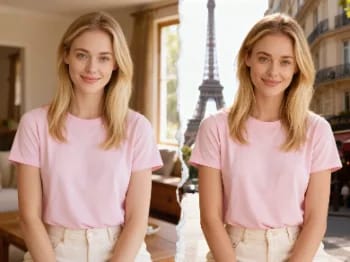
AI City Teleport

Teleport yourself into iconic cities with AI — drop your photo into Paris, Tokyo, New York, and more.
AI Clothes Changer

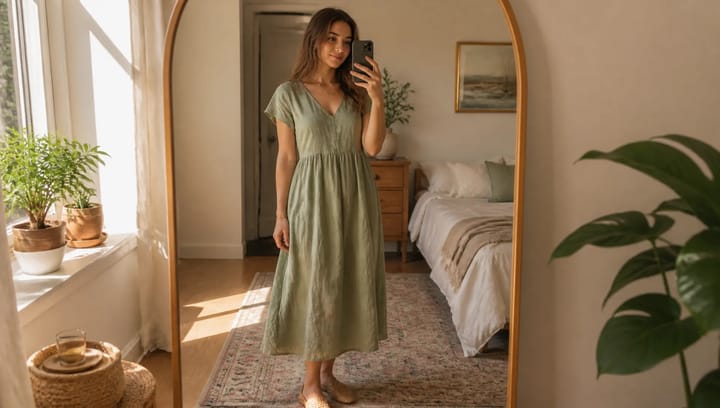
AI Clothes Changer

Describe an outfit and see it on your own photo — the face, pose and background stay exactly as they were.
AI Expression Changer

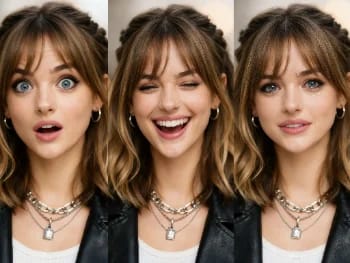
AI Expression Changer

Change facial expressions in any photo with AI — add a smile, open the eyes, or shift the mood, naturally.

AI Hairstyle Changer

Try new hairstyles and hair colors on your own photo with AI — realistic results before you ever touch your hair.
AI Headshot Generator

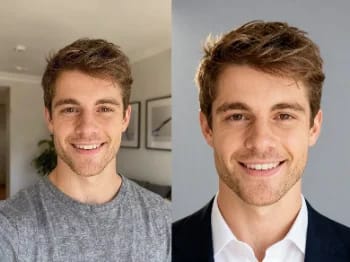
AI Headshot Generator

Turn a casual selfie into a professional headshot with AI — studio lighting, clean backgrounds, business-ready in minutes.

AI Image Upscaler

Upscale any image to 2K or 4K with AI — recover sharp detail and clean edges, with no blur or artifacts.

AI Makeup Changer

Try on makeup looks with AI — from natural to bold, with adjustable intensity, all on your own photo.

AI Object Remover

Remove unwanted objects, people, or text from any photo with AI — and the background fills in seamlessly.
AI Perspective Changer

AI Perspective Changer

Change the camera angle of any image with AI — see a subject from a new viewpoint, naturally rendered.

AI Photo Restoration

Restore old and damaged photos with AI — fix fading, scratches, and blur, and bring faces back to life.

AI Portrait Enhancer

Enhance any portrait with AI — sharper detail, clearer skin and eyes, and balanced light, while still looking like you.

AI Product Holding Generator

Place your product naturally in a person's hands with AI — realistic marketing visuals without a photoshoot.

AI Style Transfer

Repaint any photo in an artistic style with AI — impressionism, cubism, watercolor, anime, and more.

AI Texture Transform

Change an object's material with AI — turn it to marble, wood, gold, glass, or fabric, with realistic surfaces.

AI Video Upscaler

Upscale any video to HD or 4K with AI — sharper frames and clean detail, with smooth, flicker-free motion.

AI Virtual Try-On

See how clothes look on you with AI — combine a person photo and a clothing image for a realistic try-on.

AI ImageImage GeneratorEdit ImageSVG Generator

AI VideoText with ReferenceMotion ControlStart/End FrameExtend VideoEdit VideoLip SyncVideo Sound Effects

AI AudioText to SpeechVoice CloneSound EffectMusic Generation

ExploreAll ModelsAll TemplatesAI ToolsGlossaryCompare modelsFree toolsAlternativesAI CLIAPI DocsAgent Skill

CompanyBlogPricingFAQPrivacyTermsReport Infringement

Ask AI about ZOOOP

© 2026 ZOOOP. All rights reserved.