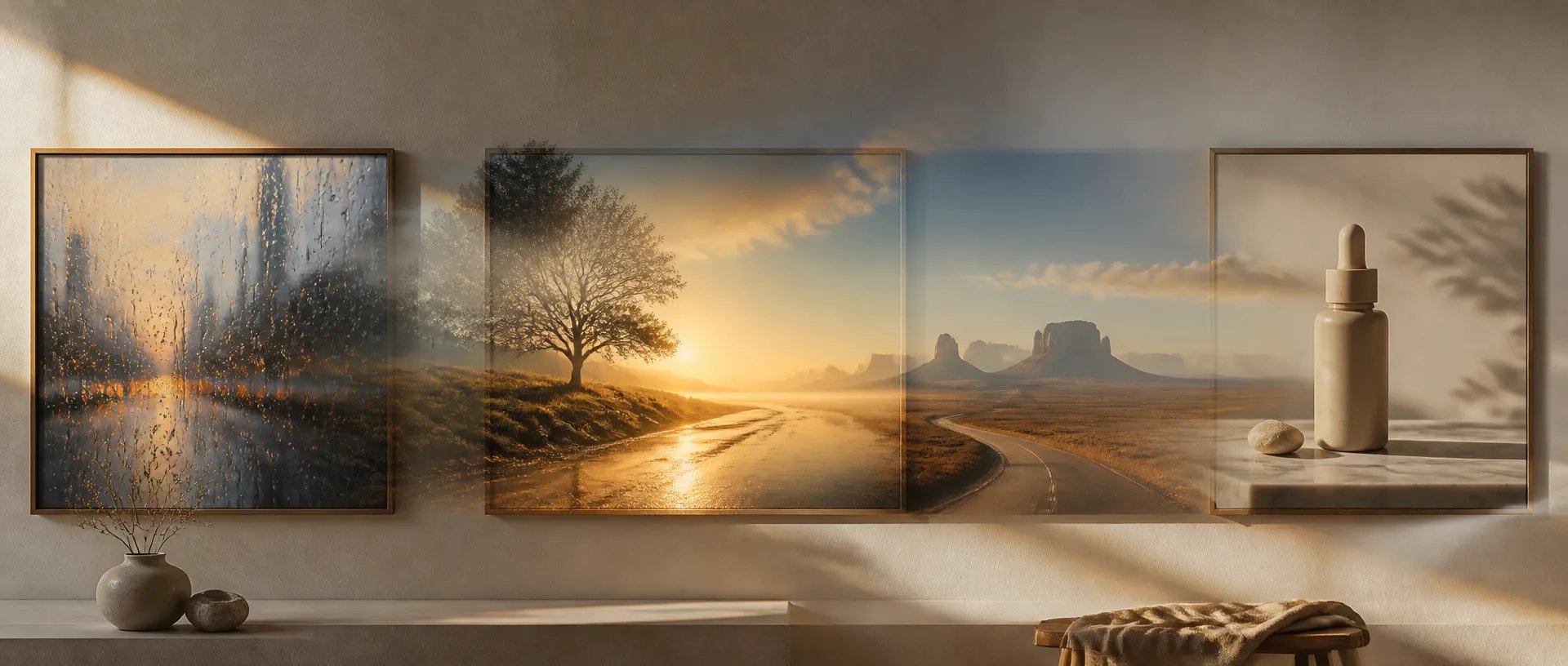
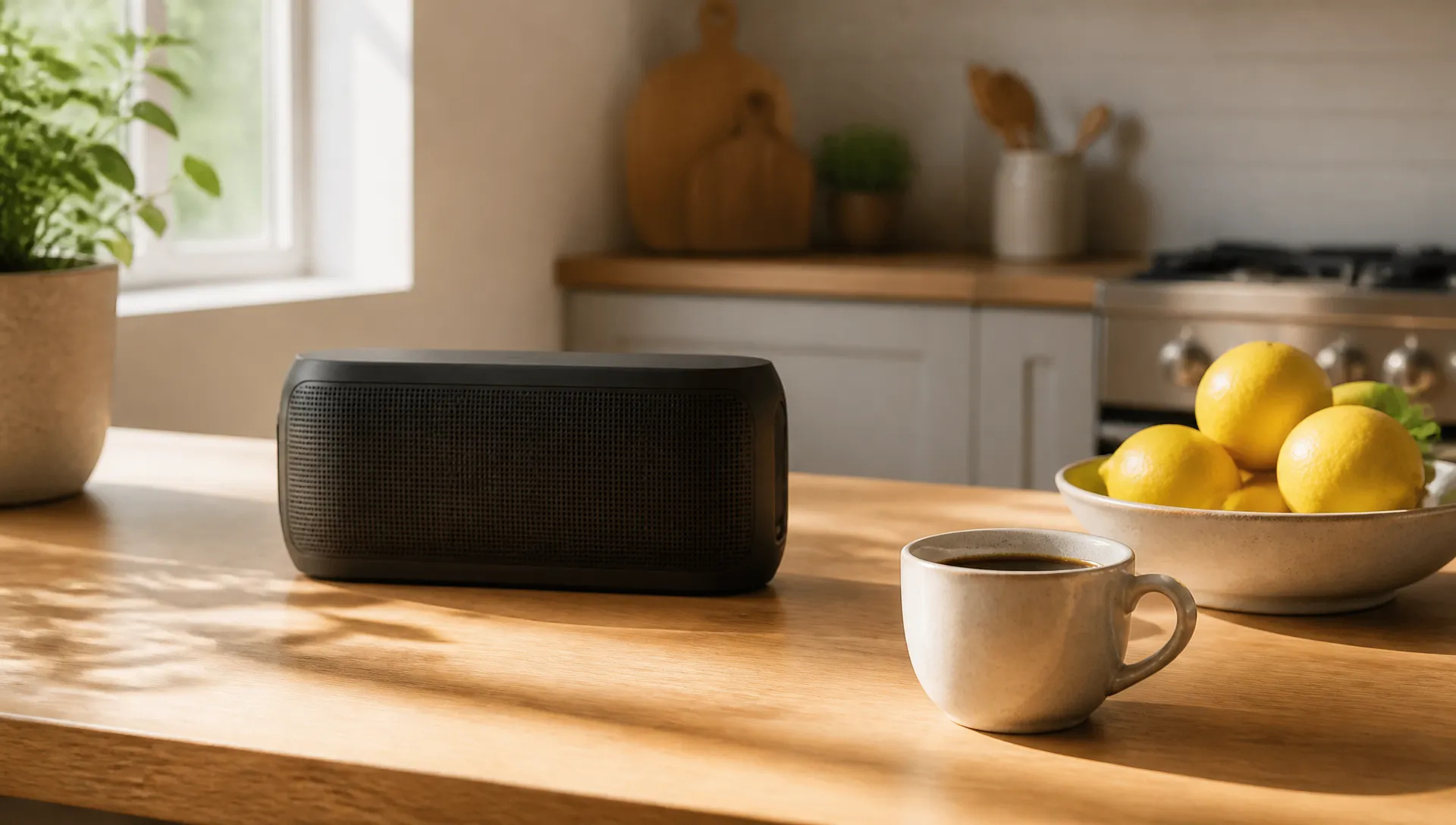
Product composites
Combine a product shot with a lifestyle photo so the item sits naturally in the scene, with matching light.

Meta's image model: text-to-image and multi-image editing at about 2.5 megapixels, in any aspect ratio you pick.
Trả một lần cho các khoản credit - sử dụng chúng trên mọi mô hình trên ZOOOP. · Nạp tiền khi bạn cần, không đốt hàng tháng.
Powered by Meta's API on ZOOOP
Attach up to 10 reference images and describe the result: put the product from one photo on the table from another, recolor an object, swap a background.
Muse renders at a fixed size of roughly 2.5 megapixels, sharp enough for social posts, thumbnails and web layouts without an extra upscale step.
Pick 21:9, 16:9, 3:2, 4:3, 1:1, 3:4, 2:3 or 9:16, or leave it on auto and Muse picks the framing that suits the prompt.
In our tests results came back well within a minute, and it is one of the most affordable image models we offer, which makes it easy to iterate.
Combine a product shot with a lifestyle photo so the item sits naturally in the scene, with matching light.
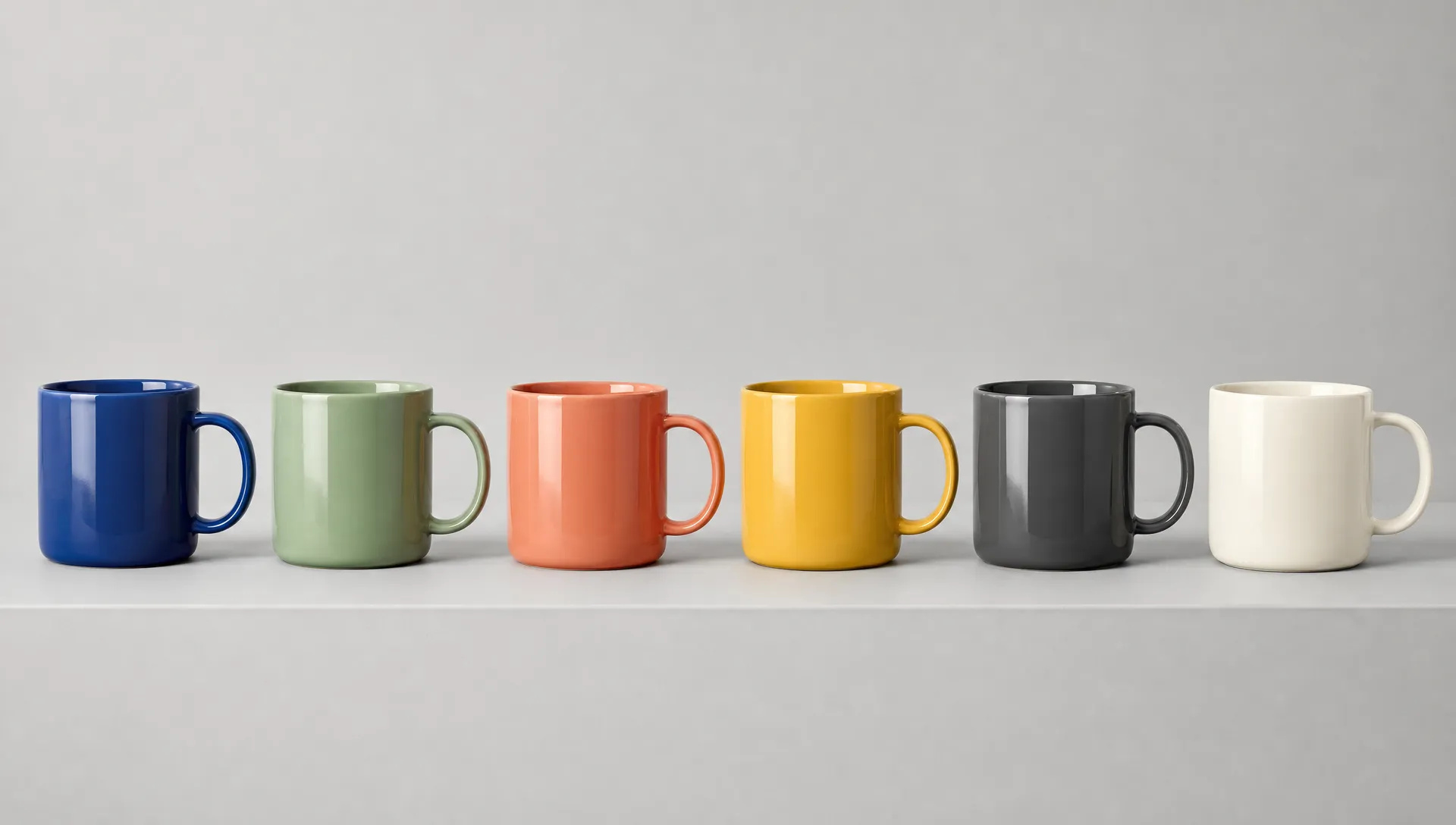
Turn one product photo into a set of colorways by describing each change in a sentence.
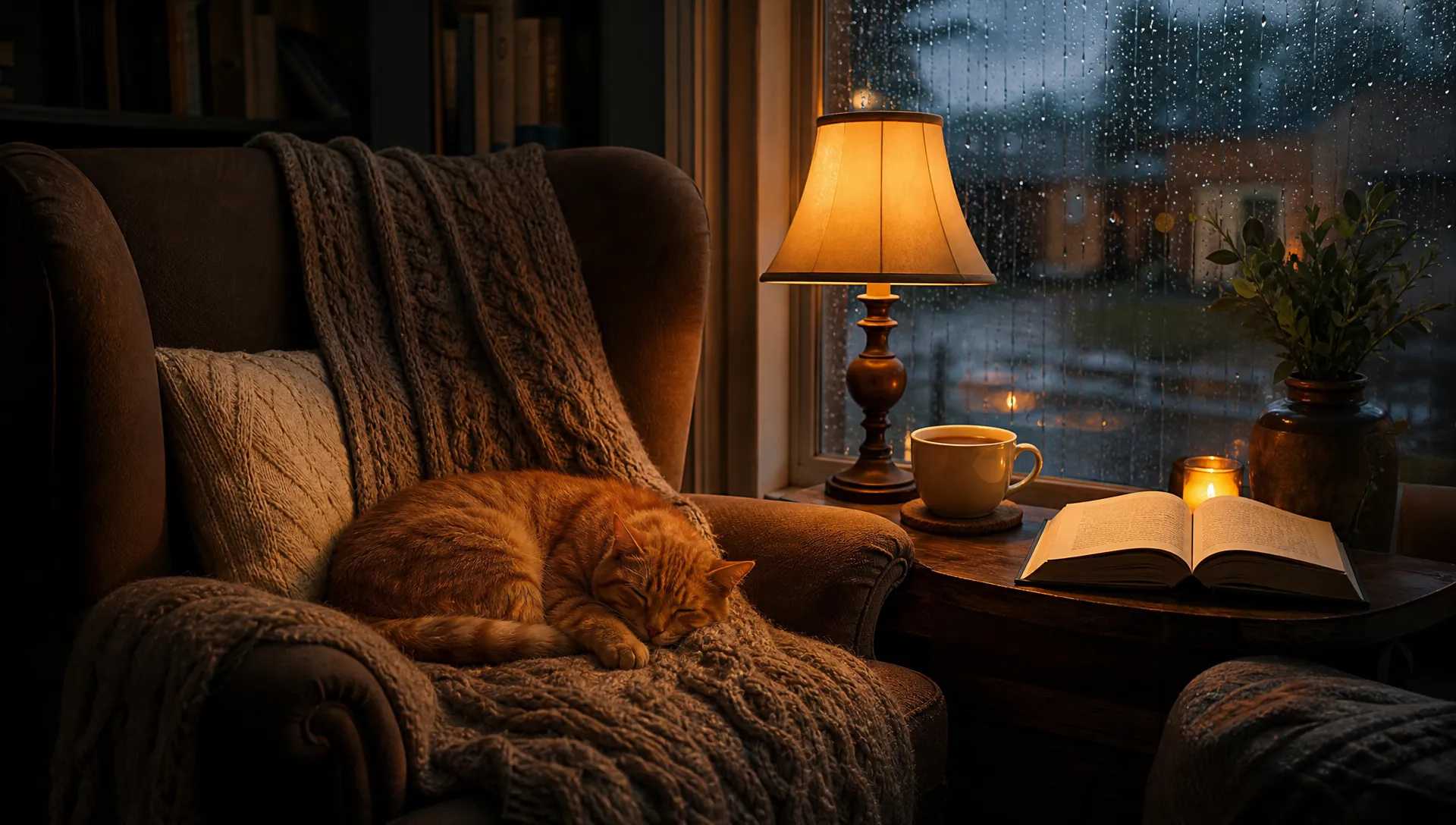
Rainy windows, lamp light, a cat on a blanket: atmospheric photo-style images from a short prompt.
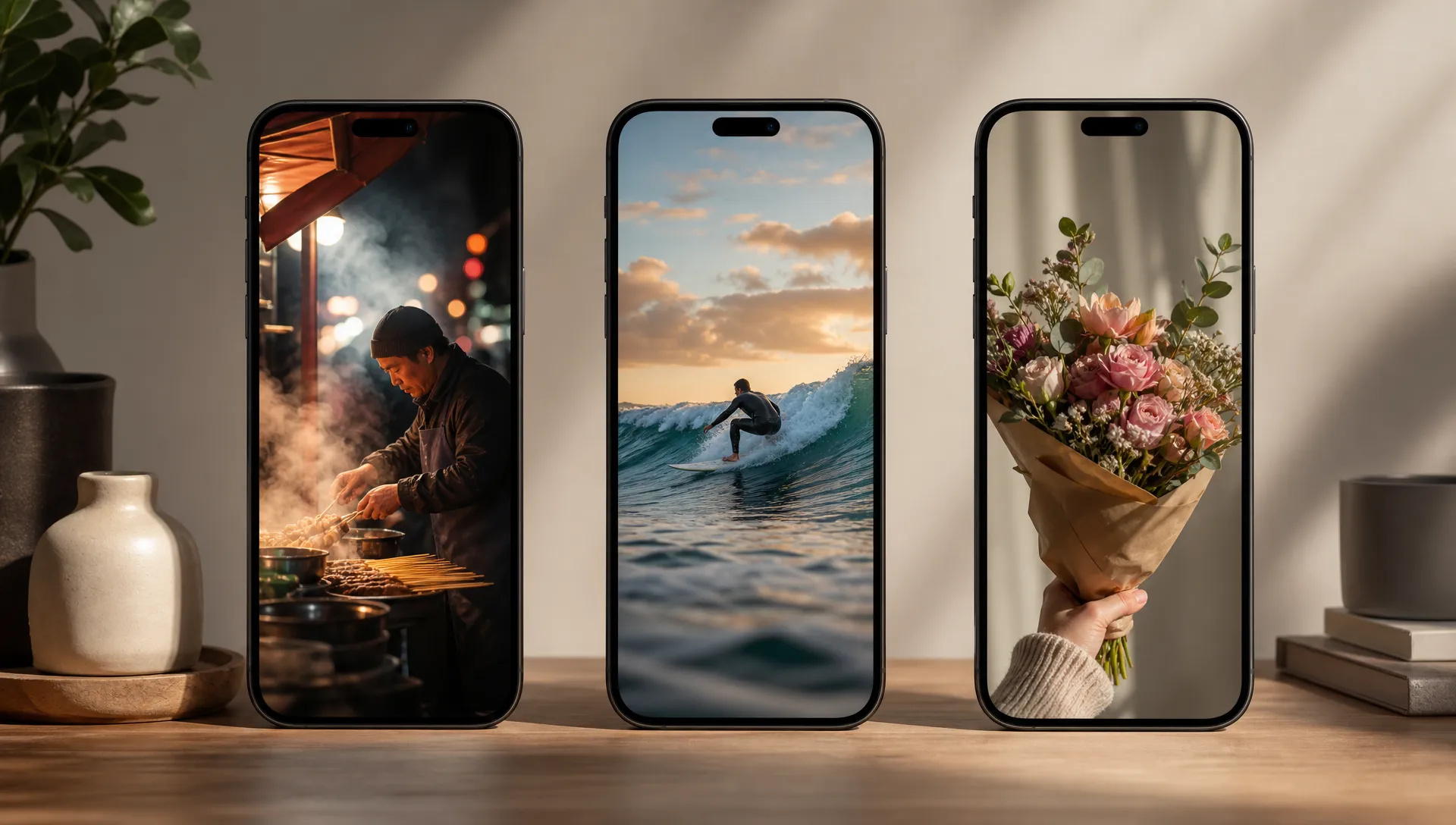
Generate 9:16 images for vertical post and short-video covers without cropping a landscape render.
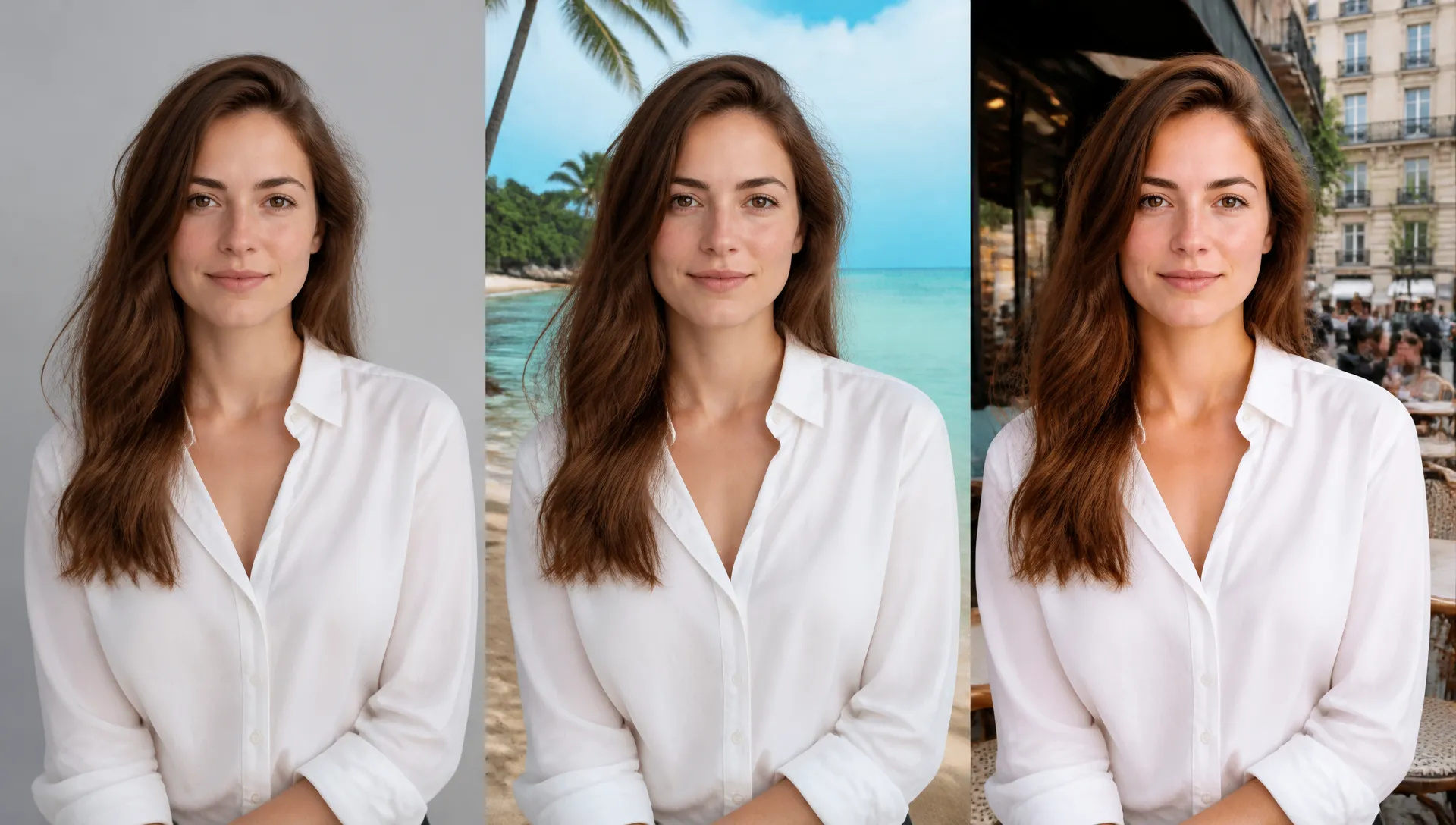
Keep the subject and change the setting: studio to beach, office to café, day to night.
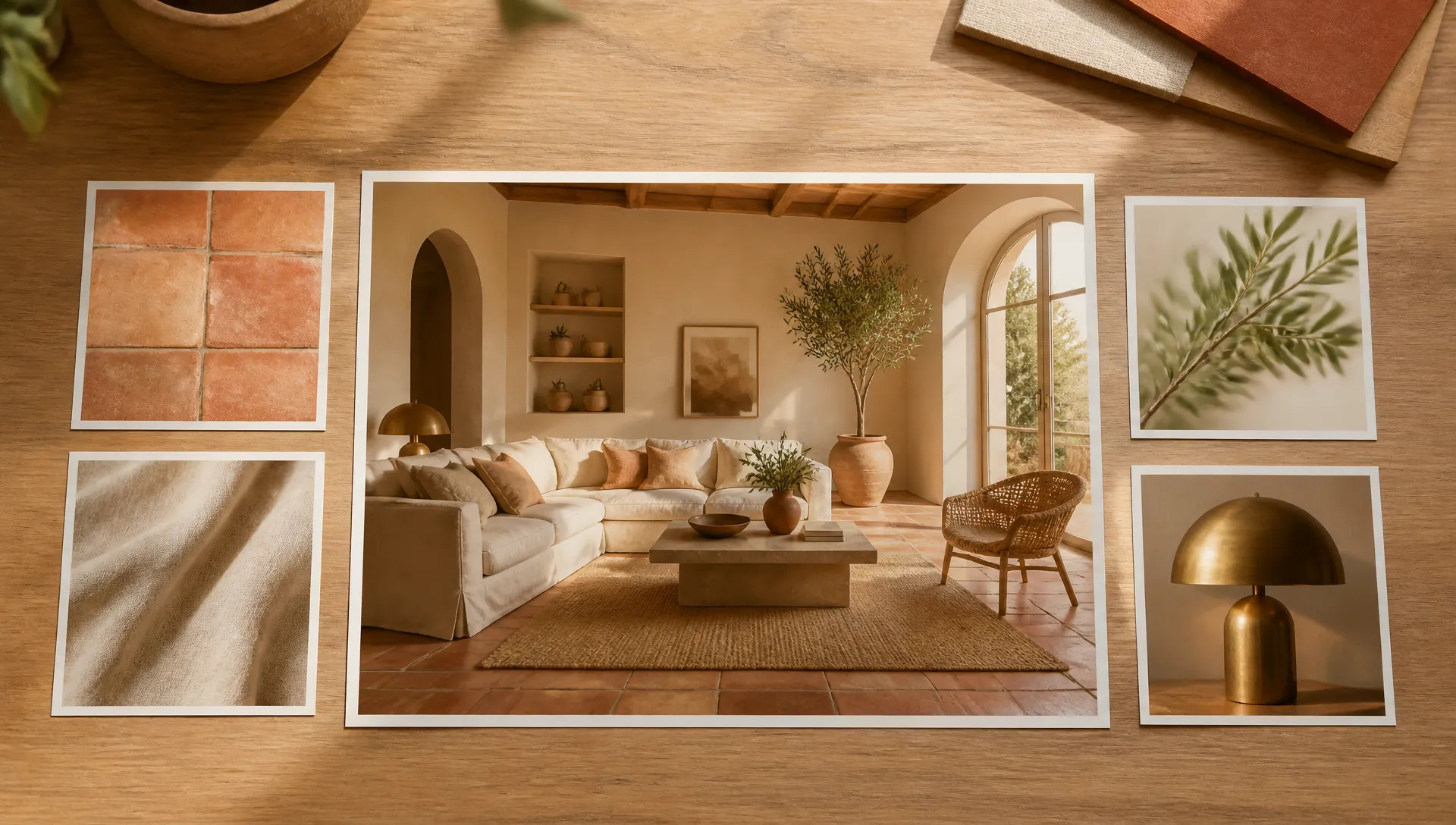
Feed several reference photos and ask for a new image that blends their palette, materials and style.
Meta Muse Image is the quick, affordable all-rounder for generating and combining images. Switch when the job needs something else.
Open Meta Muse Image from this page or pick it in the Image Generator.
Write the prompt, and attach up to 10 reference images if you are editing or combining.
Choose an aspect ratio, or leave it on auto.
Generate, then refine the prompt or feed the result back in for another edit.
Meta Muse Image is a quick, affordable model for making and combining images. It doesn't ask you to choose a quality tier or a resolution: every result comes back at roughly 2.5 megapixels, and the only shape decision is the aspect ratio, or auto if you'd rather let the model decide.
The first flagship capability is multi-image editing. Attach up to 10 reference images and say what should happen: the orange robot from one photo placed on the wooden table from another, a mug turned cobalt blue with a cappuccino inside, a product moved from a studio sweep onto a beach. In our tests Muse kept the light and perspective of the target scene, so composites didn't look pasted on.
The second is photoreal atmosphere from short prompts. A line like "a cozy reading nook by a rainy window, warm lamp light, a cat asleep on a knitted blanket" comes back as a believable photo with depth, texture and mood.
The third is framing freedom. Eight options from 21:9 to 9:16, plus auto. Vertical covers, widescreen headers and square posts all render at full size instead of being cropped from one master.
Where it's weaker: there is no resolution control, so for 4K deliverables use Nano Banana 2 or GPT Image 2.5. For typography-heavy work like posters with real copy, GPT Image 2.5 is more reliable. For extreme banner ratios such as 8:1, Nano Banana 2.1 covers them.
A reasonable mental model: make Meta Muse Image your default for fast drafts, composites and quick edits, then move to GPT Image 2.5 for text-heavy designs and Nano Banana 2 for 4K finals.
It is Meta's image model. On ZOOOP it does text-to-image and image editing with up to 10 reference images, returning one image of about 2.5 megapixels per run.
No. Muse always renders at roughly 2.5 megapixels; only the aspect ratio changes the shape. For 4K output use Nano Banana 2 or GPT Image 2.5.
Up to 10 reference images per edit. Describe in the prompt which element should come from which image.
Muse picks the framing itself based on the prompt or your reference image, instead of forcing a fixed ratio.
It handles short signs and labels, but for typography-heavy designs like posters or packaging copy, GPT Image 2.5 is the stronger choice.
Yes. It is among the lowest-cost image models on ZOOOP, so it suits high-volume drafts and quick edits.























Văn bản thành hình ảnh
Văn bản thành hình ảnh
Văn bản thành hình ảnh
Văn bản thành hình ảnh
Văn bản thành hình ảnh
Văn bản thành hình ảnh
Meta Muse Image
Prompt*
Reference Images
Tỷ lệ khung hình*
Các thế hệ của bạn sẽ xuất hiện ở đây khi bạn đăng nhập.
Tạo một tài khoản là miễn phí.