
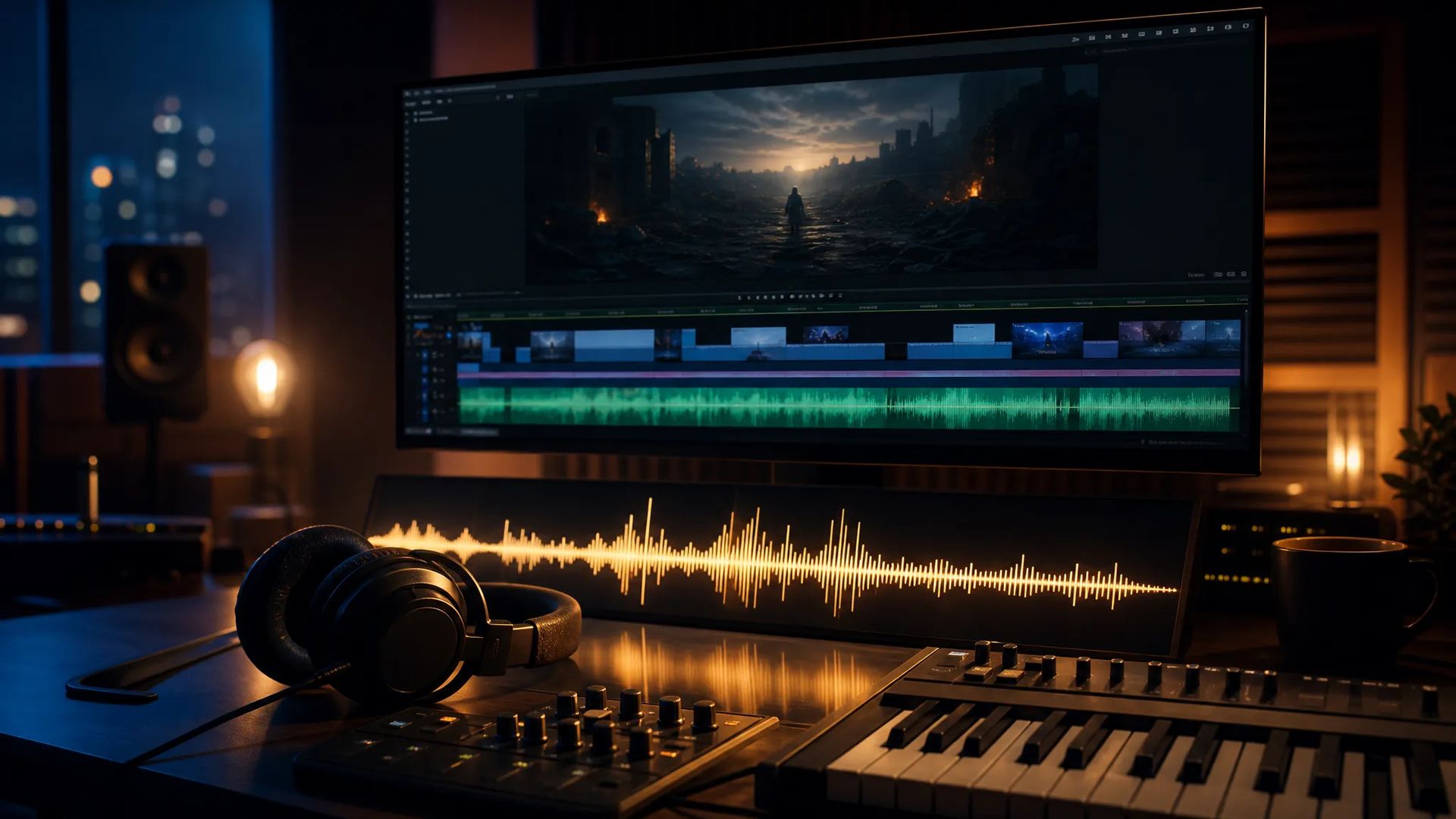
Background scores
Generate mood-matched music for video and content.

Google's Lyria2 — prompt-driven music generation with negative prompts.
Trả một lần cho các khoản credit - sử dụng chúng trên mọi mô hình trên ZOOOP. · Nạp tiền khi bạn cần, không đốt hàng tháng.
Powered by Google's API on ZOOOP
Describe the style, mood, and instrumentation and Lyria2 composes a track to match.
Specify what to avoid — instruments, moods, or elements — to steer the result.
The prior-generation Google Lyria music model.
Generates original instrumental tracks — scores, beds, and mood pieces from a description, with no lyrics field to manage.
Generate mood-matched music for video and content.

Generate background music for apps, websites, and product demos.
Iterate on prompts to find the right feel.
Generate instrumental backing for presentations and ads.
Pick the right music model. Your credits work everywhere on ZOOOP.
Open Lyria2 from this page or pick it in the Audio tools.
Describe the music you want; add a negative prompt for what to avoid.
Confirm the prompt.
Generate, then download or send the track to your canvas.
Lyria2 is the prior-generation Google Lyria music model: describe the style, mood, and instrumentation, and it composes a track to match, with a negative prompt to specify what to avoid. It's a straightforward prompt-driven music generator — useful for background scores, content soundtracks, and instrumental beds where you want original music from a description.
Where it sits in the Lyria line: Lyria 3 adds image conditioning and refines the model; Lyria 3 Pro is the higher-end tier. For lyrics-first songs with vocals on your own words, ACE-Step and Minimax Music V2 are the tools instead — Lyria2 is prompt-driven and doesn't take a separate lyrics field. For non-musical sound, use Sound Effects V2.
A reasonable mental model: use Lyria2 for prompt-driven instrumental music and scores, and step up to Lyria 3 or Lyria 3 Pro for the newer Google models, or to ACE-Step / Minimax Music for lyric-driven songs.
A text prompt describing the music and an optional negative prompt for what to avoid.
Lyria2 is the prior generation. Lyria 3 adds image conditioning; Lyria 3 Pro is the higher-end tier. Step up to Lyria 3 or Pro for the newer models.
Prompt-driven instrumental music — background scores, app and website music, and instrumental beds. Describe the style, mood, and instrumentation, and add a negative prompt to exclude what you don't want.
Lyria2 is prompt-driven and doesn't take a separate lyrics field. For lyrics-first songs, use ACE-Step or Minimax Music V2.6.























Lyria2
Prompt (English)*
Negative Prompt (English)
Các thế hệ của bạn sẽ xuất hiện ở đây khi bạn đăng nhập.
Tạo một tài khoản là miễn phí.