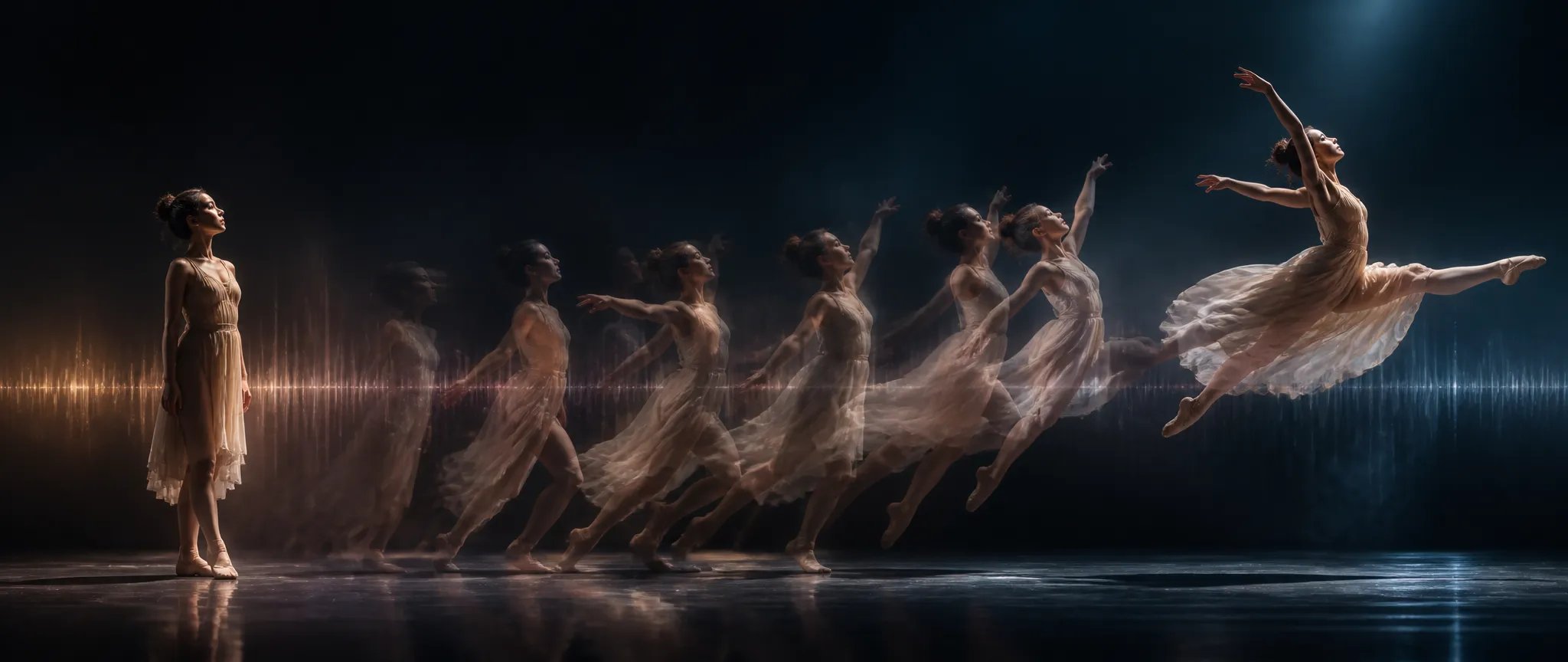
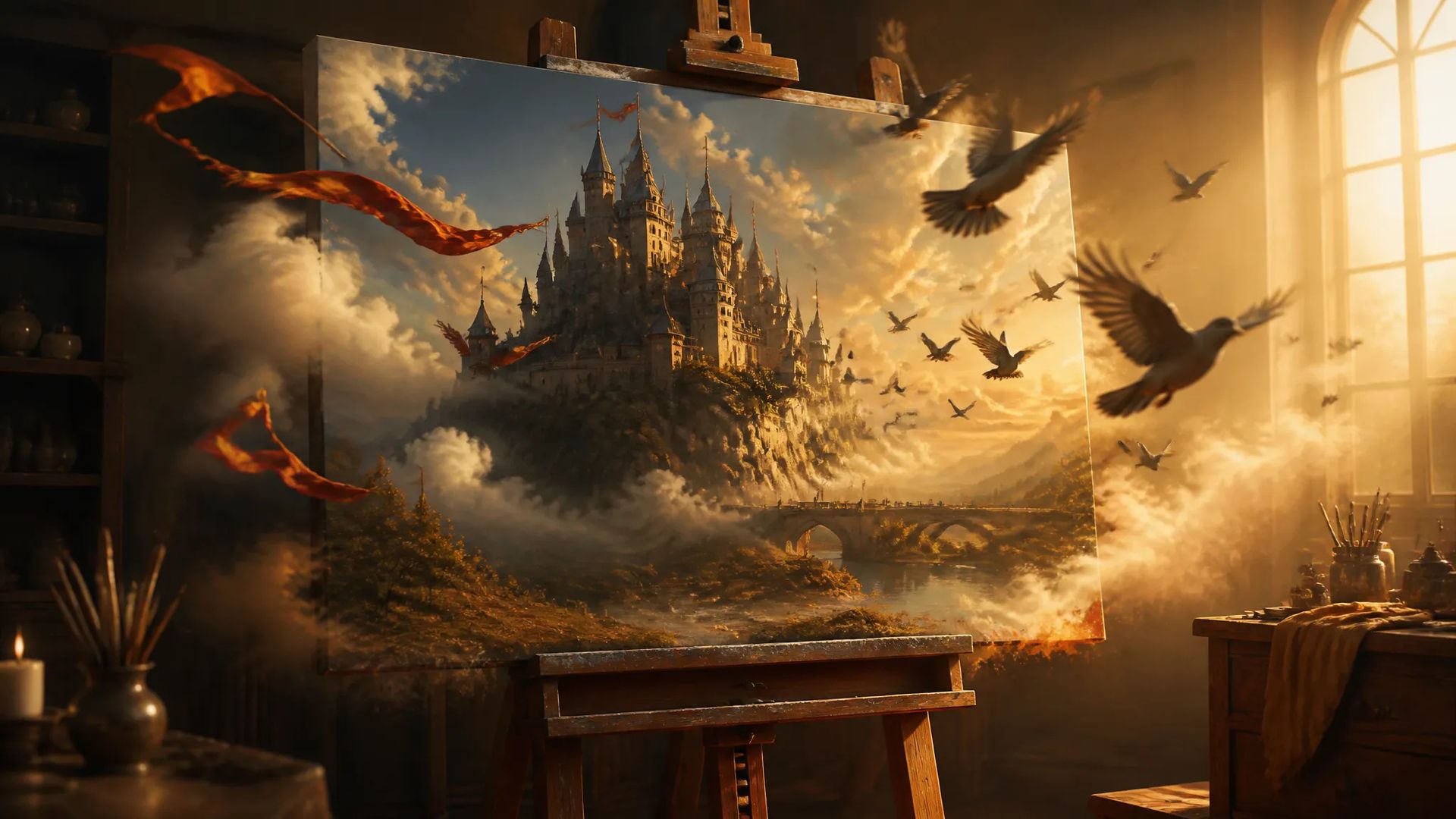
Bring a still to life
Feed a single image and animate it into a moving shot with audio.

Vidu Q3 Pro — image-to-video with start/end keyframes, native audio, up to 1080p and 16 seconds.
Trả một lần cho các khoản credit - sử dụng chúng trên mọi mô hình trên ZOOOP. · Nạp tiền khi bạn cần, không đốt hàng tháng.
Powered by Vidu AI's API on ZOOOP
Drive the shot from a still image — Vidu Q3 Pro animates outward from your start frame with the Q3 generation's quality.
Add an optional end frame and Vidu Q3 Pro interpolates the motion between your two keyframes.
Audio is generated with the video and on by default.
Output at 360p to 1080p, clips from 1 to 16 seconds.
Feed a single image and animate it into a moving shot with audio.

Set a start and an end frame and let Vidu Q3 Pro interpolate between them.
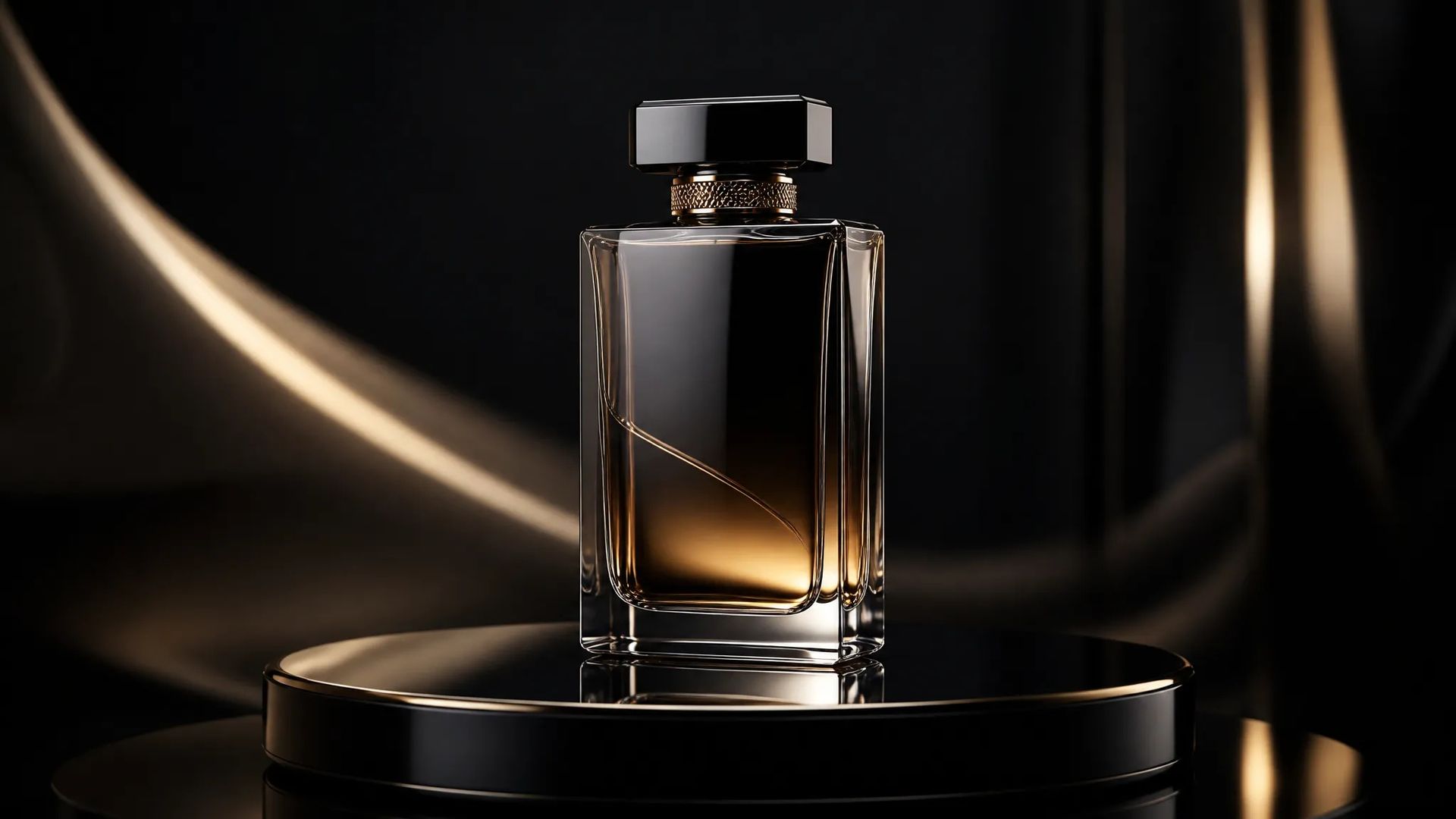
Animate a product still into a reveal or rotation for ads and store loops.

Up to 16 seconds gives a fuller motion from a starting frame.
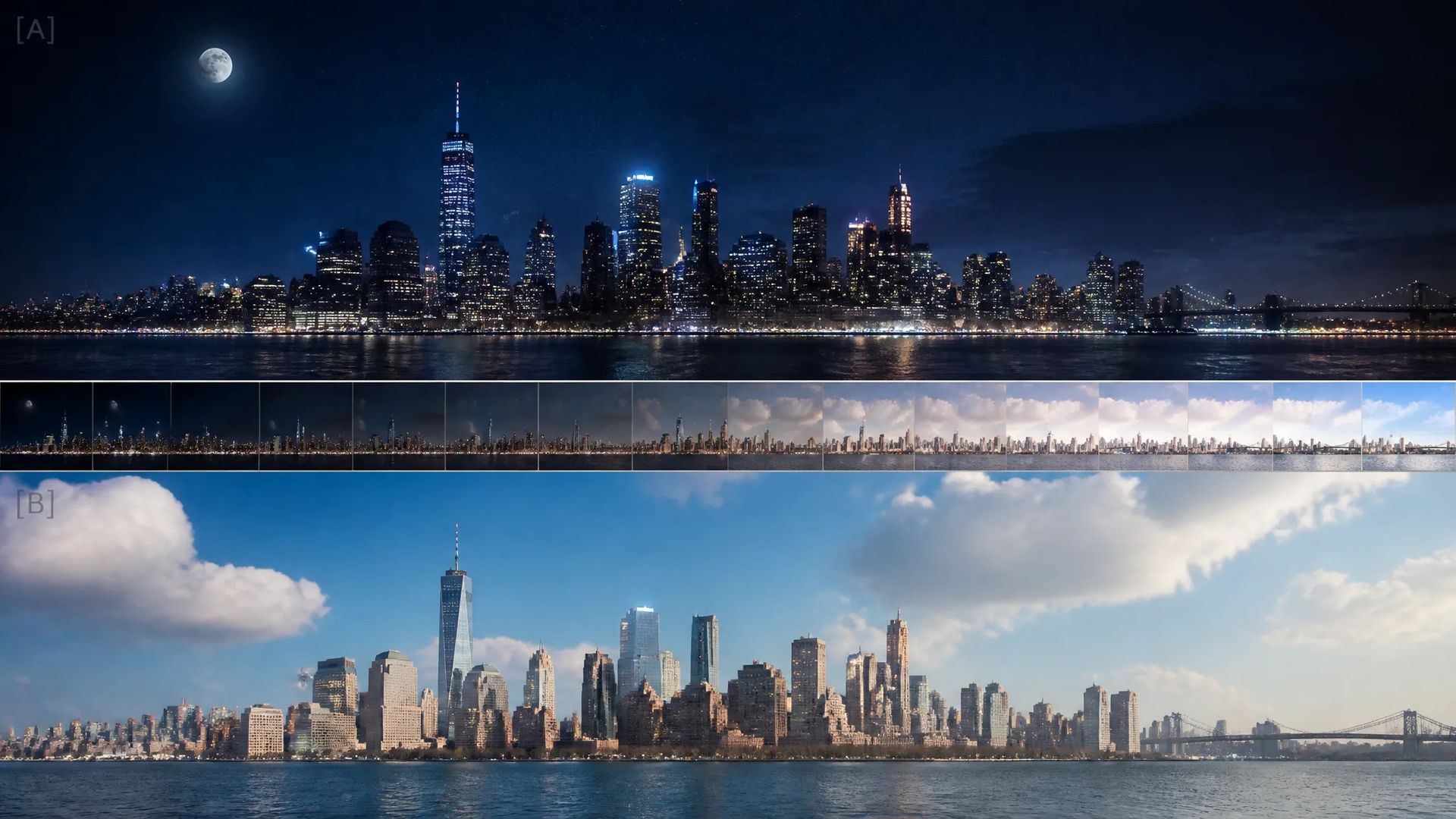
Two keyframes give controlled transitions where the in and out states matter.

Native audio means animated stills arrive with scene sound.
Pick the right video model. Your credits work everywhere on ZOOOP.
Open Vidu Q3 Pro from this page or pick it in the Video Generator.
Upload a start frame and write a prompt; add an end frame to keyframe the interpolation.
Pick resolution (up to 1080p) and duration (1–16s); keep audio on.
Generate, then download or send the clip to your canvas.
Vidu Q3 Pro is the image-to-video keyframe tier of the Q3 generation: provide a start frame and it animates outward from it, with the Q3 generation's quality and native audio on by default. The standout control is the optional end frame — give it a start and an end image and it interpolates the motion between your two keyframes, which makes it precise for transitions, reveals, and shots where both the in and out states are fixed.
Clips run up to 16 seconds at up to 1080p, a long window for image-to-video, so a single starting frame can carry a fuller motion. Product reveals, animated key art, and controlled transitions are the natural fits.
Where it sits in the Vidu line: the standard Vidu Q3 is reference-driven text-to-video; Vidu Q3 Turbo is the faster text-to-video tier; Vidu Q2 Turbo is the prior generation's image-to-video. For image-to-video with native 4K, LTX-2.3 is the alternative. Vidu Q3 Pro's sweet spot is keyframed image-to-video with audio.
A reasonable mental model: default to Vidu Q3 Pro when you're animating a still and want two-keyframe control with audio, and switch to LTX-2.3 for 4K or to the Vidu text-to-video tiers for prompt-only scenes.
From an image. It's an image-to-video model — provide a start frame and it animates outward. For text-to-video, use Vidu Q3 or Q3 Turbo.
It's an optional second keyframe — provide a start and an end image and Vidu Q3 Pro interpolates the motion between them.
From 1 to 16 seconds, output up to 1080p, with native audio on by default.
Vidu Q3 Pro is the image-to-video keyframe tier; the standard Vidu Q3 is reference-driven text-to-video. Pick Q3 Pro when you're animating a still.























Video khung hình đầu tiên và cuối cùng
Video khung hình đầu tiên và cuối cùng
Video khung hình đầu tiên và cuối cùng
Video khung hình đầu tiên và cuối cùng
Video khung hình đầu tiên và cuối cùng
Video khung hình đầu tiên và cuối cùng
Vidu Q3 Pro
Prompt*
Start Frame*
End Frame
Độ phân giải*
Thời lượng*
Các thế hệ của bạn sẽ xuất hiện ở đây khi bạn đăng nhập.
Tạo một tài khoản là miễn phí.