Family archives
Bring decades-old family portraits back to a clean, shareable state.
Restore old and damaged photos with AI — fix fading, scratches, and blur, and bring faces back to life.
Trả một lần cho các khoản tín dụng - sử dụng chúng trên mọi mô hình trên ZOOOP. · Nạp tiền khi bạn cần, không đốt hàng tháng.
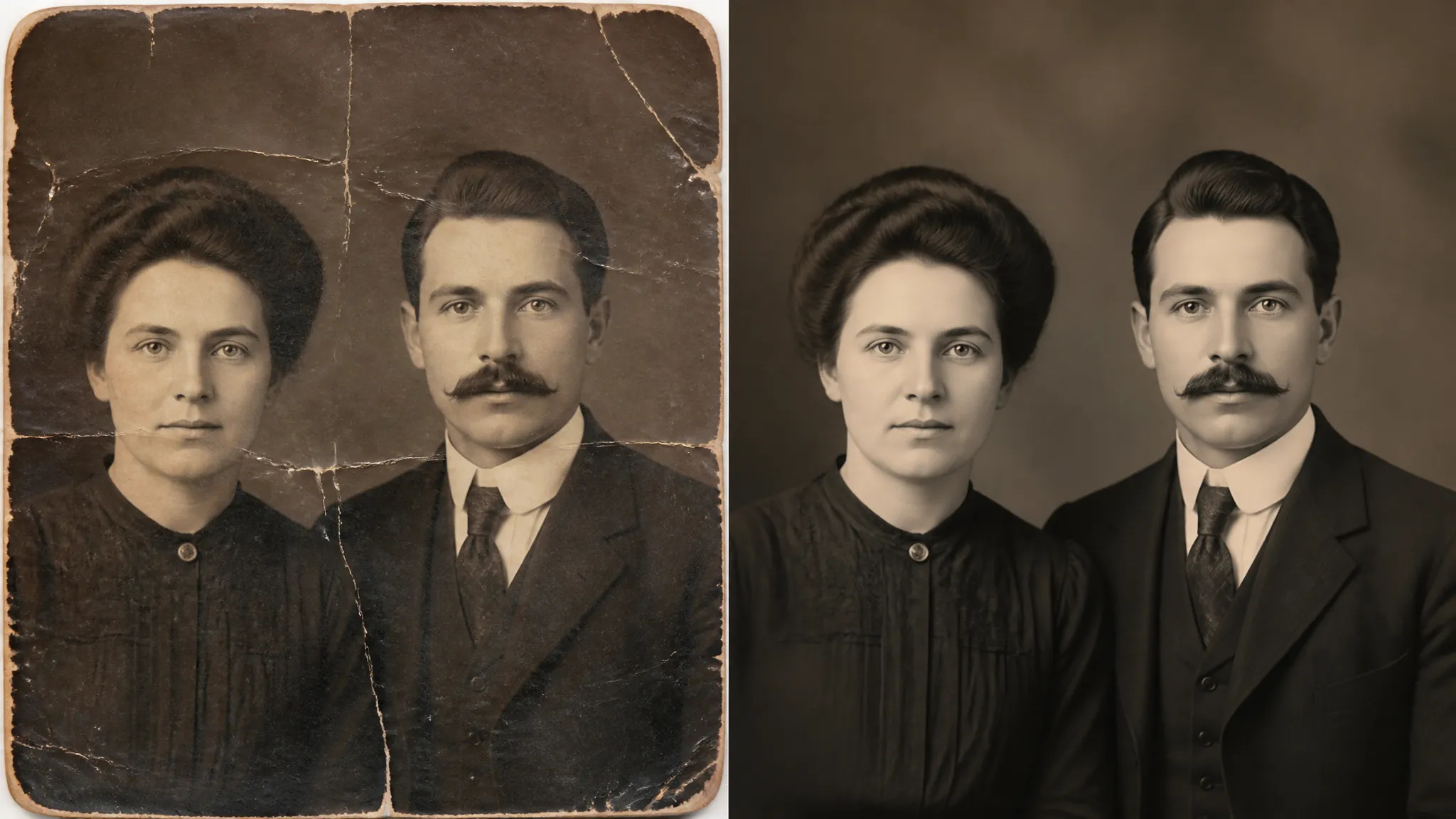
Cracks, creases, scratches, and missing patches are repaired so the photo reads as whole again.
Washed-out, yellowed, or low-contrast images get their tone and detail brought back.
Soft or blurry faces are reconstructed with natural detail, keeping the person recognizable.
Upload the scan and ZOOOP handles damage, fading, and softness together — no retouching by hand.
Bring decades-old family portraits back to a clean, shareable state.
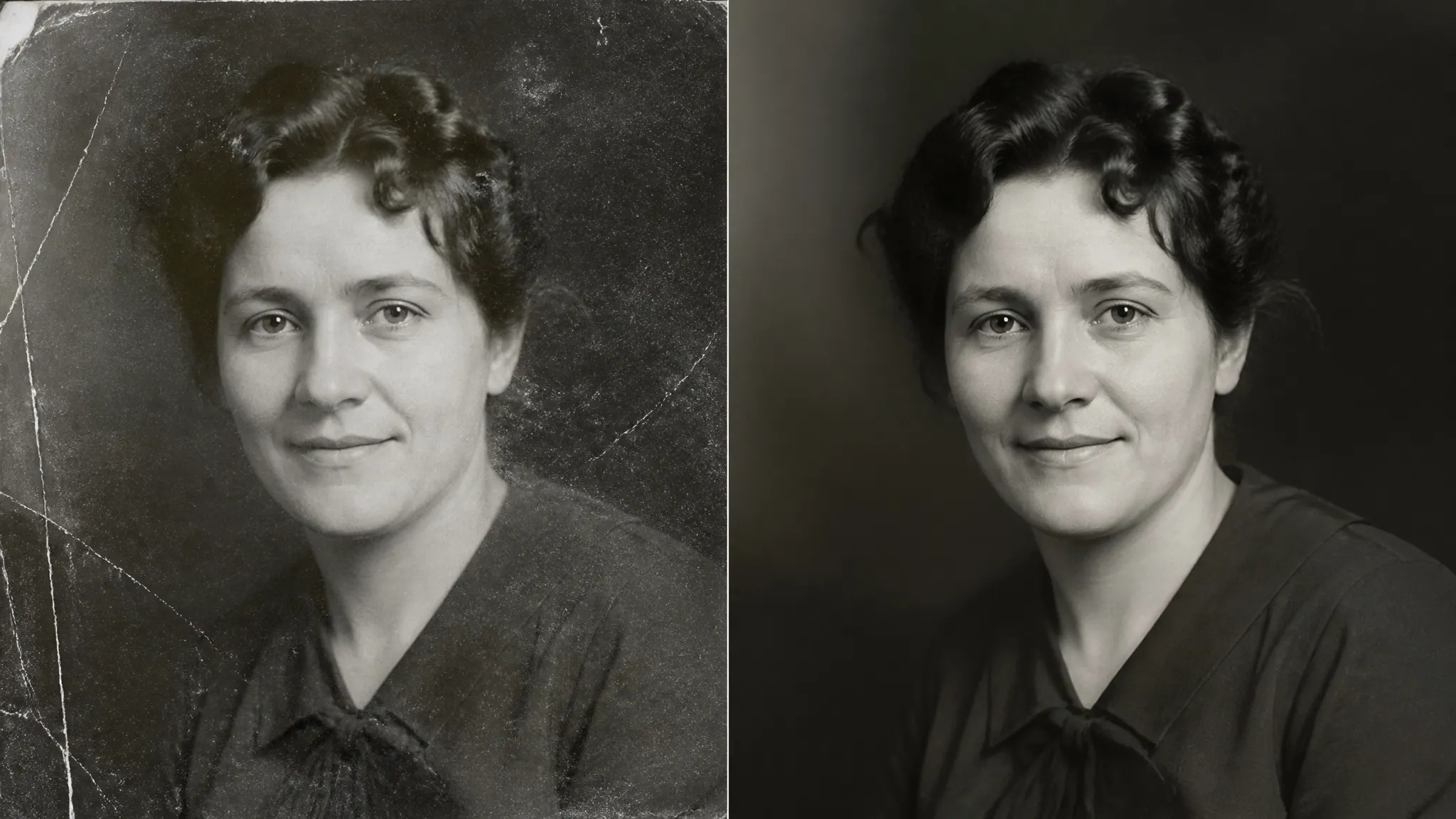
Clean up dust, scratches, and creases left on scans of physical photos.
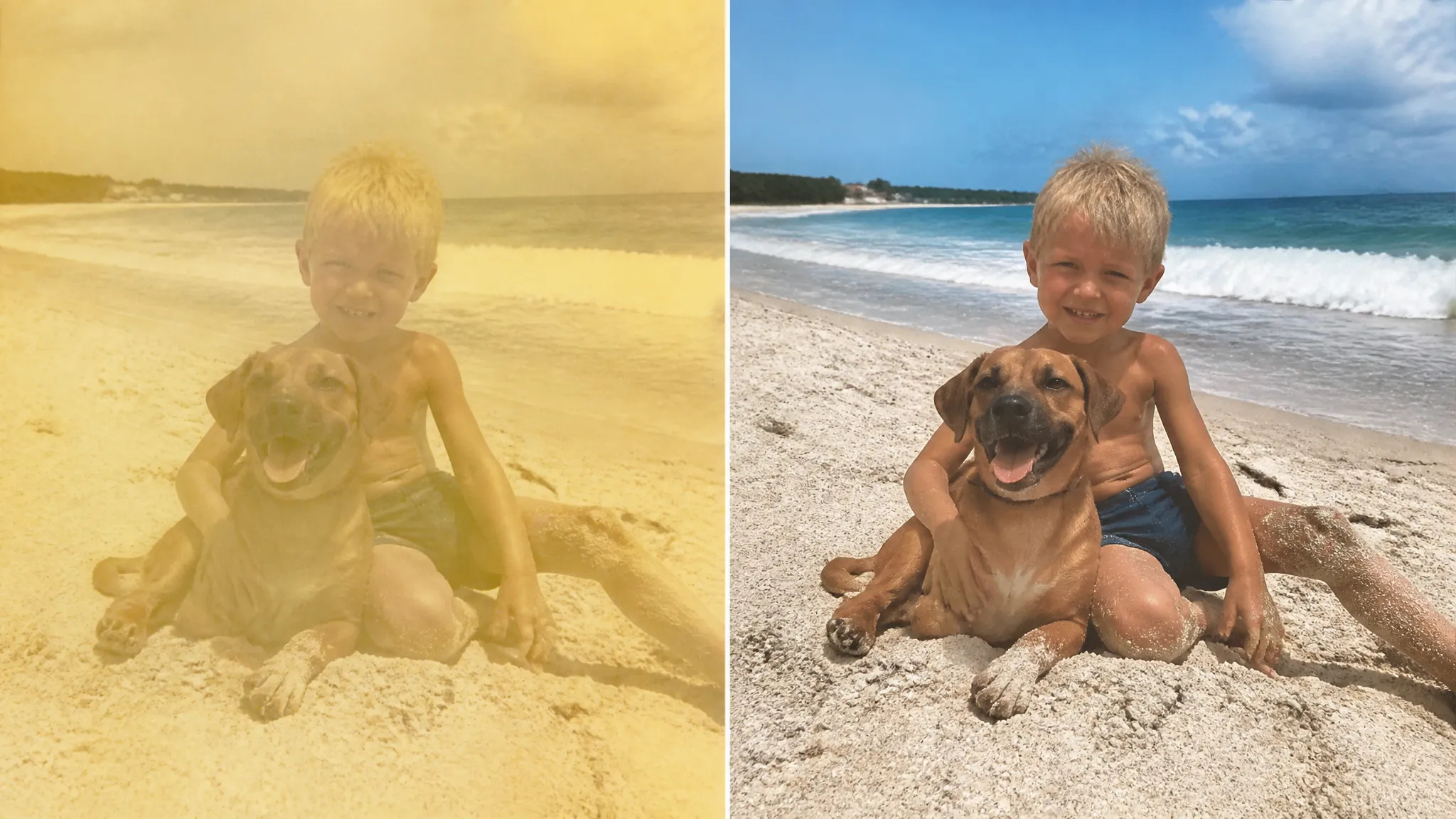
Recover color and contrast in sun-faded or yellowed pictures.
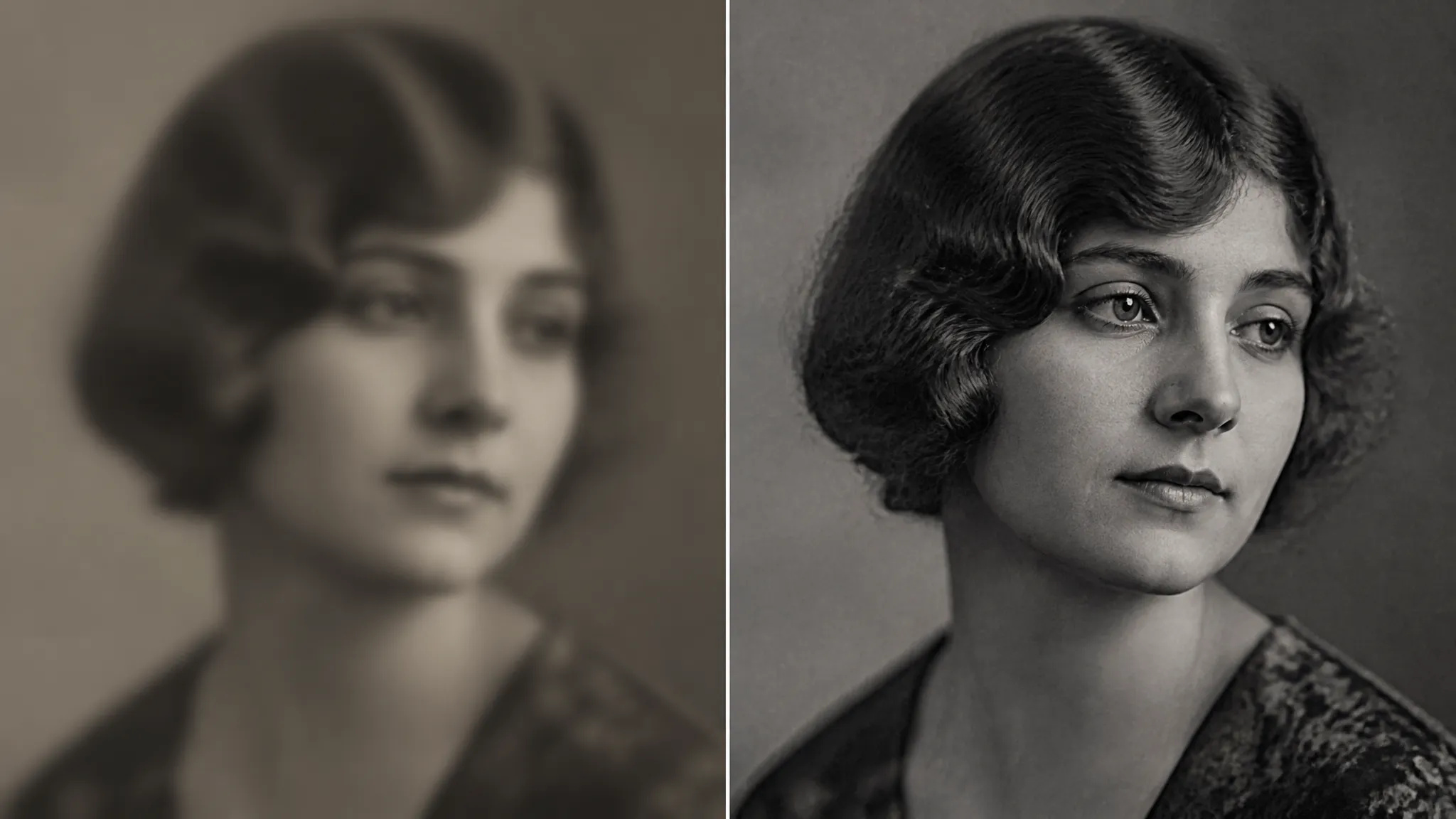
Sharpen soft or out-of-focus old shots so faces become clear.
Open the AI Photo Restoration tool and upload your old or damaged photo.
Let ZOOOP repair damage, fading, and softness automatically.
Preview the restored photo, then download it or send it to your canvas.
The AI Photo Restoration tool on ZOOOP repairs old, faded, and damaged photos in one step. It fills in scratches and creases, recovers tone and detail in washed-out images, and reconstructs soft faces with natural detail — all while keeping the people recognizable rather than reinventing them.
It is made for keepsakes: decades-old family portraits brought back to a clean, shareable state, scanned prints cleared of dust and damage, and sun-faded or blurry pictures restored so faces become clear again.
Every generation runs on ZOOOP credits — no subscription, and credits that never expire. When you are done, download the restored photo or send it to your canvas.
Fading, yellowing, scratches, creases, dust, low contrast, and softness — the common problems with old or scanned photos.
Yes — the AI reconstructs detail while keeping identity intact, so faces stay recognizable, not reinvented.
A clear scan or phone photo of the print works best; upload it as JPG, PNG, or WebP.
This tool focuses on repair and clarity. For color, restore first, then use an image edit to colorize.
Make a face look younger or older with AI — realistic aging that keeps the person recognizably themselves.
Remove the background from any image in seconds and download a clean, transparent PNG — no manual masking, no design skills.
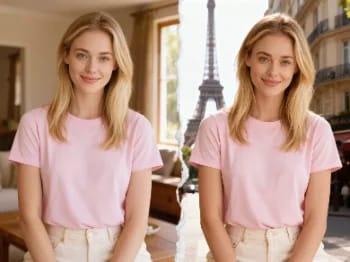
Teleport yourself into iconic cities with AI — drop your photo into Paris, Tokyo, New York, and more.
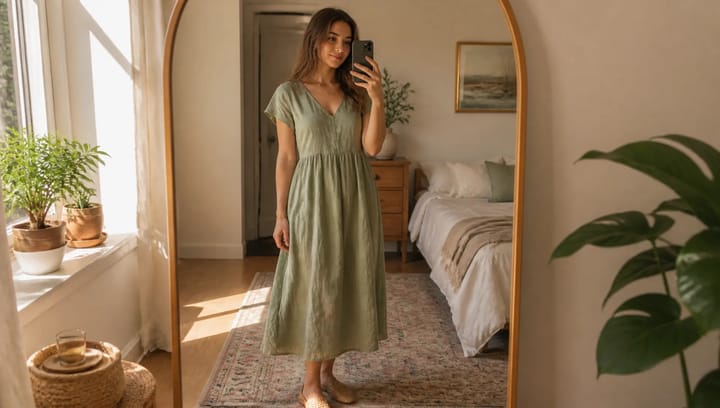
Describe an outfit and see it on your own photo — the face, pose and background stay exactly as they were.
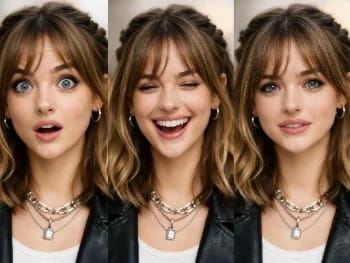
Change facial expressions in any photo with AI — add a smile, open the eyes, or shift the mood, naturally.
Try new hairstyles and hair colors on your own photo with AI — realistic results before you ever touch your hair.
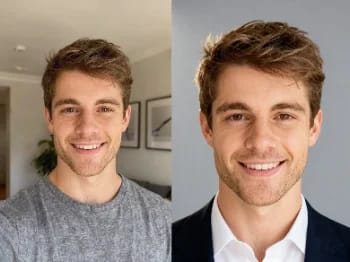
Turn a casual selfie into a professional headshot with AI — studio lighting, clean backgrounds, business-ready in minutes.
Upscale any image to 2K or 4K with AI — recover sharp detail and clean edges, with no blur or artifacts.
Try on makeup looks with AI — from natural to bold, with adjustable intensity, all on your own photo.
Remove unwanted objects, people, or text from any photo with AI — and the background fills in seamlessly.
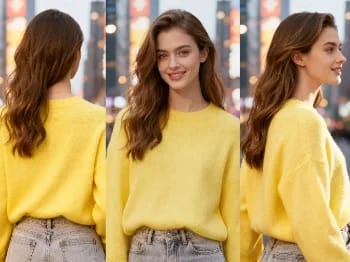
Change the camera angle of any image with AI — see a subject from a new viewpoint, naturally rendered.
Enhance any portrait with AI — sharper detail, clearer skin and eyes, and balanced light, while still looking like you.
Place your product naturally in a person's hands with AI — realistic marketing visuals without a photoshoot.
Repaint any photo in an artistic style with AI — impressionism, cubism, watercolor, anime, and more.
Change an object's material with AI — turn it to marble, wood, gold, glass, or fabric, with realistic surfaces.
Upscale any video to HD or 4K with AI — sharper frames and clean detail, with smooth, flicker-free motion.
See how clothes look on you with AI — combine a person photo and a clothing image for a realistic try-on.
AI Photo Restoration
Restore old and damaged photos with AI — fix fading, scratches, and blur, and bring faces back to life.
Hình ảnh*
Tỷ lệ khung hình*