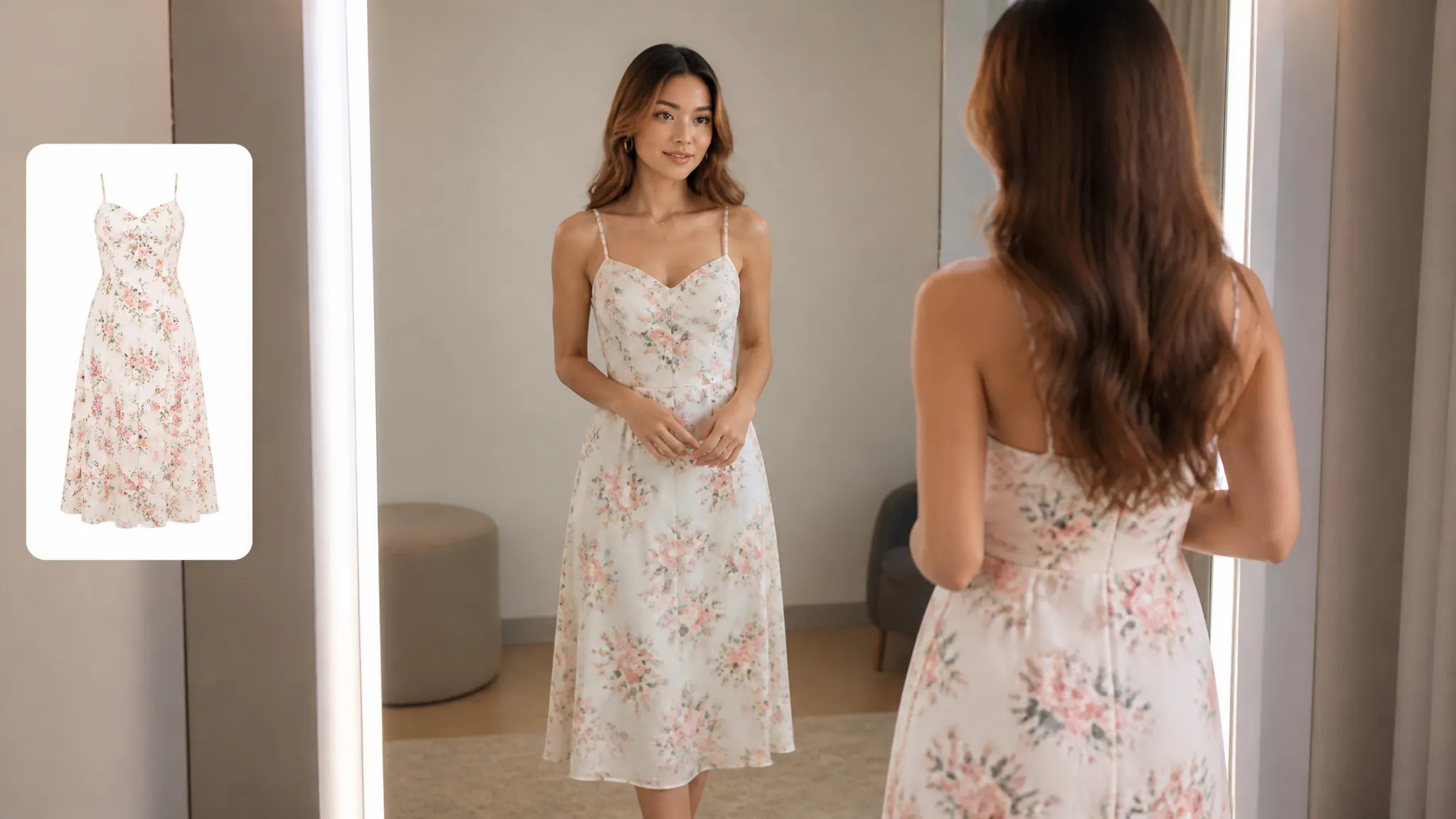
Online shopping
See how an item looks on you before you buy it.
See how clothes look on you with AI — combine a person photo and a clothing image for a realistic try-on.
Trả một lần cho các khoản tín dụng - sử dụng chúng trên mọi mô hình trên ZOOOP. · Nạp tiền khi bạn cần, không đốt hàng tháng.
Combine a person photo with a garment image to see the actual item worn, not a generic mockup.
The clothing wraps to the body and pose, so it looks worn rather than pasted on.
Face, body, and pose stay the same — only the outfit changes.
Use a product photo or a flat-lay of the clothing item to try it on.
See how an item looks on you before you buy it.
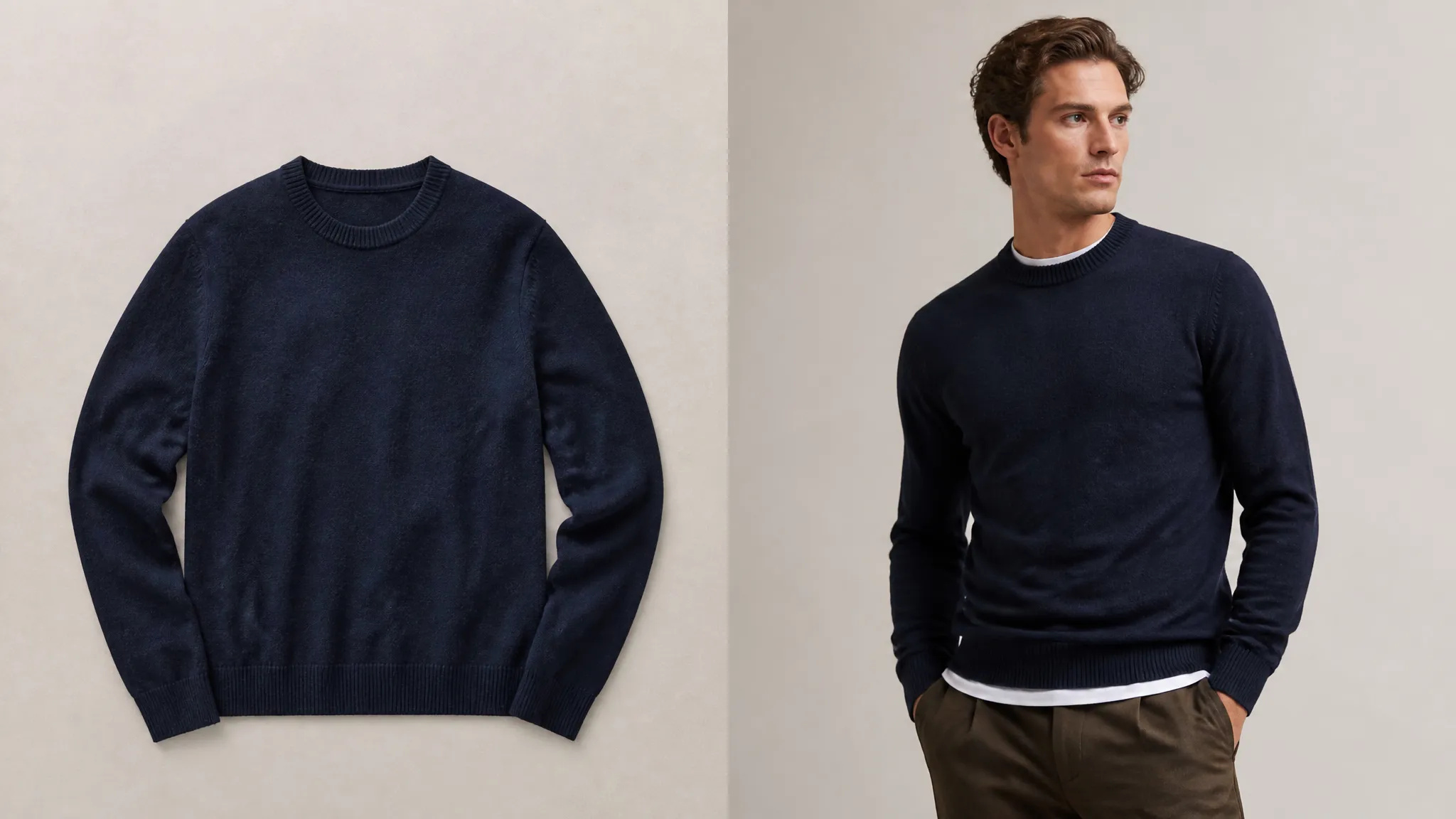
Show shoppers a garment on a model without a new photoshoot.
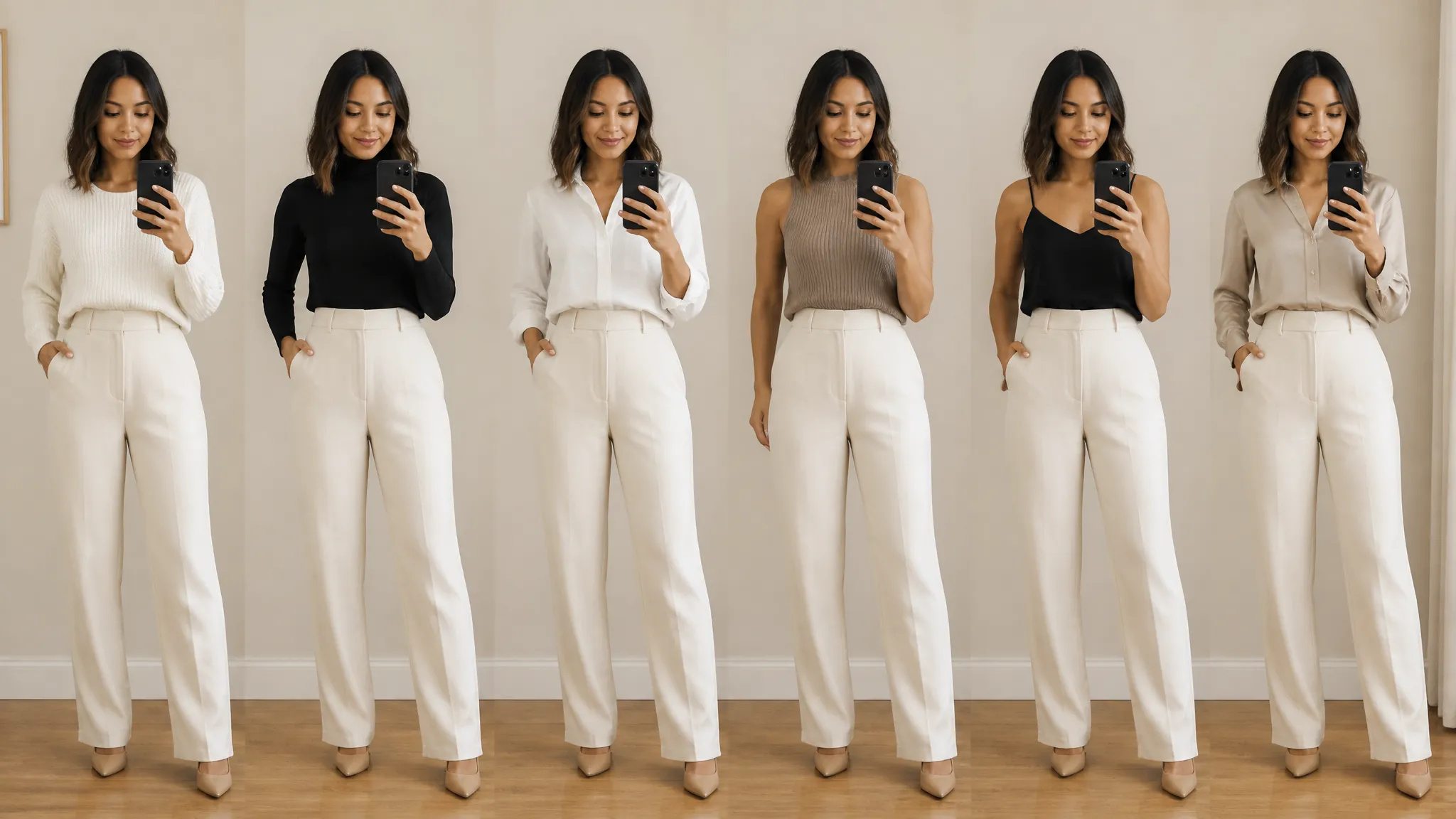
Mix and match pieces to plan a look in advance.
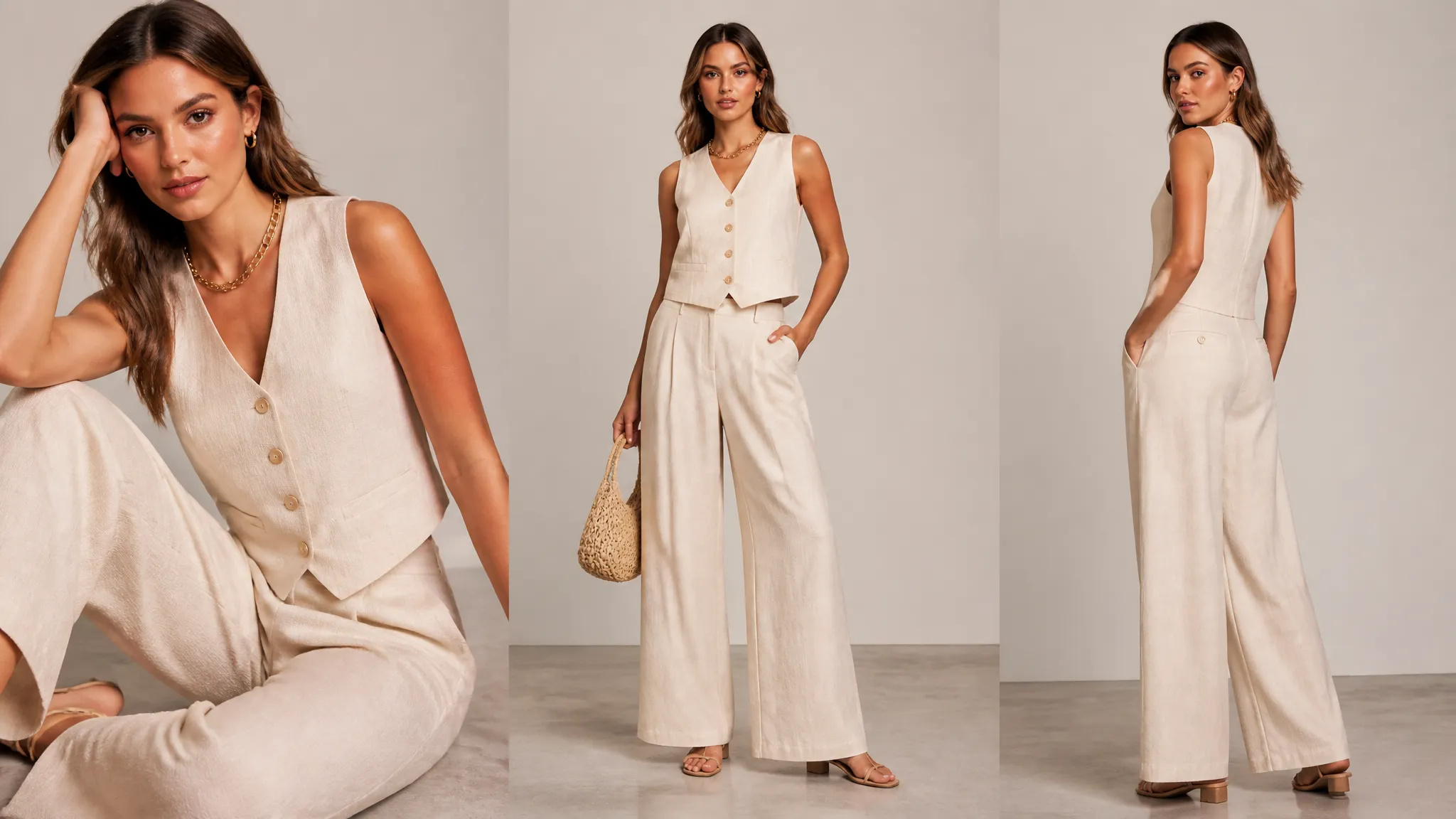
Generate on-model visuals for catalogs and social posts.
Open the AI Virtual Try-On tool and upload a photo of the person.
Add the clothing image you want to try on.
Generate, then download the result or send it to your canvas.
The AI Virtual Try-On tool on ZOOOP combines a photo of a person with an image of a clothing item to show how it actually looks worn. The garment is fitted to the body and pose so it drapes naturally — and the person's face, body, and pose stay the same, so only the outfit changes.
It works for both shoppers and stores: see how an item looks on you before buying, plan and mix outfits in advance, or put a garment on a model for product pages and lookbooks without booking a new photoshoot.
Every generation runs on ZOOOP credits — no subscription, and credits that never expire. When you are done, download the result or send it to your canvas.
Two images — a clear photo of the person and an image of the clothing item you want to try on.
Yes — the garment is fitted to the body and pose, so it drapes naturally instead of looking pasted on.
Yes — face, body, and pose stay the same; only the outfit changes.
Yes — it puts a garment on a model from images alone, so you can show items on-body without a new shoot.
Make a face look younger or older with AI — realistic aging that keeps the person recognizably themselves.
Remove the background from any image in seconds and download a clean, transparent PNG — no manual masking, no design skills.
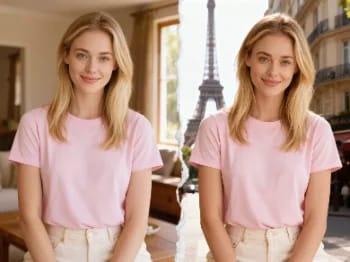
Teleport yourself into iconic cities with AI — drop your photo into Paris, Tokyo, New York, and more.
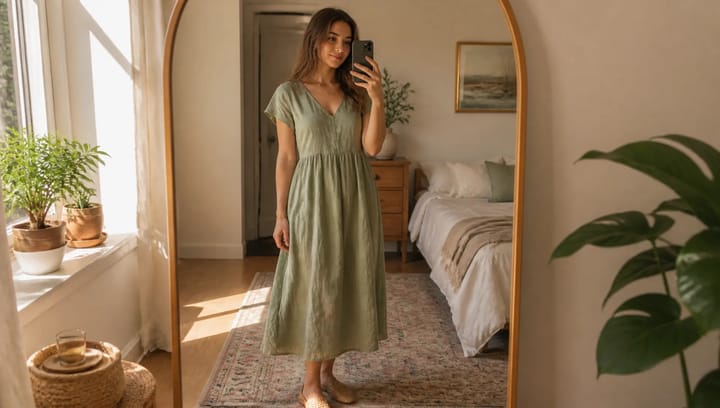
Describe an outfit and see it on your own photo — the face, pose and background stay exactly as they were.
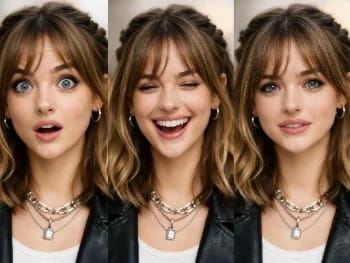
Change facial expressions in any photo with AI — add a smile, open the eyes, or shift the mood, naturally.
Try new hairstyles and hair colors on your own photo with AI — realistic results before you ever touch your hair.
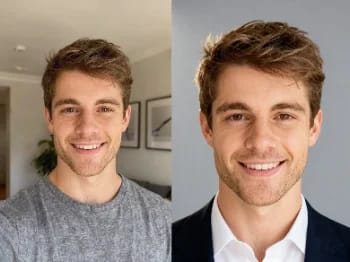
Turn a casual selfie into a professional headshot with AI — studio lighting, clean backgrounds, business-ready in minutes.
Upscale any image to 2K or 4K with AI — recover sharp detail and clean edges, with no blur or artifacts.
Try on makeup looks with AI — from natural to bold, with adjustable intensity, all on your own photo.
Remove unwanted objects, people, or text from any photo with AI — and the background fills in seamlessly.
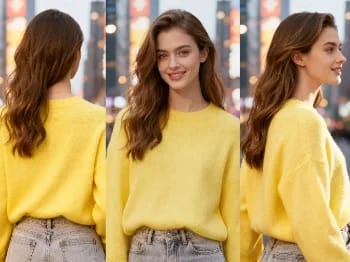
Change the camera angle of any image with AI — see a subject from a new viewpoint, naturally rendered.
Restore old and damaged photos with AI — fix fading, scratches, and blur, and bring faces back to life.
Enhance any portrait with AI — sharper detail, clearer skin and eyes, and balanced light, while still looking like you.
Place your product naturally in a person's hands with AI — realistic marketing visuals without a photoshoot.
Repaint any photo in an artistic style with AI — impressionism, cubism, watercolor, anime, and more.
Change an object's material with AI — turn it to marble, wood, gold, glass, or fabric, with realistic surfaces.
Upscale any video to HD or 4K with AI — sharper frames and clean detail, with smooth, flicker-free motion.
AI Virtual Try-On
See how clothes look on you with AI — combine a person photo and a clothing image for a realistic try-on.
Person Image*
Clothing Image*
Tỷ lệ khung hình*