Free online meme maker

Meme Generator: add text to any meme in seconds

Pick a classic meme, a moving template or your own image, type your caption and download it as an image, a GIF or a video. This meme generator runs in your browser, with no sign-up.

  • Free, no sign-up
  • Nothing leaves your device
  • PNG, JPG, GIF and MP4
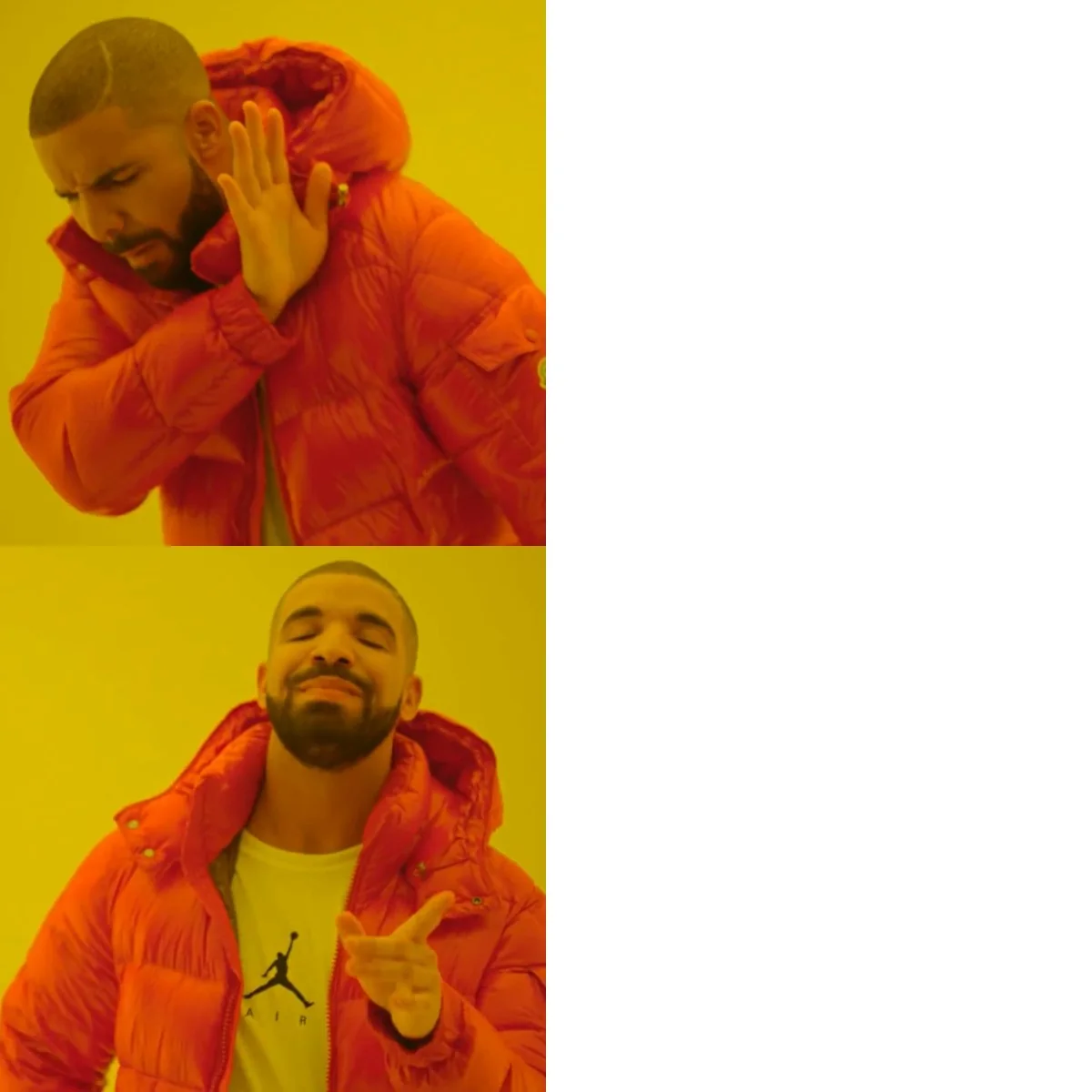
Drake Hotline Bling
Drake Hotline Bling

Drag a text on the picture to move it, then pull its handles to resize or rotate. Nothing is uploaded: your meme is made in your browser.

Make this meme moveSave your meme, then let AI animate it with a dance or any motion clip.Animate a meme image
Meme videos with AI

Go further: make a meme video with AI

A caption is only the start. With ZOOOP you can star in a meme video yourself, or make a still meme move. Each route takes one photo or picture and a few minutes.

Your face in the meme

Put yourself in a meme video

Pick a meme video template, upload one photo, and AI remakes the clip with you, a friend or your pet in it.

  1. Pick a meme template

    Choose a clip from the meme video templates below. New trends are added every week.

  2. Upload one photo

    A clear, front-facing photo works best. Duo templates take one photo per person.

  3. Get your meme video

    The video is ready in a few minutes. Download it and post it anywhere.
Animate a meme

Make a meme image move

Want a still meme to dance, nod or wave? Motion control copies the movement of a short clip onto the character in your picture.

  1. Save your meme

    Make it in the editor above and download it as an image.

  2. Add a motion clip

    Open motion control, add the meme and a short video of the movement you want.

  3. AI animates the meme

    The character in your picture repeats the motion, and you get a video to share.

Meme video templates

More funny video templates

Coldplay Kiss Cam

450

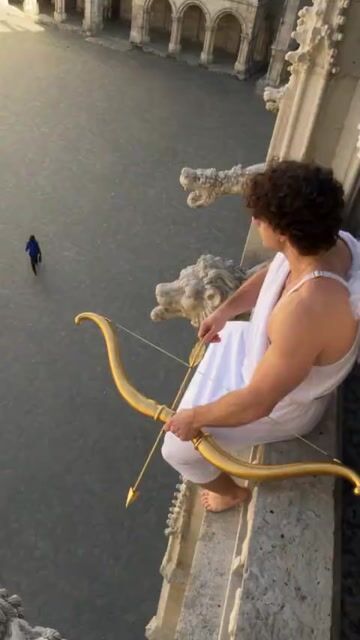
AI Cupid Trend: Not Today Cupid

640

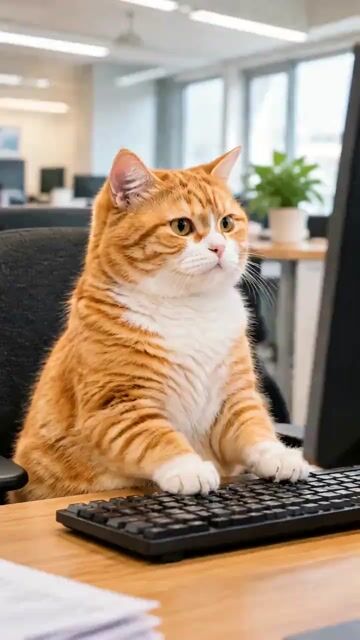
Me At Work — Keyboard Smash

1.1k

It's My Life Dog

1.4k

I Love The Smiths Elevator

1k

Kung Fu Cat

123

Hit the Road Dude

1.1k

Clapping Cat

1.1k

Rumpelstiltskin Dance

1.1k

Christmas Pet Concert

792

GTA 6 Pet Getaway

1.2k

Pet DJ Arena

2

Why use this meme generator

  • Nothing leaves your device

    Your picture and text are drawn in your browser. Nothing is uploaded, and there is no account to create.

  • 50 classics plus moving memes

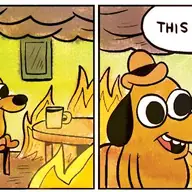
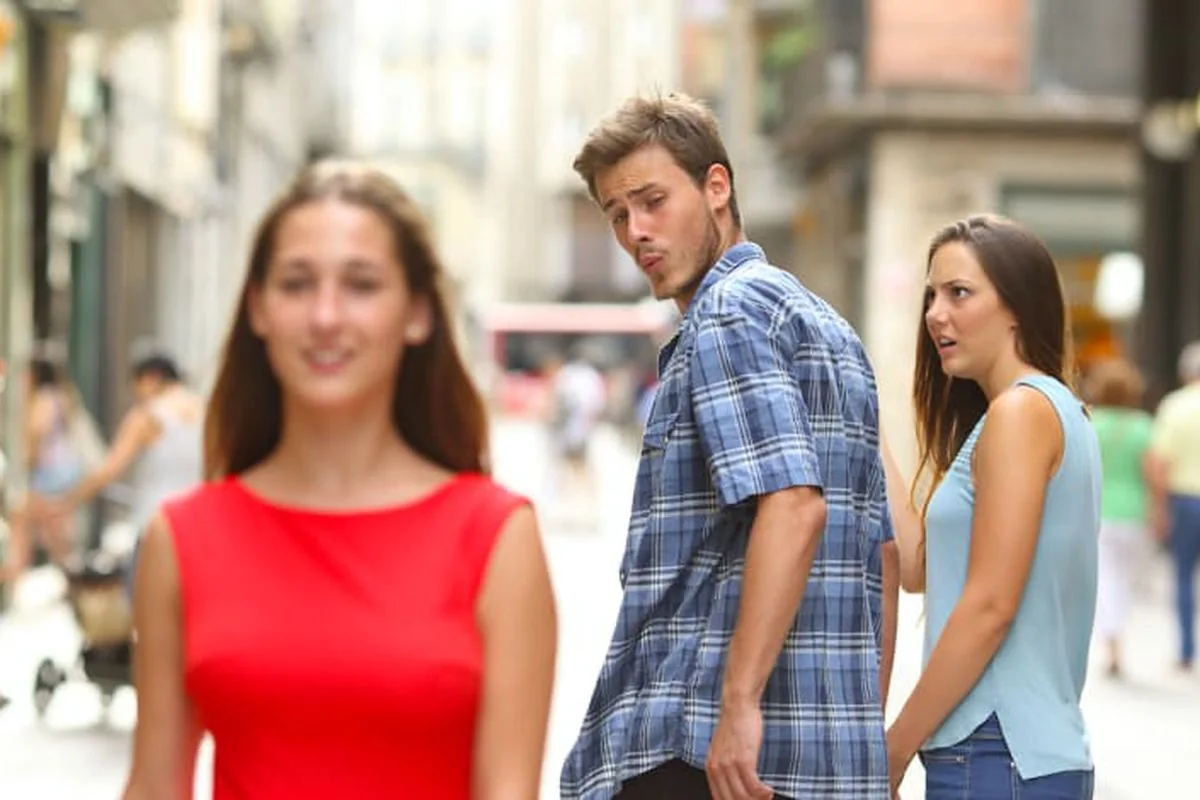
    Start from Drake, Distracted Boyfriend, This Is Fine and other classics, or pick a moving template that follows the latest trends.

  • Image, GIF or video

    Save a still as PNG or JPG. A moving meme also downloads as a GIF or an MP4, with your text on every frame.

  • Text exactly where you want it

    Drag, resize and rotate each line. Switch fonts and colors, add an outline, and add as many lines as the joke needs.

What is a meme generator?

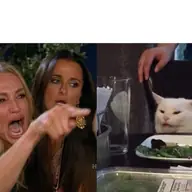
A meme generator is a tool that puts your words on a picture people already know. You choose a template such as Drake Hotline Bling or Woman Yelling at Cat, type a caption, and the tool draws it in the bold white lettering memes are known for. This one also takes your own photos, screenshots and short clips, so any picture can become a meme. Everything happens on your device, which keeps private screenshots private.

How to make a meme in three steps

First, pick a template from the classic memes or the moving memes, or drop in your own image. Second, type your text. Each line can be dragged, resized and rotated, and labels sit right on the people or objects they describe. Third, press download. A still saves as PNG or JPG, and you can copy it straight to your clipboard to paste into a chat. On a phone, the share button sends it to any app.

From image memes to GIFs and video memes

Moving templates turn the same idea into a GIF or a short video: the caption stays on screen while the clip plays, ready for TikTok, Instagram Reels or YouTube Shorts. The moving memes are also AI templates. Open one, upload a single photo, and you or your pet play the lead in the clip. New accounts get free credits, and every template shows its price in credits before you generate.

Meme generator FAQ

Is this meme generator free?

Yes. The meme generator is free, with no sign-up and no limit on how many memes you make. Only the AI video templates use credits, and new accounts get free credits to try them.

How do I make a meme online?

Pick a meme template or use your own image, type your caption, drag the text where you want it and press download. The whole thing takes less than a minute, on a computer or a phone.

Can I make a meme from my own image or video?

Yes. Press "Your own image" at the start of the template list, drop a file on the editor, or paste a screenshot. JPG, PNG, WebP and GIF stills work, and so do short MP4, MOV and WebM clips.

Can the meme generator make a GIF or a video?

Yes. Choose a moving meme or your own clip and the download offers Video, GIF and Image. A video keeps up to 15 seconds, a GIF the first 6 seconds, and both are saved without sound.

Is my picture uploaded anywhere?

No. The editor draws your meme inside your browser, so the picture and the text never leave your device. Only the AI video templates upload the photo you choose for them.

Which meme templates are included?

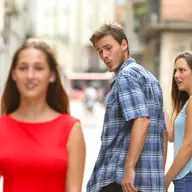
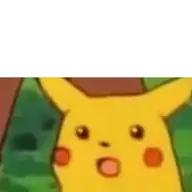
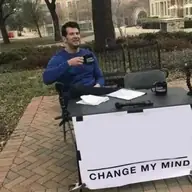
50 classics, among them Drake Hotline Bling, Distracted Boyfriend, Two Buttons, Woman Yelling at Cat, This Is Fine, Change My Mind and Surprised Pikachu, plus moving templates that change with the trends. Each classic opens with its text boxes already in place.

Can I put my own face in a meme?

Yes, with the AI meme video templates. Pick one, upload one clear photo and AI puts you, a friend or your pet in the clip within a few minutes. Ask your friends before you use their photos.

Is there a watermark on my meme?

No. Your download carries only the picture and your text, with no watermark and no logo, whether you save an image, a GIF or a video.

Your next meme is one caption away

Pick a template, type the joke and download it. The meme generator is free and takes less than a minute.