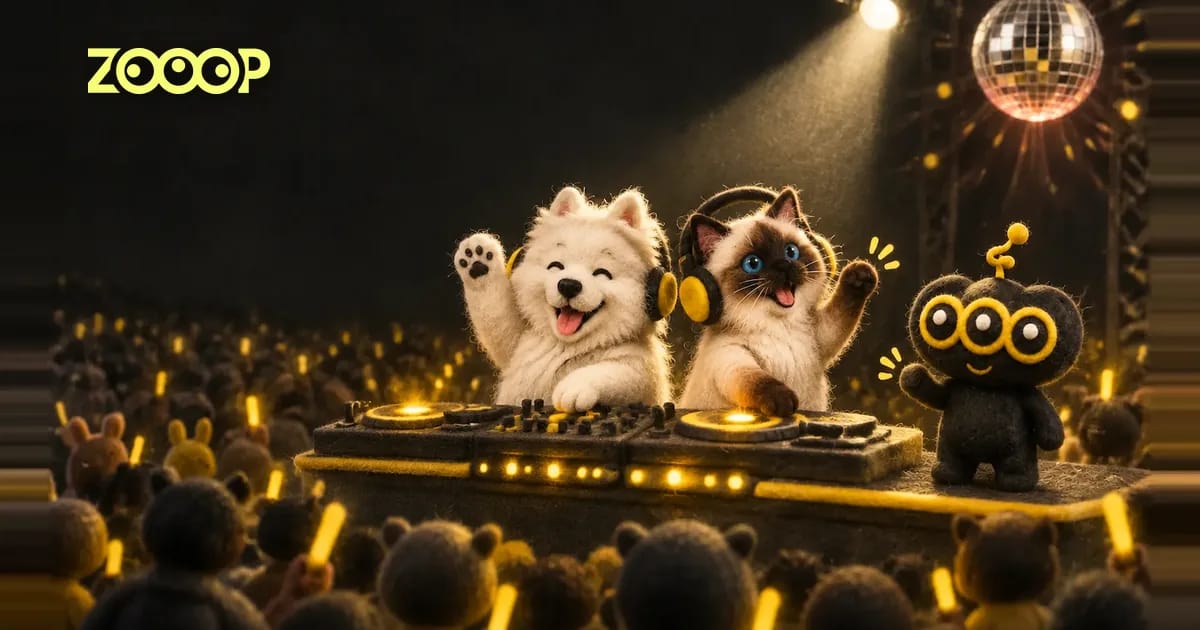
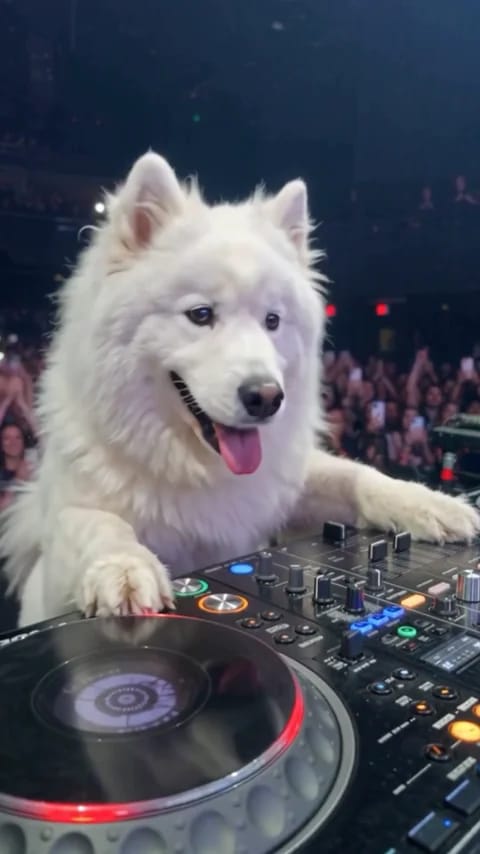
A Samoyed rests a paw on a turntable and grins at the camera. Cut to the back of the booth and a whole arena lights up with phones. In the final shot, one bright spotlight finds the dog as it raises a paw to the crowd. The staging feels like a stadium headline set, down to the camera angles. The headliner could be the pet that comes running when you open a bag of treats.
The ZOOOP DJ cat AI video template turns those three shots into a 15-second vertical clip. Upload one photo of your own cat or dog to put them behind the decks.
How the Samoyed and Ragdoll look on the same stage
The Samoyed’s white coat stands out against the dark arena. The opening shot puts the turntable at the bottom of the frame, with the dog’s paws on the booth and its tongue out. From behind, the pointed ears and thick tail do most of the work. The last shot pulls all the way back to the audience, leaving the dog small under the light until it lifts a paw.
The Ragdoll makes for a quieter close-up. Its blue eyes and dark face mask are easy to pick out, and the white paws show up against the console. The tail stays visible as the view swings behind the booth. In both pet DJ videos, the wave comes late and goes by quickly. If you want a thumbnail, the first few seconds give you a better view of the face.
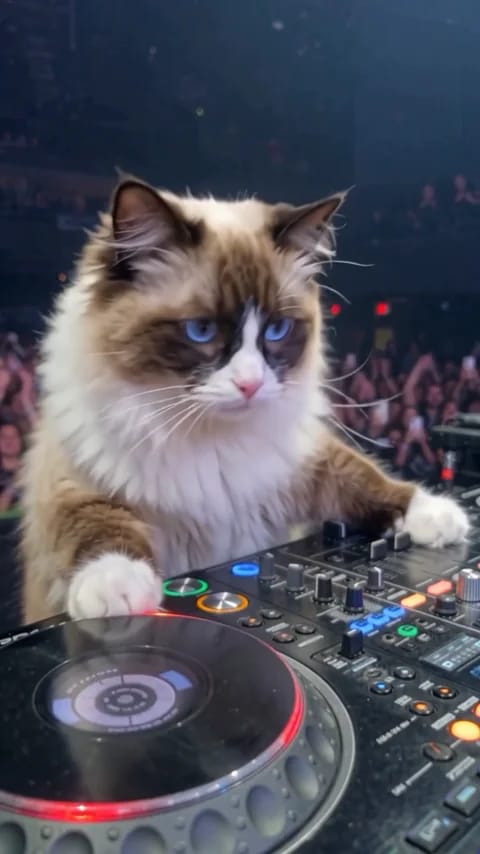
Which pet photo should you upload?
Pick a sharp photo that shows your pet’s eyes, ears and muzzle. A well-lit face matters more than a pretty background. If you have a full-body picture taken close to eye level, use it. The paws and tail help define the outline when the DJ cat AI video cuts behind the booth.
For a dark coat, try a photo taken beside a window with the light falling across the face. For pale fur, a darker sofa or a patch of grass makes the outline easier to see. If several pets are in the picture, crop it to the one you want on stage. Each pet DJ video takes one photo.
Make and download your video in ZOOOP
- Open the DJ cat AI video template and upload one photo of your own cat or dog under “Your pet photo.”
- Pick 480p or 720p. Use 480p for a quick look at the sequence or 720p to show more fur detail in the close-up.
- Select Generate. When your pet DJ video is ready, download the 15-second 9:16 clip with sound.
If you want a cat and dog version, download the first video before swapping in the second photo. Cut the two opening shots together and it looks like two DJs taking turns at the same booth.
How to use the three shots
Try introducing your pet’s DJ name in the opening close-up. Place the caption near the top so it leaves the eyes and paws visible. The reverse angle makes a good reveal when the crowd fills the frame. Let the final wide shot play long enough for the wave.
A pet DJ video can open a birthday montage or go straight into the group chat with a caption like “There goes the treat budget.” For more ideas, browse the ZOOOP pet video templates.
FAQ
Do I need a video of my pet pretending to DJ?
One clear still photo is enough. The template provides the decks, the arena, the spotlight and the three camera angles.
Can I use a picture with two pets?
Crop to one pet before uploading. To put both pets on stage, upload one photo of each separately and make two videos.
Can I use a close-up of the face?
Yes. A sharp close-up shows the eyes and face markings. A full-body photo also gives the template a view of the front paws, back and tail.
Why is my pet’s face hard to see at the end?
The final shot looks toward the stage from the audience, so the booth is far away. Use the opening close-up to see the face and coat details.