Wassup in a Minute Anime Sway: Your Photo, Your Outfit
See your photo become a 2D anime character with an easy side-to-side sway. Two examples show how full-body photos, outfits and a consistent drawn style shape the result.
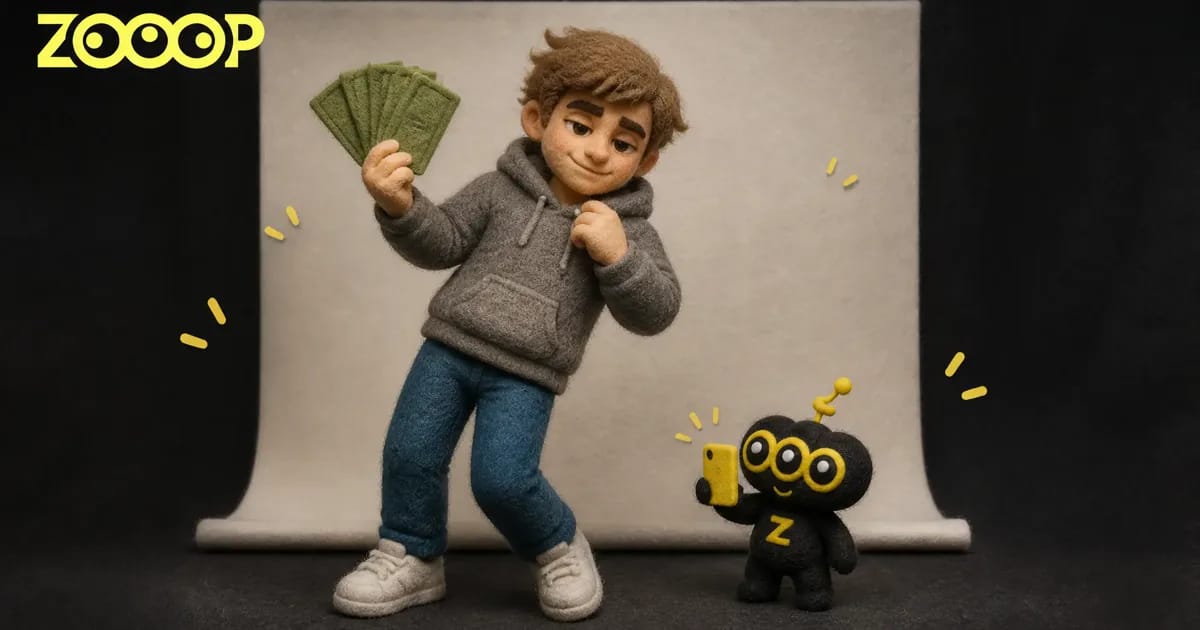
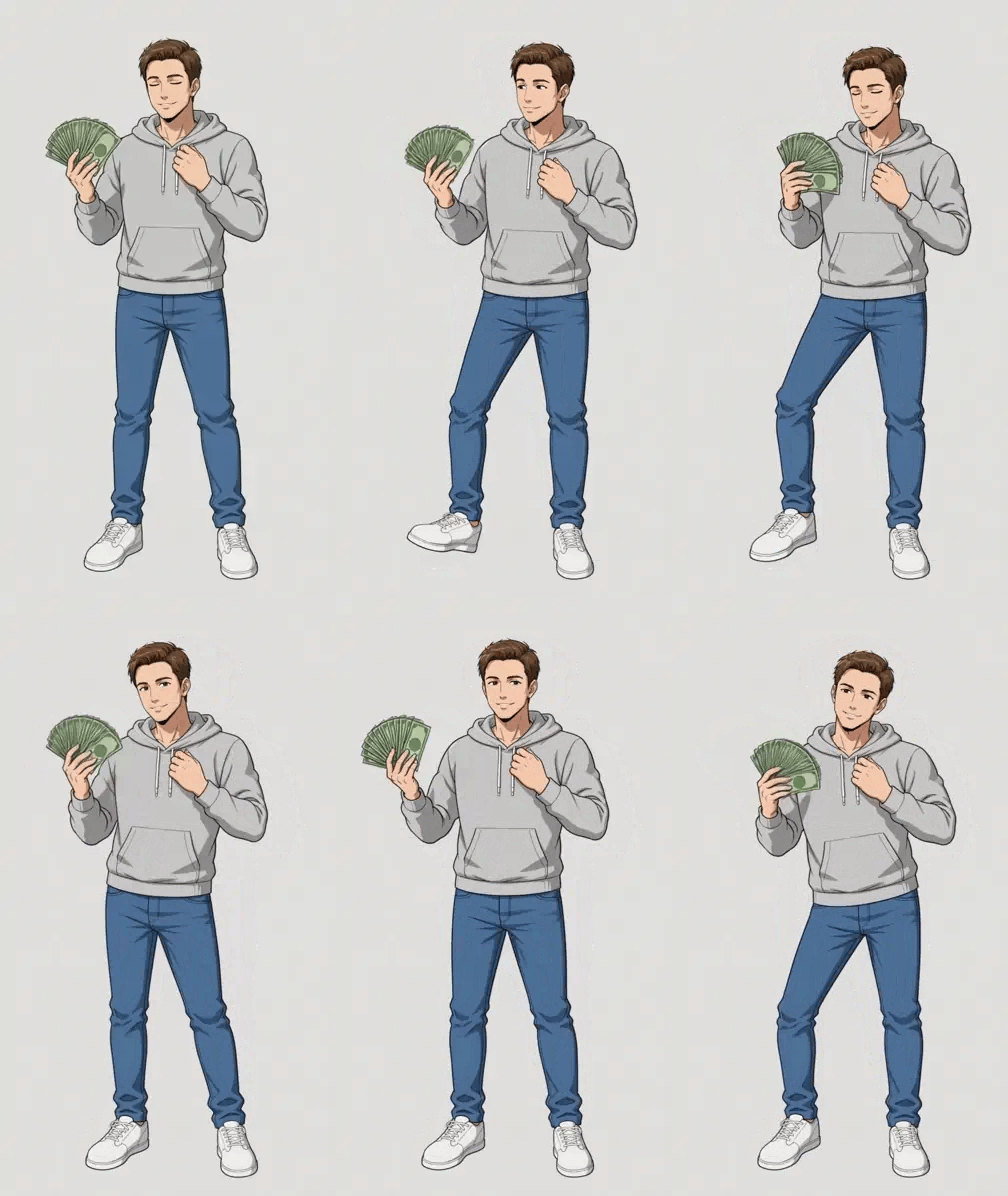
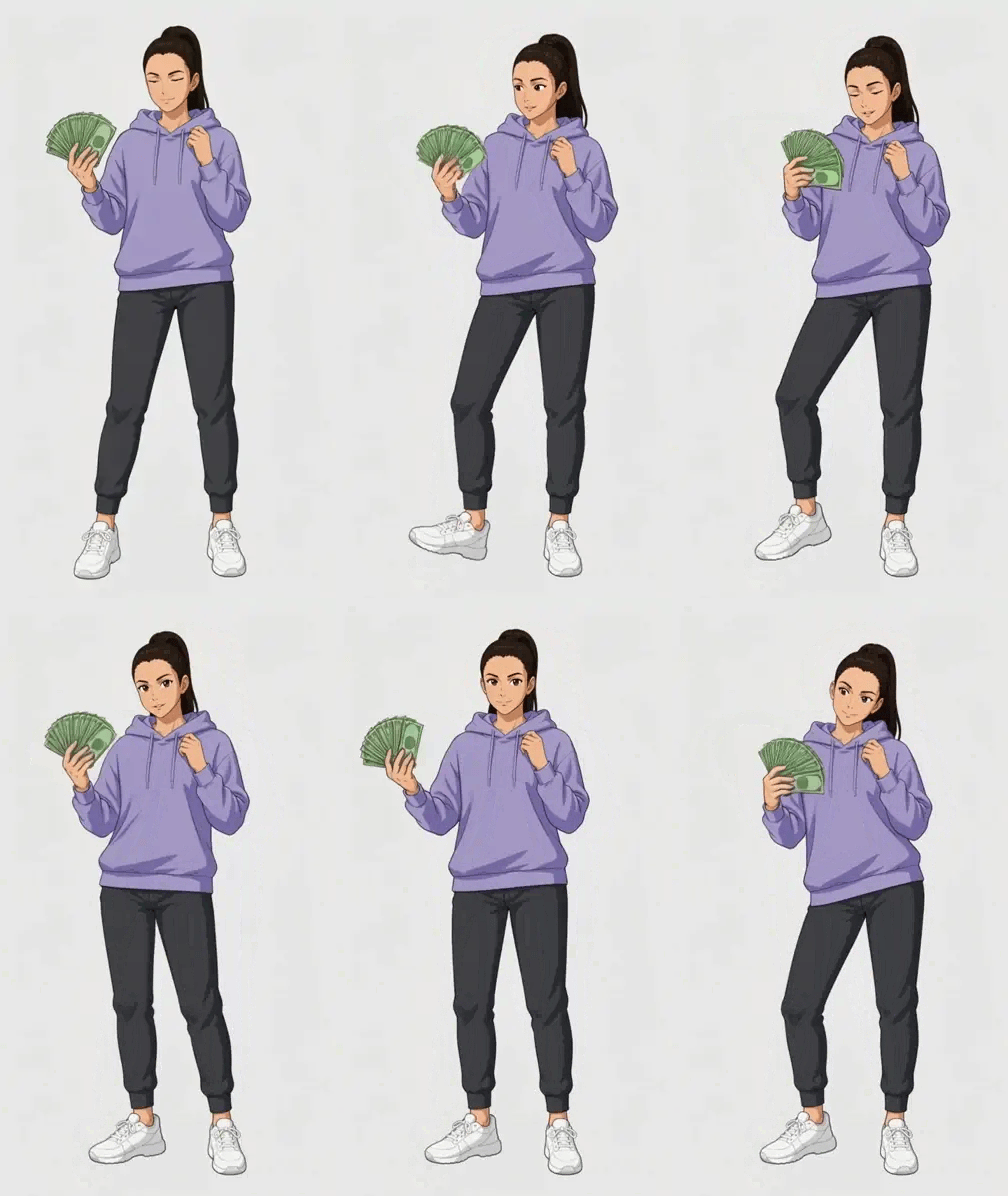
A full-body photo becomes a drawn character on a white background: a fan of prop banknotes in one hand, feet planted, the body rocking gently from side to side. The appeal of Wassup in a Minute is that relaxed attitude. The character does not need a complicated dance to make an outfit feel expressive.
For these ZOOOP anime sway examples, we used two everyday looks: a man in a grey hoodie and blue jeans, and a woman in a lavender hoodie with charcoal joggers. Each keeps a distinct face and outfit, with full-body framing, a fixed camera and a clean white background. To make an anime sway video from your own photo, start with the clothes you want your character to wear.
Try the Wassup in a Minute template with your own full-body photo.
What an anime sway video looks like
The shot stays with one character. One hand holds the fan of prop banknotes; the other rests near the neckline. The body leans left and right without frequent scene changes or a camera pushing into the face. You can see the clothes, shoes and overall proportions throughout.
The male example pairs a grey hoodie with blue jeans and white trainers. Drawn outlines give the clothing folds a clear shape, and the face and body keep the same illustrated finish as the figure moves. That consistency matters for anime sway: movement should bring the drawing to life while preserving its style.
Why the female example wears sporty casual clothes
The lavender hoodie makes the upper-body silhouette easy to read. Charcoal joggers and white trainers remain distinct against the white background, while a high ponytail adds a little secondary movement without hiding the face. Casual sportswear suits the small, relaxed anime sway.
The female example follows the photo's outfit and colours rather than copying the black jacket from the reference video. The character keeps that outfit while holding the banknotes and leaning from side to side. The look leaves room for personal style instead of dressing every character identically.
Choose a full-body photo with a clear face and outfit
Use a photo of one adult, facing the camera, with the whole body visible from the top of the head to the soles of the shoes. Even lighting and an unobstructed face make identifying features easier to read. Keep hands and legs separate from objects in the background where possible.
If you want the anime sway character to wear your own outfit, wear it in the uploaded photo. Hoodies, joggers, jeans and trainers give the character clear shapes to work from. Dense prints, tiny accessories and clothing that blends into the background may lose some detail during anime stylisation.
Avoid group photos and tightly cropped selfies. A full-body photo supplies more of the character's appearance and leaves less to be filled in. To work on a photo separately, you can use image-reference features in the AI Image Generator. You can also explore related looks in the ZOOOP template gallery.
Keep the whole image in a 2D anime style
An anime face on realistic clothing can look like a filter pasted onto a person. We care about consistency across the face, hair, hands and outfit: clear outlines, simplified blocks of light and shade, and facial proportions that belong in the same drawing.
An earlier female attempt preserved the gown and movement but looked too much like live action for the effect we wanted. The approved sporty example aims for a fully drawn character. When choosing an anime sway look, the movement is only part of what makes it work; the visual style needs to hold together too.
Recognisability also has limits. Hair, face shape, skin tone and outfit provide useful cues, but anime stylisation simplifies real details. It is not a pixel-for-pixel reproduction of the photo.
Making your own version
Choose the outfit you want to keep, then prepare a clear full-body photo. Your photo supplies the personal look. The example characters show the effect; they do not limit you to a particular person or set of clothes.
A white background, full-body framing and a small side-to-side motion bring the result closer to these examples. To explore other movements, the AI Video Generator also offers image and video references. Different movements will produce a different result from the two anime sway examples here. Once generated, download the video and post it on a platform suited to vertical clips.
Open the anime sway template, upload your photo, generate and download your video.
Frequently asked questions
Will anime sway replace my face with the example character's face?
The aim is to portray the person in your uploaded photo rather than reuse the example character. Anime stylisation simplifies facial features, so an exact likeness is not guaranteed.
Can it keep the sportswear in my photo?
The photo supplies the outfit reference. Clearly visible colours and shapes are easier to preserve; small prints, lettering and accessories may change.
Should I use a full-body photo?
A single-person photo showing the head, hands and shoes is recommended. A complete photo makes the overall character design clearer.
Will the background and camera keep changing?
Both examples use a white background and a fixed camera to focus attention on the character and outfit. Different motion references may introduce different visual changes.