Product scene swaps
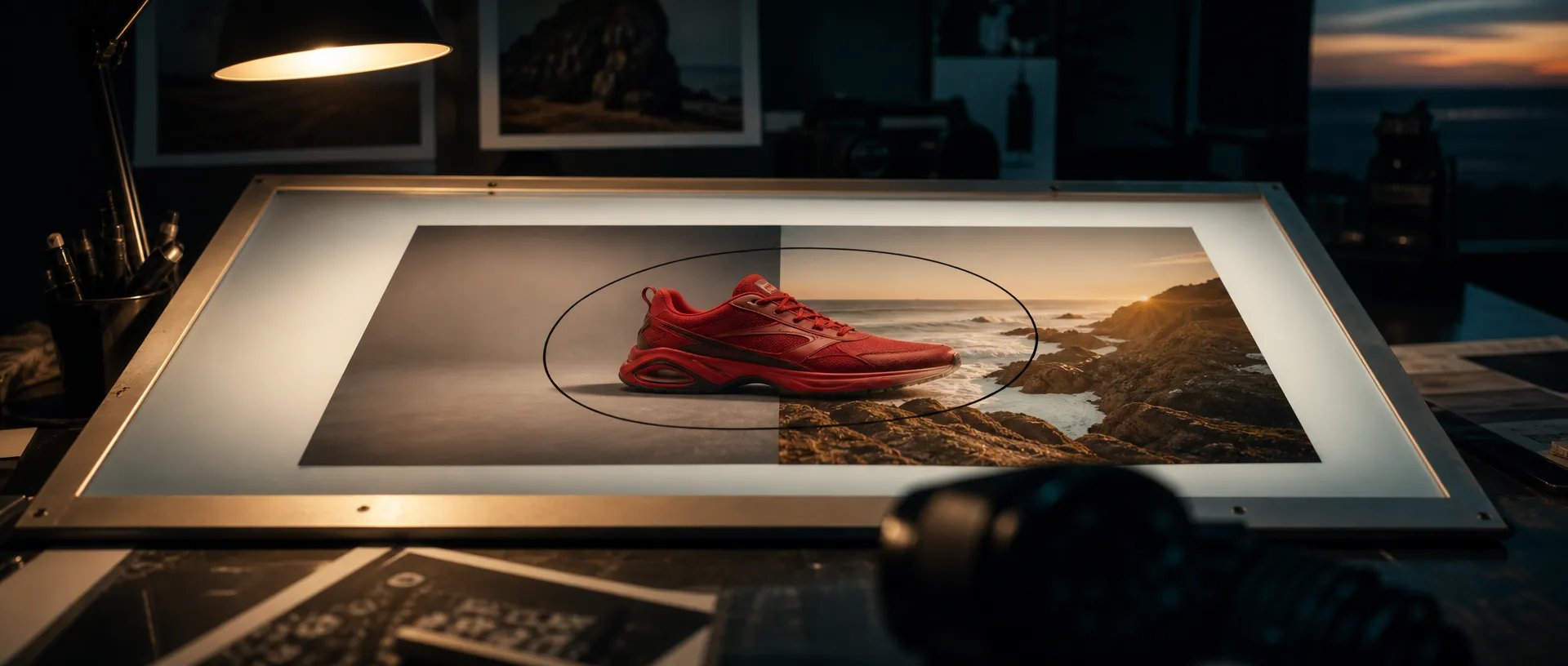
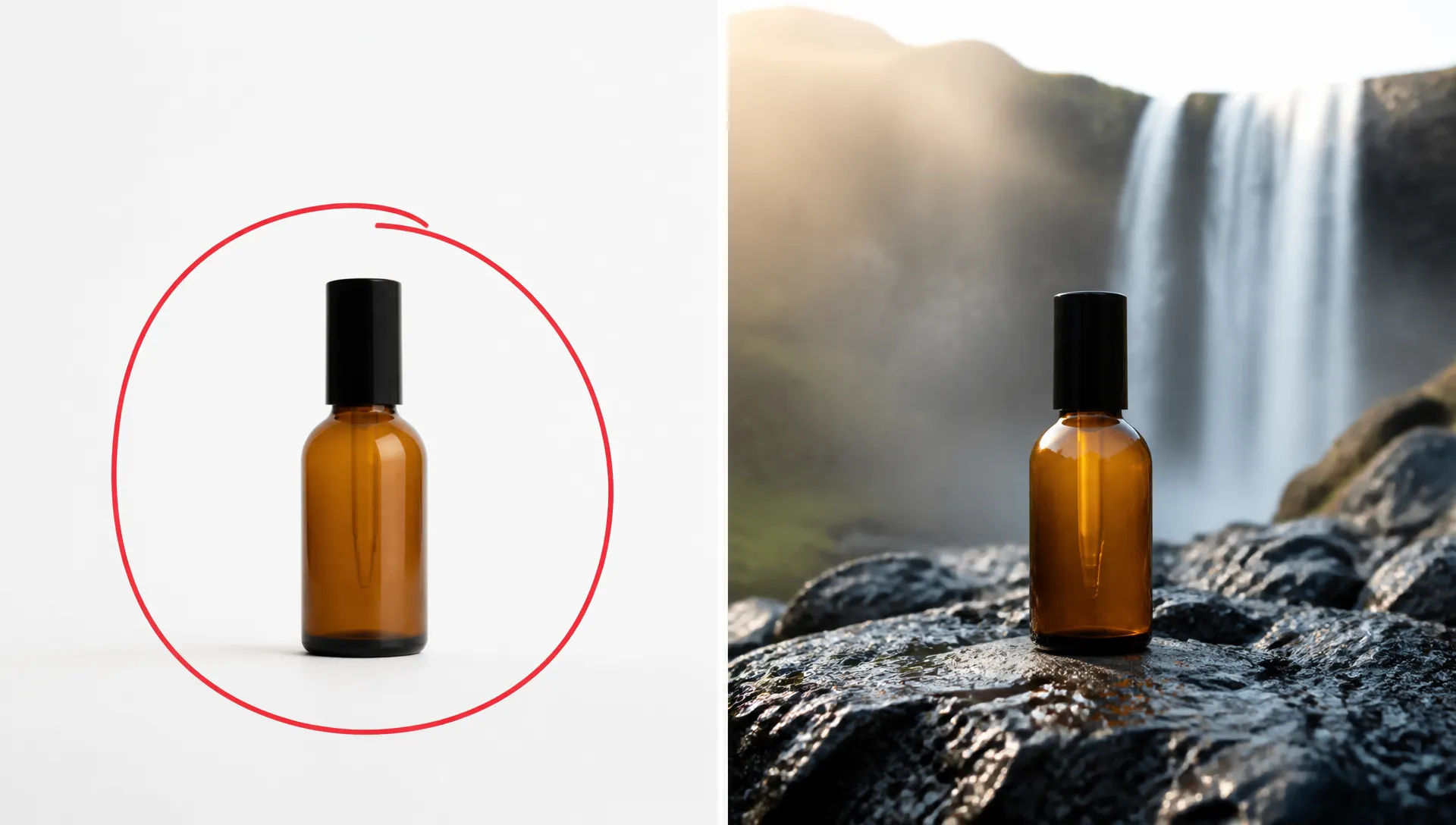
Mark the product, describe a new setting, and keep the item exactly where and how big it was. One packshot becomes a full set of lifestyle scenes.

Google's newest image model — mask-based editing, 14-image references, 8:1 to 1:8 formats, up to 4K.
Pay once for credits — use them across every model on ZOOOP. · Gerektiğinde doldurun, aylık yanma yok.
Powered by Google's API on ZOOOP
Draw on the photo where the change should happen, then describe it. Nano Banana 2.1 rewrites only the marked region and keeps the rest of the image, including the subject's size and position, as it was.
Combine people, products, logos and locations from up to 14 images in one generation. Google's evaluations show the biggest gain over earlier Nano Banana models in keeping several characters consistent.
Fourteen fixed ratios from 8:1 panoramic banners to 1:8 scrolling visuals, plus Auto, which matches your input photo when you edit. Output at 1K, 2K or 4K.
Turn on Web Search or Image Search to ground infographics and specific subjects in real-world information, and pick Minimal, Default or High thinking to trade speed for care on complex layouts.
Mark the product, describe a new setting, and keep the item exactly where and how big it was. One packshot becomes a full set of lifestyle scenes.
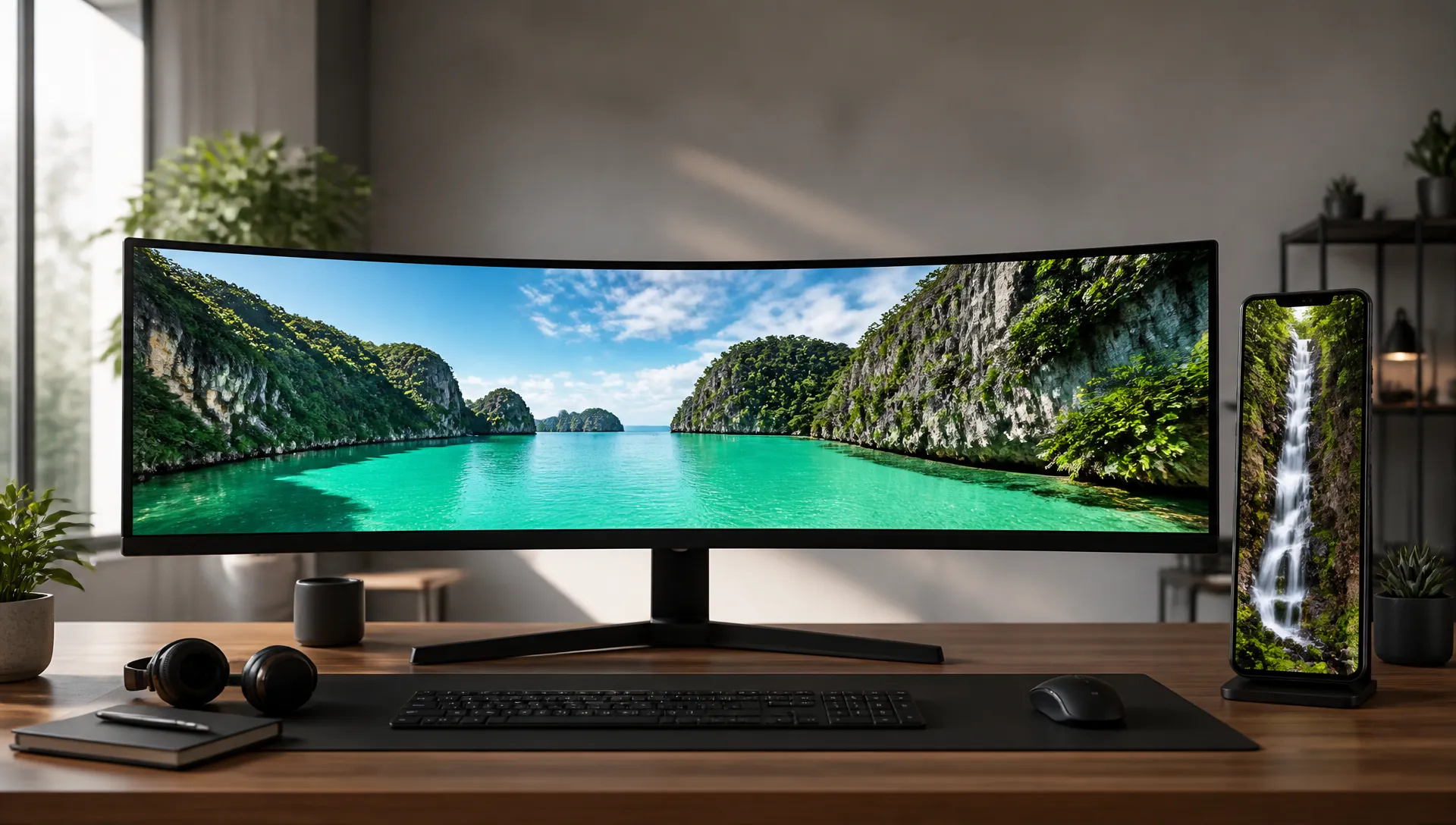
Generate 8:1 and 4:1 website headers or 1:8 scrolling visuals natively, instead of stretching or cropping a square image into shape.
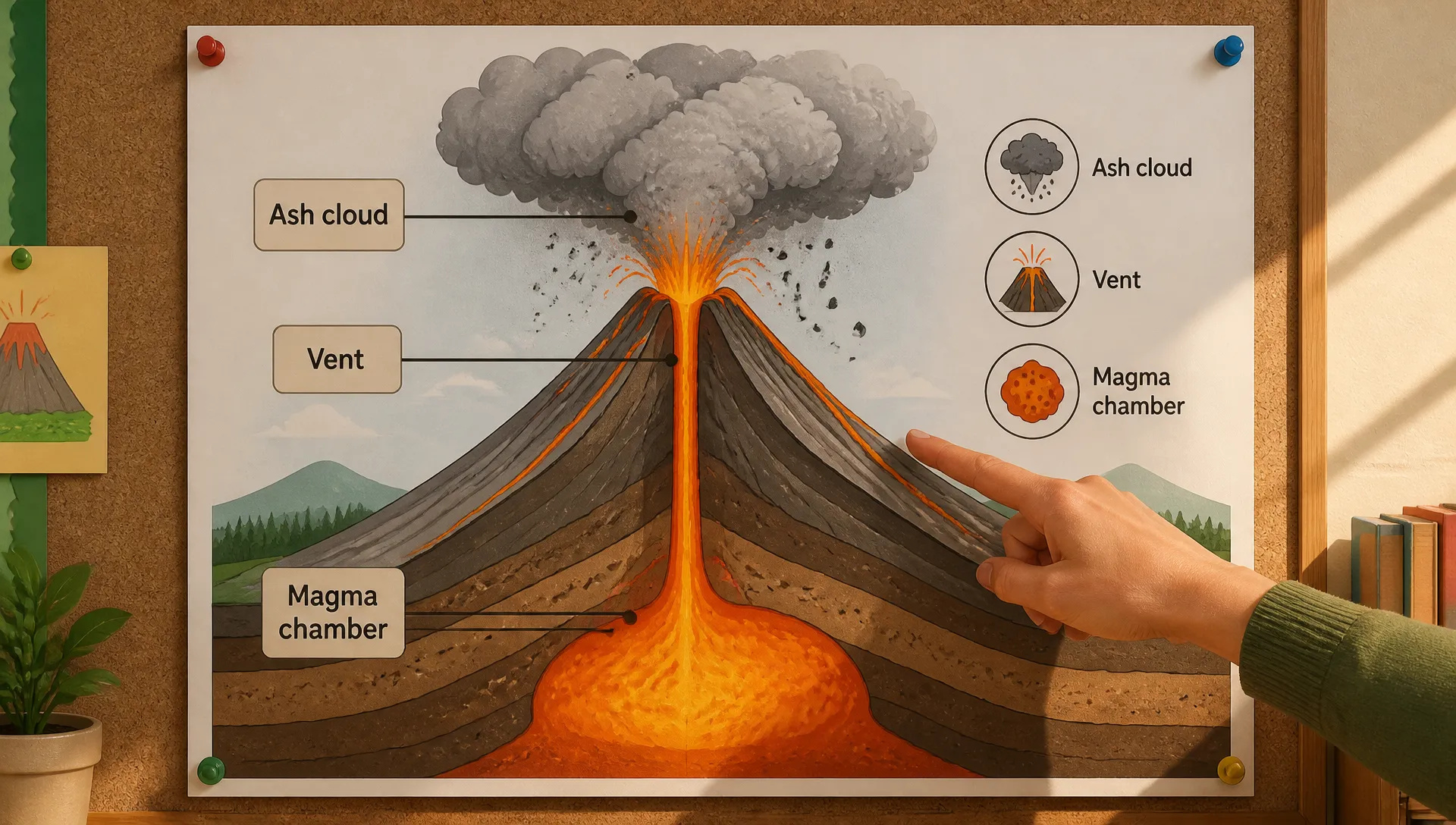
With Web Search on, turn a topic or your notes into a labeled diagram or explainer graphic that draws on up-to-date facts.
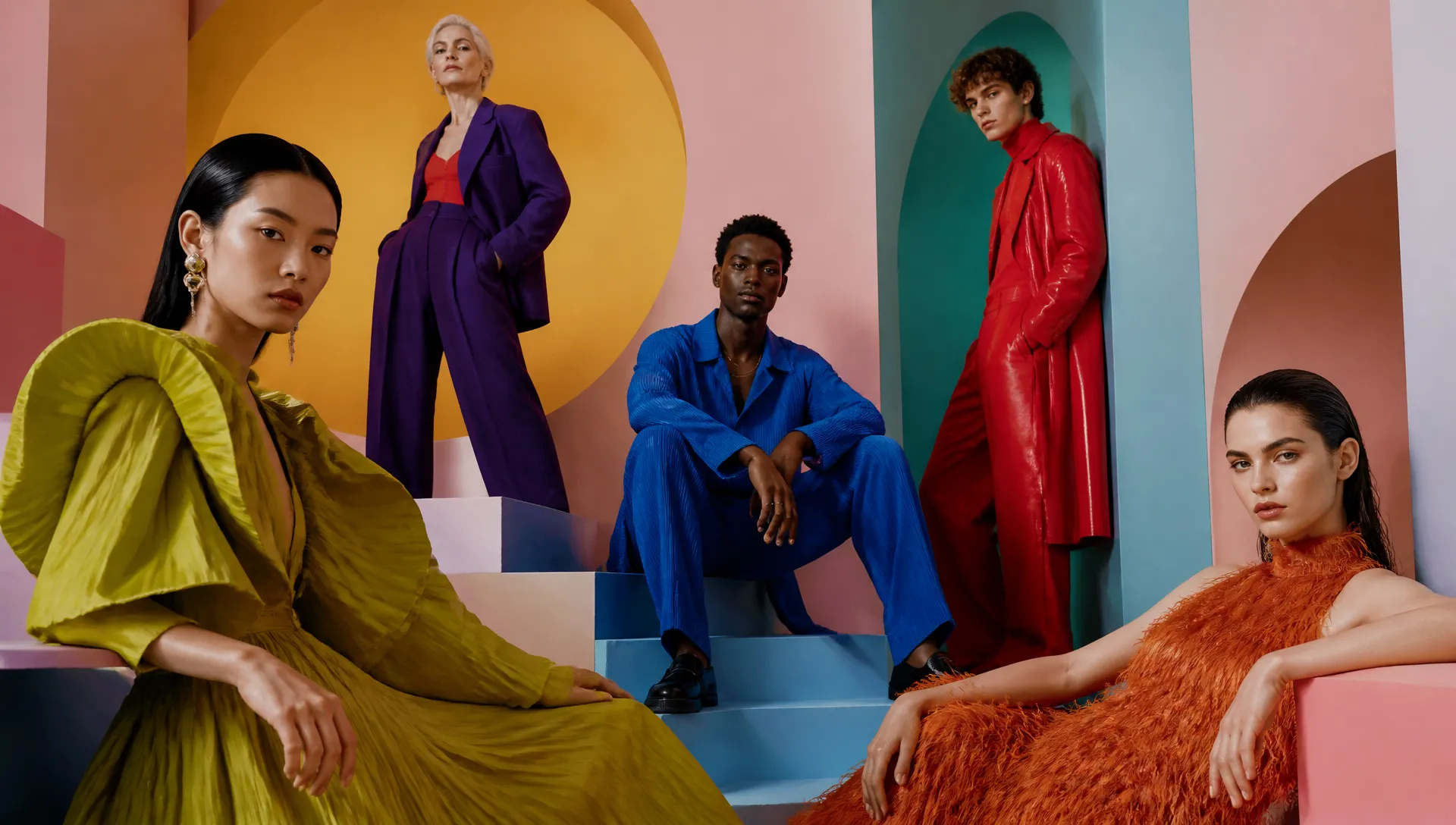
Bring several people from separate photos into one editorial scene, each keeping their own face and outfit.
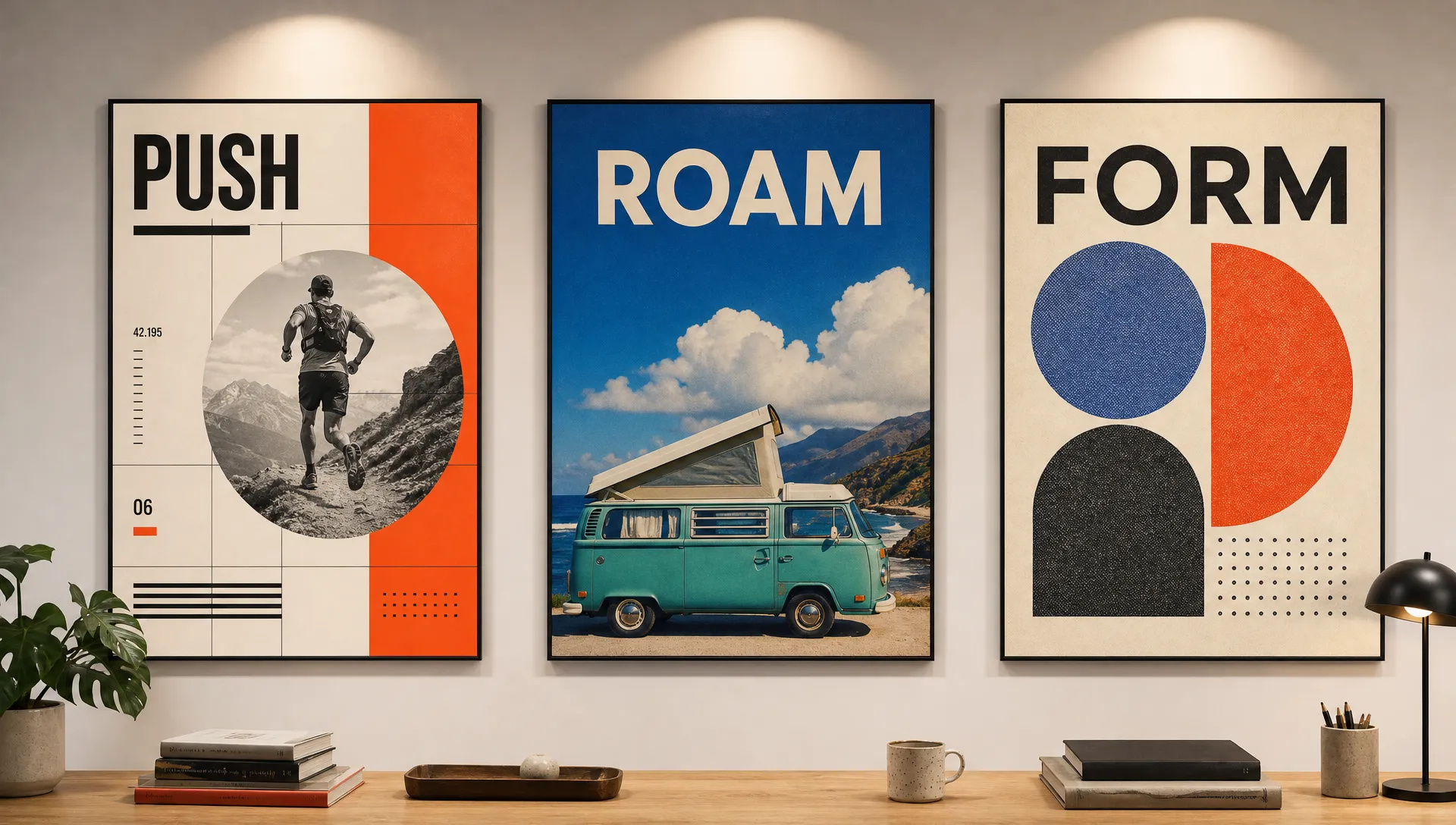
Swiss grid posters, retro travel prints and website mockups come out as finished layouts with legible headline type.
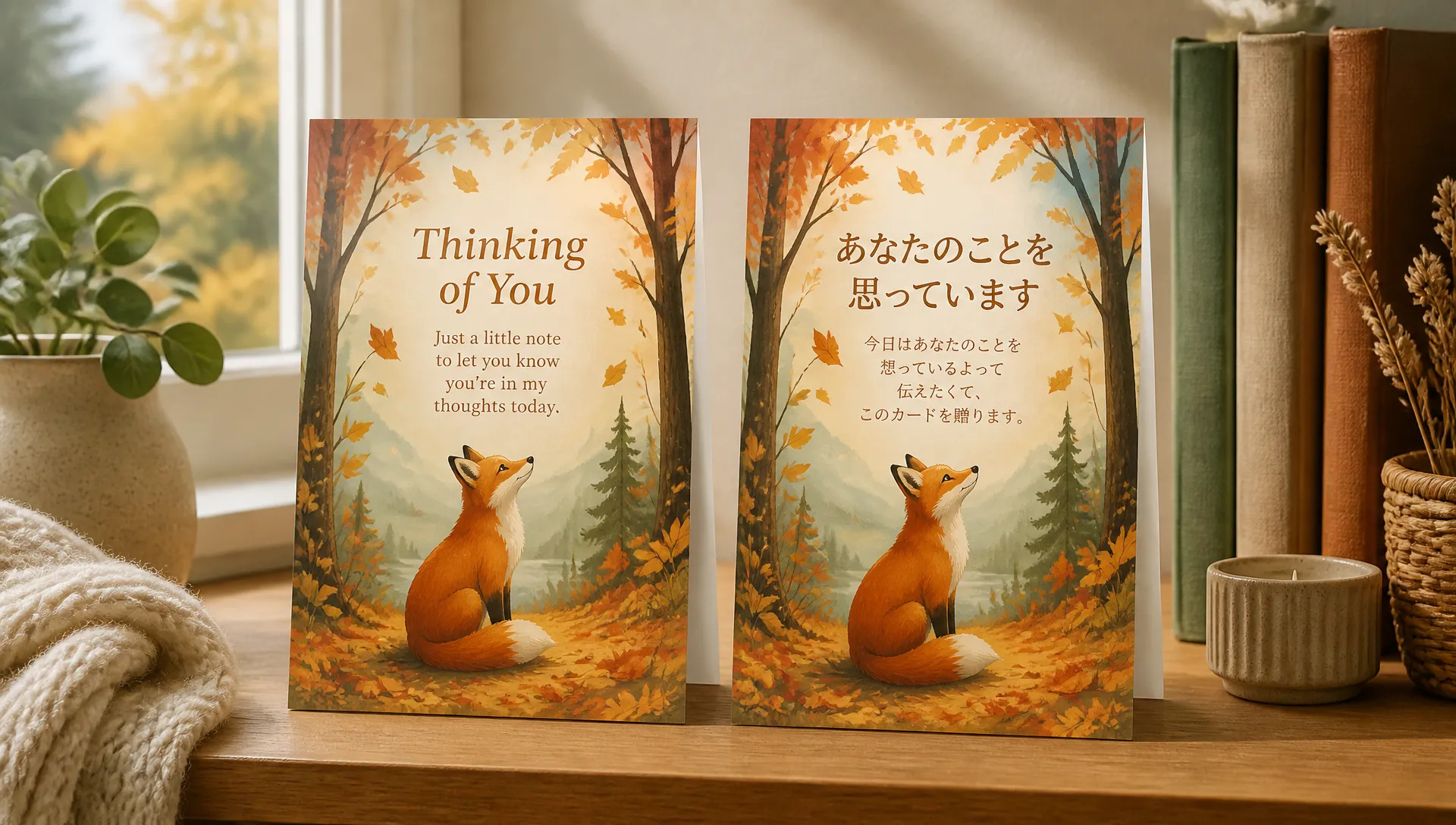
Translate the text on a poster, label or greeting card into another language while the layout, fonts and imagery stay in place.
Pick the right image model. Your credits work everywhere on ZOOOP.
Open Nano Banana 2.1 from this page or pick it in the Image Generator.
Write your prompt, or upload a photo and draw on the area you want to change.
Choose aspect ratio and resolution, and add up to 14 reference images if you need them.
Generate, then refine with a follow-up instruction.
Nano Banana 2.1 is the image model to reach for when you need to change part of a picture without touching the rest. Its headline feature is mask-based editing: draw on the area that should change, describe what you want there, and the model rewrites only that region. A product keeps its exact size and position while the room around it becomes a beach, a studio or a city street. Earlier models tended to redraw the whole frame and drift; Google's own evaluations put 2.1 well ahead of Nano Banana 2 and Nano Banana Pro on mask-based edits.
The second strength is holding many subjects at once. Pass up to 14 reference images and the model combines people, products, logos and locations into one coherent shot. Multi-character consistency is where Google reports the largest jump over earlier versions, which makes 2.1 a fit for group editorials, storyboards with a recurring cast, and product lines shot as a set.
The third is format range and grounding. Besides the usual 16:9 and 9:16, it renders 8:1 and 4:1 panoramic banners and 1:8 tall visuals natively, at 1K, 2K or 4K. Turn on Web Search or Image Search when an infographic or a specific real-world subject needs current facts, and raise thinking to High for dense layouts such as Swiss-grid posters or multi-panel diagrams.
Where it's weaker: small and very long text can still blur, especially at 1K, so render text-heavy work at 2K or above or switch to GPT Image 2.5 for the sharpest on-image type. Google also notes that mask edits sometimes follow the instruction only partly and that drawn marks can occasionally remain, so ask the model to remove the outline. For photoreal portraits and exact brand colors, Flux 2 Pro is still the safer pick.
A reasonable mental model: default to Nano Banana 2.1 for editing real photos, multi-reference scenes and unusual formats. Switch to GPT Image 2.5 when every letter of small text matters, to Flux 2 Pro for portrait realism, and to Midjourney V8.2 when the goal is a signature artistic look.
Nano Banana 2.1 is built on Gemini 3.6 Flash and was released by Google on October 6, 2026. Google's model card reports higher human-preference scores than Nano Banana 2 and Nano Banana Pro in text-to-image, general editing and multi-character consistency, and adds mask-based editing plus the 8:1, 4:1, 1:4 and 1:8 formats.
Use the editing mode: upload your photo, draw on the region you want to change, and describe the change, for example "replace the background inside the marked area with a beach at sunset". The model edits the marked area and leaves the rest of the photo as it was.
Up to 14 in the generation mode. Use them to combine people, products and locations in one image, or to keep a character consistent across a series.
Fourteen fixed ratios (8:1, 4:1, 21:9, 16:9, 3:2, 4:3, 5:4, 1:1, 4:5, 3:4, 2:3, 9:16, 1:4 and 1:8) plus Auto, at 1K, 2K or 4K.
Yes. It is one of the more affordable top-tier image models on ZOOOP. Draft at 1K, then re-run the keeper at 2K or 4K. Web Search and Image Search add a small extra charge only when you switch them on.























Nano Banana 2.1
Prompt*
Image Urls
En boy oranı*
Çözünürlük*
Thinking Level
Oturum açtığınızda nesilleriniz burada görünecek.
Hesap oluşturmak ücretsizdir.