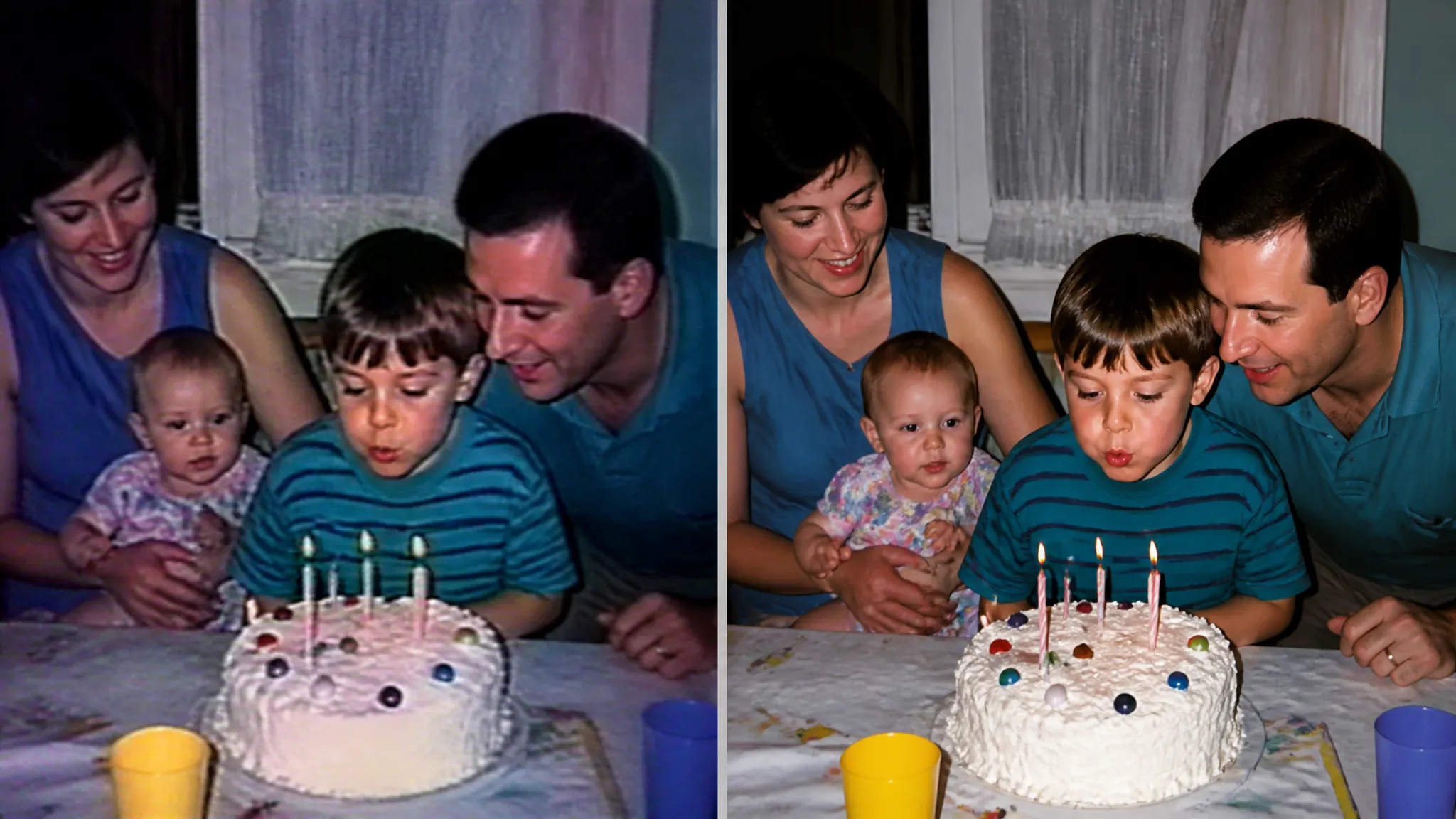
Eski klipleri onarın
Taneli, düşük çözünürlüklü ev veya arşiv görüntülerini izlenebilir bir çözünürlüğe getirin.
Herhangi bir videoyu yapay zeka ile HD veya 4K'ye yükseltin — daha keskin kareler, temiz detaylar ve pürüzsüz, titremesiz hareket.
Pay once for credits — use them across every model on ZOOOP. · Gerektiğinde doldurun, aylık yanma yok.
SD veya HD görüntüleri daha yüksek çözünürlüğe çıkarırken yapay zeka detayları kare kare yeniden oluşturur.
Kenarlar, yüzler ve dokular sadece büyütülmek yerine klip boyunca yeniden oluşturulur.
Detaylar kareler arasında tutarlı kalır, böylece sonuç titremek yerine temiz görünür.
Eski klipleri onarın ya da yeni kayıtları parlatın — aynı tek tıkla akış.
Taneli, düşük çözünürlüklü ev veya arşiv görüntülerini izlenebilir bir çözünürlüğe getirin.
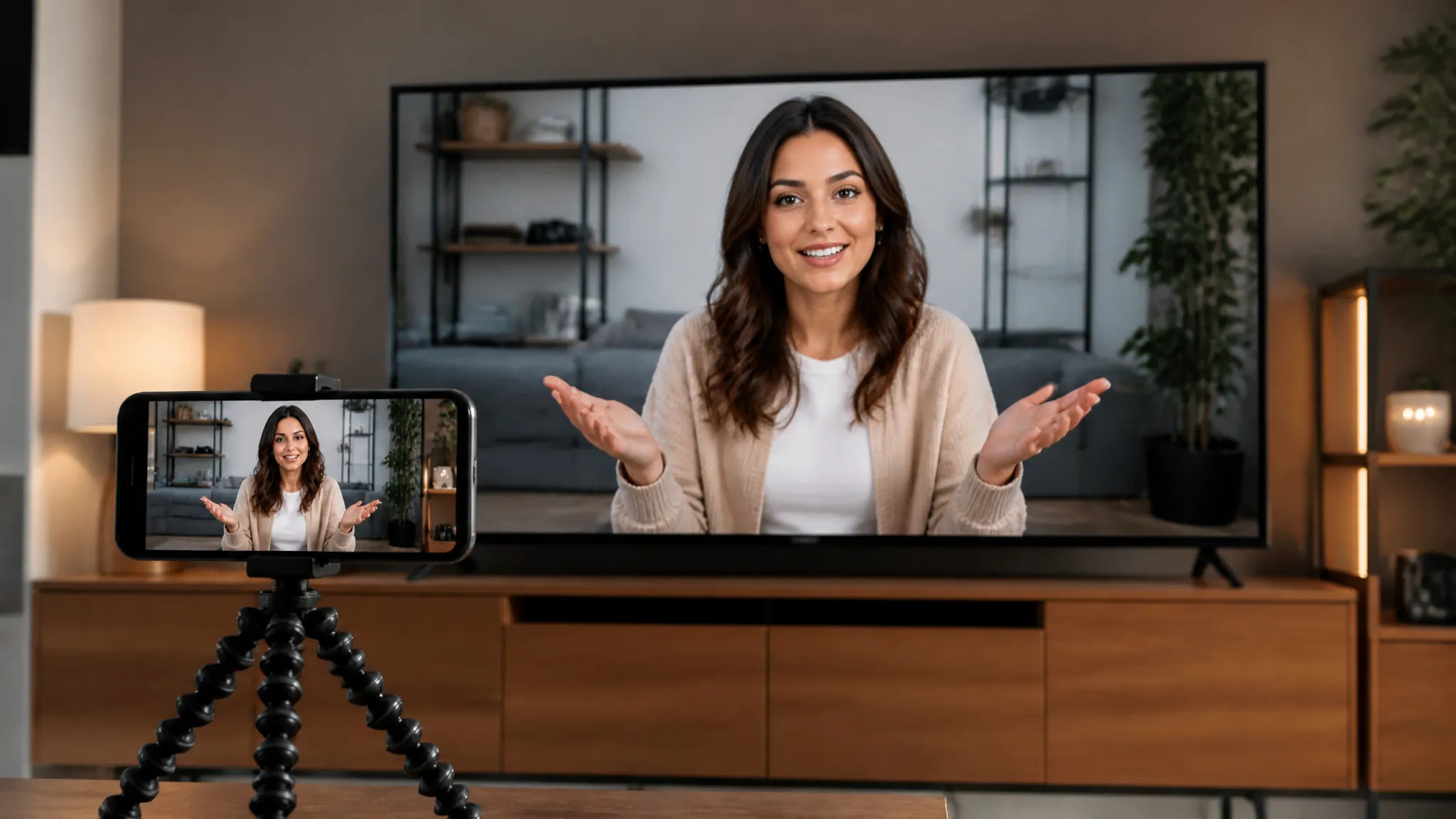
Kayıtları HD veya 4K'ye yükseltin, böylece büyük ekranlarda ve akışlarda net görünsünler.
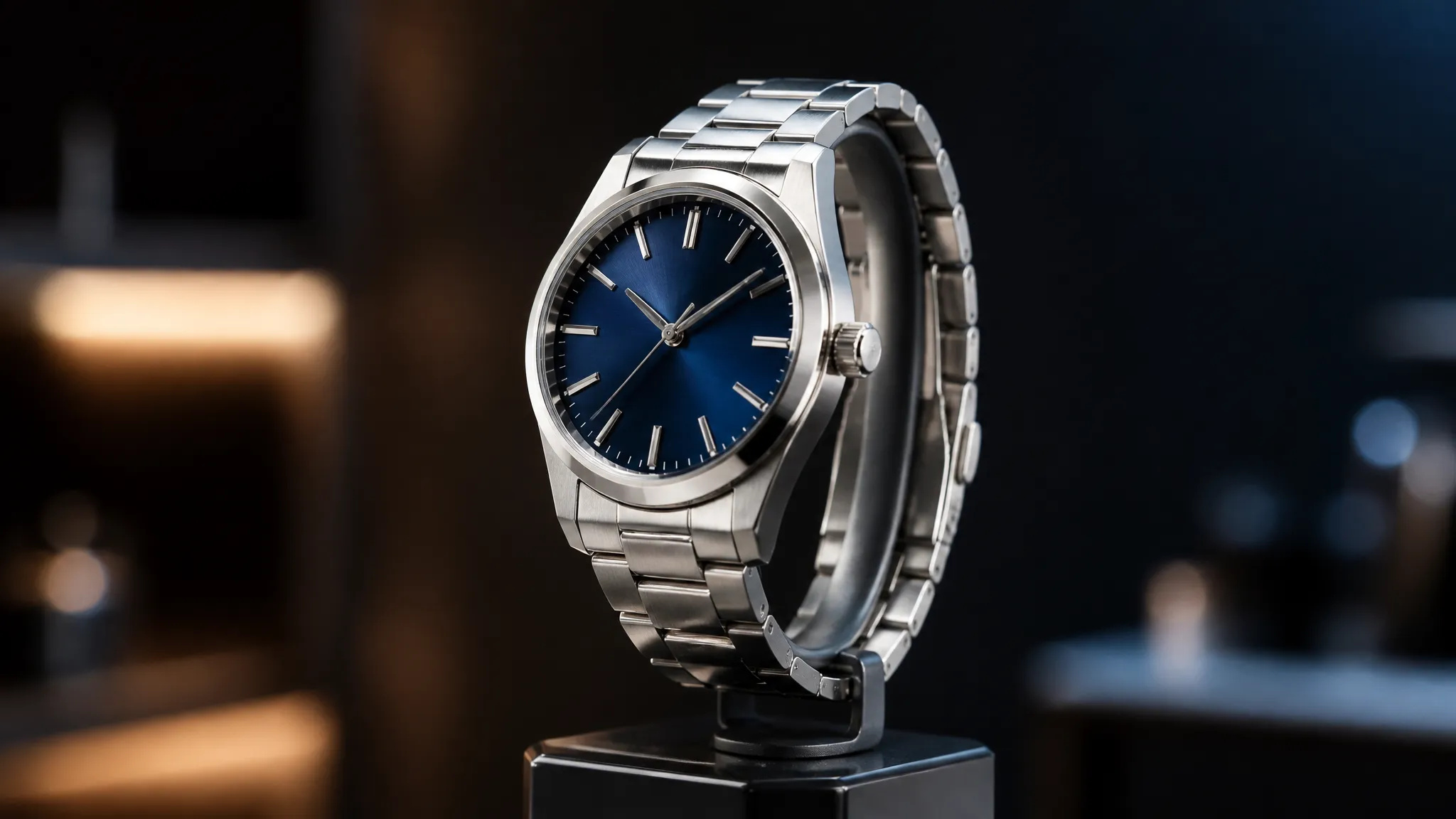
Mağaza sayfaları ve reklamlar için düşük çözünürlüklü ürün veya ekran kaydı kliplerini keskinleştirin.
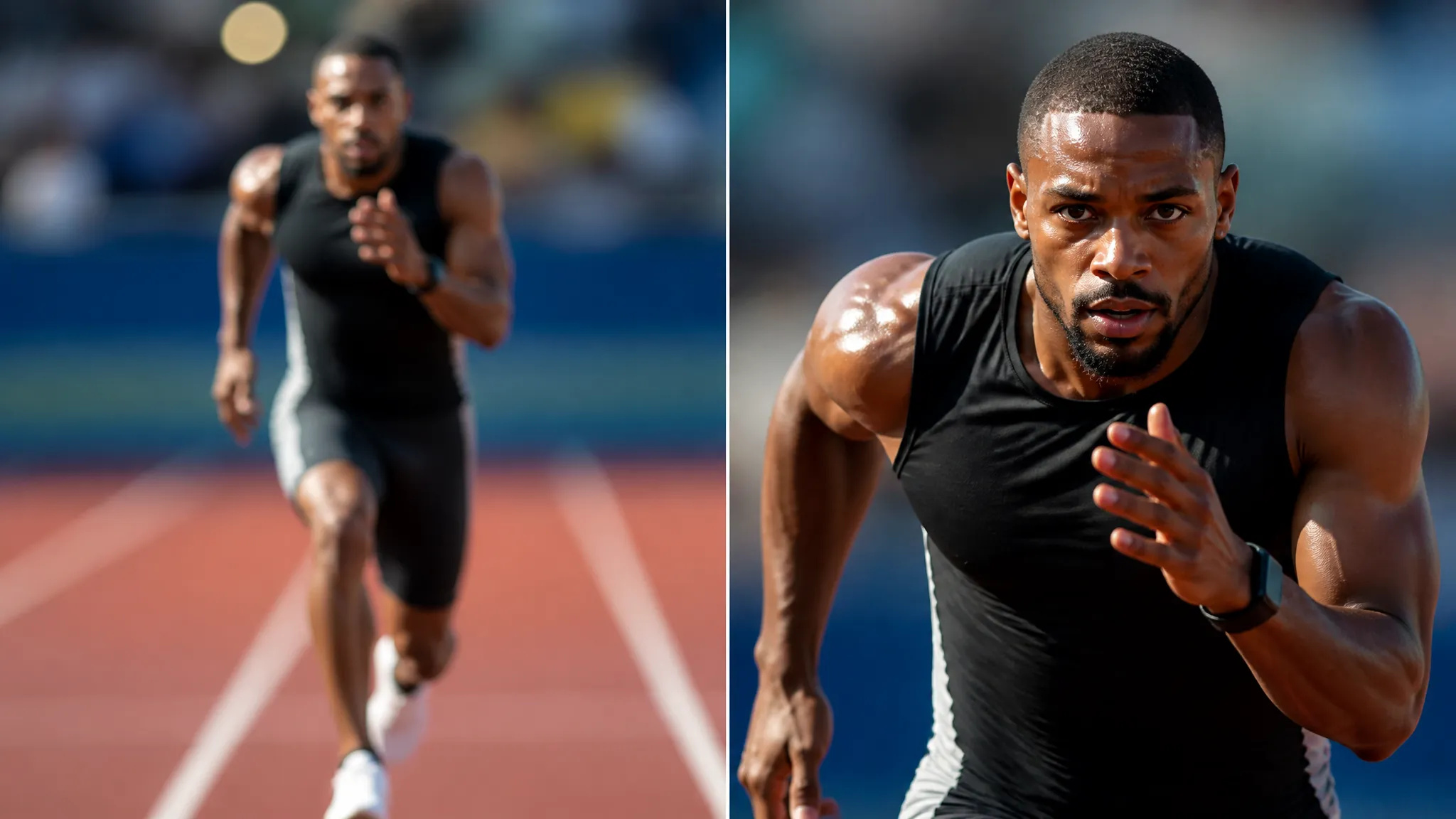
Kırpmadan önce yükseltin, böylece daha dar bir kare yine de keskin kalır.
AI Video Yükselticiyi açın ve videonuzu yükleyin.
Hedef bir çözünürlük seçin, 4K'ye kadar.
Oluşturun, ardından yükseltilmiş videoyu indirin veya Tuvalinize gönderin.
ZOOOP'daki AI Video Yükseltici, her kareyi yeniden oluştururken herhangi bir klibin çözünürlüğünü artırır. Her kareyi yumuşak bir bulanıklığa dönüştürmek yerine, model kenarları, yüzleri ve dokuları yeniden oluşturur ve bunları zaman çizelgesi boyunca tutarlı tutar — böylece hareket titremek yerine keskin ve stabil kalır.
Hem eski hem de yeni görüntülerle çalışır: taneli arşiv klipleri izlenebilir bir çözünürlüğe getirilir, kayıtlar sosyal medya ve yayın için HD veya 4K'ye cilalanır, düşük çözünürlüklü ürün veya ekran kaydı videoları mağaza sayfaları için keskinleştirilir.
Her oluşturma işlemi ZOOOP kredileriyle çalışır — abonelik yok ve krediler asla süresi dolmaz. İşiniz bittiğinde, yükseltilmiş videoyu indirin veya Tuvalinize gönderin.
En fazla 4K'ye kadar. Yapay zeka detayları kare kare yeniden oluşturur, böylece hareket bloklu olmak yerine keskin kalır.
Evet — detaylar kareler arasında tutarlı tutulur, böylece sonuç aralarında titremek yerine temiz görünür.
Evet çalışır — eski, taneli veya sıkıştırılmış klipler temel kullanım alanlarından biridir ve belirgin şekilde daha net hale gelir.
Daha uzun klipler daha fazla işlem süresi ve kredi gerektirir; tam maliyet oluşturmadan önce gösterilir.
Herhangi bir görselin arka planını saniyeler içinde kaldırın ve temiz, şeffaf bir PNG indirin — manuel maskeleme yok, tasarım becerisi gerekmez.
Bir nesnenin malzemesini AI ile değiştirin — mermer, ahşap, altın, cam veya kumaşa dönüştürün, gerçekçi yüzeylerle.
Eski ve hasarlı fotoğrafları AI ile restore edin — solmayı, çizikleri ve bulanıklığı giderin, yüzleri yeniden hayata döndürün.
Herhangi bir görseli AI ile 2K veya 4K çözünürlüğe büyütün — netliği ve temiz kenarları geri kazanın, bulanıklık veya bozulma olmadan.
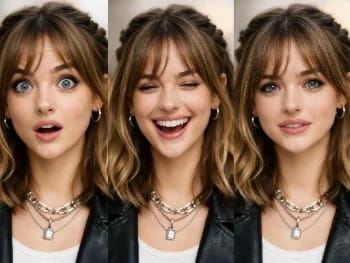
Yapay zeka ile herhangi bir fotoğraftaki yüz ifadesini değiştirin — gülümseme ekleyin, gözleri açın veya ruh halini doğal bir şekilde değiştirin.
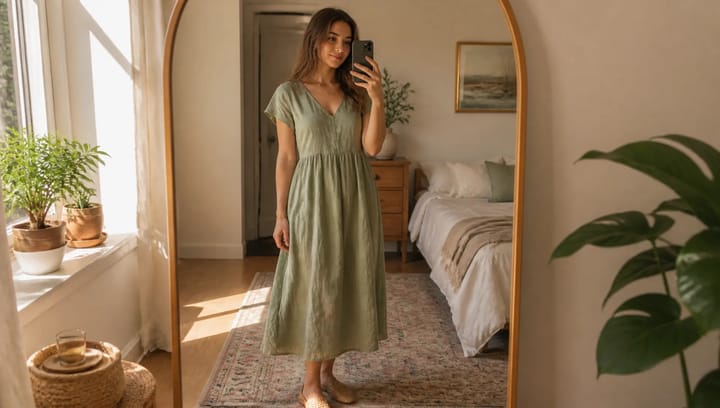
Bir kıyafet tanımlayın ve kendi fotoğrafınızda görün — yüz, poz ve arka plan tamamen aynı kalır.
Yapay zeka ile makyaj görünümlerini deneyin — doğaldan cesur olana, ayarlanabilir yoğunlukla, hepsi kendi fotoğrafınızda.
Yapay zeka ile herhangi bir fotoğraftan istenmeyen nesneleri, kişileri veya yazıları kaldırın — arka plan sorunsuzca dolduruluyor.
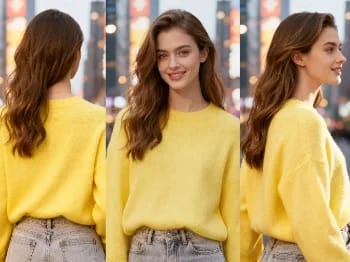
Bir görüntünün kamera açısını yapay zekayla değiştirin — bir öznenin yeni bir bakış açısından, doğal bir şekilde işlenmiş halini görün.
Herhangi bir portreyi yapay zeka ile geliştirin — daha keskin detay, daha net cilt ve gözler, dengeli ışık; hem de hâlâ siz gibi görünerek.
Kendi fotoğrafında yapay zeka ile yeni saç modelleri ve saç renkleri dene — saçına dokunmadan önce gerçekçi sonuçlar gör.
AI ile kıyafetlerin üzerinde nasıl durduğunu gör — gerçekçi bir deneme için bir kişi fotoğrafı ile kıyafet görselini birleştir.
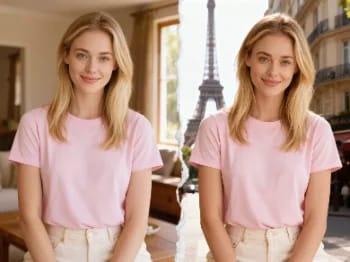
Yapay zekayla kendinizi ikonik şehirlere ışınlayın — fotoğrafınızı Paris, Tokyo, New York ve daha fazlasına yerleştirin.
Herhangi bir fotoğrafı yapay zeka ile sanatsal bir üsluba dönüştürün — empresyonizm, kübizm, suluboya, anime ve daha fazlası.
Ürününüzü yapay zeka ile bir kişinin elinde doğal şekilde konumlandırın — fotoğraf çekimi olmadan gerçekçi pazarlama görselleri.
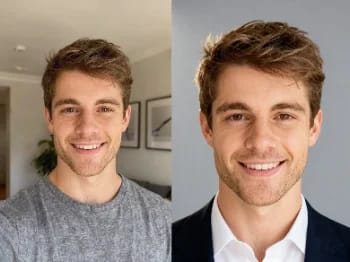
Sıradan bir selfieyi yapay zekayla profesyonel bir portreye dönüştürün — stüdyo ışığı, sade arka planlar, dakikalar içinde iş hayatına hazır sonuç.
Bir yüzü yapay zeka ile daha genç veya daha yaşlı gösterin — kişiyi tanınabilir kılan gerçekçi bir yaşlandırma.
AI Video Yükseltici
Herhangi bir videoyu yapay zeka ile HD veya 4K'ye yükseltin — daha keskin kareler, temiz detaylar ve pürüzsüz, titremesiz hareket.
Video*
Target Resolution*
Target FPS
Enhancement Preset*
Enhancement Tier*
Fidelity*