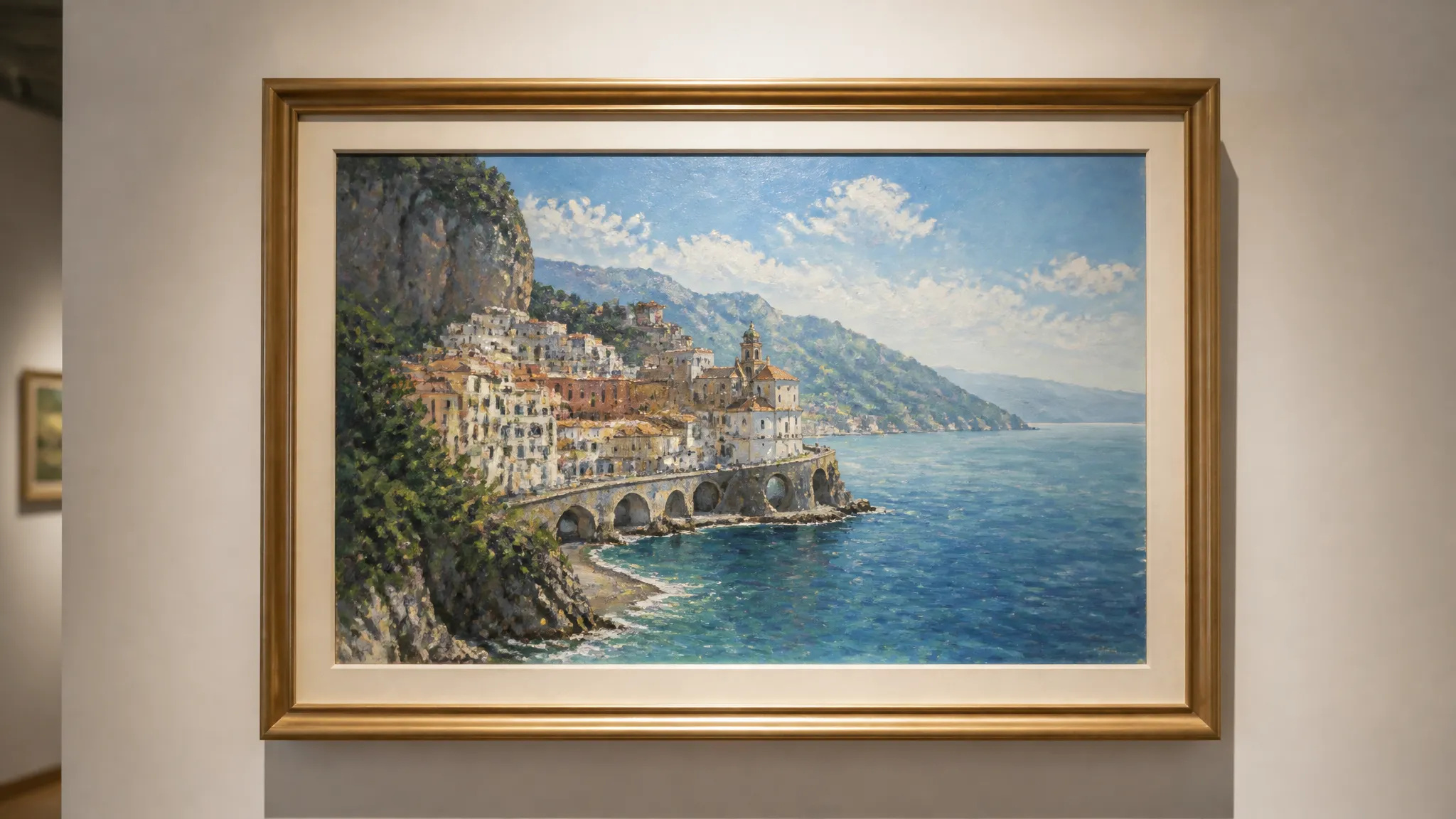
Sanat baskıları ve posterler
Sevdiğiniz bir fotoğrafı çerçeveletebileceğiniz veya hediye edebileceğiniz resimsi bir baskıya dönüştürün.
Herhangi bir fotoğrafı yapay zeka ile sanatsal bir üsluba dönüştürün — empresyonizm, kübizm, suluboya, anime ve daha fazlası.
Pay once for credits — use them across every model on ZOOOP. · Gerektiğinde doldurun, aylık yanma yok.
Bir fotoğrafı empresyonizm, kübizm, sürrealizm, suluboya, mürekkep, anime ve daha fazlasıyla yeniden boyayın.
Konunuz ve düzeniniz olduğu gibi kalır — yalnızca görünüm ve fırça dokusu değişir.
Stil, tüm görüntüye gerçek bir doku ile uygulanır, düz bir katman gibi değil.
Portreler, manzaralar, evcil hayvanlar, ürünler — elinizdeki herhangi bir görüntüden başlayın.
Sevdiğiniz bir fotoğrafı çerçeveletebileceğiniz veya hediye edebileceğiniz resimsi bir baskıya dönüştürün.
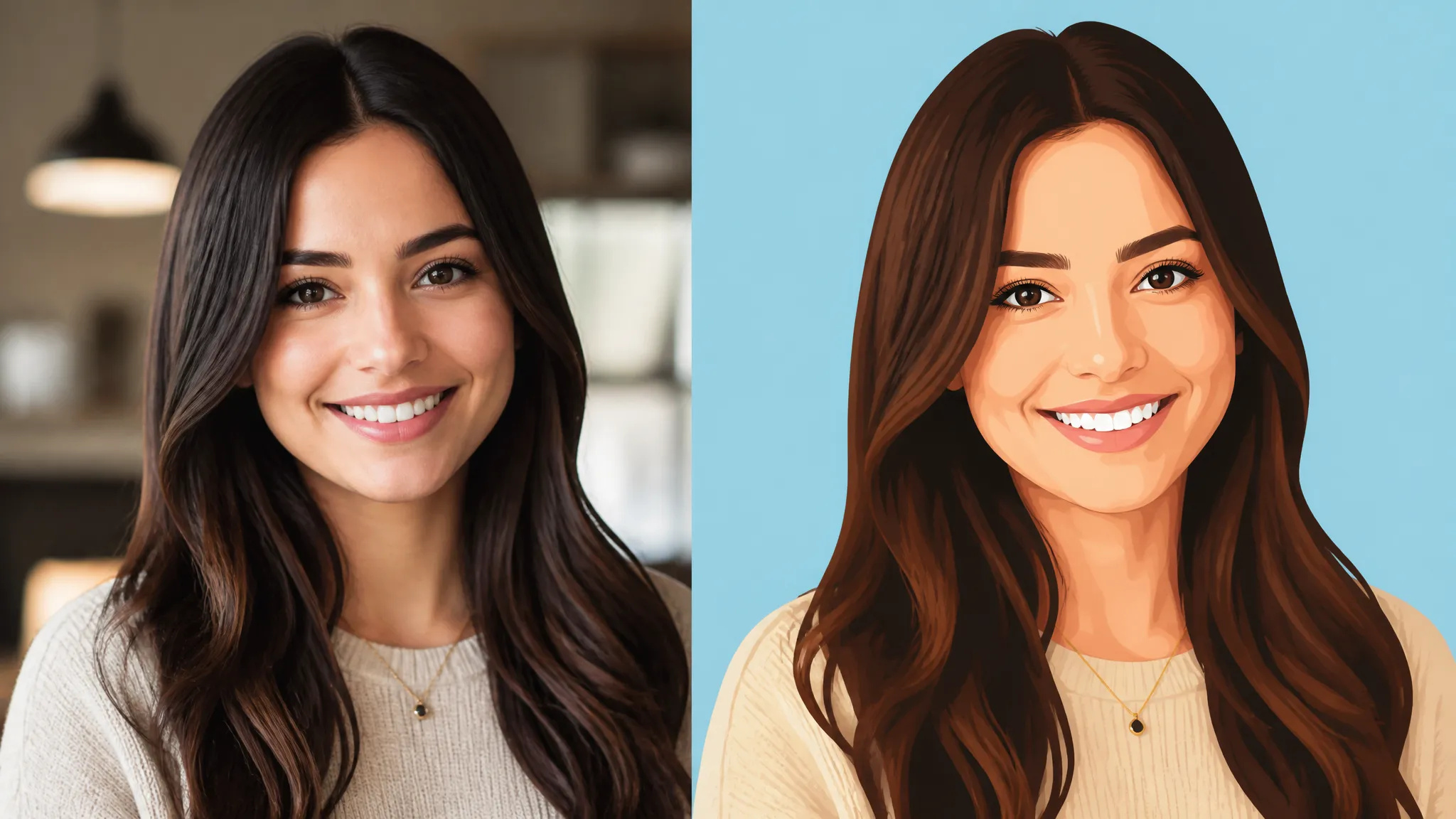
Bir portreyi özgün, illüstratif bir profil fotoğrafına dönüştürün.
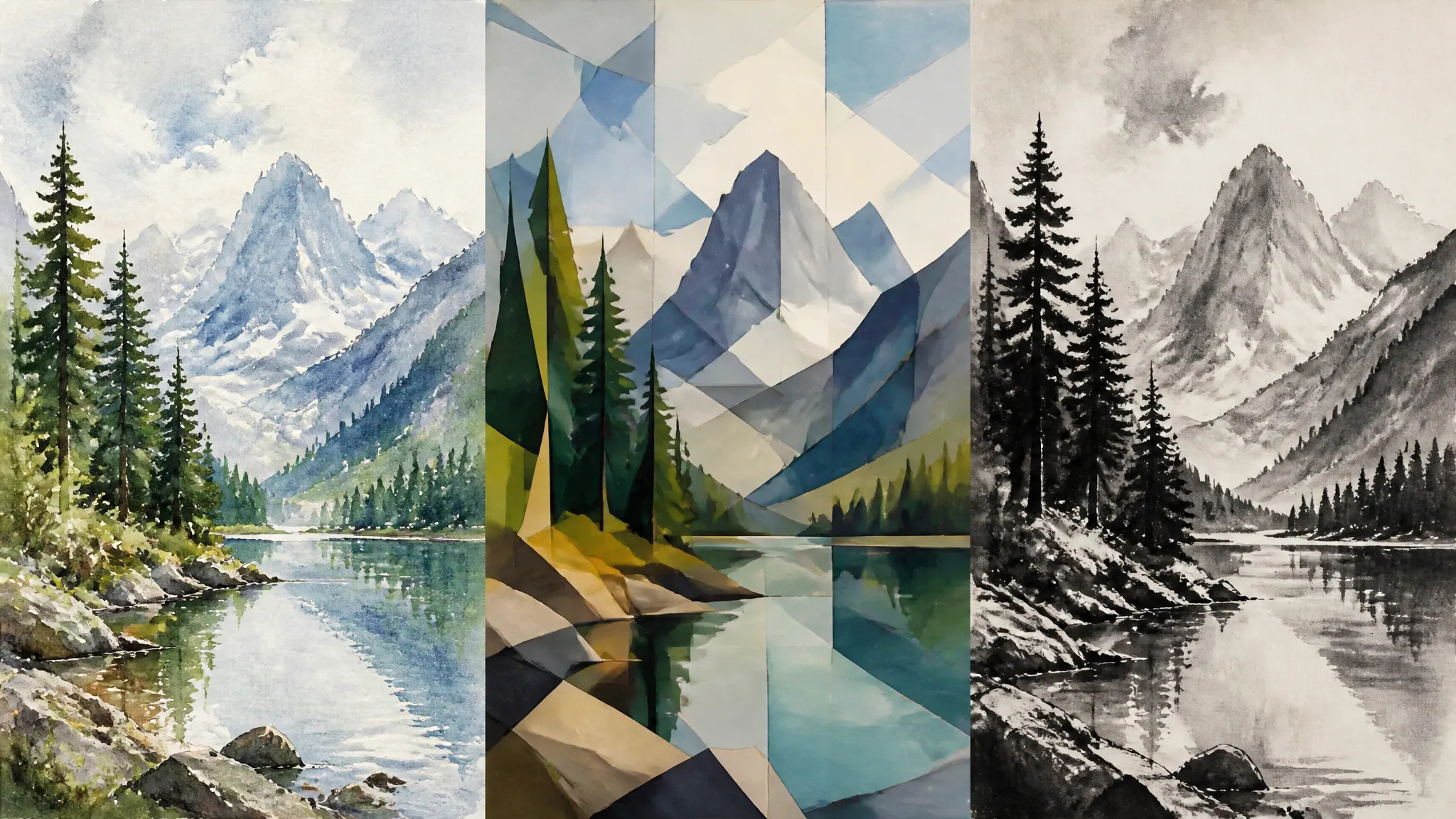
Farklı sanat stillerinde görsel bir yönü hızlıca keşfedin.
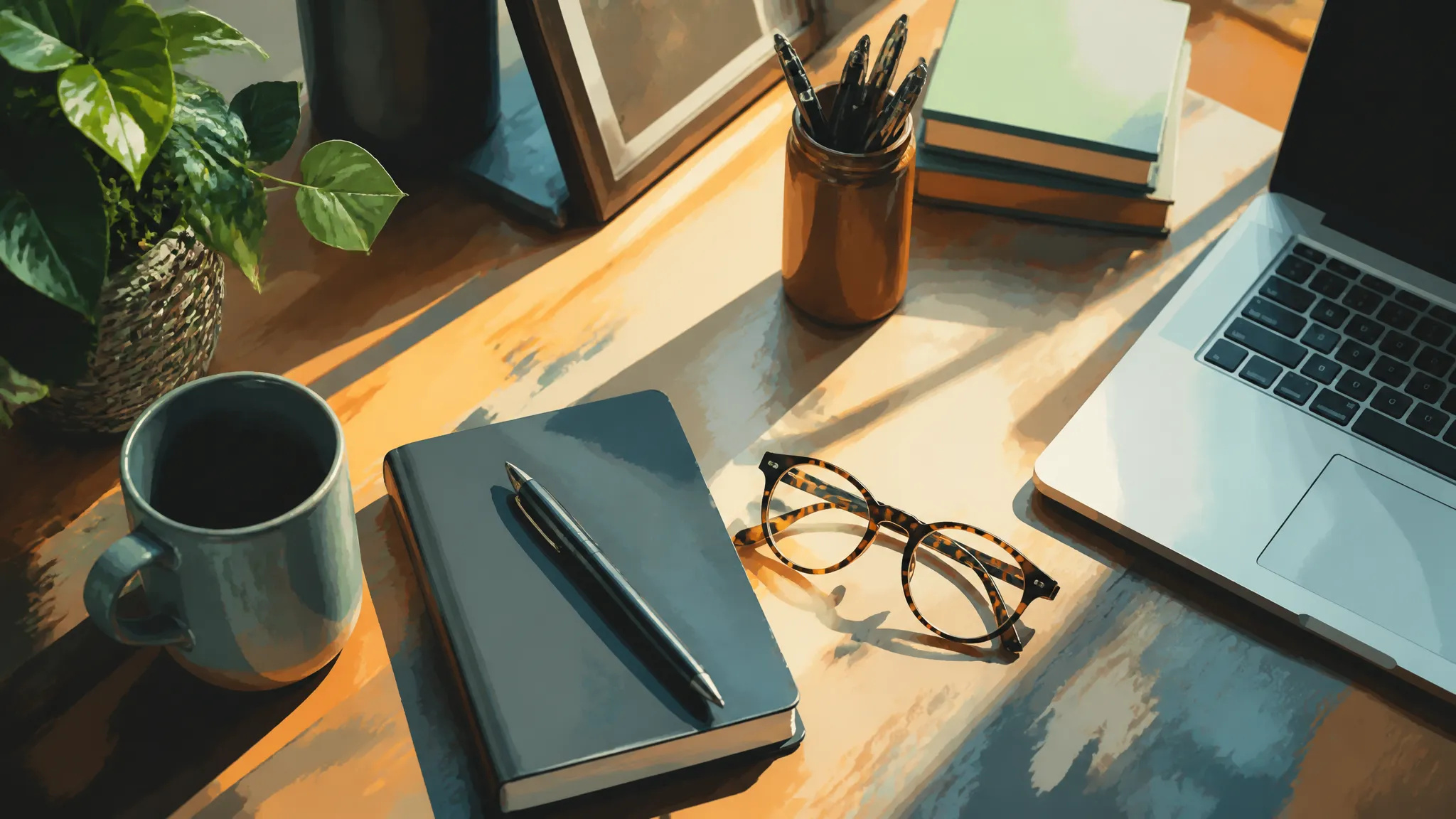
Blog görsellerine, kapaklara ve küçük görsellere kendine özgü, boyanmış bir görünüm kazandırın.
AI Stil Aktarımı aracını açın ve görselinizi yükleyin.
Uygulamak istediğiniz sanat stilini seçin.
Oluşturun, ardından stillendirilmiş görseli indirin veya Tuvalinize gönderin.
ZOOOP'teki AI Stil Aktarımı aracı, sahneyi olduğu gibi koruyarak bir fotoğrafı sanatsal bir üslupta yeniden boyar. Konunuz ve kompozisyonunuz aynı kalır — yalnızca görünüm, renk ve fırça dokusu değişir — ve stil, gerçek bir dokuyla tüm görüntüye uygulanır, böylece düz bir filtre değil gerçek bir sanat eseri gibi görünür.
Empresyonizm, kübizm, sürrealizm, suluboya, mürekkep ve anime gibi resimsi ve illüstratif görünümler arasından seçim yapın: sevdiğiniz bir fotoğrafı çerçeveleyebileceğiniz bir baskıya dönüştürün, bir portreyi illüstratif bir profil resmine dönüştürün ya da kapaklara ve küçük görsellere kendine özgü, boyanmış bir görünüm kazandırın.
Her oluşturma işlemi ZOOOP kredileriyle çalışır — abonelik gerektirmez ve krediler asla süresi dolmaz. İşiniz bittiğinde, stillendirilmiş görseli indirin veya Tuvalinize gönderin.
Başlıcaları empresyonizm, kübizm, sürrealizm, suluboya, mürekkep ve anime olmak üzere resimsi ve illüstratif stiller.
Evet — konunuz ve düzeniniz olduğu gibi kalır; yalnızca görünüm, renk ve fırça dokusu değişir.
Stil, gerçek doku ve fırça izleriyle tüm görüntüye uygulanır, bu yüzden düz bir katman yerine gerçek bir sanat eseri gibi görünür.
Çoğu fotoğraf iyi sonuç verir; net bir konu ve iyi bir aydınlatma en güçlü sonucu sağlar.
Herhangi bir görselin arka planını saniyeler içinde kaldırın ve temiz, şeffaf bir PNG indirin — manuel maskeleme yok, tasarım becerisi gerekmez.
Bir nesnenin malzemesini AI ile değiştirin — mermer, ahşap, altın, cam veya kumaşa dönüştürün, gerçekçi yüzeylerle.
Eski ve hasarlı fotoğrafları AI ile restore edin — solmayı, çizikleri ve bulanıklığı giderin, yüzleri yeniden hayata döndürün.
Herhangi bir görseli AI ile 2K veya 4K çözünürlüğe büyütün — netliği ve temiz kenarları geri kazanın, bulanıklık veya bozulma olmadan.
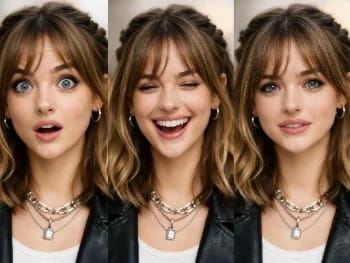
Yapay zeka ile herhangi bir fotoğraftaki yüz ifadesini değiştirin — gülümseme ekleyin, gözleri açın veya ruh halini doğal bir şekilde değiştirin.
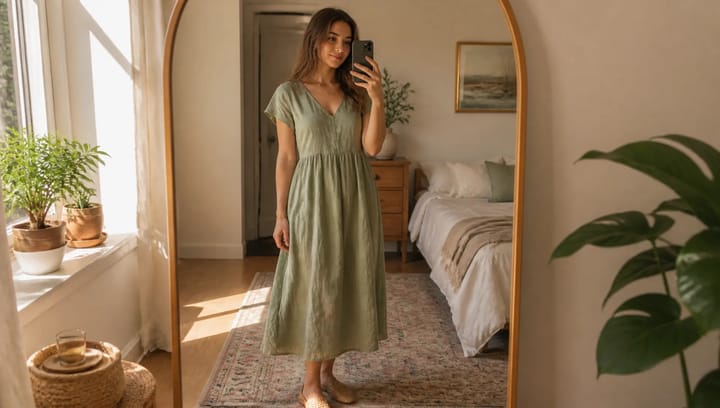
Bir kıyafet tanımlayın ve kendi fotoğrafınızda görün — yüz, poz ve arka plan tamamen aynı kalır.
Yapay zeka ile makyaj görünümlerini deneyin — doğaldan cesur olana, ayarlanabilir yoğunlukla, hepsi kendi fotoğrafınızda.
Yapay zeka ile herhangi bir fotoğraftan istenmeyen nesneleri, kişileri veya yazıları kaldırın — arka plan sorunsuzca dolduruluyor.
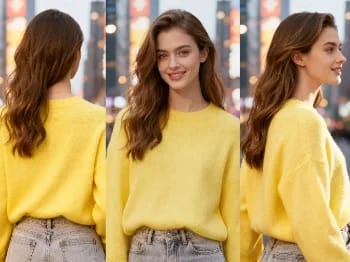
Bir görüntünün kamera açısını yapay zekayla değiştirin — bir öznenin yeni bir bakış açısından, doğal bir şekilde işlenmiş halini görün.
Herhangi bir portreyi yapay zeka ile geliştirin — daha keskin detay, daha net cilt ve gözler, dengeli ışık; hem de hâlâ siz gibi görünerek.
Kendi fotoğrafında yapay zeka ile yeni saç modelleri ve saç renkleri dene — saçına dokunmadan önce gerçekçi sonuçlar gör.
AI ile kıyafetlerin üzerinde nasıl durduğunu gör — gerçekçi bir deneme için bir kişi fotoğrafı ile kıyafet görselini birleştir.
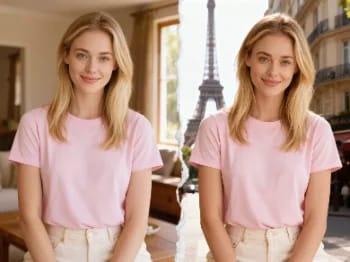
Yapay zekayla kendinizi ikonik şehirlere ışınlayın — fotoğrafınızı Paris, Tokyo, New York ve daha fazlasına yerleştirin.
Ürününüzü yapay zeka ile bir kişinin elinde doğal şekilde konumlandırın — fotoğraf çekimi olmadan gerçekçi pazarlama görselleri.
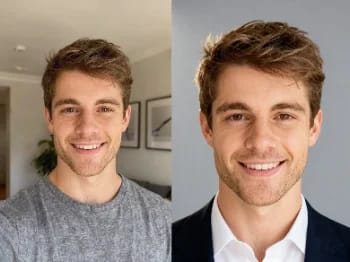
Sıradan bir selfieyi yapay zekayla profesyonel bir portreye dönüştürün — stüdyo ışığı, sade arka planlar, dakikalar içinde iş hayatına hazır sonuç.
Herhangi bir videoyu yapay zeka ile HD veya 4K'ye yükseltin — daha keskin kareler, temiz detaylar ve pürüzsüz, titremesiz hareket.
Bir yüzü yapay zeka ile daha genç veya daha yaşlı gösterin — kişiyi tanınabilir kılan gerçekçi bir yaşlandırma.
AI Stil Aktarımı
Herhangi bir fotoğrafı yapay zeka ile sanatsal bir üsluba dönüştürün — empresyonizm, kübizm, suluboya, anime ve daha fazlası.
Görüntü*
Target Style*
En boy oranı*