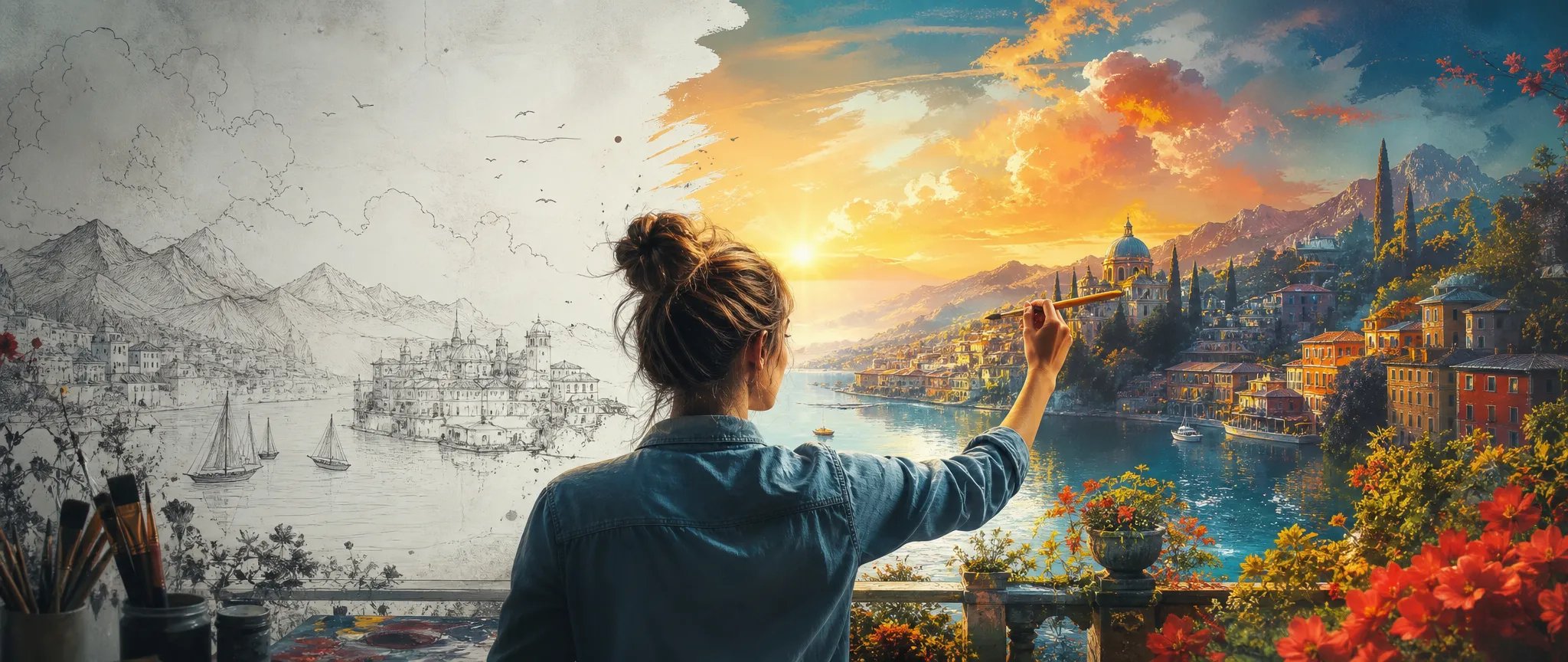
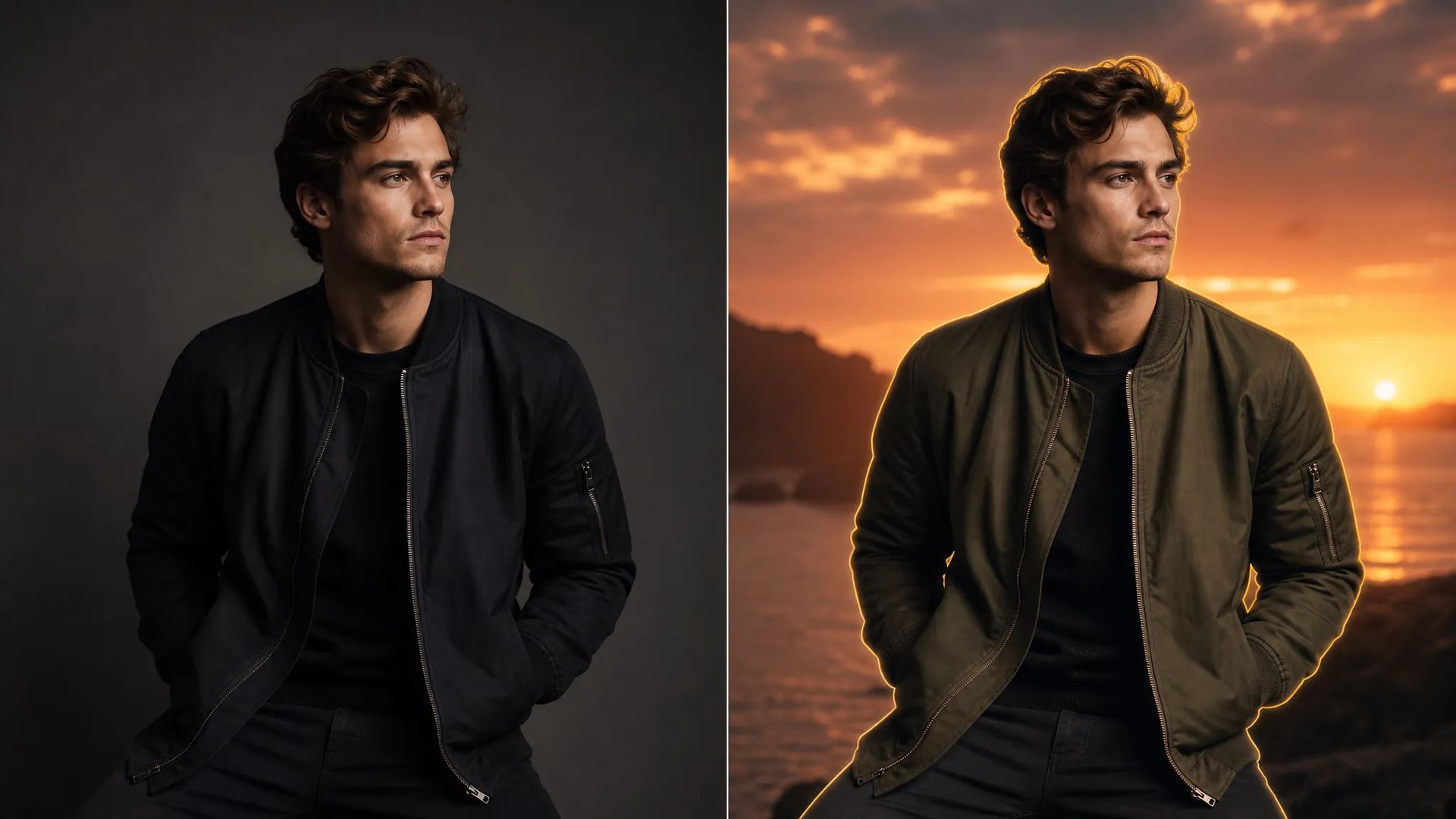
Generate-then-edit
Produce a base image, then object-replace and region-edit in the same model — no subject drift between tools.

ByteDance's Seedream 4 — generation + editing in one model, up to 4K, 10-image reference.
Pay once for credits — use them across every model on ZOOOP. · Gerektiğinde doldurun, aylık yanma yok.
Powered by ByteDance's API on ZOOOP
Start from a prompt, then keep refining with edits and object replacement in the same model — no separate edit API, no tool hand-off.
Output at 2K (default), 3K, or 4K — draft at lower res, deliver at 4K, all from one model.
Pass up to 10 reference images to hold a character, wardrobe, or style across generations.
From 21:9 cinematic to 9:16 vertical, eight ratios cover product, editorial, and social.
Produce a base image, then object-replace and region-edit in the same model — no subject drift between tools.
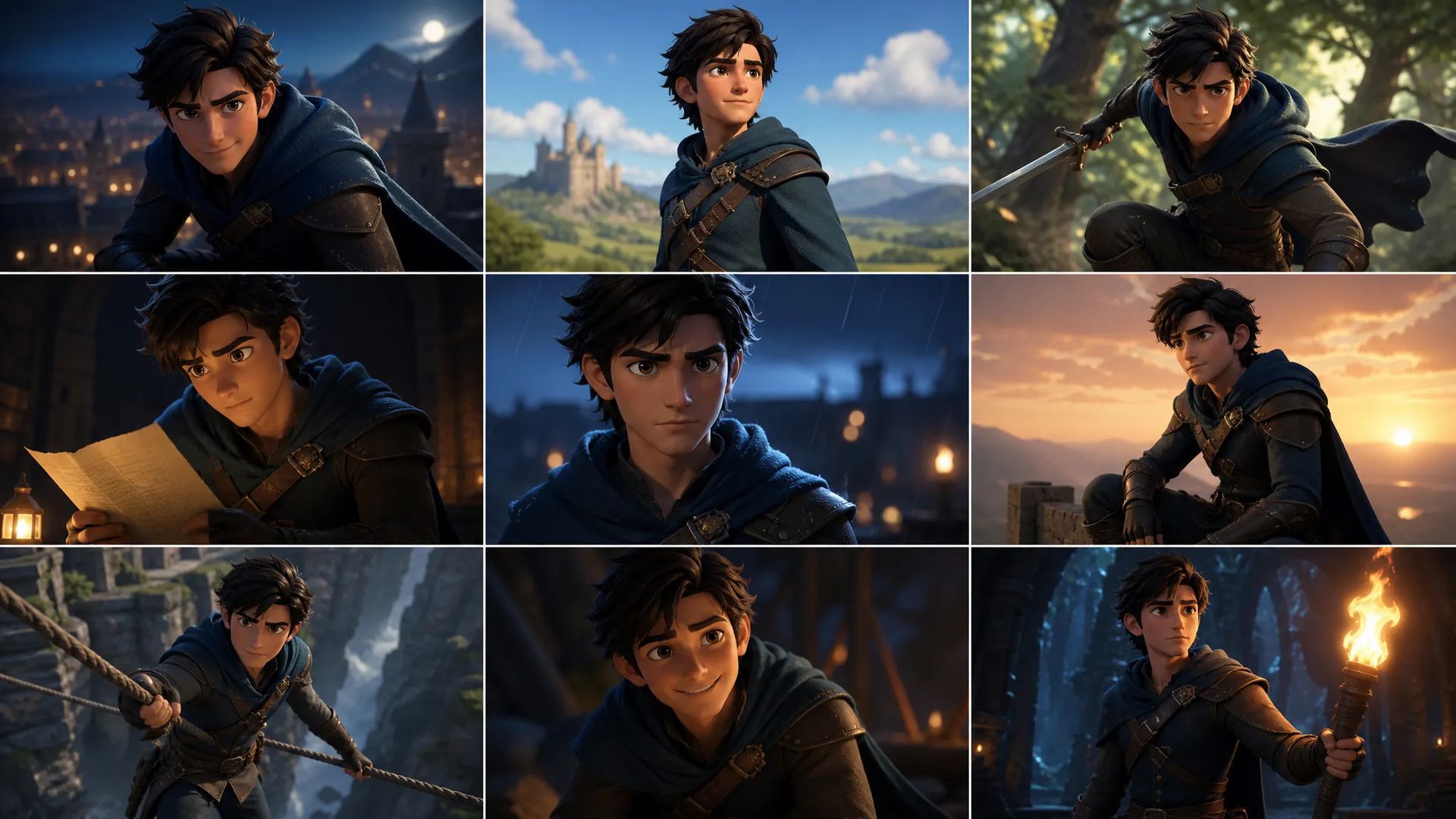
Up to 10 reference images keep the same subject on-model across storyboards and comic panels.

Swap backgrounds, recolor products, and adapt aspect ratios in one model — restyle without re-shooting.
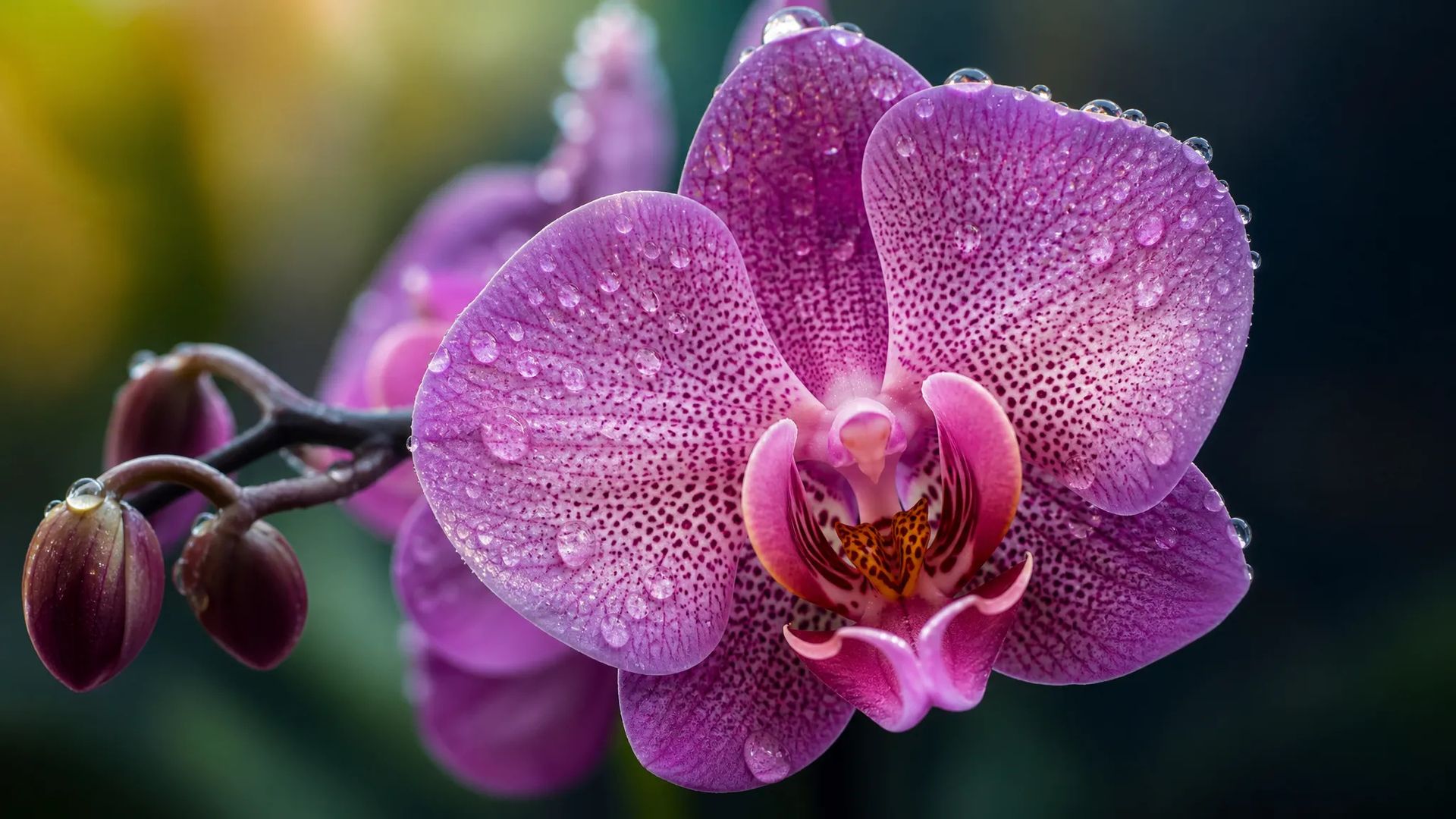
Native 4K output for hero placements and high-fidelity deliverables.
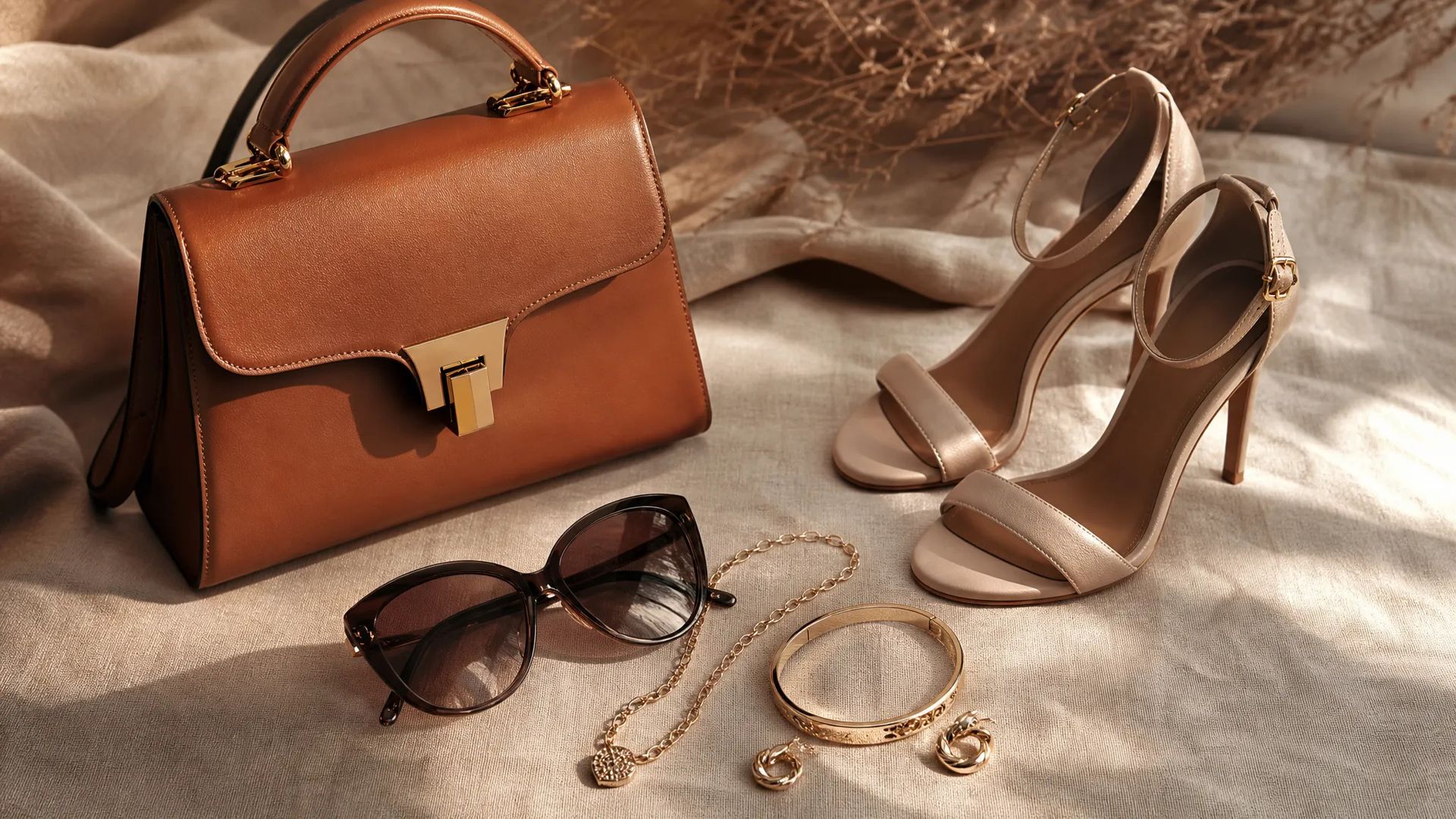
Up to 10 references per edit support product swaps and complex multi-source compositions.
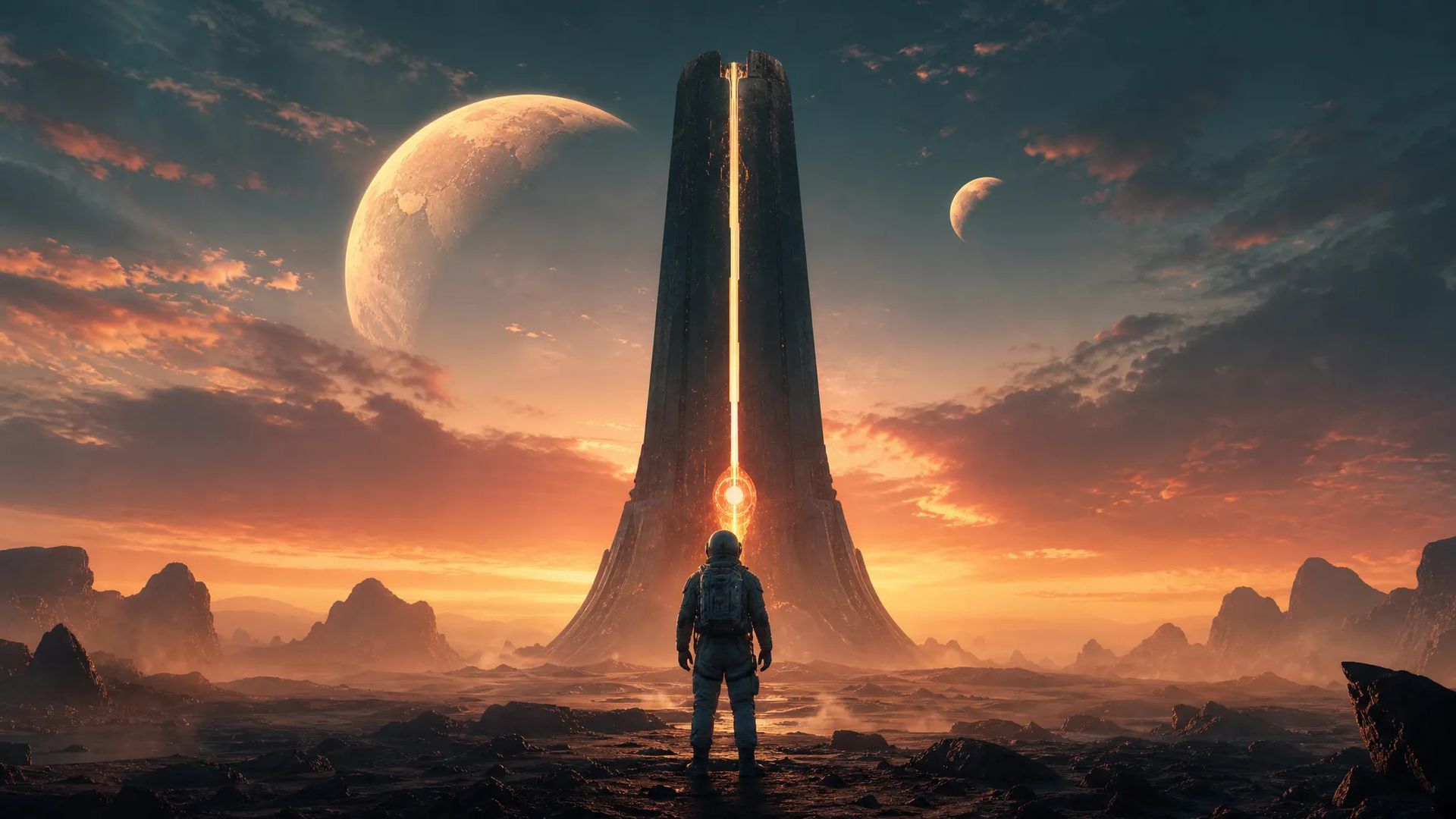
Strong spatial reasoning suits previz frames and stylized brand imagery.
Pick the right image model. Your credits work everywhere on ZOOOP.
Open Seedream 4 from this page or pick it in the Image Generator.
Write the scene prompt; add up to 10 reference images to hold a character or style.
Pick resolution (up to 4K) and aspect ratio.
Generate, then keep editing in the same model to refine.
Seedream 4 is ByteDance's all-in-one image model — the earlier release in the Seedream line that folds generation and editing into a single tool. There's no separate edit API: start from a text prompt, then mark a region, swap an object, and the edit lands in the same model without the subject drift that comes from crossing tool boundaries. For workflows that loop between "generate" and "fix this part," that single-model continuity is the core appeal.
Output runs up to 4K (2K is the default, with 3K and 4K available), and up to 10 reference images hold a character, wardrobe, or style across a run — the building block for storyboards, comic panels, and product series where the same subject has to recur. Strong spatial reasoning makes it a fit for previz frames and stylized key art across eight aspect ratios.
Where it sits in the line: Seedream 4.5 improves edit consistency and adds a six-image batch; Seedream 5.0 Lite is the newest value tier at native 3K and the lowest cost. For multilingual text and factual grounding, Nano Banana 2 is the better tool; for photoreal portraits, Flux 2 Pro.
A reasonable mental model: default to Seedream 4 for all-in-one generate-and-edit work up to 4K, and step to 4.5 for the deepest batch and best edit consistency, or 5.0 Lite for cheap native-3K iteration.
Seedream 4 is the earlier release with generation + editing, up to 4K, and 10-image reference. Seedream 4.5 improves edit consistency and adds six-image batch; Seedream 5.0 Lite is the newest value tier at native 3K. Pick the version by your resolution and batch needs.
Yes — in the same model and API. Start from text-to-image, then move into editing and object replacement without switching models.
2K (default), 3K, or 4K.
Up to 10 — keep a character, wardrobe, or style consistent across generations.























Seedream 4
Prompt*
Image Urls
En boy oranı*
Çözünürlük*
Oturum açtığınızda nesilleriniz burada görünecek.
Hesap oluşturmak ücretsizdir.