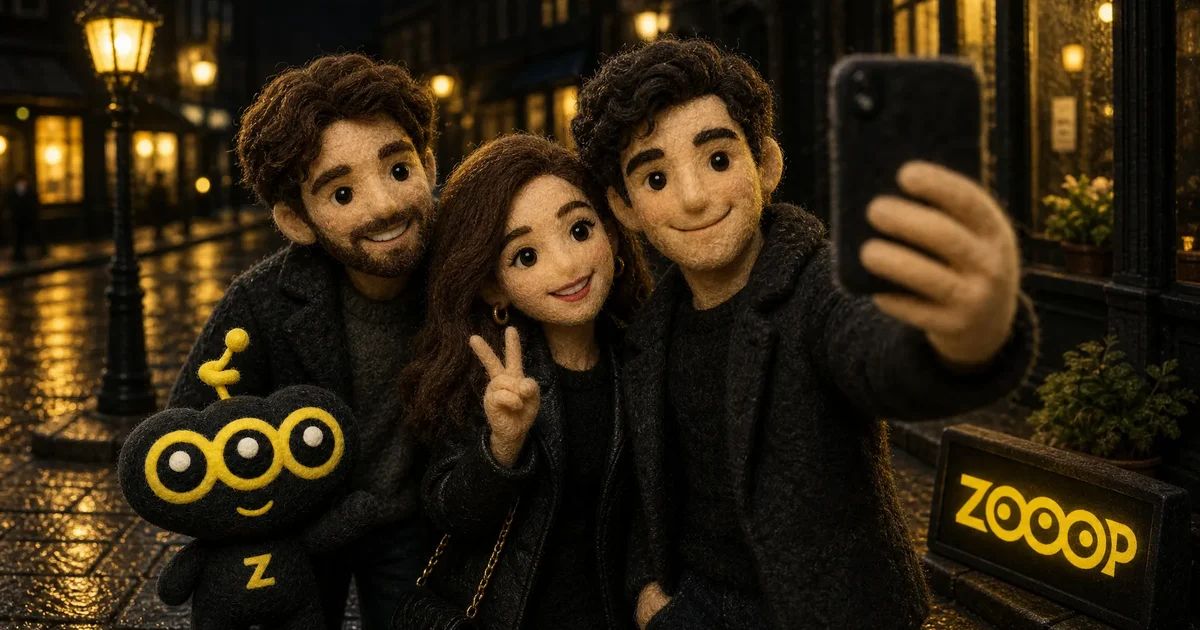
Gangnam Style AI Tutorial: Make a Night-Street Selfie with Friends
Three friends lean into a selfie camera, with streetlights behind them. One gets a close-up, then the next takes a turn, before the camera returns to its holder. In 15 seconds, you have the playful feel of a spontaneous video from a night out together.
The ZOOOP Gangnam Style AI template puts your own photos into that scene. There is no need to gather everyone for a shoot or plan the close-ups yourself. Upload 1–3 portraits, choose a resolution, generate your video and download it.
What does this Gangnam Style AI video look like?
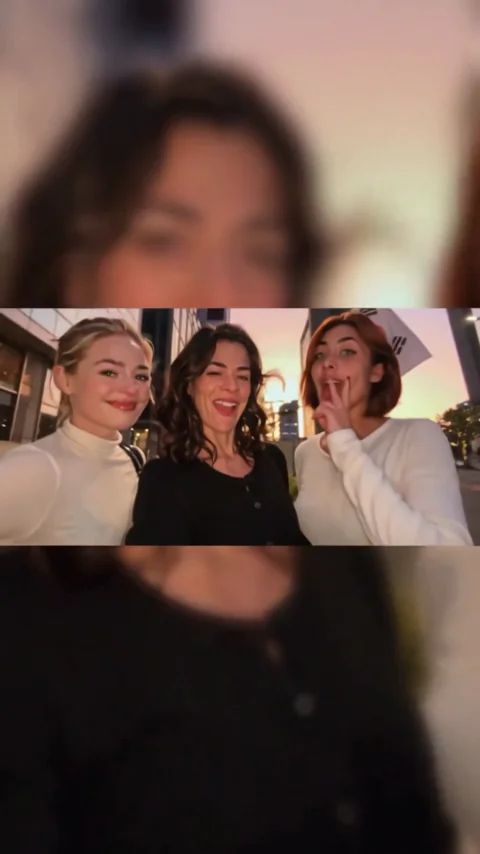
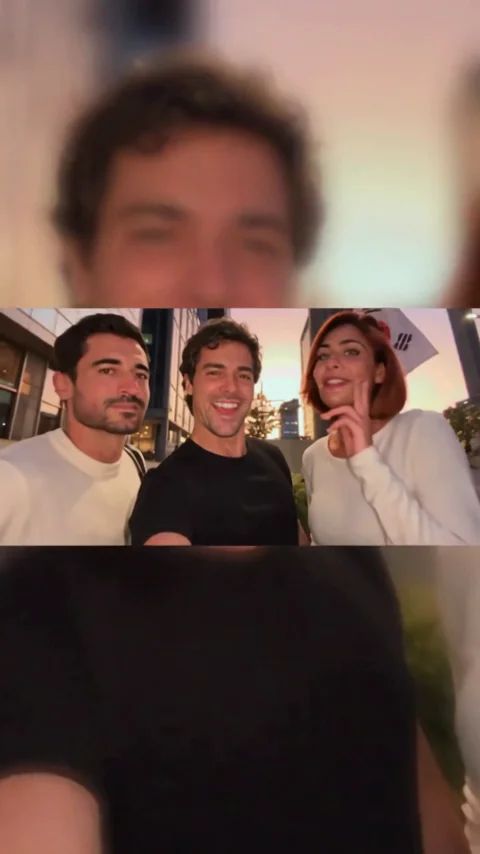
This template follows the night-street trio selfie format. All three friends appear together at the start, then each takes a turn close to the camera. The sequence finishes with the camera holder. The familiar horse-riding dance is a separate format, so choose this version for the casual group selfie look.
The changing distance gives the scene its charm. A group shot feels like friends hanging out; a close-up feels like someone greeting you through the screen. Streetlights and the surrounding scene add everyday atmosphere, while the alternating solo moments give everyone a turn in the spotlight.
The finished clip is 15 seconds long in a vertical 9:16 frame. A horizontal selfie scene sits in the center, with softly blurred fill above and below for comfortable viewing on a phone.
Prepare 1–3 photos and choose the appearance order
The Gangnam Style AI template accepts 1–3 images, with one adult in each photo. To replace the entire trio with your chosen friends, upload three individual portraits. This also makes it easy to decide who gets each solo moment.
Photo 1 becomes the camera holder. Photo 2 replaces the second solo performer, and photo 3 replaces the third. Your pictures can come from different days and different places. Each friend simply needs a clear portrait to join the same scene.
You can also generate with one or two photos. Any position without an assigned photo keeps the person from the reference scene. For a complete trio of your own friends, have everyone contribute one picture. Use your own photos or pictures of adults who have agreed to take part.
Which portraits work well for a night-street selfie?
Choose an evenly lit portrait taken from the front or a slight angle, with the face unobstructed. Clear eyes and facial outlines give the person a distinct reference appearance. An ordinary daytime photo works too; nobody needs to pose on a night street or copy a particular gesture.
Keep one person in each image so the upload order stays easy to follow. Three separate portraits give you a straightforward match for the three roles. Include the full face and hair where possible. Everyday outfits suit the relaxed mood of a video with friends.
Expressions, movement and styling can vary in a Gangnam Style AI video. Think of your portraits as the starting point for a new scene, with fresh gestures and expressions from familiar faces.
Try an all-women trio or a mixed group
Three women sharing the camera can feel like an impromptu friends’ night out. Two men and one woman bring a different group dynamic to the same scene. The Gangnam Style AI upload process stays the same, and the people shown in the examples do not limit who you can feature.
Give photo 1 to whoever you want as the camera holder, then add the other two friends in order. If you are making a playful video for someone, give them the first solo close-up. Those individual moments make the result feel more personal than a still group photo.
Upload, generate and download your video
Open the template and follow these three steps:
- Upload 1–3 clear adult portraits. Use three to replace every friend in the scene.
- Choose 480p or 720p. The first suits casual creations; the second gives you a larger output image.
- Select Generate, then download your completed 15-second video.
The scene and appearance sequence are already set up, so you can focus on choosing the people. Browse the template library for more looks, or open the AI Video Generator when you have a different scene in mind.
Pick your friends’ portraits, open the Gangnam Style AI template, and turn photos from your camera roll into a shared selfie moment. Generate it, then download your clip.