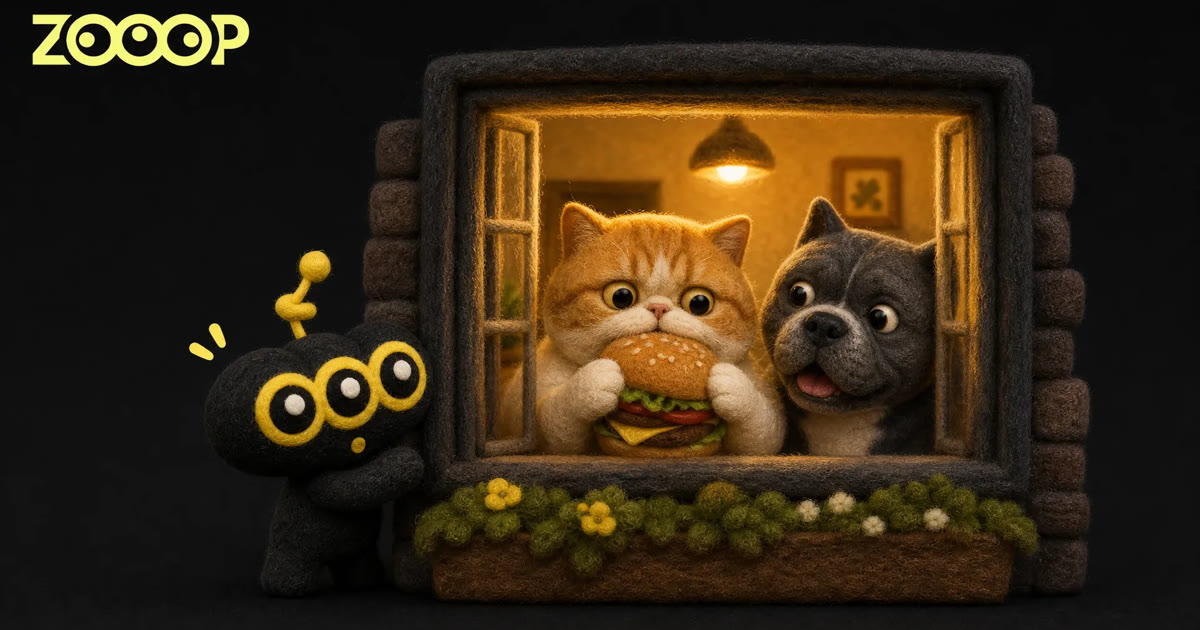
Make a Funny AI Cat Video: Caught Eating a Burger at the Window
A round-faced cat sits behind a warmly lit window, holding a hamburger in its front paws. The camera approaches from outside. Eventually, the cat looks up, stops chewing and puts the burger down. That little pause says plenty: someone has seen everything.
The ZOOOP Burger Pet Window template turns this scene into a vertical clip lasting about 13 seconds. We made an orange-and-white Exotic Shorthair version and an American Bully version. If you want to make a funny AI cat video, the cat is a good place to start; the dog gives the same scene a different personality.
Why this little pet comedy works
The opening gives you a moment to discover the scene. First comes the building’s exterior, then the glowing window, then the pet and its burger. As the camera gets closer, it starts to feel as though you have stumbled across a secret snack break.
Meanwhile, the pet is busy eating. Both front paws hold the burger, and its expression looks thoroughly content. Then it notices the camera. The sudden pause makes you wait for the next move.
The ending matters just as much as the first bite. The pet sets down the burger and stands up, almost as if it could still pretend nothing happened. Keeping that reaction is what gives this AI cat video its payoff. A crop showing only the chewing would lose part of the joke.
Choose the cat or the American Bully
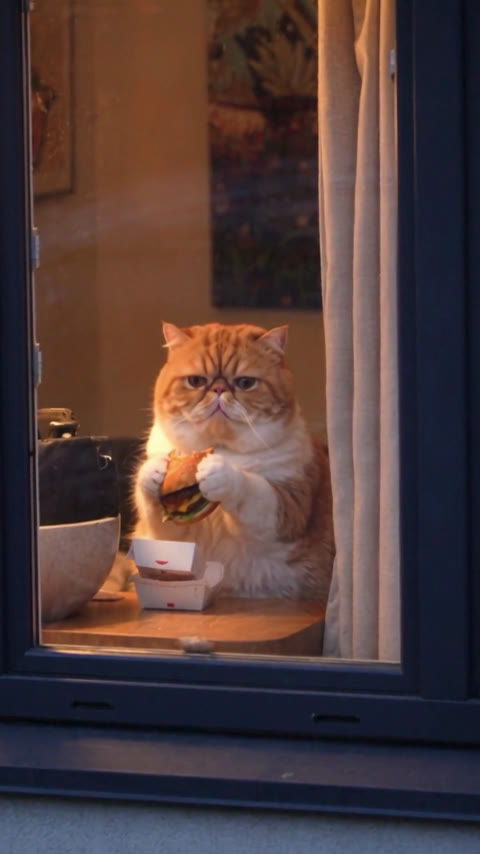
The Exotic Shorthair has a round face, a short nose and an orange-and-white coat. Its eyes narrow with satisfaction while it eats. When it notices the camera, the expression becomes sleepy and innocent. We chose this version for the template cover because that delayed reaction suits the scene so well.
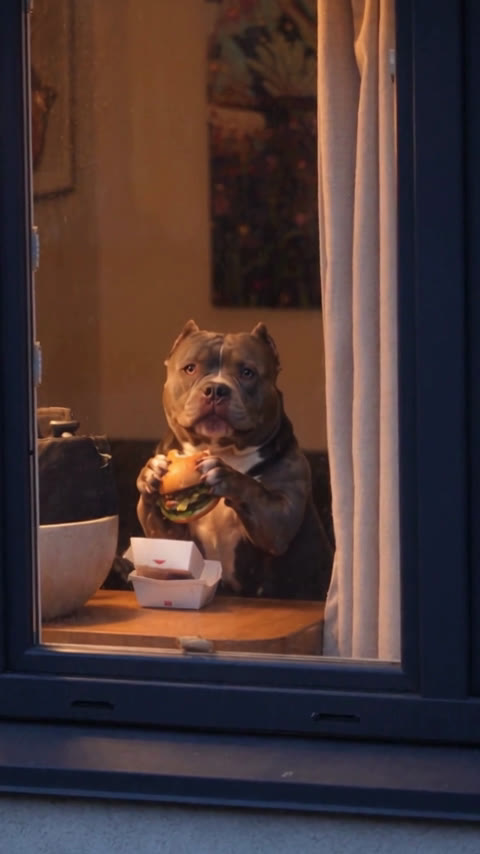
The American Bully gets its contrast from its build. A broad head and sturdy chest fill the small window, yet it holds the burger with such concentration that it comes across as sweet and slightly goofy. The dog version feels like a big character caught sneaking a small treat.
Both clips tell the same story, so choose the expression you enjoy more. You can watch both complete examples on the template page before deciding. For an AI cat video with a softer, slower reaction, try the Exotic Shorthair first.
How to generate your clip in ZOOOP
Open the template, choose the cat or American Bully, and select a resolution. Check the credit amount shown on the page before generating. This version offers two preset characters, so you do not need to upload a photo or write a prompt.
One distinction is worth making before you start: a preset character will not become your own pet. This template is designed for the window-and-burger scene with the two characters shown. To try a different idea with your pet, explore the AI Video Generator or look through the template library for an effect that accepts a photo.
Once your AI cat video is ready, play it from beginning to end. A nice cover frame does not tell you whether the face and paws stay convincing in motion. Download the clip after checking the full result.
Check these three details before sharing
Start with the face. As the pet lifts its head from the burger and looks toward the camera, its coat, nose and ears should remain consistent. The cat’s round face and the dog’s broad head are part of their appeal. A noticeable change during a turn can distract from the joke.
Next, watch the paws and burger. The front paws should have clear outlines while holding the food. When the pet puts it down, check that the burger does not suddenly disappear, change shape or merge with a paw. These are useful details to inspect in any AI cat video involving food or props.
Finally, check the order of the reaction: eating, noticing the camera, pausing, putting down the burger and standing up. Those actions need to flow together. We checked these moments in the selected examples, but future generations can still vary. Expressions and movements will not necessarily match frame for frame.
Keep the comic timing when you share
The clip already uses a vertical composition. Keep the window frame, tabletop and pet’s upper body in view. Enlarging the face too much can crop out the paws and the action of putting down the burger.
If you add a caption, try bringing it in when the pet notices the camera. Something as short as “Just one bite” can work. Place it away from the face and food. The action is easy to follow without a long explanation.
Keep the opening exterior shot, too. It makes the closer view feel like a discovery. Cutting an AI cat video down to a tight face shot might still look cute, but it removes the sense of catching the pet through the window.
Common questions
Can I use my own pet? This template offers two preset characters: an Exotic Shorthair cat and an American Bully. It does not accept a pet photo. The character you select becomes the subject of the clip.
Do I need to film anything or prepare a hamburger? No. The window scene and eating sequence are included in the template. Choose a character and resolution to start generating.
Why might my result differ from the examples? An AI cat video can vary in facial expression, paw movement and small food details. The examples show actual generated results, rather than a promise that every new clip will repeat the same frames.
Visit Burger Pet Window to watch the cat’s pause and the dog’s final reaction. Pick whichever one you would most enjoy sending to a friend.