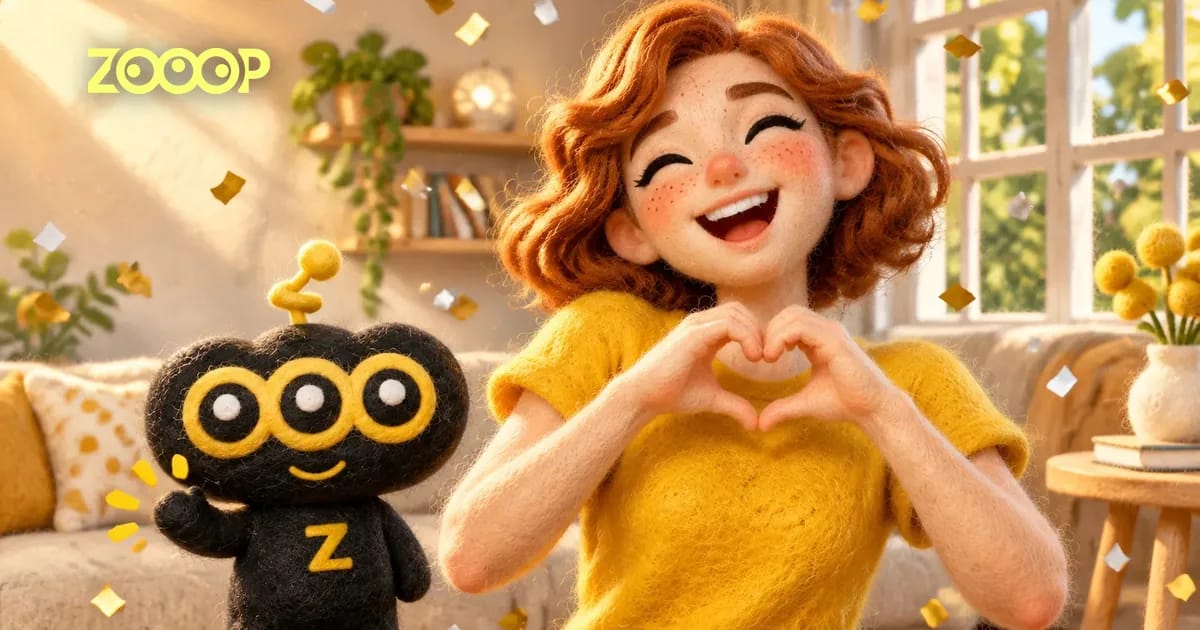
The Boom Clap Confetti trend starts with an ordinary phone-camera pose. Someone looks into the lens and makes a heart with their hands. Silver paper flies past their face, and a moment later their hands go up. A few seconds later, the gold shower arrives. The best part is often the expression just after the paper flies.
The Boom Clap Confetti template on ZOOOP puts the person in your portrait into that scene. In the first example, a woman in a bright yellow shirt stays easy to spot even as the paper passes in front of her.
What happens after the first burst
The Boom Clap Confetti clip lasts 12 seconds and stays in one vertical shot. The opening leaves enough room for the performer’s face and hands. The first silver-white burst arrives around 2 seconds. Around 7 seconds, gold paper falls from above, and the performer has time to reach out and catch it. A few pieces are still drifting in the last frames.
I like the quiet stretch between the bursts. It gives the first reaction room to land before the second shower changes the look of the frame. For a party invitation, let the clip play first and add the date and place right after it.
Pick a photo with some room around the face
For Boom Clap Confetti, choose a well-lit solo portrait that shows the eyes, hair and shoulders. An eye-level selfie works if you leave some space around the head. If you have a backlit photo and a second one taken facing a window, use the window-lit portrait. The performer leans in and looks up, so clear face detail helps.
Clothing makes a difference too. The yellow shirt in the first example and the blue shirt in the second are easy to spot through the silver paper. Try a plain T-shirt or a simple sweater. Upload an adult’s photo with their permission, and choose a solo image with the shoulders in frame.
Make a Boom Clap Confetti clip on ZOOOP
Open the template and upload one portrait. Choose 480p for sharing in a chat or 720p to see more detail in the confetti and hair. Generate, then download the 9:16 clip to share with a friend or add to a celebration message.
Both examples are on the same template page. Compare how the two performers react to the same gestures and confetti cues.
Turn the clip into a birthday greeting
A photo in a friend’s favorite outfit is a good starting point. Blue, yellow and warm red show up clearly against the paper. Let the two reactions play out, then add a short birthday message at the end.
If you’re making a set of clips for several friends, browse the trending video templates for other openings. For the two confetti showers, return to the Boom Clap Confetti template and upload a portrait.
Frequently asked questions
How many photos do I need?
Upload one clear portrait of an adult. A photo that shows the face, hair and both shoulders gives the performer room to move in the frame.
Where can I see both examples?
The two examples are in the gallery on the same template page. Upload your portrait and choose 480p or 720p to make your own 12-second vertical clip.
Will confetti cover the face?
A few pieces can briefly pass in front of the face before drifting down. A well-lit front-facing portrait with space around the head helps viewers follow the expression.