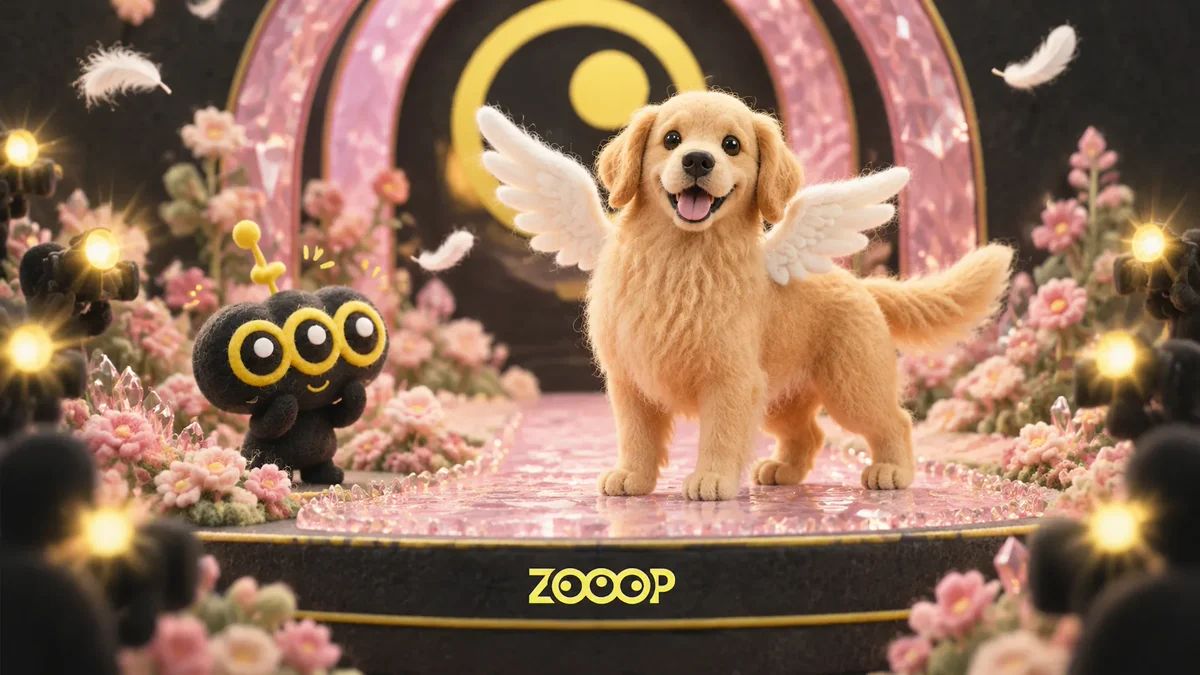
Make an AI Dog Video: Angel Wings on a Pink Runway
A golden retriever trots toward the camera with white wings behind its shoulders. It turns beneath pink crystal arches, sits, then raises a front paw to say hello. The four paws, fluffy body and happy pant still belong to a dog.
That is the dog version of ZOOOP’s Angel Wings Runway template. One full-body photo is enough to try an approximately ten-second vertical clip. This guide uses our completed example to explain how to make an AI dog video, which photo to choose and what to inspect before sharing.
Watch the example: a walk, a turn and a paw greeting
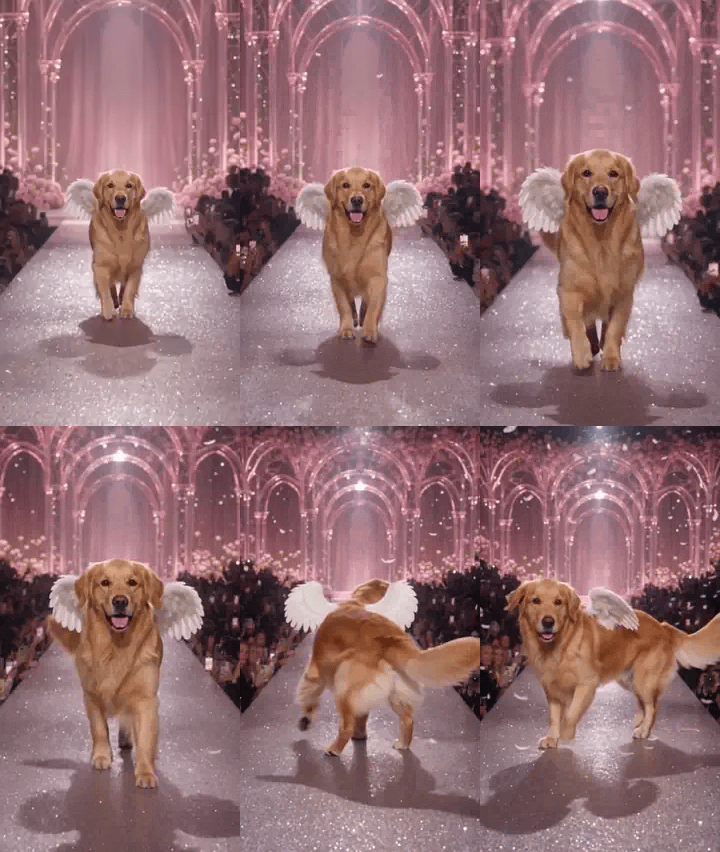
An excerpt of the actual generated walk and turn. Play the complete video on the template page.
In this AI dog video, the retriever keeps its natural four-legged build. It wears no clothes, just white wings behind its shoulders, while its ears bounce with its steps. Audience flashes surround the runway, pink light reflects off the floor and stage sparks appear near the end.
The wings are fairly small, and the falling feathers are subtle. This example suits a light, cute look. It does not show enormous wings or a dense shower of feathers filling the frame.
Start with a full-body dog photo
For an AI dog video like this, choose a photo of one dog standing alone, with all four paws in view. A camera near the dog’s body height, a clear face and an unobstructed tail and torso make a useful starting point. A tightly cropped headshot leaves less body information to work with.
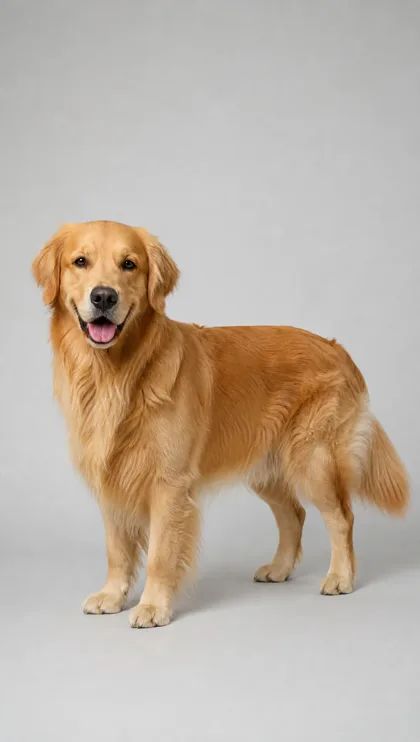
The AI-generated golden retriever trial photo is available to download and upload.
Walking and turning need more than a recognizable face. Avoid cropping out the paws or choosing a dog buried in blankets, wearing bulky clothes or crowded together with other pets. Soft lighting and a simple background make the outline easier to distinguish.
The example here features a golden retriever. Other breeds have different coats, leg lengths and ear shapes, so results can vary. One successful clip is not a guarantee for every breed.
Make your AI dog video in ZOOOP
Open the template and check Subject first. Choose Dog for a dog photo or Adult person for a person’s photo. Dog mode is currently the default.
- Select Dog and upload one full-body dog photo. Use one image with one dog in the frame.
- Pick an available resolution. The output is an approximately ten-second, 9:16 vertical video. Check the displayed cost before submitting.
- Watch the whole result, including the approach, turn and final paw greeting, before downloading and sharing.
You can try the golden retriever input before using your own photo. The page provides four trial images: one dog and three adults. Open an image, save it, then upload it in the photo field.
Once you are comfortable with ZOOOP’s AI video generation, you can explore other scenes. This tutorial focuses on the runway look already set up in this template.
Adults can walk the pink runway too
The same template retains an adult mode. Select Adult person and upload a full-body photo of one consenting adult to try the pink jeweled runway costume, flowing skirt panels and white wings.
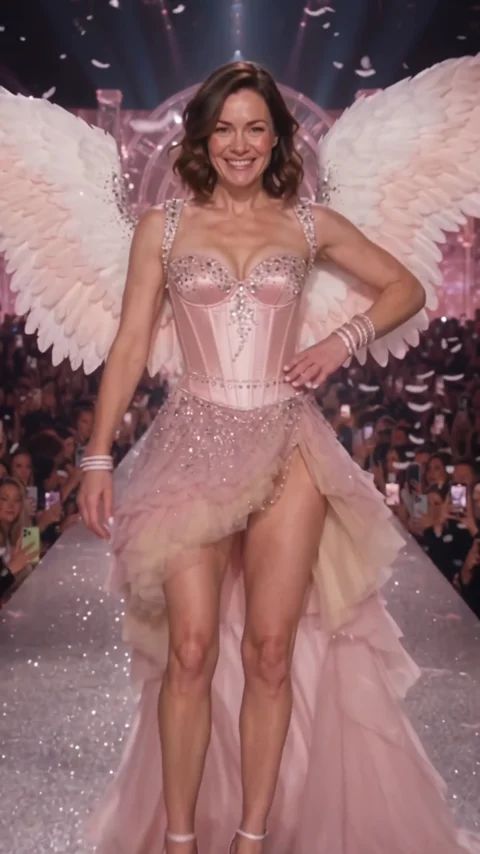
A frame from the adult example, showing the alternative outfit and proportions.
The person waves, turns, poses and ends with a blown kiss. The dog walks on four paws, turns, sits and raises a paw. Match the mode to your photo and intended action. Adult mode is not a clothing option for your AI dog video.
Check the paws and wings during the turn
The most useful place to pause an AI dog video is where the body rotates through its side and back before facing the camera again. A continuous movement can reveal changes that a single attractive frame hides.
Check whether the four legs stay coherent, without an extra paw appearing or two legs briefly merging. Then look at the wings: do they stay attached behind the shoulders, or drift in front of the body? Finally, compare the face, ears and coat with the input photo to see whether the dog changes noticeably after turning.
These are review checks, not a list of faults found in this example. The retriever shown completed the approach, turn and paw greeting. Its smaller wings and subtle feather fall remain visible limitations. Review each new generation separately.
Leave room for the action when you share
The complete movement is part of the appeal of an AI dog video. If you edit the clip, keep the seated paw greeting after the turn and avoid covering the paws or wings with captions. A short line such as “My turn to close the show” can appear after the action finishes.
Label the post as AI-created so viewers understand the fantasy runway and wings. Browse the template library for another theme, or open Angel Wings Runway to try this look with a clearly framed photo.