How to Make an AI Dog Video: A 360° Floor-Level Orbit Shot From One Photo
Set your phone on the rug, swing it all the way round your dog, and an ordinary afternoon suddenly looks like a film. These floor-level pet clips keep doing well on Reels and TikTok for a reason: the camera sits at the dog's height, the dog stays in the middle, and the room slowly turns behind it.
Shooting one yourself is another story. A phone on the floor is hard to keep steady, your dog will not sit still while you walk circles around it, and most rooms have at least one side you would rather nobody saw. So we built a Pet Orbit Cam template that makes the same kind of AI dog video from a single photo. Below we walk through our own corgi sample: what the clip looks like, how to pick the photo, and a few things worth knowing before you start.
Why a floor-level orbit shot is so hard to film
An orbit shot is a camera move that travels along an arc around the subject, keeping it in frame while the background swings past behind it. Go the whole way round and you have a 360° orbit.
With a pet, every part of that gets harder. The lens has to sit at your dog's eye level, about a foot off the ground, so you spend the whole take crouching or shuffling on your knees. The moment your dog sees you circling, it gets up and follows you. And the back half of the room comes along for the ride: the laundry pile, the charging cables, the gap behind the sofa. Plenty of people shoot it a dozen times and keep three seconds.
An AI dog video skips all of that. Your dog does not have to cooperate, and the room is already tidy.
What the AI dog video looks like
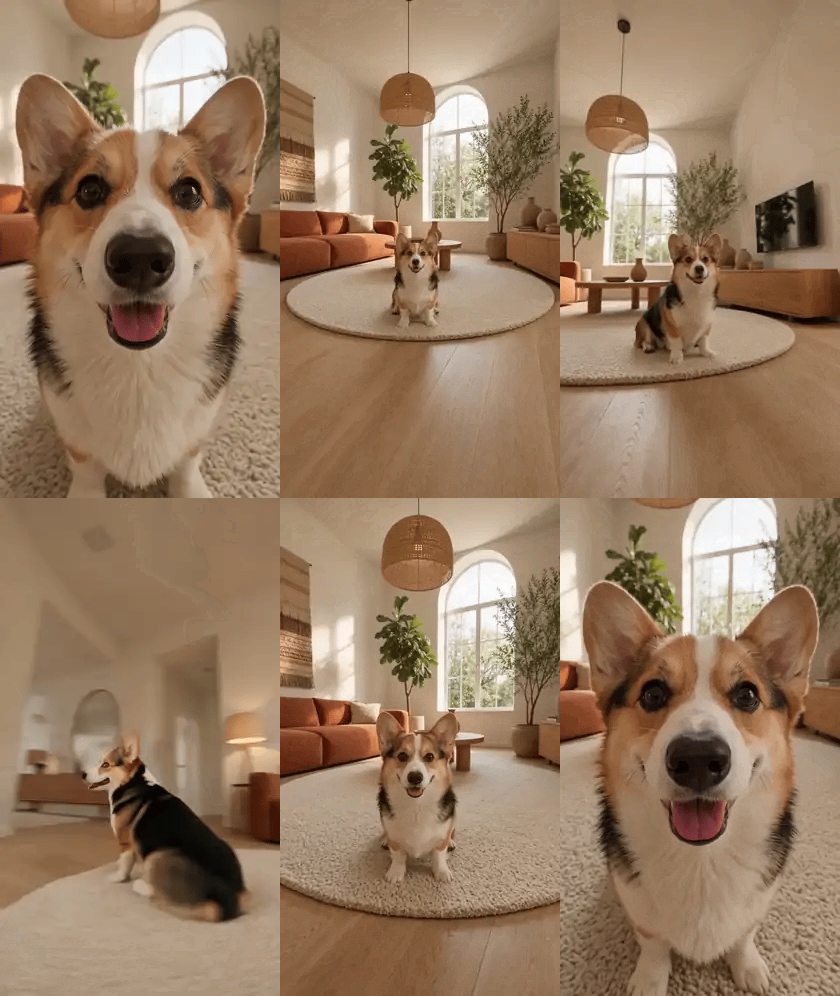
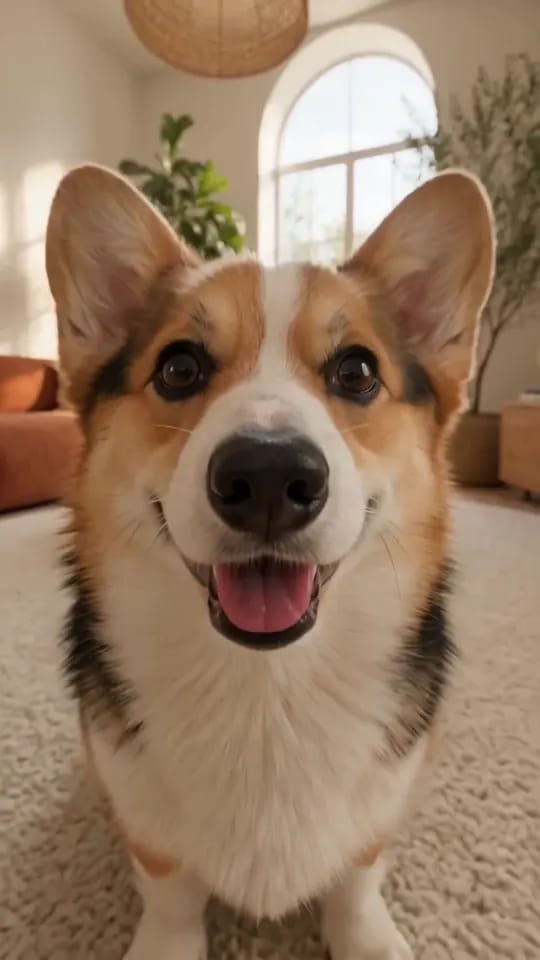
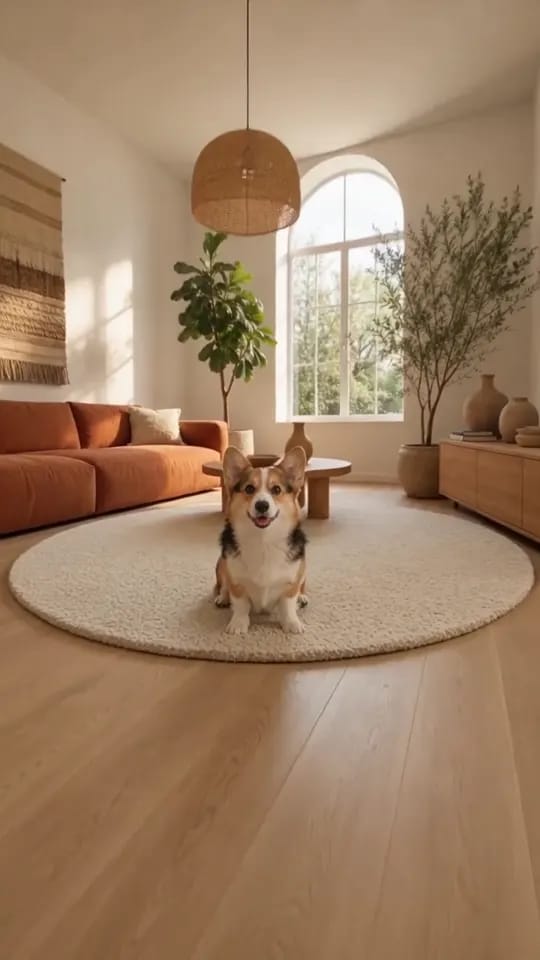
The clip runs 7 seconds in 9:16 vertical. It opens on a close-up so tight the corgi's nose almost touches the lens, ears up, tongue out. Then the camera pulls back and you see the whole scene: the dog sitting in the middle of a round cream rug, a terracotta sofa, a tall arched window and a few plants behind it, late sun slanting across the floor.
From there the camera starts to circle, staying low the whole time. You get the dog's profile and short legs on the side pass, its back and tail behind it, then the front again and a final push-in to a close-up. It is one continuous orbit shot with no cuts. The dog stays seated throughout and its eyes follow the camera, as if it is watching whoever is filming.
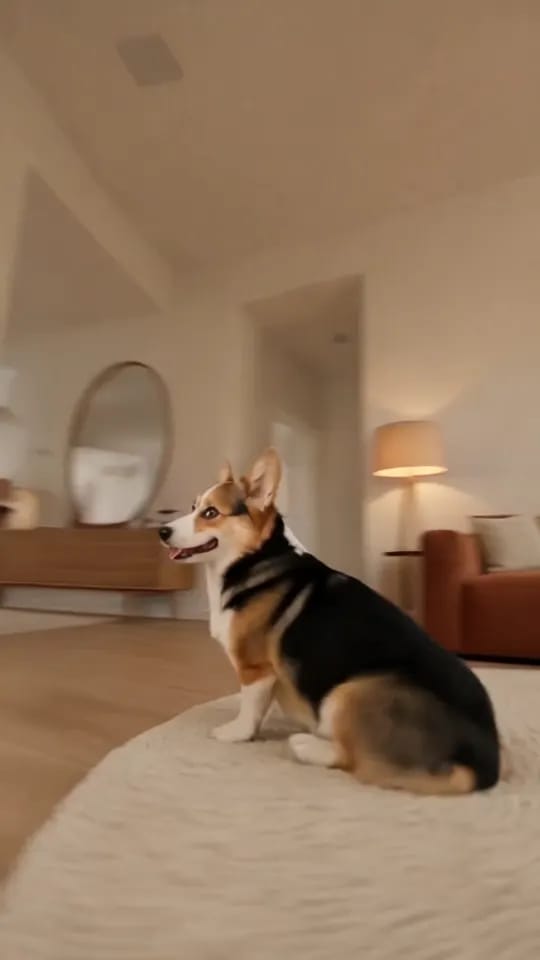
The room is the same sunlit living room in every clip, whatever your own home looks like. Worth knowing up front: this template will not put your dog in your own living room.
How to pick the dog photo
The photo decides who stars in your AI dog video, so it is worth a minute of picking.
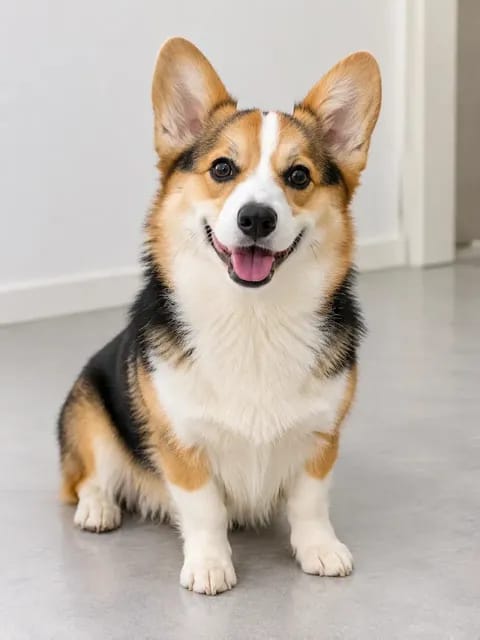
We used the one above: one dog, sitting and facing the camera, whole body in frame, even light. The corgi's three colours, the white stripe up its nose and those big ears held up all the way round the orbit.
A few things to look for:
- Shoot at your dog's eye level. A photo taken crouching down is closest to the low orbit shot in the clip.
- Get the face and the body. A face-only close-up leaves nothing to go on for the side and back views, and the markings can drift.
- One dog per photo. With two pets in the picture, the template cannot tell which one you mean.
- Even light. Strong backlight or heavy filters throw off the coat colour.
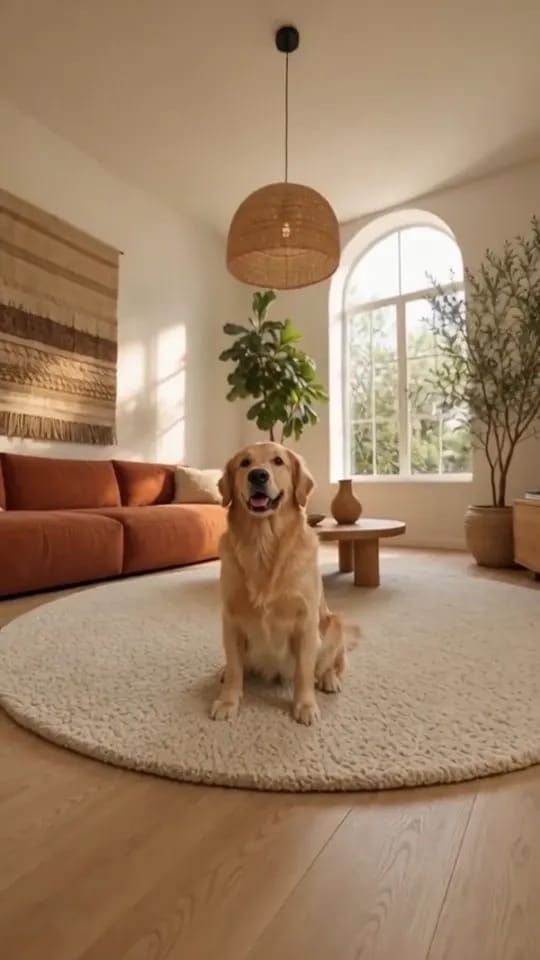
Long coat, short coat, big dog, small dog, any of them will make a good AI dog video. We also tried a golden retriever, and the fluffy coat and gentle expression came through well.
Make your AI dog video in three steps
Open the Pet Orbit Cam template. There are only three steps:
- Upload one photo of your dog.
- Keep 480p or choose 720p.
- Hit generate, then download your video.
No prompt to write. The orbit shot's path, the room and the timing are all built into the template. You will have the clip in a few minutes, already vertical, so it goes straight onto Reels, TikTok or Shorts without cropping.
What we noticed while testing
The good news first: across the AI dog video clips we made, the dog's face, coat and build stayed consistent, and the orbit moved at the same pace every time.
Two things to keep in mind. First, the far side of the room changes a little from run to run. One clip had a round mirror back there, another a floor lamp. It always looks plausible, it just may not match the front exactly. Second, the dog sits for the whole orbit shot. It turns its head to follow the camera, but it will not get up, wander off or bounce around. If you want a clip of your dog leaping at the camera, this is not the template for that.
Expressions and small details also vary between runs, so if you want to pick a favourite, generate a few.
It works for cats too
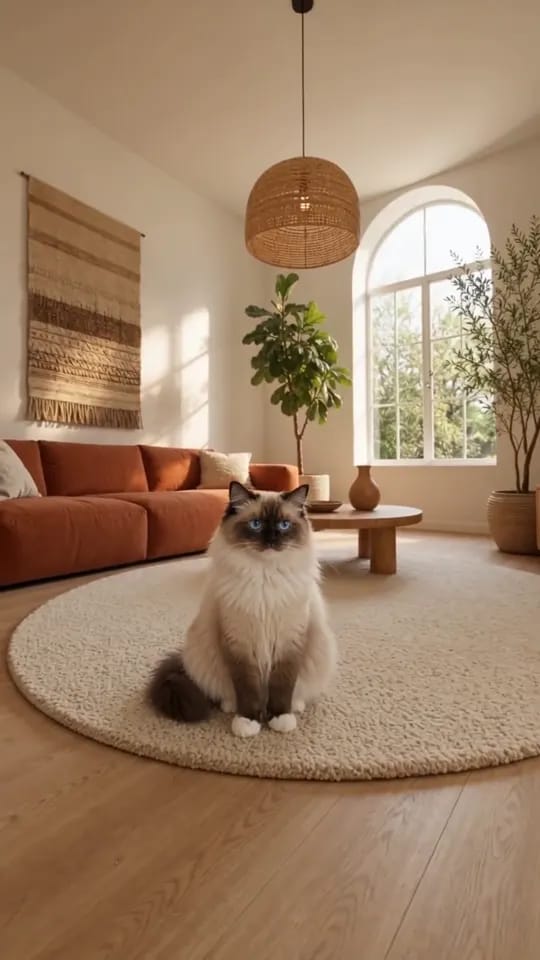
This guide is about the AI dog video, but cats work just as well. We tried a Ragdoll: the blue eyes and the dark points on its face came through, and it sat even more neatly than the dogs did. The upload is exactly the same.
For more pet ideas, browse the AI pet video templates. If you would rather write your own shots and pick your own setting, try the AI video generator.
Start with a photo of your dog sitting at its tidiest and make your first AI dog video.