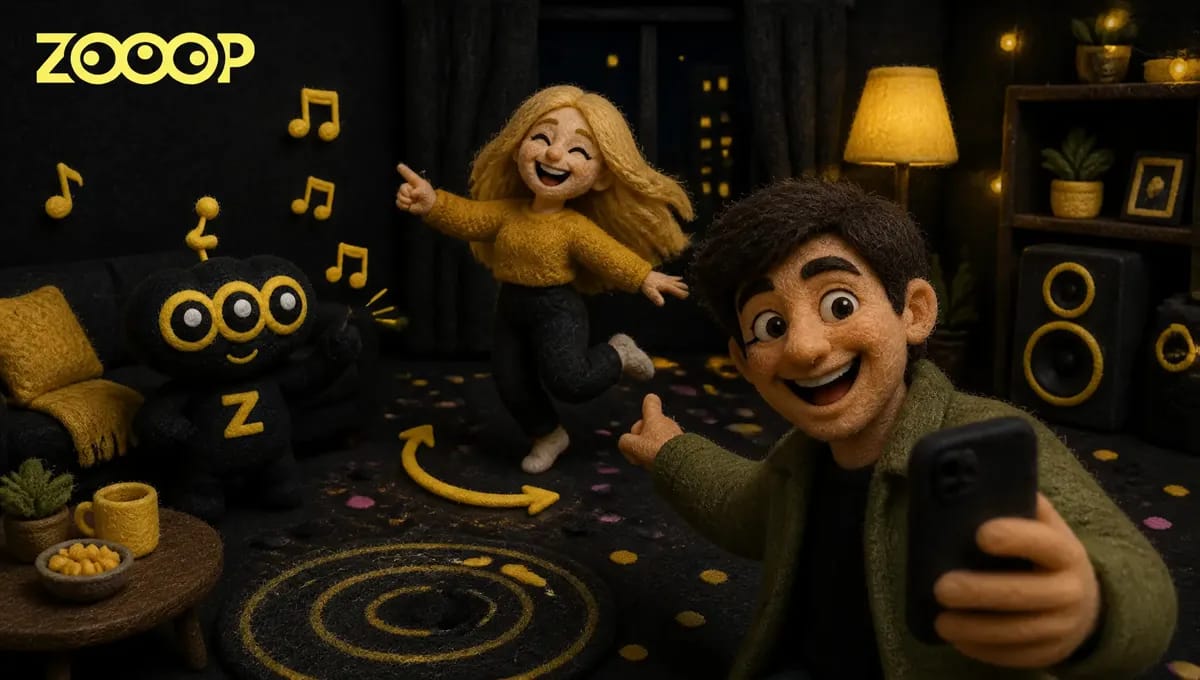
How to Do the Hop Hop Hop Dance Trend With Two Photos
If you've been on TikTok this week, you've seen it. Someone leans into the phone, grins, and points over their shoulder. Behind them a friend starts bouncing on the beat, bounces a bit more, drops into a squat. Then the clip cuts, the two have swapped places, and the one who was dancing is now the one pointing.
That's the Hop Hop Hop dance. The whole thing is seven or eight seconds long and looks easy. Actually filming it means getting two people in the same room, finding the angle, nailing the beat and making the swap land as one clean cut.
We built a Hop Hop Hop dance template that turns two photos into the full duet, no rehearsal and no second person needed. Below: what the trend is, the four beats, how to pick your photos, how to make it, and what went wrong while we tested it.
What is the Hop Hop Hop dance trend?
The Hop Hop Hop dance showed up on TikTok at the end of October 2026 and within days there were thousands of copies, real ones and plenty of AI ones.
The joke is the split in roles. The person at the camera acts like a director, smug, pointing back. The person in the back looks like they just got called on stage and has to dance anyway. After the cut the roles flip, so the smug one doesn't get away with it either. Both people take a turn looking silly, which is why it works so well for friends, couples and roommates.
The four beats, one by one
The Hop Hop Hop dance runs on four beats, and each half of the clip goes through them once.
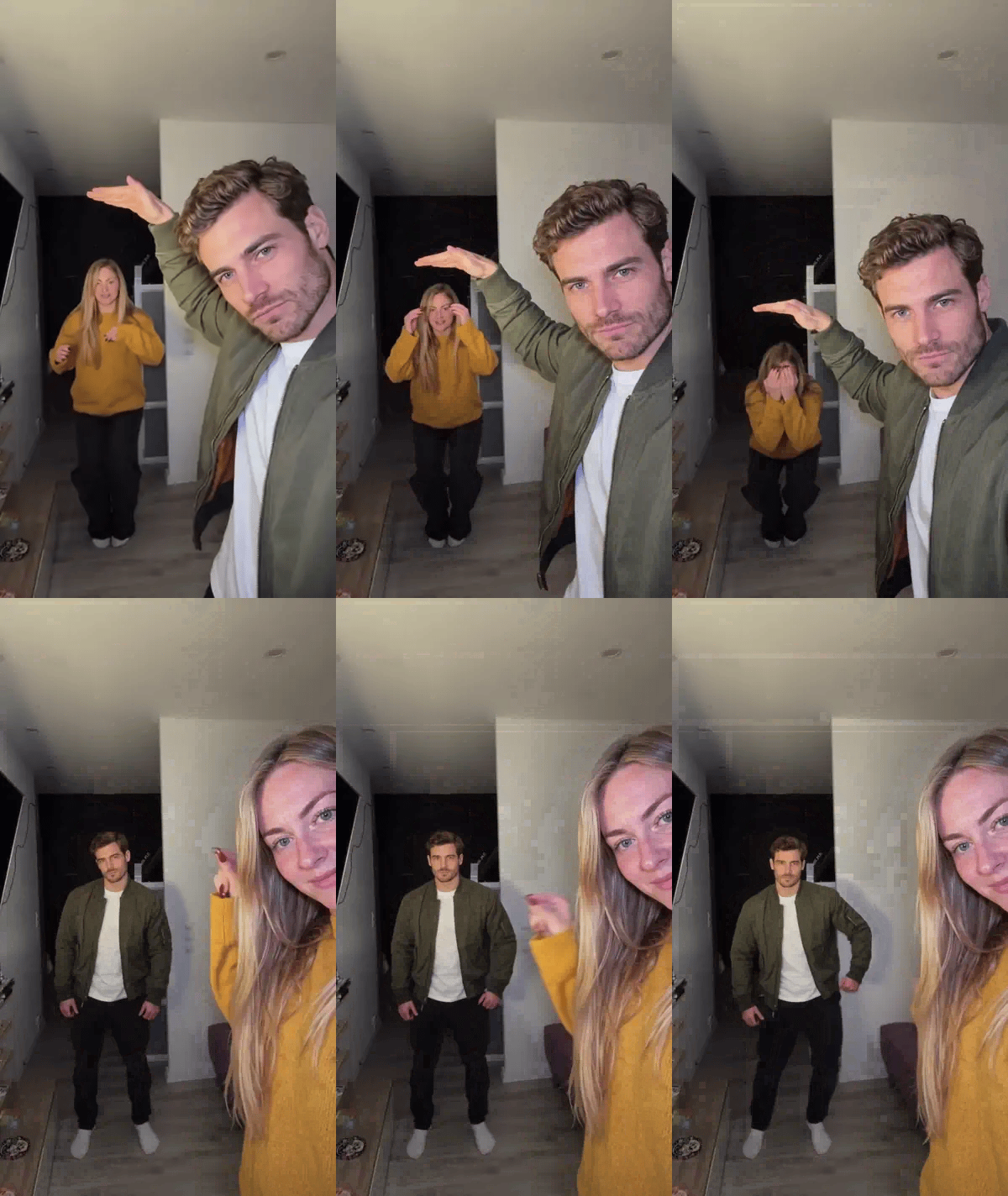
Point back. The first person stands on the right of the frame, close to the phone, and turns to gesture behind them: "look at this one."
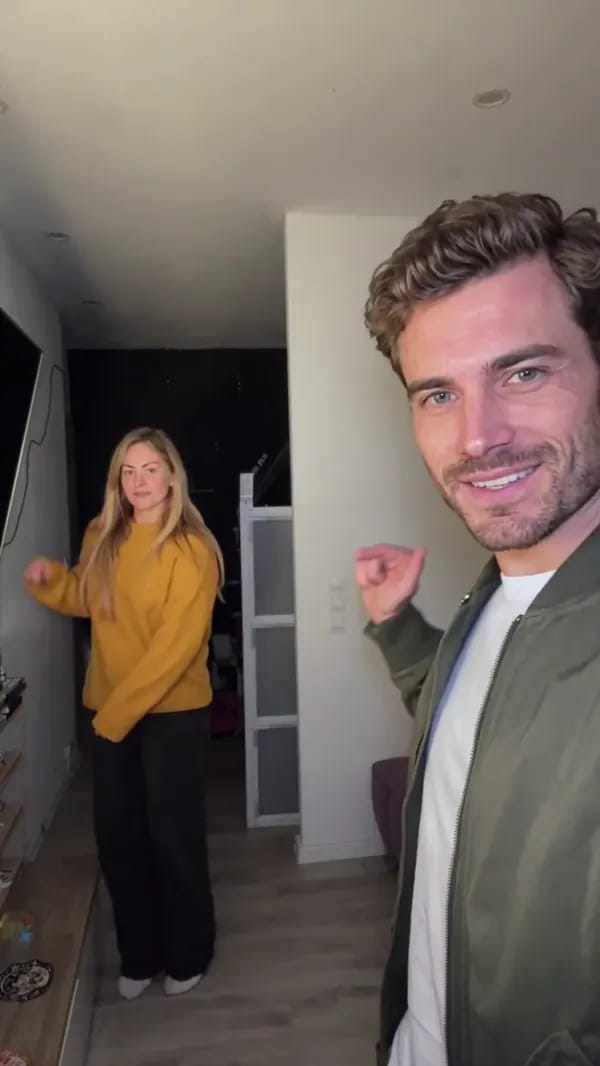
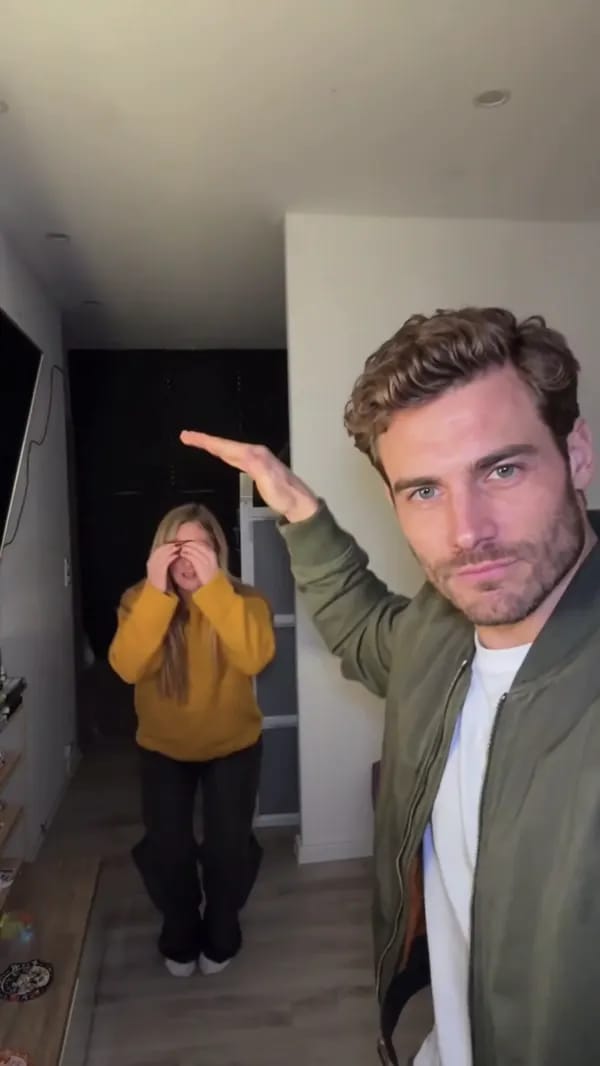
Dance on the beat. The person in the back starts bouncing in time. The moves are small, but the timing matters. The one at the camera raises a hand like they're measuring the height.
Squat finish. At the end of the first half the dancer drops into a squat. The lower, the funnier.
Hard cut, swap. The picture just cuts and the two have traded places: the dancer is now at the camera pointing back, the director is in the back dancing, and the beat and the squat happen again.
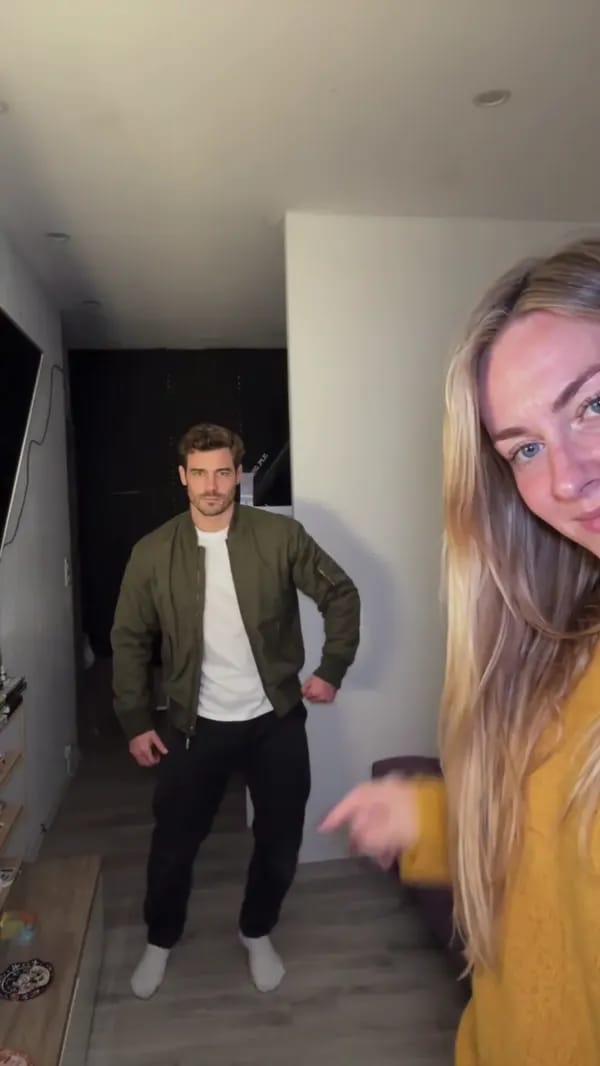
There's no transition at all, and that abrupt swap is the whole punchline of the Hop Hop Hop dance. Here are the two seconds around the cut from our sample:
Picking your two photos
The template needs exactly two photos. It won't generate with one. Photo 1 is the person who starts in front of the camera and dances in the second half. Photo 2 is the person who starts dancing in the back and takes over the camera after the cut.
A few things help:
- One person or one pet per photo. No group shots.
- A clear face in good light. Skip the big sunglasses.
- Photo 2 shows the whole body if possible. That person opens deep in the frame and small, so the more of them the photo shows, the more the dancing looks like them.
Whatever you wear in the photo is pretty much what you'll wear in the video, so choose the outfit when you choose the photo. The background doesn't matter; the room is always the one from the original clip.
Only use photos of yourself, of adults who agreed to be in the video, or of your own pets.
How to make your Hop Hop Hop dance video
It takes a few steps:
- Open the Hop Hop Hop dance template and upload one photo into each slot.
- Under each photo, choose Person or Pet. Two people, a person and a cat or dog, or two pets all work.
- Keep 480p or pick 720p if you want it sharper.
- Hit generate, then download your 7-second vertical video.
It comes out 9:16, ready to post as is. If you'd rather prompt your own dance from scratch, try the AI video generator; there are more ready-made ideas in Templates.
Doing it with your cat or dog
Set one of the photos to Pet and your cat or dog can take one of the two roles. The pet stays a real animal and does the moves its own way: leaning into the camera, raising a paw to point back, hopping around in the back, and crouching low at the end.
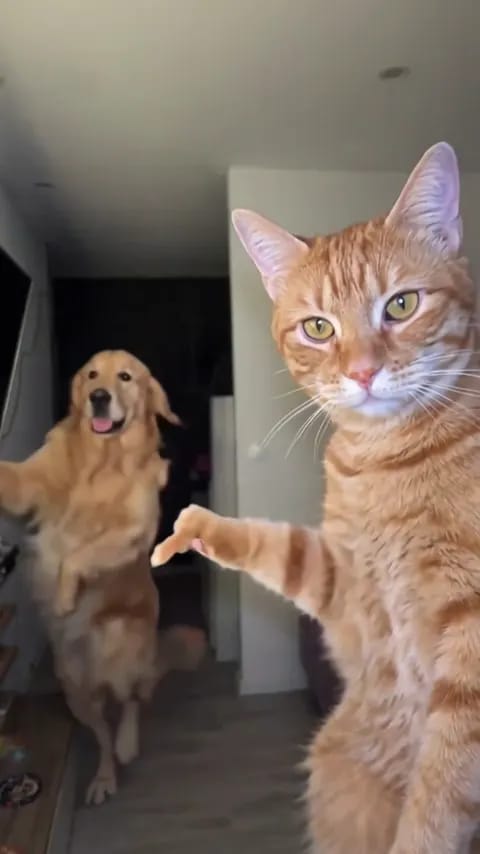
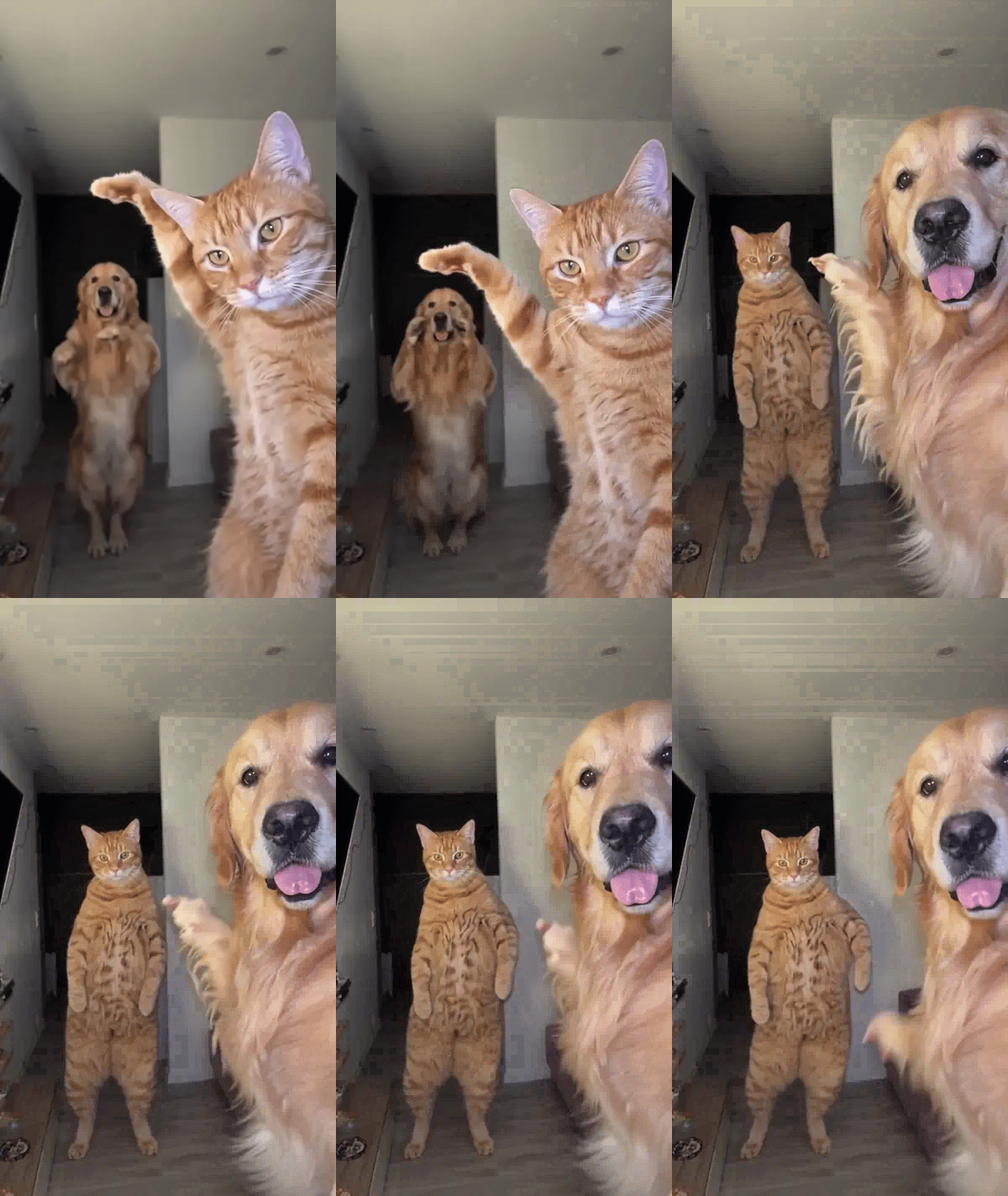
We tried it with a ginger cat and a golden retriever. The cat pointing back with one paw is somehow smugger than any human version. After the swap the retriever is up against the lens with its tongue out while the cat hops very seriously in the back:
What went wrong in our tests
AI video comes out a little different every run, and we ran this one several times. Here's what we hit:
The dancer in the back has a small face. They open far from the camera, and at 480p their face is only a few pixels across, so it's less detailed than the person up front. Choose 720p, or use a bright, front-facing shot for photo 2.
Swap the photos and you swap the roles. The template assigns roles in upload order, and photo 1 always starts at the camera. If you want someone to be the one who gets "called on" first, put them in photo 2.
Pets vary more. A pet's moves change more from run to run than a person's. Sometimes it really goes for it, sometimes it mostly sways. If one take misses, generate again; our cat-and-dog sample took a few tries too.
A few tips before you post
The payoff is the swap, so don't re-edit it; post the clip as it comes out. Put Hop Hop Hop in the caption along with who the two of you are (roommates, a couple, me and my cat). Someone will ask how you made it.
Want to try it without rounding up a second person, or see how your pets handle it? Open the Hop Hop Hop dance template and upload two photos.