How to Make a Manhattan FPV Drone Video From One Photo
Turn one adult portrait into a five-second FPV drone dive over Manhattan with ZOOOP. See both streetwear examples and learn which photo and resolution to choose.
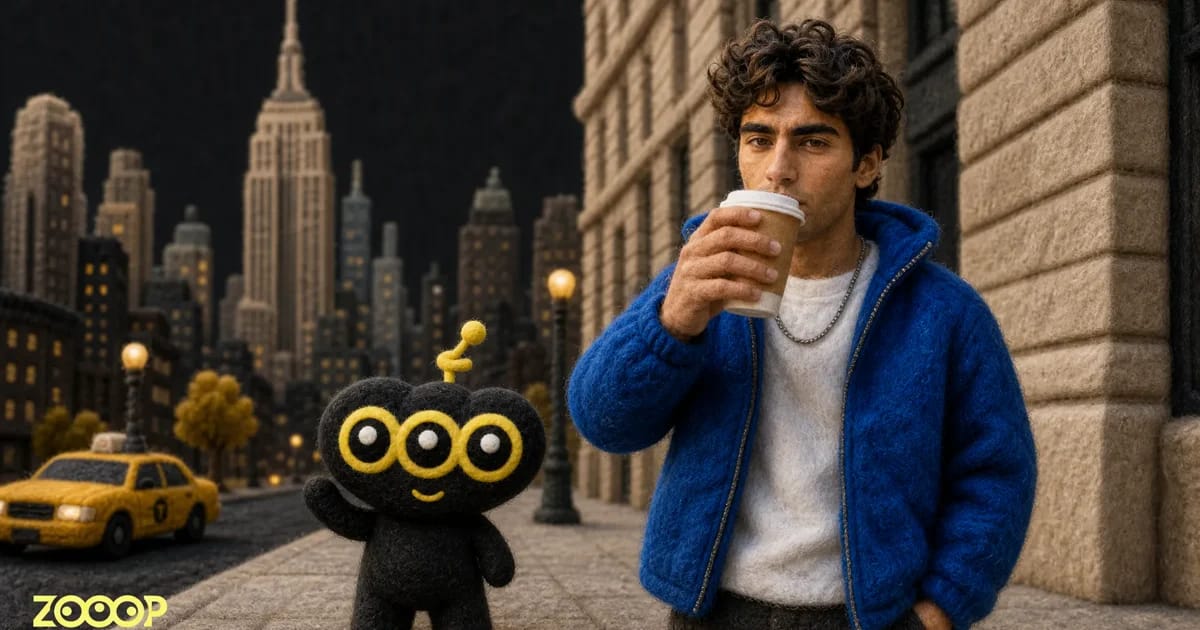
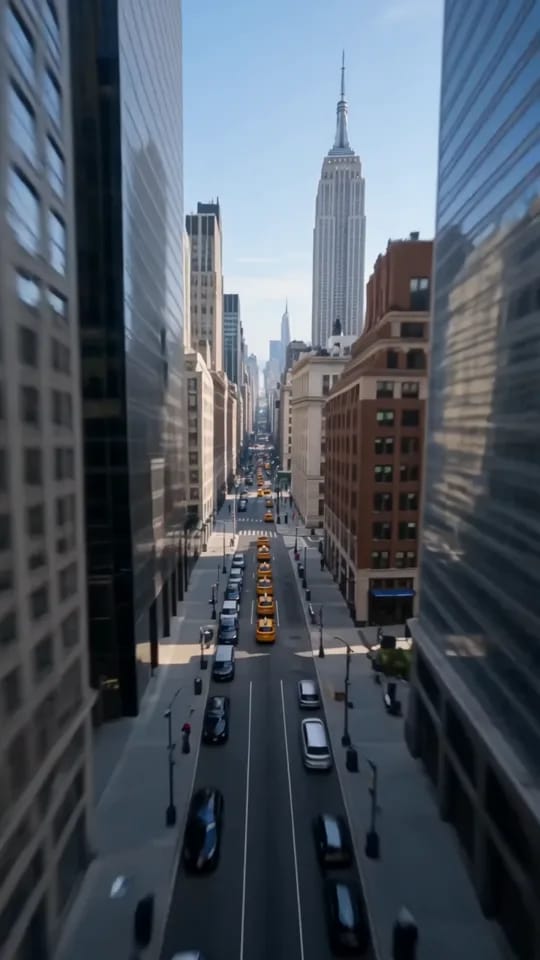
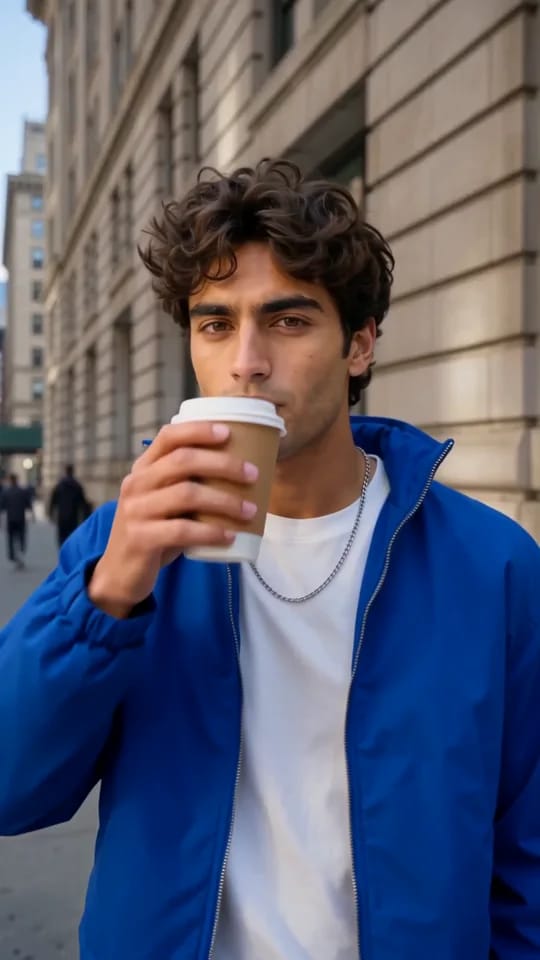
This FPV drone video opens high above Manhattan. The camera pitches down past the skyline, flies between buildings, and skims over yellow taxis. Then it crosses the curb and follows a stone facade until it reaches a man in a blue jacket taking a sip of coffee. Five seconds after takeoff, the skyline has given way to a street portrait.
Open the Manhattan FPV Drone Flight template in ZOOOP and upload one adult portrait to put the person in your photo at the end of that flight.
One shot at three distances
FPV means first-person view. The opening establishes the city, the dive brings the buildings and taxis close enough to rush by, and the last stretch follows the sidewalk to the subject. In this FPV drone video, those three distances unfold within a single shot. You can see how the camera travels from the skyline to the coffee cup.
The camera slows down as the subject raises the cup. A little of the facade and pavement stays in view, so the portrait still feels like part of the street. That change in pace gives the final shot a moment to land.
Two streetwear looks with the same landing
The blue-jacket example ends in a chest-up shot beside a stone wall. The cobalt jacket stands out against the gray facade, and the white shirt separates the color of the jacket from the subject’s face. This clip also serves as the template’s cover. Play the blue-jacket example
In the red-jacket example, the woman is already on the building side of the sidewalk when she enters the frame. The road stays to the left. After crossing the curb, the camera follows the wall toward her until you can see the red leather jacket, short hair, and paper cup. Play the red-jacket example
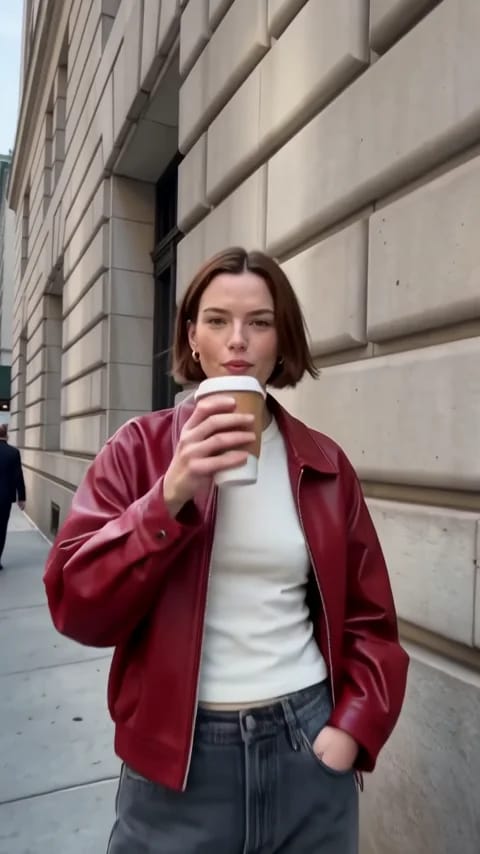
If you’re making an FPV drone video to show an outfit, pick a photo that actually shows the jacket or top you want to feature. Clear colors and an easy-to-read silhouette give the close-up something to reveal.
What kind of photo works well?
Choose a well-lit photo of one adult with their face clearly visible. A face that takes up very little of the picture, or one hidden by sunglasses, a low hat, or a hand, gives the close-up less detail to work from. A normal phone photo by a window or in open shade works well.
For a streetwear look, include the shoulders, top, and hair. A relaxed posture or a slight turn toward the camera can help the last shot feel like a candid street portrait. A simple background makes the outline of the subject and their clothes easier to distinguish. The template supplies the coffee action, so the person in your photo can have empty hands.
Generate and download in ZOOOP
- Open the FPV Drone Flight template and upload one clear photo of one adult.
- Choose 480p or 720p. Pick 720p if the clip will open a fashion reel or you want more detail in the face and fabric.
- Select Generate, then download the five-second vertical clip when it’s ready.
An FPV drone video can open a streetwear reel before you cut to your own sidewalk footage or a detail shot of the jacket. For a different city scene, browse the template gallery or make a standalone shot with the AI video generator.
Frequently asked questions
How many photos do I need?
Upload one photo of one adult. The man and woman are examples. You can use a portrait you have permission to use.
How long is the video, and what format is it?
It’s a silent, five-second vertical video in 9:16. You can choose 480p or 720p.
Does my photo need to be taken in New York?
A clear portrait taken at home or in another city works. The Manhattan skyline, street, and coffee close-up come from the FPV Drone Flight template.