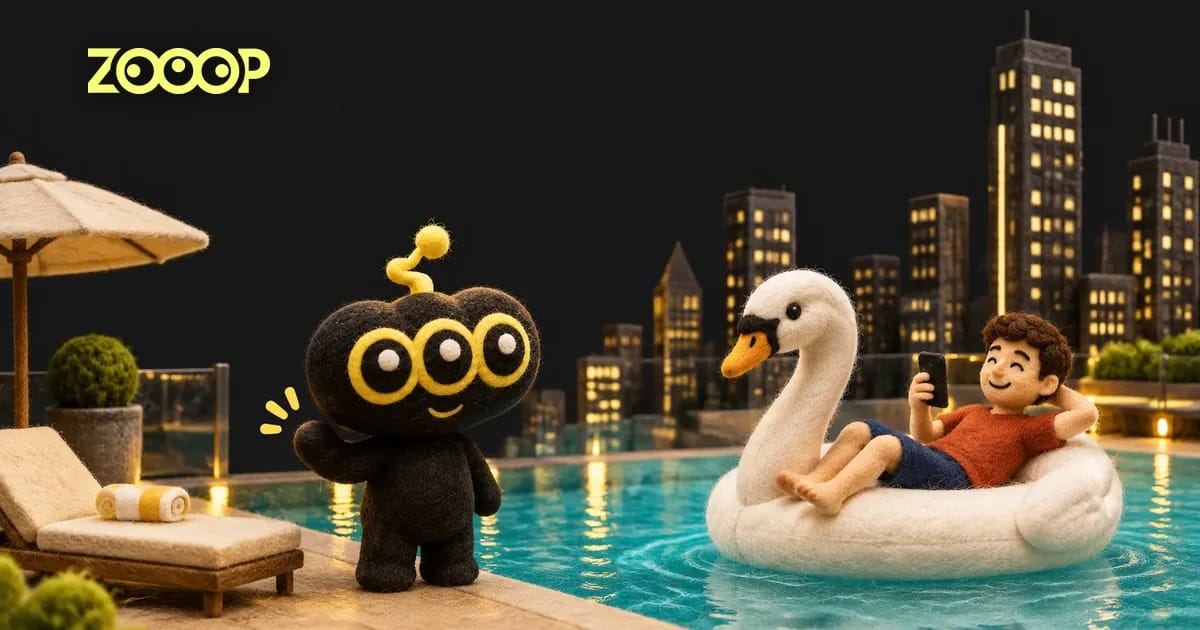
An infinity pool AI video puts the person from your photo on a white swan float beside a rooftop pool edge, with a city of tall buildings behind them. The effect combines a relaxed holiday pose with an unusually dramatic view down from the pool. You supply one portrait; the result is an 11-second vertical scene with a recognizable person at the centre of the action. This is a created travel-style scene for a playful edit, rather than footage of a trip you actually took.
What the infinity pool AI video makes
The scene opens close to the float, where the person reclines while holding a phone. Turquoise water fills one side of the frame, and the pool ledge runs into the distance. Tall towers occupy the background throughout. A hand reaches forward from the camera position, the person reacts, and the swan float slides away along the edge. The camera keeps the pool and city visible as the subject becomes smaller toward the end. This sequence gives the rooftop pool video a clear beginning, reaction and finish without requiring you to choose separate scenes.
The white swan, pool setting and skyline belong to the template. Your photo supplies the person, including visible facial features, hairstyle and clothing. The upload is not a background selector: a studio portrait can still become a sunlit rooftop scene. The clip uses a fixed 9:16 vertical frame and a fixed length of 11 seconds. You can choose 480p or 720p, depending on the size at which you plan to show the finished video. Changing resolution does not change the route of the float or add extra scenes.
Which photo works best for a swan float AI video?
Choose a well-lit picture of one adult, with a visible face and enough space around the head to show the hairstyle. A waist-up or full-body picture also gives the template clothing details to work with. In the approved example, a standing portrait became a reclining pose on the float; the input did not need to show a person already sitting beside a pool. The terracotta shirt and dark shorts also remained visible through the movement, so a distinctive, plainly lit outfit can help the person stand out against the pale float and blue water.
Avoid a group photo, a distant face, heavy face-covering accessories or a crop that removes most of the hair. Only one person is replaced, so a single-person photo makes the intended subject clear. A simple background is convenient, but you do not need to photograph a skyline or find an infinity pool. Use your own photo or a photo of an adult who has agreed to appear. The template is designed for a human portrait; pet photos and multiple-person scenes are not supported by this version.
Ideas for your rooftop pool video
Use the infinity pool template as a humorous holiday wish, a travel mood post or a short opening to a personal vacation montage. A bright shirt can provide contrast with the white float, while a darker outfit gives the scene a quieter look. Keep any caption you add away from the centre of the frame so it does not cover the reclining person or the swan. Since the subject moves farther from the camera near the end, a short caption placed early in your edit is easier to read than a long paragraph over the final skyline.
For another sunny scene, explore Couple Yacht Selfie. Browse video templates for more ways to turn your own photos into short scenes.
For photo selection and the full walkthrough, read the Infinity Pool AI Video guide.