Keyboard Smash Cat: Make the Office Meme With Your Pet
Upload one cat or dog photo for an 8-second office video: frantic typing, a blank stare and a keyboard smash. See orange-cat and French-bulldog examples.
Two paws on the keyboard. Eyes fixed on the monitor. Then everything stops, just long enough for that familiar thought: how is it still only Monday? A moment later, the keyboard takes the blame. The keyboard smash cat works because it packs a whole workday's frustration into a tiny office scene.
With ZOOOP's Me At Work — Keyboard Smash template, you upload one photo of your own cat or dog. Your pet becomes the office worker in an 8-second vertical video. The desk, setting and action are already arranged, so you do not need to write a prompt or get your pet anywhere near a real computer.
A cat typing meme, with two different office workers
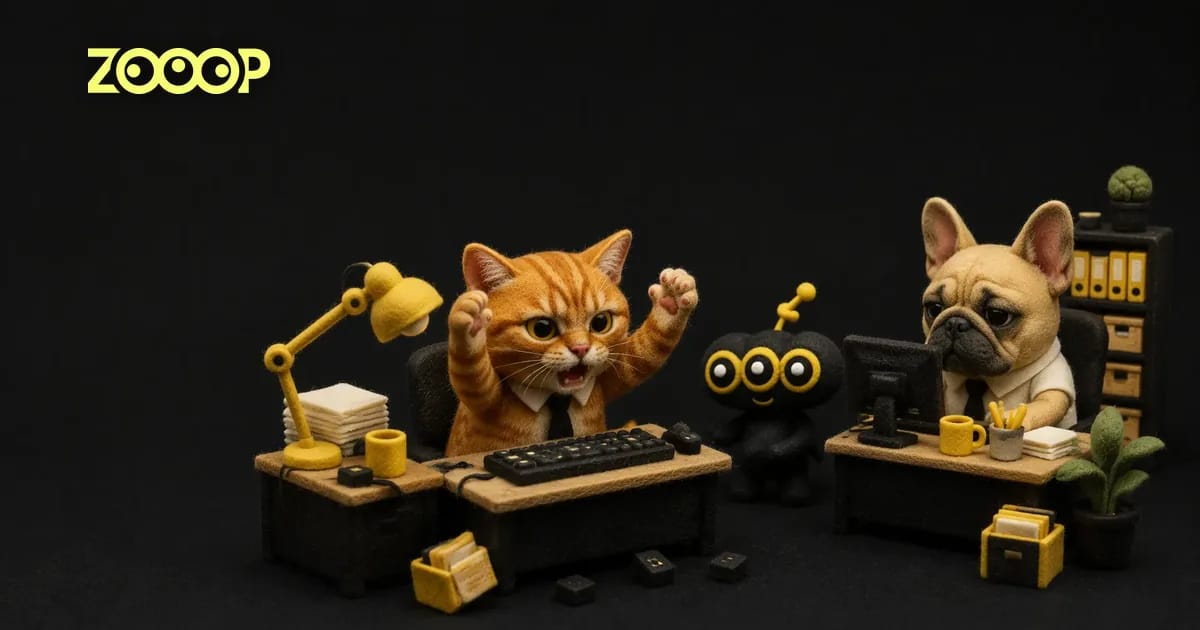
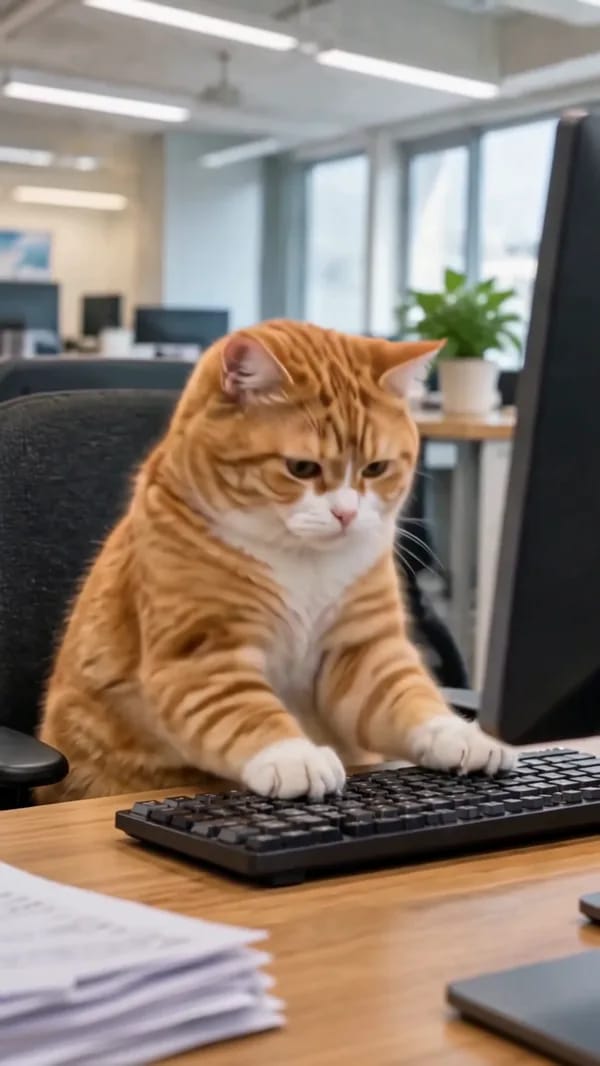
The orange cat starts upright in its chair, paws busy at the keys. It looks up at the monitor, holds a blank stare, then lifts both paws and hits the keyboard. By the end it has slumped forward, apparently out of patience.
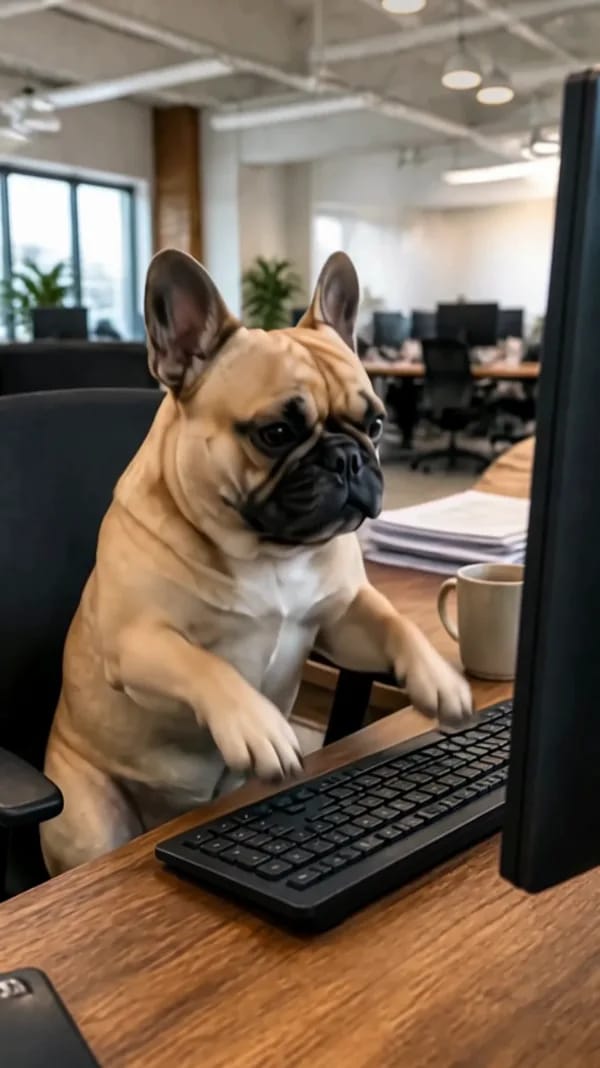
The French bulldog brings a slower, more serious expression to the same joke. Upright ears, a wrinkled face and a very businesslike sitting position do much of the work. When the paws finally rise, the quiet stretch before them pays off. Both examples follow the typing, pause and outburst sequence; the final smash is brief rather than a nonstop flurry.
These are two example pets, not characters you have to select. The keyboard smash cat can be your own tabby, and a dog can take the office chair too.
Choose a clear photo for your cat typing meme
For this cat typing meme, start with the features you recognize immediately: eyes, nose, ears and fur markings. A simple daylight photo of one pet is useful. An elaborate background adds little, and you do not need to build an office set at home.
A front view or slight turn works well. Avoid a toy across the face, ears cropped out, cage bars in front of the subject, or a pet so far away that its face occupies only a few pixels. Dark fur needs enough light to show detail; white fur needs visible edges rather than a washed-out silhouette.
Upload one photo containing one cat or dog. Do not combine two pets in a collage. A suit is unnecessary too: you are choosing the star of the video, while the template supplies the office scene.
Upload, generate and download
Open the pet office video maker and add one image under “Your pet photo.” The image should show the pet you want in the video. Without an uploaded image, the Generate button stays disabled.
Choose 480p or 720p. You can start with 480p for a casual message to friends, or choose 720p for more picture detail. The button shows the current credit requirement before generation; use that live amount rather than a fixed price in an article.
Select Generate, then download the finished video. The keyboard smash cat appears in an 8-second, 9:16 vertical clip. You do not need to plan the actions, bring a keyboard into the photo, or match your original background to the office.
Give the blank stare room to land
Constant typing says the pet is busy. Typing followed by silence, then a sudden outburst, gives the scene its change of mood. That is what makes this cat typing meme easy to understand without a long caption.
The orange cat's expression reads as impatience. The French bulldog looks more like it is taking a while to process another request. A serious-looking photo can be funny here; your pet does not have to be smiling or making an exaggerated face.
Keep the caption short. “Opening my inbox on Monday” or “One final revision” leaves room for the viewer to wait for the punchline. There is little need to explain every beat of the keyboard smash cat before it happens.
Expect small details to vary
The examples keep recognizable faces, fur colors and ears. Paw placement, the number of loose keycaps and the final slumped pose can still vary. A fast impact is a complicated moment, and an example is not a promise that every frame will repeat exactly.
If a photo is blurry, enlarging it will not restore the missing detail. A clearer original is a better starting point. Tiny collar ornaments and intricate chest markings can also shift during movement. For a keyboard smash cat, the useful focus is a recognizable pet and a readable change from concentrated work to frustration.
Explore more AI pet video templates for other cat and dog scenes, or browse funny AI videos for more straight-faced absurdity. Give your pet one short shift at the desk, then download the result. Your next cat typing meme can star the animal already sleeping beside your laptop.
Frequently asked questions
Can I use a cat or a dog?
Yes. Upload one clear cat or dog photo. The orange cat and French bulldog are examples; you can use your own pet.
How many photos does it need?
One photo containing one pet. An image is required to generate; you do not have to pick a preset character.
Does the photo need to show my pet at a keyboard?
No. An ordinary clear pet photo is enough. The office, monitor and keyboard are part of the video scene.
How long is the video, and which resolutions are available?
The keyboard smash cat video is 8 seconds in vertical 9:16 format, with 480p and 720p options. Download it when generation finishes.
Can two pets appear together?
This template is designed around one photo of one pet. To make separate cat and dog versions, upload each pet's photo and generate a video for each.