A twerk clip never goes viral because the dancing is good. It goes viral because of who is dancing. The coworker who only wears suits, the dad who never smiles in photos, the corgi waiting by the door for dinner: turn any of them around and make them shake it, and people share it.
Nobody wants to learn the move, though, let alone film it. So we built an AI twerk video template: upload one full-body photo and get a 10-second vertical twerk clip with the scene, camera and moves already worked out. It works for people and for pets. Below we break down four real sample clips, then cover which photo to pick and what to check once it is done.
How the AI twerk video plays out
The whole thing is one fixed, full-body shot, 10 seconds long, set inside an elevator with brushed-steel walls.
In under a second the star grins at the camera and spins around. Then comes the main part of the AI twerk video: a deep squat, hands on the knees, hips bouncing hard on every beat, hair flying, until about the eight-second mark. Halfway through they glance back over the shoulder, laughing, without missing a beat. In the last second they pop up, turn around and hit a pose.
The camera never zooms in or wobbles, so the whole body stays in frame. We picked the elevator on purpose: it is small, the walls reflect everything, and someone breaking into a twerk in there is funny before the dance even starts.
Four sample clips: a woman, a man, a corgi and a cat
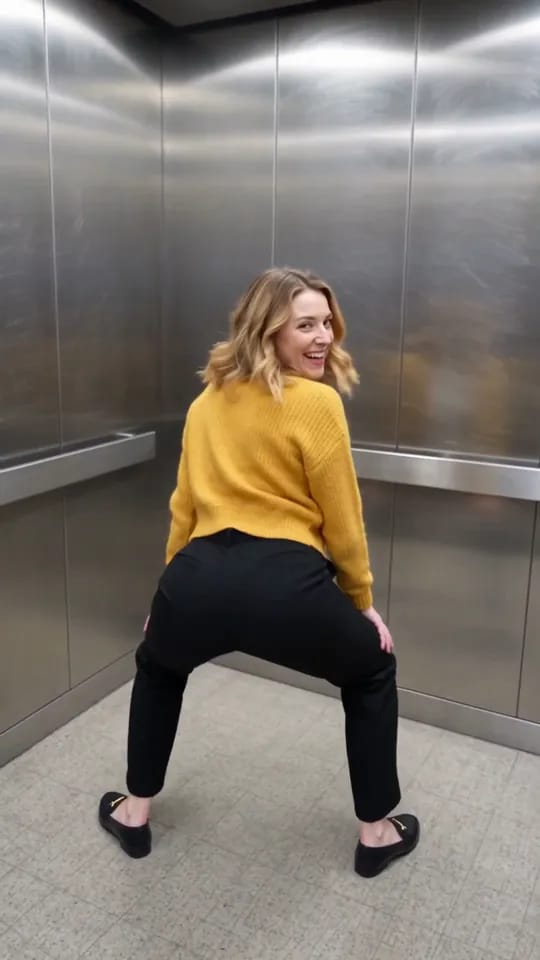
The cover clip comes from a street photo of a woman in a mustard-yellow cardigan and black trousers. Her face, hair and clothes all match the photo, and the cardigan from behind is still the same cardigan.
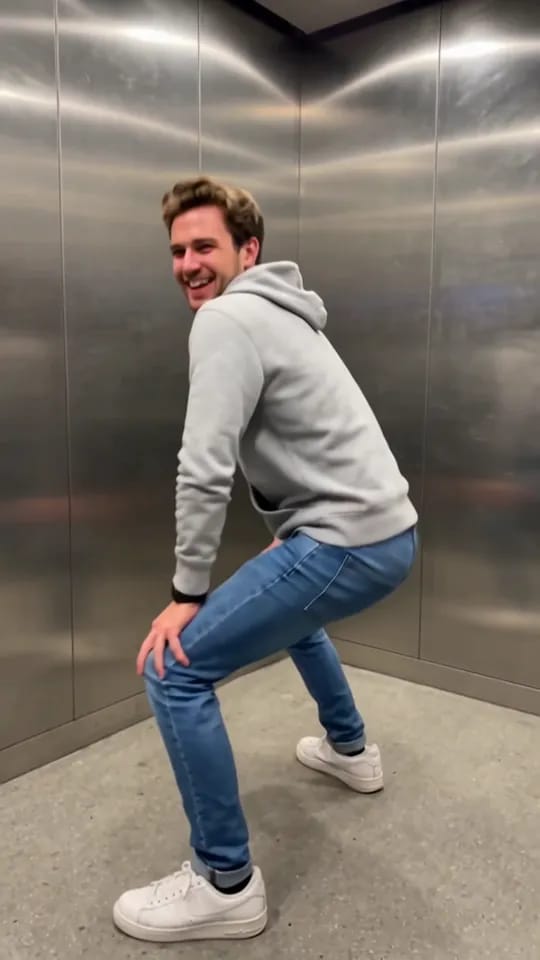
The man is our favourite. A grey hoodie and jeans, about as ordinary as it gets, and his moves are even bigger than hers. That look back over the shoulder lands every time.
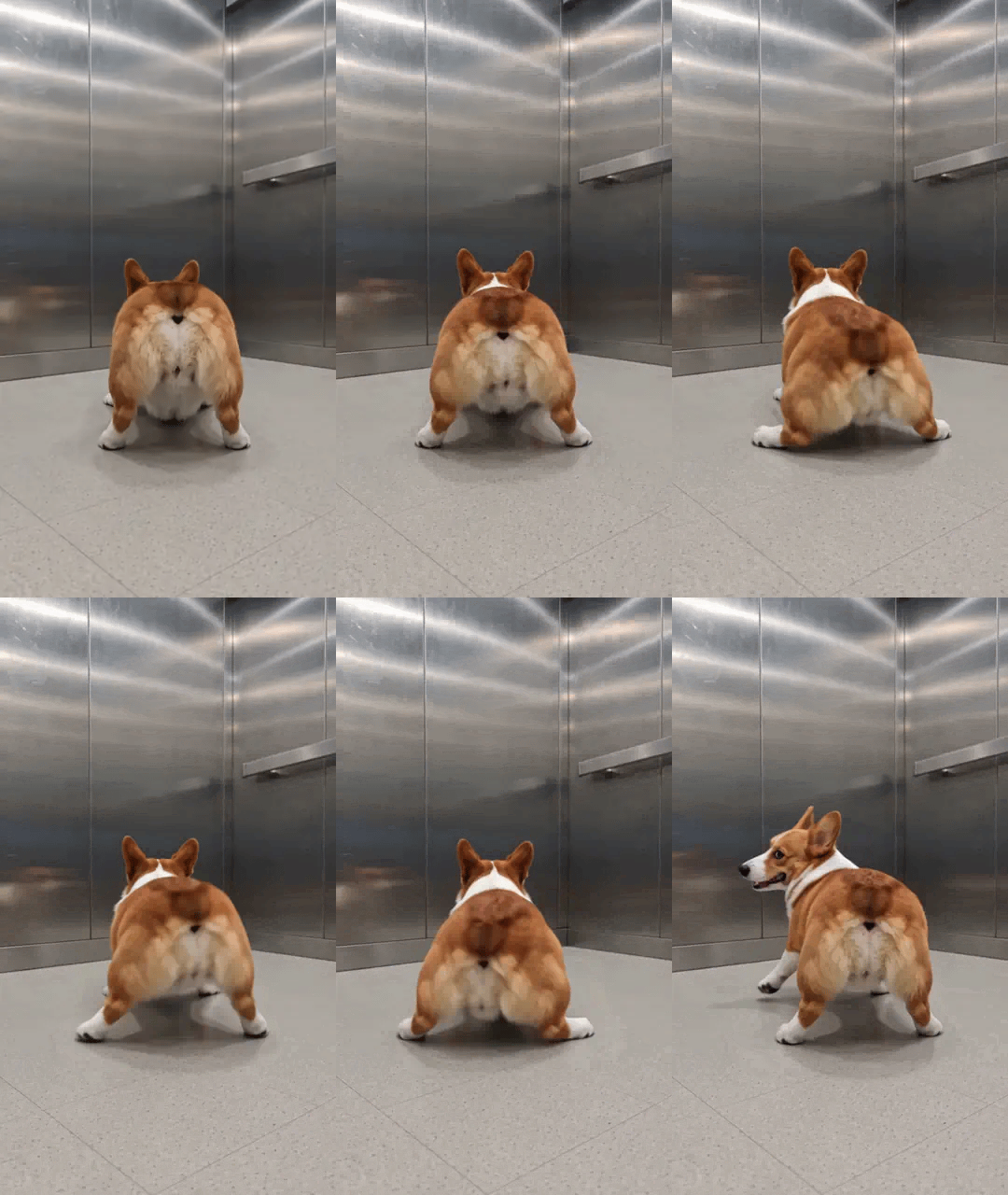
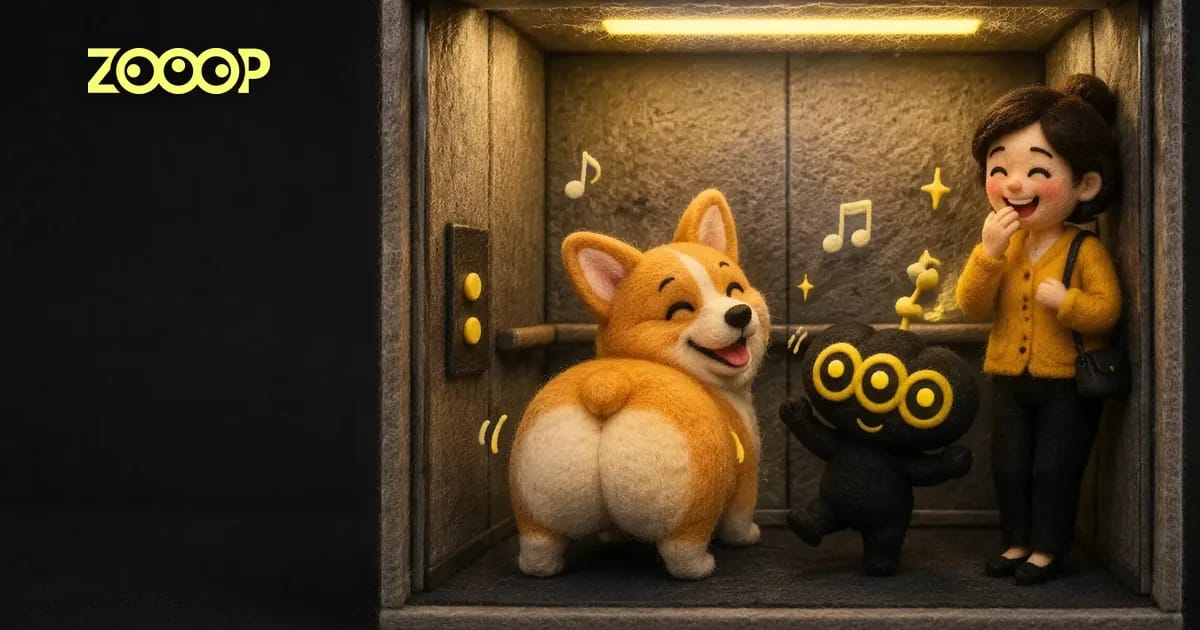
The pet version of the AI twerk is a different kind of funny. The corgi stays on four legs the whole time, still the same red-and-white dog with the big ears, wiggling its round rear end at the camera. Corgis are famous for that rear end, so this one needs no explanation.
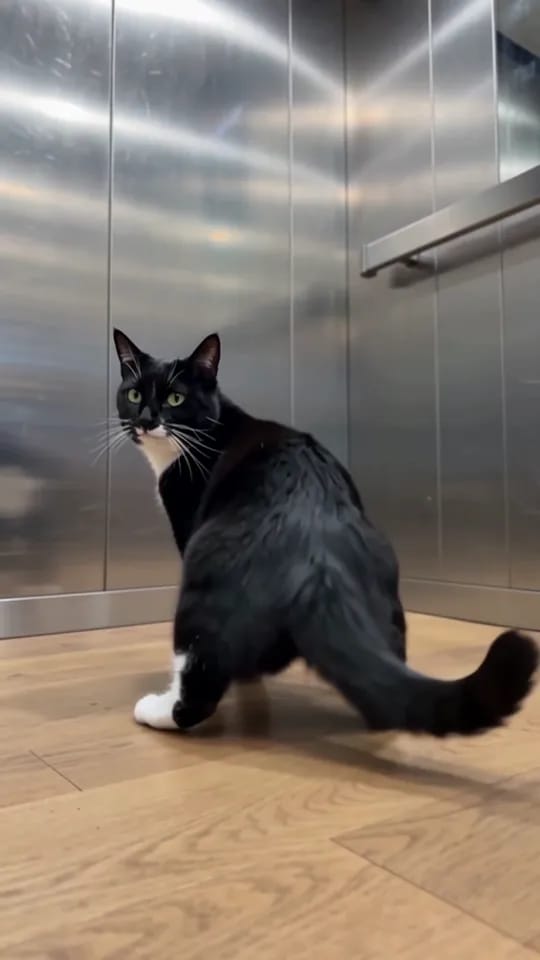
The cat plays it cooler: it turns, wiggles for a while, throws one glance back at the camera, then turns around and sits down very properly. It even kept the wooden floor from its original photo.
Choosing the photo
The AI twerk generator needs exactly one photo. For a result that really looks like the person or pet in it:
- Head to toe in frame: the clip is a full-body shot, so legs and shoes need to be in the photo. With a half-body photo, the lower half is guesswork.
- Good light, clear face: front-facing or slightly turned is fine. No sunglasses, no hair covering half the face.
- One person or one pet per photo.
You do not need to change clothes for it. Whatever is in the photo is what they wear in the video, so pick the photo with the outfit you want.
One hard rule: only use photos of adults who are happy to appear. No photos of children, and no using someone else's photo to prank them with a twerk video.
Person or Pet: pick before you generate
The template has one option, "Person" or "Pet", and the moves are different for each.
"Person" gives you the classic AI twerk from the woman and man clips above: squat, hands on knees, hips going. "Pet" keeps your cat or dog a real animal on four legs, twerking with its rear end and tail, never standing up like a dog-headed human. If you upload a pet photo and forget to switch to "Pet", the result will probably look odd, so check that option right after uploading.
How to make it
Three steps:
- Open the AI twerk video template and upload one full-body photo.
- Pick "Person" or "Pet". Resolution starts at 480p; choose 720p for a sharper clip.
- Generate, then download your 10-second vertical video.
Want a different setting, like an office, a kitchen or a wedding? Upload the same photo on the AI video generator and describe your own scene. More dance ideas are on the AI dance video page.
What to check after generating
The same photo gives a slightly different twerk every time. A few things worth a look:
Is the twerking part long enough? In our earliest tests, the grin and the turn took so long that the actual twerking lasted two or three seconds, which was not enough. The template now starts twerking right after the spin, and all four samples twerk for more than five seconds. If yours spends too long getting started, generate again.
Where the hands go. The move asks for hands on the knees, but sometimes they land on the thighs instead. It does not hurt the clip.
Does the pet stand up? Pets vary more from run to run than people. Our corgi and cat stayed on four legs, but if a pose ever looks strange, one more try usually fixes it.
FAQ
How long is the AI twerk video, and is it vertical?
10 seconds, 9:16 vertical, ready to post. It comes in 480p or 720p.
Can I use my cat or dog?
Yes. Upload a pet photo and pick "Pet". Your pet keeps its breed, fur and markings and twerks on four legs, tail and all.
Can I change the outfit?
Not on its own. The twerk video uses the clothes from your photo, so for a different look, use a different photo.
How many credits does it cost?
480p costs less than 720p. Check the template page for the current numbers.
Can I use a photo of a child?
No. Only use photos of adults who agreed to appear.