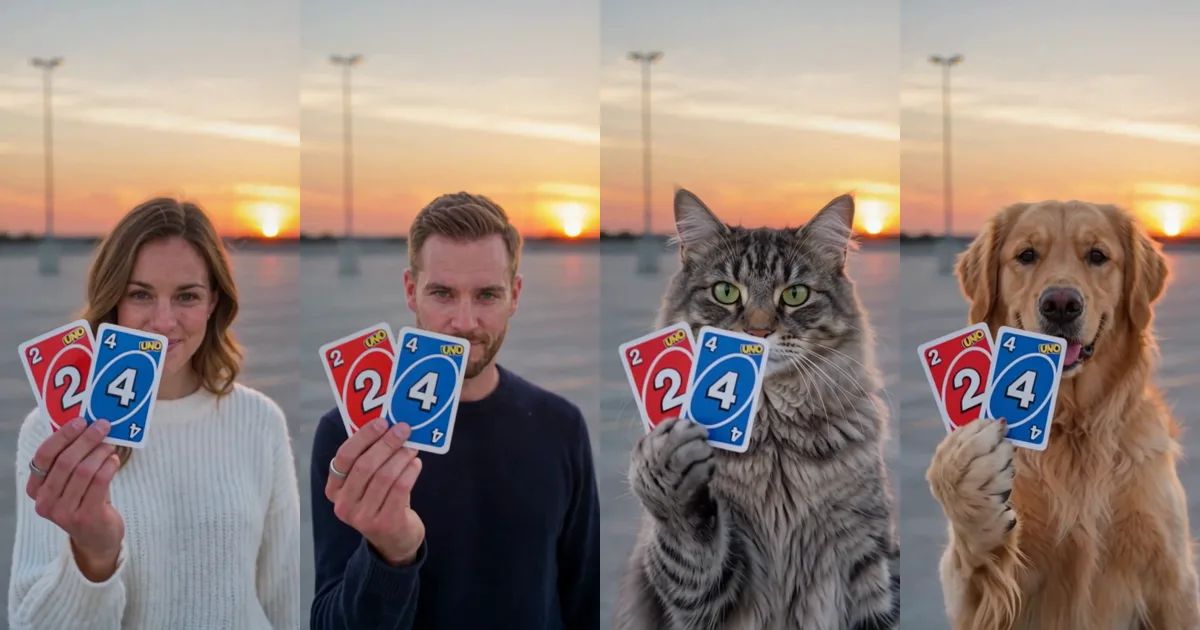
24 Car Trend AI: Flick Two Cards and Reveal a Sports Car Behind You
You walk toward the camera, hold up two cards, flick them at the lens, and when they fly past, there is a sports car parked right behind you. You turn, point at it, and look back with a small smile. That is the 24 car trend, and for the past few weeks it has been in everyone's feed.
Most people do not own that car, so the AI versions arrived almost at once, and then the cats and dogs joined in. This post covers where the 24 car trend came from, what happens in those ten seconds, and how to make your own version from a single photo of yourself, your cat or your dog.
Where did the 24 car trend come from?
It started as a real-life transition at the beginning of September 2026: someone flicks two cards at the lens in a parking lot, and when the cards fly past, a car is standing behind them. The "24" comes from the cards, a 2 and a 4. Nobody planned a trend, but the format was easy to copy and the reveal is satisfying, so it spread fast.
A few weeks later the AI versions took over. If you do not have a sports car, you can still get the reveal: you put your own photo in, and the car shows up anyway. People shared them with the hashtag 24 car trend, and the question in the comments was always the same: how did you make it?
The reveal, second by second
Our Reverse Card Car Swap template keeps the shot everyone knows: an empty rooftop parking lot at sunset, one handheld camera, and a reveal that lands right on the card flick. Only the person changes. It becomes you, or your pet.
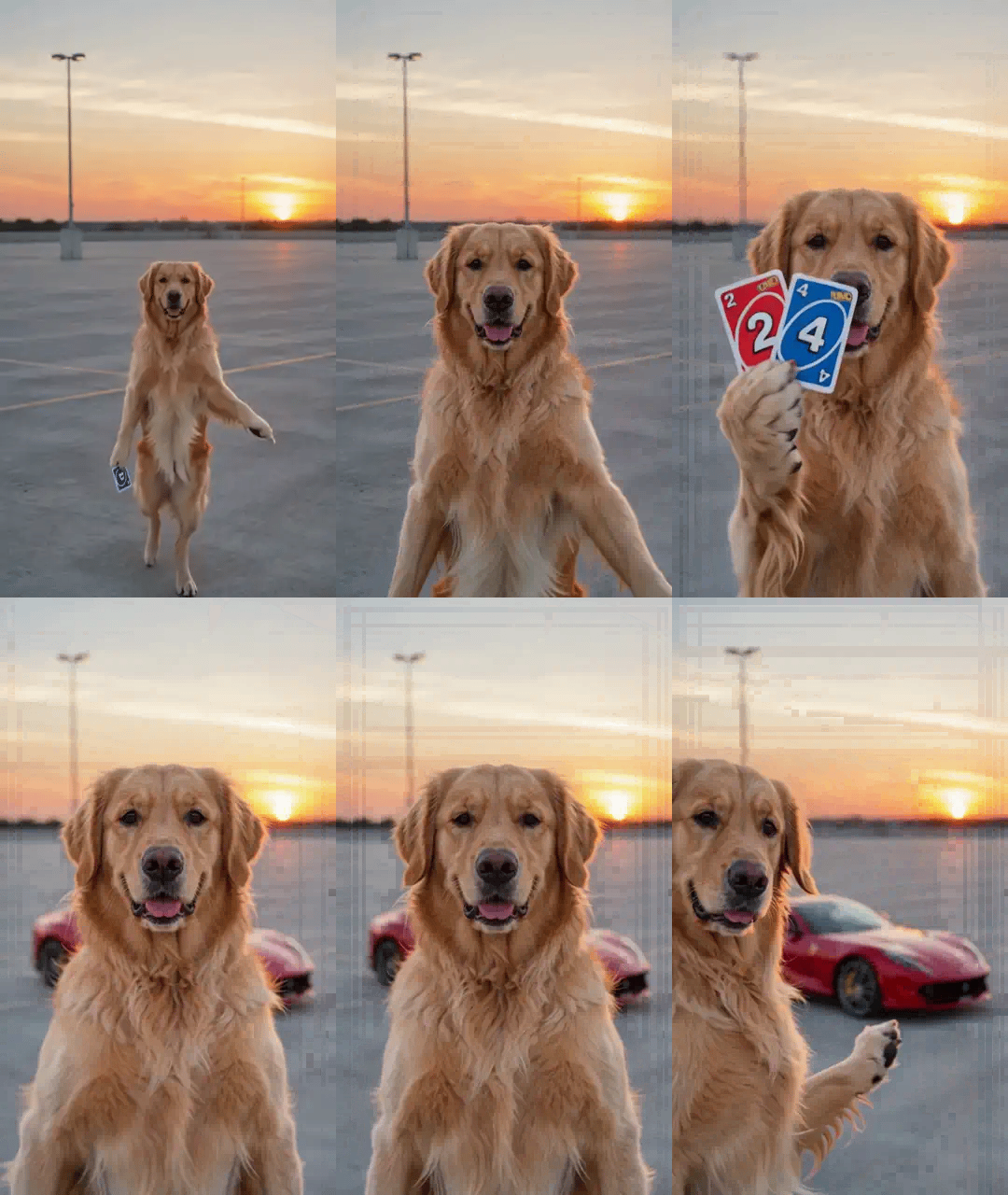
It goes like this. For the first two seconds you walk toward the camera. Then you hold up a red 2 and a blue 4 close to the lens and flick them at it. From about the fourth second the cards have flown past, a red sports car is parked behind you and you look straight into the camera. Near the end you turn, point at the car, and the car gets the last shot.
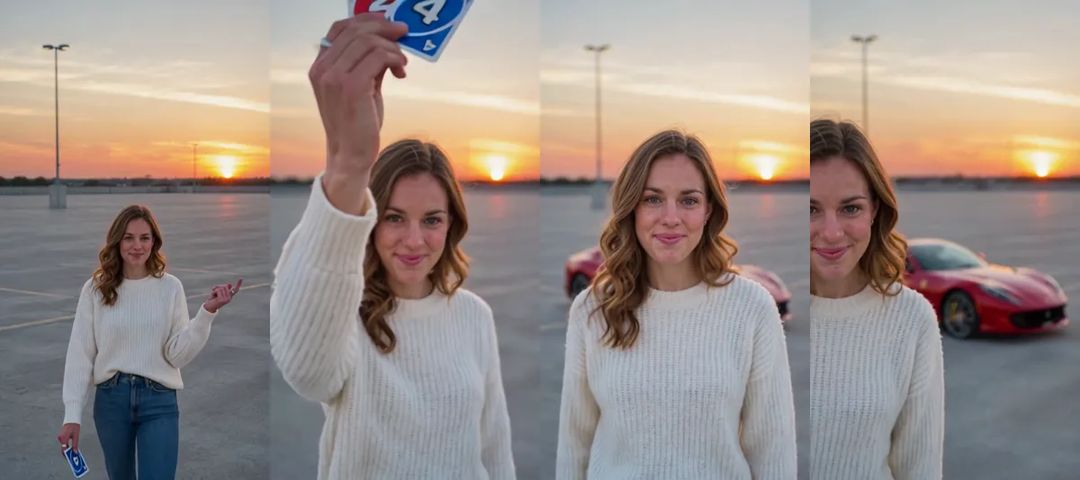
And in motion. The animations in this post are silent and shortened; the real clip runs the full ten seconds.
Which photo works best
The template needs one photo of one person or one pet. Your face is close to the lens for a few seconds, so the photo matters:
- A sharp face in good light. Your face comes close to the camera when the cards fly past, so a blurry photo shows.
- Waist up or the whole body. The clip starts with a full-length walk, so a photo that shows more than your face helps.
- One subject per photo. With two people or two pets in the picture, the template cannot tell who should be copied.
- Your outfit is the costume. People keep the clothes from their photo, so pick something you like seeing in a ten-second clip.
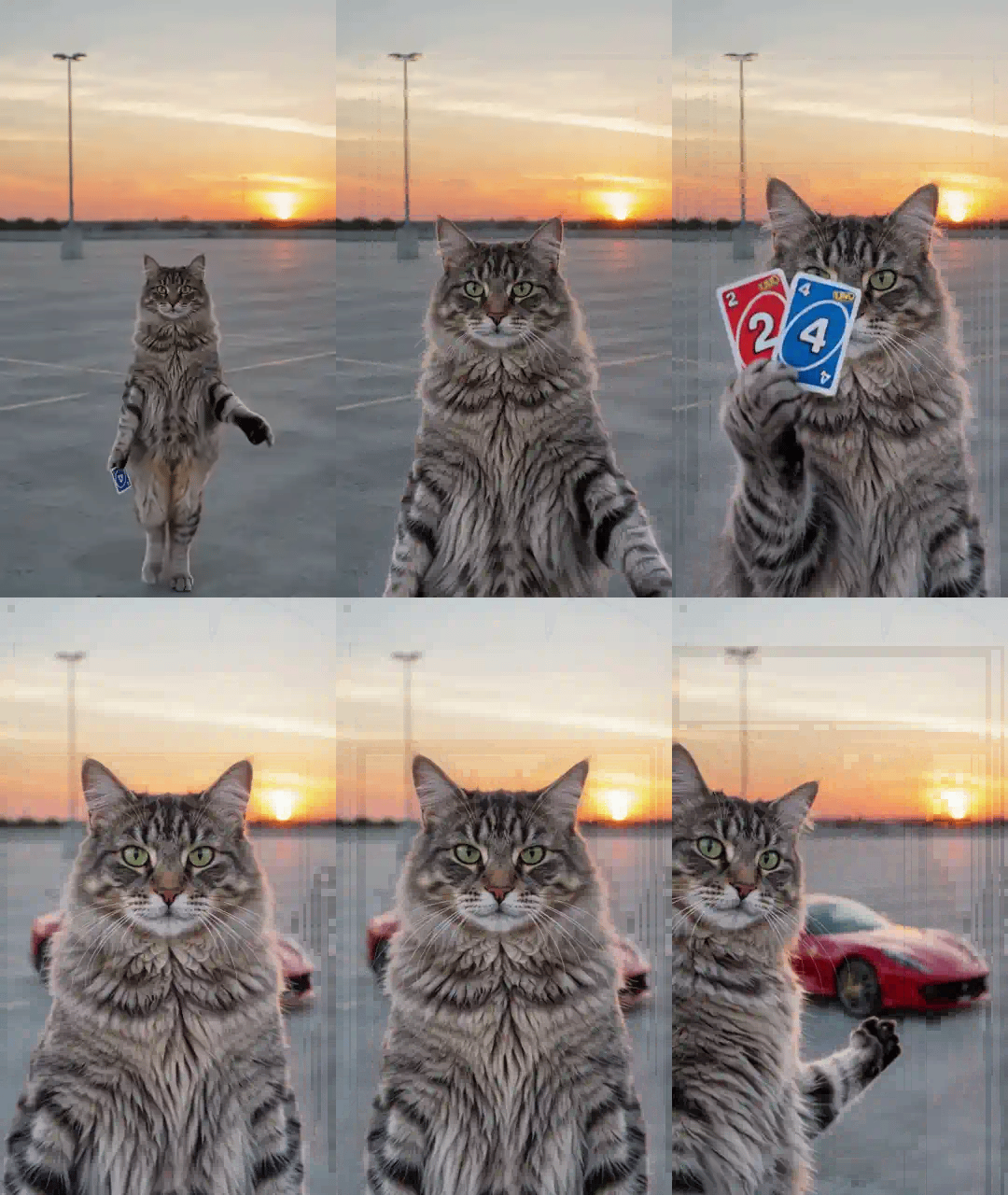
People keep their face, hair and clothes. Cats and dogs keep their own face, fur colour and markings, stand up on their hind legs and flick the cards with their own paws. The background of your photo never comes along: it is always the same rooftop at sunset.
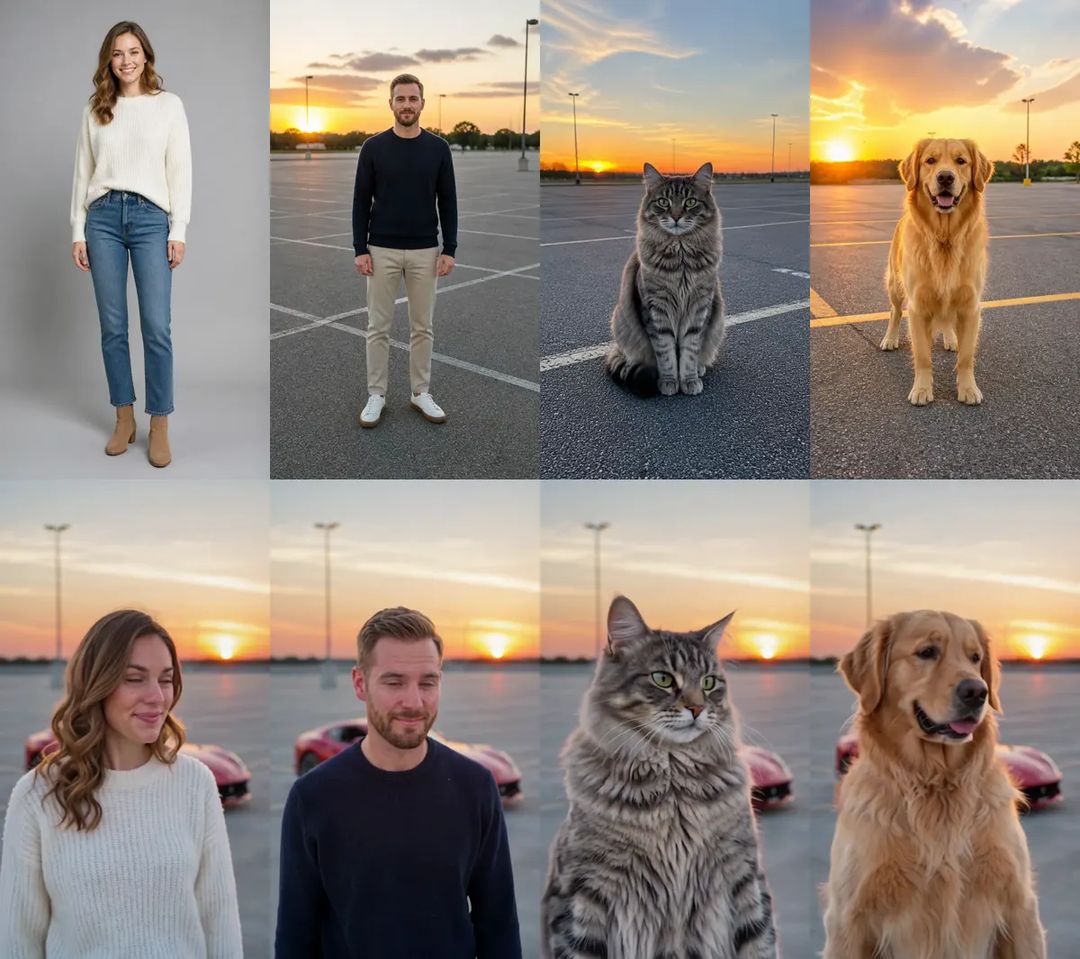
Dogs work just as well as cats. Here a golden retriever flicks the cards and the car appears behind it.
How to make your 24 car trend video with ZOOOP
- Open the Reverse Card Car Swap template and upload one photo of you, your cat or your dog.
- Pick Person, Cat or Dog to match your photo. Keep 480p, or pick 720p if you want it sharper.
- Hit generate and download the clip.
No prompt, no editing. The rooftop, the cards and the reveal are already in place.
What surprised us while building the template
The car arrives on the beat, not before. The whole joke depends on the car being absent until the cards fly past the lens. In a few of our early runs the car was already standing behind the person from the very first second, which kills the reveal. If that happens to you, generate again; the 480p version came out steadier for us.
Your photo's background stays out. One of our test photos was taken in a parking lot, and we worried it would leak into the clip. It does not: the place is always the rooftop at sunset, so every video reads as part of the same trend.
Pets hold the cards in their own paws. A cat or a dog is not a person in a costume here. It stands up and flicks the cards with furry paws, and that is exactly why the pet versions are so shareable.
The car is always the same one. The sports car in the clip is a red one, and you cannot swap it for your own. The template is about getting yourself into the trend, not about picking the car.
More ways to play
Make one with your cat and one with your dog, and post them side by side: whose car is better? Or make one of yourself and one of your pet and send both to the group chat. For more pet clips, browse the AI pet video templates. Everything that turns a photo into a clip lives in the template library, and if you would rather write your own scene from scratch, start from AI video generation.
One photo, two cards, one sports car. Get yours in the sunset with the Reverse Card Car Swap template.