Ramalama Costume Walk: The Halloween Reveal Trend and How to Make Yours From One Photo
The camera is almost on the ground. Wet cobblestones, a few fallen leaves, jack-o'-lanterns glowing along the curb. Into the frame step a pair of boots, slowly, one heavy step at a time, and you have no idea who they belong to. Then the camera rises and pulls back in one sweep, and there it is: the whole costume, head to toe, walking straight at you.
That is the Ramalama costume walk, and it is back for Halloween. This post covers what it is, how the 10 seconds play out, and how to make your own Ramalama costume walk from a single photo, for you or for your pet.
What is the Ramalama costume walk?
It is a Halloween reveal format that resurfaces every October. The rules are simple. Start low, on the feet, and take your time. Make people wonder. Then show the full costume all at once and keep walking like it is nothing.
The slow build is the whole trick. A costume photo is fine; the same costume after five seconds of creeping boots is an event. That is why the Ramalama costume walk keeps coming back: it makes any costume look better than a straight photo would.
The catch has always been the filming. You need a street, a costume, a friend lying on the ground with your phone, and several takes to get the reveal smooth. That part is exactly what a template can take off your hands.
The 10 seconds, step by step
Our Ramalama Costume Walk template builds the classic version: 10 seconds, 9:16 vertical, one continuous shot on a foggy Halloween street.
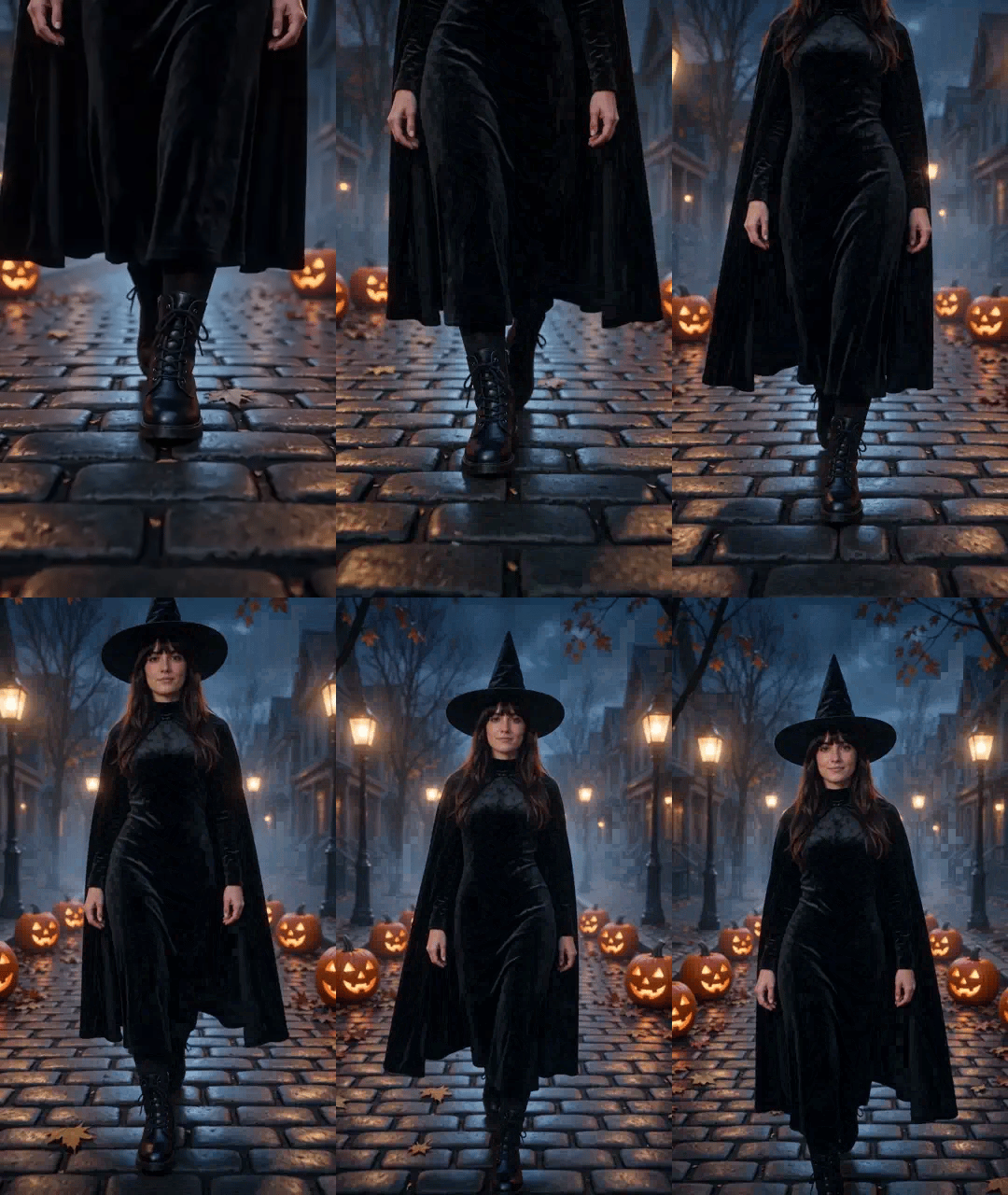
- The feet (first 4 seconds or so): ground-level shot, only boots or paws in frame, stepping slowly toward the lens.
- The reveal (around second 4 to 5): the camera rises and pulls back, and the whole costume comes into view.
- The walk (a few seconds): full-body shot, still walking toward the camera, unhurried.
- The look (last seconds): a stop, a tilt of the head and a knowing look straight into the lens.
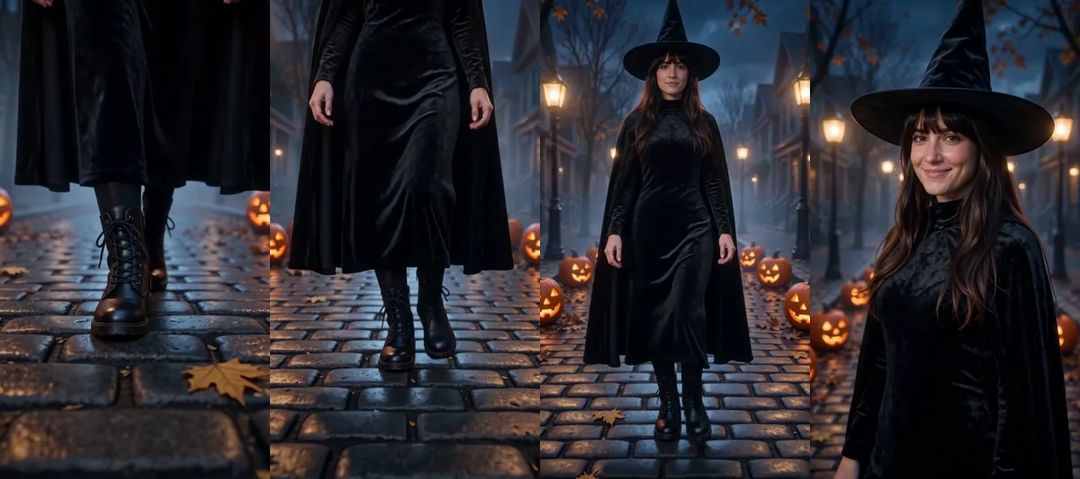
Here is the reveal itself. The animations in this post are silent; the real clip has sound.
Choosing a costume and a photo
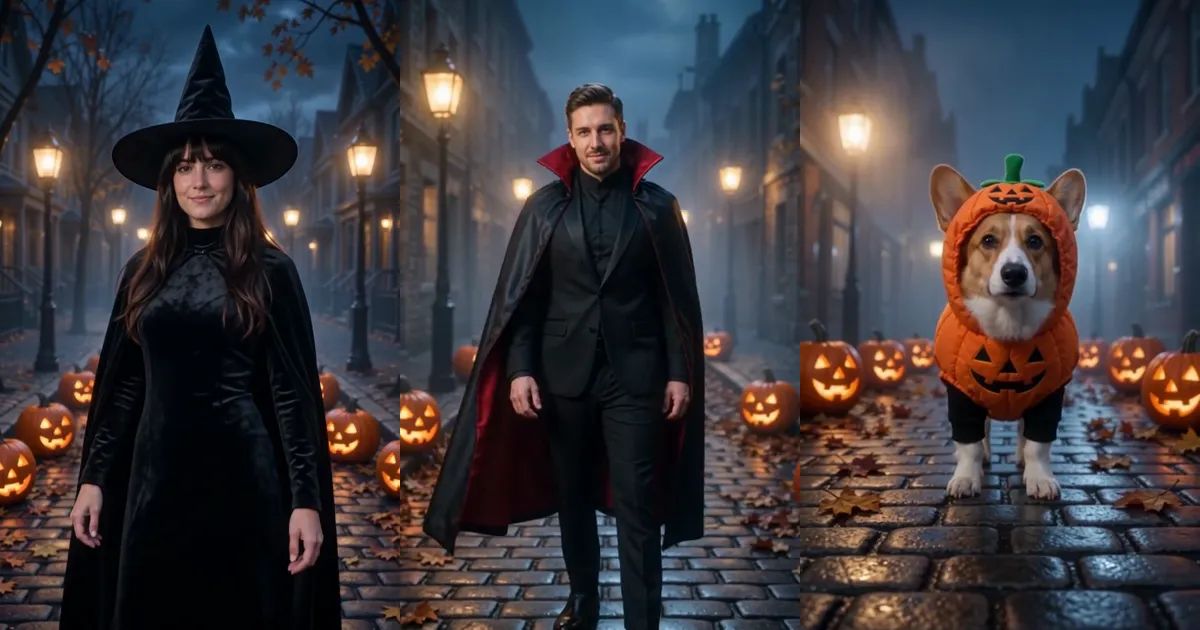
There are three costumes, and each one works for people and for pets:
- Witch: tall pointed hat, flowing cape and a long, high-necked velvet dress with lace-up boots.
- Vampire: high-collared black cape with a red lining over a sharp black suit.
- Pumpkin: a round orange pumpkin suit with a little green stem hat.
For the photo, the costume replaces your clothes, so what you are wearing does not matter much. Your face and hair do. Pick a clear, front-facing photo with good light, and keep it to one subject per photo; in a group photo the template cannot tell who to use.
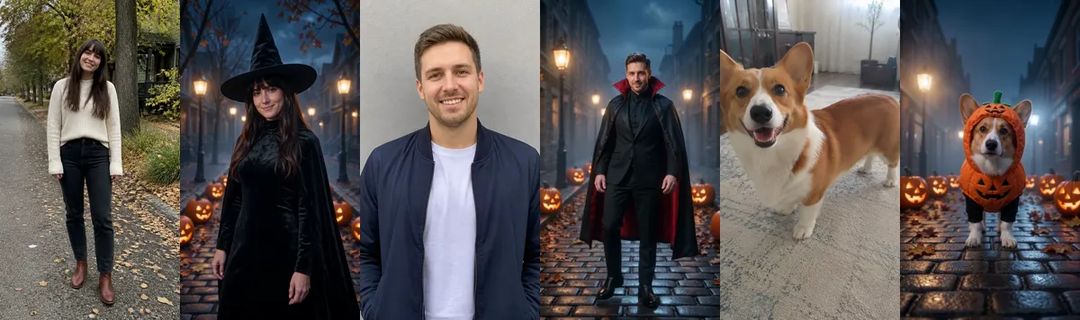
Only use photos of people who are happy to appear, adults only. The result looks like you rather than a copy of you: friends will recognize you right away, but it will not match the photo frame for frame.
How to make a Ramalama costume walk with ZOOOP
- Open the template page and upload one photo.
- Pick Person or Pet.
- Choose a costume: Witch, Vampire or Pumpkin.
- 480p is the default; pick 720p if you want it sharper. Then hit generate.
No prompt, no costume shopping and nobody lying on the wet ground with your phone. The street, the walk and the reveal are already in place.
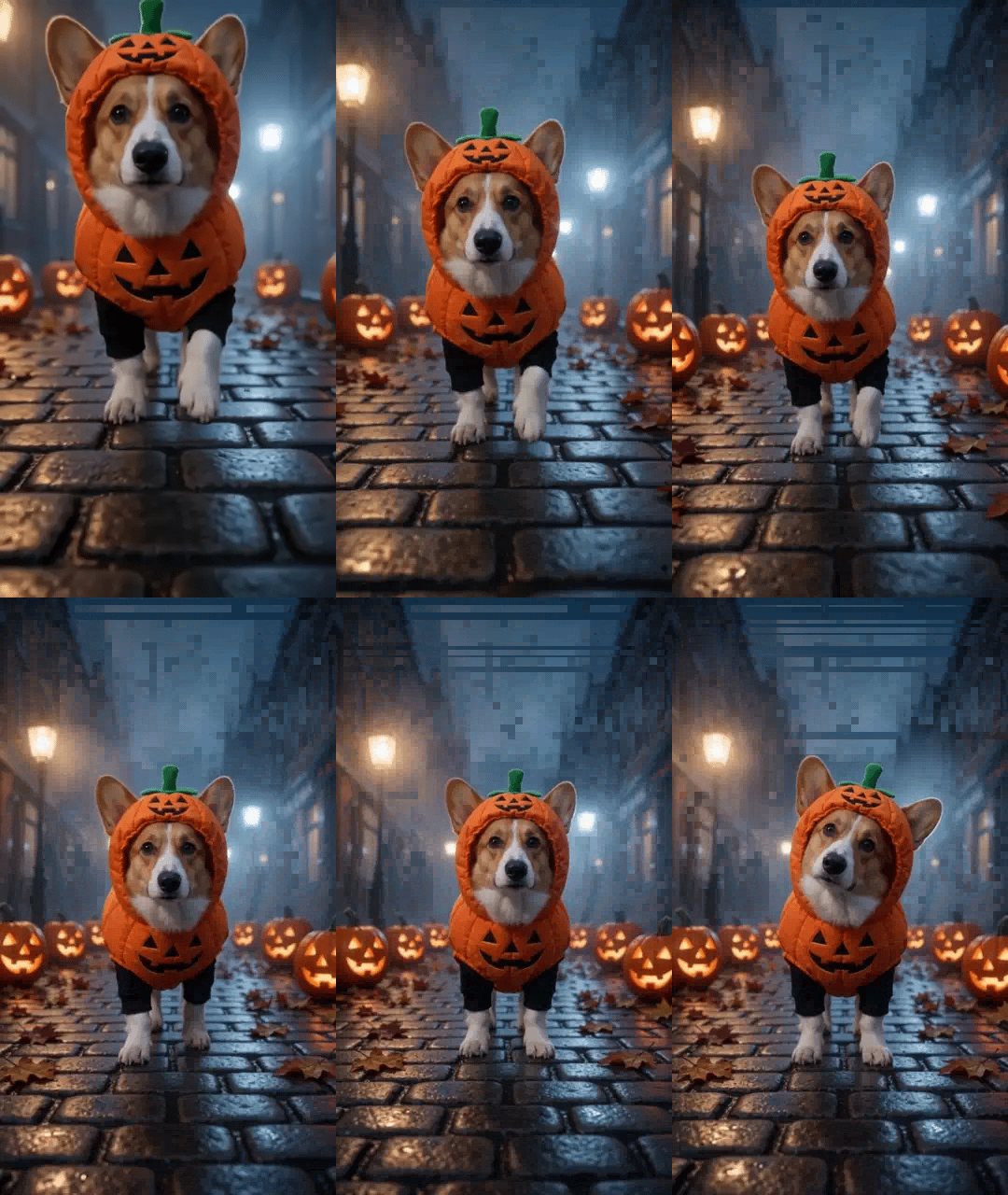
And here is the pet version. A corgi in a pumpkin suit, padding down the street on four legs.
What surprised us while building the template
A smooth reveal works. Our first version showed the costume with the camera rising and pulling back in one move instead of a hard cut, and we kept it. It reads as a single take, and the boots on wet stones do the suspense work on their own.
The costume brings its own shoes. The witch arrives in lace-up boots, the vampire in polished black boots, whatever was on your feet in the photo. That matters, because the feet are the first thing anyone sees.
Pets stay pets. In Pet mode the animal walks on four legs at its real size, and the costume is cut to fit. Our corgi's pumpkin suit came with two little black sleeves on its front legs, which made it look like a store-bought pet costume. We kept it.
Pets vary more than people. That has been true in every template we have built. If your pet's face or markings come out a little off, run it again before you change the photo.
More ways to play
Make one in every costume and post them as a set, or do yours and your dog's and let people vote. For more spooky ideas, browse the Halloween templates, including the couple's story in Zombie Love Story. Everything that turns a photo into a clip lives in the template library, and if you would rather write your own Halloween scene, start from AI video generation.
Pick a costume and make your own Ramalama costume walk with the Ramalama Costume Walk template. Start low, then reveal.