How to Make the Knight Cat AI Video From One Photo of Your Pet
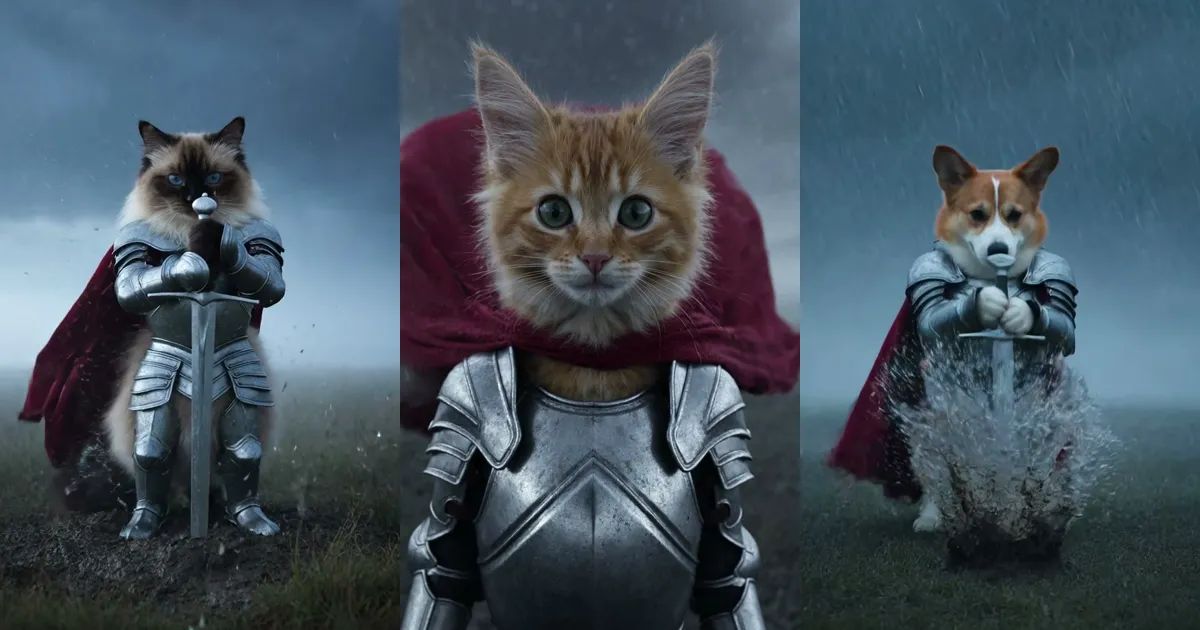
Fog on an empty moor, rain coming in sideways. Far off stands a very small cat in silver armour, its red cape pulled flat by the wind, a sword planted in the mud beside it. The camera moves closer. It wraps both paws around the hilt and drags the sword out of the ground, mud flying everywhere. Then a close-up: fur soaked, eyes narrowed, not giving an inch.
That is the knight cat, and it has been all over people's feeds this month. This post covers where the meme came from and how to turn one photo of your own cat or dog into a knight cat video.
What is the knight cat meme?
It started with two short clips an AI creator posted in August: a kitten with a pink bow, dressed in armour, holding a sword on a foggy moor with a completely serious face. Together they picked up well over a million likes. At the end of September someone made a version with a huge, muscle-bound knight standing next to a tiny cat knight, it passed three million likes, and from then on it was everywhere.
People use it as a caption machine for their own small battles: getting up on a Monday, an exam, haggling with the landlord, the last slice of pizza. A tiny cat holding its ground in a storm says it better than any words.
Search caught up quickly. In Google Trends' worldwide data, "knight cat" barely moved before October, then shot up in the first days of the month, peaked on October 4 and has stayed high since.
The three shots in 10 seconds
Our Knight Cat template breaks the look into three shots:
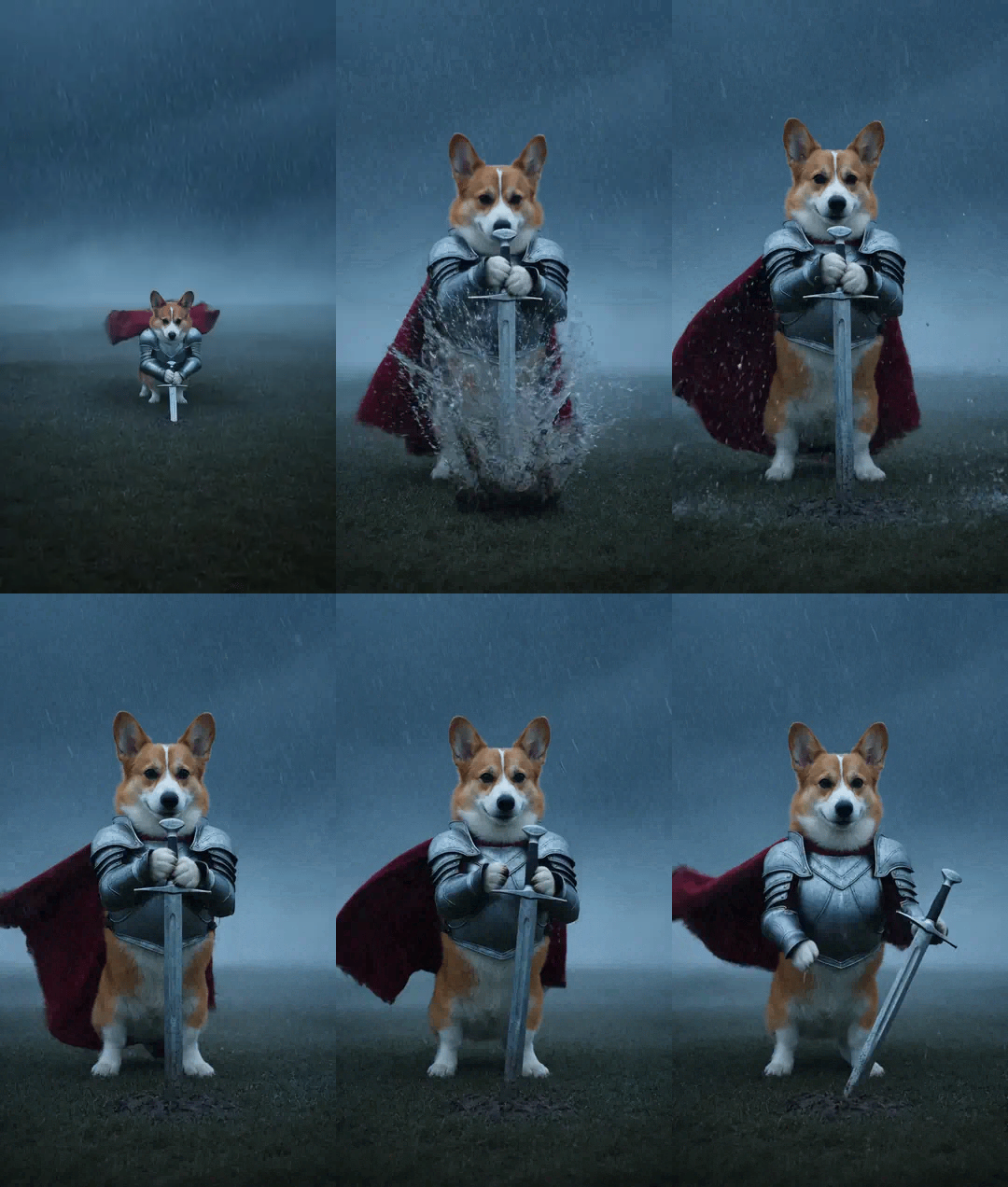
- The wide shot. Your pet is a small figure on a stormy moor, with its sword stuck in the ground right next to it. The camera slowly closes in.
- The pull. A medium shot: it grips the hilt with both paws and heaves the sword out of the mud, mud and rainwater spraying off the blade. It holds the sword up for a beat, then lowers it to its side.
- The close-up. A low angle, the face filling the frame, wet fur blowing about and rain dripping off its whiskers.
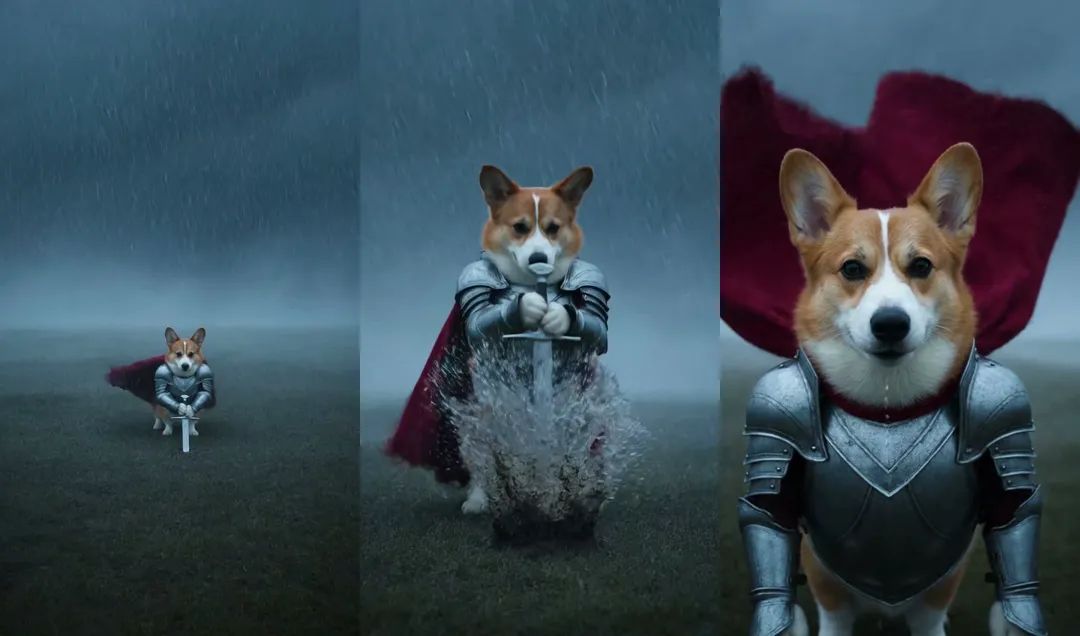
The sound is generated with the picture: wind, rain and the scrape of the blade coming out of the mud, no dialogue. There is no text in the frame, so the caption is all yours.
Picking the right photo of your pet
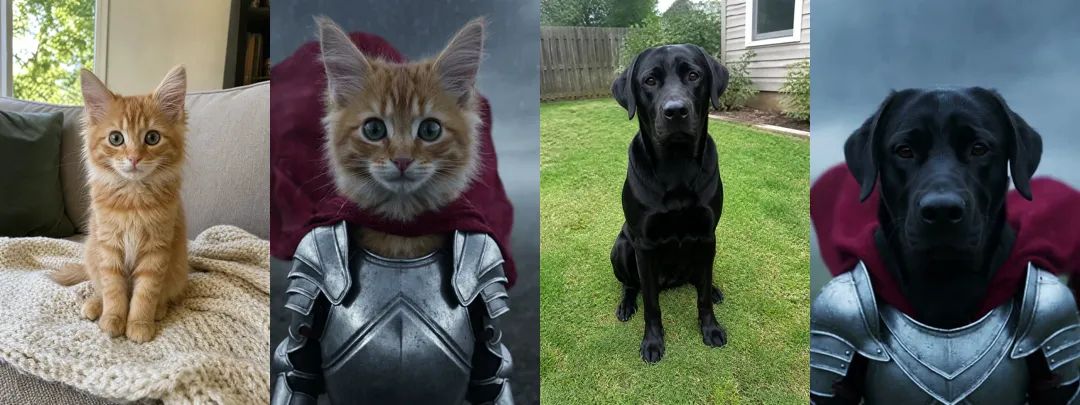
A knight cat video needs a single photo, but that photo decides whether the knight still looks like your pet.
A clear face, ideally the whole body. Coat colour, markings and eye colour all come from this photo. A cat curled up in a ball works too, though the markings on its body are harder to get right.
Skip blurry, side-on or heavily filtered photos. A well-lit snapshot is plenty. No need to stage anything.
Cats and dogs both work. We tried an orange kitten, a ragdoll, a corgi and a black Labrador. All four stood up on their hind legs in armour, with real paws and their own tails.
How to make a knight cat video with ZOOOP
- Open the template page and upload a clear photo of your cat or dog.
- Pick a resolution: 720p by default, or 480p if you want it cheaper.
- Hit generate. It usually takes a minute or two.
There is no prompt to write. The moor, the storm, the armour, the cape and the timing of the three shots are already set up.
The storm is different every time
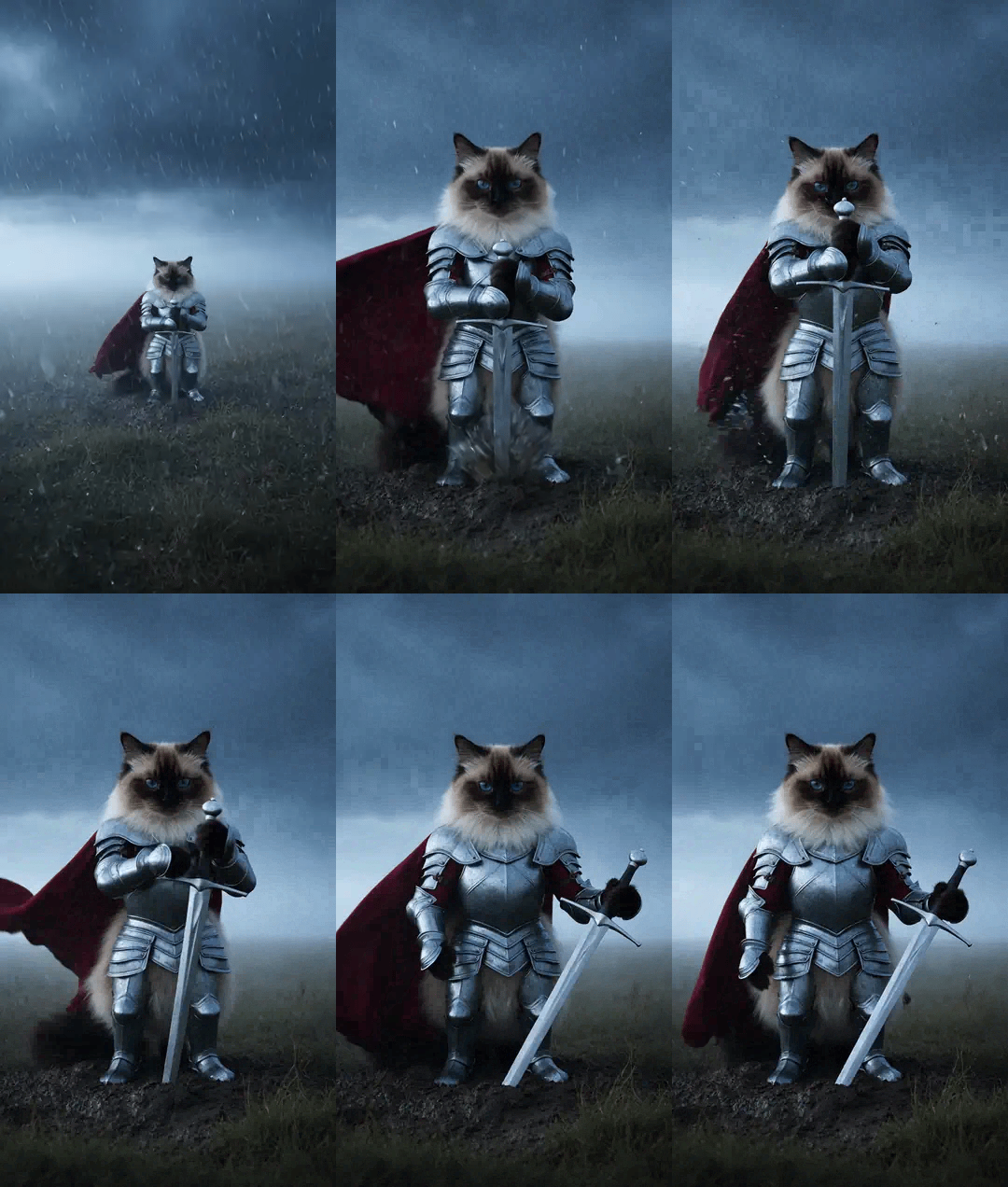
Generate from the same photo a few times and the weather changes. Sometimes it is drizzle drifting through fog, sometimes rain fills the whole frame and the cape flies out sideways. We think that is a feature: if you want the wilder take, run it again.
This ragdoll got light rain but a very steady pull. These animations are silent; the actual clips have sound.
The corgi got the downpour, and the mud went everywhere the moment the sword came out.
What broke while we built the template
This template took more rounds than anything we have made before. Everything below showed up in real clips.
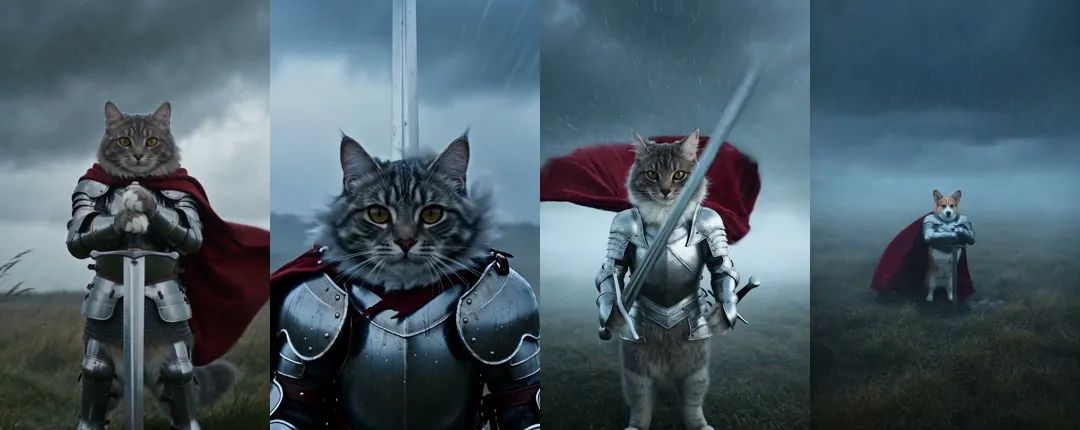
The knight looked like a person. Early versions gave us a knight about as tall as a human, long legs and broad shoulders, with a cat's head on top. The joke of the original is that the knight is tiny, so "a small cat" now comes first.
The sword went through the body. We started with the sword drawn from the knight's back. Swinging it from behind to the front, the blade sometimes passed straight through the body, and in one close-up it seemed to grow out of the back of the head. Now the knight lowers the sword to its side before the close-up, so no sword shows up there.
A second sword appeared at the hip. When we switched to a scabbard at the hip, the knight would draw the sword and a new one would appear in the scabbard anyway. Nothing we tried fixed it, so we dropped the scabbard and had the knight pull the sword out of the mud instead. That turned out to look better than the draw ever did.
Still not fully solved. Roughly one clip in four, the opening wide shot runs long or the sword is missing from it. If that happens, just generate again.
More ways to play with your knight cat video
Make a few from the same photo and post the one with the wildest storm. If you want your pet in a different role, try AI Crying, where cats and dogs cry real tears; with Halloween coming, Jack-o'-Pup dresses your pet up in a costume, and Sassy Paws gets it dancing. Every photo-in, clip-out effect lives in the template library, and if you would rather write a scene from scratch, head to AI video generation.
Pick the sharpest photo you have of your cat or dog and turn it into a cat knight with the Knight Cat template. The caption depends on what kind of day it has had.