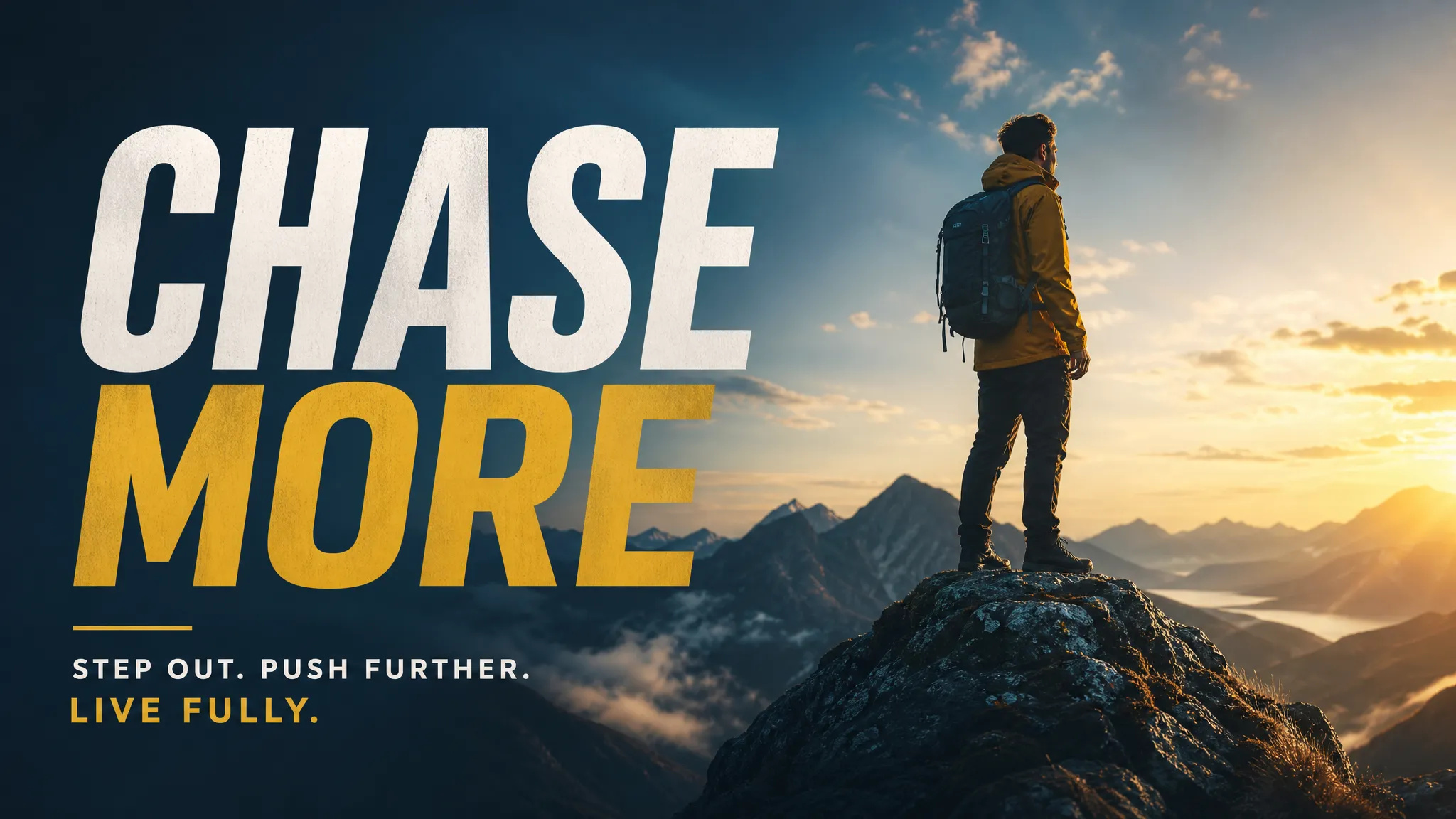
Posters and social assets
Render straight into the aspect ratio the platform wants, headline type laid out in the image, from wide covers to vertical phone screens.
Write one sentence and get photorealistic images or illustrations — or upload a reference and let the model build on it. Several top models, one interface.
GPT Image, Flux, Seedream and others swap from the same panel — no new tool to learn, no second set of parameter names to memorize.
Start from a prompt alone, or upload a reference so the model carries over an existing composition, style, or character.
Ultra-wide through vertical phone screens are all in the picker, with 4K on some models — so you're not cropping a finished image afterward.
Run one prompt and get multiple options at once. Comparing side by side lands on the right direction faster than re-rolling one image at a time.
Render straight into the aspect ratio the platform wants, headline type laid out in the image, from wide covers to vertical phone screens.
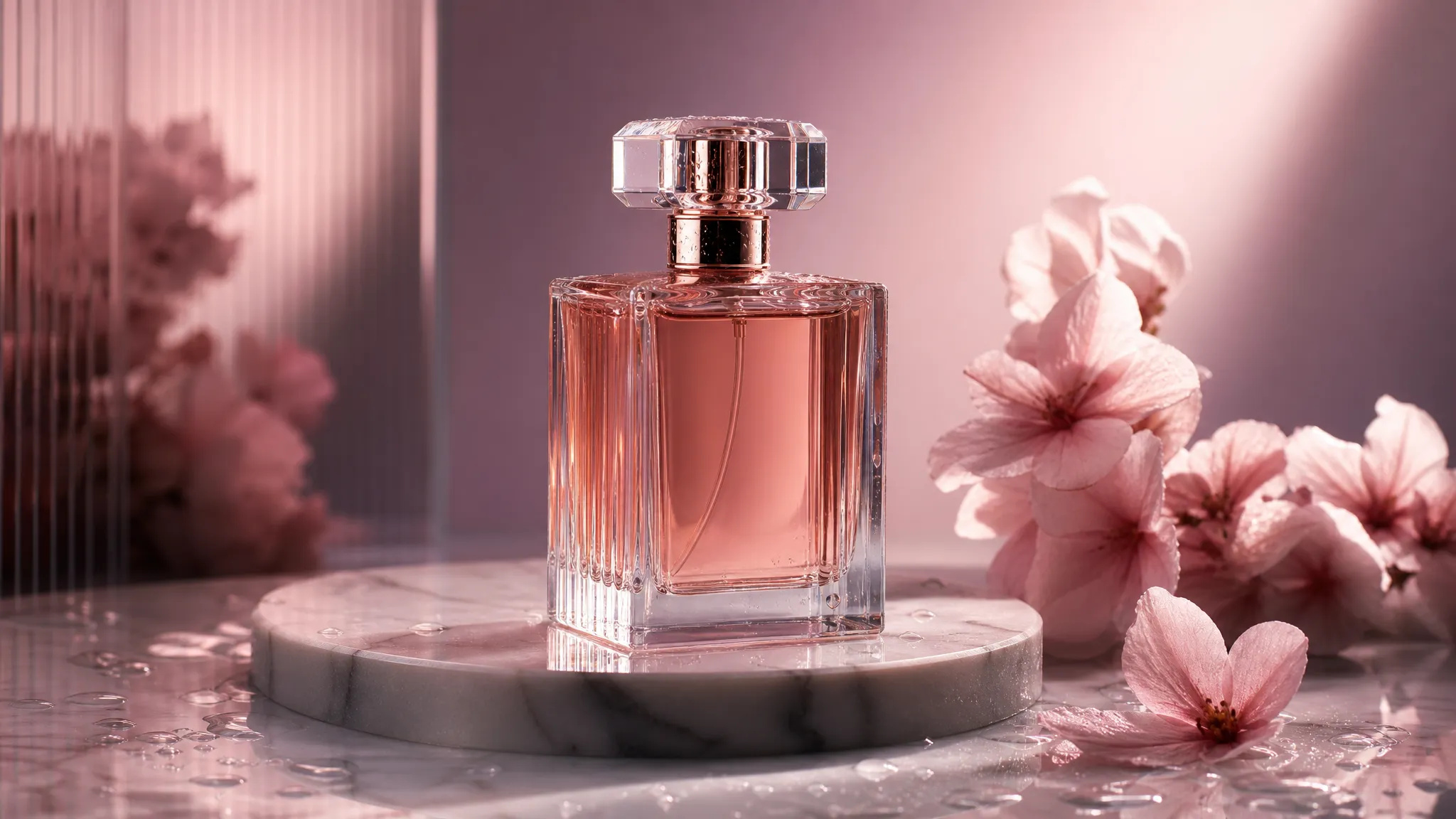
Keep the product itself intact via a reference image while swapping the scene and lighting — no reshoot.
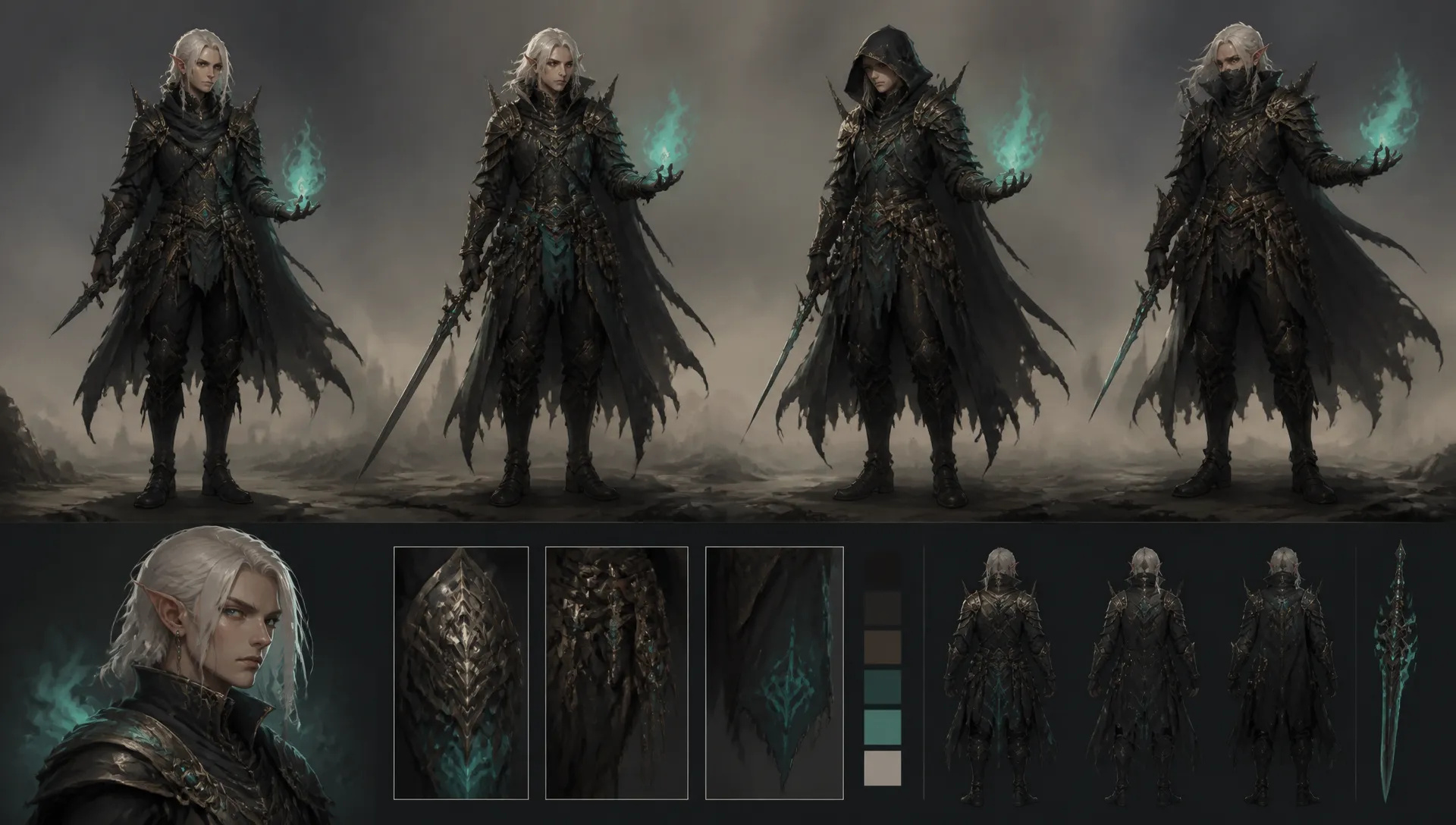
Early visual exploration for characters, environments, and shot ideas — several options at once to open up directions and costume variants fast.
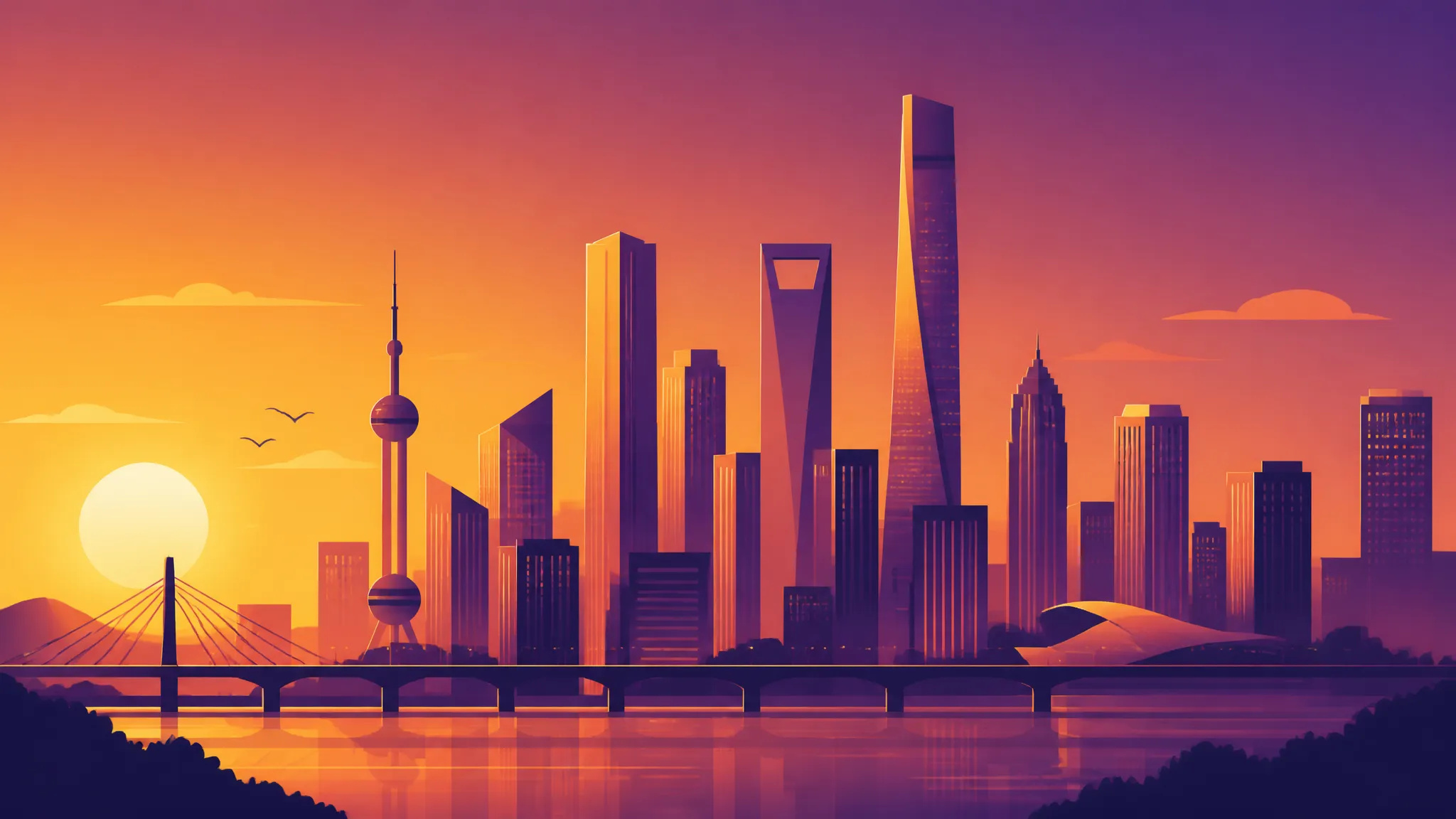
Pin down a style in words first, then walk into the conversation with real candidates instead of a verbal description.
Open the AI Image Generator, pick a model, and describe the image you want.
Upload a reference if you're building on an existing image, then set aspect ratio, resolution, and how many to render.
Download the result, or send it to the canvas to keep working.
Image models turn over fast, and they're good at different things. One lays out text in the frame accurately; another follows a long, multi-clause instruction; another gets closer to real photography on skin and light. The catch is that using more than one usually means bouncing between sites — a new parameter panel to learn each time, and a separate balance to top up.
The ZOOOP AI Image Generator collapses that into one page. Prompt and parameters on the left, results on the right, and switching models is a dropdown. The parameter panel reshapes itself per model, so you don't have to remember what each one calls "aspect ratio." Credits are shared, with no subscription and no expiry, which makes trying an unfamiliar model cost a few images rather than a decision.
The thing that usually slows people down isn't image quality — it's that the output needs another round of work before it's usable.
So aspect ratios are offered at delivery sizes: ultra-wide, standard landscape, square, vertical phone. No rendering once and cropping after. Resolution goes to 4K on some models, which covers posters and print. And you can render several candidates from one prompt — comparing a handful side by side tends to converge faster than re-rolling a single image.
Already have an image? Upload it for image-to-image and the model carries its composition, style, or character forward. Swapping an e-commerce background, moving a character to a new setting, unifying the style across a set — that's this path.
This page makes a new image. A few jobs have better entry points:
Treat this page as the opening move. While the direction is still open, use a sentence to try a few models and pull several candidates — seeing options is how you find out what you actually want. Once the direction is set, move to image editing for refinement, to the canvas for a full set, or save the recipe as a template if you'll run it repeatedly.
Not sure where to start? Write one sentence describing something you'd like to see and render it. A concrete image gets you further than a carefully reasoned prompt.
Text-to-image works from the prompt alone — best when the direction is still open. Image-to-image starts from a reference you upload, and the model carries over its composition, style, or character — best when you already have something worth keeping. Both live on this page; uploading a reference is the only difference.
No single model wins everywhere. For legible text in the frame or long, multi-part instructions, reach for the stronger general models; for skin texture and lighting that reads as real photography, reach for the photographic ones. Running the same prompt through two or three models tells you more than any spec sheet — the model library notes what each one is good at.
Start from a template — the prompt and parameters are already set, so swapping the subject is enough to get an image, and a few runs show you which words actually move the output. When writing your own, lead with the subject, then style, then composition and lighting; that beats stacking a long chain of adjectives.
Yes. Change part of an image with image editing, get a losslessly scalable file with the SVG generator, or send everything to the canvas to work alongside video and audio. Results stay in your history, so you can pull them back later.







Prompt*
Image Urls
Aspect Ratio*
Resolution*
Quality*