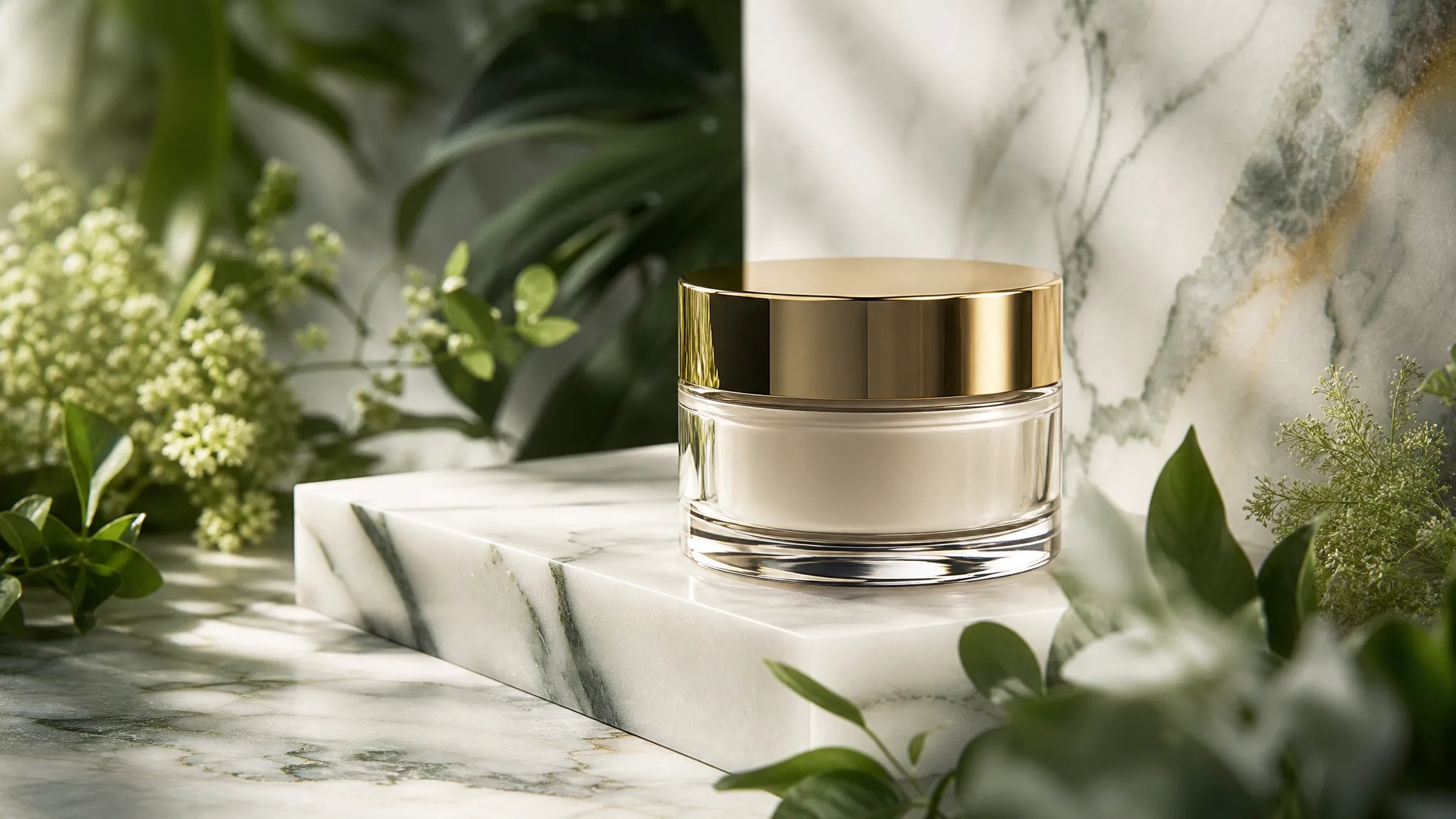
Swap e-commerce backgrounds
Leave the product untouched and change only the scene and lighting — one shoot, many versions.
Upload an image and say what to change — swap the background, remove an object, recolor, add an element. No re-describing the whole frame, no layers or masking tools.
"Make the background an evening street" is enough. No re-describing the whole image — whatever you didn't mention stays as it was.
Paint over an area to confine the edit to it. Right when you need a specific object gone, or only one part of the frame replaced.
Attach a reference to show the model the look you're after — far more precise than describing an appearance in words.
GPT Image and the Nano Banana family differ in real ways — some follow complex instructions better, others hold faces and product detail more reliably. Re-run the same edit on another model.
Leave the product untouched and change only the scene and lighting — one shoot, many versions.
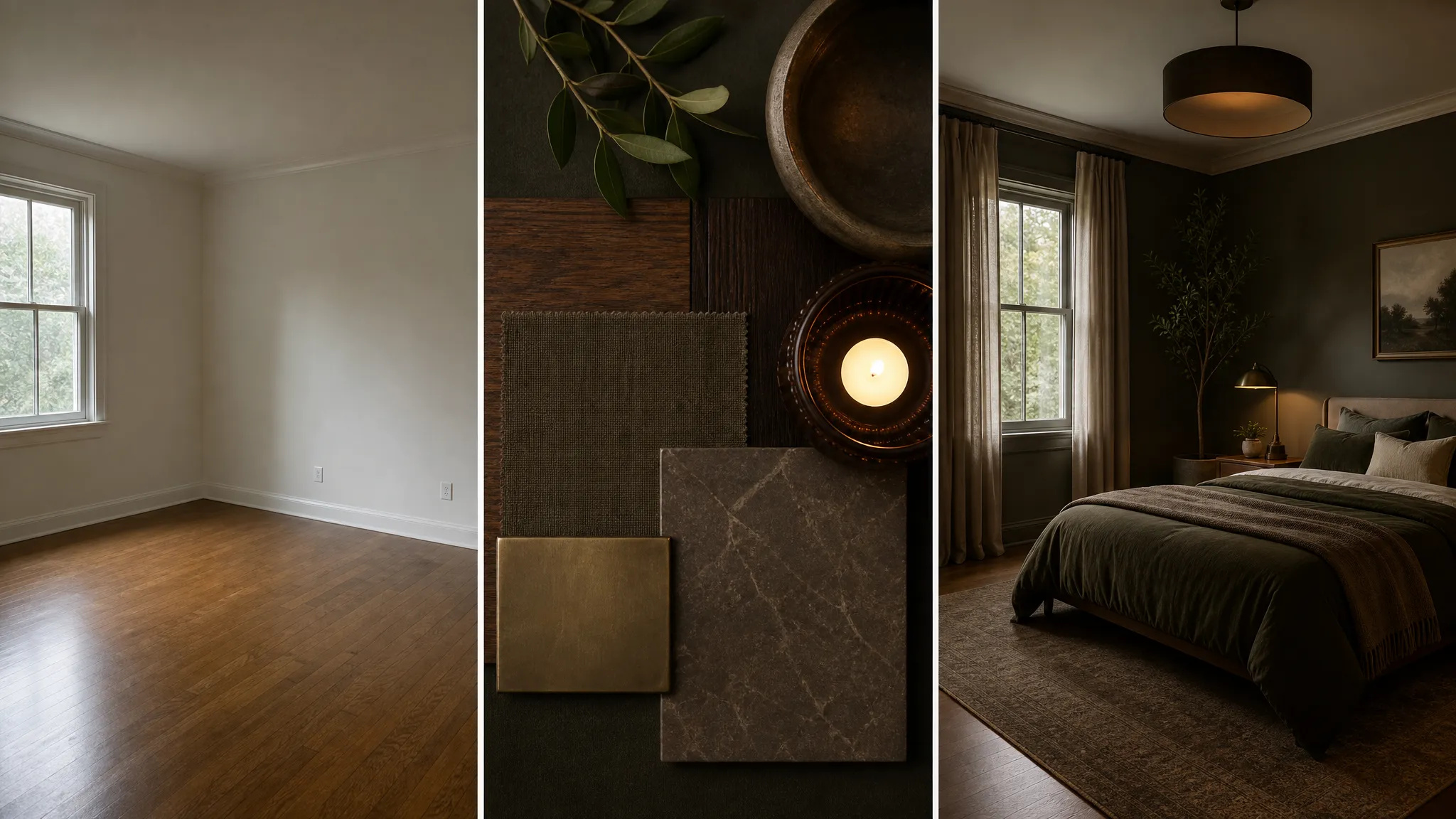
Bystanders, clutter, stray text — mark it and it's gone, with the background filled in behind it.
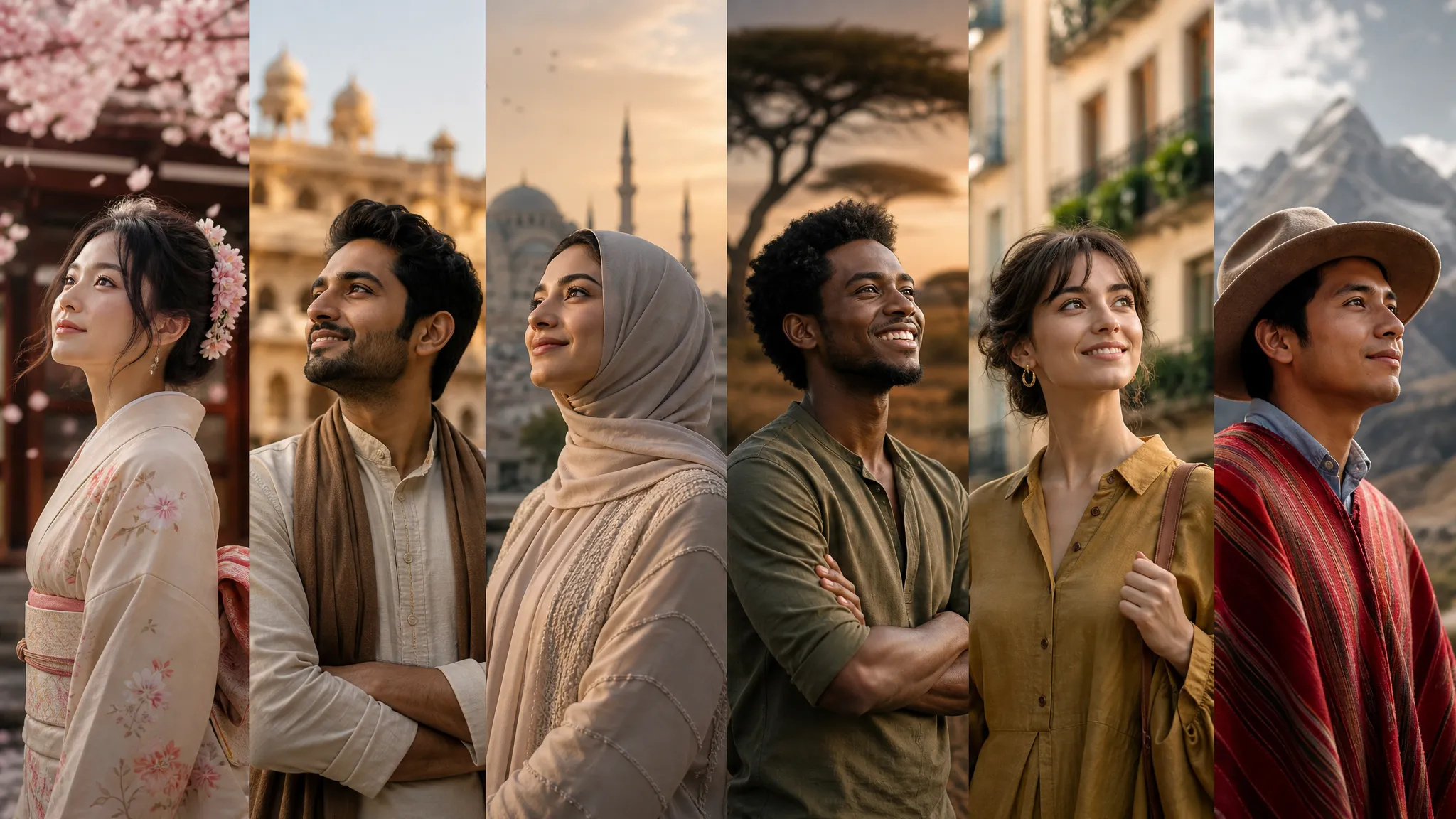
Keep the layout and subject, change the headline copy or the palette — useful for localized versions and A/B options.
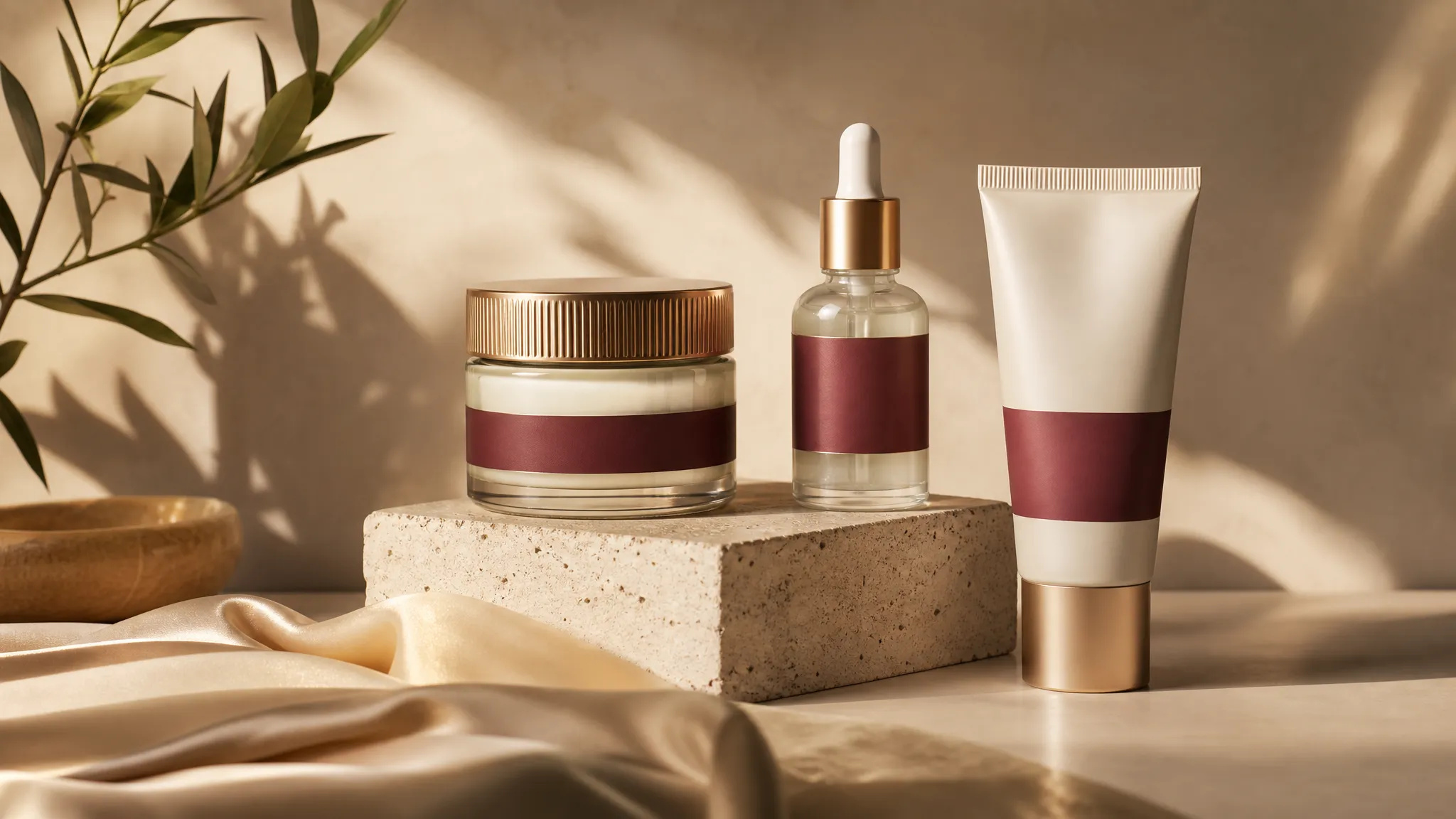
Lighting, material, color — the things you can see but can't quite specify — nudged in the right direction with one sentence.
Open the AI Image Editor and upload the image you want to change.
Describe the change in a sentence; brush over the area when you need precise control.
Download the result, or send it to the canvas to keep editing.
Generating an image and editing one are different jobs. When generating, you're describing what you want. When editing, you're really saying "leave everything alone except this one thing."
That second job goes badly in a text-to-image tool: rewrite the prompt and the character, composition, and lighting all come back different — the exact things you were trying to keep. Traditional photo software gives you precise control, but swapping a background means cutting out, feathering, and color-matching, which only helps if you already know how.
The ZOOOP AI Image Editor takes the middle path: upload the original, then say what to change. "Make the background an evening street." "Remove the person on the left." "Turn this jacket beige." Whatever you didn't mention stays as it was.
Most edits work from the sentence alone. Two situations need more: the location is specific (three people in frame, you want one gone), or the model keeps changing the wrong thing.
That's when you brush the region and confine the edit to it. Beyond brushing, you can attach a reference image — for the background you want or the material you have in mind, one picture beats a paragraph of adjectives.
Models are worth switching too. Some follow complex instructions better; others hold faces and product detail more reliably through an edit. The same image and same sentence on a different model is often the whole distance between "not quite" and "that's it."
This page changes an image you already have. Several jobs have better entry points:
In one line: edit when you want to keep the original, generate when you want a new frame.
In practice you'll bounce between the two — find a base image in the generator, refine the detail here, then send it to the canvas to sit alongside your other assets. So this page is rarely the starting point, but it's often the step that takes an image from "close enough" to deliverable.
The generator draws something new from nothing; the editor changes the image you already have. The difference is what gets preserved — an edit tries to hold everything you didn't mention, so swapping a background, removing an object, or fixing one detail is more controllable here, and your subject and composition don't change along with it.
Usually not — most edits work from the sentence alone, and the model finds the area itself. Brushing helps in two cases: when the location is specific (remove the person at the bottom right), or when the model keeps changing the wrong thing. Painting the region removes the ambiguity.
This is where models differ most. Some hold faces and product appearance far more reliably through an edit; others are better at large stylistic changes. If a result deforms your subject, re-run the same instruction on a different model — that usually resolves it.
Yes. Each result can be the input to the next edit, step by step. When you want to see many versions at once, or compare several images side by side, the canvas beats overwriting one result in a single page.
Prompt*
Image*
Resolution*
Thinking Level
