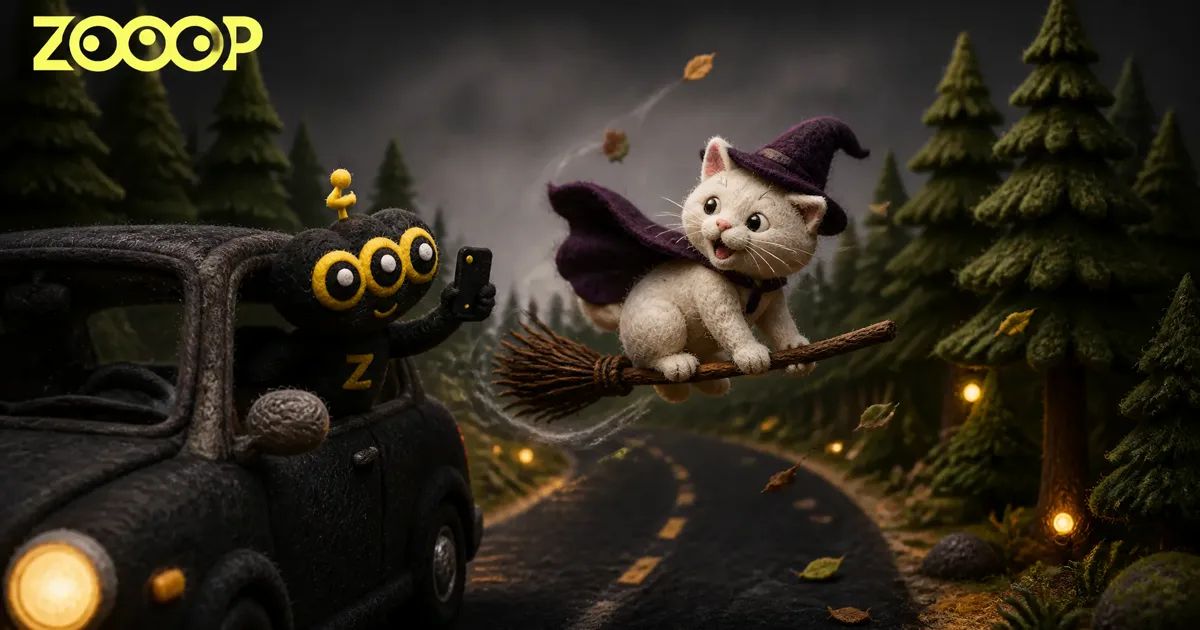
How to Make a Flying Broom Getaway Video from One Photo
The camera points out of a passenger window. A car crawls along a forest road, and someone keeps pace beside it with a long twig broom. They glance back, grin, swing a leg over the broom and lift off, gliding next to the car for a second before climbing over the pine trees and shrinking into the grey sky. The side mirror sits in the corner of the frame the whole time, which is why it looks like a friend just happened to film it.
Clips like this spread as the My Ride Is Here broom trend, and the joke works because nothing about it looks staged. You can make your own flying broom getaway from a single photo with ZOOOP's Flying Broom Getaway template. No broom, no car, no forest, and nobody has to hang out of a window holding a phone.
What the finished video looks like
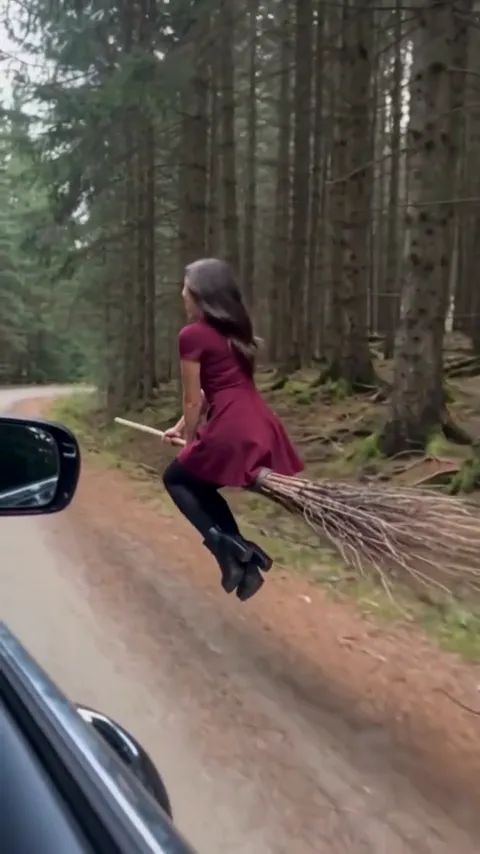
Every Flying Broom Getaway clip is 10 seconds long in a vertical 9:16 frame. The first three seconds are the walk: you beside the car, broom in hand, the road and tall pines rolling past. Then comes the look back at the camera, the mount and the takeoff. You fly alongside the car briefly, look at the camera once more, then head up and away until you are a speck above the treeline.
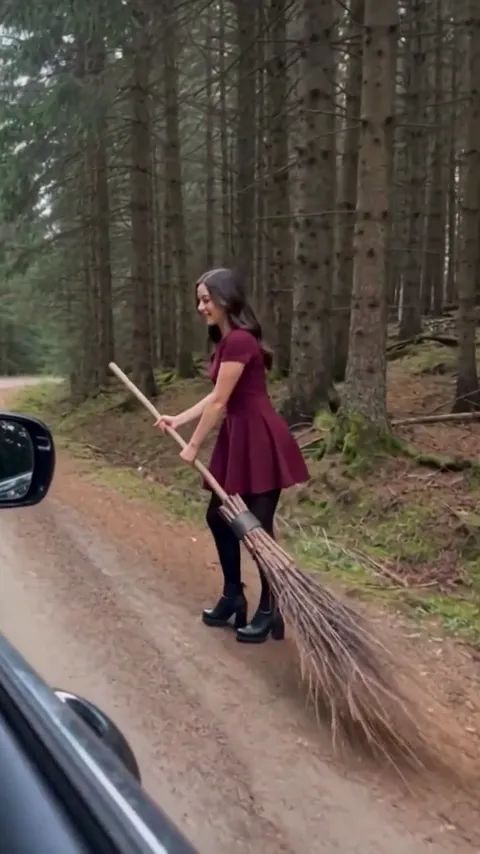
Our sample started from a photo of a woman in a burgundy dress, tights and black boots. The same dress stays on her from the first step until she disappears into the sky. That continuity is what people notice. If the rider stops looking like you halfway through, the gag falls flat.
Pick a photo that sets up the whole ride
The flying broom AI takes everything about the rider from your photo, so the photo matters more than any other choice you make.
Use a full-body or knee-up photo if you have one. Your outfit carries through the entire clip, and a full-length shot shows your shoes and the length of a skirt or coat instead of leaving them to be filled in. A head-and-shoulders selfie still works; whatever sits below the frame just gets completed.
Keep your face clear. Sunglasses, a hand on your chin or hair across your eyes make it harder to keep you recognizable in the look-back moments. Plain daylight beats a dim bar or a heavy beauty filter.
Dress for the part if you like. A dark dress, a long coat, a cape or a pointed hat leans into the witch flying broom look, and the template carries those pieces into the flight. Everyday clothes are funny in their own way. Someone in a hoodie and sneakers casually flying off on a broom is half the appeal of a flying broom getaway.
Stick to one adult per photo. If you want a friend in on it, use a photo they are happy to share and make a separate clip for them.
Upload, generate and download
- Open the template and upload your photo. One photo is all it takes.
- Choose 480p or 720p. Both are 10 seconds long, and the page shows the credits before you start.
- Select Generate, then download the finished video.
That is the whole broom riding AI workflow. There is no prompt to write and no motion to record; the walk, the look back, the mount and the flight are already built in.
Put your cat or dog on the broom
Flying Broom Getaway also has its own Pet template, and you can switch to it from the top of the template page. Your pet trots beside the car with the broom handle in its mouth, dragging a broom several times its size, looks back, jumps on and takes off.
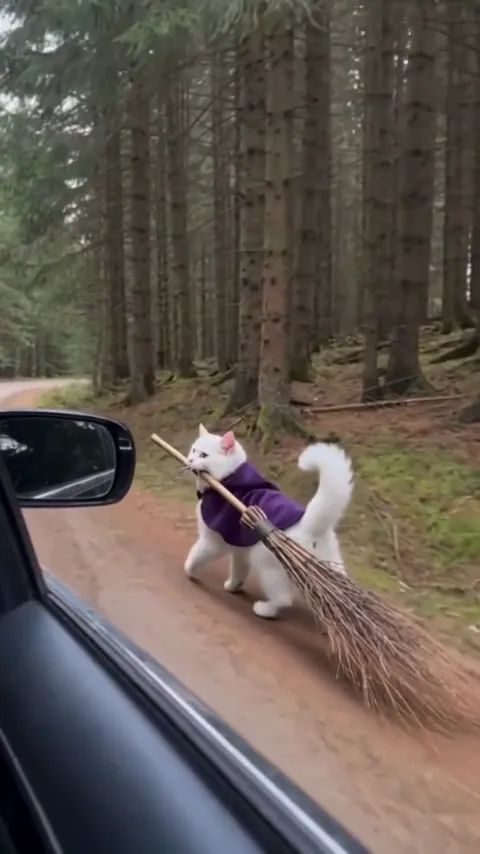
Our cat wore a tiny purple cape in its photo, and the cape stayed on for the whole flight, flapping in the wind. Pets keep their own fur, markings and shape and stay real animals throughout: no human hands, no cartoon face. If your pet will tolerate a little cape or bandana for one photo, it is worth it.
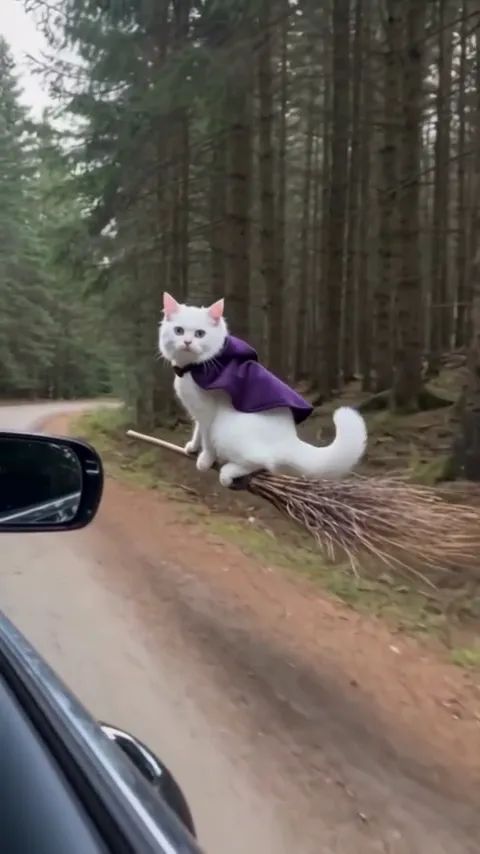
For the pet photo, go for the whole body in a sharp shot with the face visible. A cat curled into a ball or a dog mid-zoomie leaves too much to guess. Keep it to one pet per photo.
Small things that make it land
The broom trend lives on timing. The look back at the camera is the beat that sells it, so post the full 10 seconds instead of trimming the opening walk.
Crops can be harsh on the side mirror. If you reframe the clip for another format, keep the mirror and the edge of the car in shot. They are what make it read as filmed from a moving car.
Results vary a little from one generation to the next. Loose hair, shoes and the size of the broom can change between runs, and a pet's fur pattern is matched closely rather than pixel for pixel. Faces and outfits aim to stay recognizable.
It is an obvious Halloween post, but it does not need October. A flying broom exit after a long week works just as well.
Make your own flying broom getaway
Pick a full-body photo of yourself, or a clear shot of your pet, and open the Flying Broom Getaway template. Choose a resolution, select Generate and download your ride. For more effects that start from one photo, browse the Halloween templates.