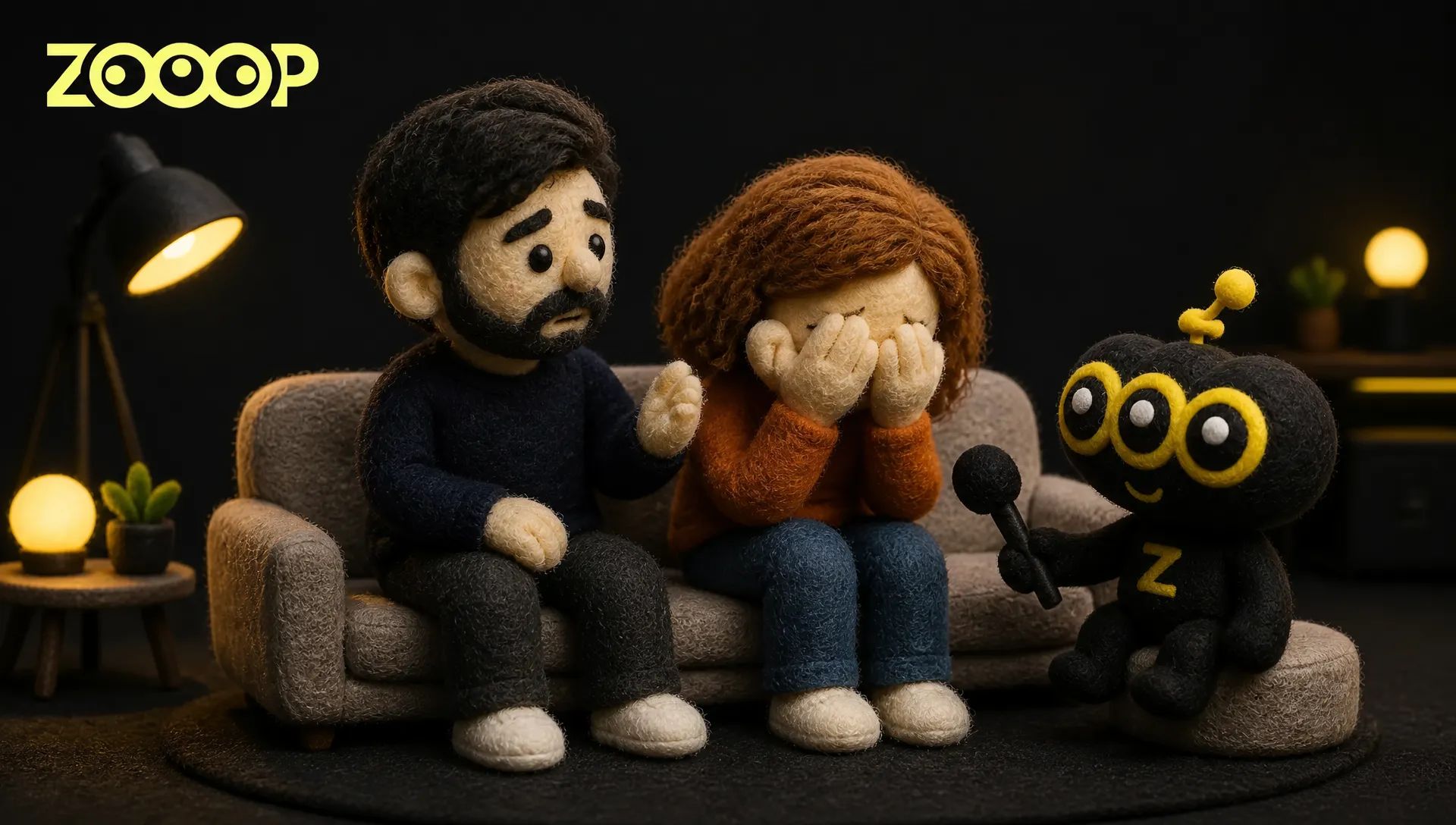
How to Make the Deep Down in My Heart AI Video with Two Photos
A person sits on a couch and earnestly says, “Deep down in my heart… I still love you.” The person beside them freezes. Their eyes well up, their expression crumbles, and suddenly they are covering their face and sobbing. The confessor looks increasingly awkward, wondering what to do with their hands.
That emotional reversal is the hook of the Deep Down in My Heart duo interview. With ZOOOP’s Deep Down In My Heart Duo template, two photos are enough to create your own AI duo video. No prompt writing or manual editing is needed.
What Is the Deep Down in My Heart Trend?
The format revolves around a contrast between two people in an interview. One is completely sincere. The other is unprepared for the confession and loses control of their emotions. The camera moves between the two-shot and a close-up of the crying person, so the viewer goes from a quiet declaration to an exaggerated meltdown in a matter of seconds.
The trend is still at an early stage, and human versions have begun to appear. It works for friends, couples, siblings, and fictional family pairings. You can use real photos, but the interview itself is AI-generated. Say that when you post it, especially if the pairing could be mistaken for a real conversation.
What This AI Duo Video Includes
The template covers the essential beats: two people sitting side by side, a confession, an increasingly emotional reaction, and the other person’s awkward attempt to comfort them. Each person keeps their own face, age, hairstyle, and clothing. Their identities do not switch places halfway through.
The default output is vertical and includes audio. The person in the first photo cries; the person in the second photo says, “I still love you.” When making this AI duo video, the most important casting decision is therefore who gets the crying role.
Your two photos can show friends, a couple, or a younger and an older adult. The people in this article are fictional examples, making it easier to see how different ages and looks come through in the finished scene.
How to Choose Two Photos
Use one person per photo. A group picture leaves the template guessing which face you want. A front-facing half-body portrait is the easiest option, with even lighting and no hands or hair covering the eyes.
Cast your emotional lead in photo 1. This person freezes, tears up, and finally covers their face while crying. A slight angle is fine, but visible facial features make the changing expression easier to read.
Put the confessor in photo 2. Everyday clothing works well; there is no need to dress up. Similar lighting and image quality across the two photos help both people feel like they belong in the same room.

If a portrait ends at the shoulders, the rest of the outfit has to be imagined. Use a photo that shows the upper body down to the waist when a particular shirt or sweater matters. And only use photos of adults who have agreed to appear in your creation.
Make a Deep Down in My Heart Video with ZOOOP
- Open the template page. Upload the crying person as photo 1 and the confessor as photo 2.
- Keep 480p for the default output, or choose 720p for a clearer result.
- Submit the task, wait for generation, and download the finished video.
The interview setting and emotional pacing are already arranged. You do not need to build a shot list. To make another AI duo video, upload a different pair of two photos or reverse their order so the previous confessor becomes the person who cries.
Young and Older Versions: What Changed?
In the younger version, the curly-haired woman covers her face and sobs while the man shifts from sincere confession to visible discomfort. Their clothing carries over from the input portraits, and the short reaction shots make the scene easy to share in a group chat or on a short-video platform.
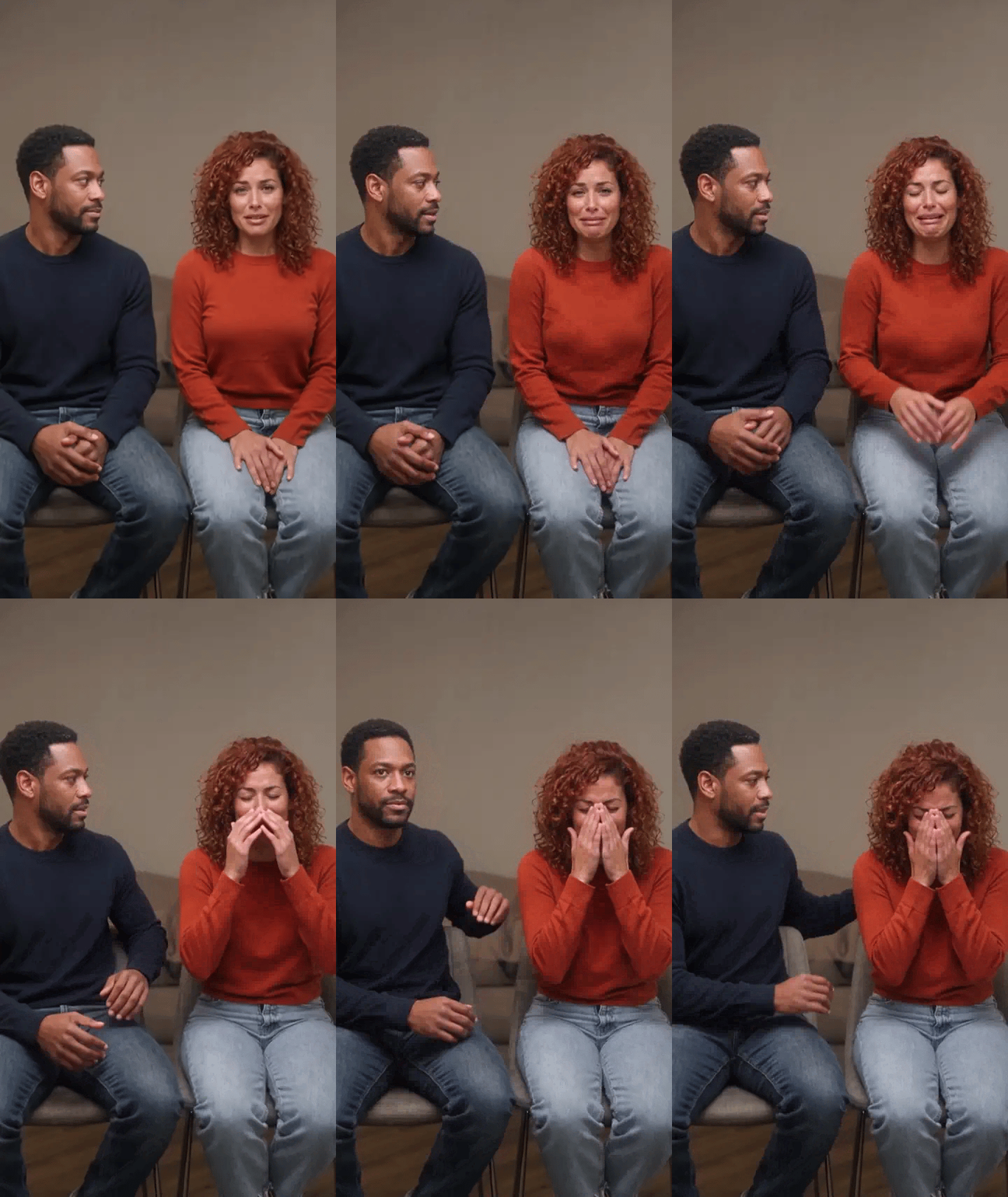
The older version lands a little differently. The man sounds composed and serious, while the woman goes from teary eyes to covering her face. Their age gives “I still love you” a hint of a long-awaited reunion. It is the same AI duo video format, but a different cast changes the emotional tone.

These inline animations show the visuals only. The downloaded videos include audio.
Common Mistakes to Avoid
Reversing the roles. If the wrong person ends up crying, photo 1 and photo 2 were probably reversed. Swap them and generate again.
Hiding too much of the face. Heavy side angles, sunglasses, backlighting, and hands over the face all remove useful detail. Casual photos are fine, but avoid shots where each person is only a tiny part of the frame.
Expecting every pixel to match. The goal is a recognizable person, not an identical copy of the source photograph. Fine facial details can vary more during an intense expression than in a quiet shot. A sharper portrait is usually more useful than changing the scene repeatedly.
Presenting a fictional interview as real. A playful clip among friends is one thing. On a public platform, label it as AI-generated and avoid inventing relationships or personal histories that could mislead viewers about real people.
What to Try Next
Once you have made this AI duo video, the same cast can star in something else, and your two photos do not have to be single-use. Try Motion Control to give a person in a photo another performance, or use Lip Sync for dialogue you write yourself. More AI duo video and single-person ideas are waiting in the ZOOOP template library.
For your first AI duo video, start with an uncomplicated pair of two photos: similar lighting, simple clothing, and unobstructed faces. This makes it easier to judge the casting and photo order. Change one variable at a time when you try a different age or pairing.
Choose your two people and two photos, open Deep Down In My Heart Duo, and download your AI duo video when generation finishes. You decide who says “I still love you”—and who cries.