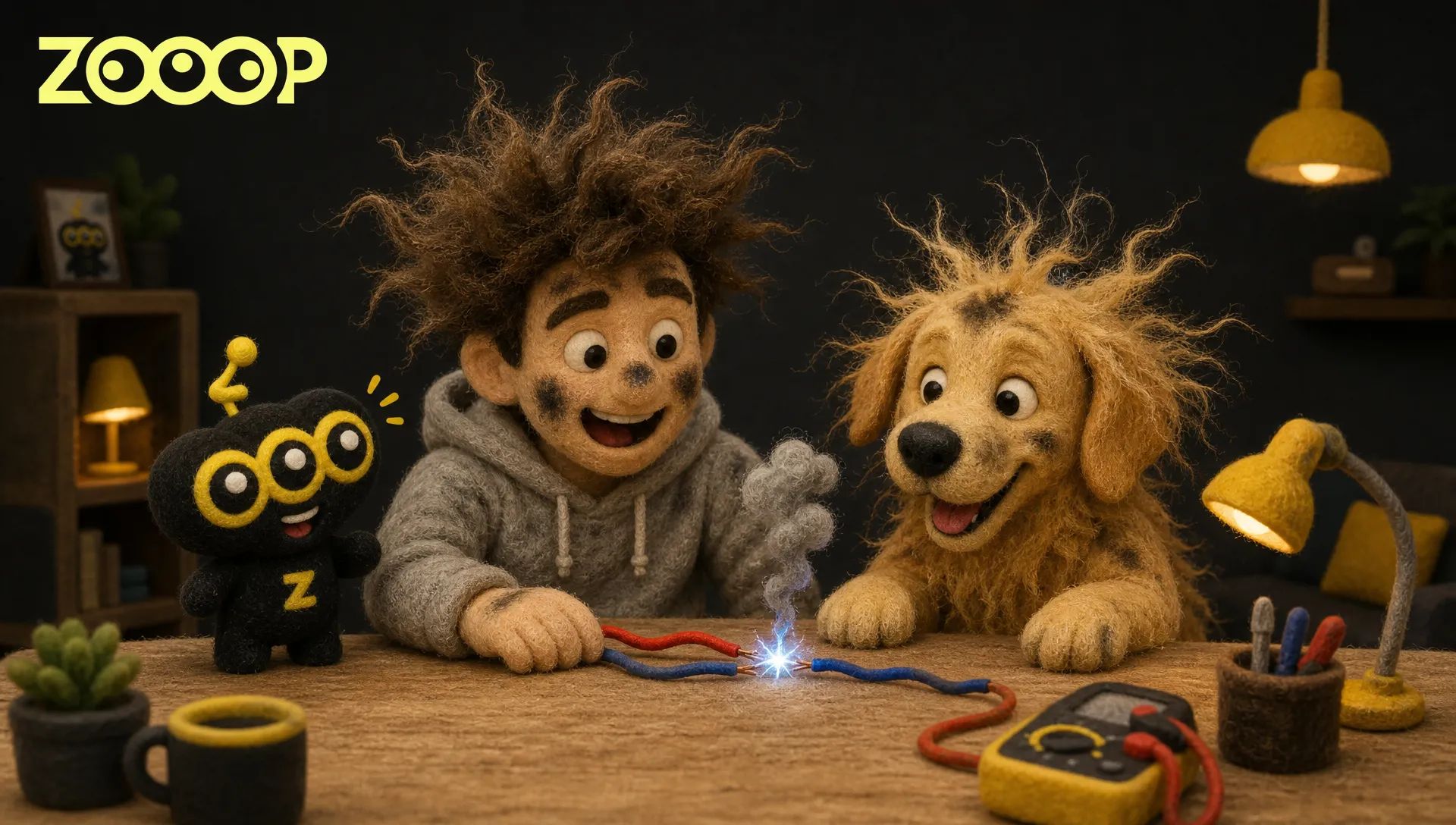
How to Make an AI Electric Shock Prank With Your Pet Using 2 Photos
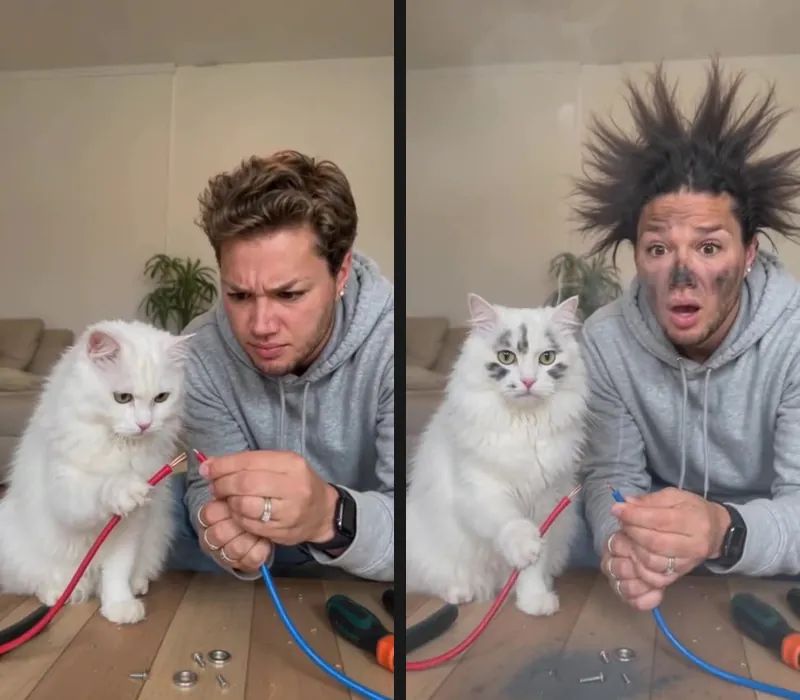
A person and their pet lean over a table and cautiously bring two wires together. There is a spark, a puff of smoke, and then the reveal: sooty faces, wild hair, and very fluffy fur. After a stunned pause, they look at each other and laugh. That full sequence is what makes the AI electric shock prank so funny.
ZOOOP's Electric Shock Pet Prank template turns that premise into a 12-second vertical video starring you and your pet. Upload one adult portrait followed by one dog or cat photo. We made versions with a golden retriever and a white cat; the examples below show what to expect and which photo details matter.
Watch the effect: soot and frizzy fur steal the scene
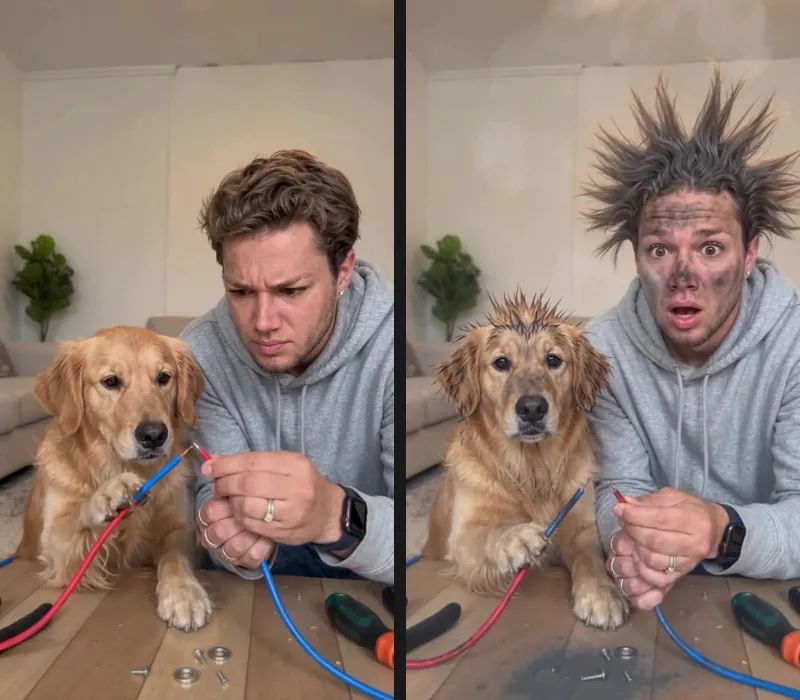
The spark is only the setup for an AI electric shock prank. The payoff comes when the smoke clears. Both stars begin with clean faces and natural hair or fur. Moments later, the person's hair shoots upward, irregular dark smudges appear on both faces, and the pet's coat puffs up with lightly singed-looking tips.
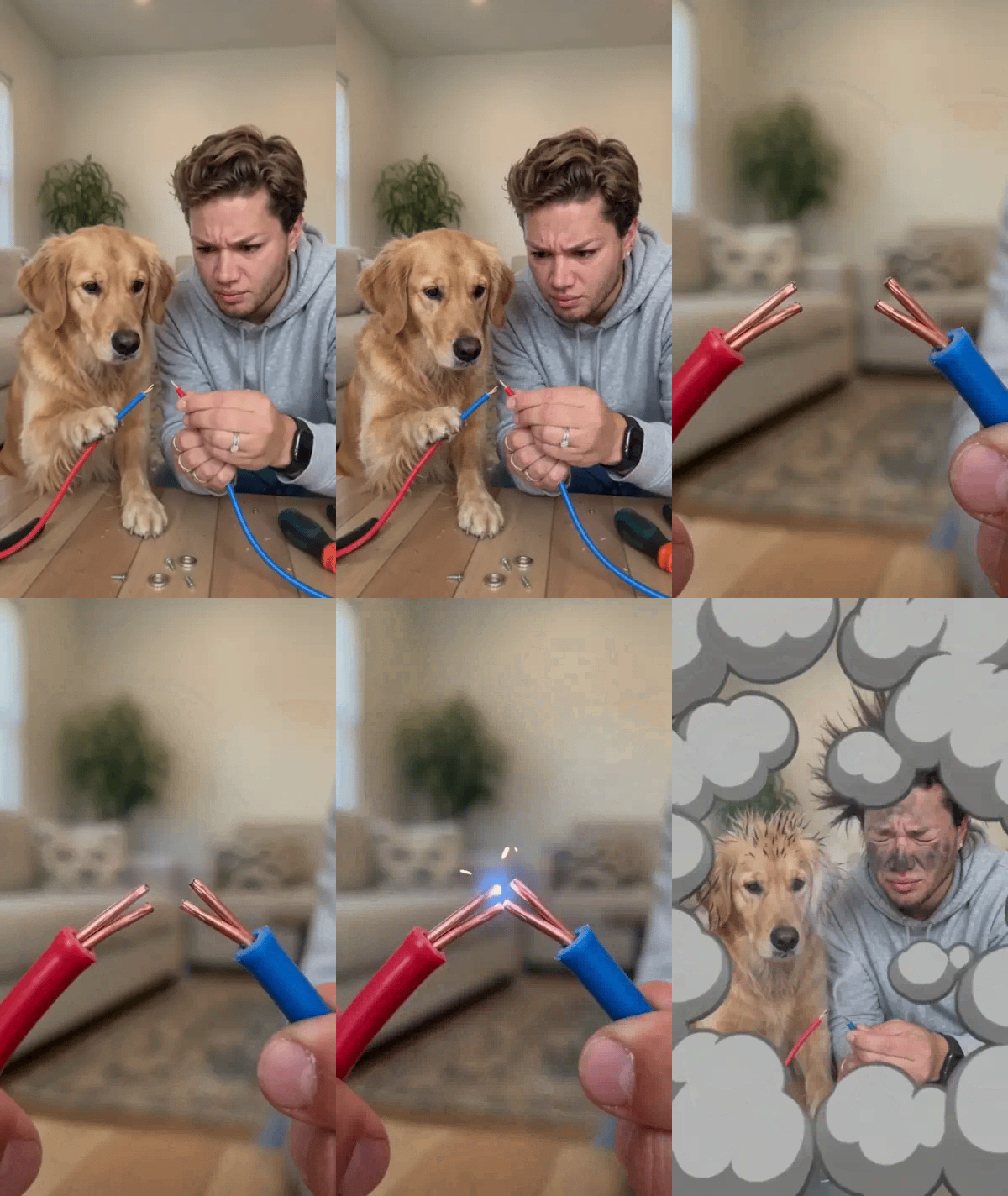
In the golden retriever version, the floppy ears, broad muzzle, and golden coat remain easy to recognize. Soot gathers around the muzzle and cheeks without hiding the eyes or nose. The man wears the same light gray hoodie before and after the smoke, so the scene feels like one continuous prank rather than two unrelated clips.
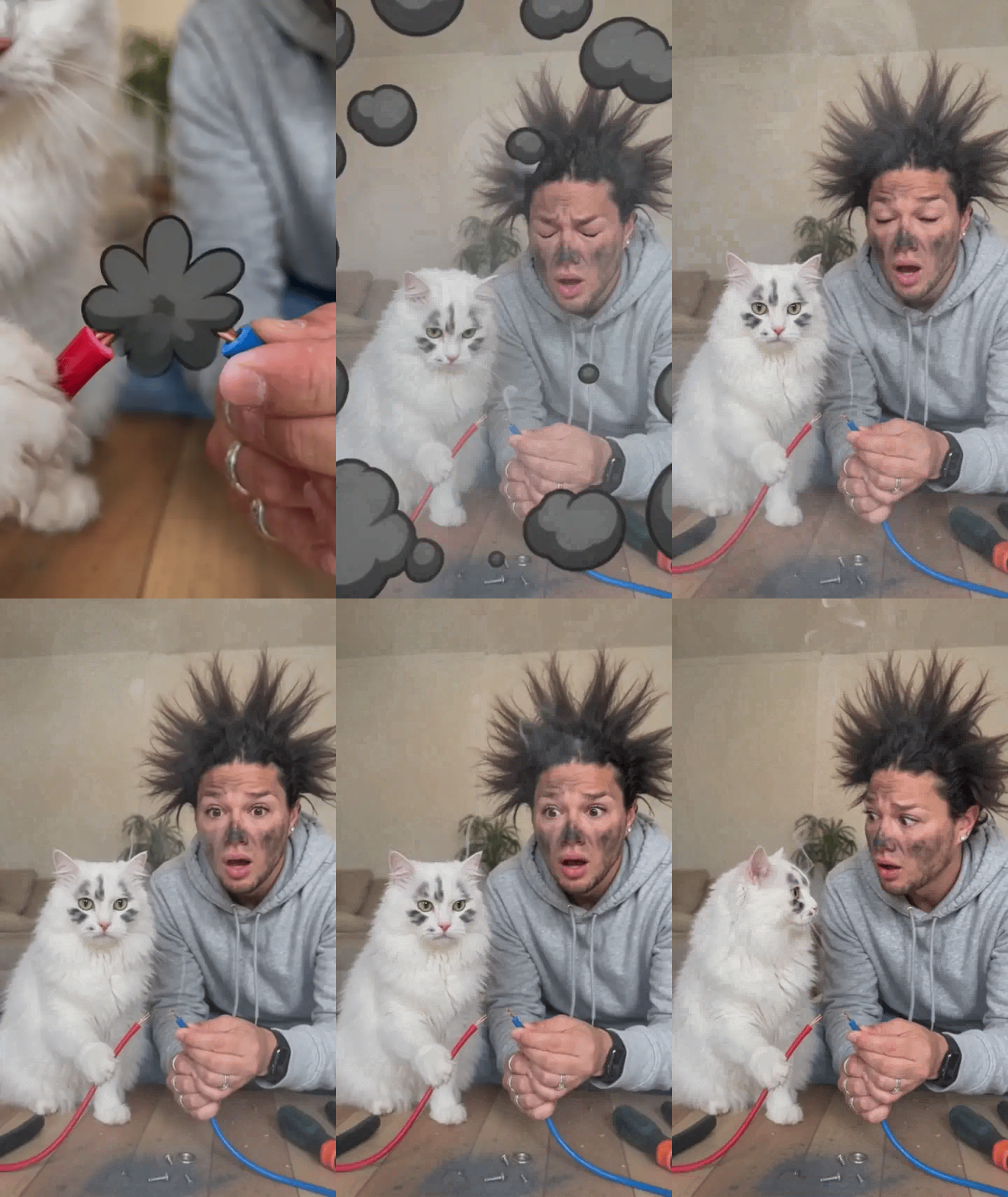
The soot stands out even more against the white cat's fur, especially on its forehead and cheeks. Its front paws stay naturally placed at the table, and the man's outfit remains consistent through the transition. Both examples use a bright living-room workspace, so there is no need to upload a separate photo of your home.
Choose two photos: one adult, then one pet
An AI electric shock prank needs exactly two input images in the right order. The first is a photo of an adult; the second is a photo of one dog or cat. Keep one subject in each picture instead of uploading a group portrait or a photo with several pets.
For the person, a half-body or full-body photo with even lighting and an unobstructed face works well. Pay attention to the outfit because it carries into the video. Everyday clothing with a clear silhouette and distinct colors is easier to follow than busy patterns or strongly reflective fabric.
For the pet, try to include the face, ears, body outline, and front paws. A front-facing or slightly angled sitting pose is fine. A white cat on a white blanket or a black dog against a dark background may lose useful outline detail. Toys and blankets covering the paws can also hide information the scene needs. An ordinary phone photo is enough; there is no need to add a beauty filter first.
Make the 12-second video in three steps
Open the template and upload the adult portrait first, followed by the dog or cat photo. The page displays both inputs so you can confirm the order before generating.
Next, choose a resolution. Both options keep the same 12-second vertical story. The higher setting is useful when you want clearer soot, fur, and clothing texture. For a first AI electric shock prank, you can also begin with the lower setting.
Then generate the video and wait for the finished clip. Refer to the usage shown on the page before submitting. You do not need to arrange the spark, smoke, or laughter yourself, or write a long scene description. The timing is already built into this AI video generation experience.
Why we pay attention to clothes and paws
A sudden outfit change can break the joke in an AI electric shock prank. When selecting our dog and cat examples, consistency was a priority: both begin with a light gray hoodie, and the same hoodie remains after the soot appears. No jacket appears halfway through, and the color does not change.
The pet's paws deserve the same attention. They should look like natural dog or cat front paws resting on the table, not human hands with thumbs or extra fingers. A wire can sit beside or beneath a paw; the pet does not need to pinch it like a person.
More exaggerated fur is not always better. The soot should be visible while leaving the eyes, nose, and mouth readable. Slightly darkened, curled fur tips add to the cartoon effect without suggesting injured skin. Results vary between generations, so play the full clip and watch whether these details remain coherent during movement.
If the result is off, change just one photo
If the person does not look quite right, start with a more front-facing portrait under more even light. If the outfit changes too often, try clothing with a simpler outline and clearer colors. When the pet's face or coat markings drift, replace only the pet image and keep the portrait that already worked.
Unnatural front paws often trace back to the source image. Look for a photo where the paws are visible rather than cropped out or covered. Changing one variable at a time makes it much easier to find a good pair of inputs. A higher resolution can reveal more detail, but it does not automatically solve every identity or anatomy issue.
To use the same photos in a different story, browse the pet video templates. If the spark, soot, and frizzy fur combination is exactly what you want, return to the original template and try a new pair of photos.
Download your AI electric shock prank
The full 12-second rhythm gives an AI electric shock prank room to land: the clean opening, a small spark, the smoky transformation, a stunned look, and finally laughter. Keep captions away from both faces, or leave them out entirely and let the reactions carry the clip.
This is a cartoon comedy effect, not a real electric shock. Never recreate it with real wires or animals. Label the video as AI-generated when you share it so the premise stays clear.
Open the Electric Shock Pet Prank template, add an adult portrait and a pet photo in that order, and download your finished video.