
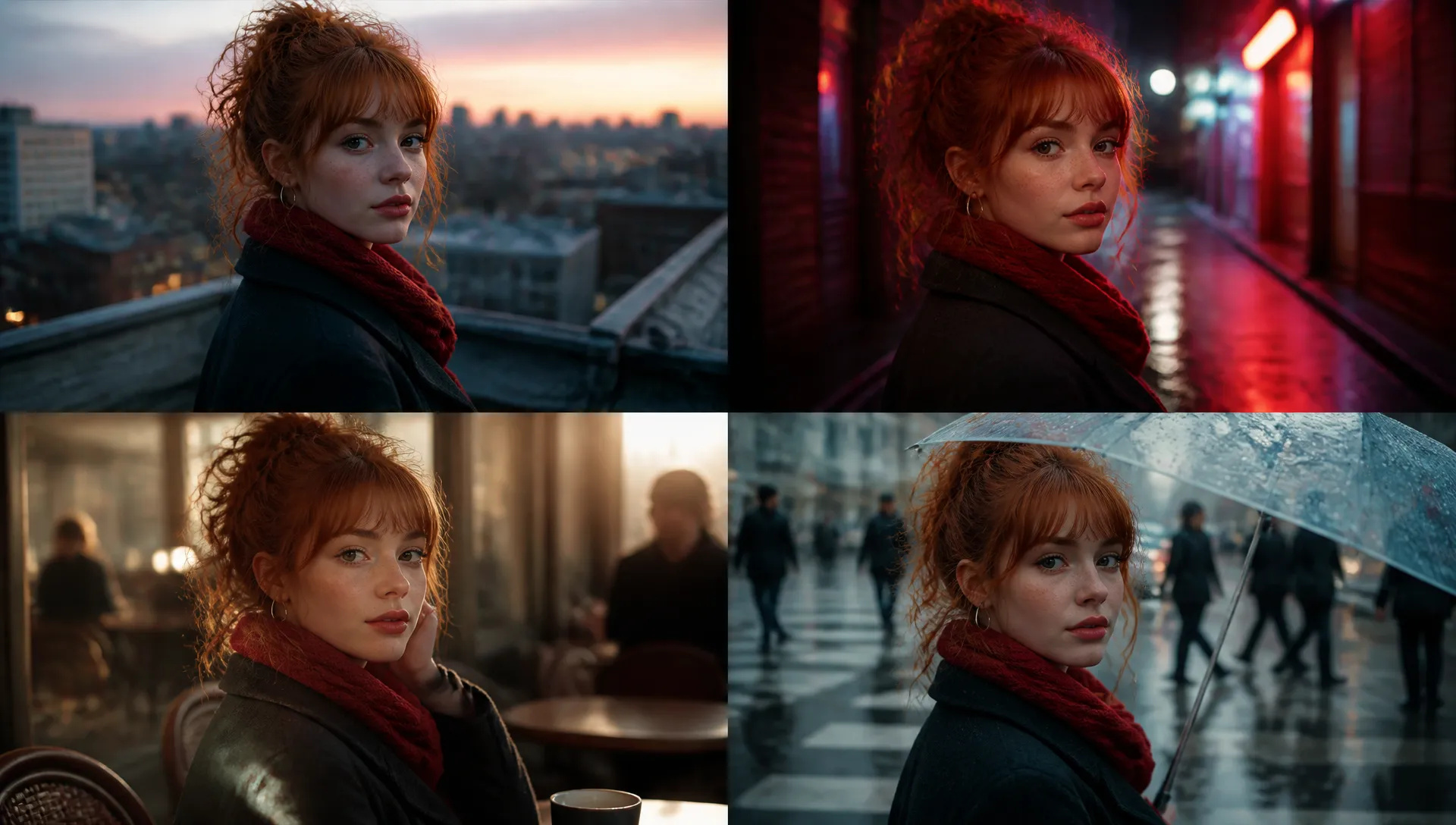
Character-consistent series
Feed one image per subject and H3 keeps the same face, product, or mascot recognizable across every shot — the practical way to build multi-clip stories around a recurring character.

MiniMax's omni-modal video model — mix images, video, and audio as one reference, and get 480p-to-2K clips with native stereo sound in a single call.
Zahlen Sie einmal für Credits - verwenden Sie sie für jedes Modell auf ZOOOP. · Nachfüllen, wenn es nötig ist, keine monatliche Verbrennung.
Powered by MiniMax's API on ZOOOP
Mix up to 9 images, 3 videos, and 3 audio clips into a single reference context — H3 reads them together to hold a character, camera move, or voice across shots instead of treating each input as a separate slot.
Every clip ships with sound. Dialogue, sound effects, and music are generated alongside the picture and timed to the action, so footsteps, lines, and cuts land together — no separate scoring or dubbing step.
Swap a subject, replace a background, relight a scene, or rewrite a line of dialogue in plain language on footage you supply — H3 keeps the untouched parts stable while applying the change.
Animate a first-frame image and optionally pin the last frame for a precise start-to-end transition — the same model that drives reference work also handles clean image-to-video.
Feed one image per subject and H3 keeps the same face, product, or mascot recognizable across every shot — the practical way to build multi-clip stories around a recurring character.

Supply a beat or track as an audio reference and H3 syncs the motion to it, delivering the clip with built-in stereo audio — ready to publish without a separate audio pass.
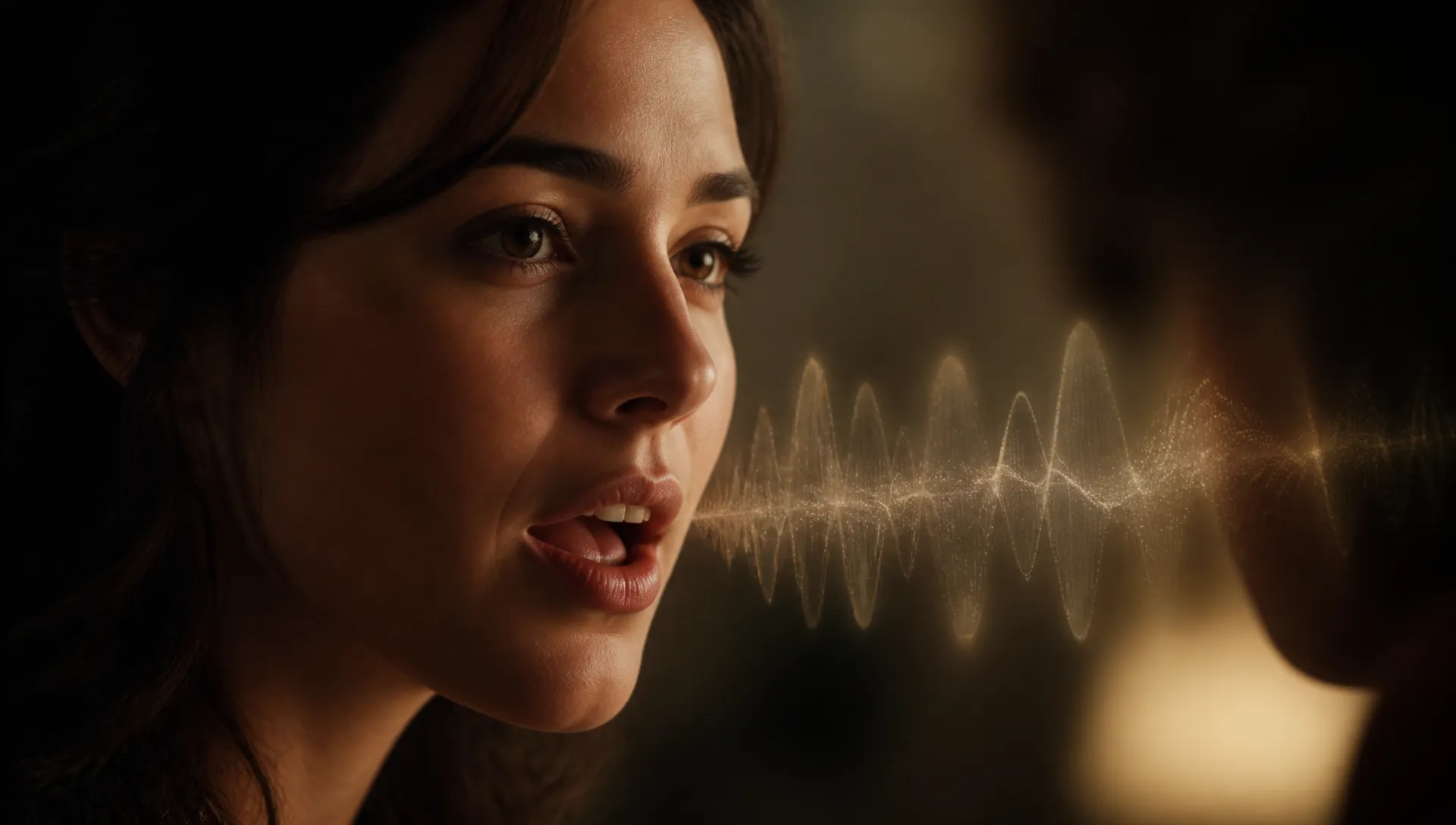
Send a voice sample alongside your visuals and the generated character speaks in that timbre — carry one recognizable voice across an entire series.
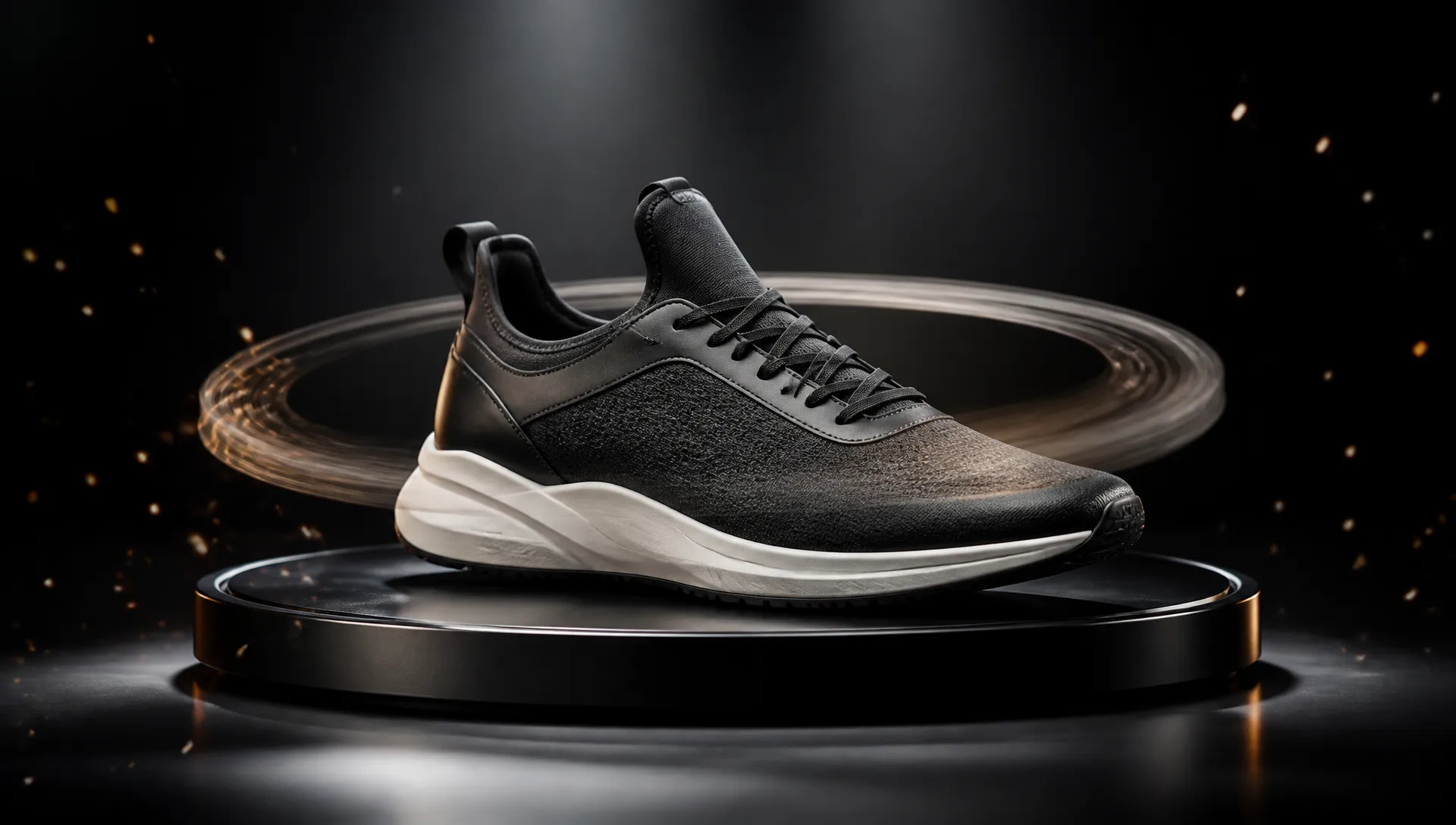
Turn a product still into a 360-style showcase or feature loop with first/last-frame control and native sound — one reference image becomes a paid-social-ready clip.
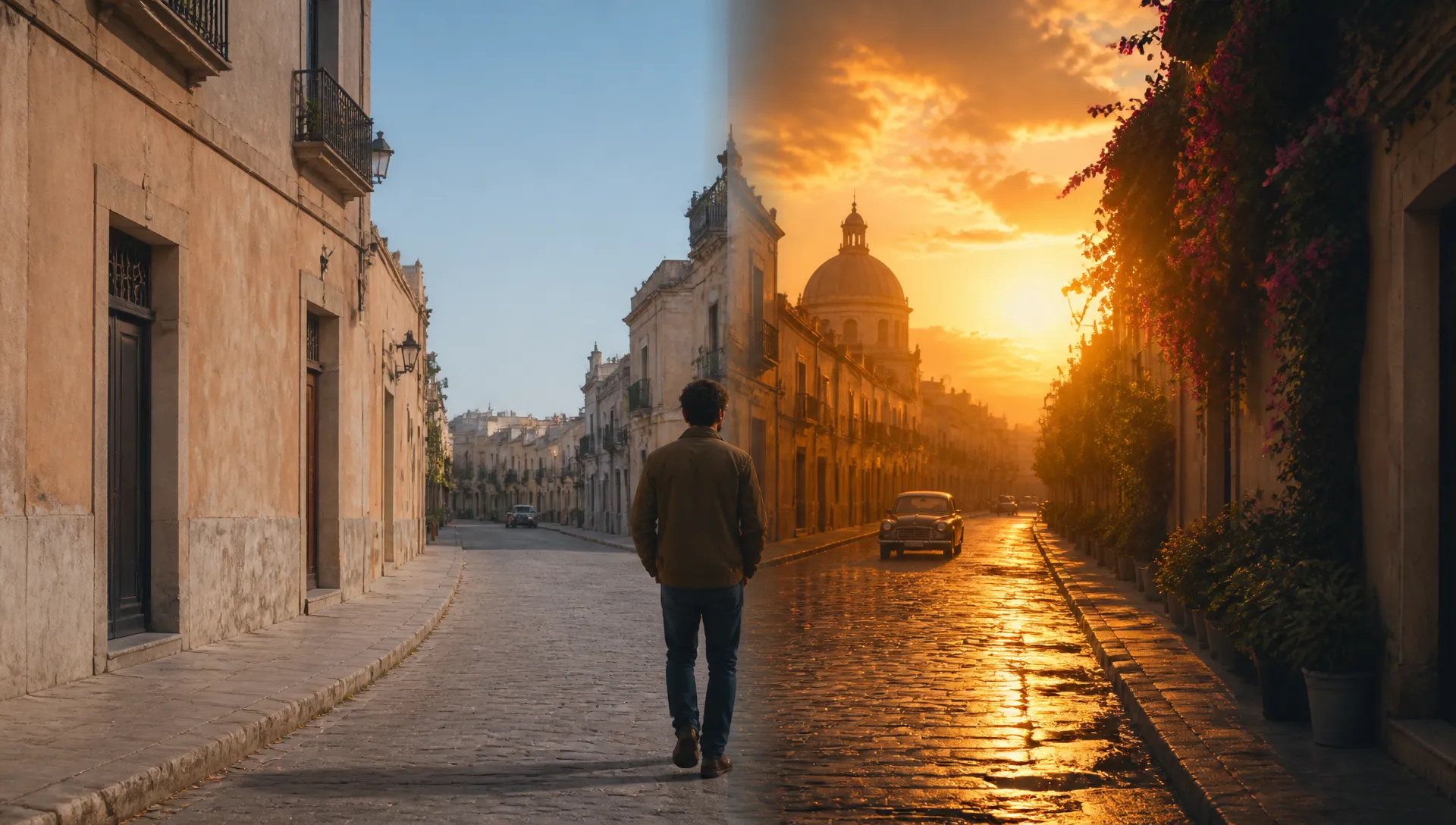
Replace a subject, change the background, adjust the lighting, or rewrite a line on an already-approved clip — iterate on the edit without reshooting anything.
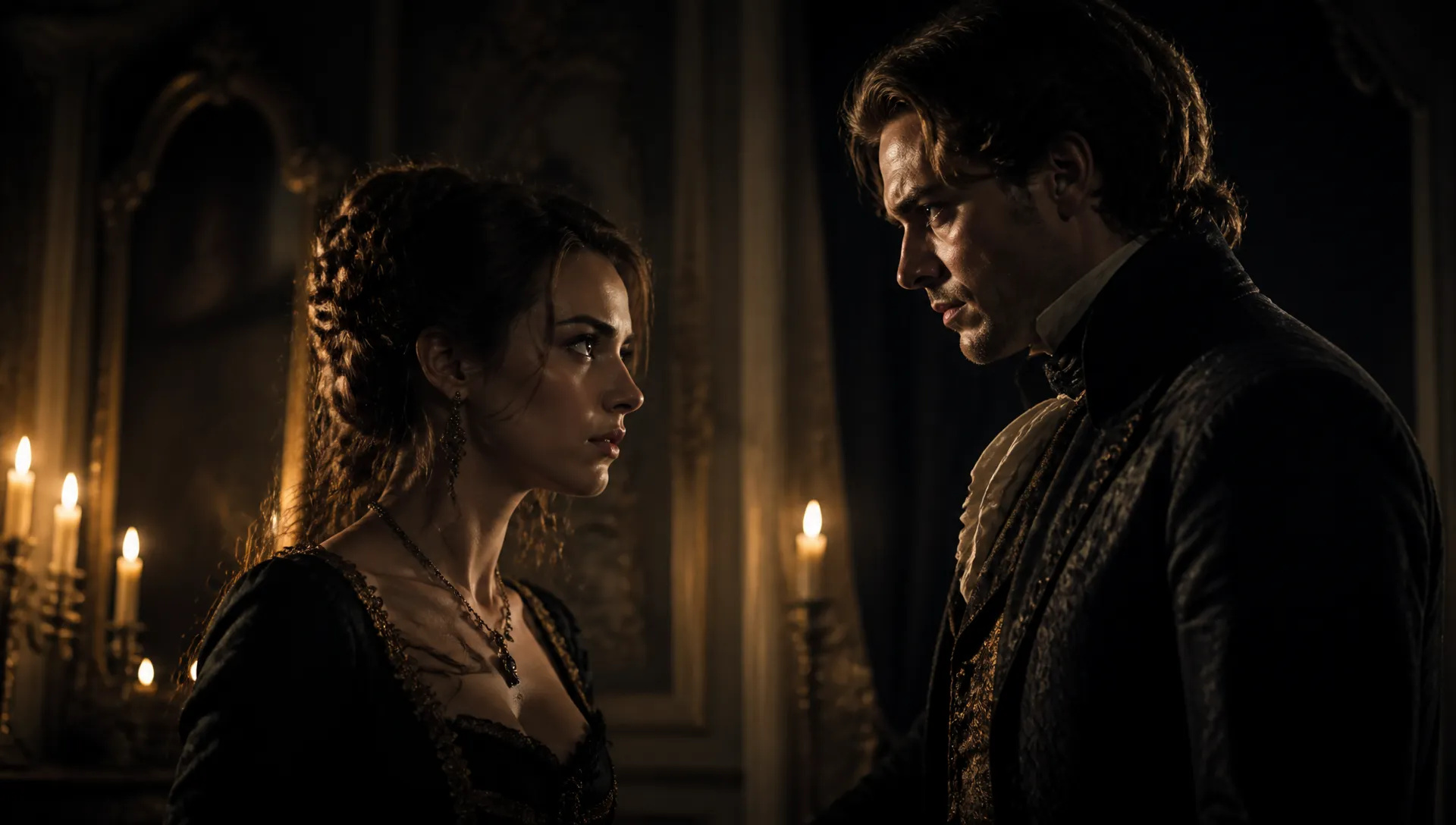
Scripted 9:16 shorts — costume mystery, family drama — with the dialogue voiced in the same generation, so a 15-second hook is ready straight out of the model.
Pick the right model for the scene, not the brand. Your credits work everywhere on ZOOOP.
Open MiniMax H3 from this page or the Video Generator, then pick the mode — text / reference, or first-last-frame.
Write the prompt; for reference mode, add up to 9 images, 3 videos, and 3 audio clips as anchors for subject, motion, and voice.
Choose aspect ratio, resolution (480p, 768p, or 2K), and duration (up to 15s) — every clip comes with native stereo audio.
Generate.
MiniMax H3 is the model to reach for when a shot has to carry a specific character, voice, and sound all at once. Where most pipelines chain a video model, a text-to-speech model, and an editor together, H3 reads text, images, video, and audio as one shared context and returns a finished clip with native stereo sound in a single call. That makes it the practical choice for series work and reference-driven production — the pieces that used to need three tools and a stitching pass now come out of one generation.
The capability that separates H3 from the field is its omni-modal reference. In one request you can hand it up to nine images, three video clips, and three audio tracks, and it treats them as a single context rather than isolated input slots — pulling a face from a photo, a camera move from a clip, and a mood or beat from a track into the same scene. That is what keeps a character, product, or mascot recognizable across a multi-shot story, and what lets a supplied voice sample carry one identity across an entire series. Because references are expressed in natural language rather than a fixed task menu, the same model also does prompt-level editing — swap a subject, replace a background, relight a scene, or rewrite a line of dialogue on footage you already have, with the untouched regions held stable.
The second flagship capability is native audio. Every clip is delivered with sound generated in the same pass as the picture — dialogue, sound effects, and music timed to the action, so a line, a footstep, and a cut all land together. For short ads and social-native clips that means a result is publish-ready straight out of the model, without a separate scoring or dubbing step. Output runs from 480p drafts to 2K delivery across aspect ratios from cinematic 21:9 to vertical 9:16, at 5–15 second clip lengths in every mode, which covers trailers, product loops, and vertical short drama without switching models.
Where it's weaker: for the absolute top tier of cinematic resolution and 4K delivery, Veo 3.1 still leads. For multi-shot storyboarding described in a single prompt, that's Kling V3's lane. And for the strongest anime and micro-expression work at the best price-per-quality, Hailuo 2.3 is the pick. H3's sweet spot is reference-driven consistency, voice-matched dialogue, and getting picture-plus-sound out of one generation.
A reasonable mental model: default to MiniMax H3 when a shot needs a consistent character or voice, mixed references, or built-in audio. For cinematic 4K, switch to Veo 3.1; for multi-shot sequences, Kling V3; for anime and value drafting, Hailuo 2.3. Whichever you pick, the same credits work across all of them.
Most video models take a prompt and one image and return a silent clip. H3 reads a mixed set of text, images, video, and audio as one shared context and returns a finished clip with native sound — folding generate, edit, and reference into a single model instead of chaining a video model, a voice model, and an editor.
Yes — every result is delivered with native stereo sound. Dialogue, sound effects, and ambient audio are generated in the same pass as the picture. Provide a voice reference and the character speaks in that timbre, which removes a separate text-to-speech step from the pipeline.
In reference mode, up to 9 images, 3 videos, and 3 audio clips in one request (12 files total). At least one image or video is required; audio must accompany a visual reference and each audio clip must be 2–15 seconds. H3 reads them as one context — pulling a character from a photo, a camera move from a clip, and a mood from a track into the same scene.
Yes — editing is one of its core modes. Send a clip and an instruction to swap a character or object, replace a background, adjust lighting, or rewrite a line of dialogue, and H3 keeps the unmentioned parts close to the original. Multiple edits can be stacked into one request.
Pick 480p, 768p, or 2K (1440p) — every tier ships with native audio. Every mode produces 5–15 second clips. Text and reference modes span 21:9, 16:9, 4:3, 1:1, 3:4, and 9:16; first-last-frame follows the shape of your first frame. Use 480p or 768p to draft fast and cheaply, then render the keeper in 2K.
Yes — you pay by the second, and the price follows the resolution you pick, so 480p and 768p drafts cost a fraction of a 2K render. Reference videos are billed by their length at the same per-second rate as the output, while audio references and up to five reference images add nothing. Your credits never expire.























Erstes und letztes Frame-VideoText & Verweis auf Video
Erstes und letztes Frame-VideoText & Verweis auf Video
Erstes und letztes Frame-VideoText & Verweis auf Video
Erstes und letztes Frame-VideoText & Verweis auf Video
Erstes und letztes Frame-VideoText & Verweis auf Video
Erstes und letztes Frame-VideoText & Verweis auf Video
MiniMax H3
Prompt*
Reference Images
Reference Videos
Reference Audio
Seitenverhältnis*
Auflösung*
Dauer*
Ihre Generationen werden hier erscheinen, sobald Sie sich anmelden.
Die Erstellung eines Kontos ist kostenlos.