Christmas PFP: How to Make a Santa Hat Profile Picture From One Photo
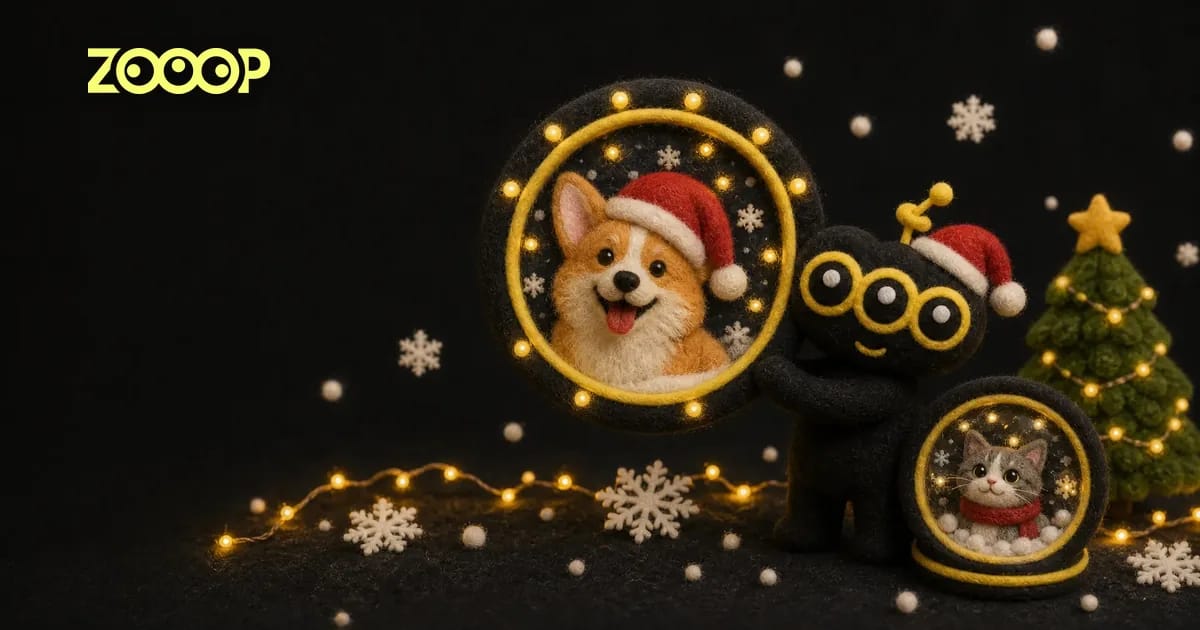
What a Christmas PFP is, which photo to use, and how to turn one selfie or pet photo into a Santa hat, cartoon or snow globe profile picture.
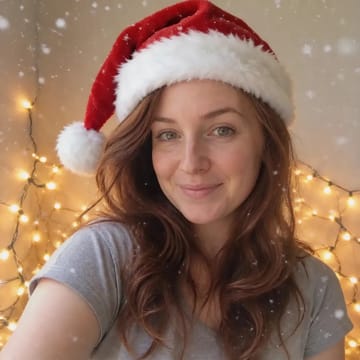
Sometime in late November the same line starts showing up on TikTok: "It's time to change your pfp." Over the next few weeks the avatars in your friends list put on Santa hats one by one, with snow falling and little lights glowing behind them. By mid-December, the people who haven't switched are the ones who stand out.
This post covers three things: what a Christmas PFP actually is, how to pick the photo, and how to make one from a single selfie or pet photo without cutting out a hat sticker in a photo editor.
What is a Christmas PFP?
PFP is short for profile picture. A Christmas PFP is the holiday edition of yours: most often you in a red Santa hat with some snow and fairy lights, sometimes a cartoon version of you, and very often the family dog or cat instead.
The fun part is doing it together. Friends, couples and whole group chats agree to switch on the same day, and suddenly the whole list is wearing the same red hat. Most people keep their Christmas profile picture until New Year's Day, then switch back.
The old way was a hat sticker and a lot of nudging. The hat was always too big or slightly tilted, the lighting never matched the photo, and it looked exactly like what it was: something pasted on top.
One photo, three Christmas PFP looks
Our Christmas PFP template turns that into one step: upload a photo, pick a look.
- Santa hat & snow: your real photo with a red Santa hat, gentle snow and warm fairy lights behind you. The classic one.
- Christmas cartoon: an original 2D cartoon version of you, with bold outlines and flat colors, in a Santa hat on a red and green background with candy canes and snowflakes.
- Snow globe: you inside a glass snow globe, snow swirling around, with a tiny decorated tree beside you.
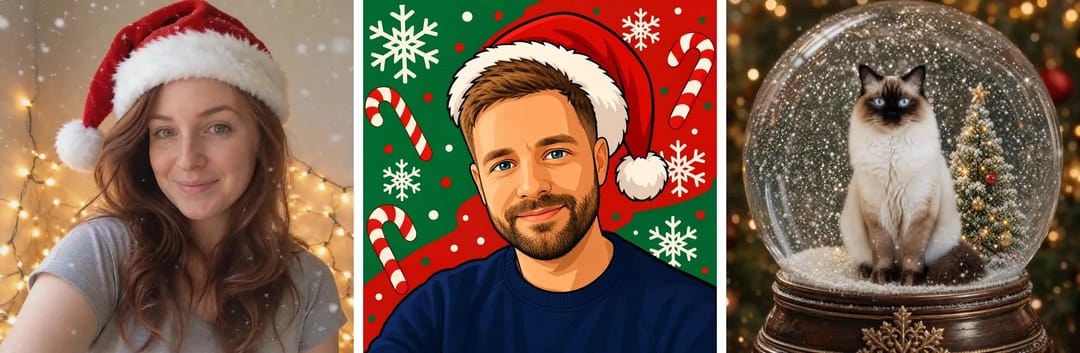
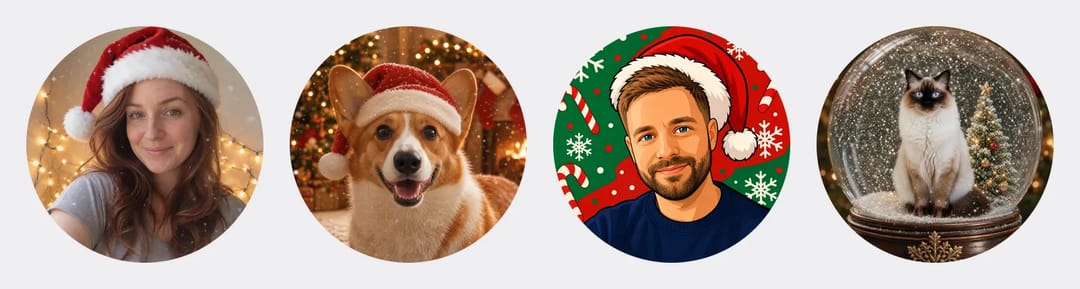
The picture comes out square, with the face right in the middle. Almost every app crops a profile picture into a circle, and this way the circle keeps the whole face and most of the hat. Here are four of them after the round crop:
A Christmas PFP for your pet
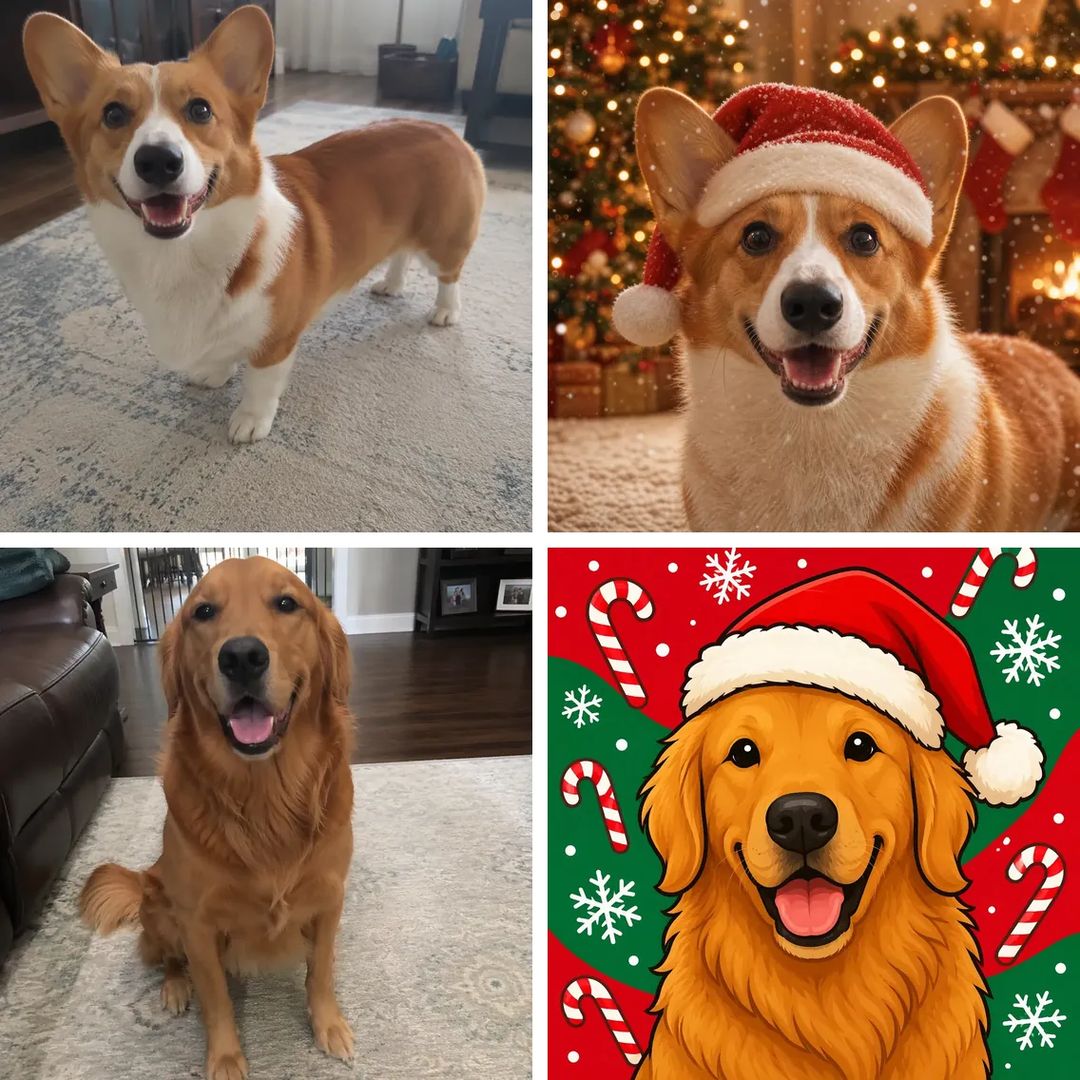
The template works on pets as well as people. Upload a photo of your cat or dog and it stays the same animal: the fur color, the markings and the shape of the ears all carry over. It just gets the hat, a cartoon makeover or a snow globe to sit in.
For pets, get down to eye level and take the photo with the face toward the camera rather than the back of the head or a side view. The couch and the rug don't matter; the background is replaced completely. In the picture below, the top pair is a corgi before and after the Santa hat look, and the bottom pair is a golden retriever before and after the cartoon look:
How to pick the photo
Most of the result comes down to the photo.
One person or one pet per photo. With a group shot it can't tell whose head the hat belongs on, and usually nobody ends up looking quite right.
A clear face and decent light. Daylight by a window is best. Backlit shots, night photos and heavy beauty filters tend to come out soft.
Look at the camera. Straight on or slightly turned are both fine. Your expression carries over, so a photo where you're smiling becomes a smiling profile picture.
You don't need to change clothes first. The realistic look often swaps your top for a red sweater that goes with the hat; if you'd rather keep your own outfit, generate once or twice more and one of them usually keeps it.
How to make a Christmas PFP on ZOOOP
- Open the Christmas PFP template and upload a selfie or a photo of your pet.
- Pick a look: Santa hat & snow, Christmas cartoon or Snow globe.
- Choose a resolution. The default 2K is plenty sharp for a profile picture.
- Generate, then download it and set it as your new profile picture.
Each one usually takes under a minute. No photo editor, no sticker hunting.
What we learned building the template
The cartoon look didn't look like a cartoon at first. In the first version the background was a cartoon but the face was still a photo, like a real headshot glued onto a greeting card. The second version was properly drawn, but it came out as a round sticker on a white square, so the corners showed up white and the edges looked soft once it became an avatar. The current version is a real cartoon drawing with bold outlines and flat colors that fills the whole picture, and you can still tell it's the same guy with the same beard and sweater.

The snow globe makes the face smaller. The whole globe has to fit in the frame, so the person or pet only takes up the middle of it. It still looks sharp when someone taps your profile, but if your avatar mostly shows up as a tiny dot in group chats, the Santa hat look reads better.
Details change on every run. The angle of the hat, where the lights hang, the size of the snowflakes all shift a little each time. That turns out to be handy: generate a few from the same photo and you and your friends can each use one, matching but not identical.
More ideas
Switch together with friends or your partner: each of you uploads your own photo and picks the same look, and anyone scrolling the list can tell you're a set. If you have a pet, make one for each of you, one for your profile and one to post.
To make it move, put the finished picture into the AI video generator for a short clip with the snow slowly falling. Want a new haircut or a different jacket first? Change the photo with the AI image editor, then make the holiday version from that. More one-photo effects are in the template library.
There are a few weeks left until Christmas, so now is a good time to switch. Take a clear selfie, or a photo of your cat or dog, and make your own Christmas PFP.
FAQ
Can I make a Christmas PFP from a photo of my pet?
Yes. Upload a clear photo of one pet with its face visible. Cats and dogs both work, and the fur and markings stay the same.
Is the picture round?
The picture is square with the face in the center. Set it as your profile picture as it is: the app crops it into a circle and nothing important gets cut off.
Which of the three looks should I pick?
Santa hat & snow if you want it to look real, Christmas cartoon if you want a matching style with friends, and Snow globe if you want something a little different.
Will it still look like me?
Yes. Your face shape, hair, skin tone and expression carry over. The cartoon look simplifies things, but features like your hair color and beard are still there.